



OsmAnd — Maps & GPS Offline
15+
downloads4.0+
version Android
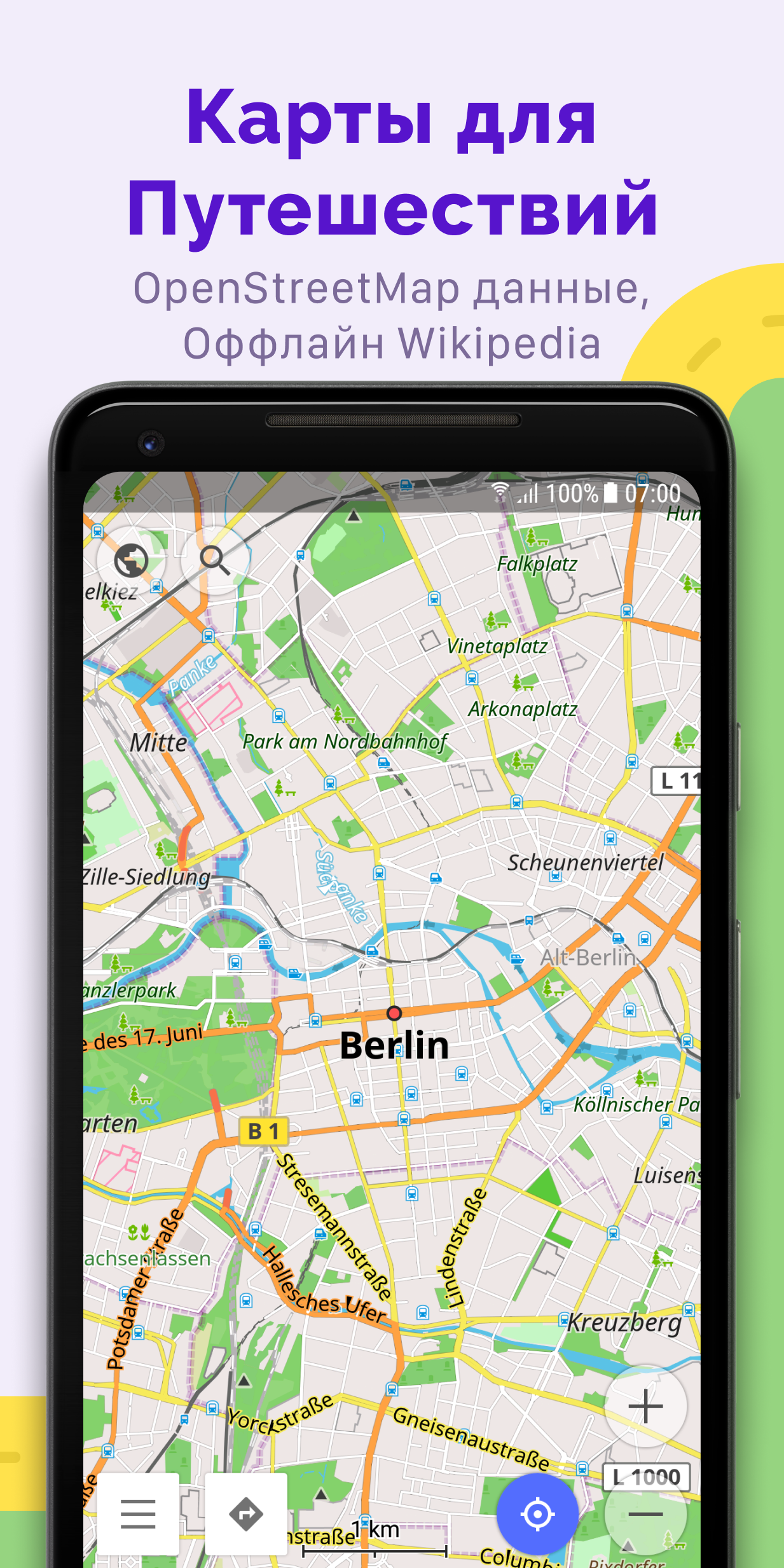
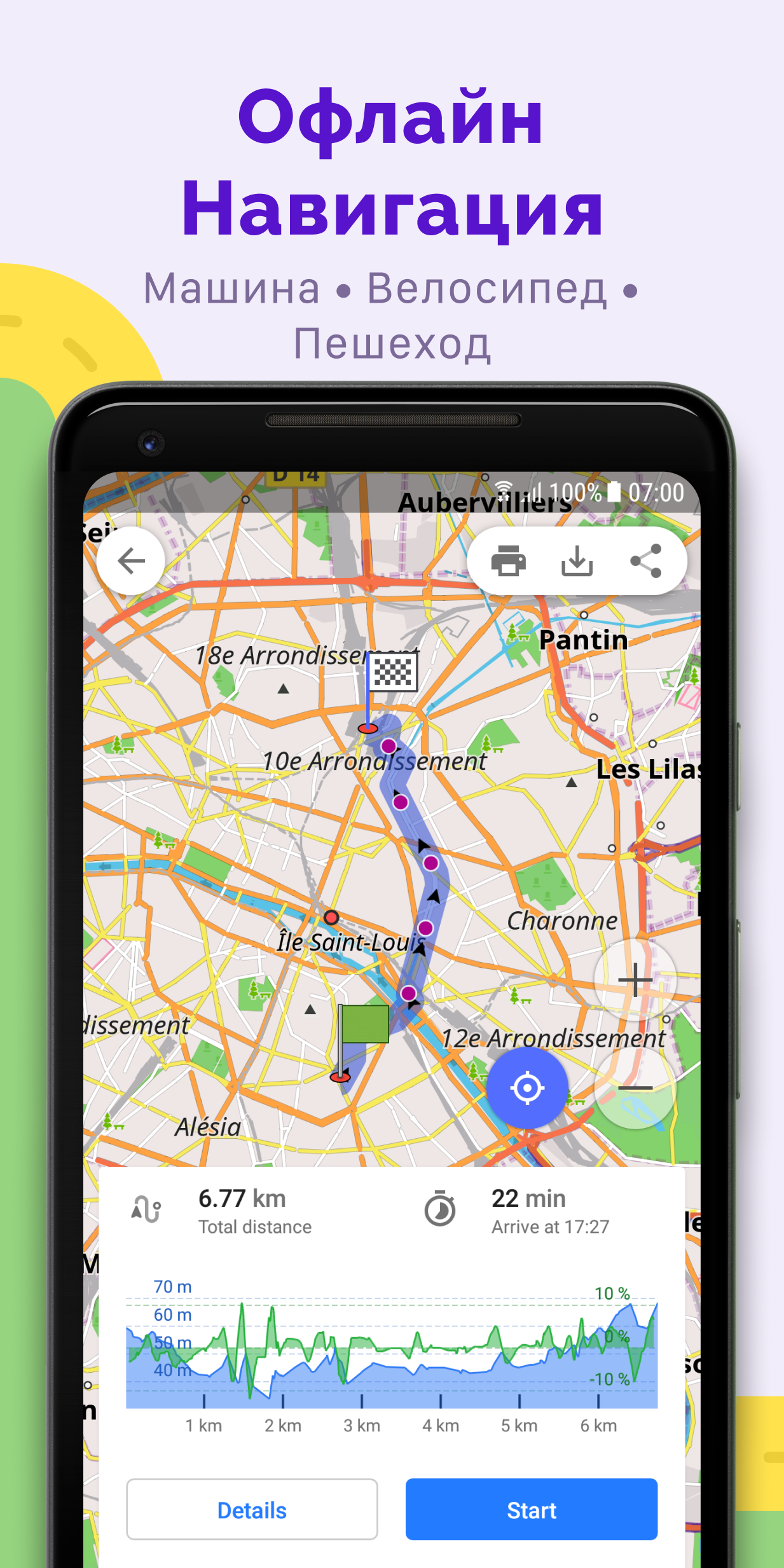
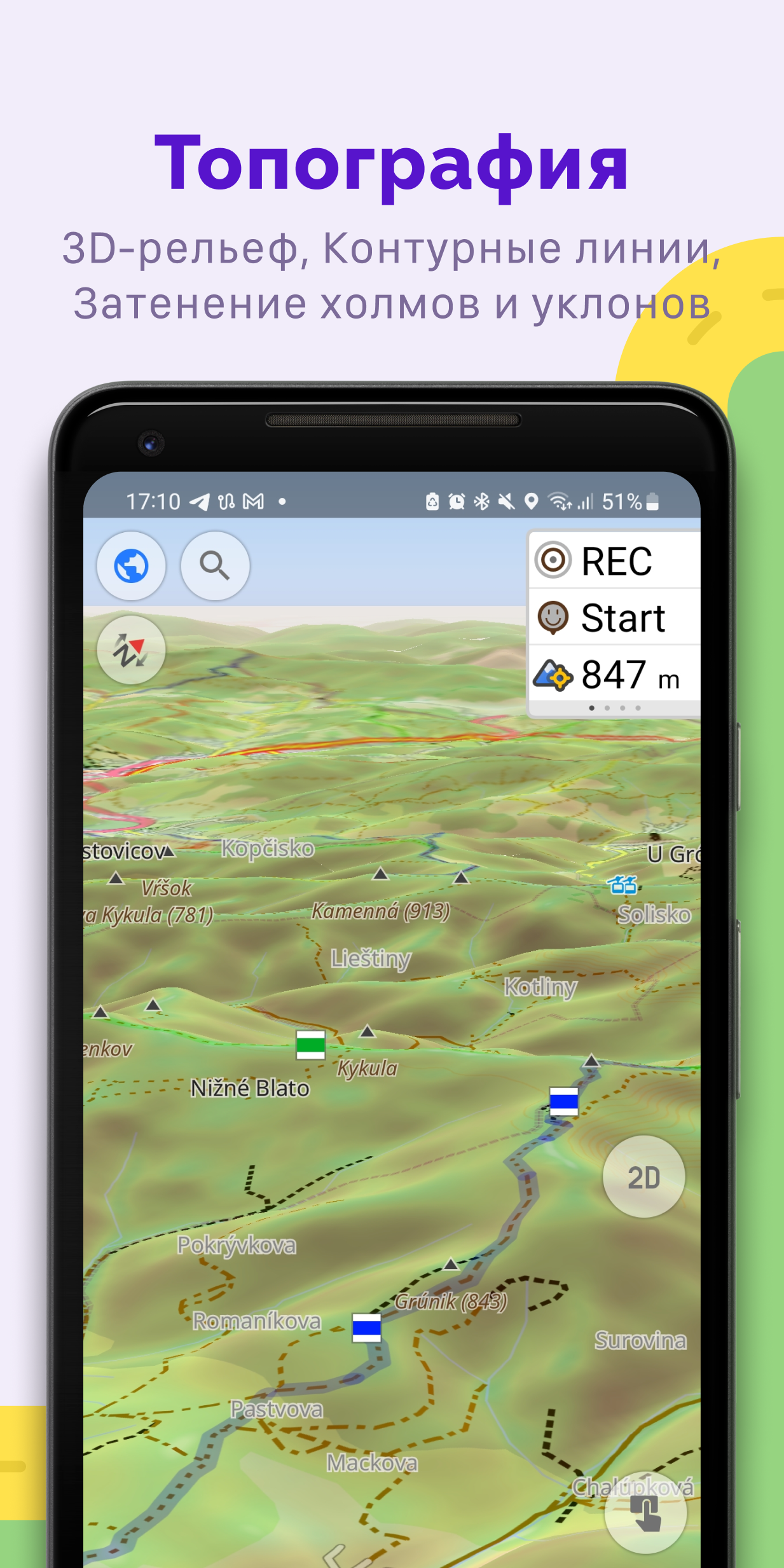
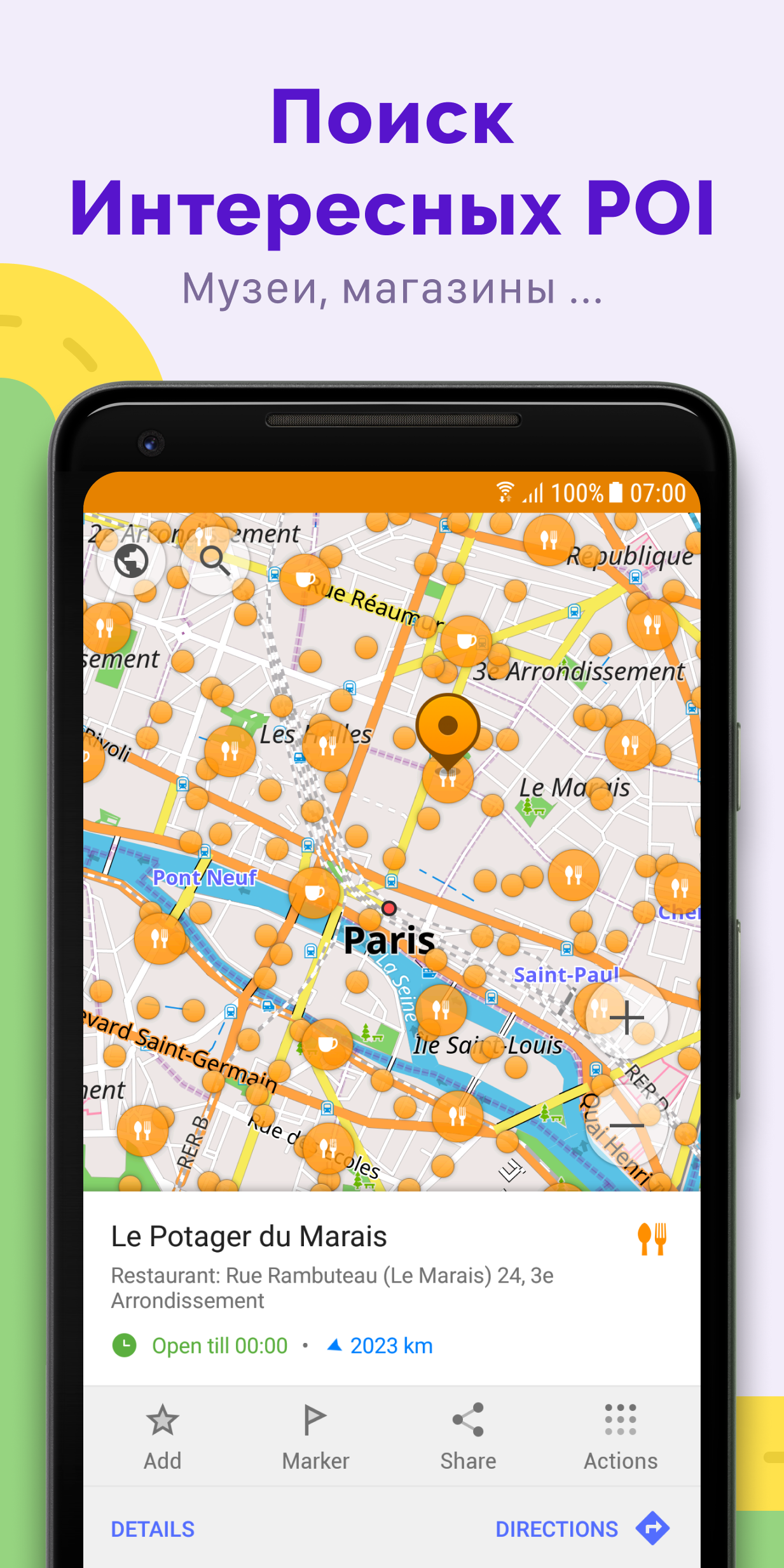
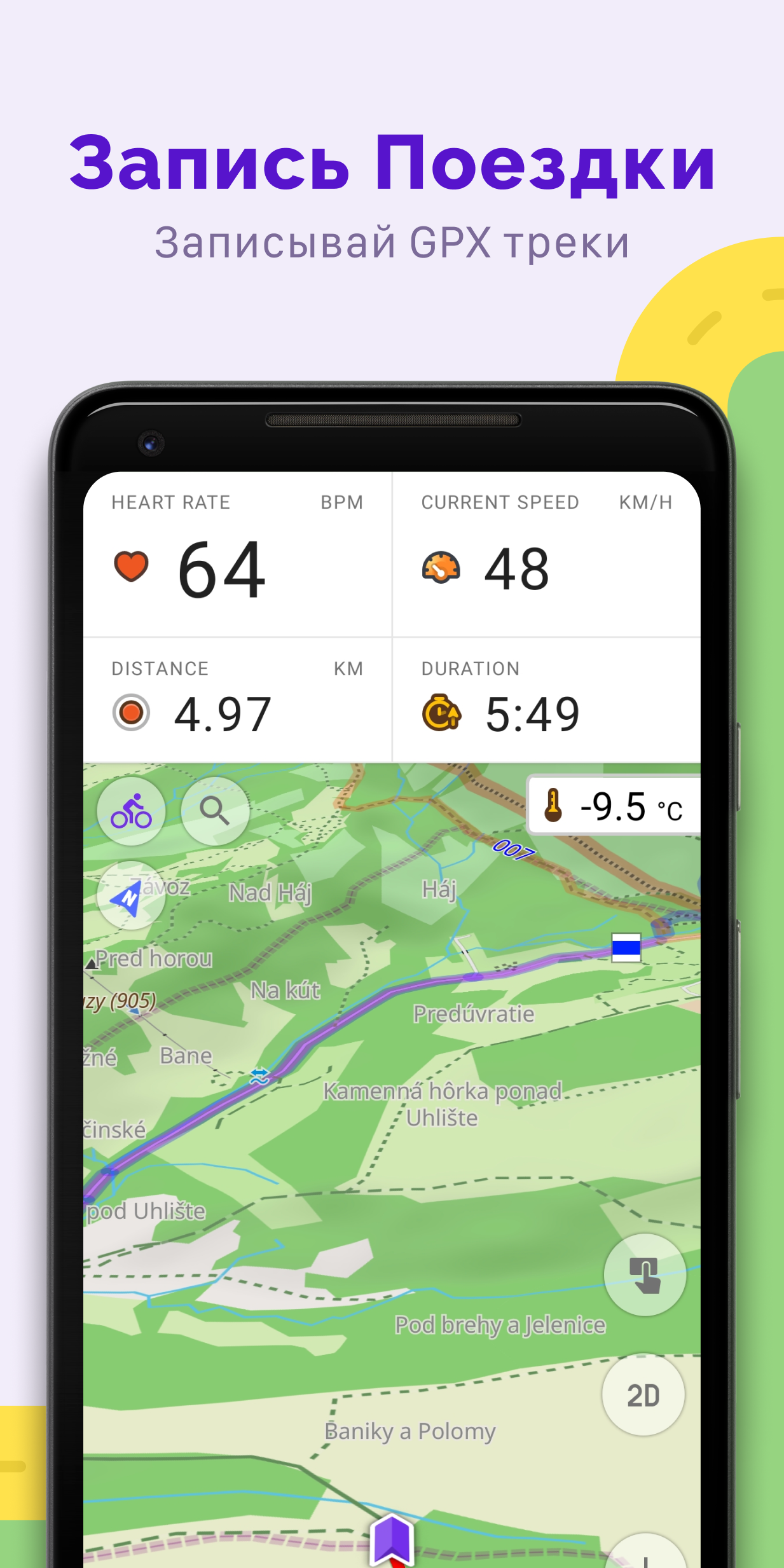
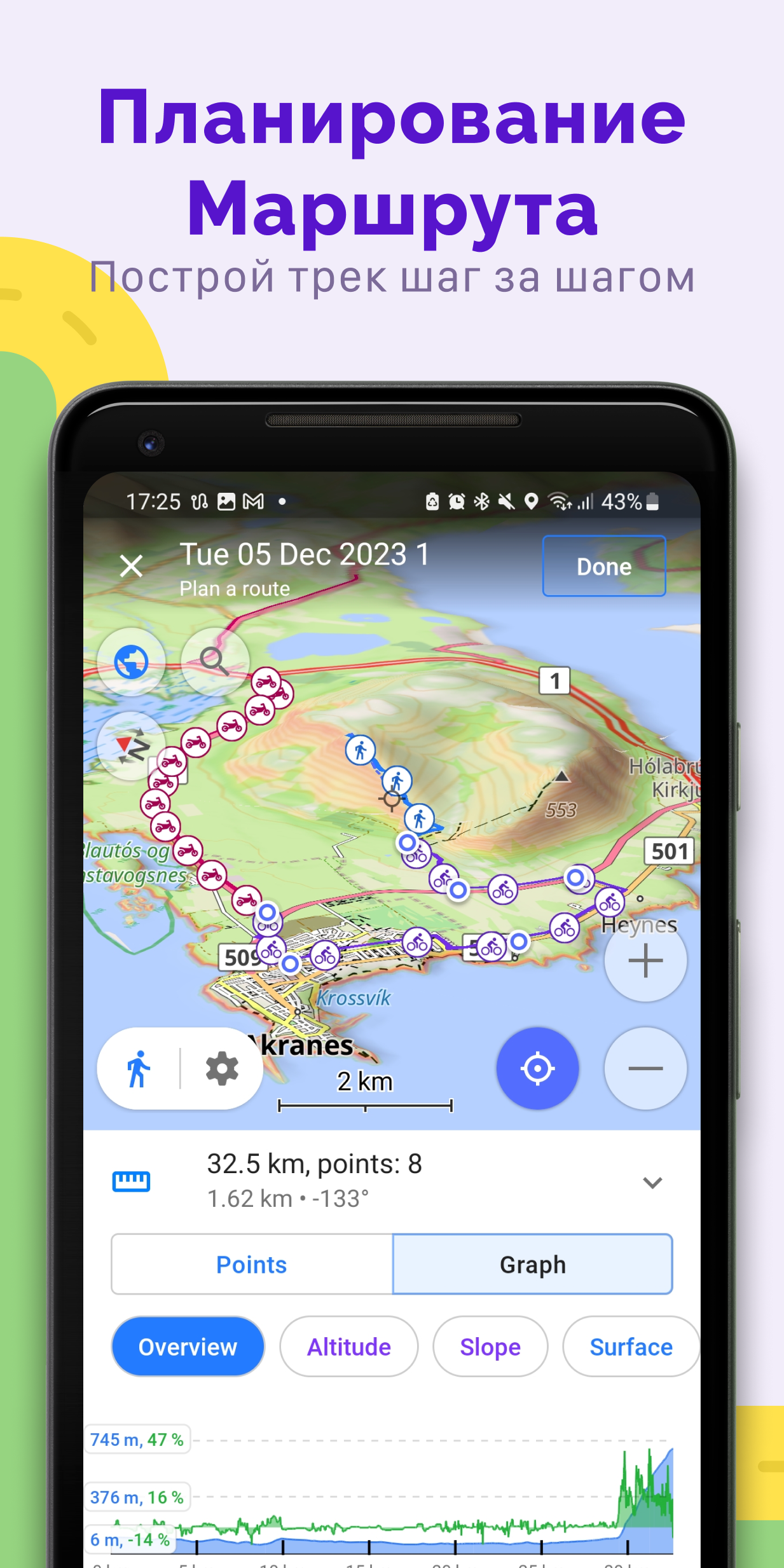
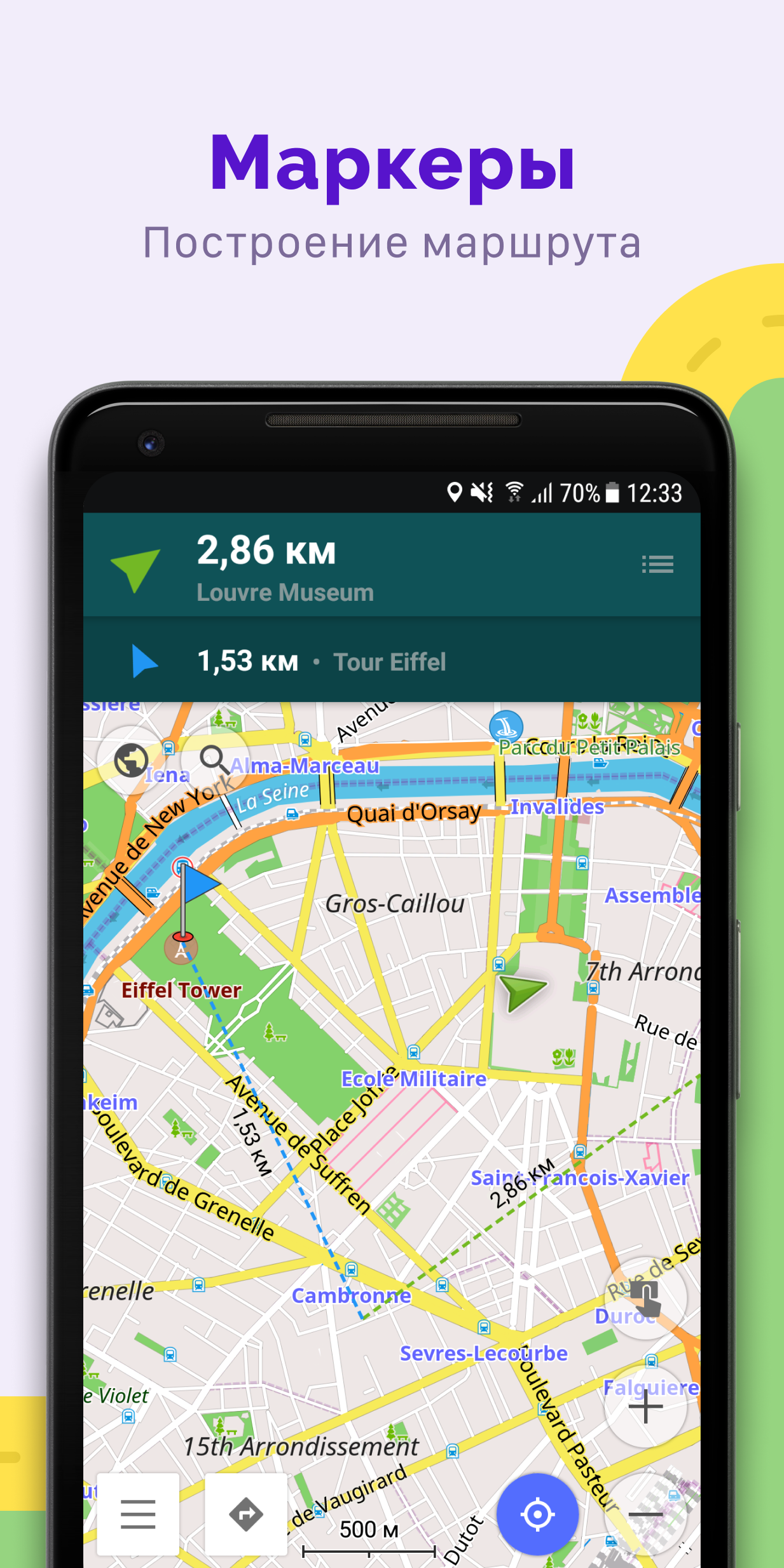
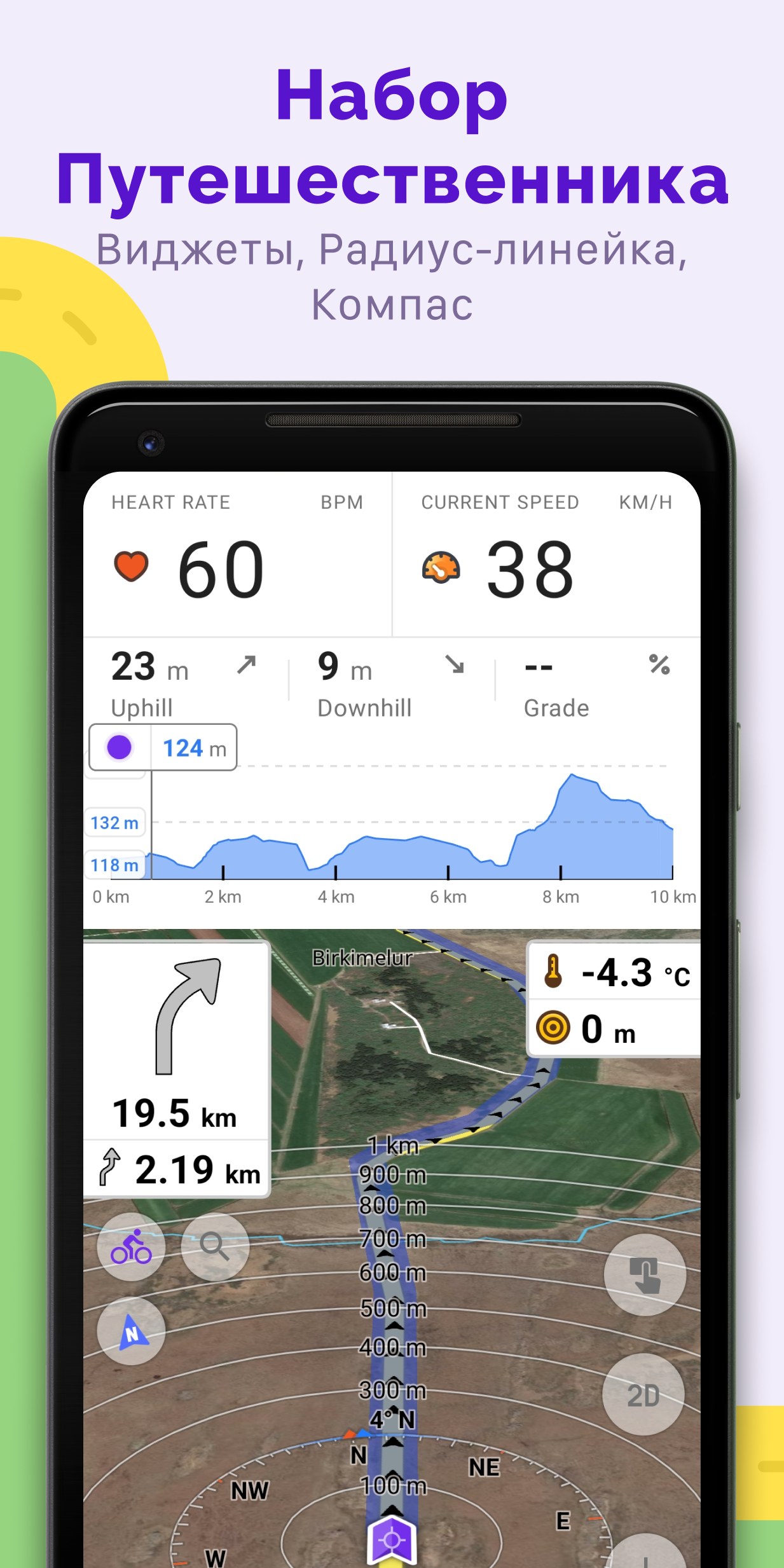
Added: Denis Rubinov
Version: 5.0.5
Size: 167.8 MB
Updated: 20.05.2025
Developer: OsmAnd
Age Limitations: Everyone
Authorizations: 15
Downloaded on Google Play: 11433477
Category: Travels
Description
Application OsmAnd — Maps & GPS Offline was checked by VirusTotal antivirus. As a result of the scan, no file infections were detected by all the latest signatures.
How to install OsmAnd — Maps & GPS Offline
- Download APK file apps from apkshki.com.
- Locate the downloaded file. You can find it in the system tray or in the 'Download' folder using any file manager.
- If the file downloaded in .bin extension (WebView bug on Android 11), rename it to .apk using any file manager or try downloading the file with another browser like Chrome.
- Start the installation. Click on the downloaded file to start the installation
- Allow installation from unknown sources. If you are installing for the first time OsmAnd — Maps & GPS Offline not from Google Play, go to your device's security settings and allow installation from unknown sources.
- Bypass Google Play protection. If Google Play protection blocks installation of the file, tap 'More Info' → 'Install anyway' → 'OK' to continue..
- Complete the installation: Follow the installer's instructions to complete the installation process.
How to update OsmAnd — Maps & GPS Offline
- Download the new version apps from apkshki.com.
- Locate the downloaded file and click on it to start the installation.
- Install over the old version. There is no need to uninstall the previous version.
- Avoid signature conflicts. If the previous version was not downloaded from apkshki.com, the message 'Application not installed' may appear. In this case uninstall the old version and install the new one.
- Restart annex OsmAnd — Maps & GPS Offline after the update.

Navitel Navigator GPS & Maps
Maps and navigation

onX Hunt: GPS Hunting Maps
Sport

Bikemap: Cycling Tracker & GPS
Maps and navigation

Street View: Live Map & GPS
Entertainment

Фура – cтоянки, рамки Платон,
Maps and navigation

Где Платон - для водителей грузовиков
Maps and navigation

ParKing: Where is my car? Find
Maps and navigation

7 Ways Navigator
Maps and navigation
Requesting an application update
Added Denis Rubinov
Version: 5.0.5
Size: 167.8 MB
Updated: 20.05.2025
Developer: OsmAnd
Age Limitations: Everyone
Authorizations:
Downloaded on Google Play: 11433477
Category: Travels












Reviews for OsmAnd — Maps & GPS Offline
One of the best offline map very useful and informative
think this app needs some more work. Couldn't look up my own house or anything on the street.
overall very good but the interface is sometimes a little clunky.
Perfekt
It's a good offline program
I really admire this app for the following reasons. 1. it enables compass direction, while Google maps doesn't do that for my phone . 2. it works off line and have the maps saved 3. verbal directions are very good 👍😊
so I've tested this app several times over the years and I must admit the version that we have in 2025 has come a long way however it still has some issues. Its struggles with Balklans i.e Montenegro. if I say it or a native person says go to podgorica the capital of Montenegro it can't find it. it can't find the airport. it can't find the most common places so I don't understand what the issue is. if I am an English person and I ask a native person to speak to it fails drastically.
Just six free downloads (not “maps,” just downloads) and you are served. From that point on, you have to pay. Frankly, this is unacceptable for an app that relies on maps created by users, for users. Uninstalled.
Very good useful app.
Another bad app courtesy of guess who. GOOGLE!!!
It turns out there are some very fundamental differences how this app works versus Google maps, so if you're used to Google maps you've probably got a learning curve and no instructions. Also, the pricing structure is extremely confusing. I have no idea if I can buy an app that includes everything, or if this is a subscription only product. Some better documentation on that would be appreciated
Good application, however some of the map themes are difficult for me to see in darkmode, the colors to me kind of blend. If there were a way to customize the map themes that would be nice, preinstalled themes hard for me to see as depending how it changes so does the font. May not make sense but this is what I experience.
Post a comment
To leave a comment, log in with your social network:
Or leave an anonymous comment. Your comment will be sent for moderation.
Post a comment
To leave a comment, log in with your social network:
Or leave an anonymous comment. Your comment will be sent for moderation.