


OnePlus Weather
49+
downloads8.0+
version Android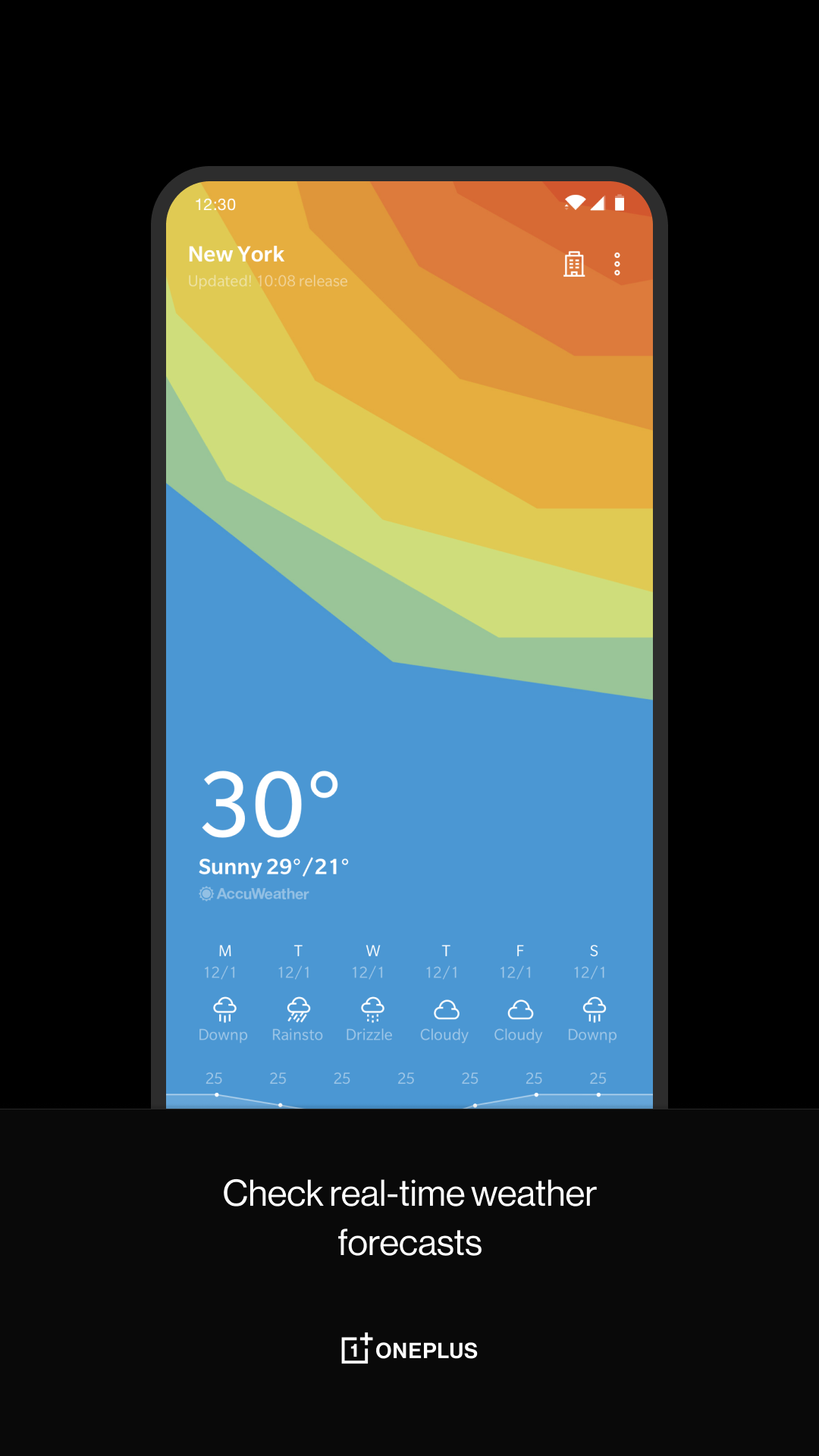
Added: Denis Rubinov
Version: 15.9.12
Size: 32.8 MB
Updated: 22.05.2025
Developer: OnePlus Ltd.
Age Limitations: Everyone
Authorizations: 15
Downloaded on Google Play: 42115739
Category: Weather
- Nice design.
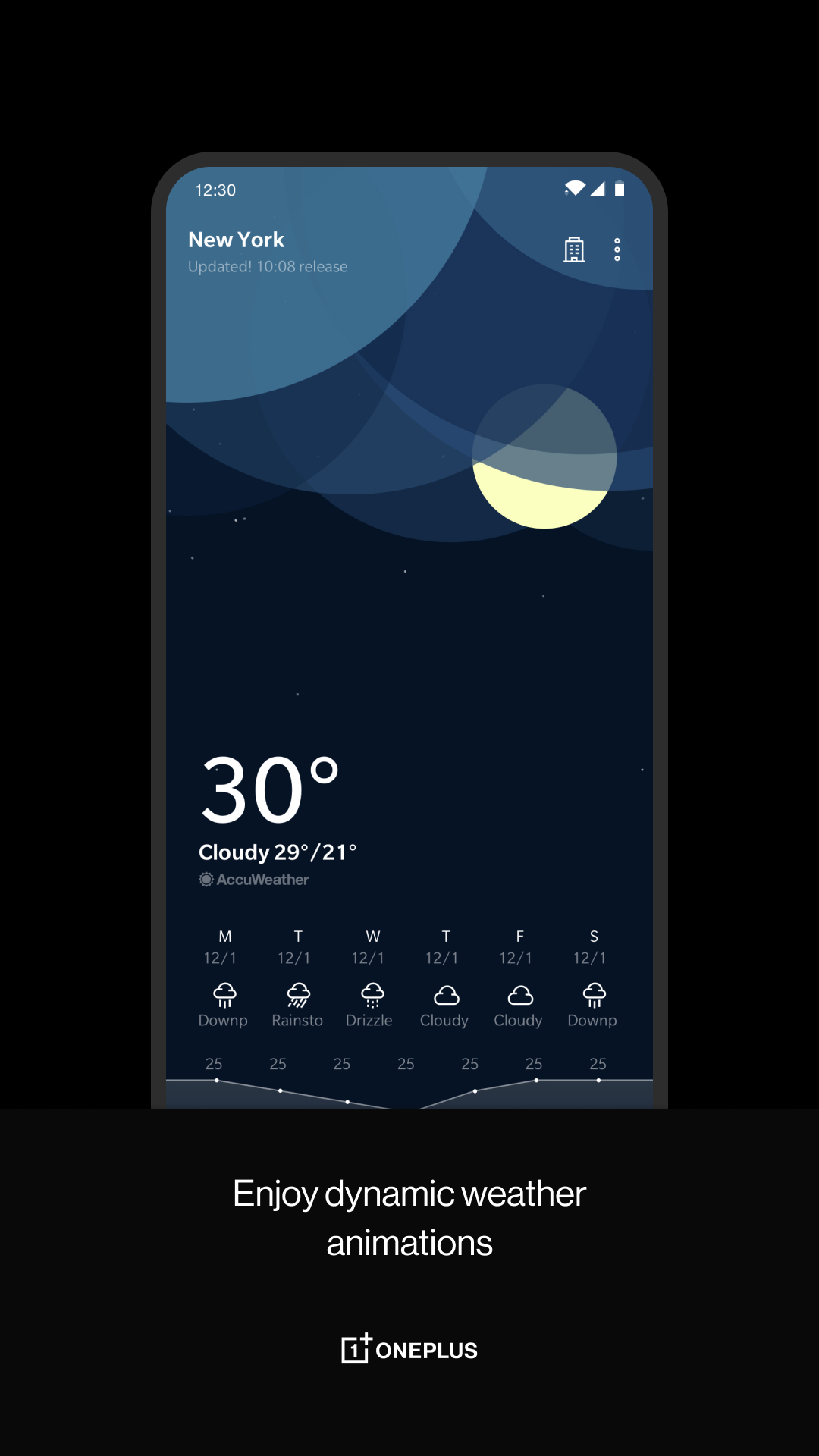
- Dynamic weather animations.
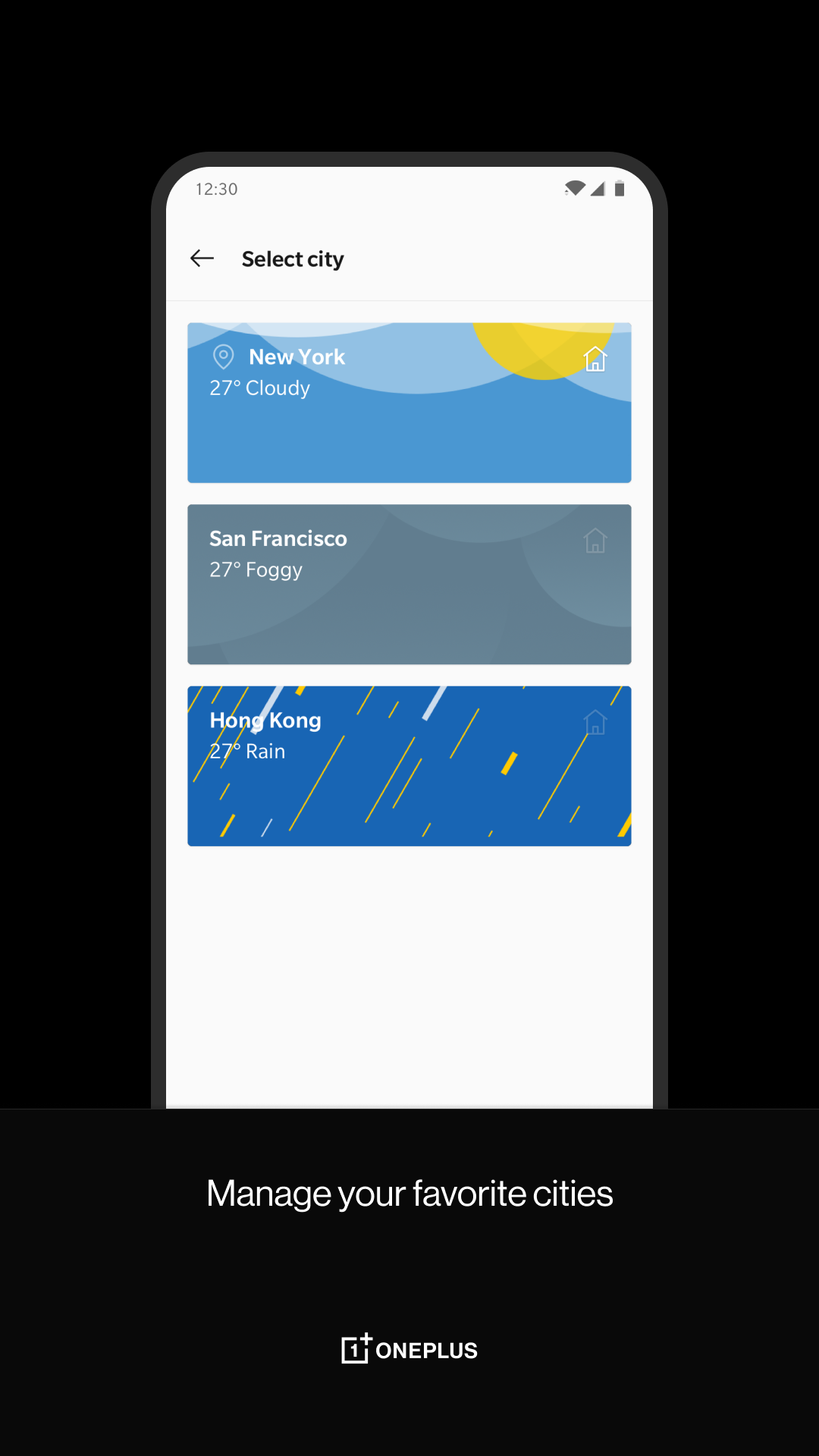
- Track the weather in several cities at once.
- All the information you need about the weather.
Description
Application OnePlus Weather was checked by VirusTotal antivirus. As a result of the scan, no file infections were detected by all the latest signatures.
How to install OnePlus Weather
- Download APK file apps from apkshki.com.
- Locate the downloaded file. You can find it in the system tray or in the 'Download' folder using any file manager.
- If the file downloaded in .bin extension (WebView bug on Android 11), rename it to .apk using any file manager or try downloading the file with another browser like Chrome.
- Start the installation. Click on the downloaded file to start the installation
- Allow installation from unknown sources. If you are installing for the first time OnePlus Weather not from Google Play, go to your device's security settings and allow installation from unknown sources.
- Bypass Google Play protection. If Google Play protection blocks installation of the file, tap 'More Info' → 'Install anyway' → 'OK' to continue..
- Complete the installation: Follow the installer's instructions to complete the installation process.
How to update OnePlus Weather
- Download the new version apps from apkshki.com.
- Locate the downloaded file and click on it to start the installation.
- Install over the old version. There is no need to uninstall the previous version.
- Avoid signature conflicts. If the previous version was not downloaded from apkshki.com, the message 'Application not installed' may appear. In this case uninstall the old version and install the new one.
- Restart annex OnePlus Weather after the update.








Requesting an application update
Added Denis Rubinov
Version: 15.9.12
Size: 32.8 MB
Updated: 22.05.2025
Developer: OnePlus Ltd.
Age Limitations: Everyone
Authorizations:
Downloaded on Google Play: 42115739
Category: Weather












Reviews for OnePlus Weather
third class 15day weather not showing properly.....
⭐⭐⭐⭐⭐
TOTALLY INACCURATE. SINCE 6TH may 2025 it's saying thunder showers in Goa. absolutely nothing, not one drop has fallen.
location problem I lived in 1 area but I couldn't find that location weather shows the other area location ai also search for my police station name also but didn't find other weather app is show my location but only this app doesn't
lucid information by this app 👌👍
good
please fix the notifications. They ignore the fahrenheit setting, always showing in celcius instead.
Aurangabad Bihar weather location & information etc... error showing totally careless employees
Good app
no updates
It always shows the same temperature unless I click on the widget, which just opens the weather app. Which isn't bad but if I wanted to open the full app, I could just put the icon of the weather app on my home screen. I was hoping I could see the temperature and such with one glance of my home screen but I can't. I still have yo open the app for the forcast to be accurate.
Great app, but I'd like a dark mode or just some way to remove the light background from the OnePlus shelf. I love the functionality of the shelf but this integrated weather app makes the shelf background extremely bright blue most of the time.
The app is working well and provides lot of data regarding the weather. However I have to refresh the home screen whenever I come from office to home and vice versa otherwise it keeps showing weather of last location. Also there is no option to change refresh interval. Hope the developers add this feature.
Wonderful app. But problem is that there are plenty of places that cannot be added nor the present location can be added. I request the developers to either sync it with Google maps or atleast allow users to add the current location for future reference.
Used to love this app, but ever since a few months ago, it always thinks I'm in Washington. I've never even been to Washington and I have my location services activated for this app. I've also tried updating my app, but it still thinks I am in Washington. It's not very convenient and the widgets are now pointless for me because I have to log into the app anyways to switch my city...
Post a comment
To leave a comment, log in with your social network:
Or leave an anonymous comment. Your comment will be sent for moderation.
Post a comment
To leave a comment, log in with your social network:
Or leave an anonymous comment. Your comment will be sent for moderation.