


Omlet: Live & 3D Avatar Stream
174+
downloads4.4+
version AndroidRequest an update

Added: Denis Rubinov
Version: 1.70.1
Size: 24.7 MB
Updated: 07.09.2020
Developer: Omlet, Inc
Age Limitations: Teen
Category: Video Players & Editors
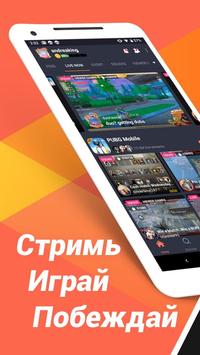
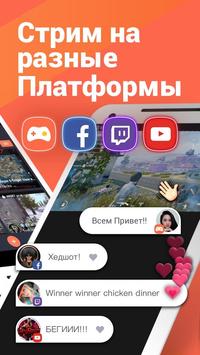
- Convenient streaming of mobile games to major platforms.
- Support for team broadcasts.
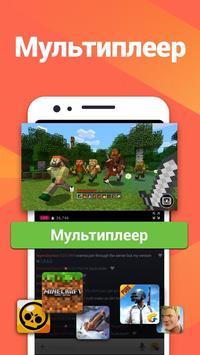
- Access to popular Minecraft servers.
- Regular tournaments for various mobile games.
- Simple and intuitive interface.
Description
Application Omlet: Live & 3D Avatar Stream was checked by VirusTotal antivirus. As a result of the scan, no file infections were detected by all the latest signatures.
How to install Omlet: Live & 3D Avatar Stream
- Download APK file apps from apkshki.com.
- Locate the downloaded file. You can find it in the system tray or in the 'Download' folder using any file manager.
- If the file downloaded in .bin extension (WebView bug on Android 11), rename it to .apk using any file manager or try downloading the file with another browser like Chrome.
- Start the installation. Click on the downloaded file to start the installation
- Allow installation from unknown sources. If you are installing for the first time Omlet: Live & 3D Avatar Stream not from Google Play, go to your device's security settings and allow installation from unknown sources.
- Bypass Google Play protection. If Google Play protection blocks installation of the file, tap 'More Info' → 'Install anyway' → 'OK' to continue..
- Complete the installation: Follow the installer's instructions to complete the installation process.
How to update Omlet: Live & 3D Avatar Stream
- Download the new version apps from apkshki.com.
- Locate the downloaded file and click on it to start the installation.
- Install over the old version. There is no need to uninstall the previous version.
- Avoid signature conflicts. If the previous version was not downloaded from apkshki.com, the message 'Application not installed' may appear. In this case uninstall the old version and install the new one.
- Restart annex Omlet: Live & 3D Avatar Stream after the update.

Alight Motion
Video Players & Editors

Likee - Short Video Community
Video Players & Editors

YouTube
Video Players & Editors

Funimate Video Editor & Maker
Video Players & Editors

Slideshow Maker, Video Editor
Video Players & Editors

MX Player Codec (ARMv6 VFP)
Video Players & Editors

Google TV
Video Players & Editors

PowerDirector - Video Editor
Video Players & Editors
Requesting an application update
Added Denis Rubinov
Version: 1.70.1
Size: 24.7 MB
Updated: 07.09.2020
Developer: Omlet, Inc
Age Limitations: Teen
Category: Video Players & Editors












Reviews for Omlet: Live & 3D Avatar Stream
It's useful for playing with friends, but I like to stream and record and I have been experiencing a problem which causes me to uninstall and re-unistall this app on a regular. Everytime I want to finish recording or streaming, I press the end button, but it just keeps recording, to end it I have to uninstall the app. I wish it didn't do this because I'm uncomfortable with people seeing my phone outside of the app. I would have rated it higher if this wasn't an issue.
It's a good app but 2 stars off because a streamer is having hard times keeping their stream going. Every now and then their stream stopped automatically. I suggest that you can add songs on your voicemail without playing it on your phone with bad quiet audio. Can you please add the feature where you can add songs from our device onto the voicemail? And another suggestion: can you make the songs u put on the voicemail to where we can move into different parts of the song and then add it on there
Post a comment
To leave a comment, log in with your social network:
Or leave an anonymous comment. Your comment will be sent for moderation.
Post a comment
To leave a comment, log in with your social network:
Or leave an anonymous comment. Your comment will be sent for moderation.