


Navigation Bar for Android
7+
downloads4.2+
version Android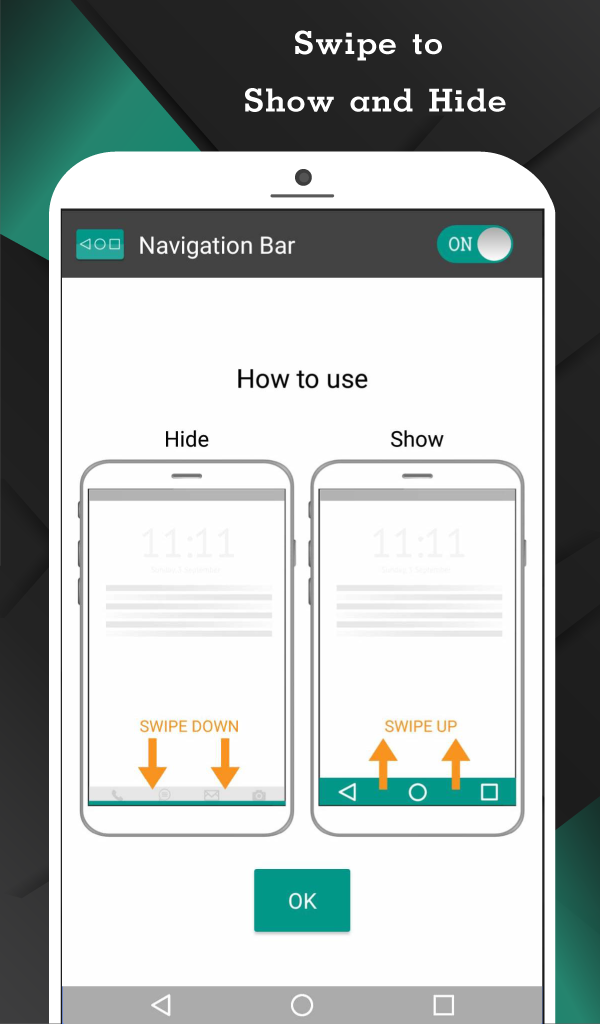
Added: Denis Rubinov
Version: 3.3.0
Size: 8.4 MB
Updated: 22.05.2025
Developer: Wormhole Space
Age Limitations: Everyone
Authorizations: 15
Downloaded on Google Play: 27925971
Category: Tools
- Panel call by simple swap.
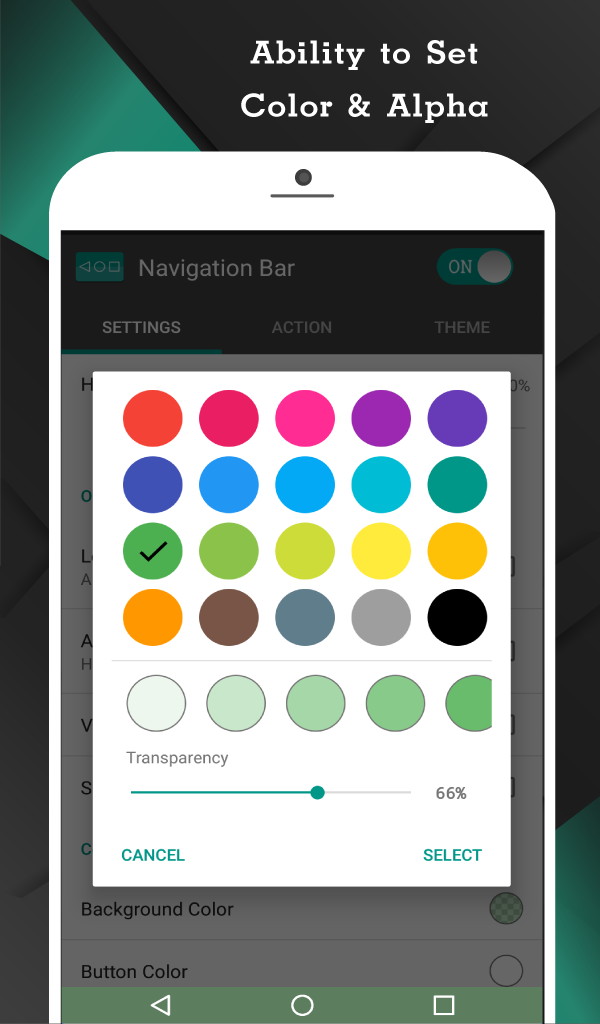
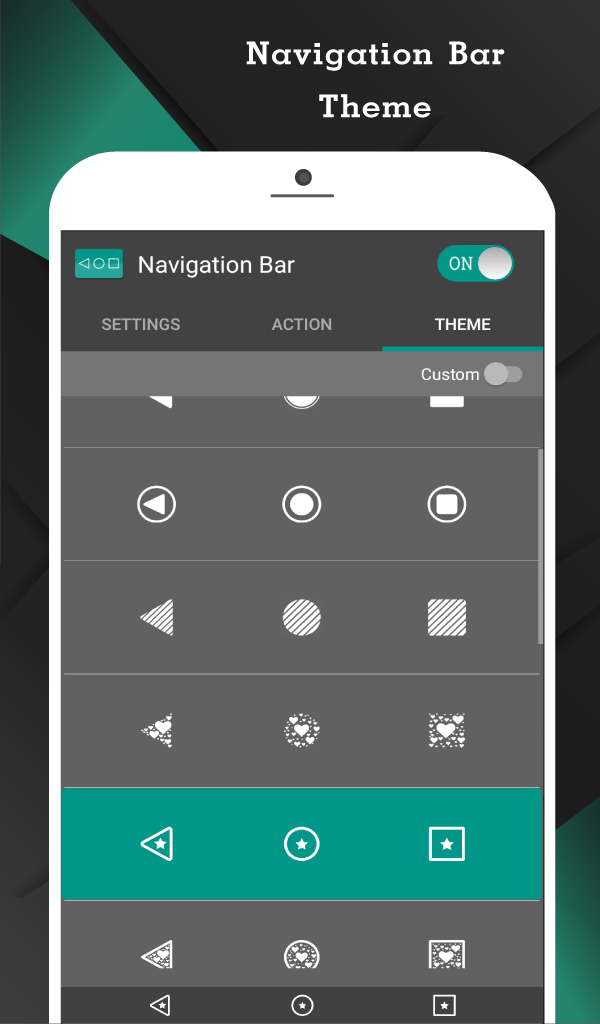
- Large selection of themes.
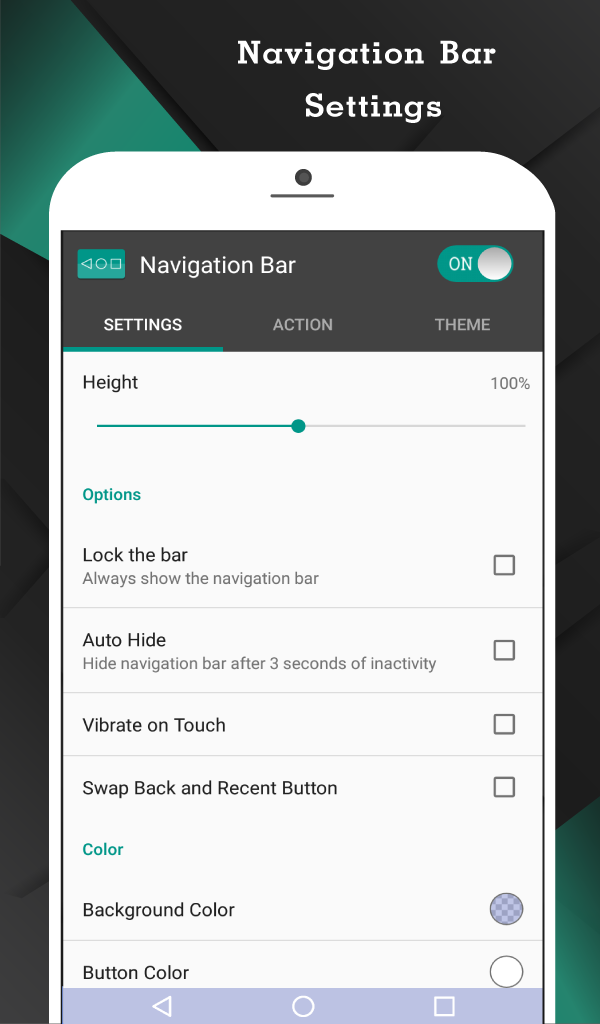
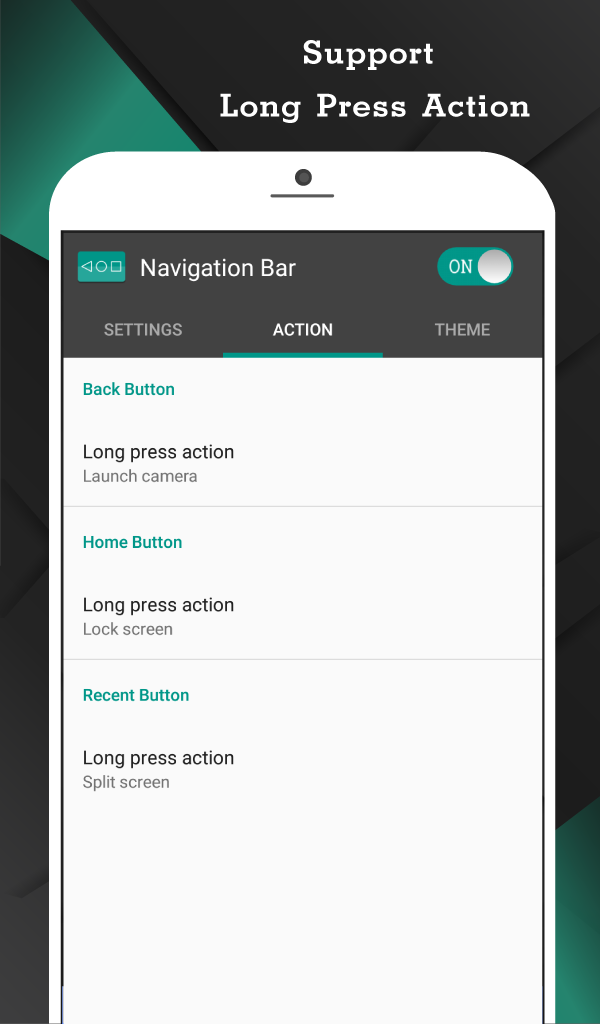
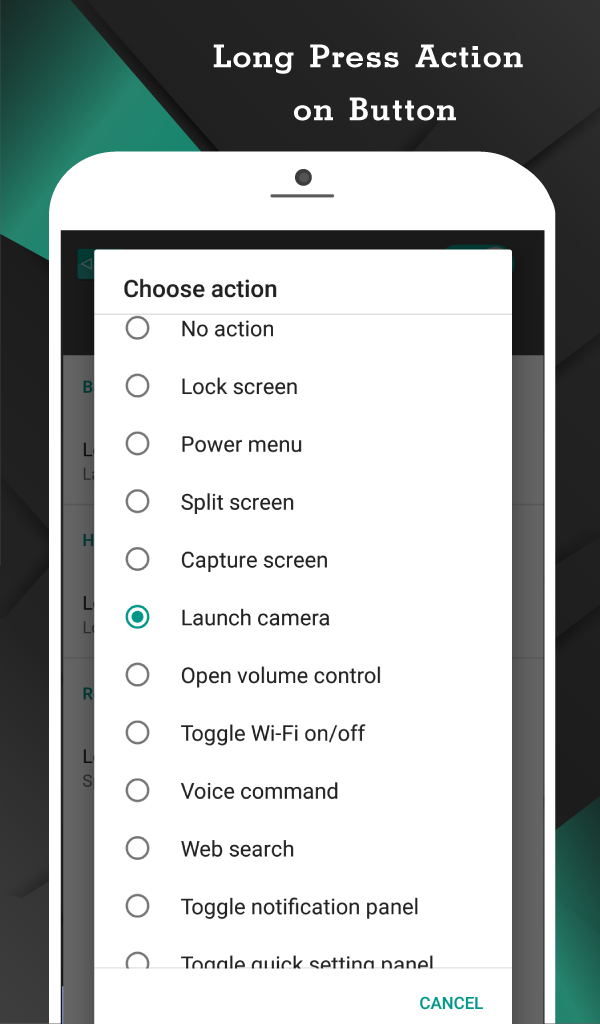
- Configuring actions when clicking buttons.
- Works on almost any device.
- Doesn't take up much space.
- Good stability.
Description
Application Navigation Bar for Android was checked by VirusTotal antivirus. As a result of the scan, no file infections were detected by all the latest signatures.
How to install Navigation Bar for Android
- Download APK file apps from apkshki.com.
- Locate the downloaded file. You can find it in the system tray or in the 'Download' folder using any file manager.
- If the file downloaded in .bin extension (WebView bug on Android 11), rename it to .apk using any file manager or try downloading the file with another browser like Chrome.
- Start the installation. Click on the downloaded file to start the installation
- Allow installation from unknown sources. If you are installing for the first time Navigation Bar for Android not from Google Play, go to your device's security settings and allow installation from unknown sources.
- Bypass Google Play protection. If Google Play protection blocks installation of the file, tap 'More Info' → 'Install anyway' → 'OK' to continue..
- Complete the installation: Follow the installer's instructions to complete the installation process.
How to update Navigation Bar for Android
- Download the new version apps from apkshki.com.
- Locate the downloaded file and click on it to start the installation.
- Install over the old version. There is no need to uninstall the previous version.
- Avoid signature conflicts. If the previous version was not downloaded from apkshki.com, the message 'Application not installed' may appear. In this case uninstall the old version and install the new one.
- Restart annex Navigation Bar for Android after the update.








Requesting an application update
Added Denis Rubinov
Version: 3.3.0
Size: 8.4 MB
Updated: 22.05.2025
Developer: Wormhole Space
Age Limitations: Everyone
Authorizations:
Downloaded on Google Play: 27925971
Category: Tools











Reviews for Navigation Bar for Android
His good but not very good
You beat Google on this one. 👍 Also now that Samsung keeps changing how to activate their assistant, it's nice to have some consistency by using your app.
Horrible, I would not recommend downloading mostly because I downloaded this on my BlackBerry and it starting acting like it was on some kind of drug. Again would not recommend
good
doesn't work on my Android
nice 👍
very nice
nice
best
Was working great until a few weeks ago. It keeps closing on it's own after some time. Maybe 8-10 times a day. It only takes pulling down the shade and hitting the persistent notification twice to bring it back. I've been on the 13 beta for a month or so. I just wanted to get some feedback from you if 13 beta is a known issue or could it be something else. Even with this little issue, it's still well worth running it so I can swap buttons without rooting it. Pixel 6 pro btw.
It does not replace my standard action bar, Its just superimposed on top so I have 6 buttons. It's not useful at all.
Excellent application. The free version has minimal ads and does not interfere with your phone use at all. I was so impressed that I had to upgrade to the pro version which cost little. Extremely happy because my navigation buttons stopped working. The pro version has many additional features that makes it more useful than my old buttons.
Post a comment
To leave a comment, log in with your social network:
Or leave an anonymous comment. Your comment will be sent for moderation.
Post a comment
To leave a comment, log in with your social network:
Or leave an anonymous comment. Your comment will be sent for moderation.