



Multi-TIFF Viewer
27+
downloads4.1+
version Android

Added: Denis Rubinov
Version: 1.17.1
Size: 8.1 MB
Updated: 20.02.2023
Developer: tyniw.net
Age Limitations: Everyone
Authorizations: 5
Downloaded on Google Play: 3698398
Category: Tools
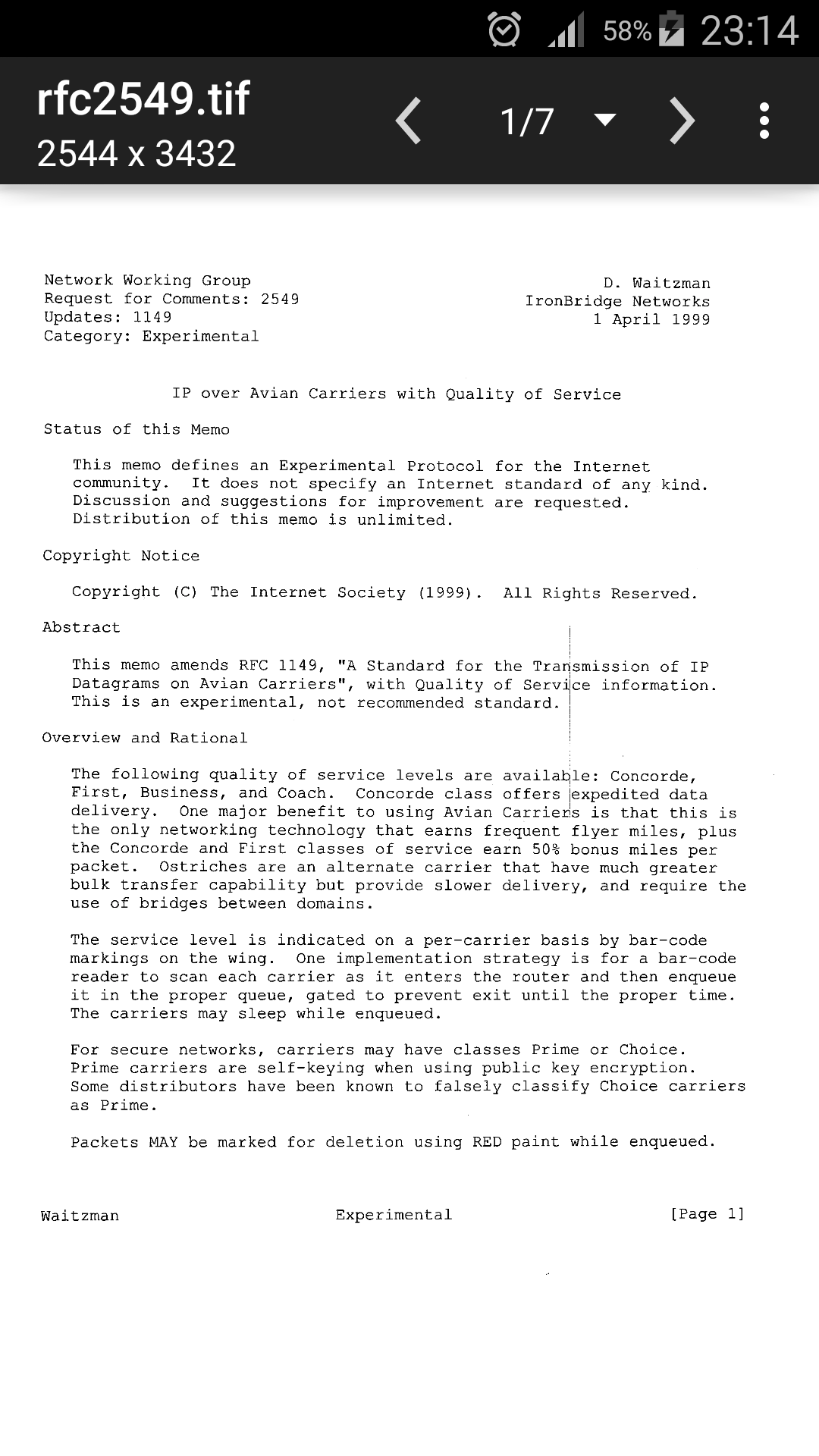
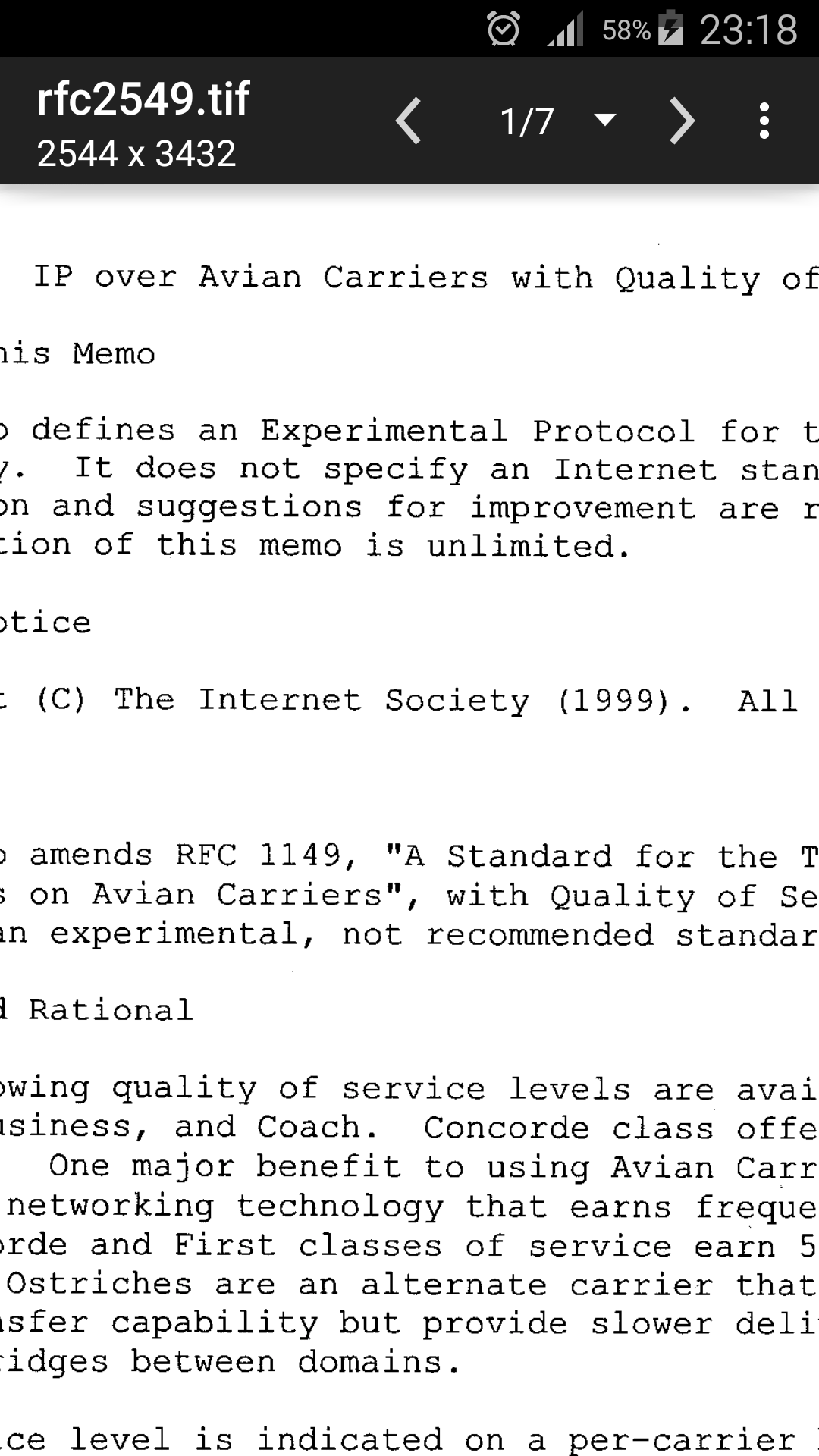
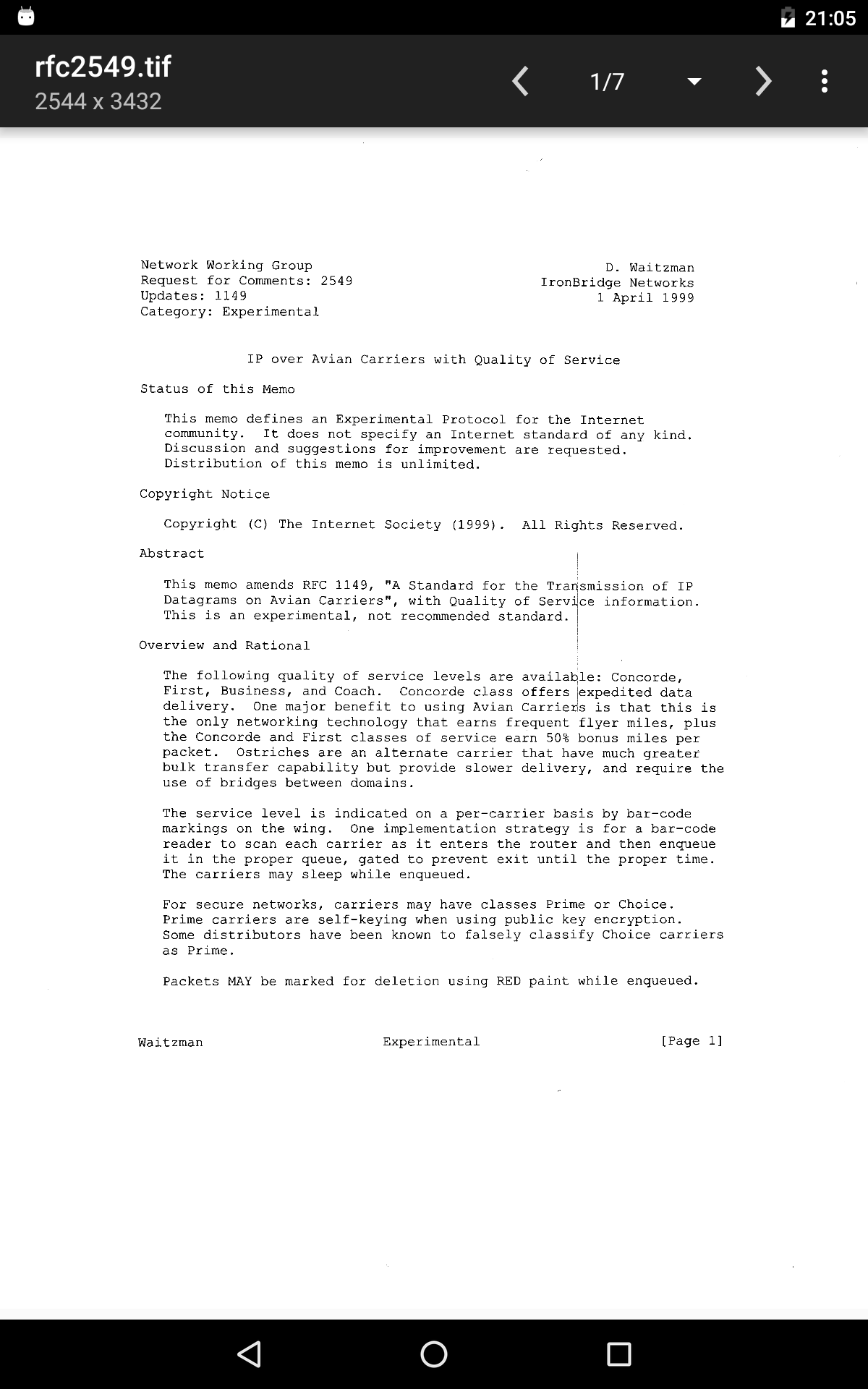
- Support for multipage documents.
- Compression with little or no loss in quality.
- Built-in converter.
- No paid features.
Description
Application Multi-TIFF Viewer was checked by VirusTotal antivirus. As a result of the scan, no file infections were detected by all the latest signatures.
How to install Multi-TIFF Viewer
- Download APK file apps from apkshki.com.
- Locate the downloaded file. You can find it in the system tray or in the 'Download' folder using any file manager.
- If the file downloaded in .bin extension (WebView bug on Android 11), rename it to .apk using any file manager or try downloading the file with another browser like Chrome.
- Start the installation. Click on the downloaded file to start the installation
- Allow installation from unknown sources. If you are installing for the first time Multi-TIFF Viewer not from Google Play, go to your device's security settings and allow installation from unknown sources.
- Bypass Google Play protection. If Google Play protection blocks installation of the file, tap 'More Info' → 'Install anyway' → 'OK' to continue..
- Complete the installation: Follow the installer's instructions to complete the installation process.
How to update Multi-TIFF Viewer
- Download the new version apps from apkshki.com.
- Locate the downloaded file and click on it to start the installation.
- Install over the old version. There is no need to uninstall the previous version.
- Avoid signature conflicts. If the previous version was not downloaded from apkshki.com, the message 'Application not installed' may appear. In this case uninstall the old version and install the new one.
- Restart annex Multi-TIFF Viewer after the update.








Requesting an application update
Added Denis Rubinov
Version: 1.17.1
Size: 8.1 MB
Updated: 20.02.2023
Developer: tyniw.net
Age Limitations: Everyone
Authorizations:
Downloaded on Google Play: 3698398
Category: Tools











Reviews for Multi-TIFF Viewer
Nice App
Good
Vip
App works well but application is collecting data even though the description says otherwise. If you are using Google analytics-then please say so multi-tiff developers. If collecting more Then state that. Investigation shows Google admob and Google doubleclick.
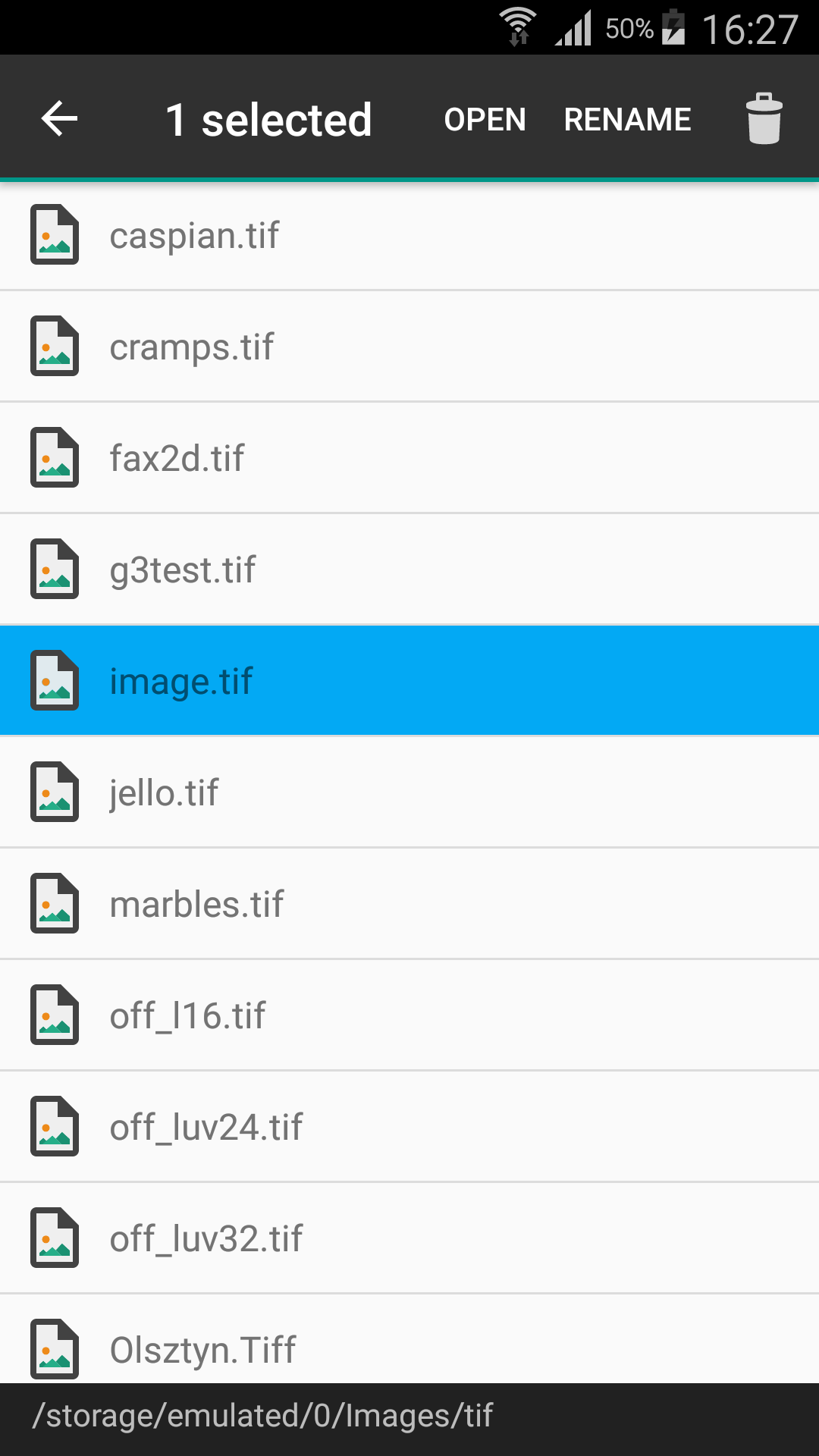
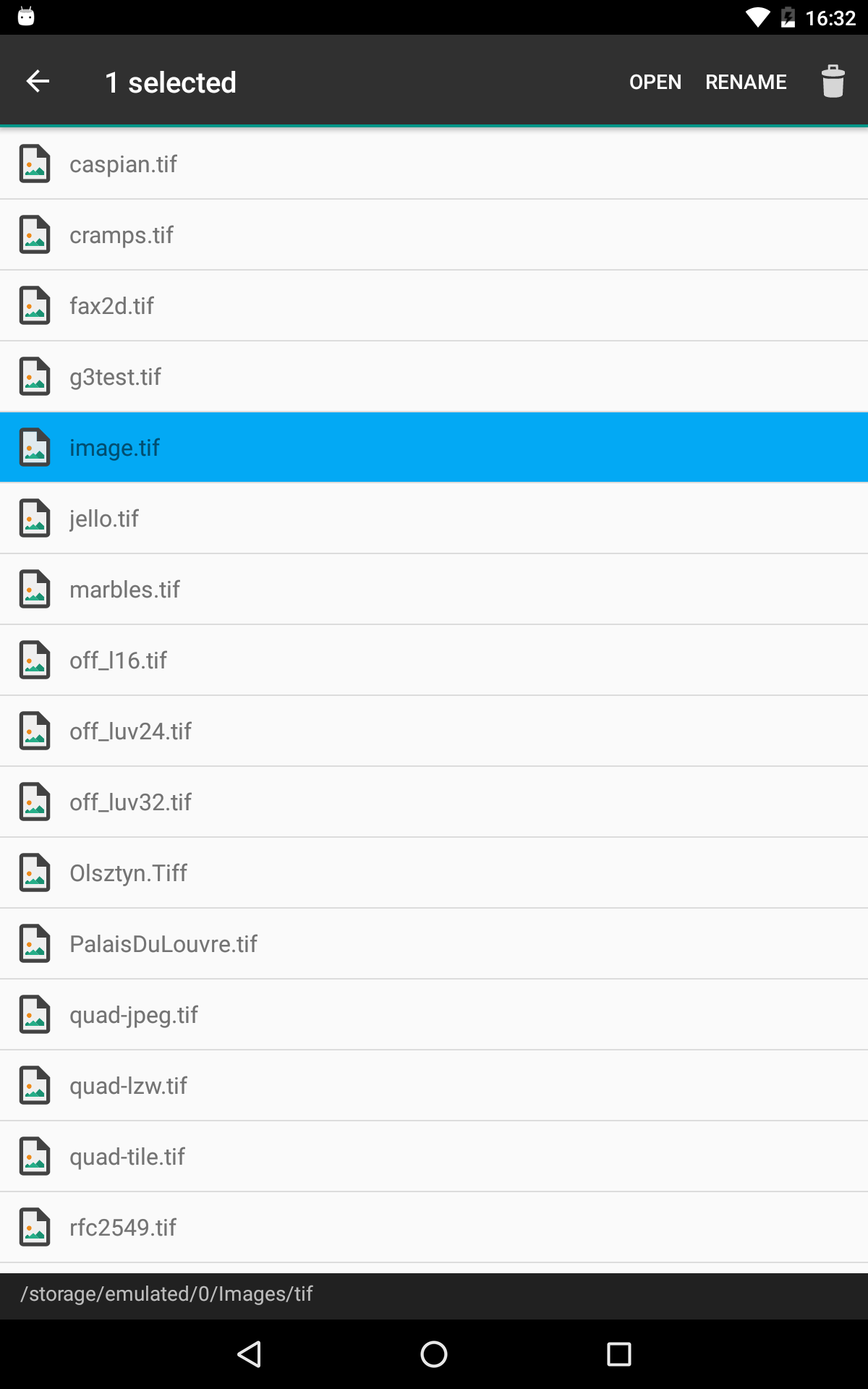
Opens .tiff's on Pixel8, tnx. First few tiff's from rubin dot canto dot com, and I don't recall being pestered by any ads from the Multi-TIFF Viewer. 😘 So far. I don't see Full Screen button or menu item! From app, choose Internal Storage > Download folder > etc, where my tiff files are. Tapping on file doesn't work. Instead, 1. Select file and, 2. Tap on app's Select button. No arrow to move to next file. Instead, back out of image, back to file-list, tap on next file, and re-tap Select.
Super
Opens tiff but cannot print from it.
Can't use external drives
Nice
4 trackers including ads trackers 🥴😠. Otherwise great app
Opens files, but there is nothing there. All empty folders. No photos showing to pick from
Opened a big tif file on my Samsung Galaxy S6 that the Google Photos app couldn't open. It was a scanned image of my football squares! Too bad I didn't win. Maybe next week. ;)
Fantastic App to read many formats coupled together! Fast access & easy to operate!! Maintains file secrecy & contents!!!
Very user friendly and it can open even files larger than 100mb 👍✨ just perfect! I hope you'll have save to jpeg/png soon 😊
The apps is missing functionality to browse http and ftp folders. Not able to browse to the tiff files!
Post a comment
To leave a comment, log in with your social network:
Or leave an anonymous comment. Your comment will be sent for moderation.
Post a comment
To leave a comment, log in with your social network:
Or leave an anonymous comment. Your comment will be sent for moderation.