



My Android
14+
downloads4.0+
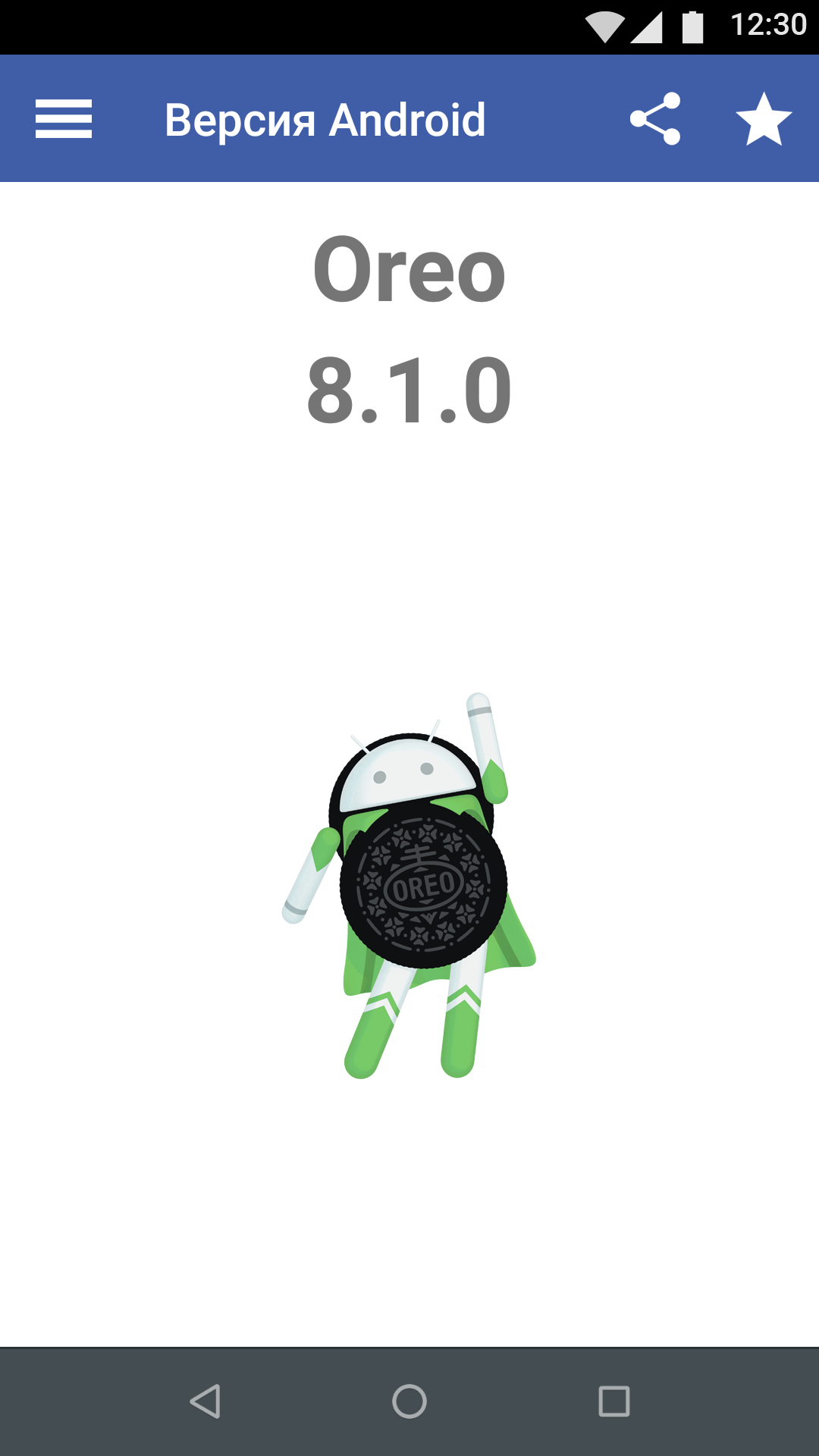
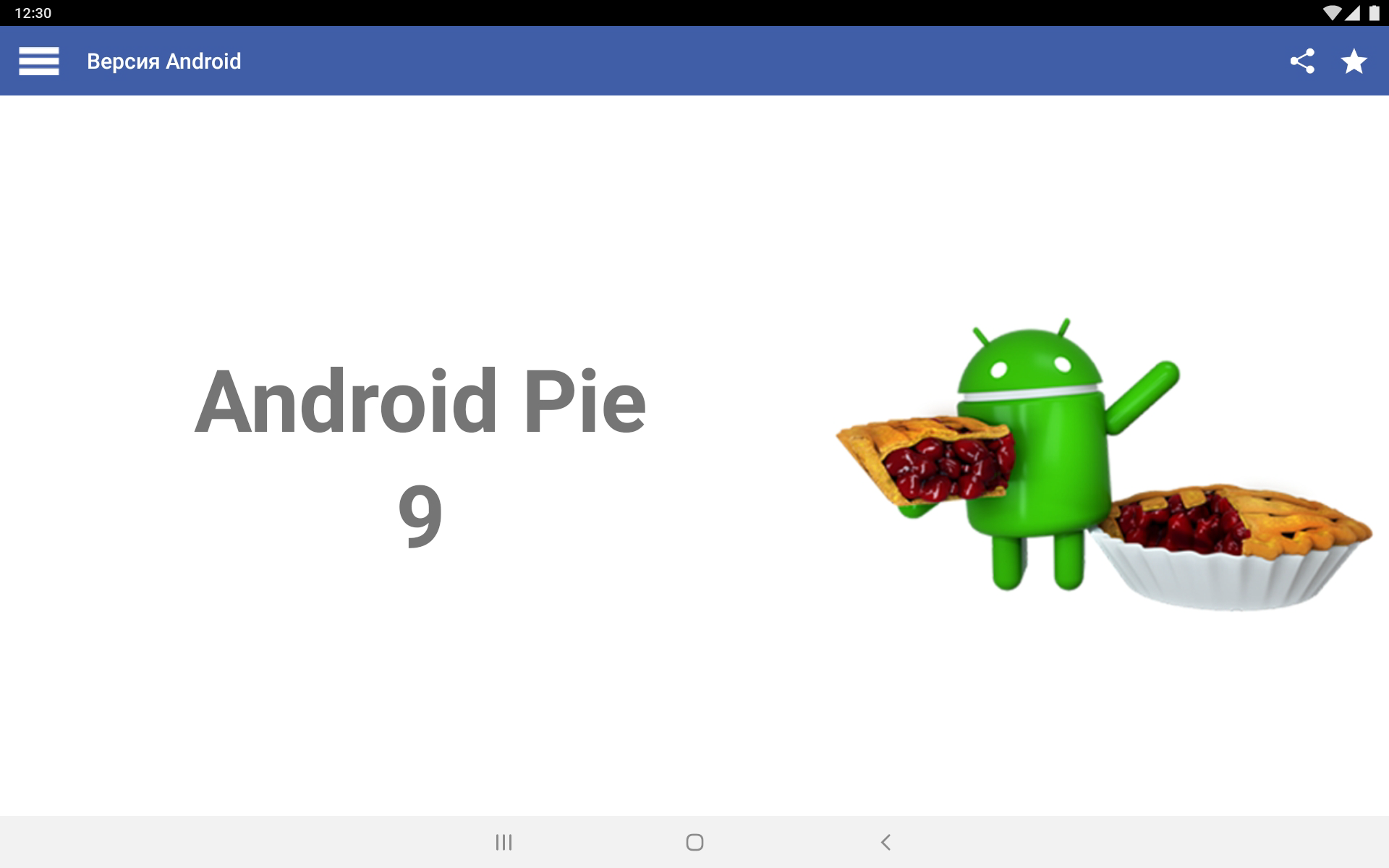
version Android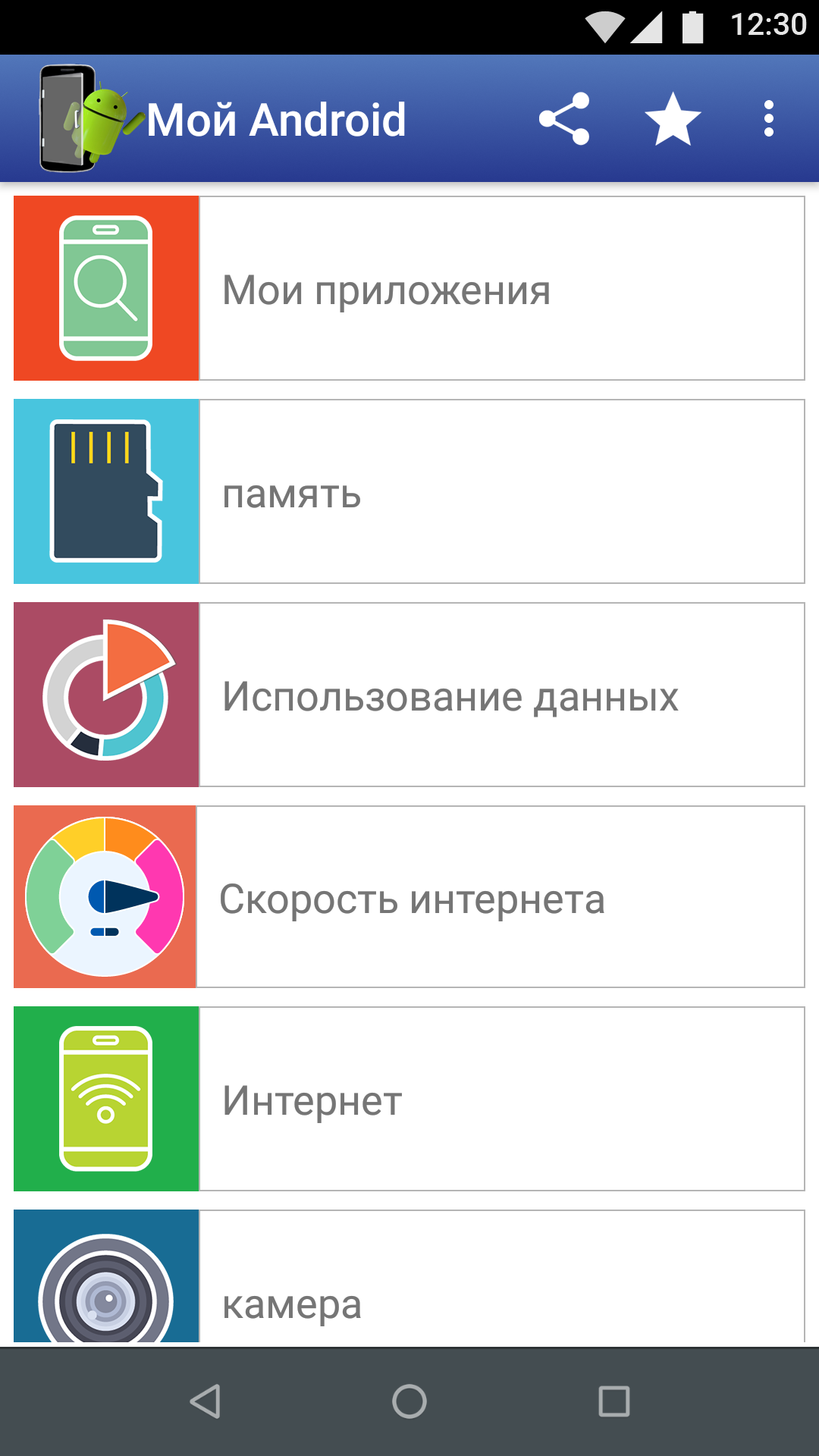
Added: Denis Rubinov
Version: 11.3.0
Size: 15.5 MB
Updated: 20.05.2025
Developer: InnovationM
Age Limitations: Everyone
Authorizations: 12
Downloaded on Google Play: 13367173
Category: Tools
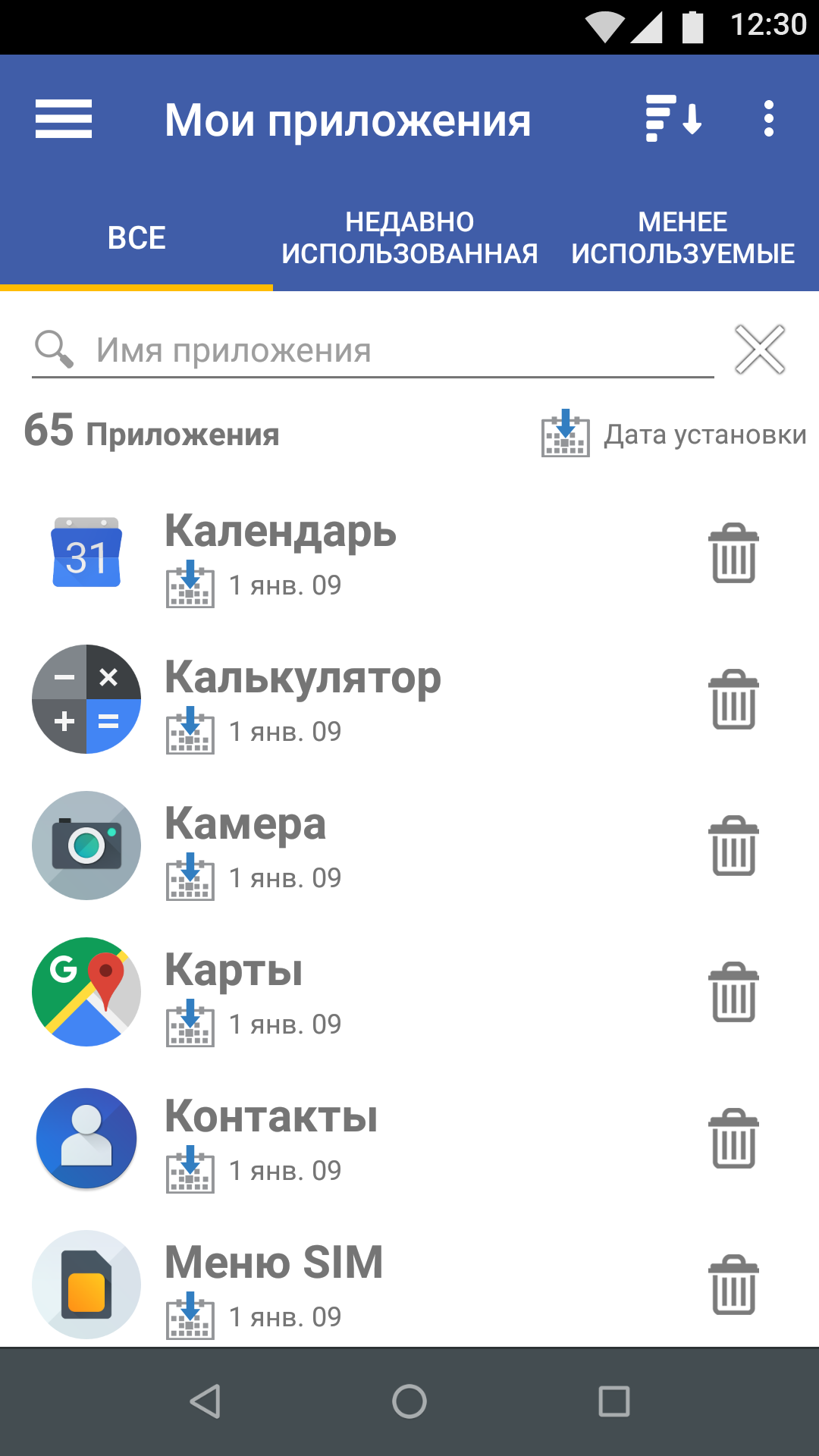
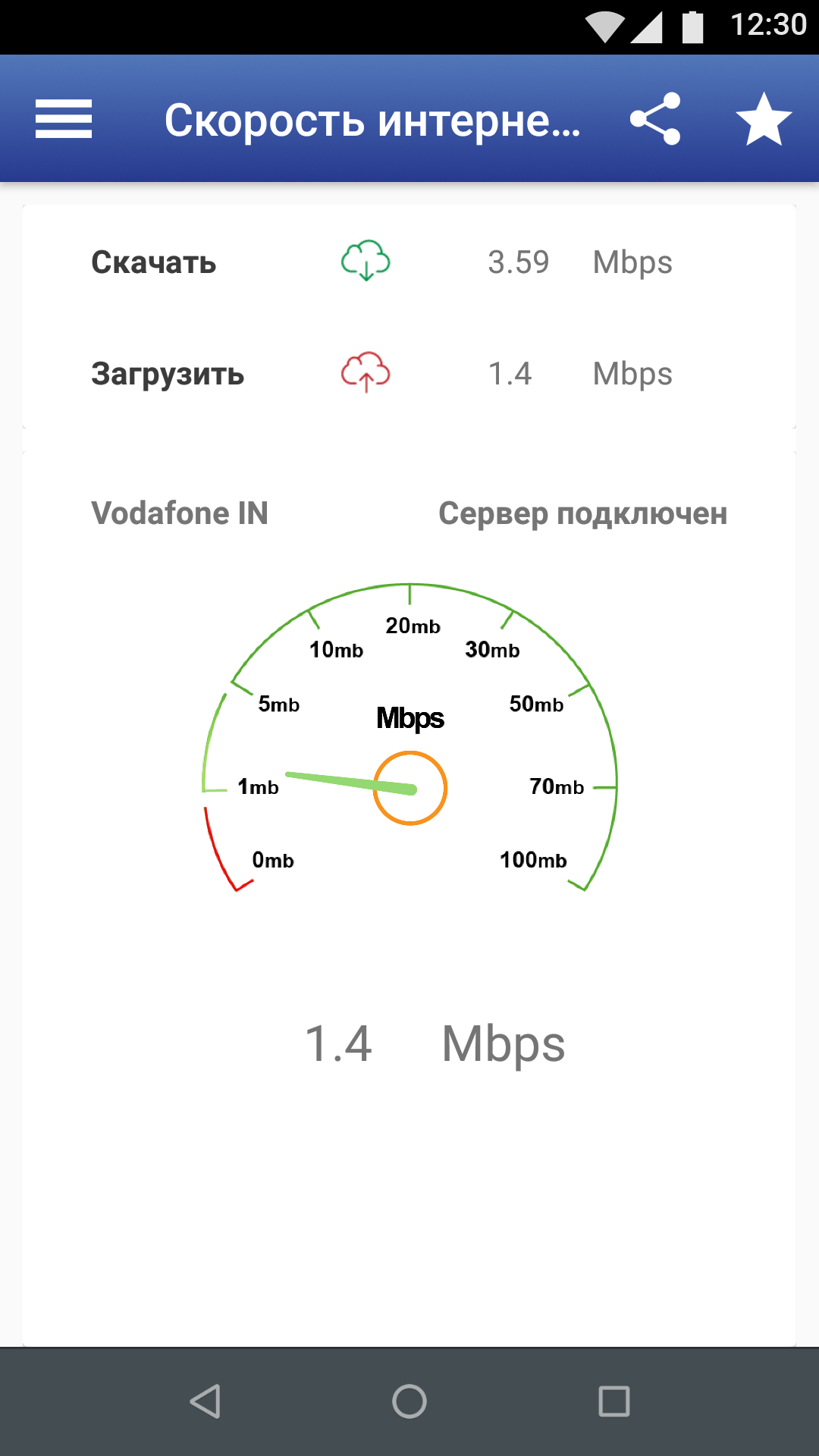
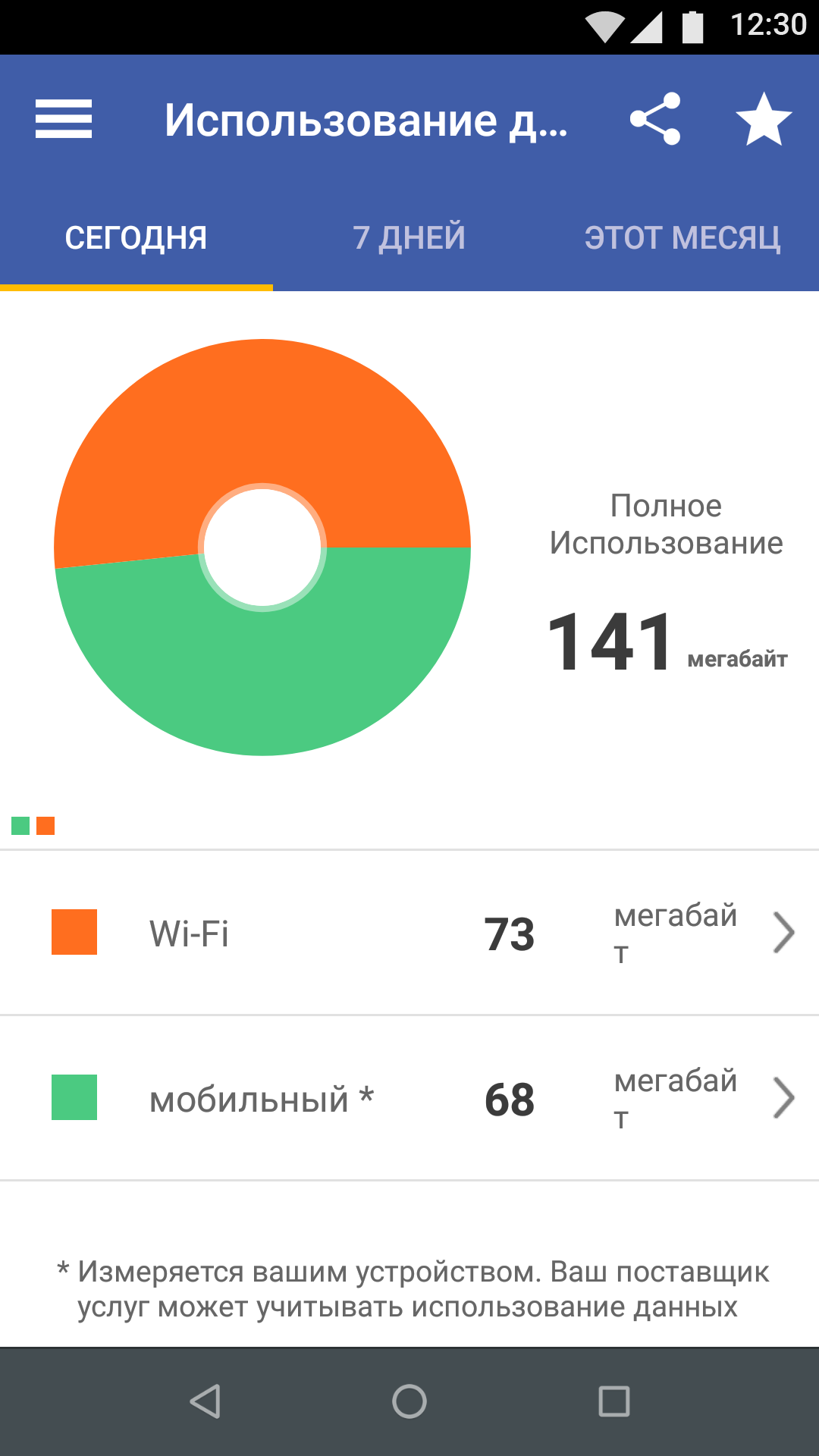
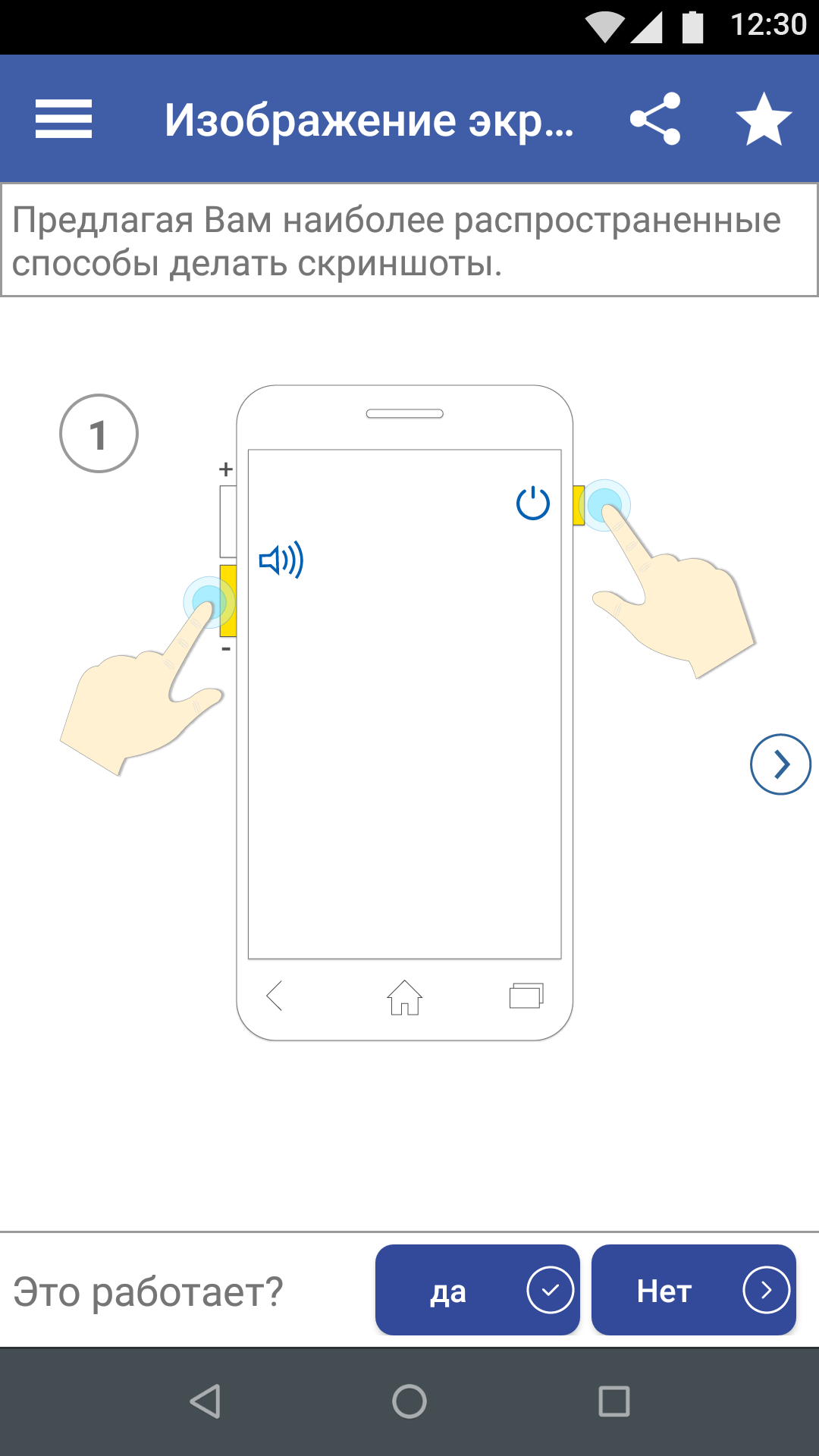
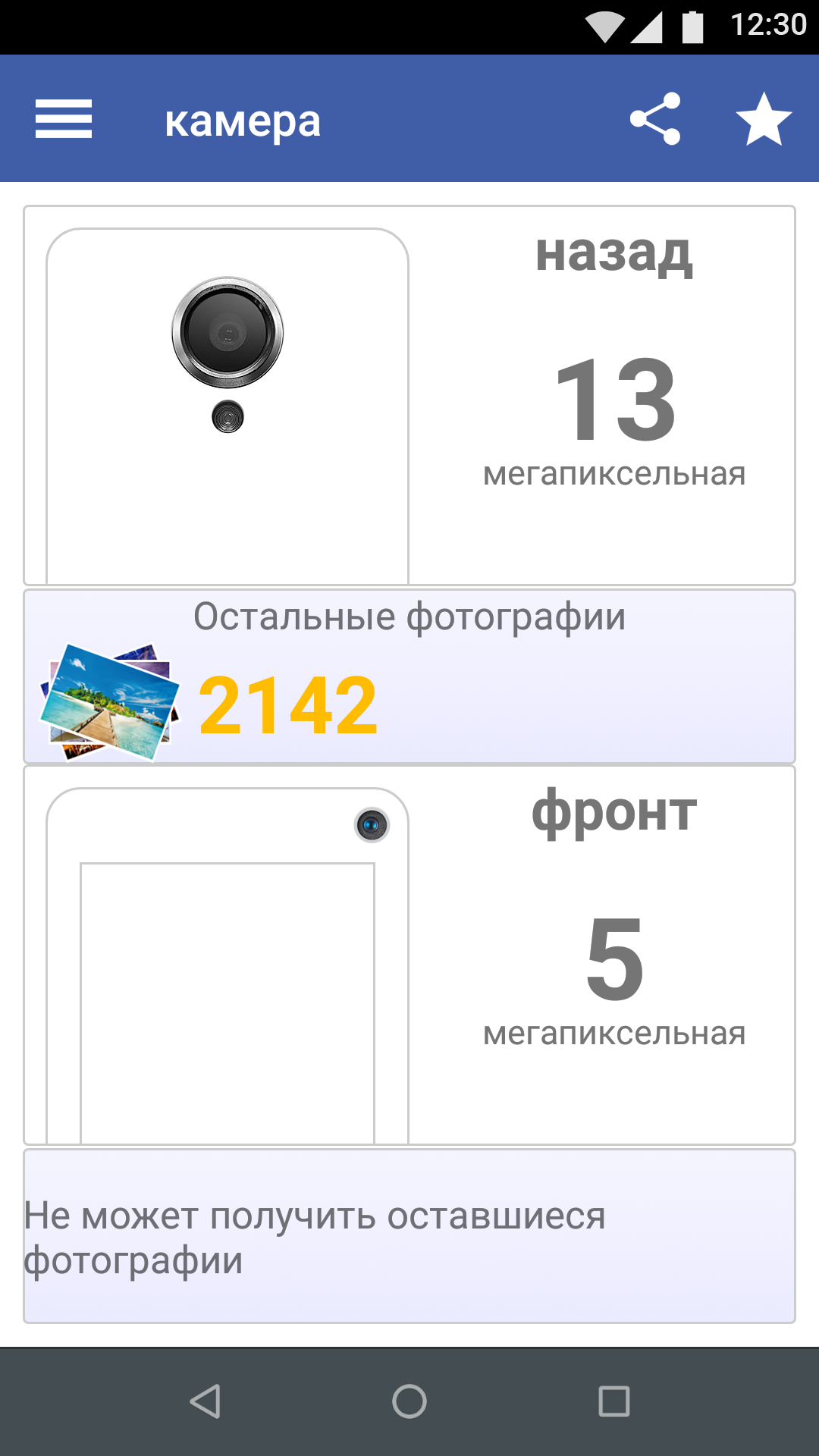
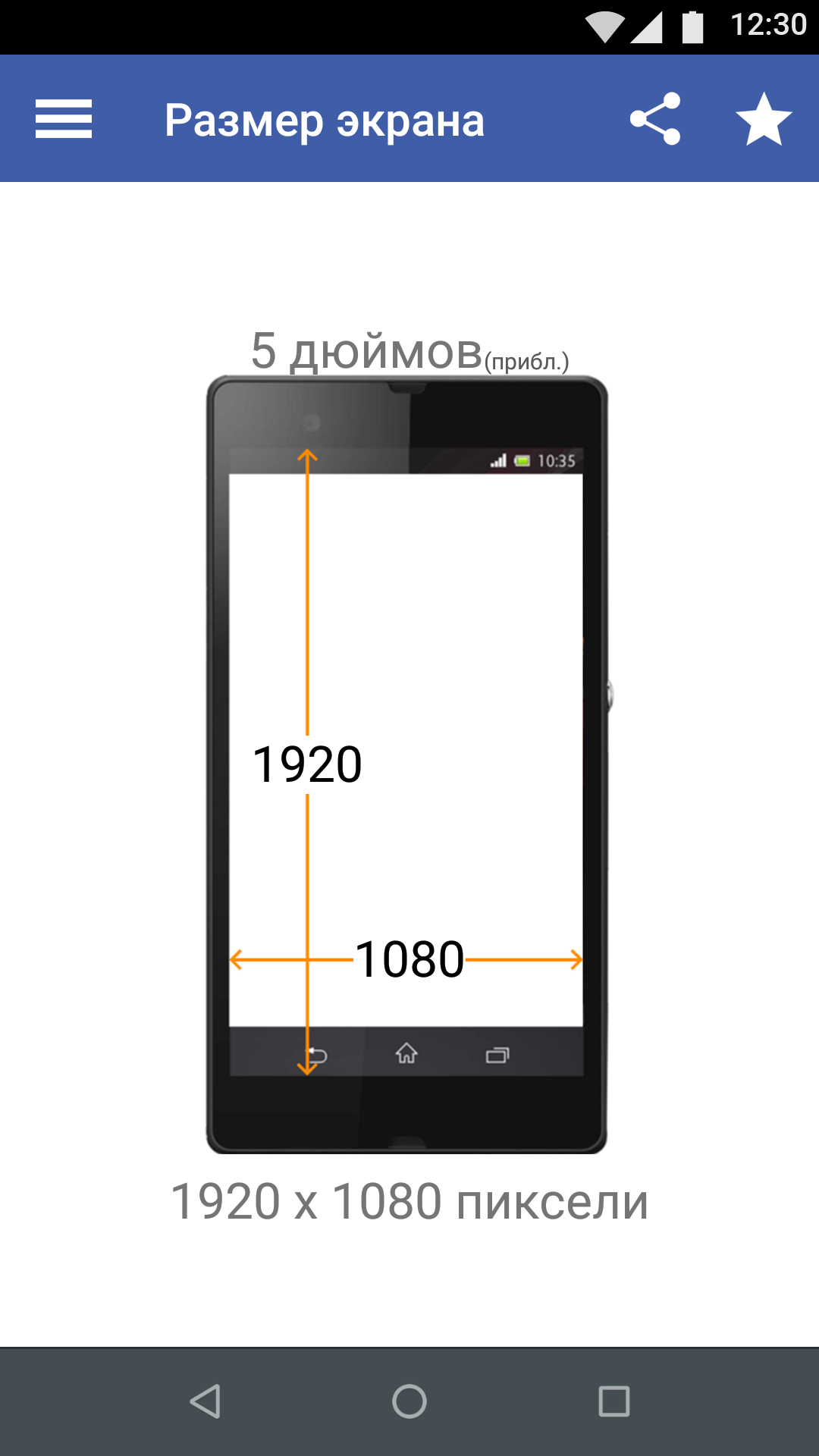
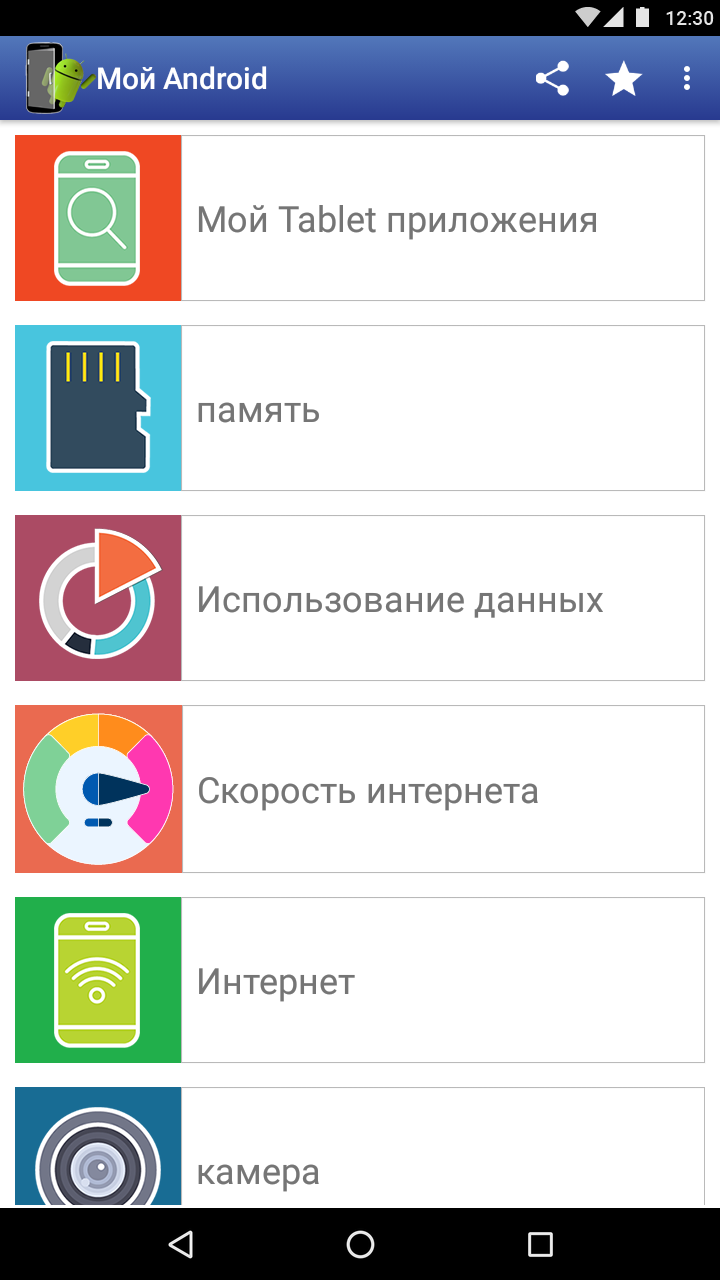
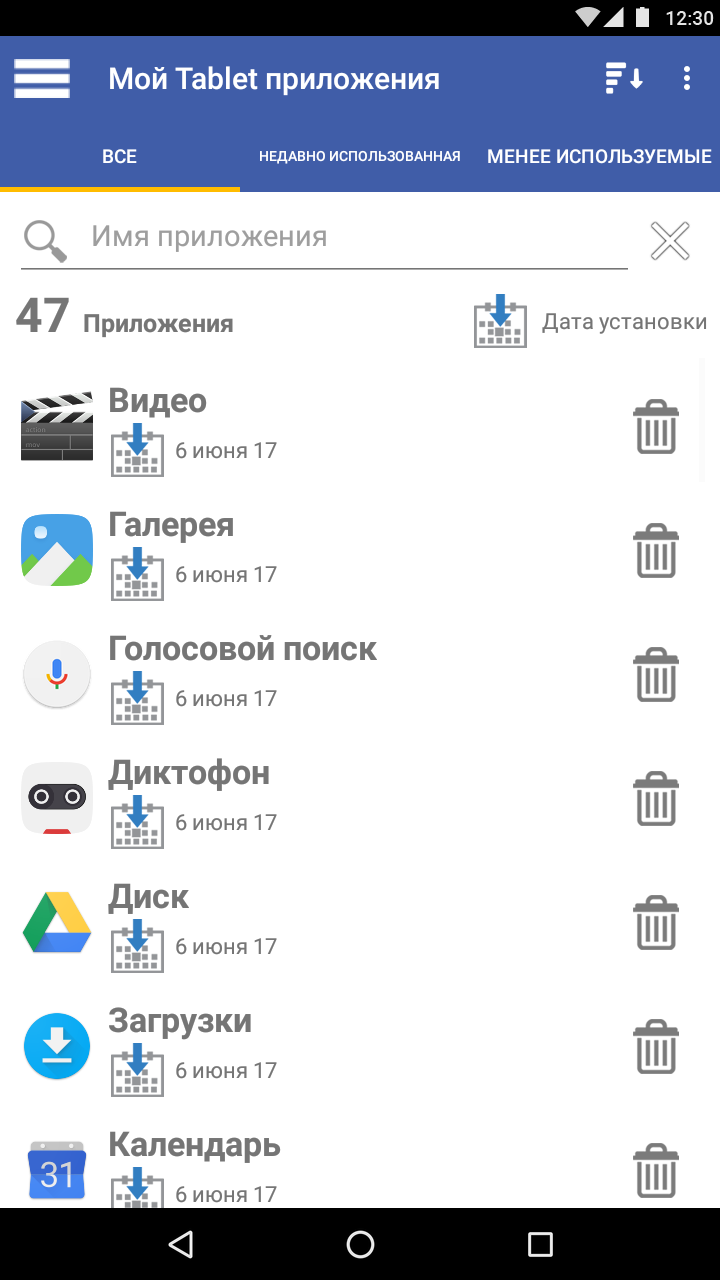
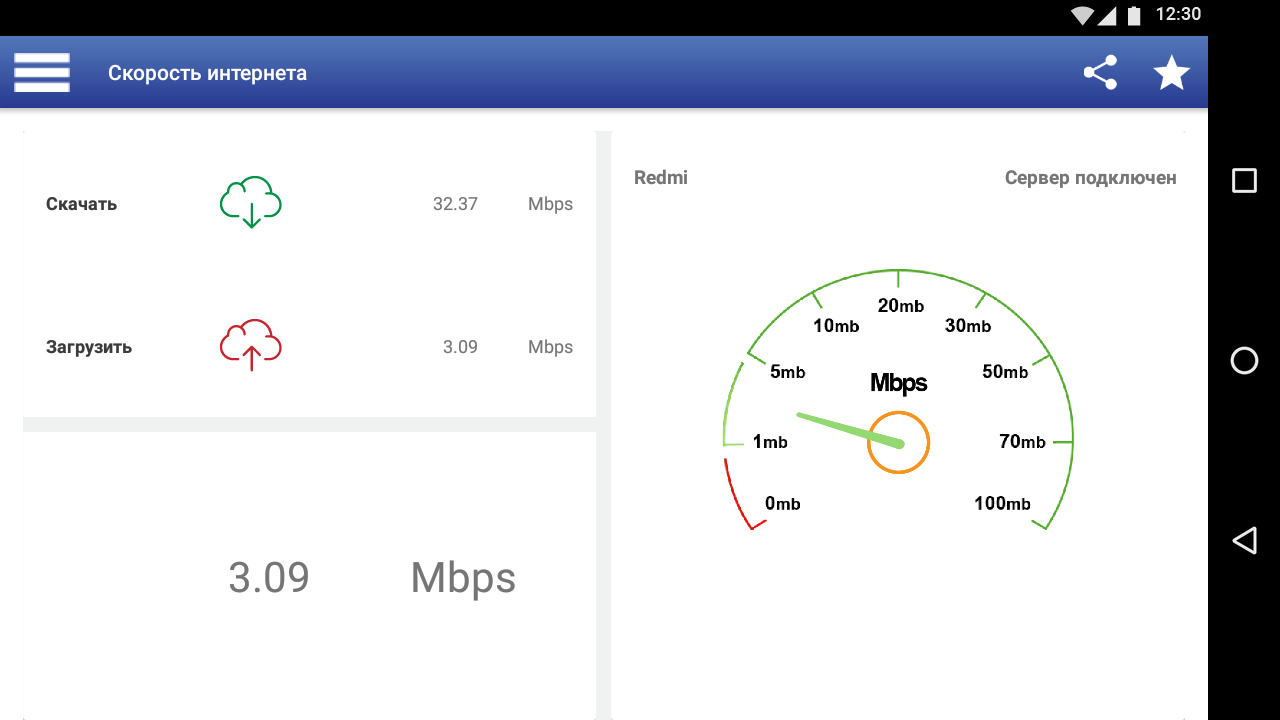
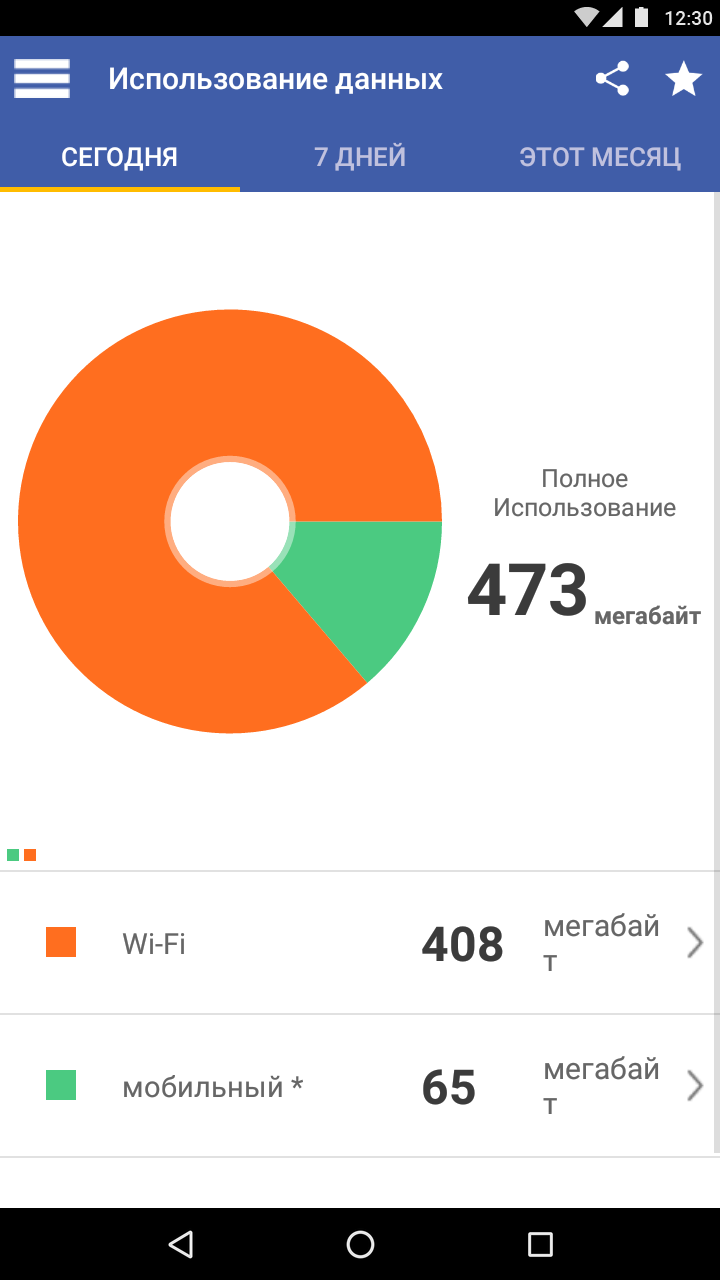
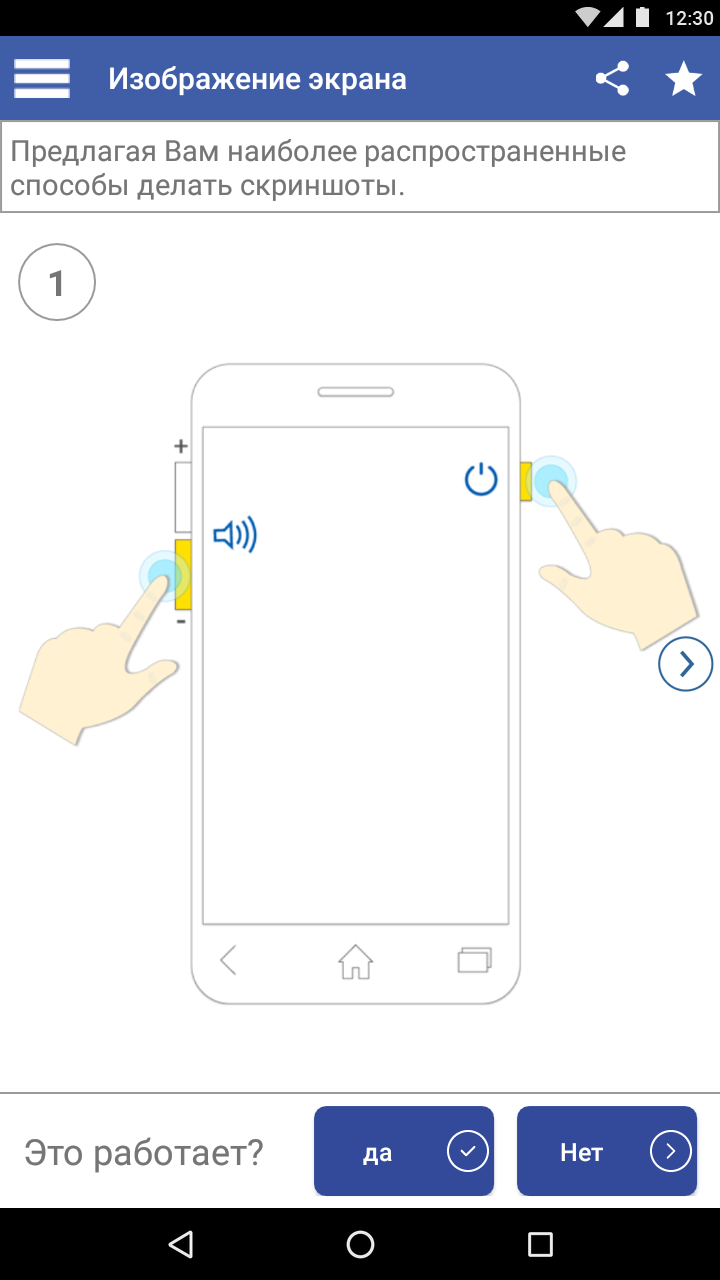
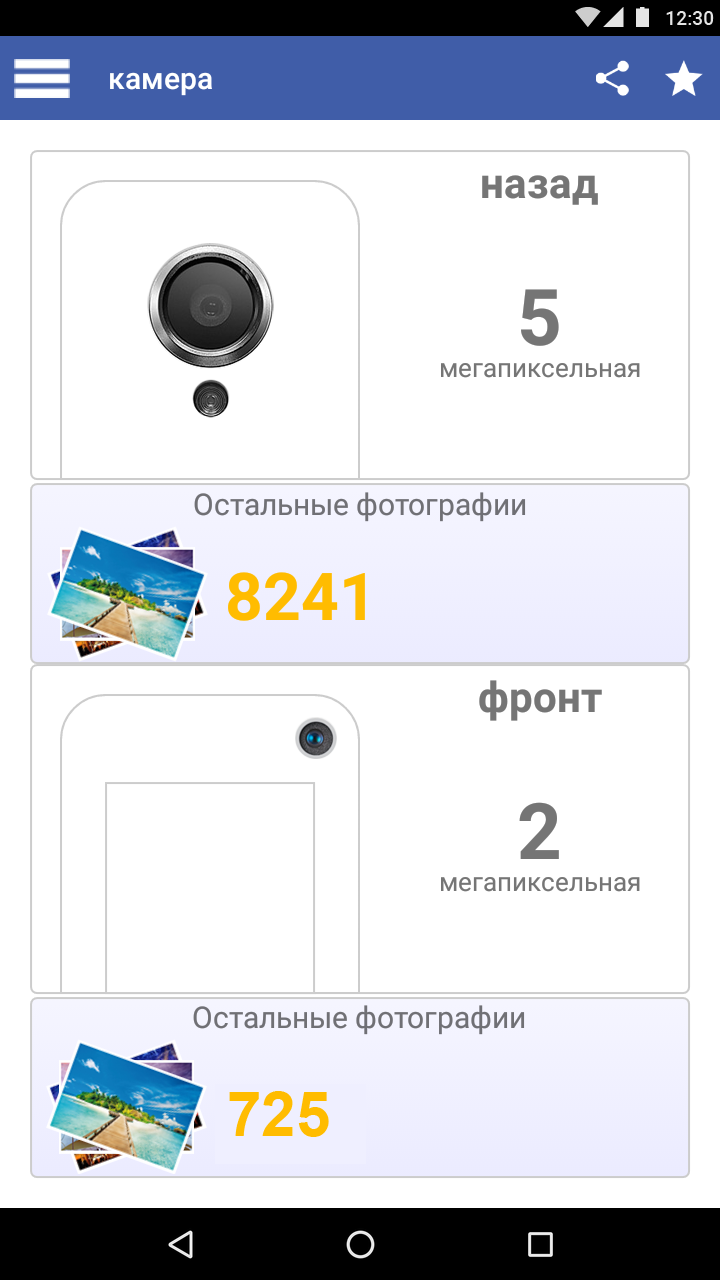
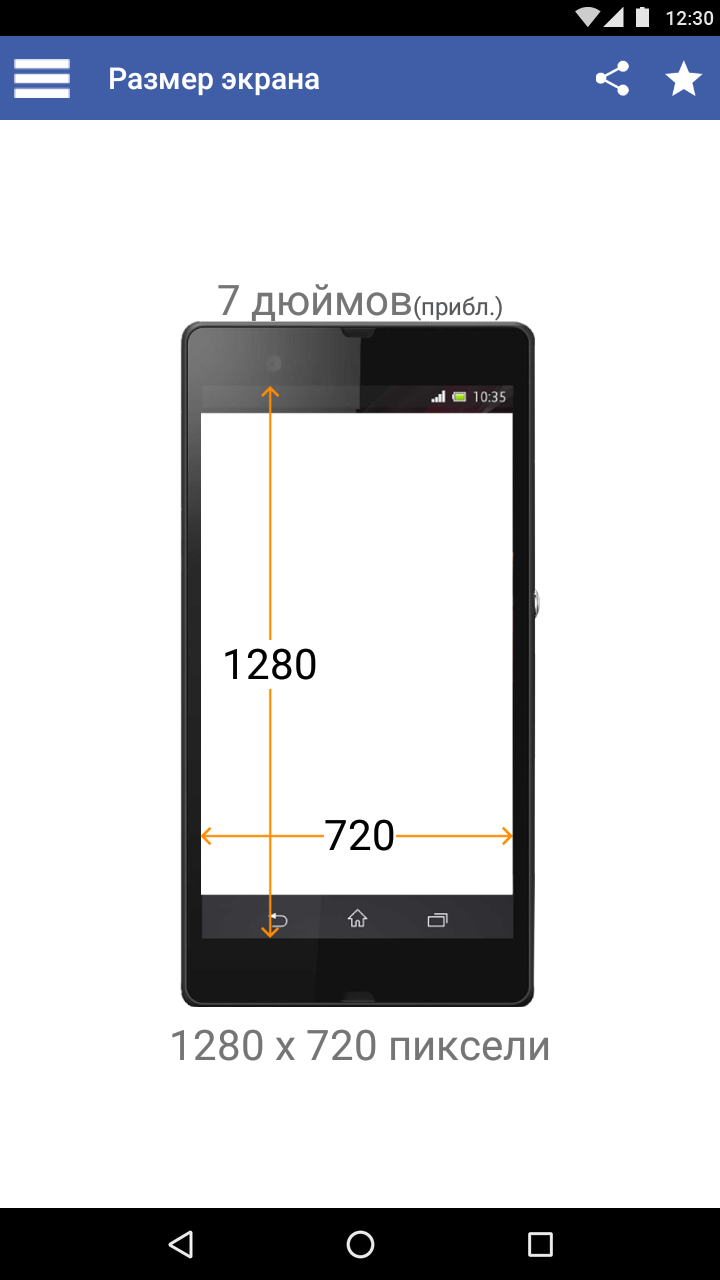
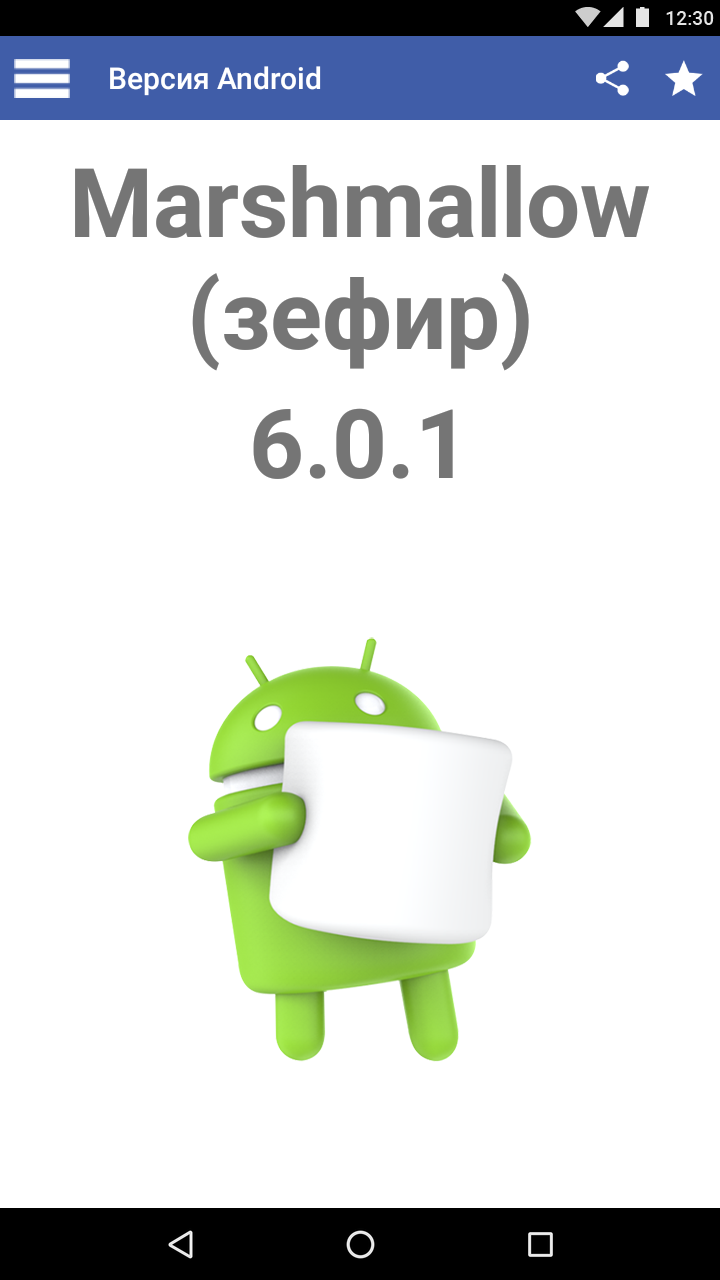
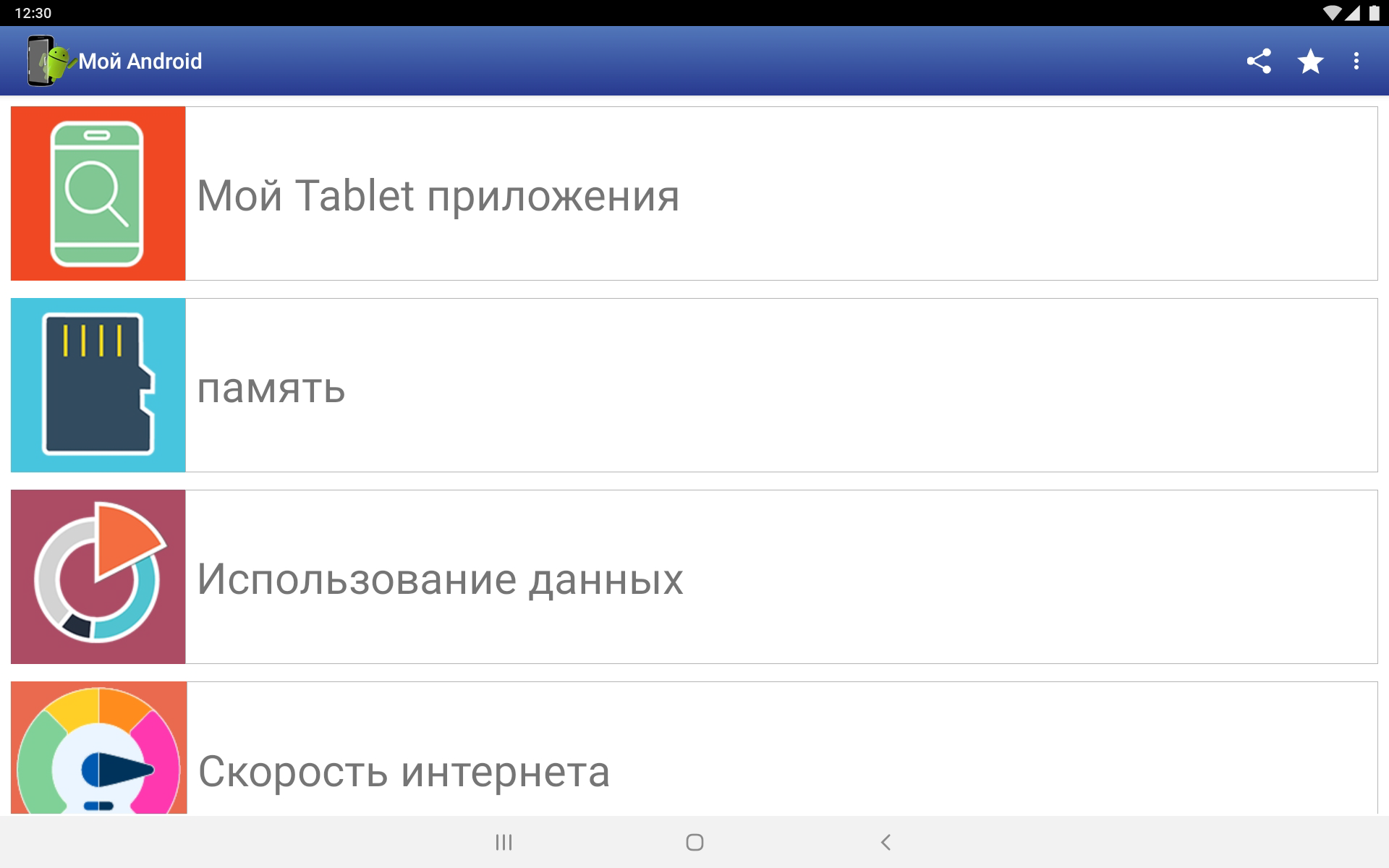
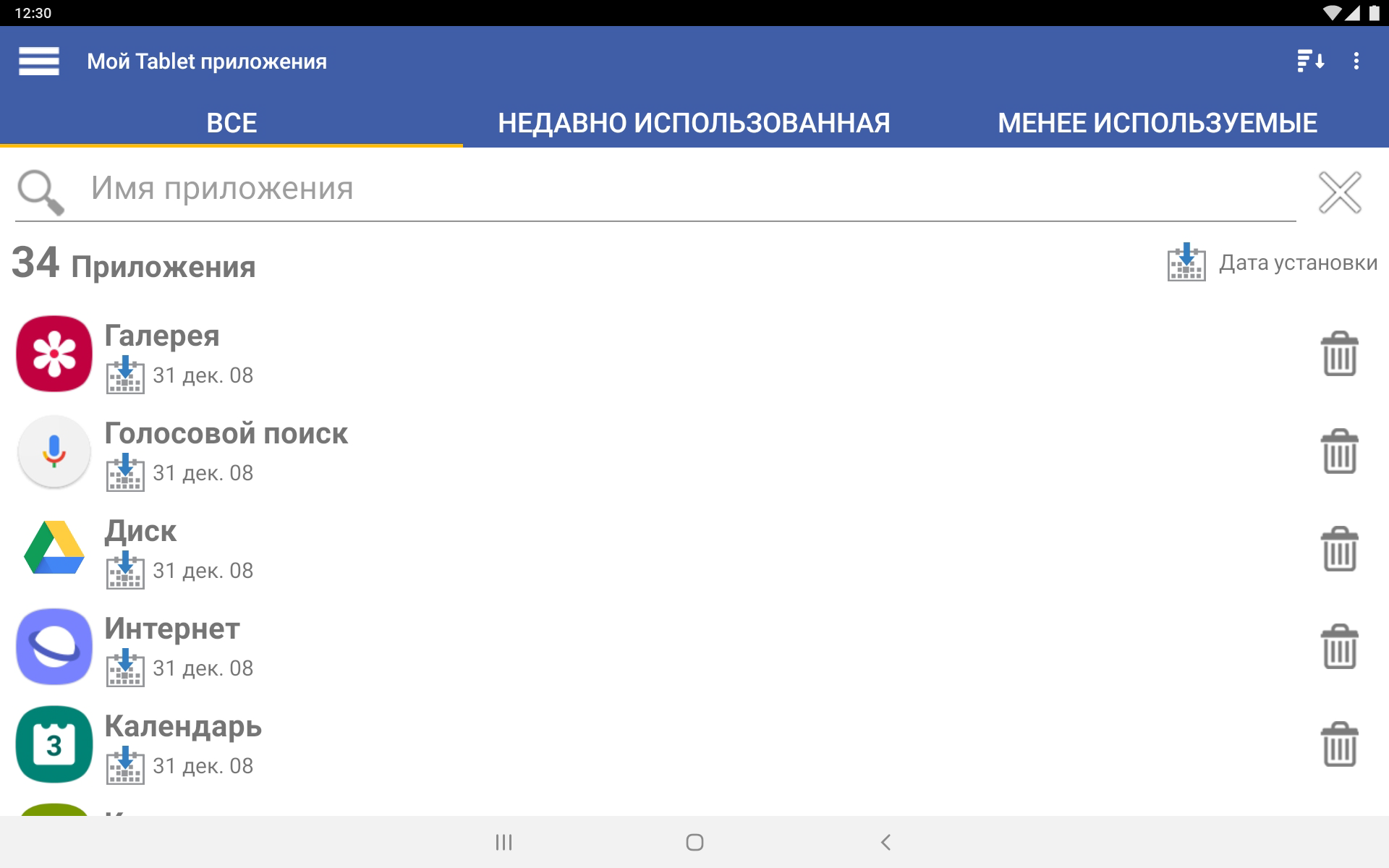
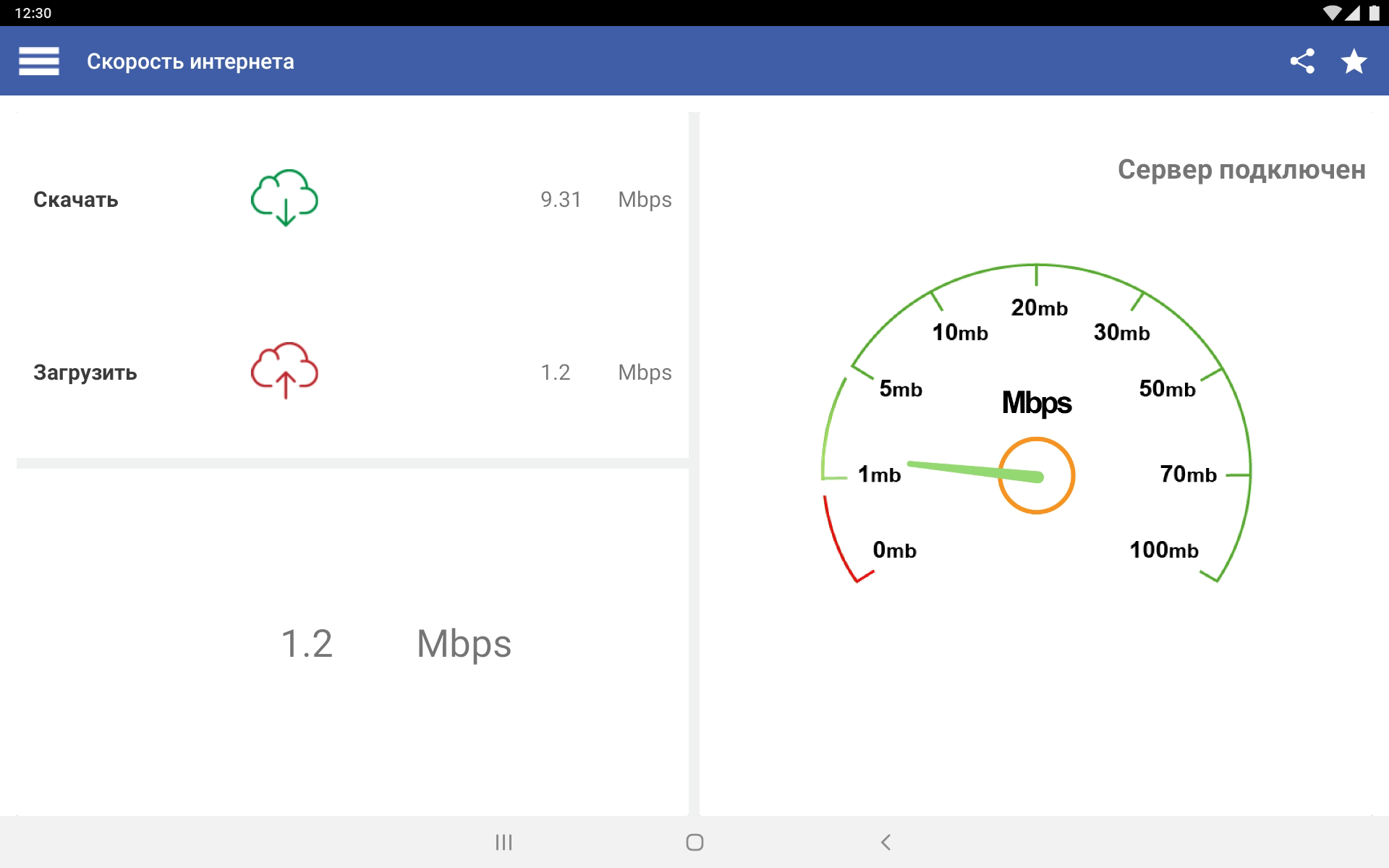
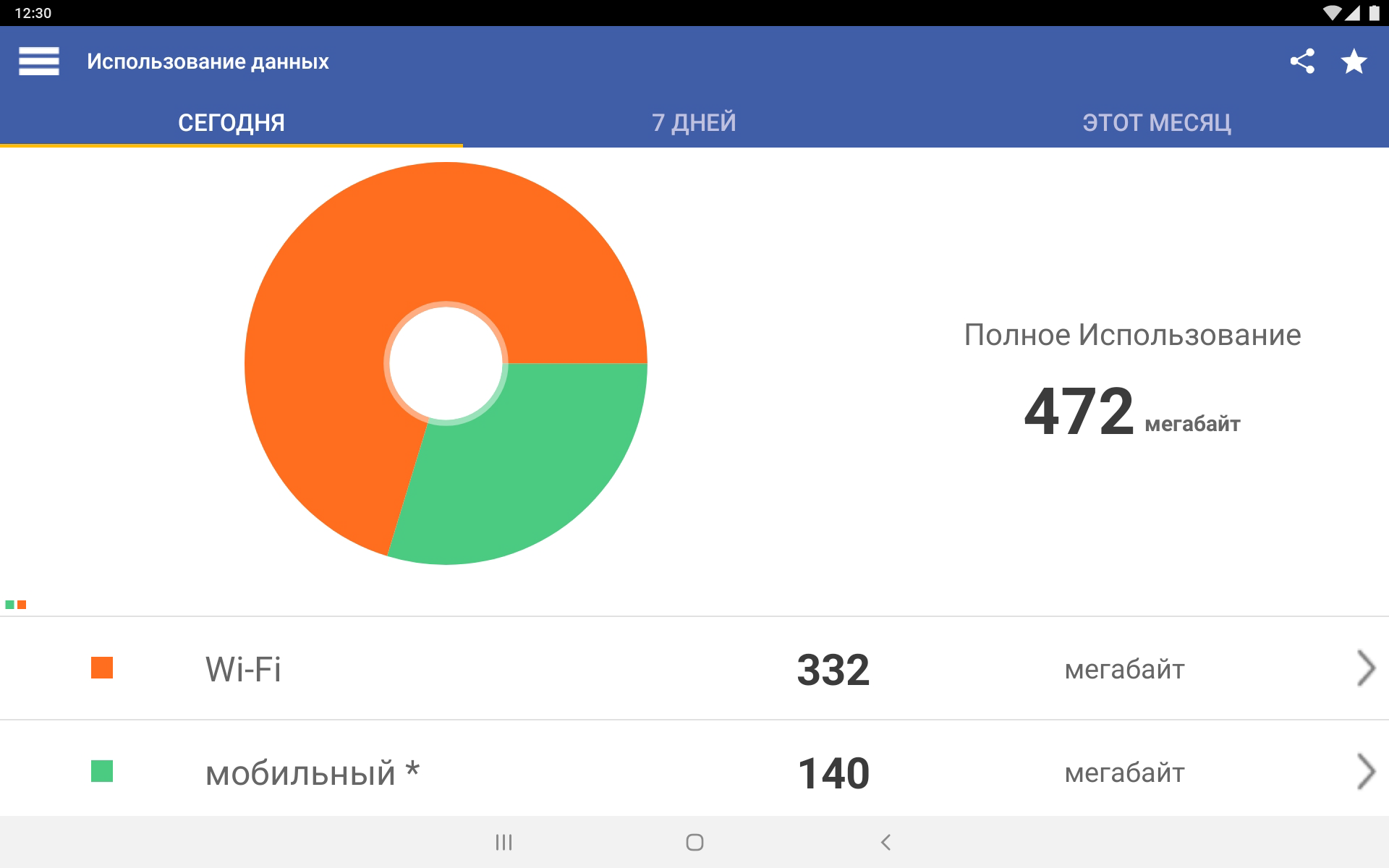
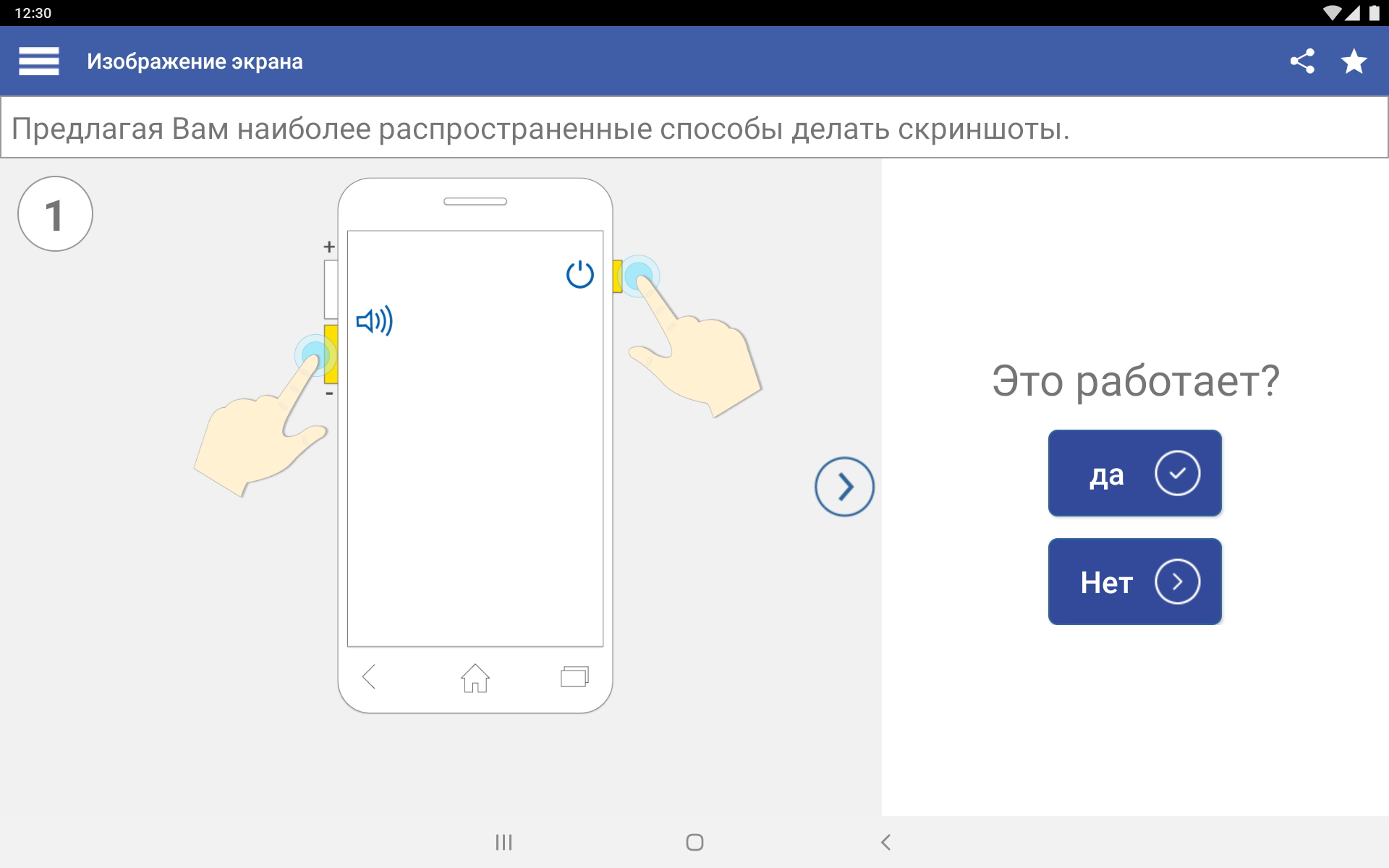
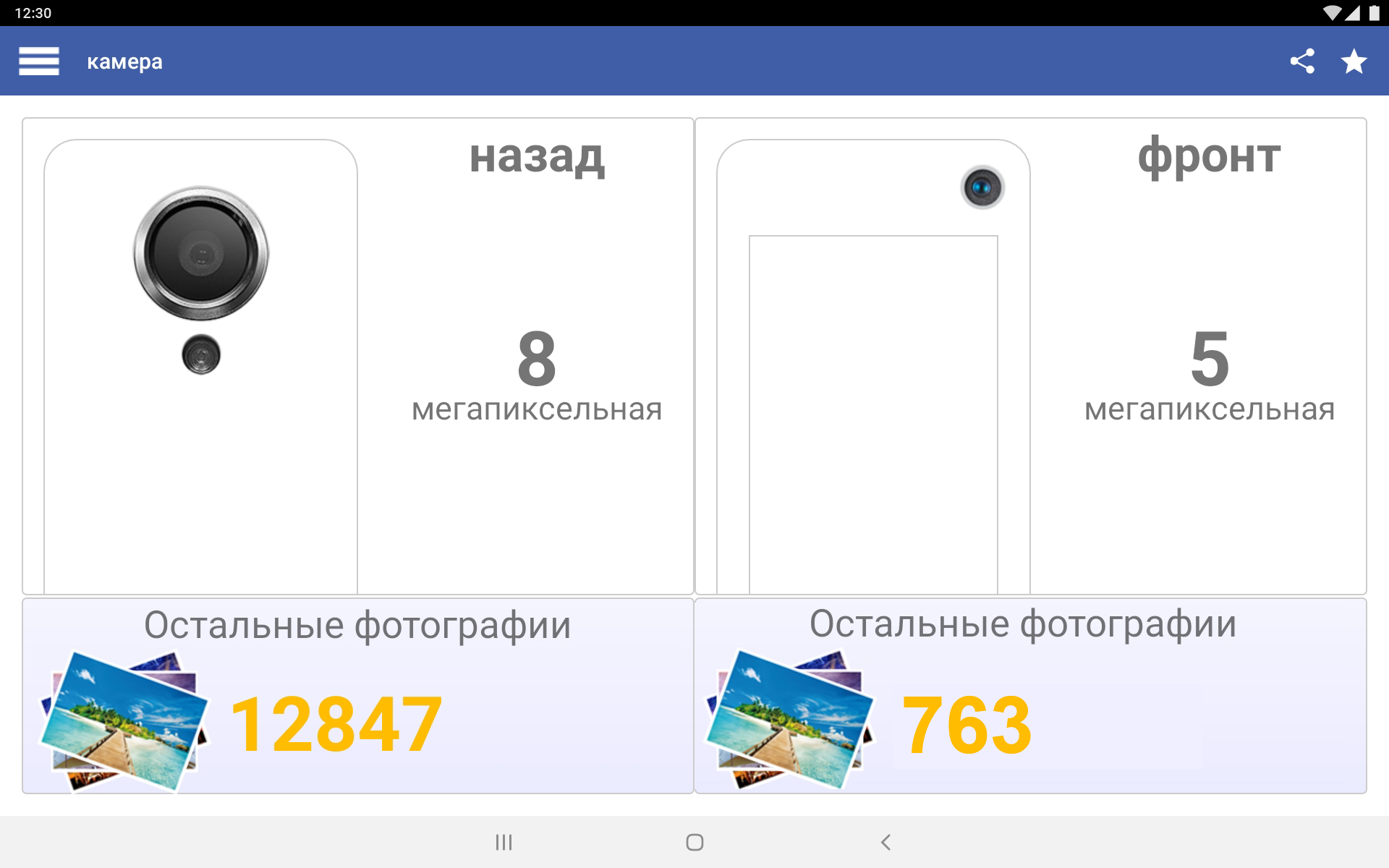
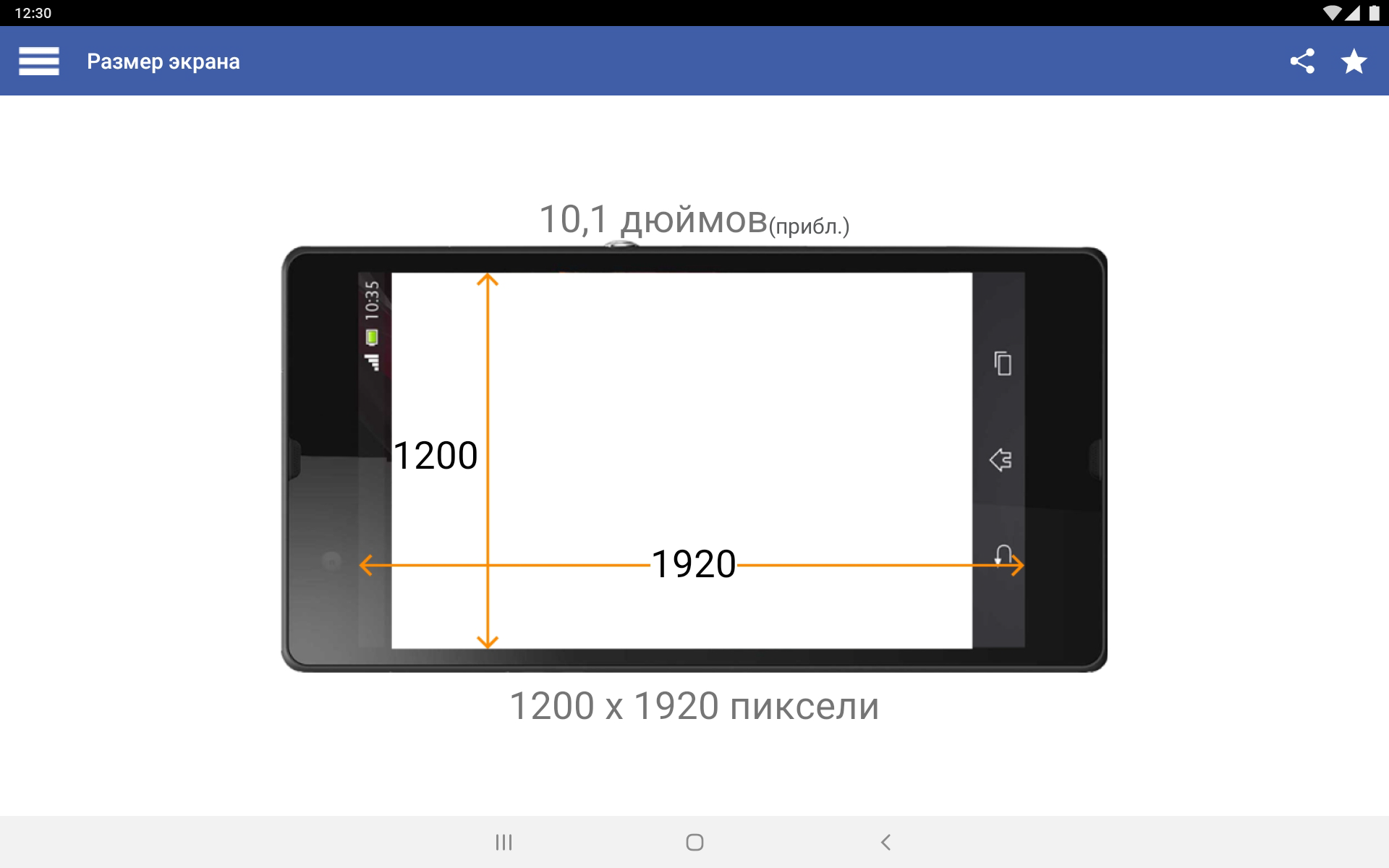
- Information about all the characteristics of the gadget.
- Russian language support.
- Visual display of information.
- Support for phones and tablets.
Description
Application My Android was checked by VirusTotal antivirus. As a result of the scan, no file infections were detected by all the latest signatures.
How to install My Android
- Download APK file apps from apkshki.com.
- Locate the downloaded file. You can find it in the system tray or in the 'Download' folder using any file manager.
- If the file downloaded in .bin extension (WebView bug on Android 11), rename it to .apk using any file manager or try downloading the file with another browser like Chrome.
- Start the installation. Click on the downloaded file to start the installation
- Allow installation from unknown sources. If you are installing for the first time My Android not from Google Play, go to your device's security settings and allow installation from unknown sources.
- Bypass Google Play protection. If Google Play protection blocks installation of the file, tap 'More Info' → 'Install anyway' → 'OK' to continue..
- Complete the installation: Follow the installer's instructions to complete the installation process.
How to update My Android
- Download the new version apps from apkshki.com.
- Locate the downloaded file and click on it to start the installation.
- Install over the old version. There is no need to uninstall the previous version.
- Avoid signature conflicts. If the previous version was not downloaded from apkshki.com, the message 'Application not installed' may appear. In this case uninstall the old version and install the new one.
- Restart annex My Android after the update.








Requesting an application update
Added Denis Rubinov
Version: 11.3.0
Size: 15.5 MB
Updated: 20.05.2025
Developer: InnovationM
Age Limitations: Everyone
Authorizations:
Downloaded on Google Play: 13367173
Category: Tools











Reviews for My Android
good description of everything
wow I like it was good
Wow I like it was nice
I got a lot of help, it's great.
To operate the sesteym in my phone
Understand that you are so good update my android version And it's just not a problem with my phone number experience
i like it
phenominal
must i like they Android privilegio
nice 👍 very accurate app just need a better look and style
This app interfered with my vpn & so did CC cleaning apps are good when they don't conflict in the settings $150 Android versus $3000 Android Probably have different settings capabilities No offence but just paid cc subscription Then a system stuff up here
It's a great app! But am giving it 3 stars because the information it gives are so basic. It would be good if they add something like refresh rate and cpu chipset and others.
This app went from being my go-to for specs and technical informationto this being the last time I install it on any device because I can't open one thing without a million ads opening up. Shame on the developers for ruining such a good app.
★★★My Android This software is very good and has been used in high quality performance so from my point of view it seems that the founder of this software was very brilliant and intelligent. I really don't want to make it small by thanking you. Be well....★★★
The app is great but the glitch is that my android version is 10 (q), it shows that it's pie. It supposed to show the letter q, not pie. Please fix this problem. Thanks! 😉
Post a comment
To leave a comment, log in with your social network:
Or leave an anonymous comment. Your comment will be sent for moderation.
Post a comment
To leave a comment, log in with your social network:
Or leave an anonymous comment. Your comment will be sent for moderation.