



Orions - Privacy Browser
175+
downloads5.0+
version Android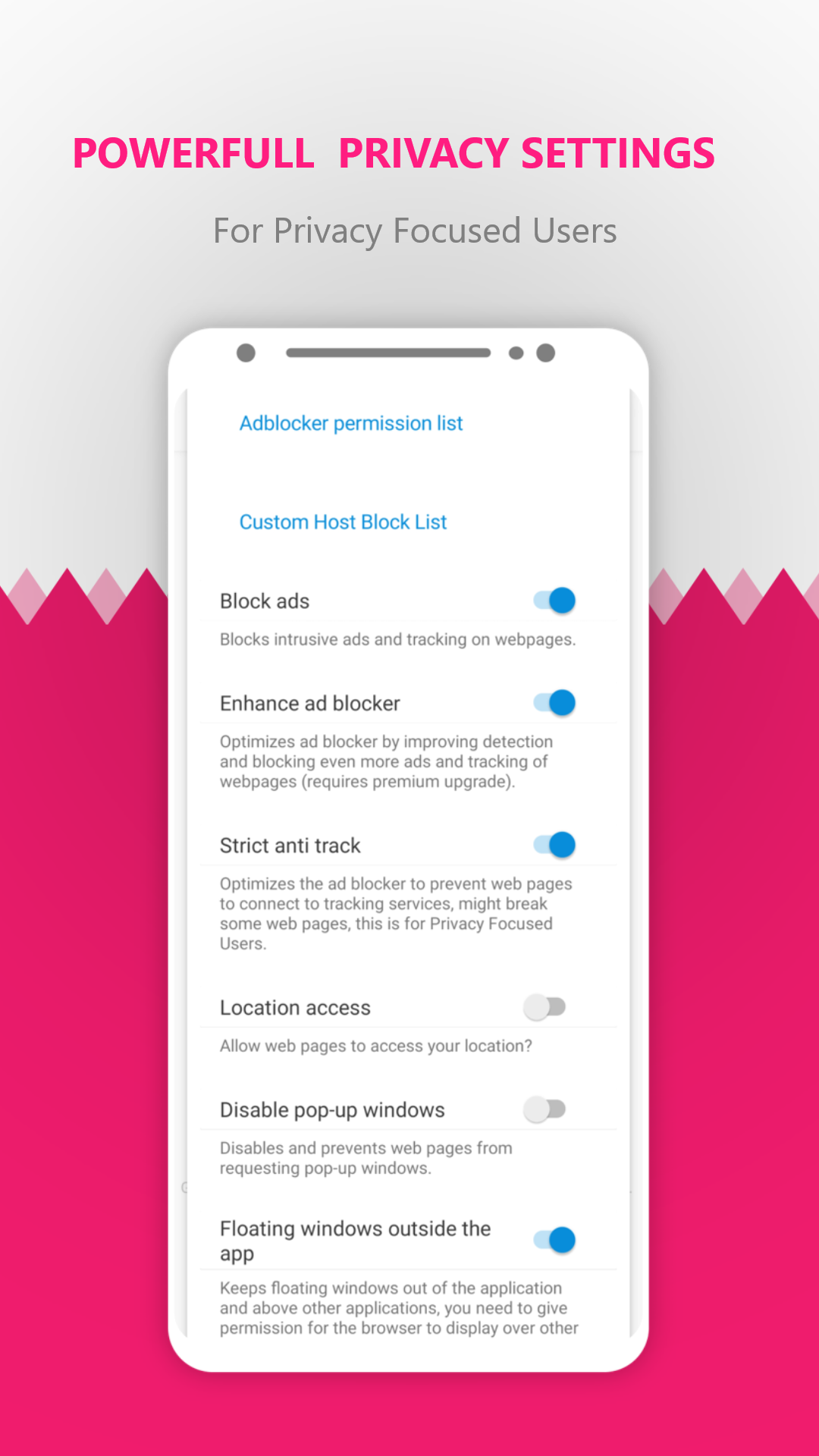
Added: Denis Rubinov
Version: 1.0.350
Size: 1.2 MB
Updated: 23.08.2023
Developer: Apps by Marcelo de Souza
Age Limitations: Everyone
Authorizations: 9
Downloaded on Google Play: 354578
Category: Contact
Description
Application Orions - Privacy Browser was checked by VirusTotal antivirus. As a result of the scan, no file infections were detected by all the latest signatures.
How to install Orions - Privacy Browser
- Download APK file apps from apkshki.com.
- Locate the downloaded file. You can find it in the system tray or in the 'Download' folder using any file manager.
- If the file downloaded in .bin extension (WebView bug on Android 11), rename it to .apk using any file manager or try downloading the file with another browser like Chrome.
- Start the installation. Click on the downloaded file to start the installation
- Allow installation from unknown sources. If you are installing for the first time Orions - Privacy Browser not from Google Play, go to your device's security settings and allow installation from unknown sources.
- Bypass Google Play protection. If Google Play protection blocks installation of the file, tap 'More Info' → 'Install anyway' → 'OK' to continue..
- Complete the installation: Follow the installer's instructions to complete the installation process.
How to update Orions - Privacy Browser
- Download the new version apps from apkshki.com.
- Locate the downloaded file and click on it to start the installation.
- Install over the old version. There is no need to uninstall the previous version.
- Avoid signature conflicts. If the previous version was not downloaded from apkshki.com, the message 'Application not installed' may appear. In this case uninstall the old version and install the new one.
- Restart annex Orions - Privacy Browser after the update.








Requesting an application update
Added Denis Rubinov
Version: 1.0.350
Size: 1.2 MB
Updated: 23.08.2023
Developer: Apps by Marcelo de Souza
Age Limitations: Everyone
Authorizations:
Downloaded on Google Play: 354578
Category: Contact












Reviews for Orions - Privacy Browser
I love the app it works smooth on my old phone but I have one issue it downloads my large files but it processes them and says complete but it isn't the files actual size. When I try to open the file it doesn't work I even tried opening it on my friends laptop but it says that the file is corrupt. I hope you guys fix this problem that I have . THANKS FOR THE AWESOME APP😊
Not sure but i believe I saw updates @ ap_kfab and a_kpure ..I think ...
App working on webview implementation
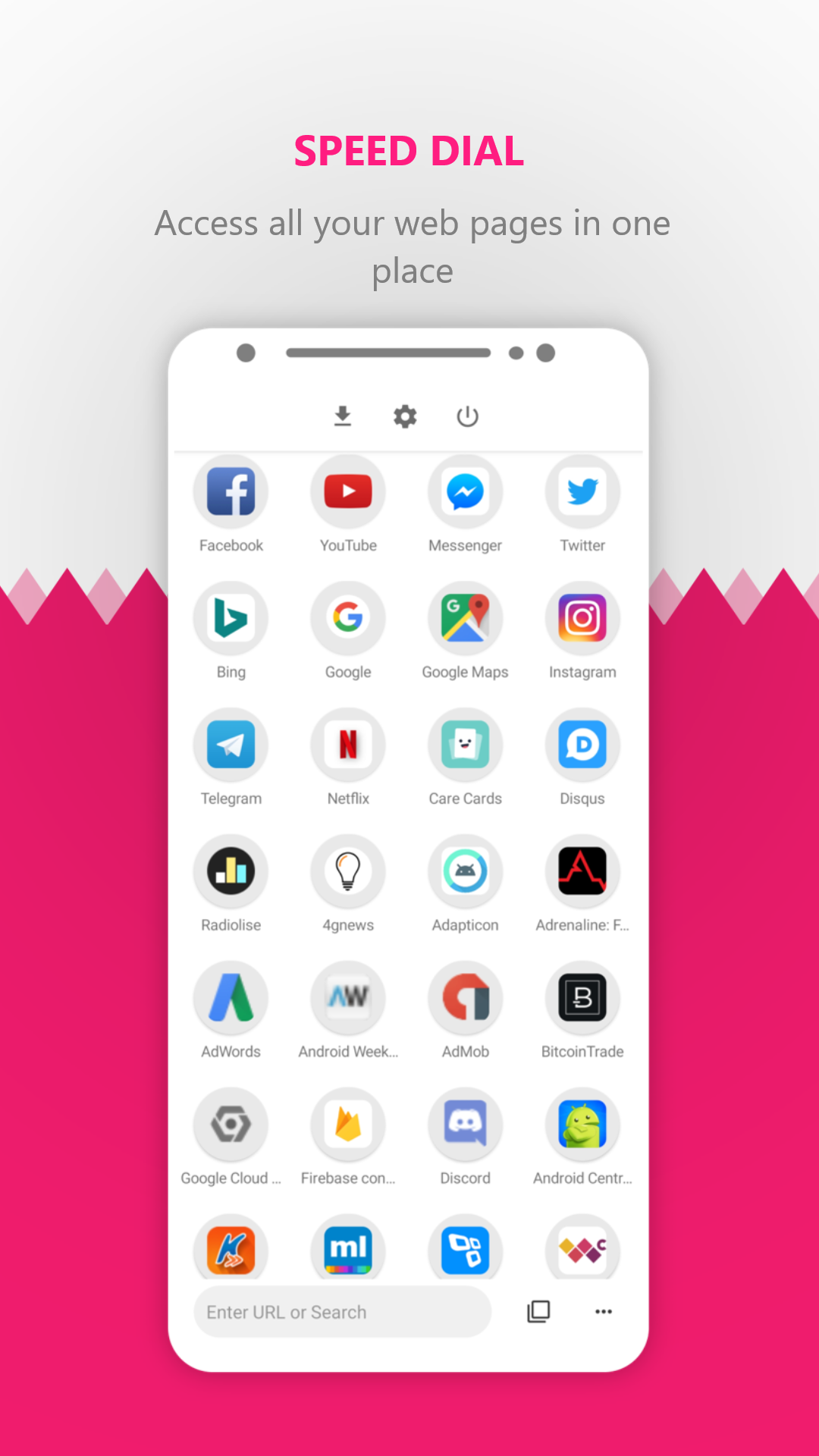
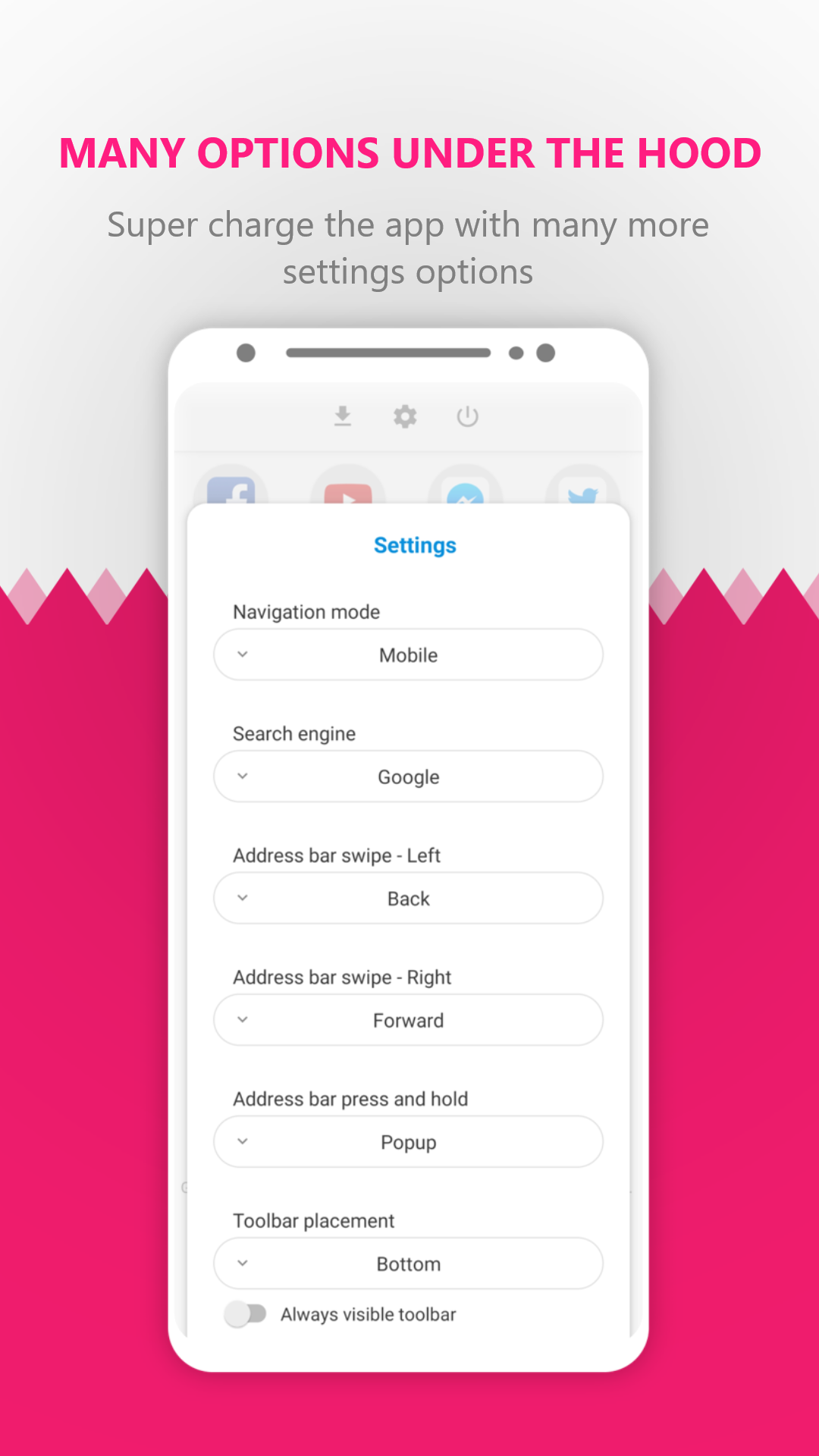
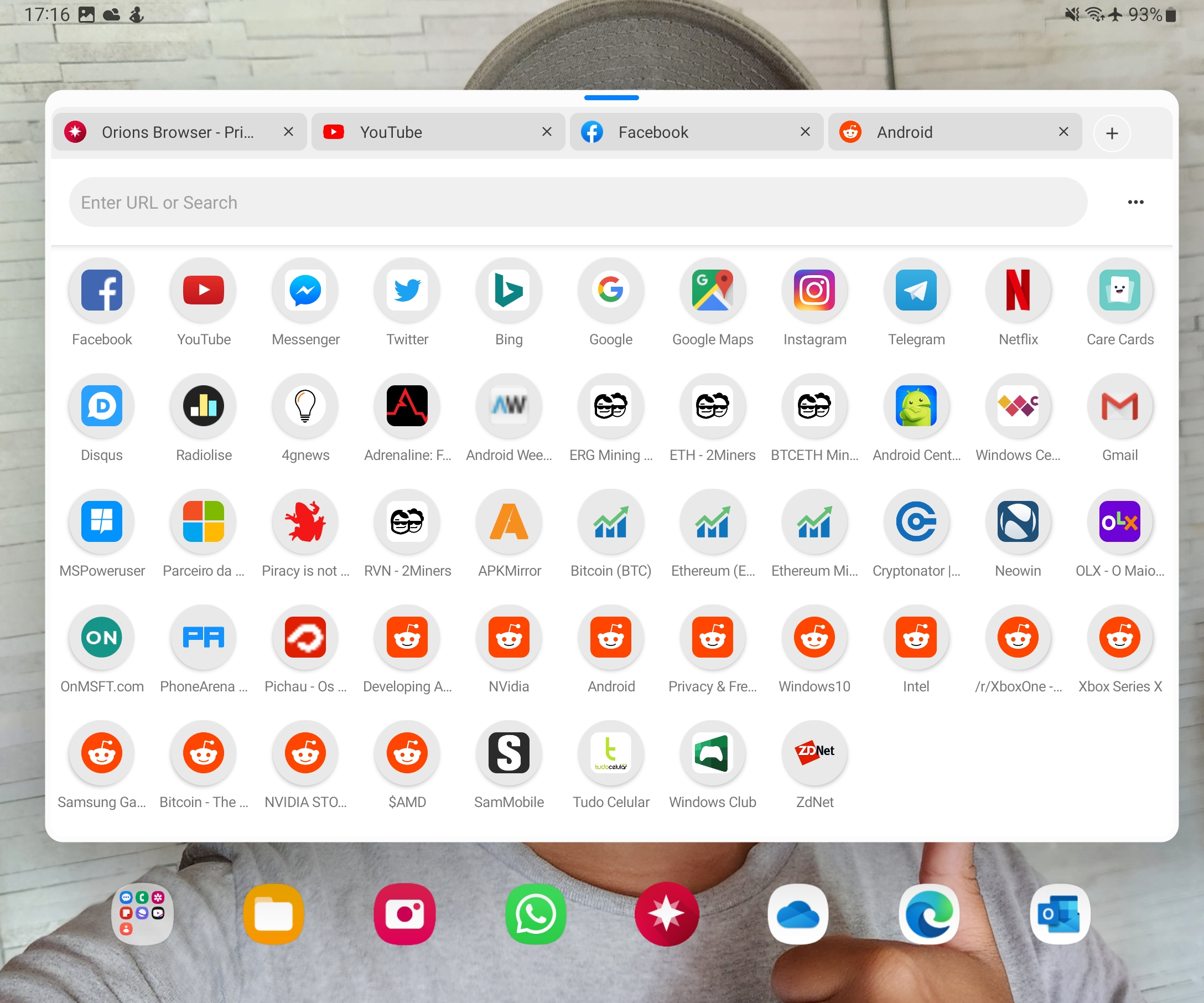
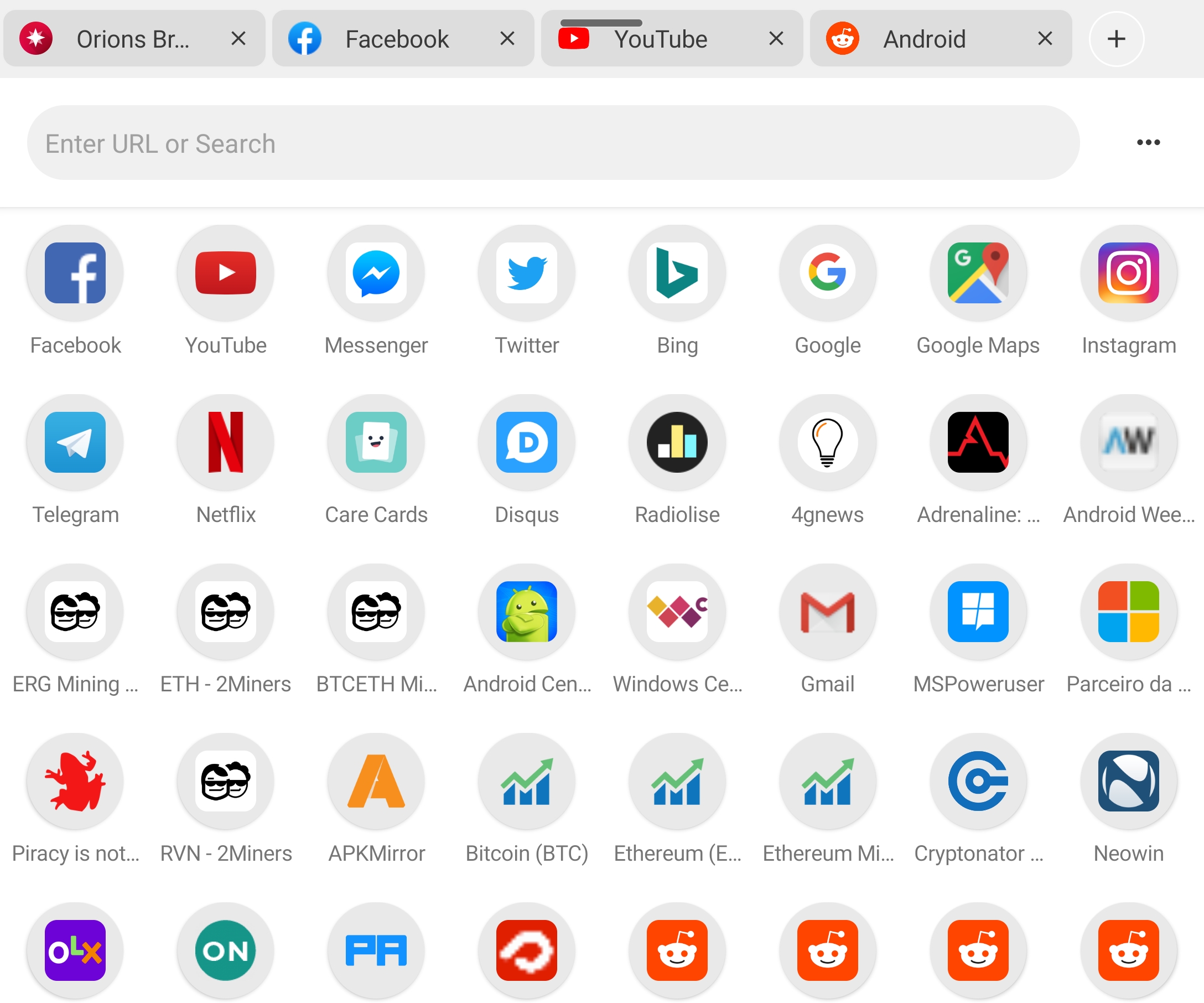
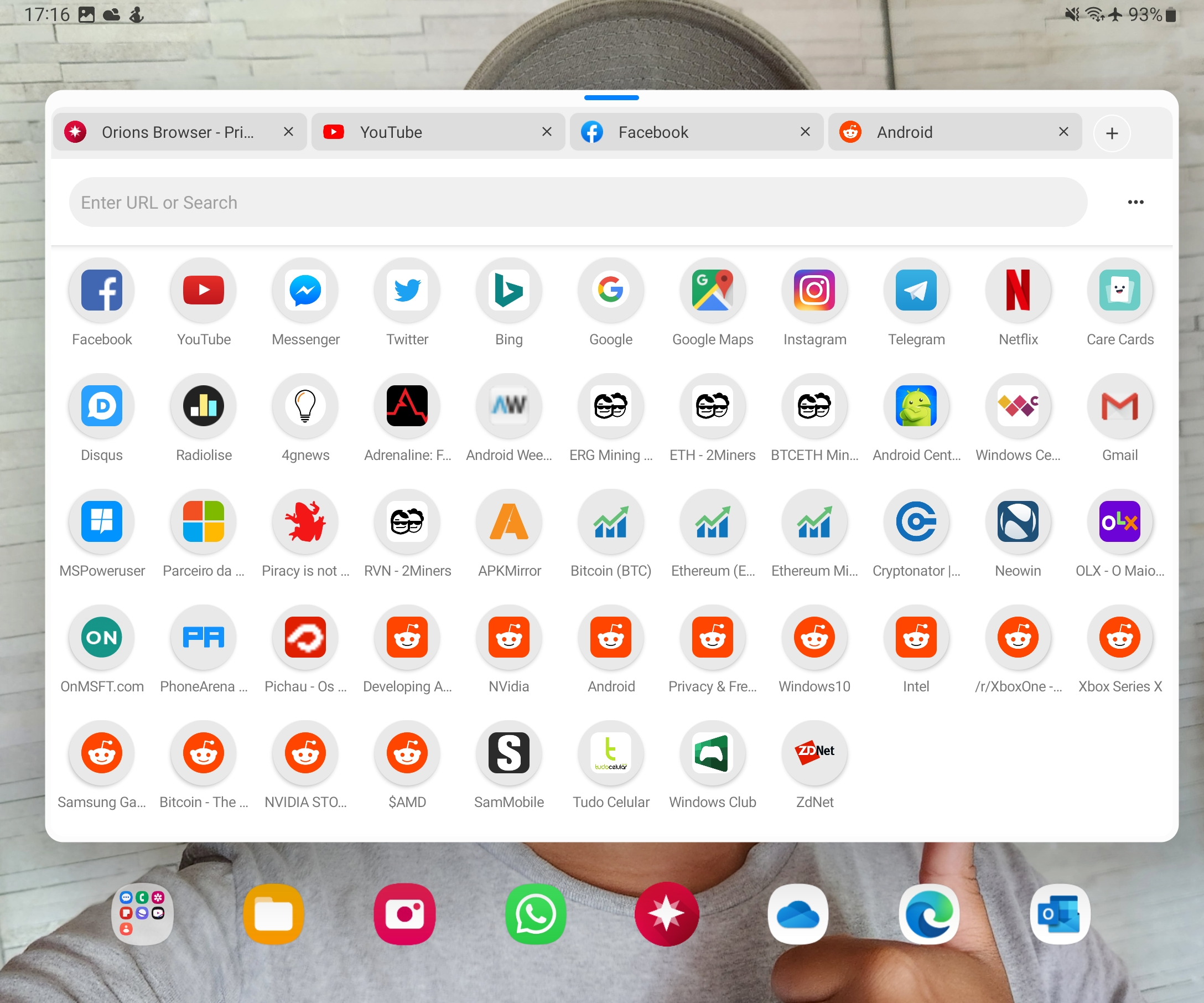
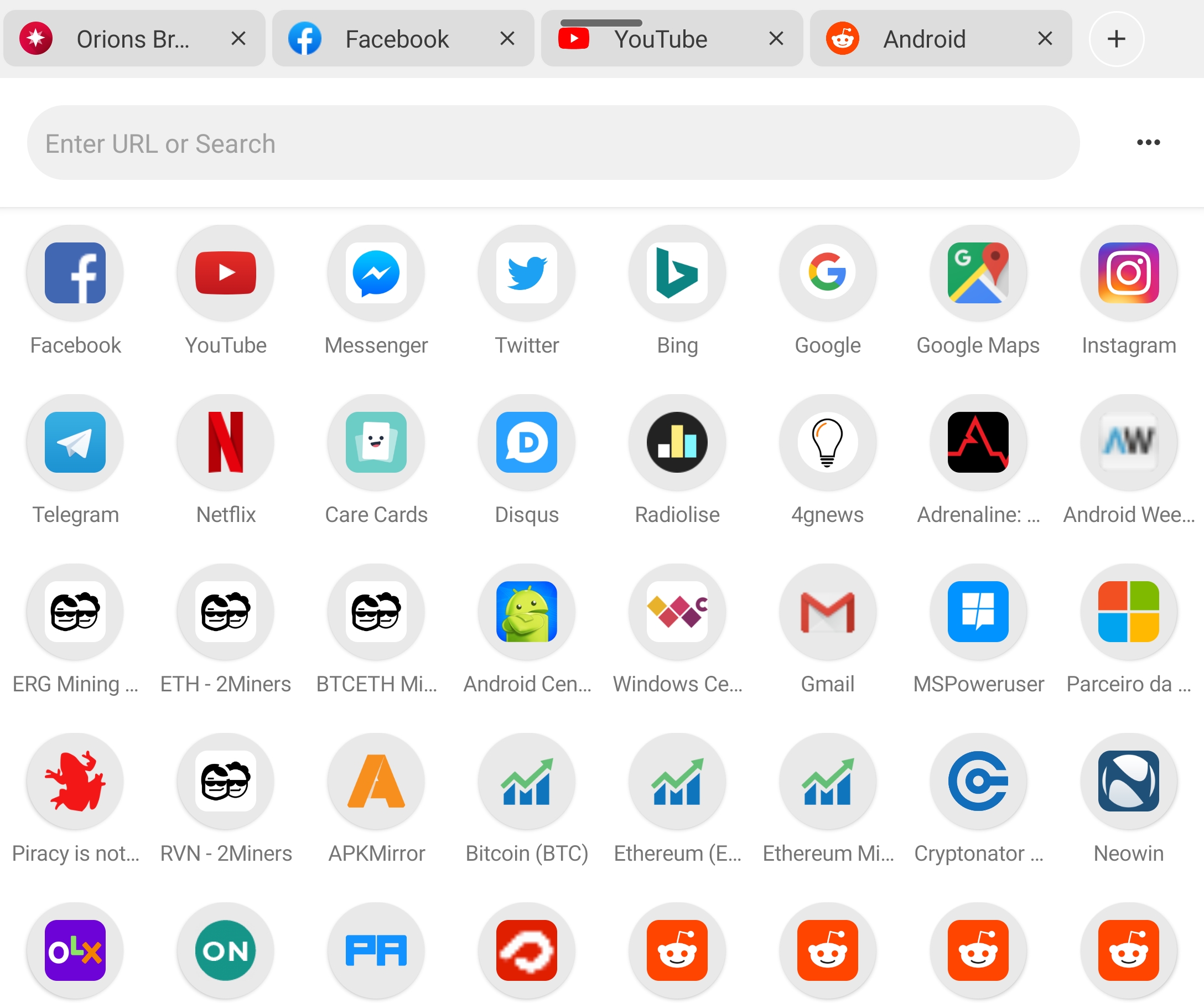
The app is near perfect with only one annoying thing. I can't set the "Speed Dial" page as the homepage for the browser.
I love this broswer for its speed and small size, too bad in this device vivo y83 it doesnt have the autofill suggestion when typing username while other browser like opera and chrome have it. Weirdly enough, I have oppo a37 with orion browser but it has the autofill suggestion. So if it has to do with my orion settings lemme know and I'll change the rating. Also if you can move the reload button on address bar, it would be great.
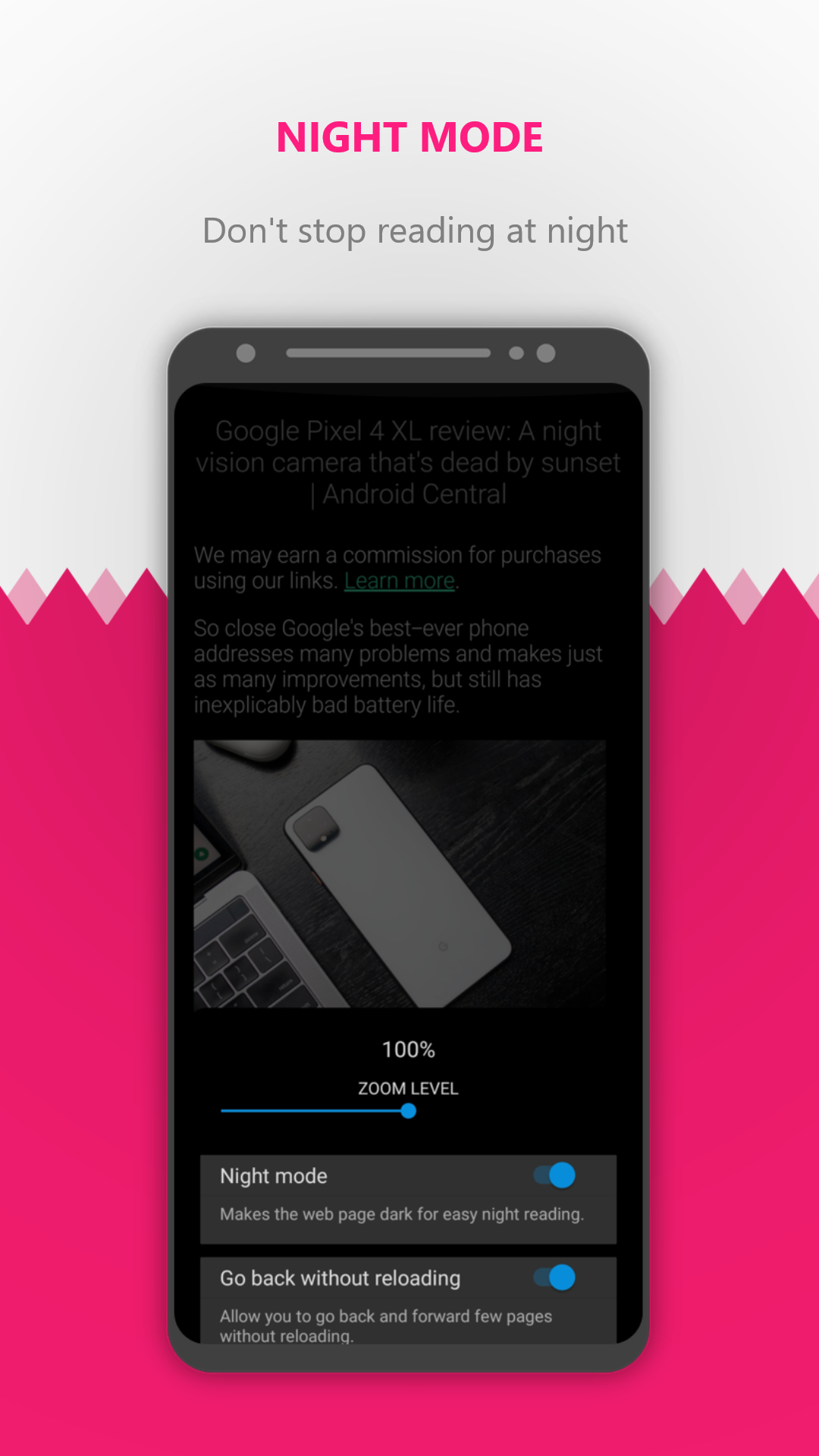
Got dark mode display, good. The "Load pages with SSL error" did not work. Amazing job at getting so many features into such a small app. Congratulations, Marcelo!
Doesn't even work
Can't control Javascript.
Very nice apps
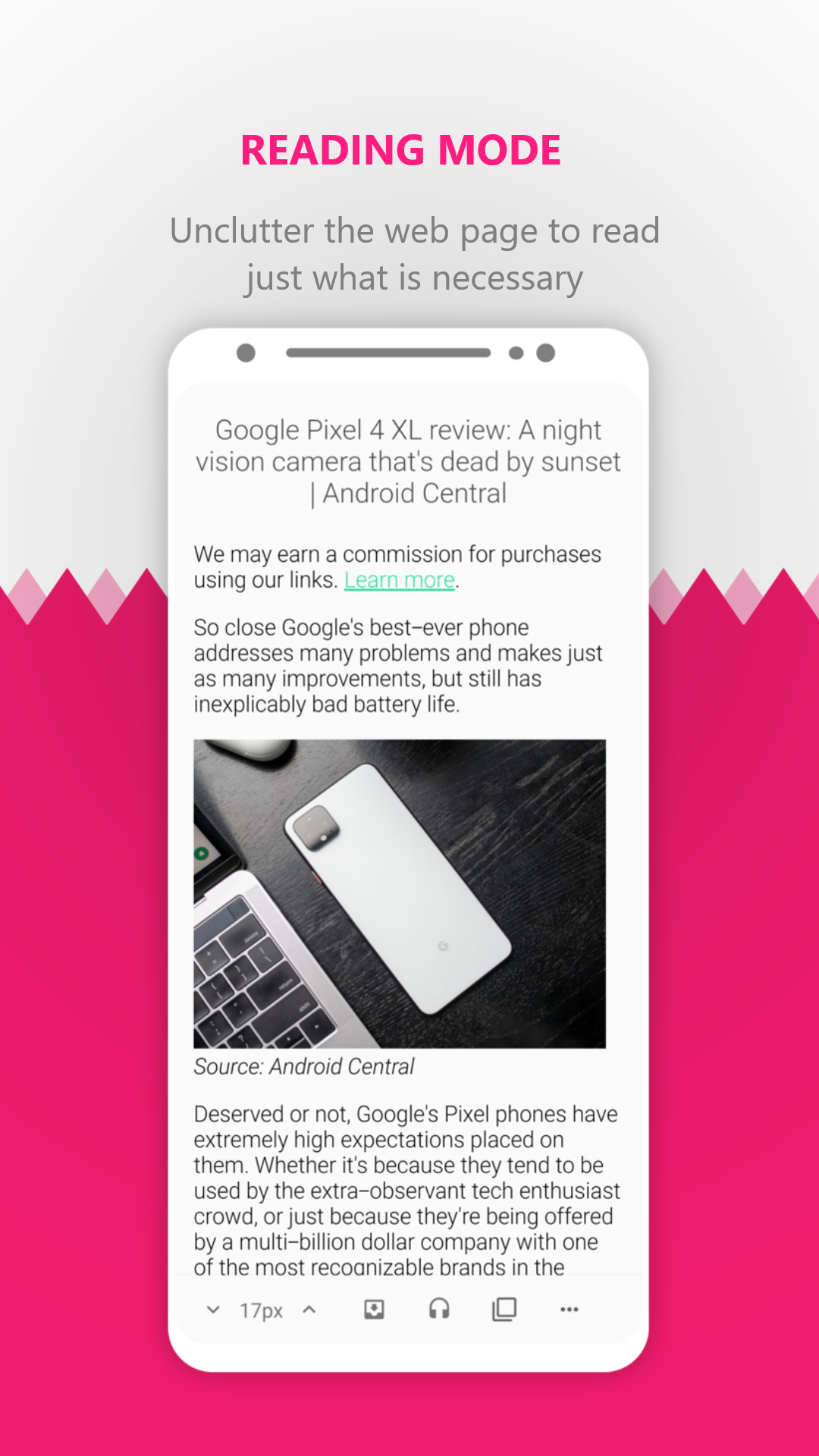
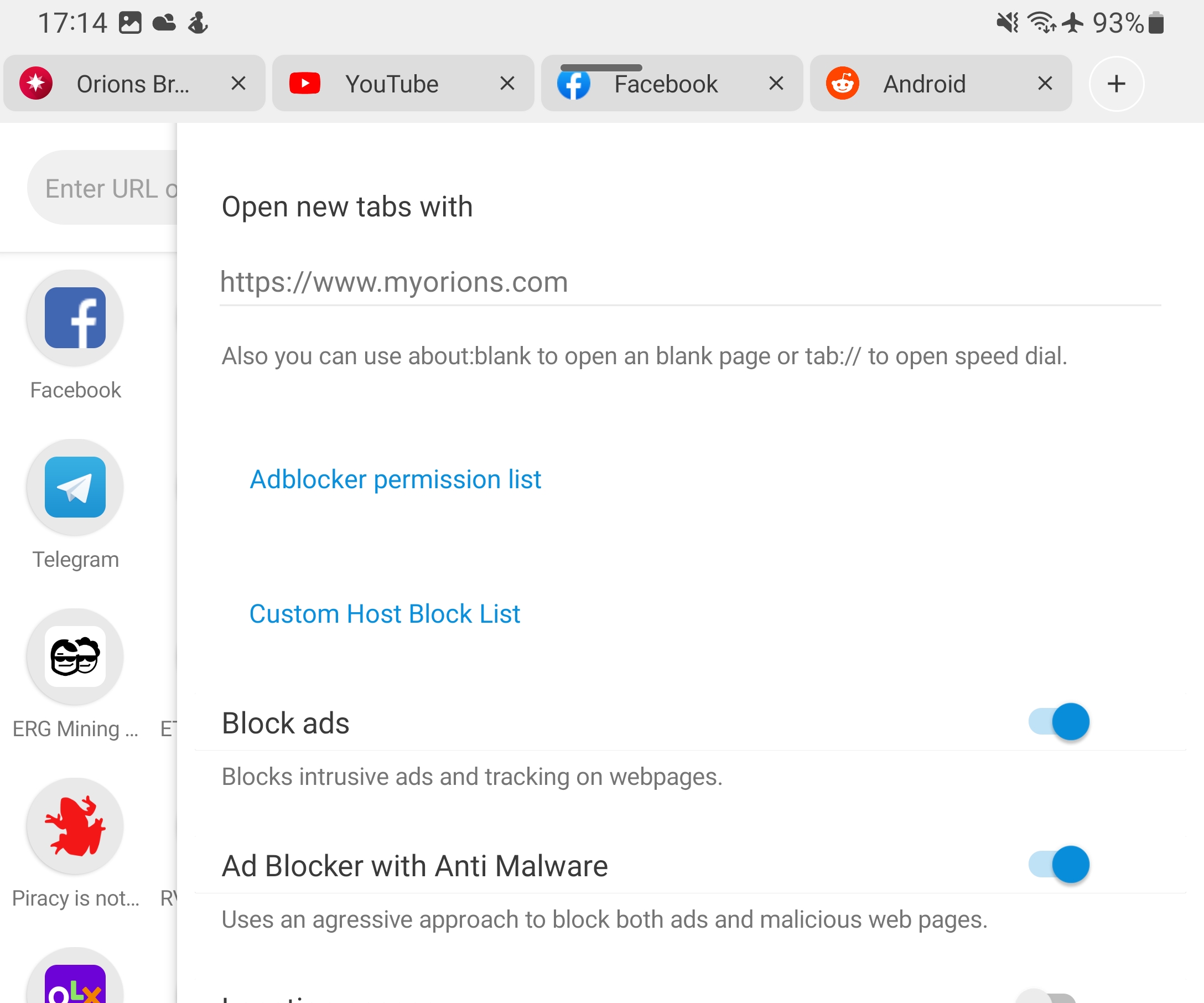
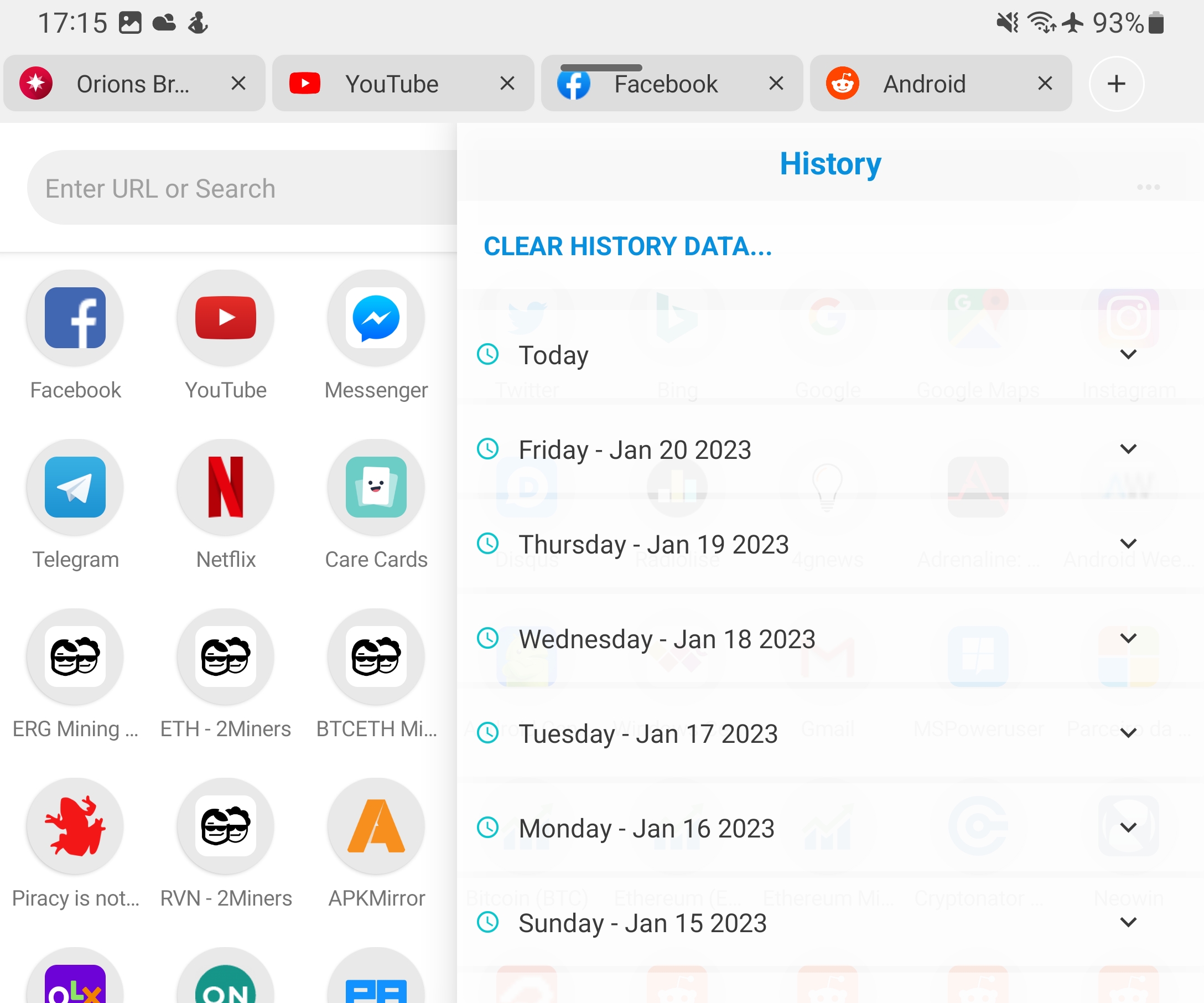
In my opinion, it is the best of the browsers. It blocks ads perfectly.Though it is small, a lot of functions, Such as screenshots of the whole web page, Reader mode, save web page as pdf, night mode vision, are available in this browser. Downloading is very fast. It works as its name Monument. But translate not supported
Monument Browser naming more universal, cooler. Fierce competition by more established browsers and compatibility glitches could not survive by. Rich varied features offered cool but multiple downloading capability with zero guarantees of security in respect to public wifi dependencies forced uninstall, ultimately. I might reinstall on occasion just to see if related security concerns of protecting end user from data theft/syphoning via over sharing addressed. Motorola Moto E
Previous icon color was good, this is iritating. Please revert back the icon color change to blue. Everything else is great 👏.
Post updating to orion it's now a battery hog,! 5% battery consumed by orion at 43 minutes time! Monument was much better even after 3 hours of use it consumed much less than that !
Using since years... Now it's new name n new icon.. But all the features are best as before.. Best browser till now... Love from India 🇮🇳
Post a comment
To leave a comment, log in with your social network:
Or leave an anonymous comment. Your comment will be sent for moderation.
Post a comment
To leave a comment, log in with your social network:
Or leave an anonymous comment. Your comment will be sent for moderation.