



Mobizen Recorder for Samsung
16+
downloads4.4+
version Android


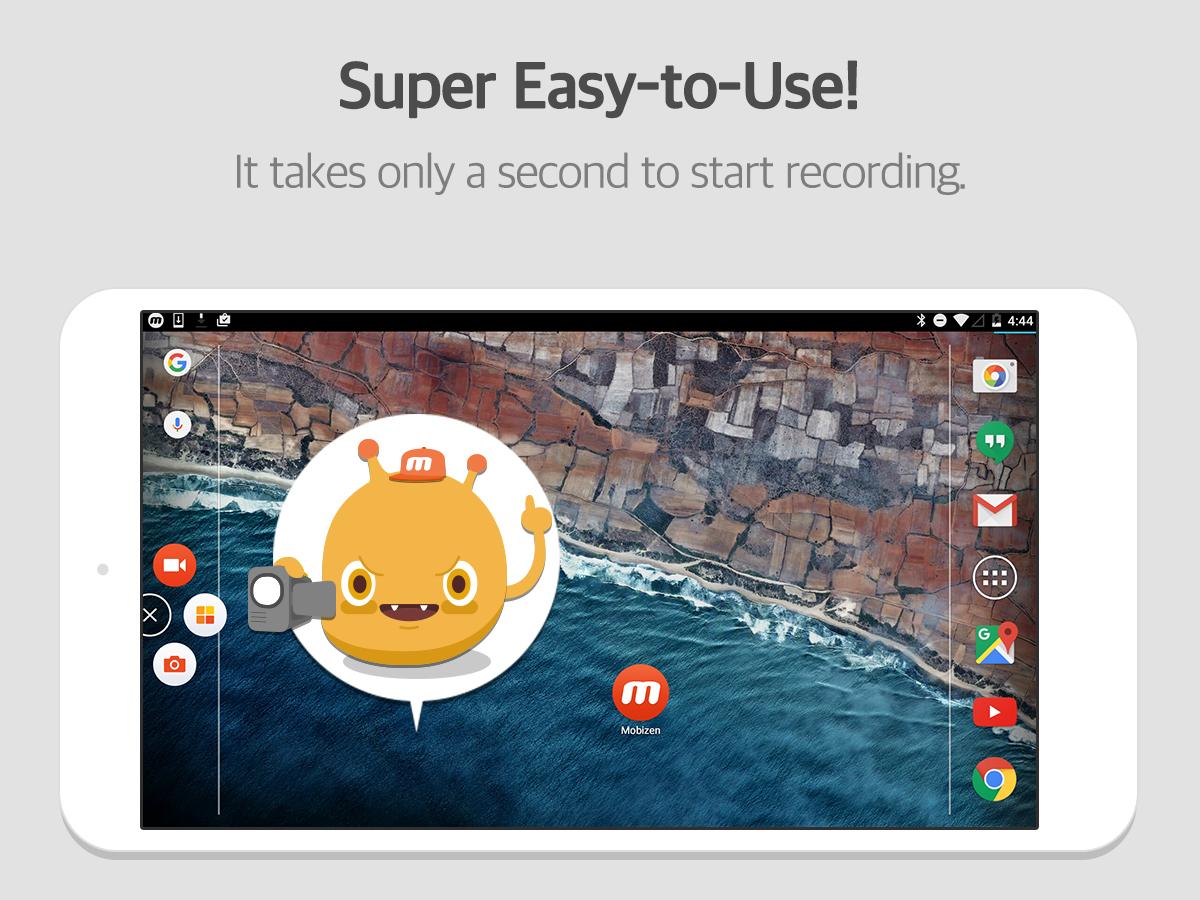
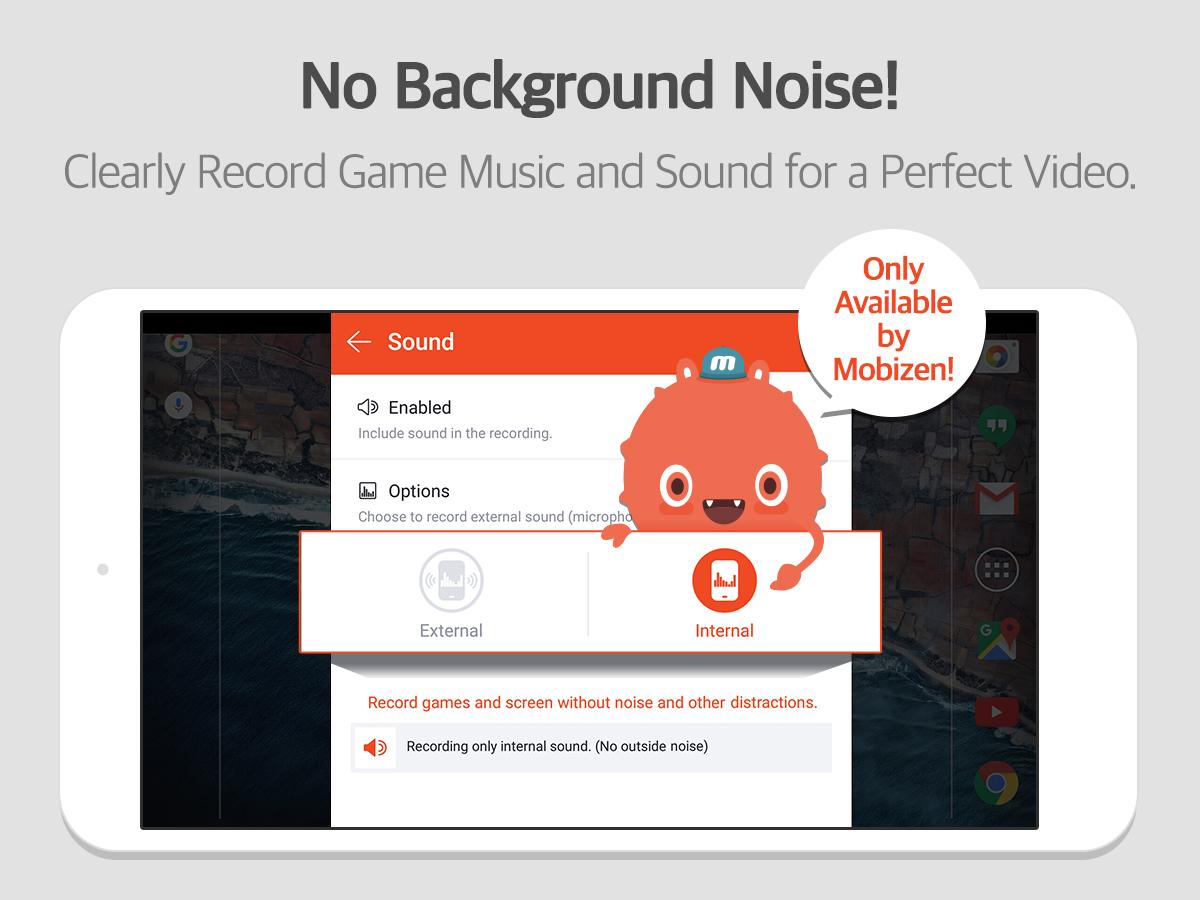
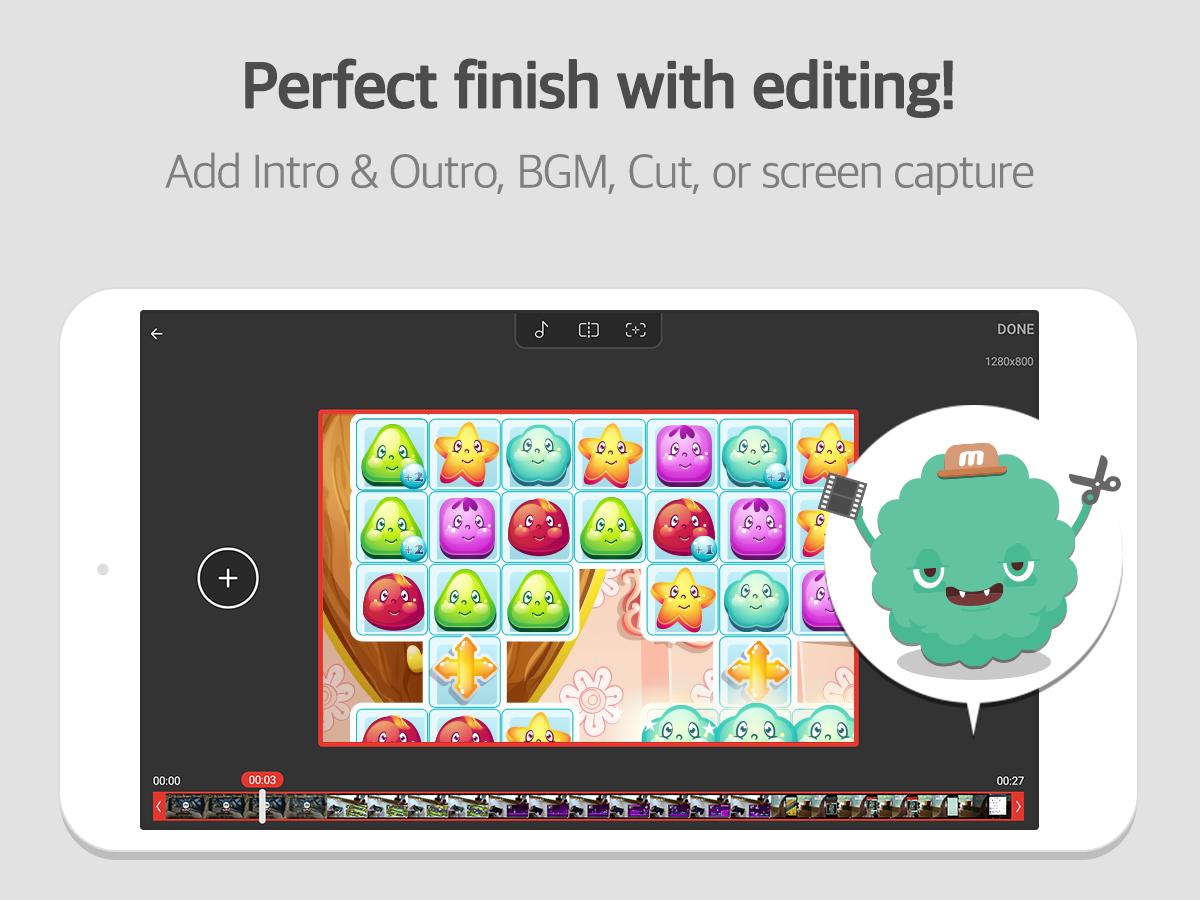
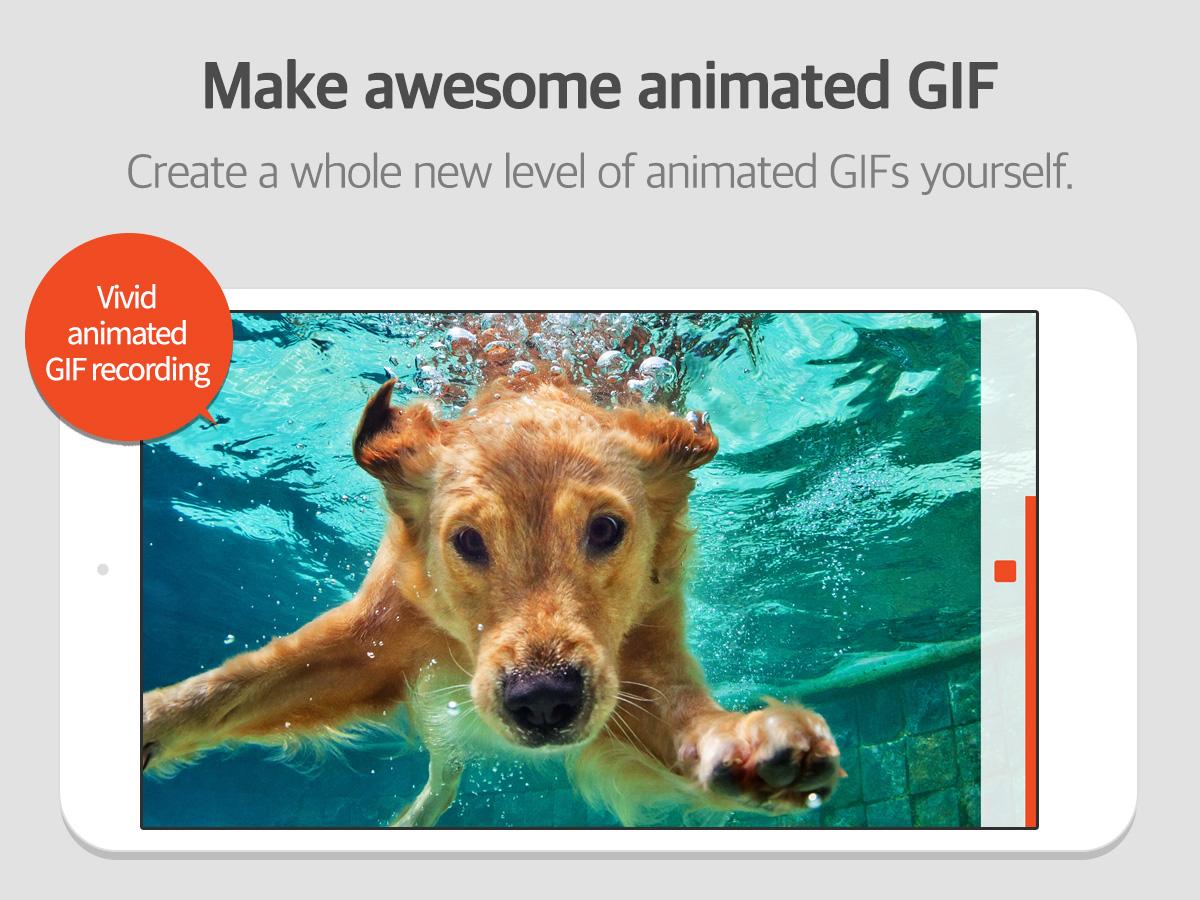
Added: Denis Rubinov
Version: 3.6.6.7
Size: 24 MB
Updated: 11.09.2020
Developer: MOBIZEN
Age Limitations: Everyone
Authorizations: 20
Downloaded on Google Play: 41419806
Category: Work
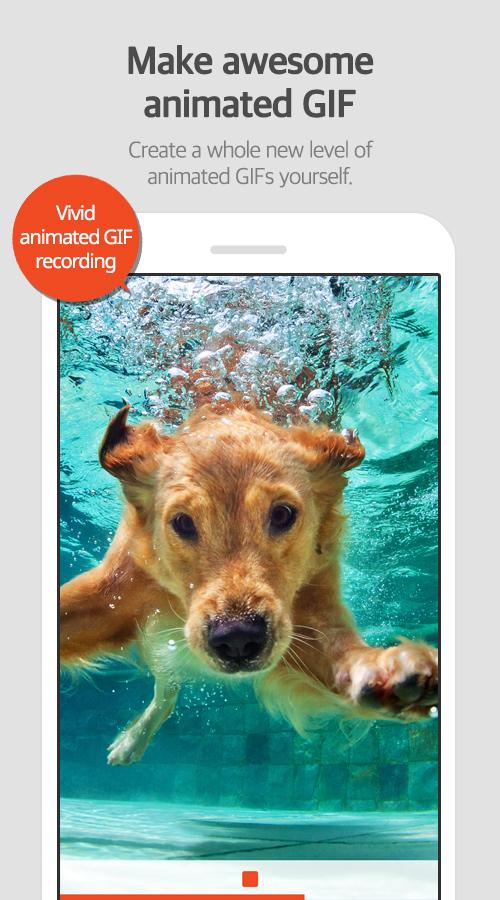
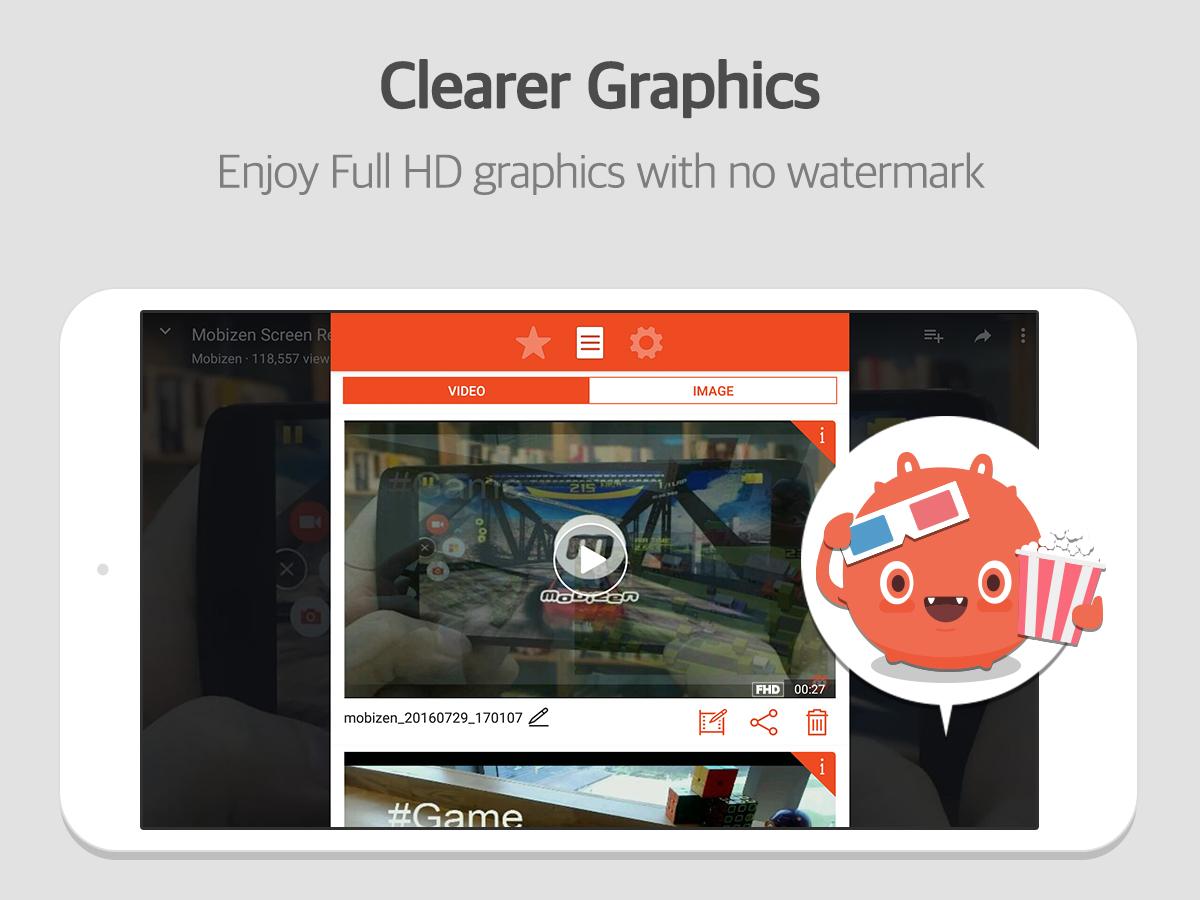
- Good quality recording.
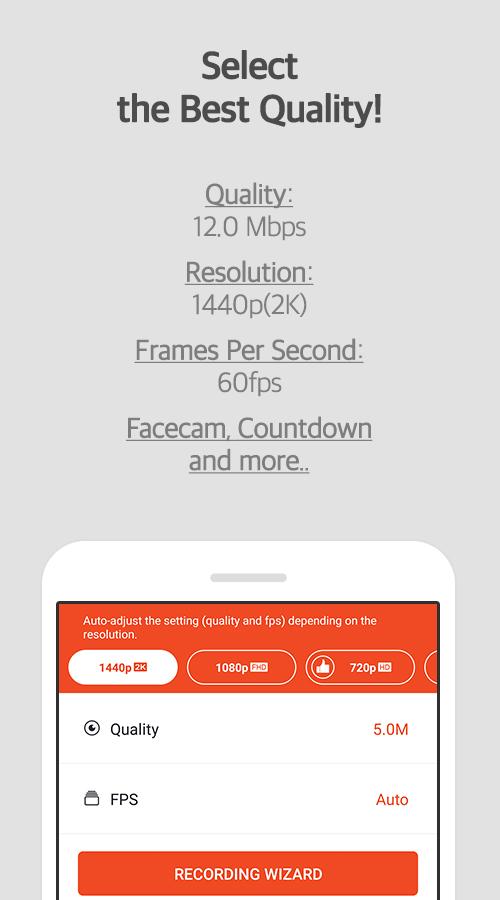
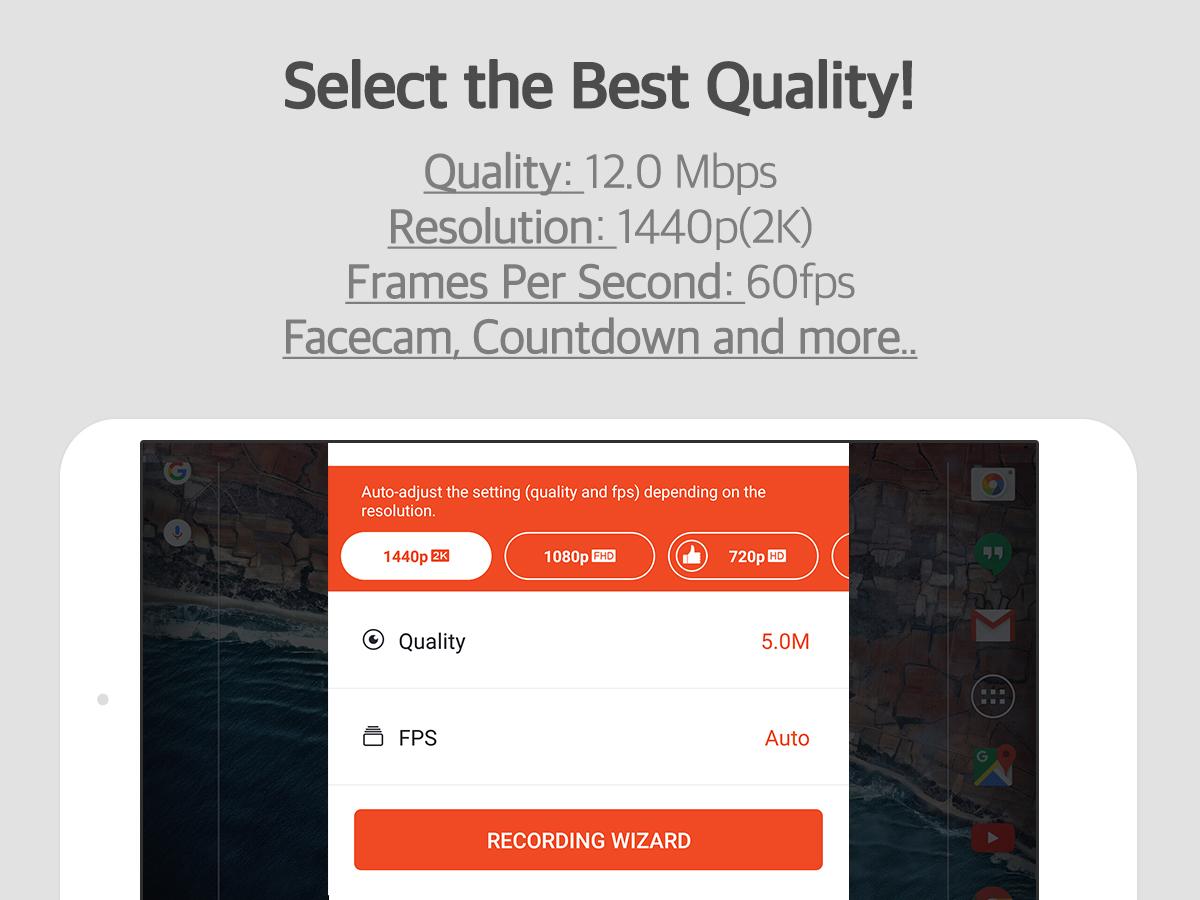
- You can manually select the resolution and fps.
- Not required as root.
- Free to use.
Description
Application Mobizen Recorder for Samsung was checked by VirusTotal antivirus. As a result of the scan, no file infections were detected by all the latest signatures.
How to install Mobizen Recorder for Samsung
- Download APK file apps from apkshki.com.
- Locate the downloaded file. You can find it in the system tray or in the 'Download' folder using any file manager.
- If the file downloaded in .bin extension (WebView bug on Android 11), rename it to .apk using any file manager or try downloading the file with another browser like Chrome.
- Start the installation. Click on the downloaded file to start the installation
- Allow installation from unknown sources. If you are installing for the first time Mobizen Recorder for Samsung not from Google Play, go to your device's security settings and allow installation from unknown sources.
- Bypass Google Play protection. If Google Play protection blocks installation of the file, tap 'More Info' → 'Install anyway' → 'OK' to continue..
- Complete the installation: Follow the installer's instructions to complete the installation process.
How to update Mobizen Recorder for Samsung
- Download the new version apps from apkshki.com.
- Locate the downloaded file and click on it to start the installation.
- Install over the old version. There is no need to uninstall the previous version.
- Avoid signature conflicts. If the previous version was not downloaded from apkshki.com, the message 'Application not installed' may appear. In this case uninstall the old version and install the new one.
- Restart annex Mobizen Recorder for Samsung after the update.



Mobizen Screen Recorder for LG
Video Players & Editors

ADV Screen Recorder
Tools

Riv Screen Recorder
Video Players & Editors

Rec. (Screen Recorder)
Video Players & Editors

Screen Recorder: Facecam Audio
Tools

Screen Recorder • Video Editor
Video Players & Editors

Screen Recorder GU Recorder
Video Players & Editors

Screen Recorder VRecorder Lite
Video Players & Editors
Requesting an application update
Added Denis Rubinov
Version: 3.6.6.7
Size: 24 MB
Updated: 11.09.2020
Developer: MOBIZEN
Age Limitations: Everyone
Authorizations:
Downloaded on Google Play: 41419806
Category: Work












Reviews for Mobizen Recorder for Samsung
Amazing app even free version Is a great app
Video have pruple pixel
Dont use it anymore since stock Android can do it well enough by now. Was a nice piece of software while Android was in its lows, where screen recording only recorded video + audio from the microphone, therefore making the audio super bad.
It's very good app screenshot is so good I'm uesd this app for years it have everything
ويويةيويويويويويويويويويويوي
Amazing application I luuuv it! Bravo guys for the job!
It's preety good
esta app è muito bom, rapido e eficas
تحفة
Very good
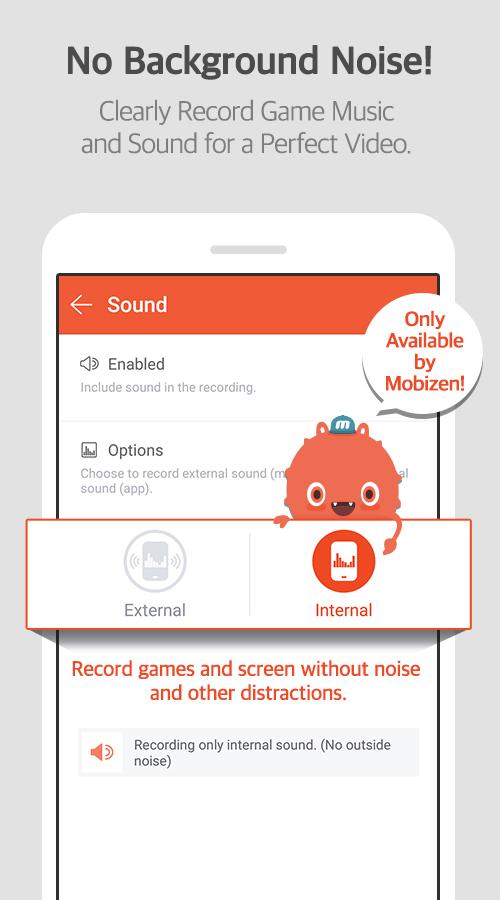
I've been using Mobizen for a few years now. I'm on a Samsung S8 phone, previously Samsung S6. For some reason the Samsung version doesn't work any longer, just telling you to install the "Unified" version which doesn't allow for internal sound recording (i.e. it records from the mic), eventhough the description still says this is an option. The latest relese notes says it updated stuff, but it looks like it was a stealth-nerfing of their own app. Bad form, thumbs down.
I tried to get a tuturial on how the program works cuz I never used anything like it before. But it never gave me the option to do so. Instead it just immediately launched and it asked if how much of my screen I wanted shown or shared and there was only one option. Then, my computer slowed incrediblely, and my mouse disappeared. If I want to play a game I couldn't. Lastly the whole program just stopped working. I'm never getting this program again.
this was the only screen recorder I could find for recording internal audio. thanks to the new update, I can't have the internal audio. now I have to search again after searching for what seemed like hours when I first started looking! people downloaded this for a reason. don't be stupid, change it back.
This is SUCH A GREAT APP! My only problem with it is the screenshots will only record in portrait mode, and my entire YouTube channel depends on landscape pictures. If you could fix this, I might give you a 5th star for listening! I might try regular Mobizen instead of Samsung edition. If that doesn't work, please fix this! Also for all of you wondering my channel is threecutepl.
AMAZING! I absolutely love this app! Great screen recorder, and helpful! Only problem is I cant seem to turn on internal sound. I am using Mobizen SAMSUNG, and I made sure I did all the steps right to get internal sound but the option does not show up for me. It may just be a glitch though. Overall, awesome app! 100% recommend!
Post a comment
To leave a comment, log in with your social network:
Or leave an anonymous comment. Your comment will be sent for moderation.
Post a comment
To leave a comment, log in with your social network:
Or leave an anonymous comment. Your comment will be sent for moderation.