



MediaFire
27+
downloads4.1+
version Android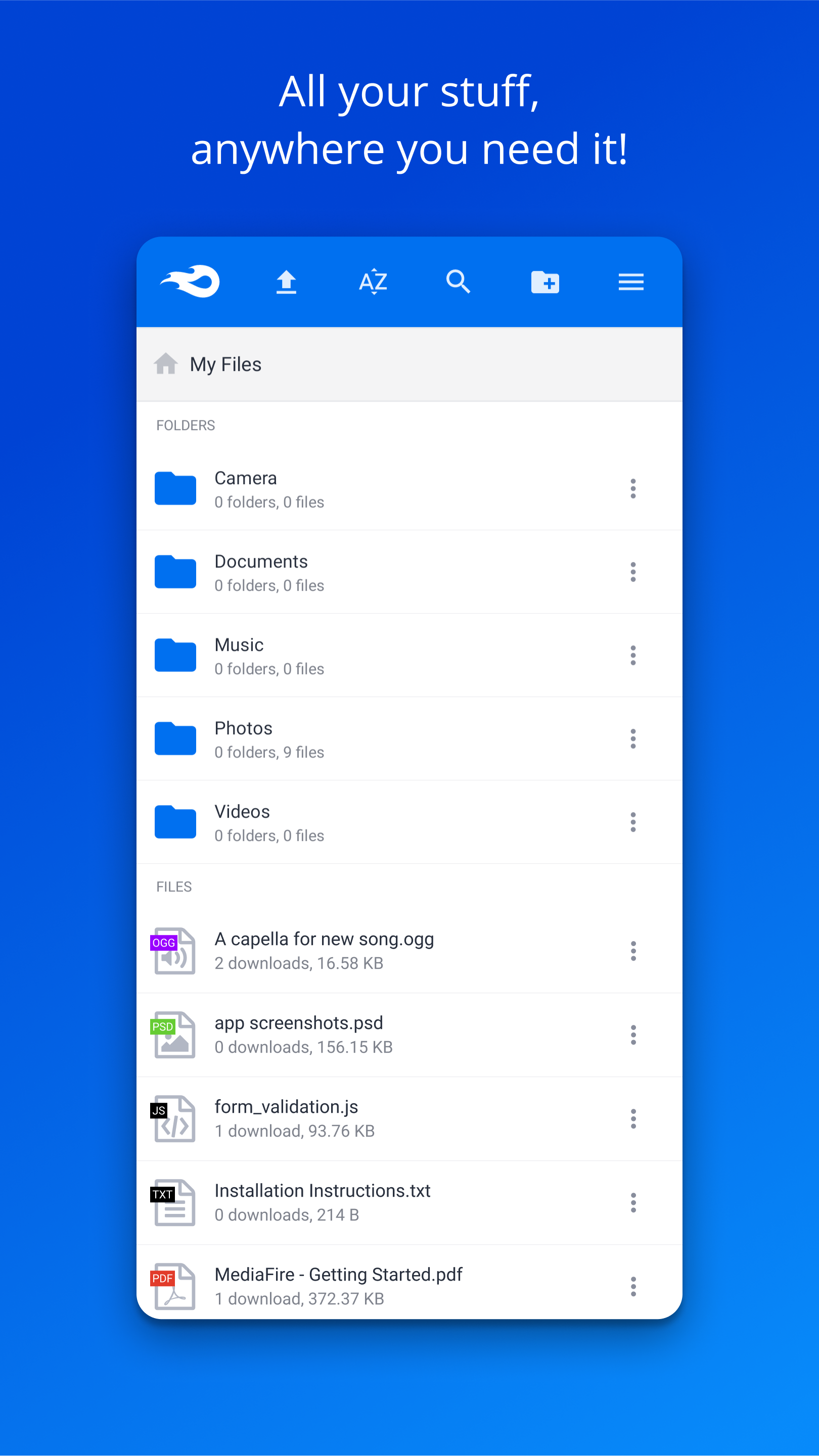
Added: Denis Rubinov
Version: 5.6.0
Size: 25.3 MB
Updated: 22.10.2023
Developer: MediaFire
Age Limitations: Everyone
Authorizations: 6
Downloaded on Google Play: 19727943
Category: Work
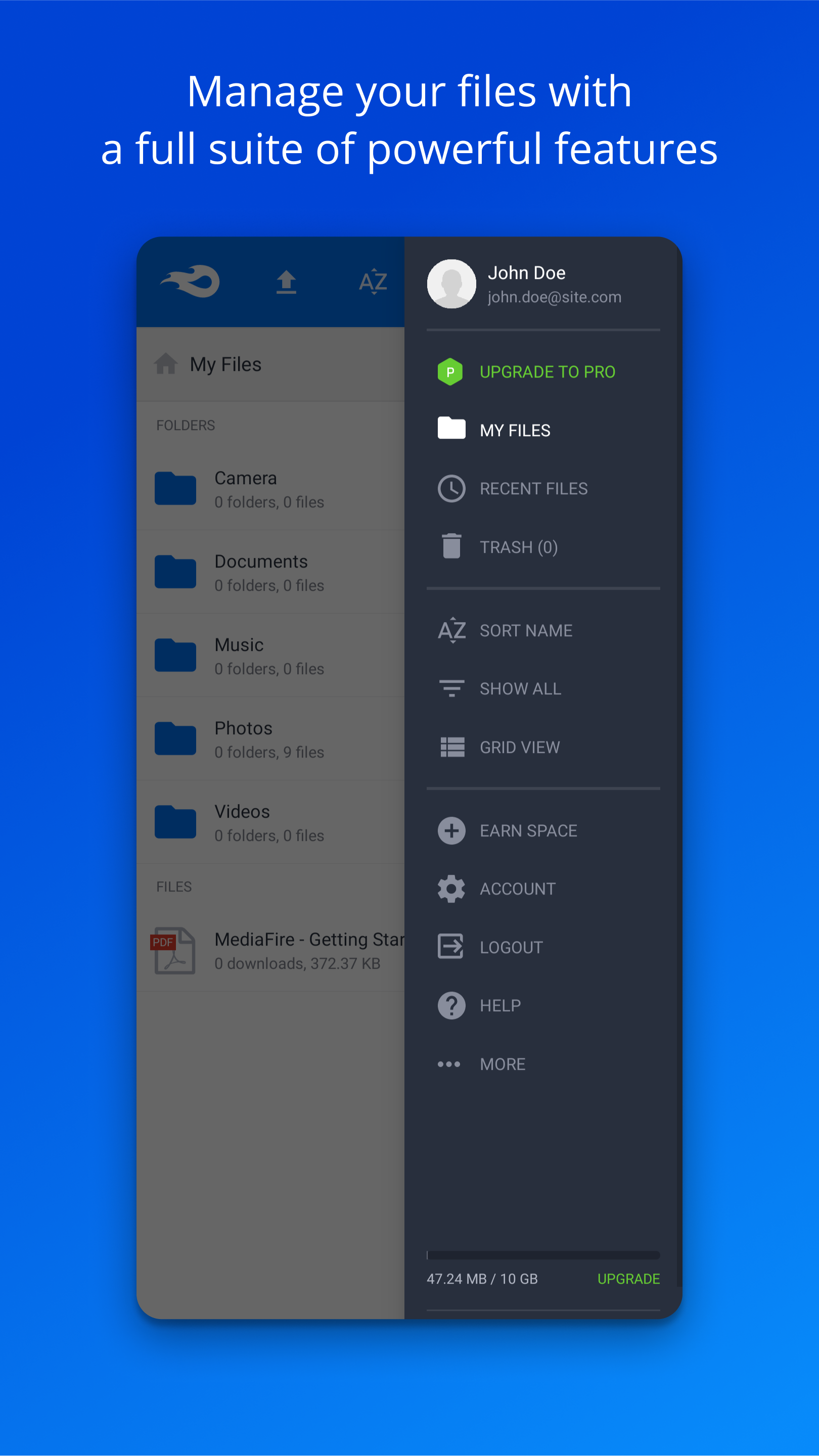
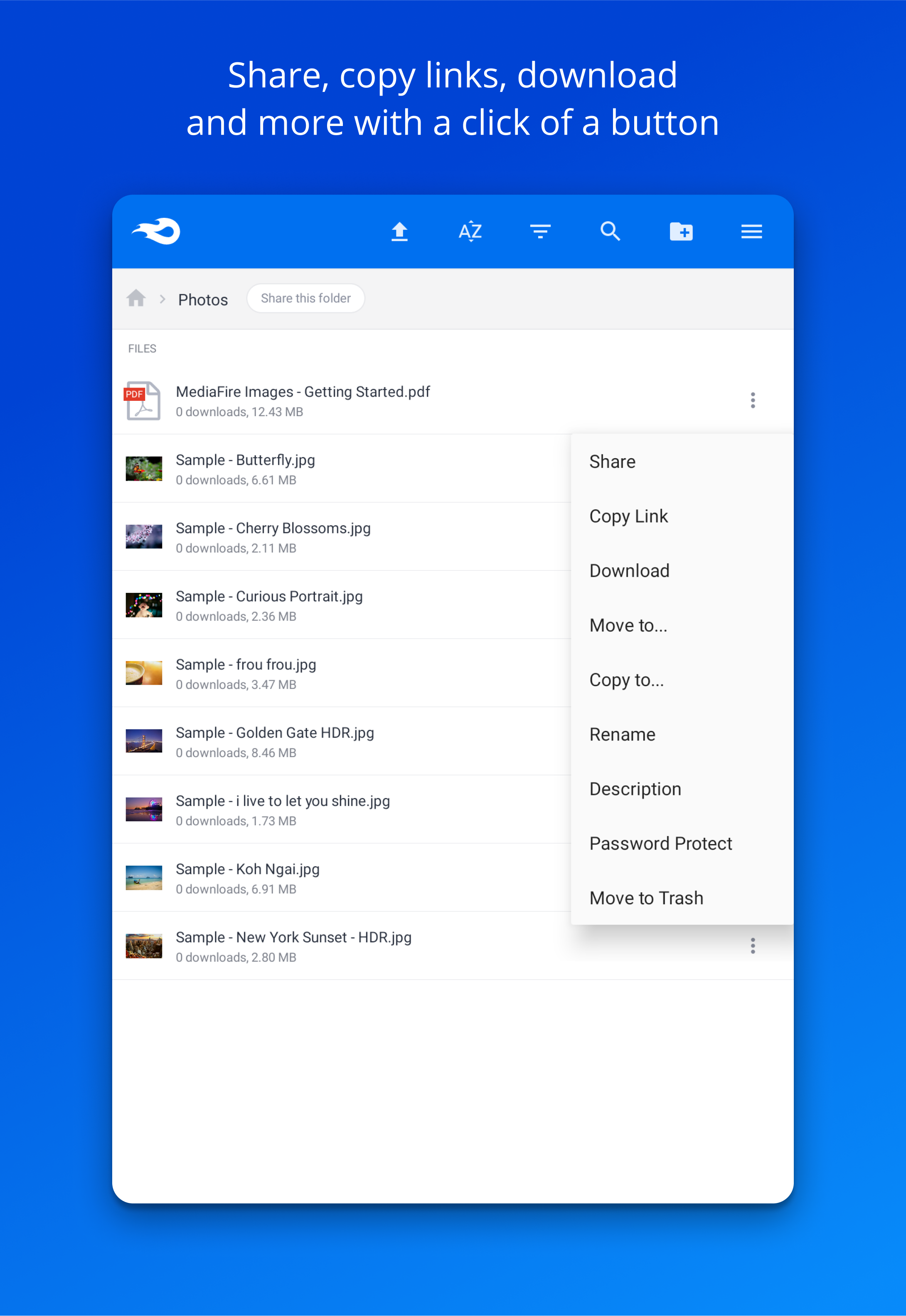
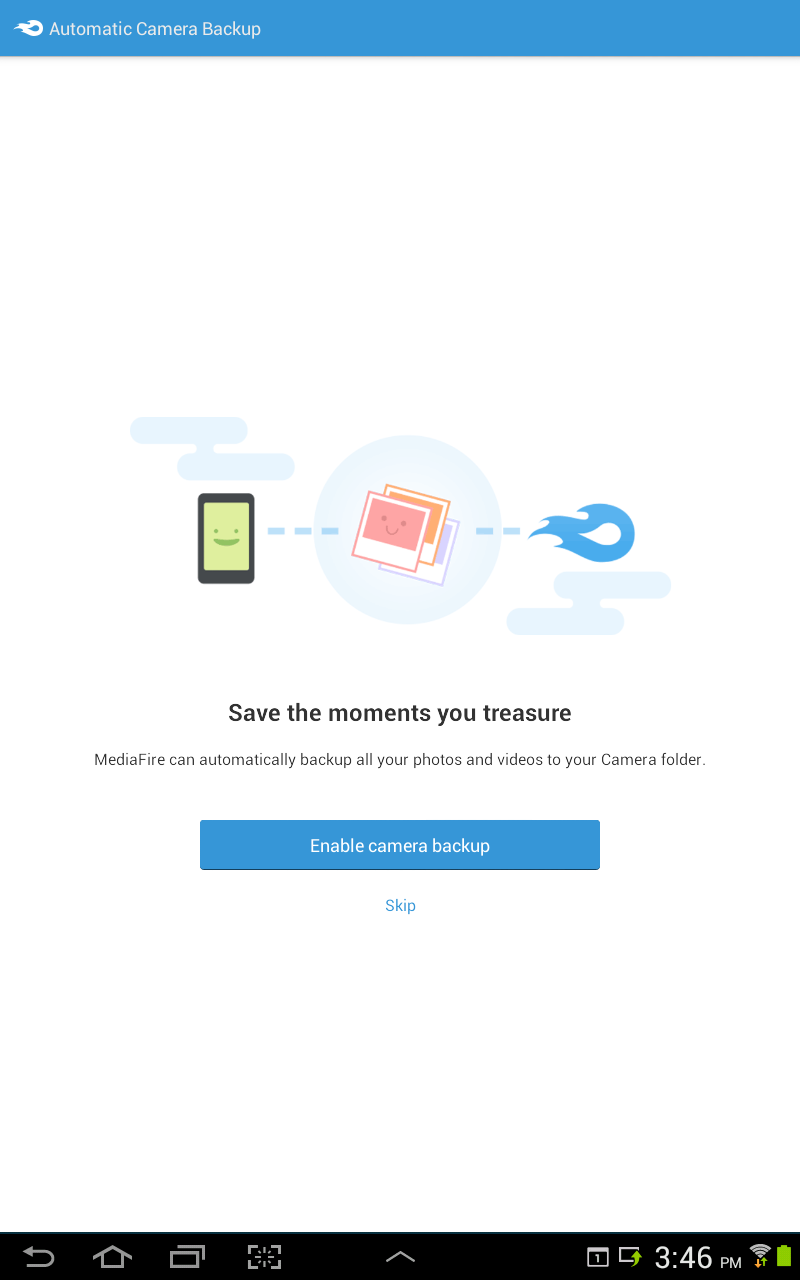
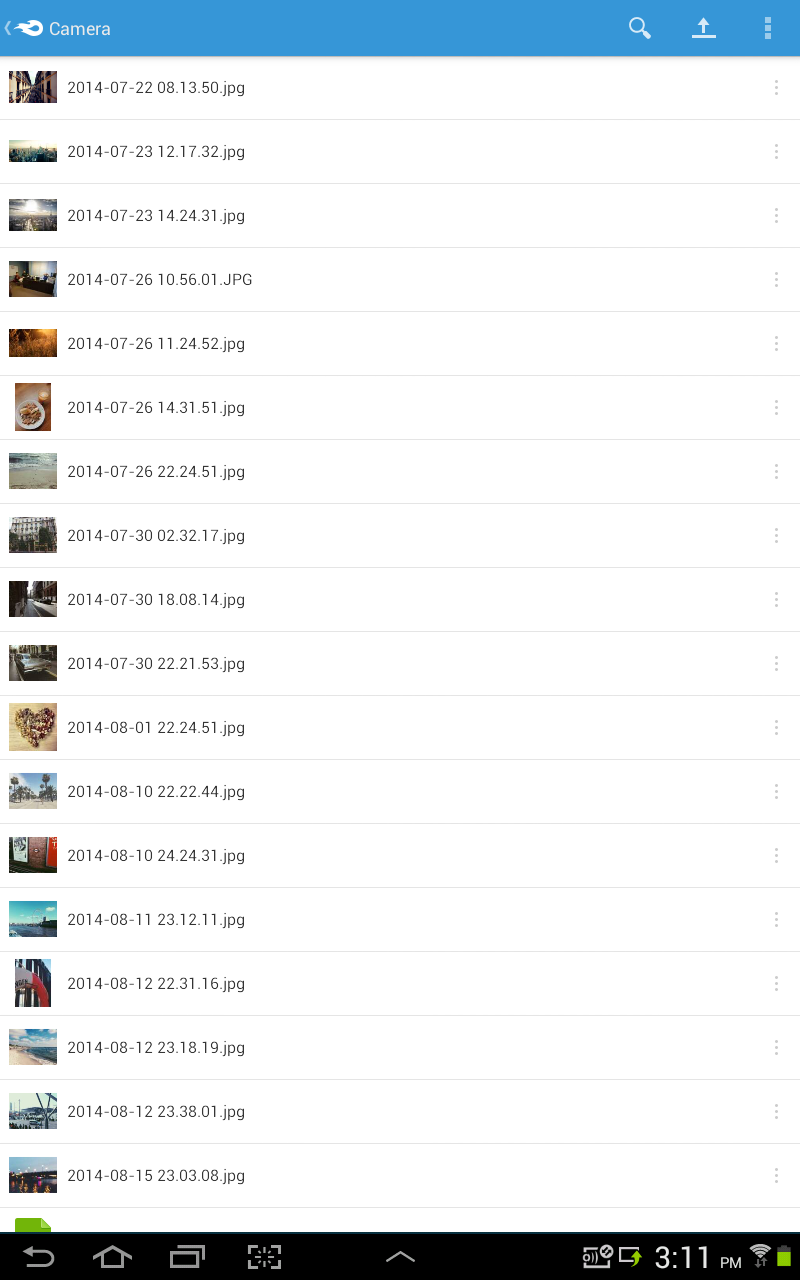
- Automatic backup function.
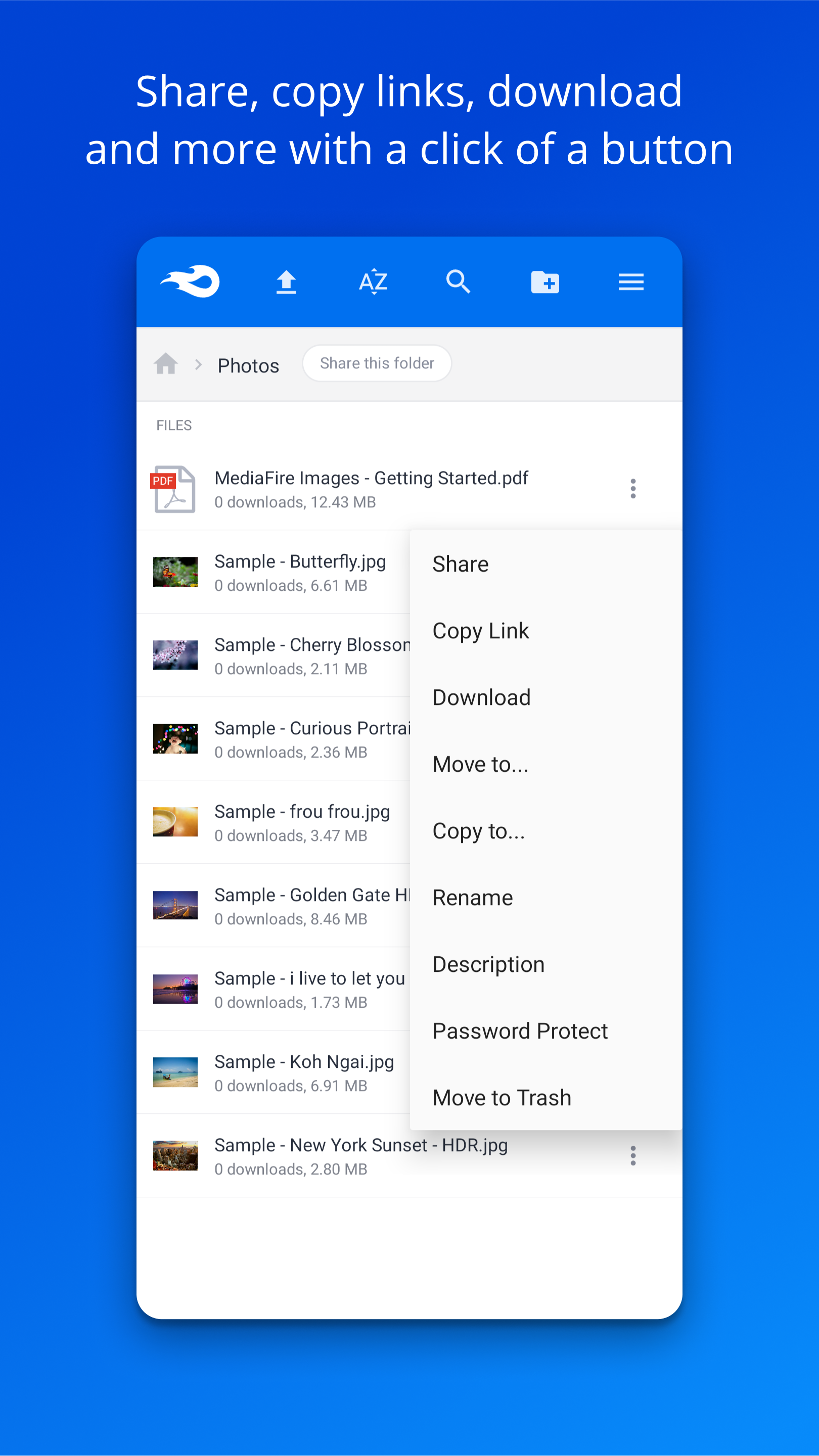
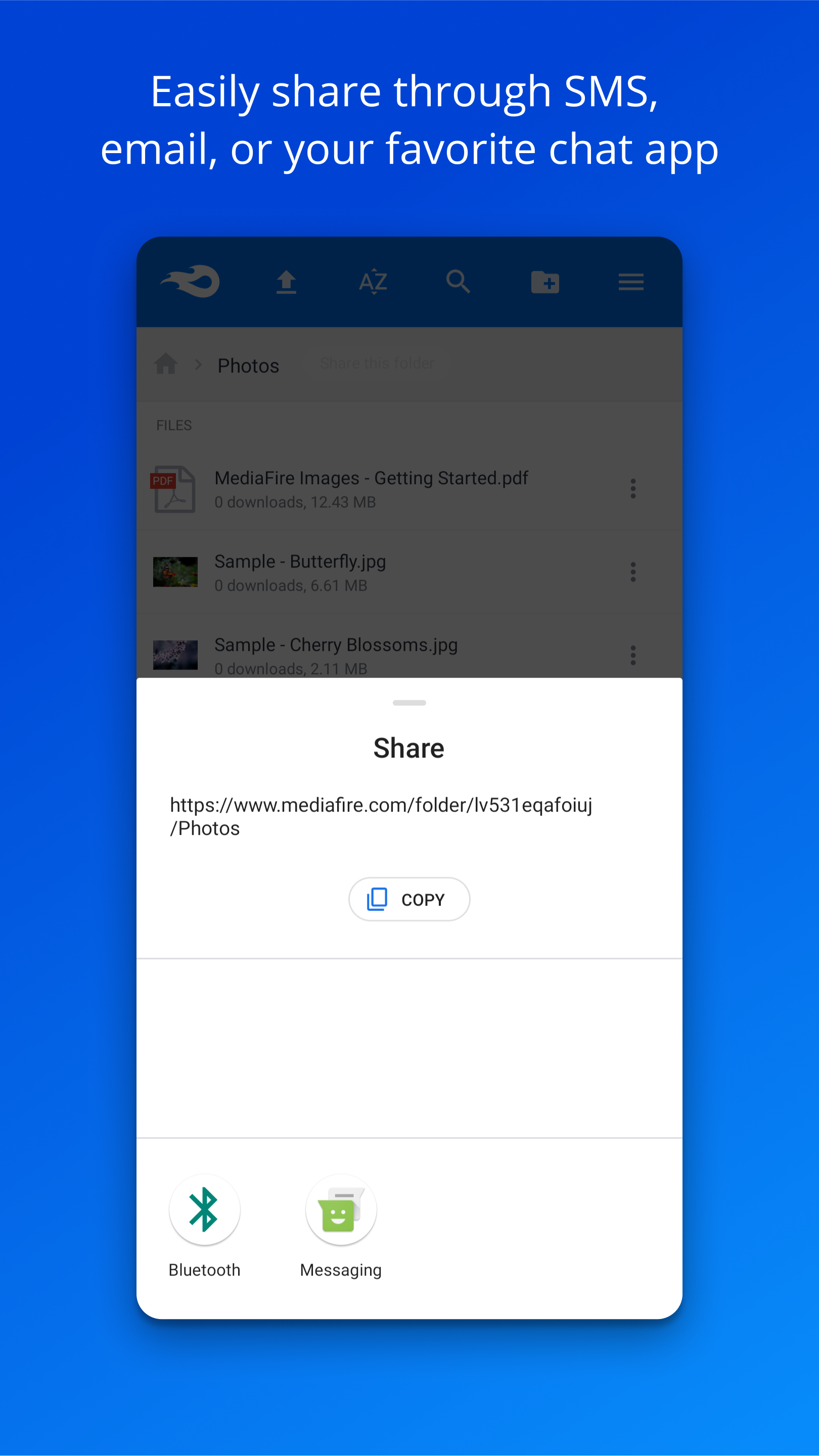
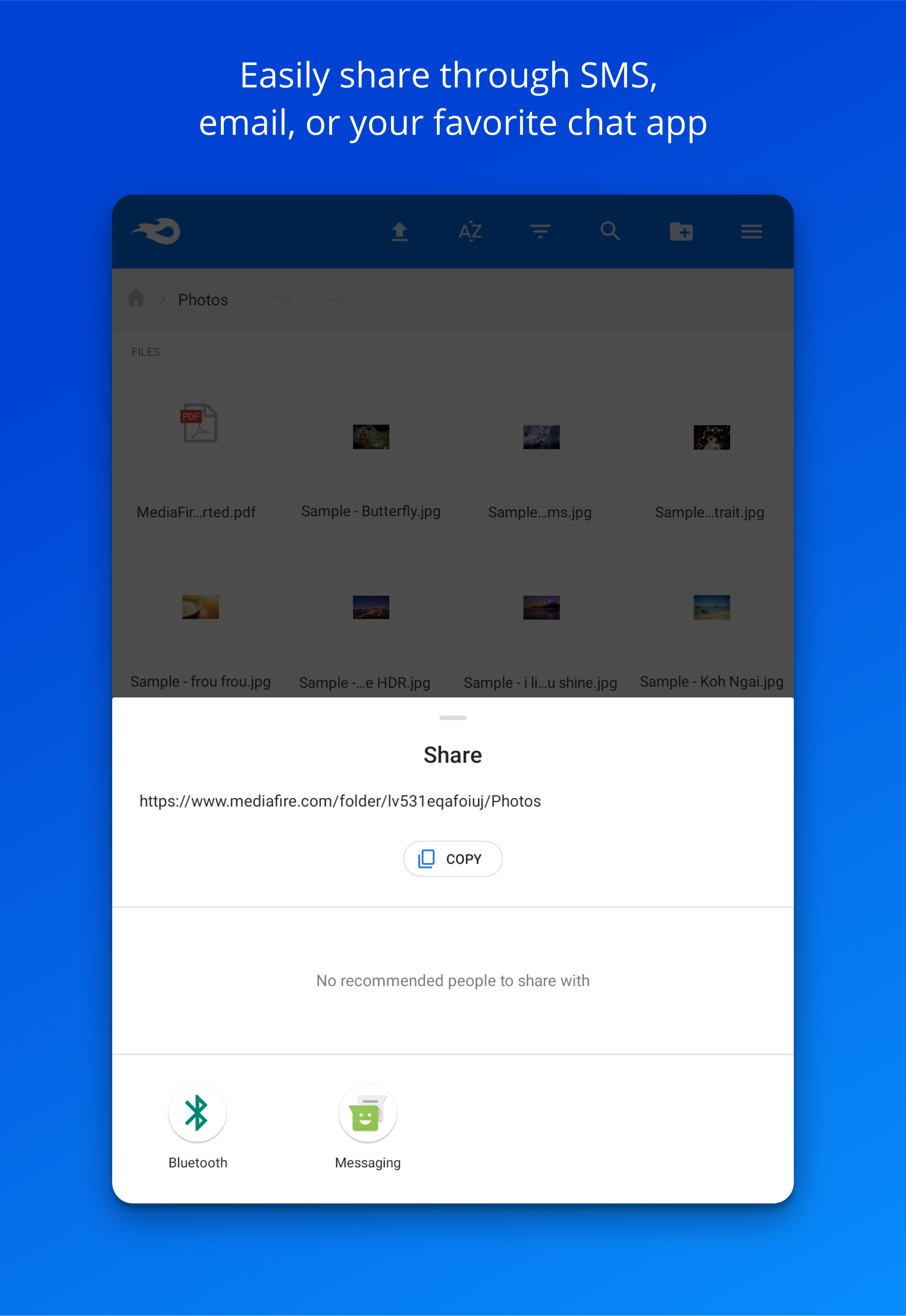
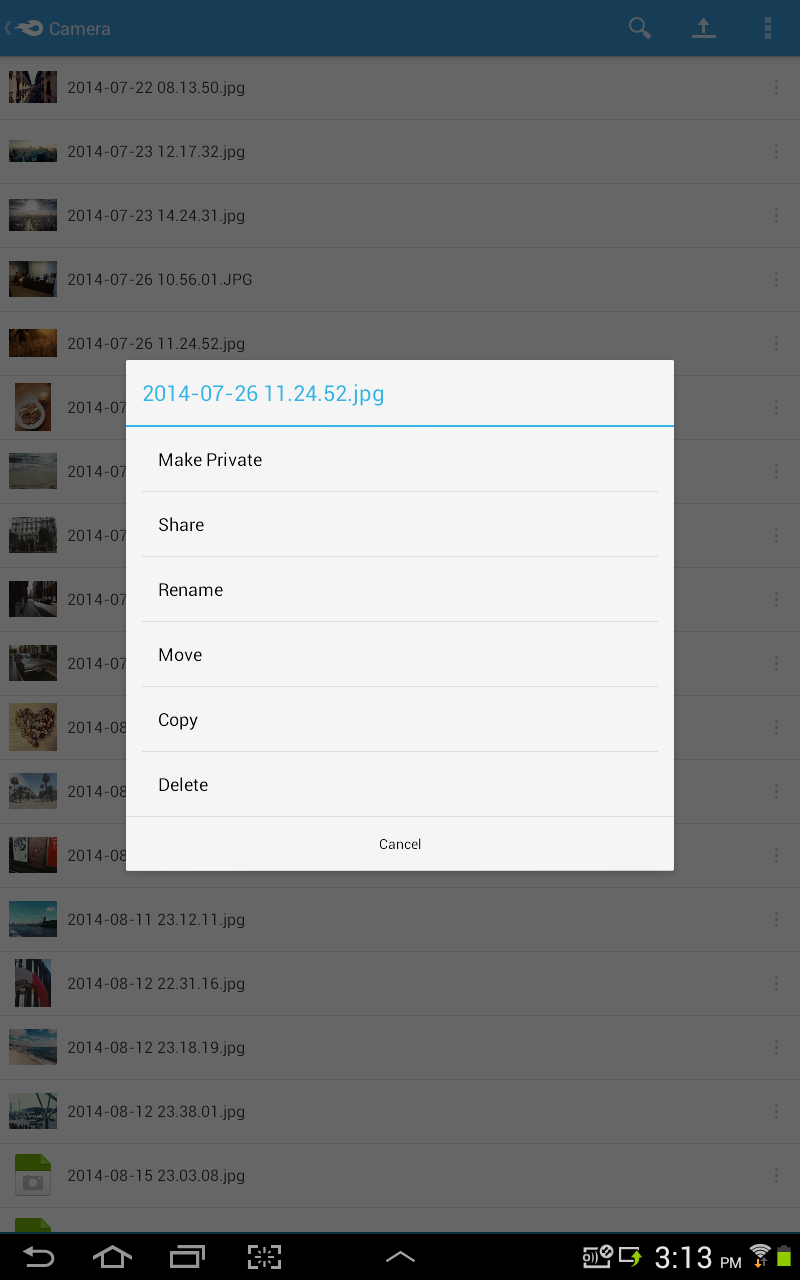
- Publish content for other users.
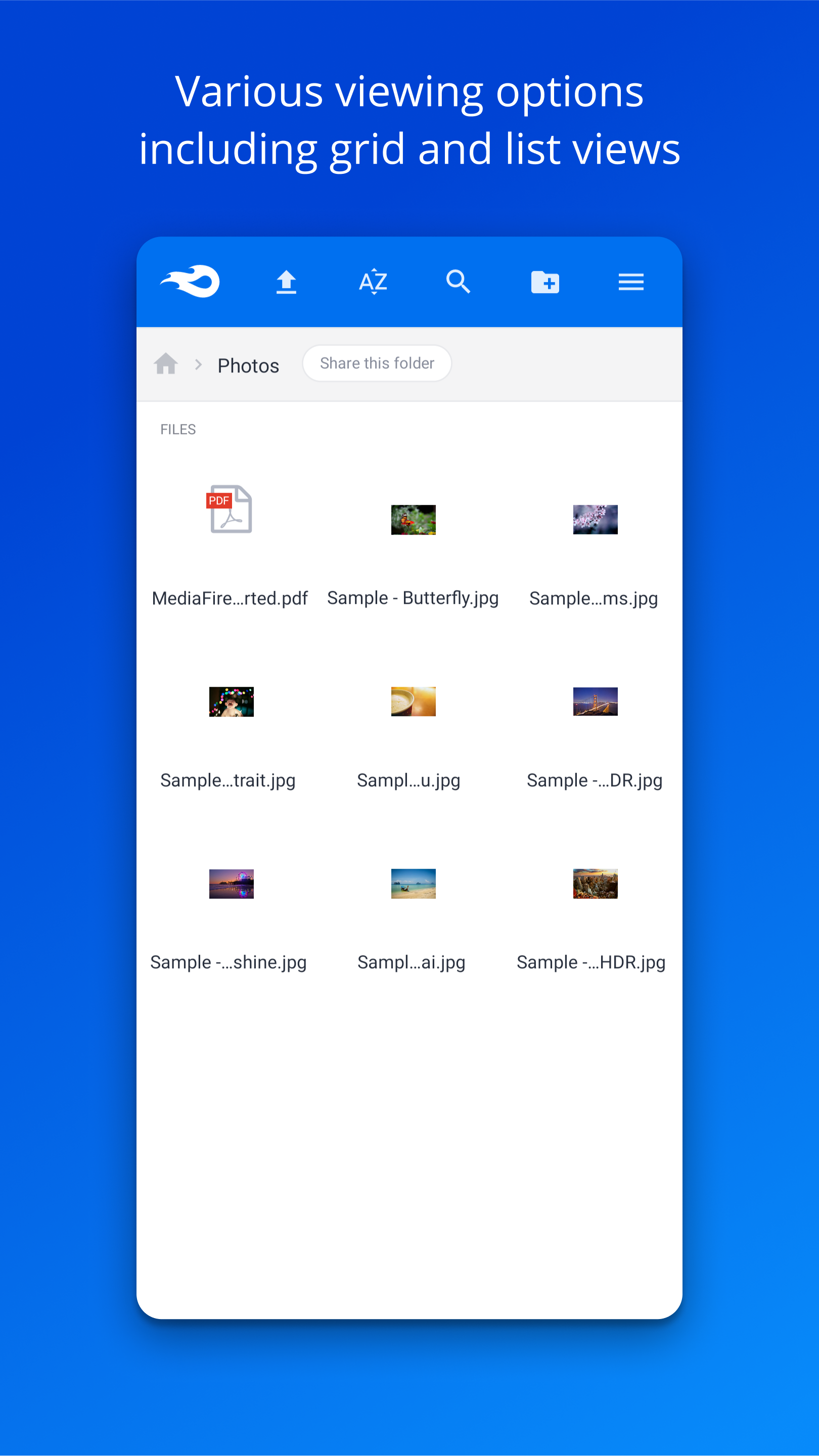
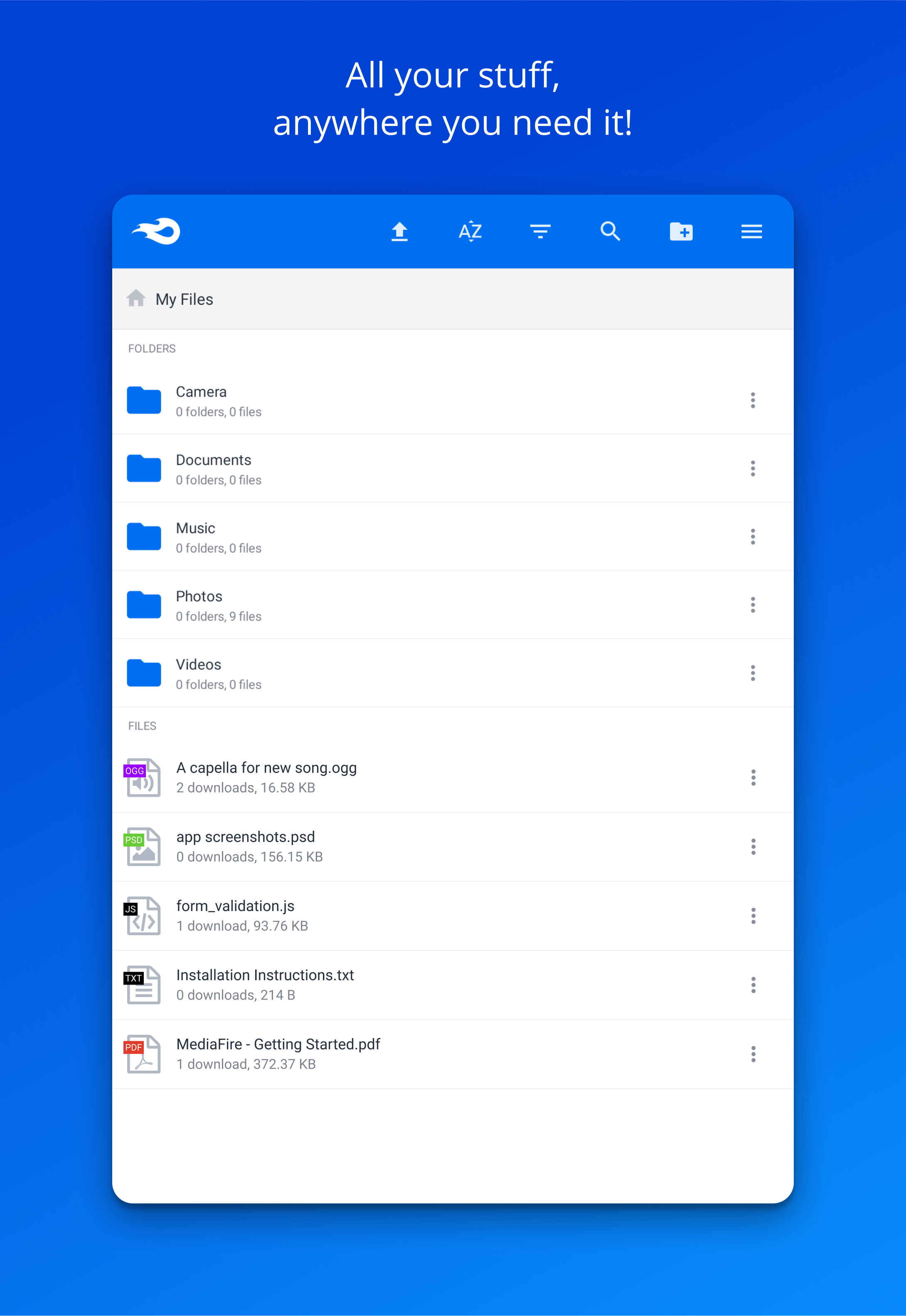
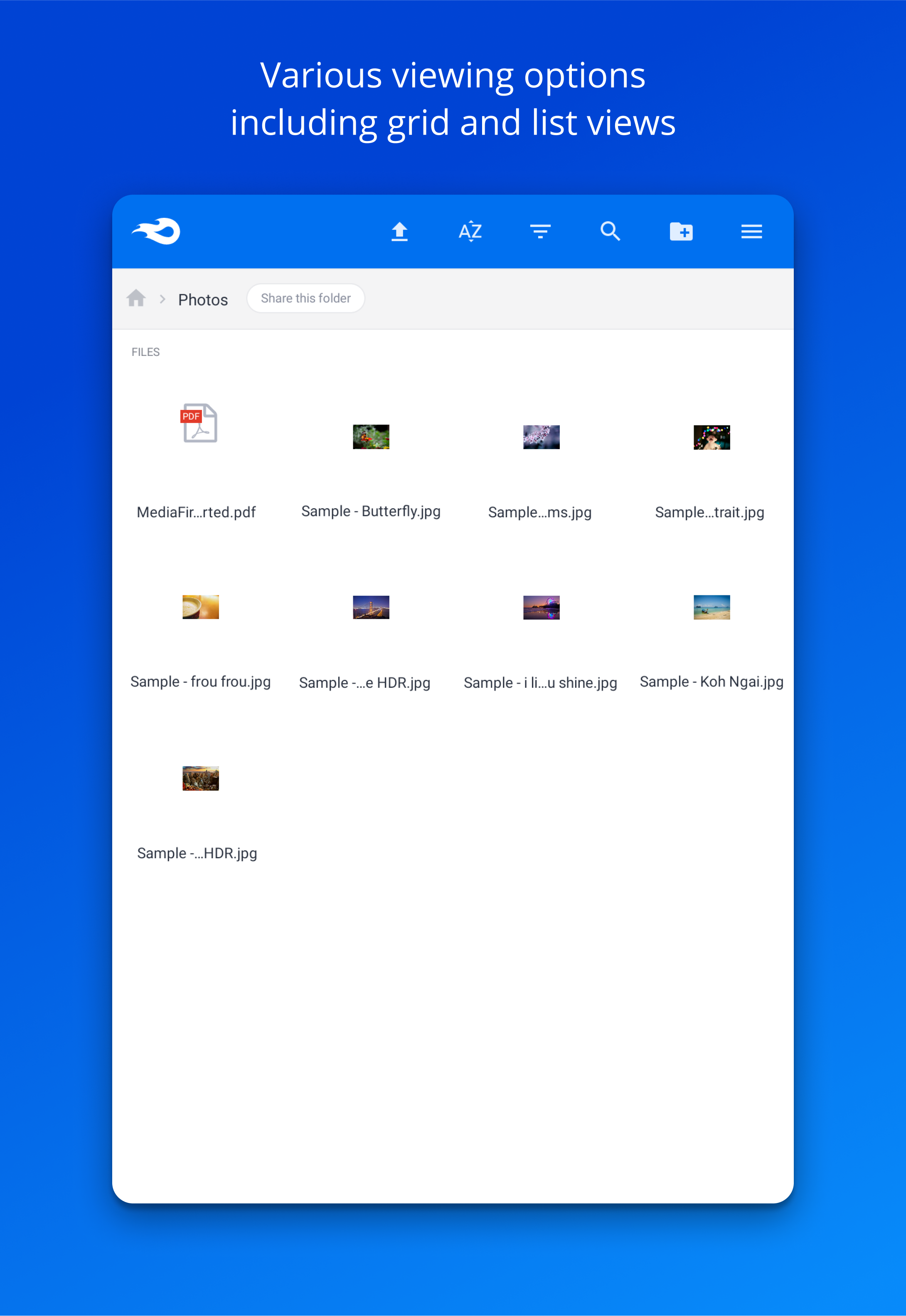
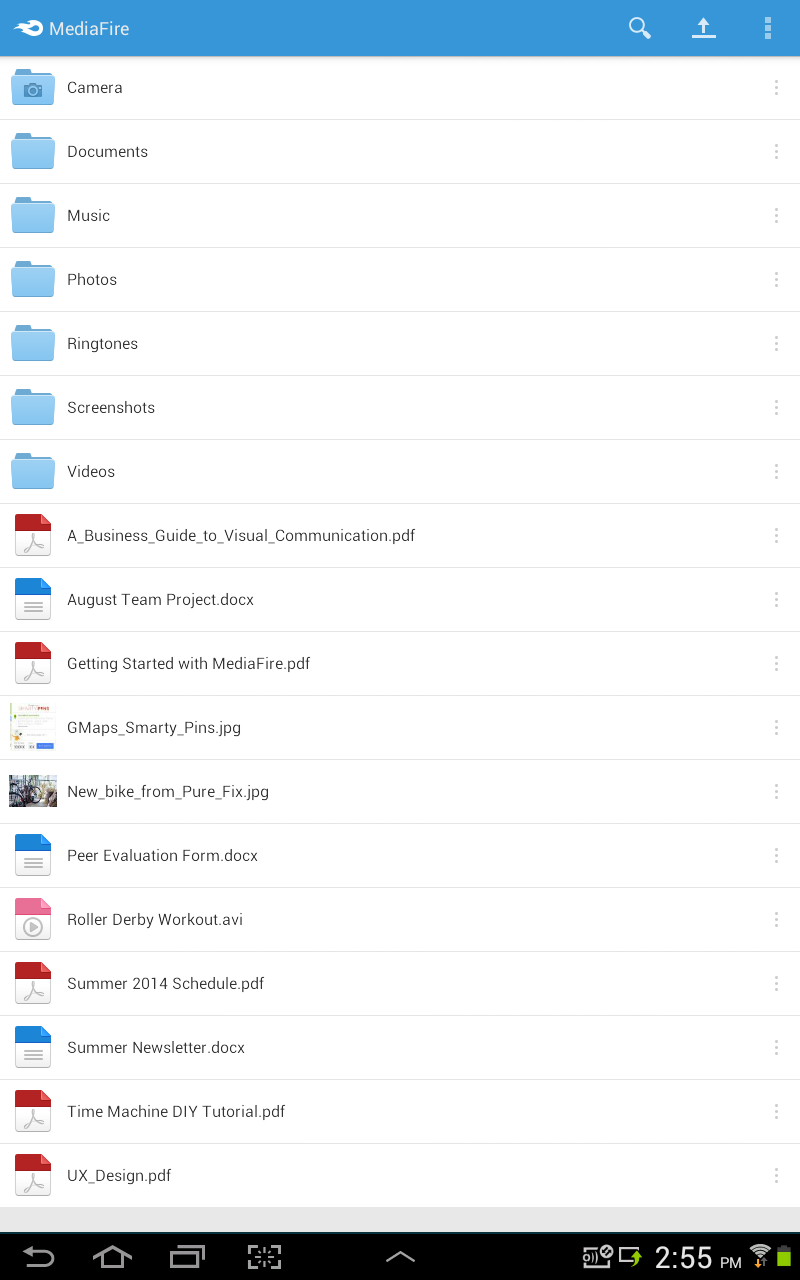
- Built-in tools for viewing different file types.
- Inline search.
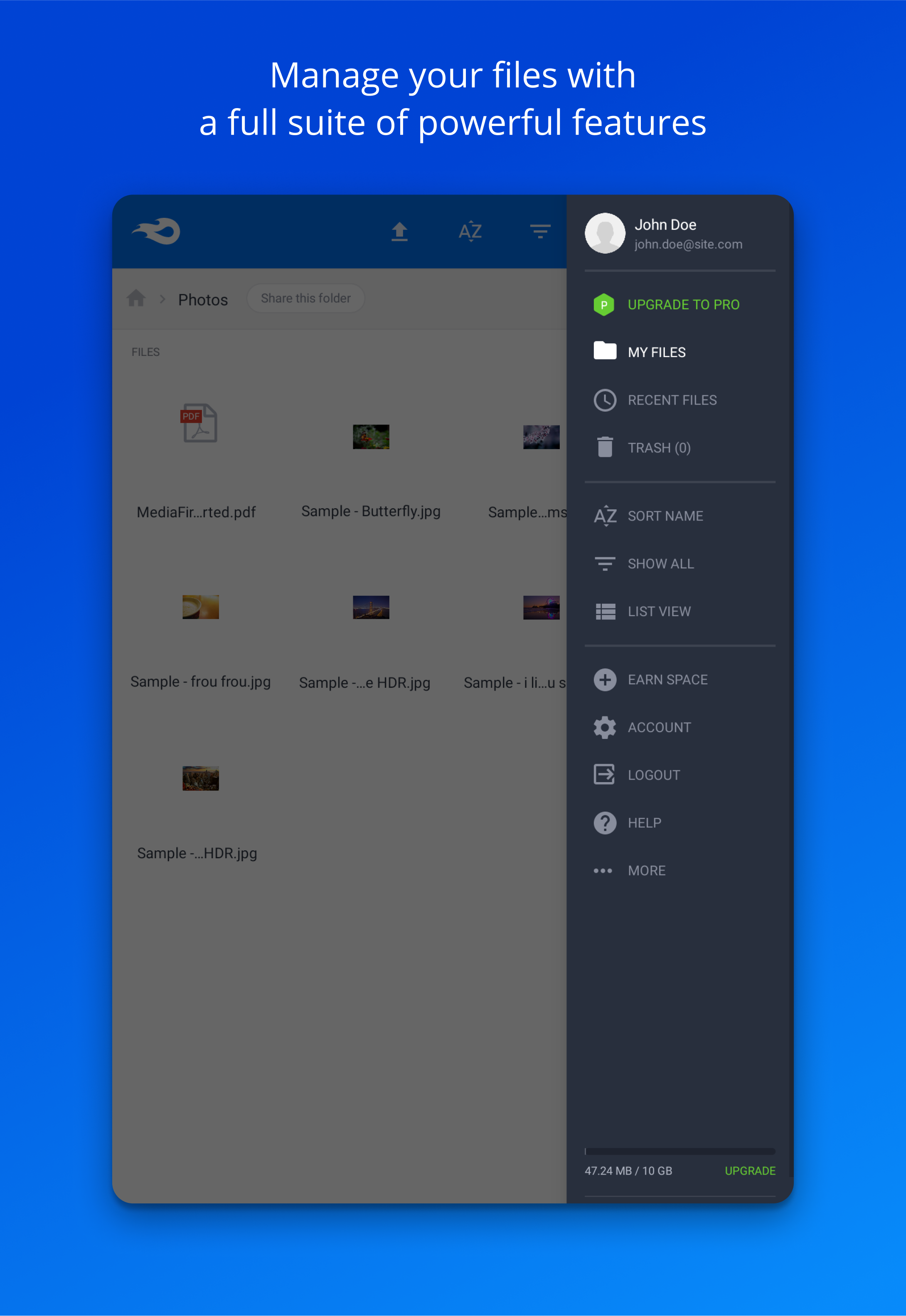
- Ability to expand storage up to 50GB.
Description
Application MediaFire was checked by VirusTotal antivirus. As a result of the scan, no file infections were detected by all the latest signatures.
How to install MediaFire
- Download APK file apps from apkshki.com.
- Locate the downloaded file. You can find it in the system tray or in the 'Download' folder using any file manager.
- If the file downloaded in .bin extension (WebView bug on Android 11), rename it to .apk using any file manager or try downloading the file with another browser like Chrome.
- Start the installation. Click on the downloaded file to start the installation
- Allow installation from unknown sources. If you are installing for the first time MediaFire not from Google Play, go to your device's security settings and allow installation from unknown sources.
- Bypass Google Play protection. If Google Play protection blocks installation of the file, tap 'More Info' → 'Install anyway' → 'OK' to continue..
- Complete the installation: Follow the installer's instructions to complete the installation process.
How to update MediaFire
- Download the new version apps from apkshki.com.
- Locate the downloaded file and click on it to start the installation.
- Install over the old version. There is no need to uninstall the previous version.
- Avoid signature conflicts. If the previous version was not downloaded from apkshki.com, the message 'Application not installed' may appear. In this case uninstall the old version and install the new one.
- Restart annex MediaFire after the update.








Requesting an application update
Added Denis Rubinov
Version: 5.6.0
Size: 25.3 MB
Updated: 22.10.2023
Developer: MediaFire
Age Limitations: Everyone
Authorizations:
Downloaded on Google Play: 19727943
Category: Work












Reviews for MediaFire
Nice good
videos don’t upload...
why can't see option with Facebook login?
App's crashing
when you're uploading something there's no literally happening or some notifications happening.
hey Mediafire Team Thanks 🙏👍 For This usefull Application one tip : Please Make the photo viewing Easy like Gallary app love Ü Guys From 🇮🇳 🌾since nowadays I am Just Cutting Wheats in Fields
App crashes every time I try to upload a video longer than 1 minute.
file tidak terbaca
Json parse error stupid unexpected e Super unrecommended
very good 😊 aa
Having problems uploading anything through the app, was working fine before I upgraded to the 2tb pro and still works fine through the site but there's many problems with your app. C'mon mediafire, get your shib together and get the app upgraded to match your site which looks nice and uploads work fine. Fix things and I'll up my rating to 5 stars.
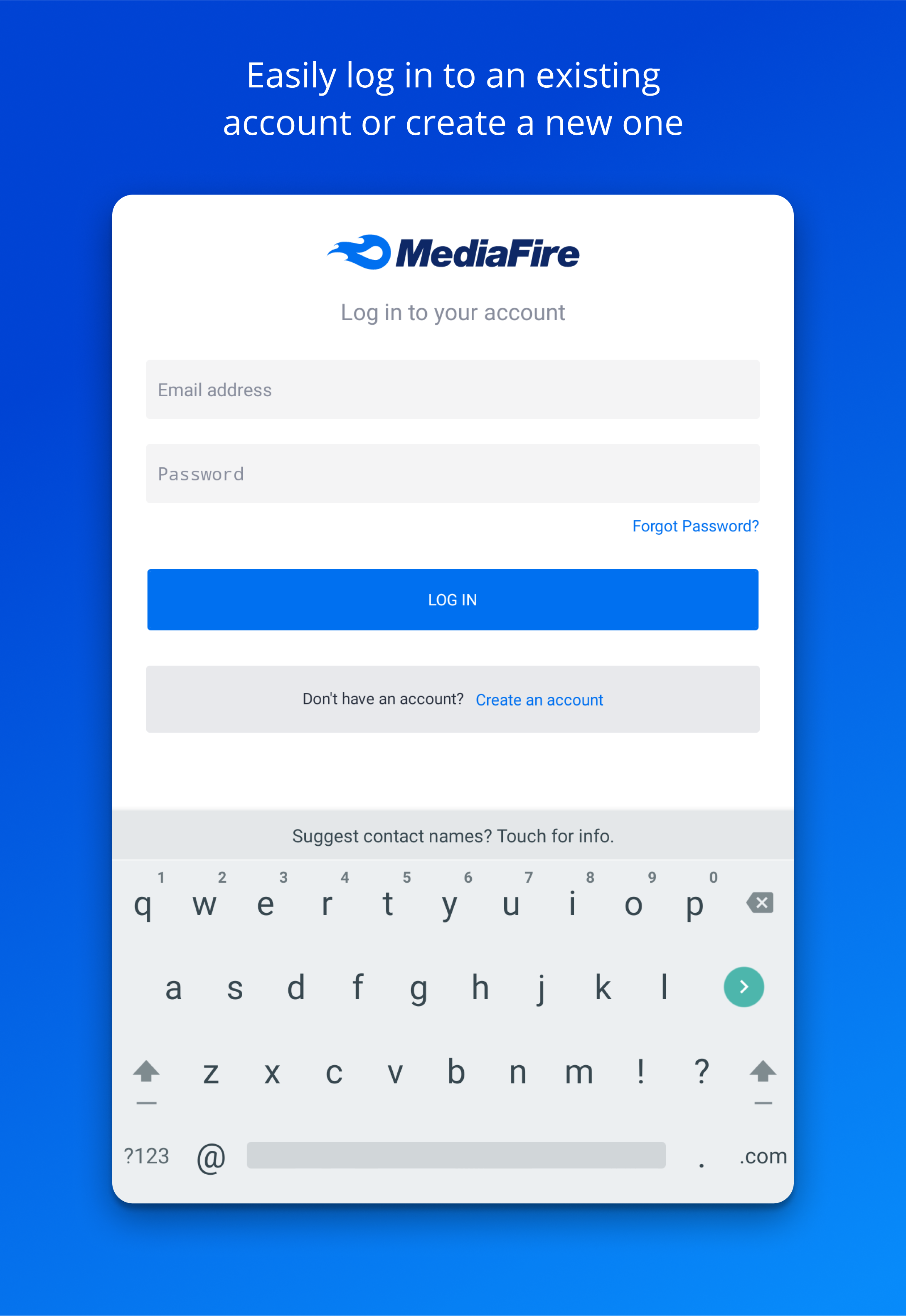
Been a mediafire resource user for years, since it was nearly in its infancy. Was unable to login to an account unless I downloaded app is a poor approach. Gives me all the options to purchase plans but never a log into my free basic account. Just annoyance...as I really didn't need phone access but one time.
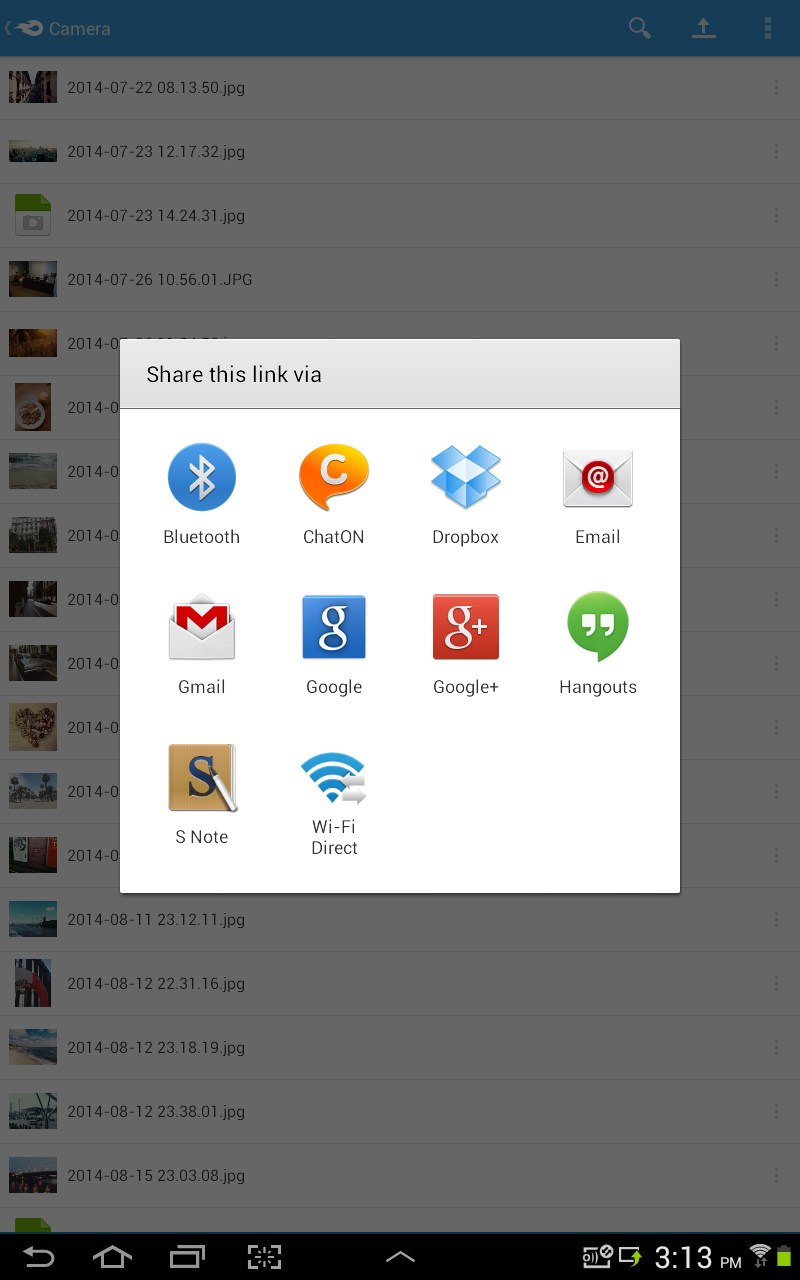
I have used the website a lot, and wanted to try the app. They are very similar, but there is one issue, it is very confusing when I am trying to copy a download link from a file I uploaded. I just wish that was easier..... But overall very nice!
4star, the uploaded files in folder are being uploaded without folders. It get messy and unorganized. I don't know if this is a bug, but needs to be fixed. But. Overall, still a decent app. Thanks
When I try to upload something, it crashes, but says it's uploading. I then uninstall the app, and once finished, my tablet stops responding. I tried turning off my screen and turning it back on, still doesn't work. I had to factory reset my Fire, deleting EVERY SAVED FILE I HAD, just because of this app. Would not reccomend using the app, just use the website. Possibly malware, as it causes my tablet to stop working.
Post a comment
To leave a comment, log in with your social network:
Or leave an anonymous comment. Your comment will be sent for moderation.
Post a comment
To leave a comment, log in with your social network:
Or leave an anonymous comment. Your comment will be sent for moderation.