



Dumpster: Photo/Video Recovery
5+
downloads4.1+
version Android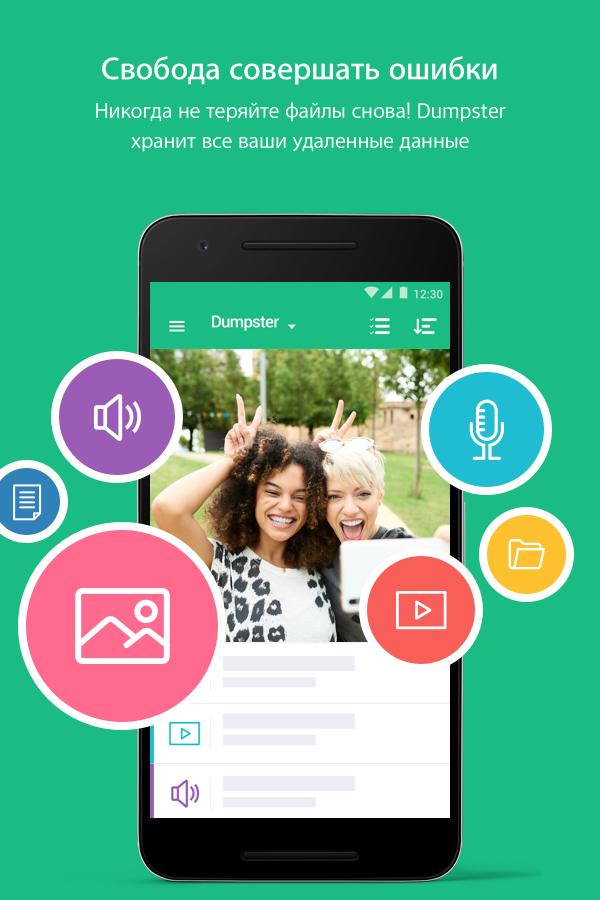



Added: Denis Rubinov
Version: 3.31.424.cbee
Size: 17.7 MB
Updated: 20.05.2025
Developer: Baloota
Age Limitations: Everyone
Authorizations: 11
Downloaded on Google Play: 68468316
Category: Tools
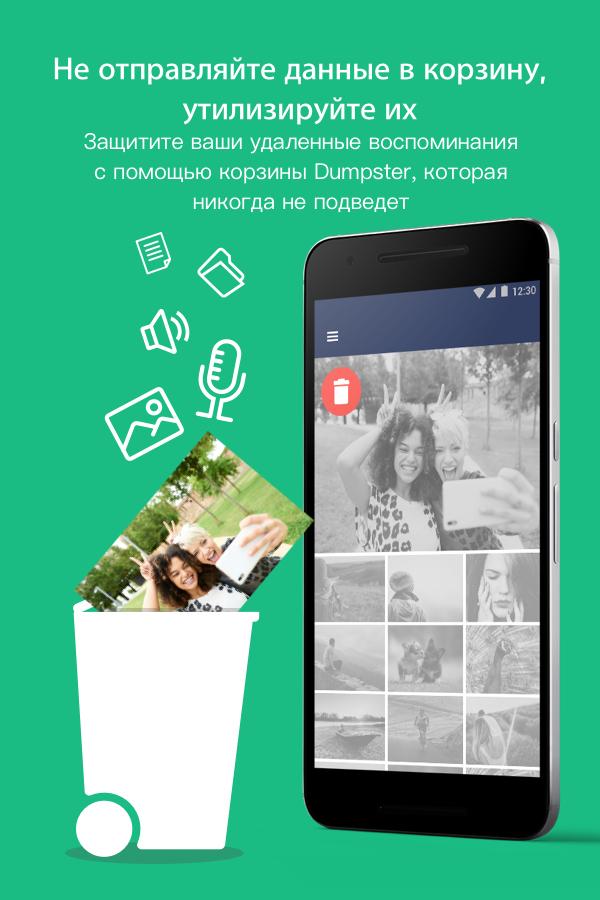
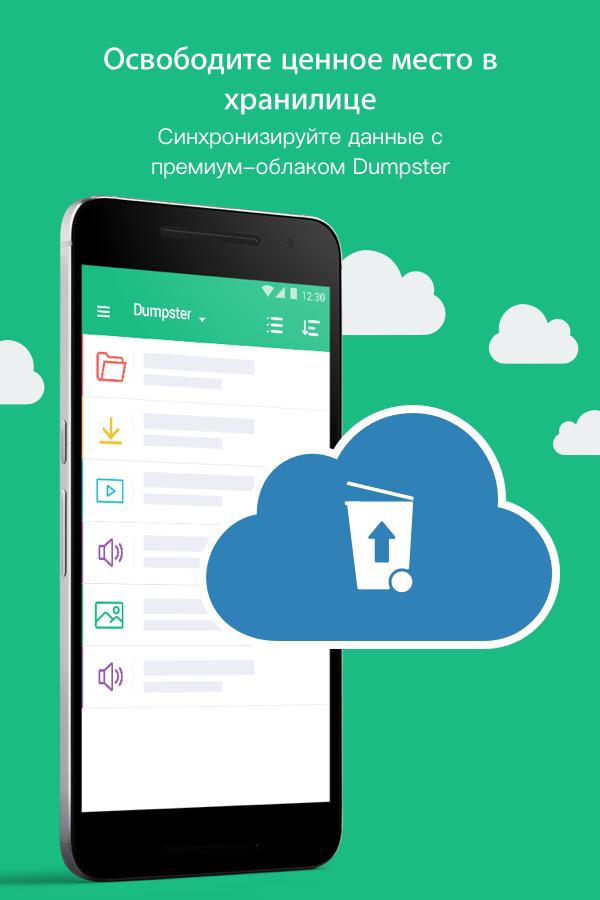
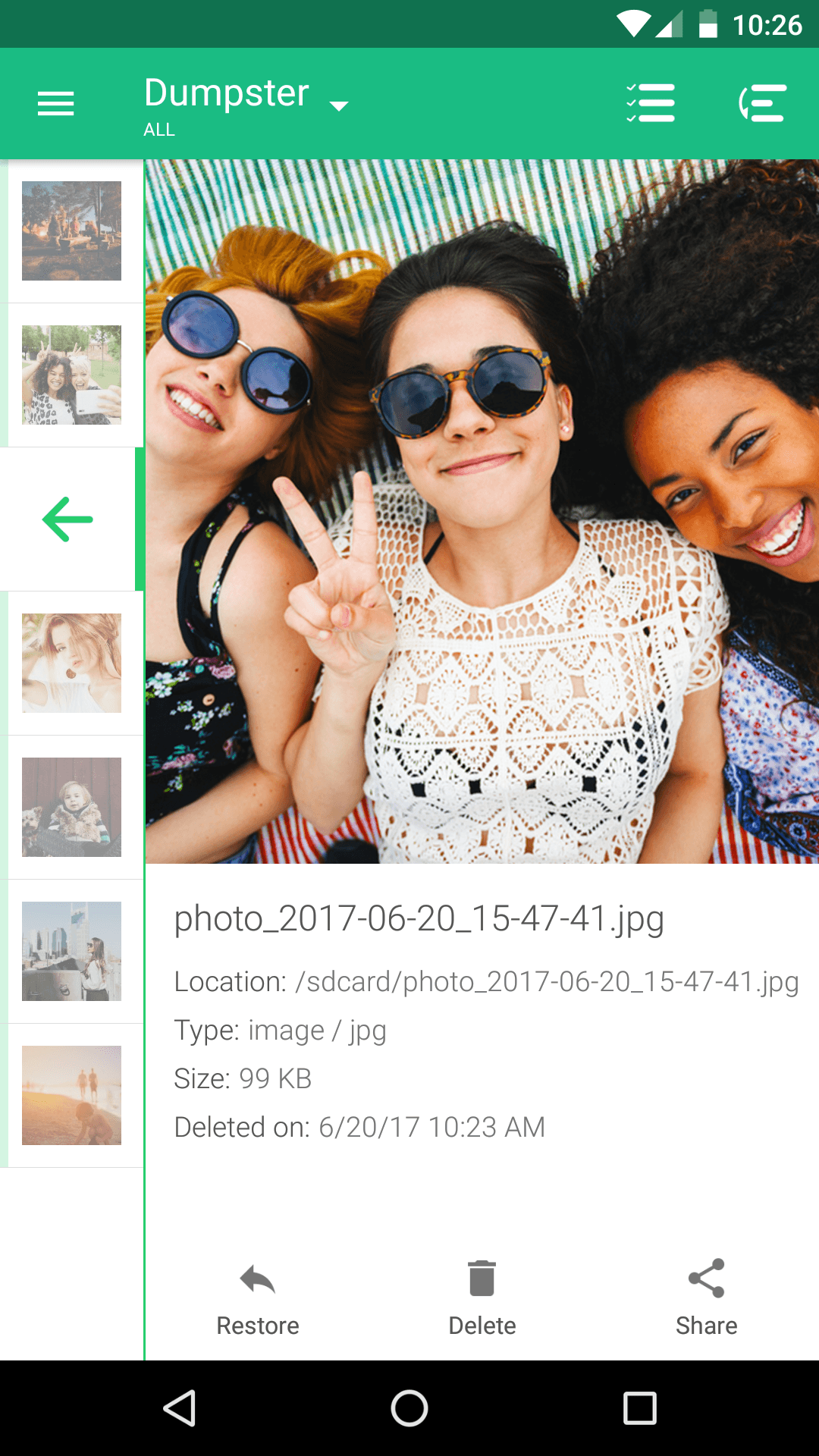
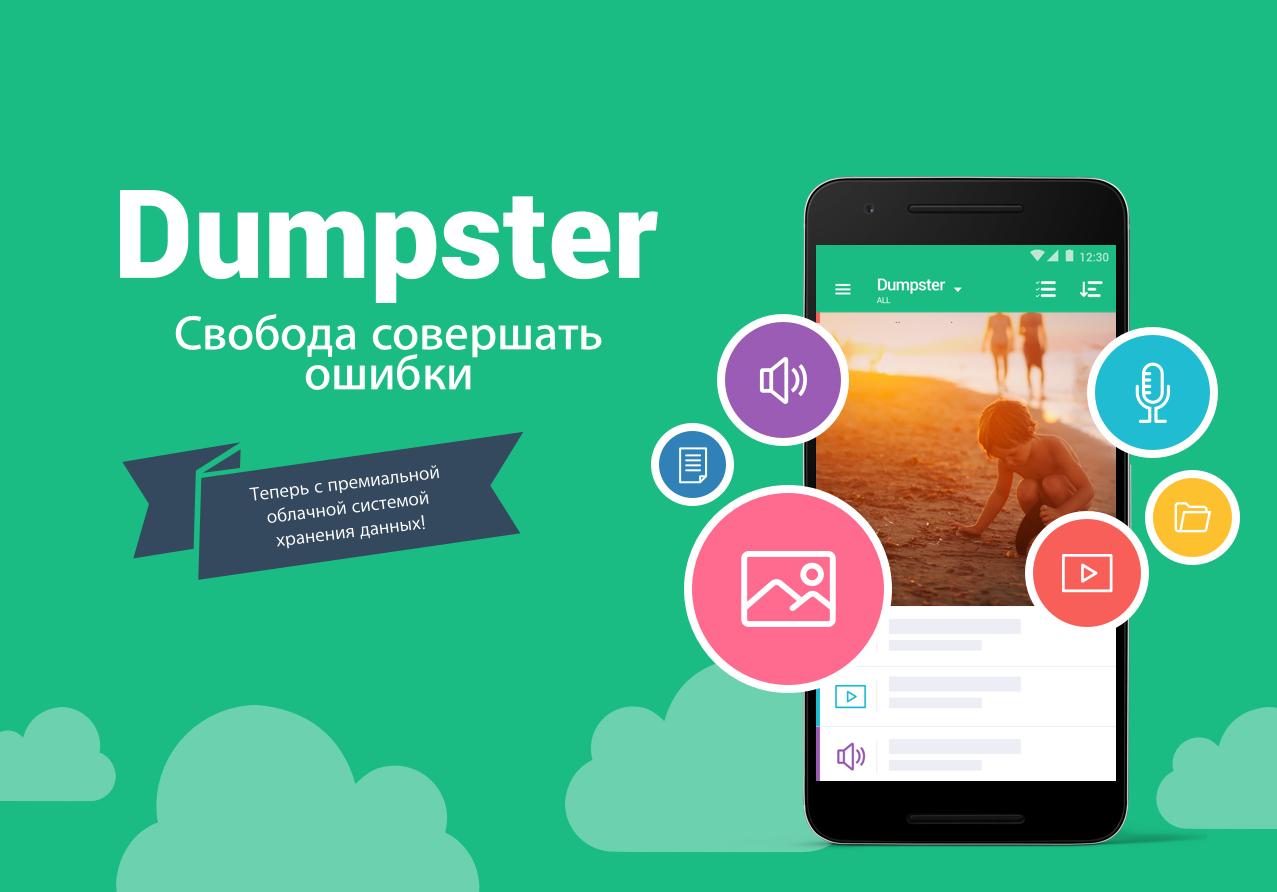
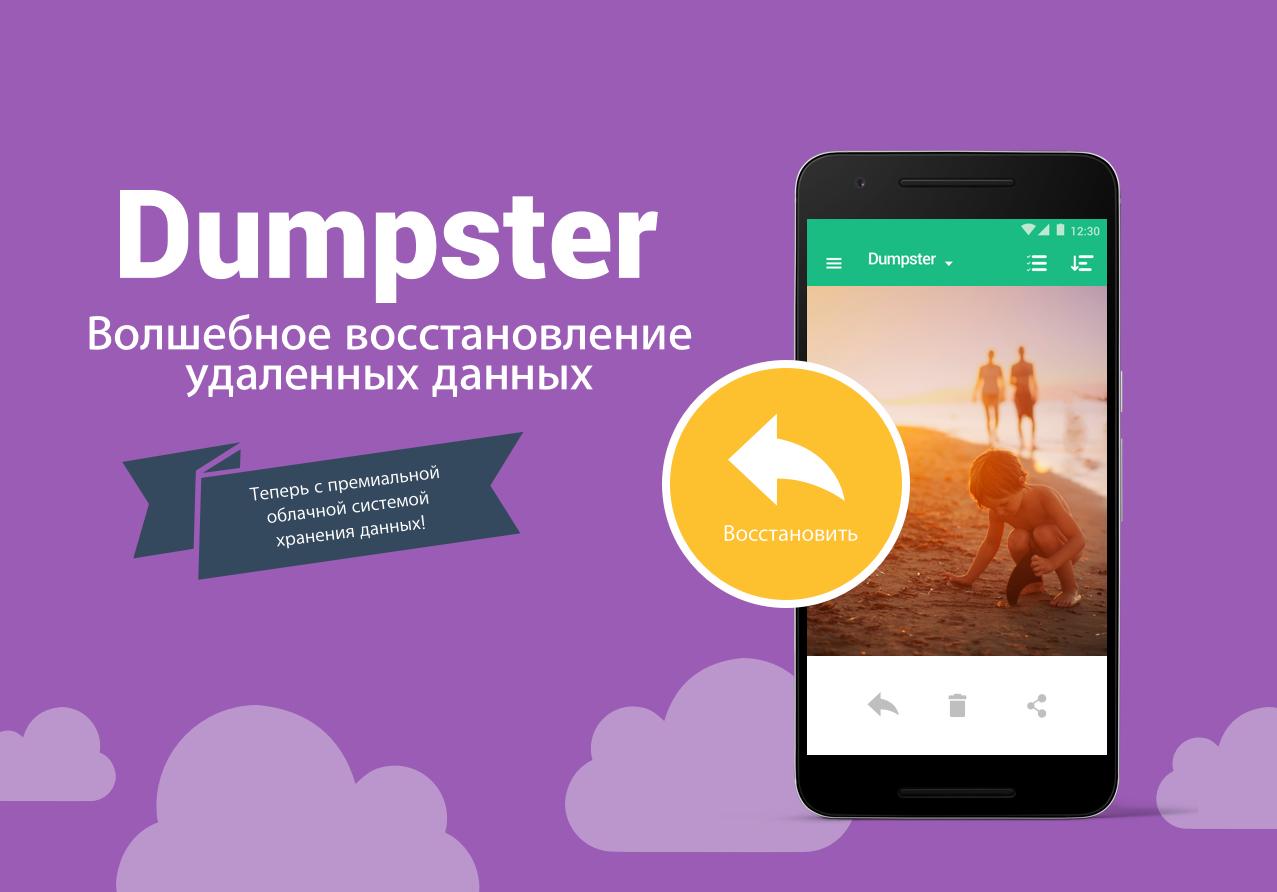
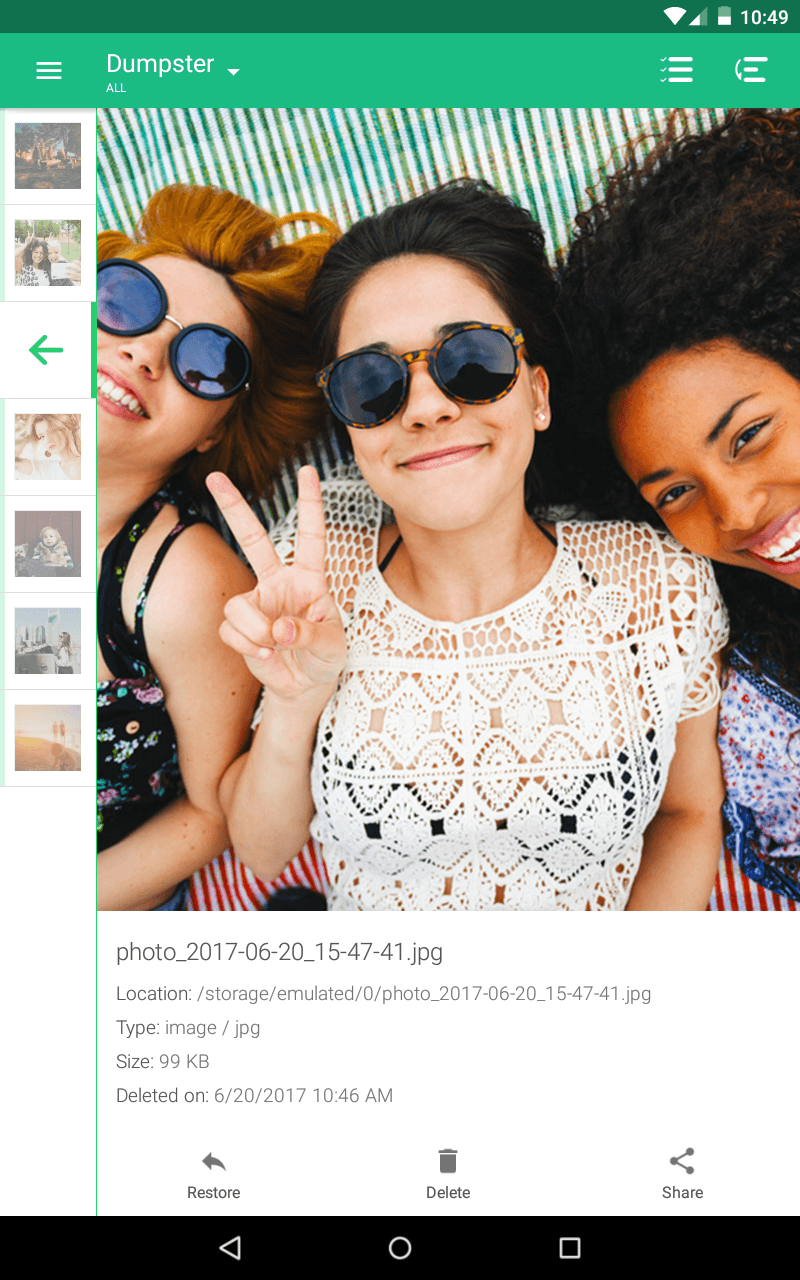
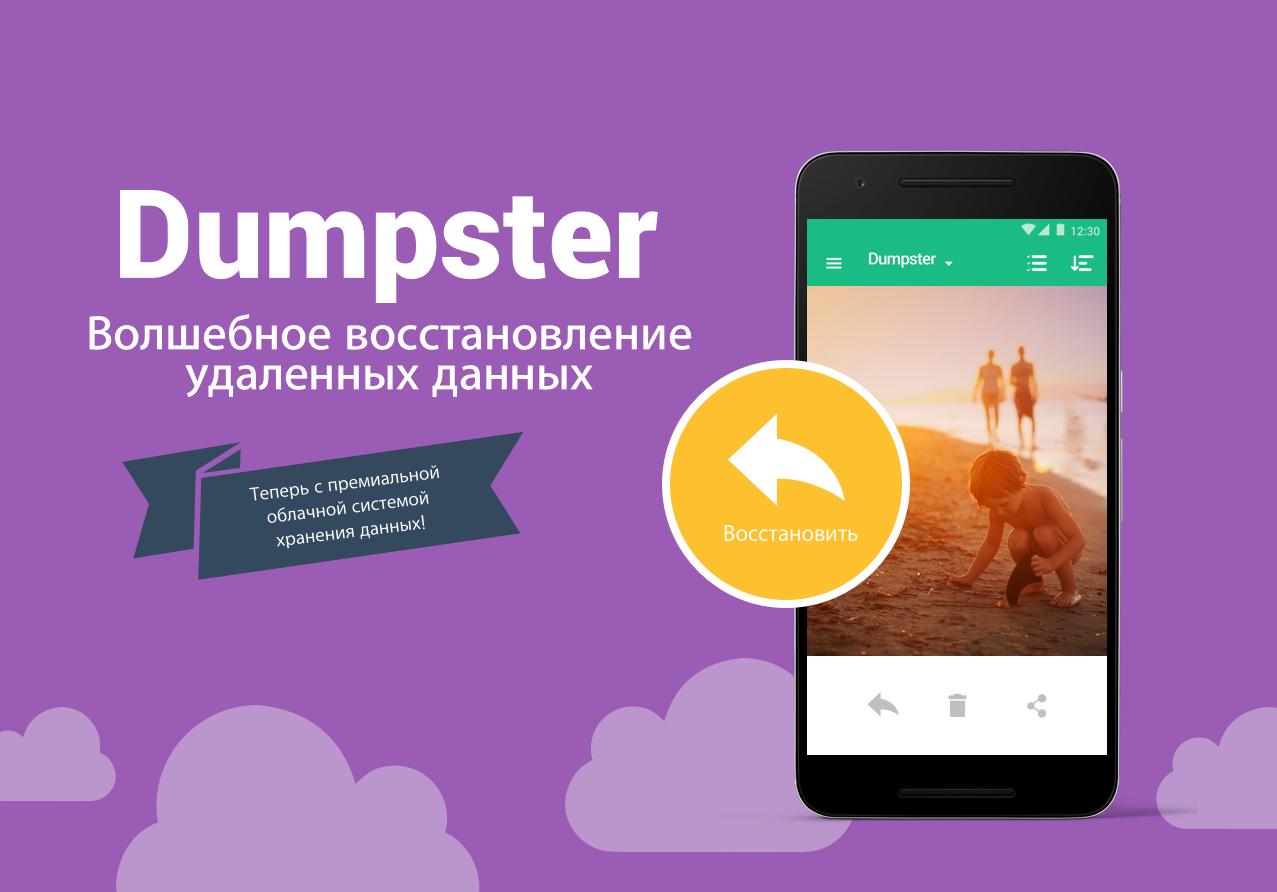
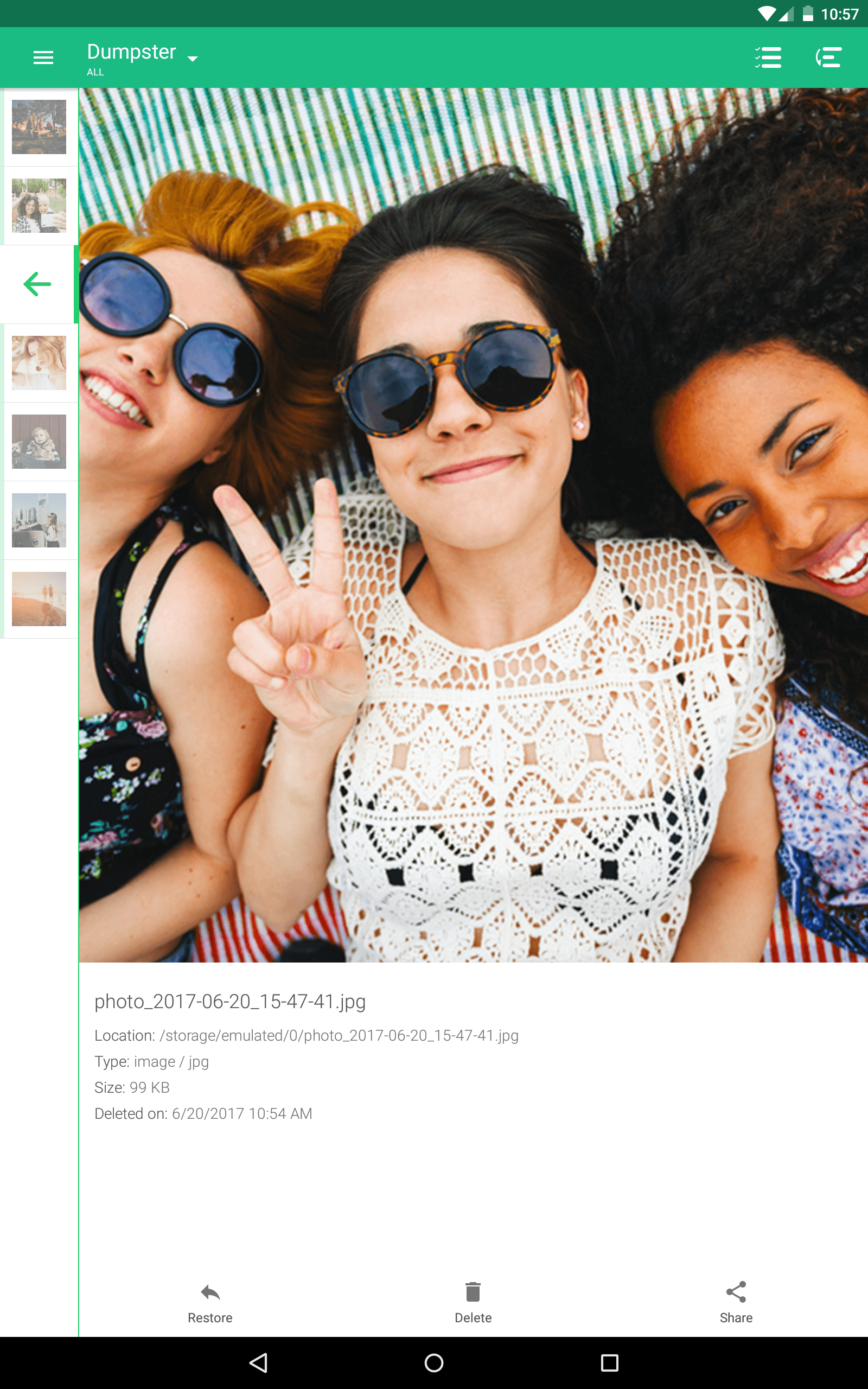
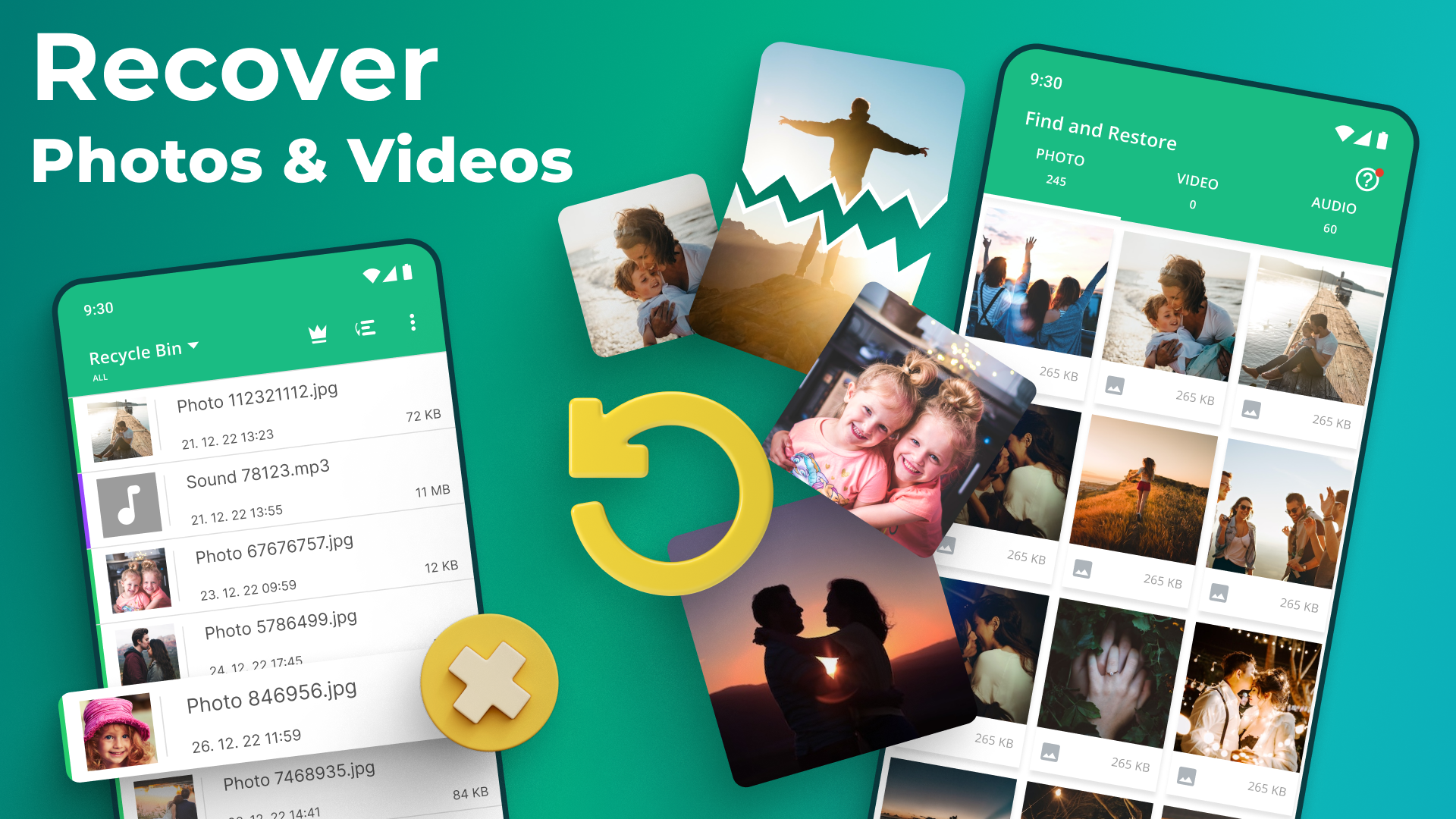
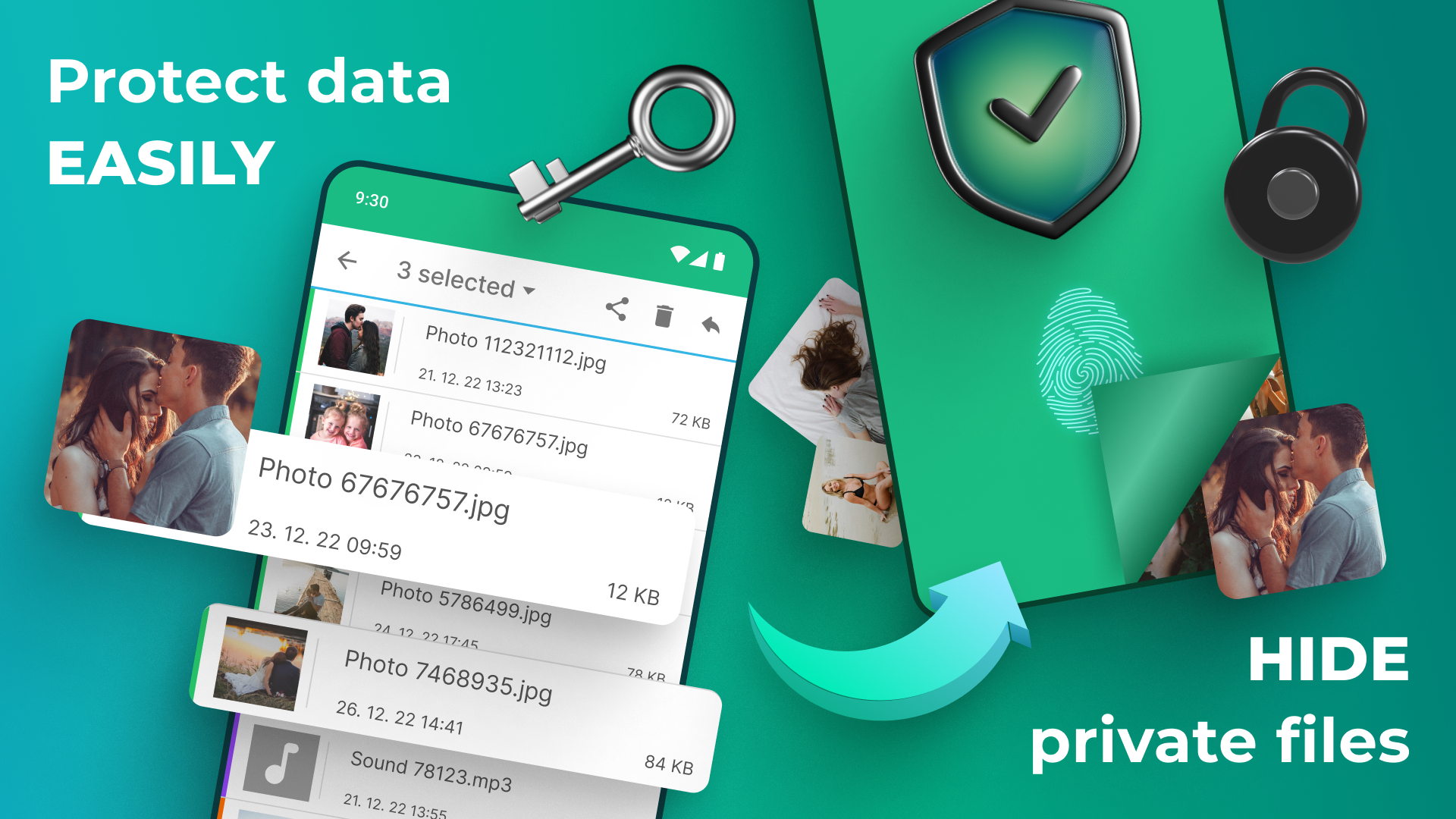
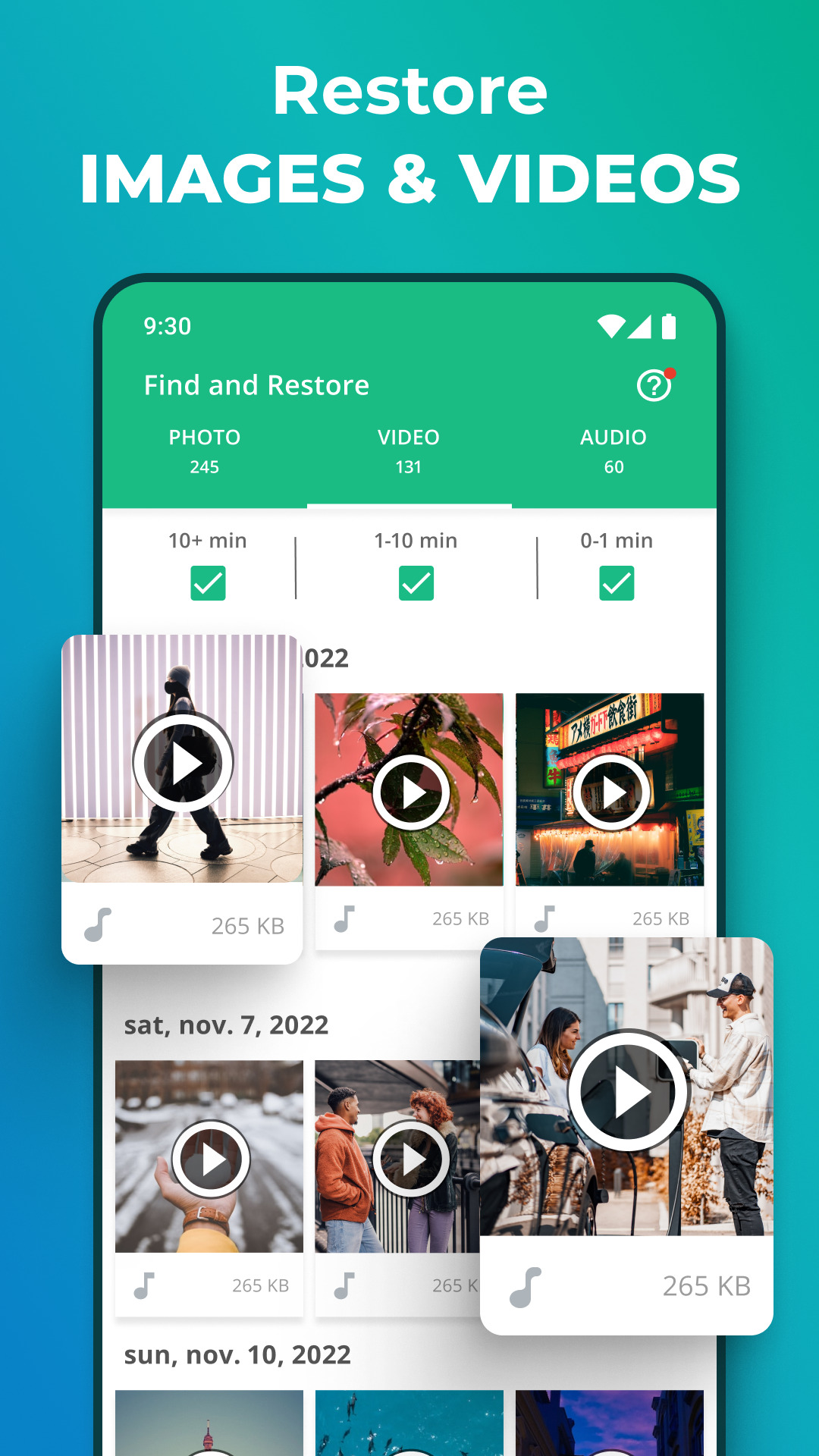
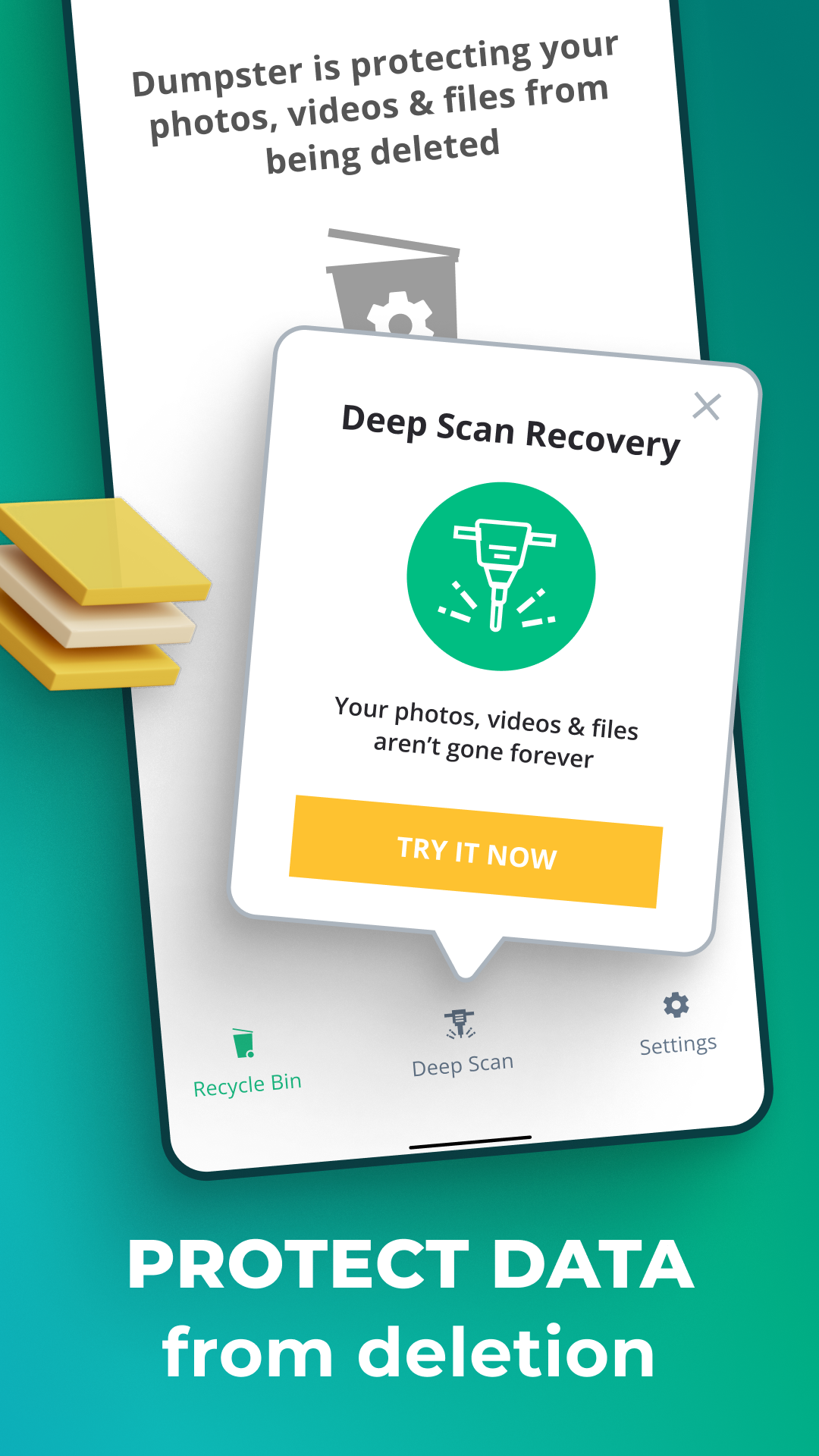
- Allows you to recover files after accidental deletion.
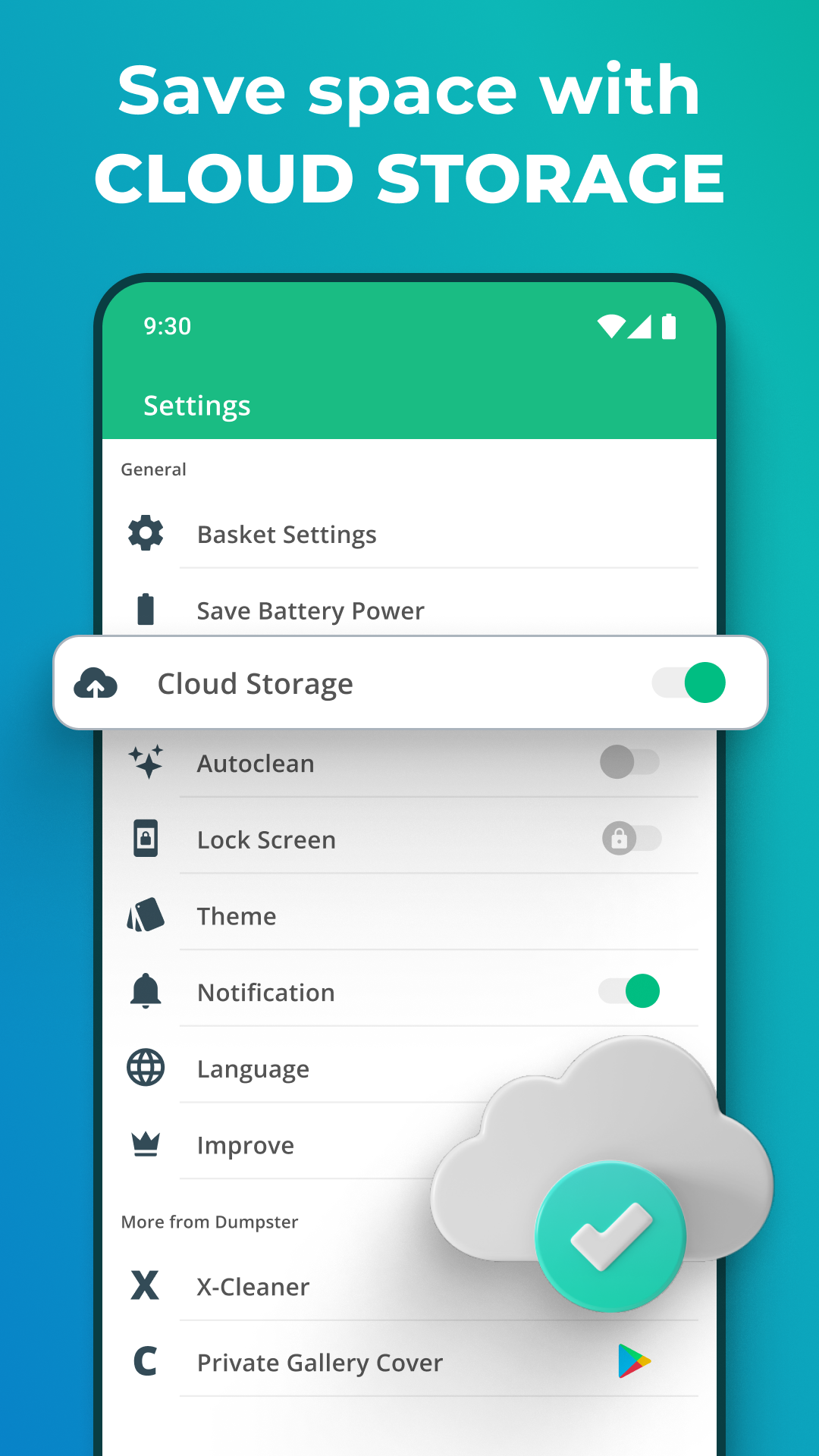
- Backup of deleted data is stored on the cloud.
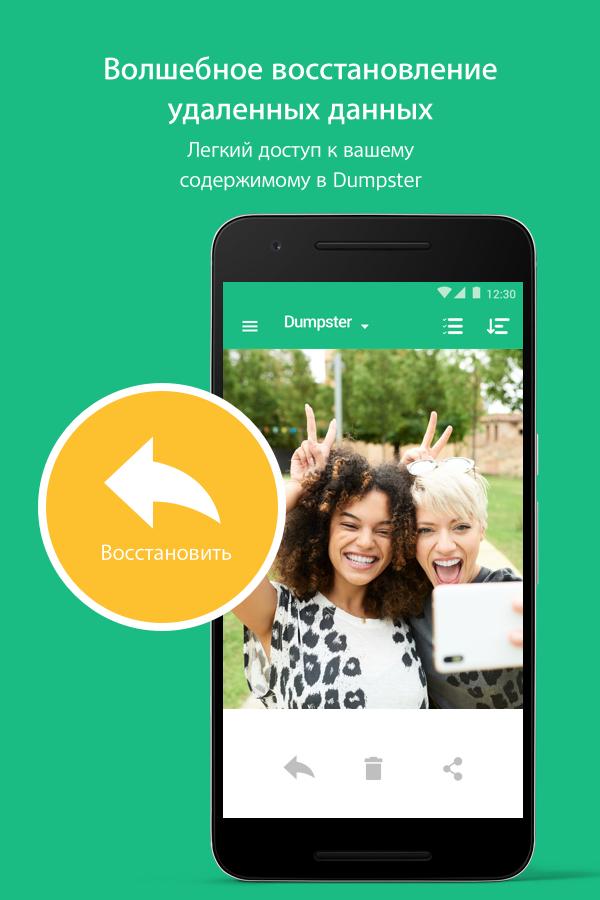
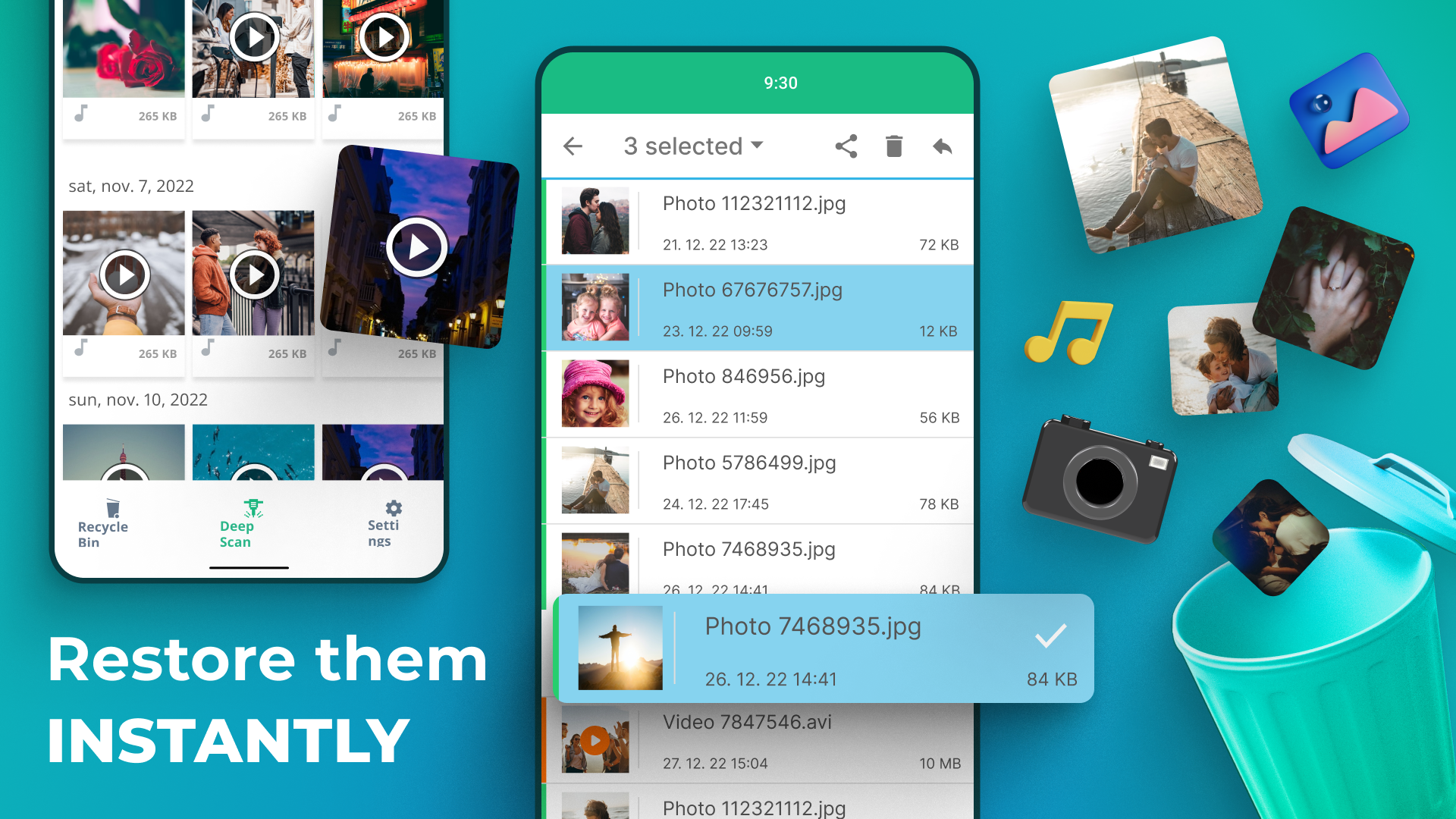
- Recover deleted files with one tap.
- There is a 7-day free trial.
- Availability of translation into Russian.
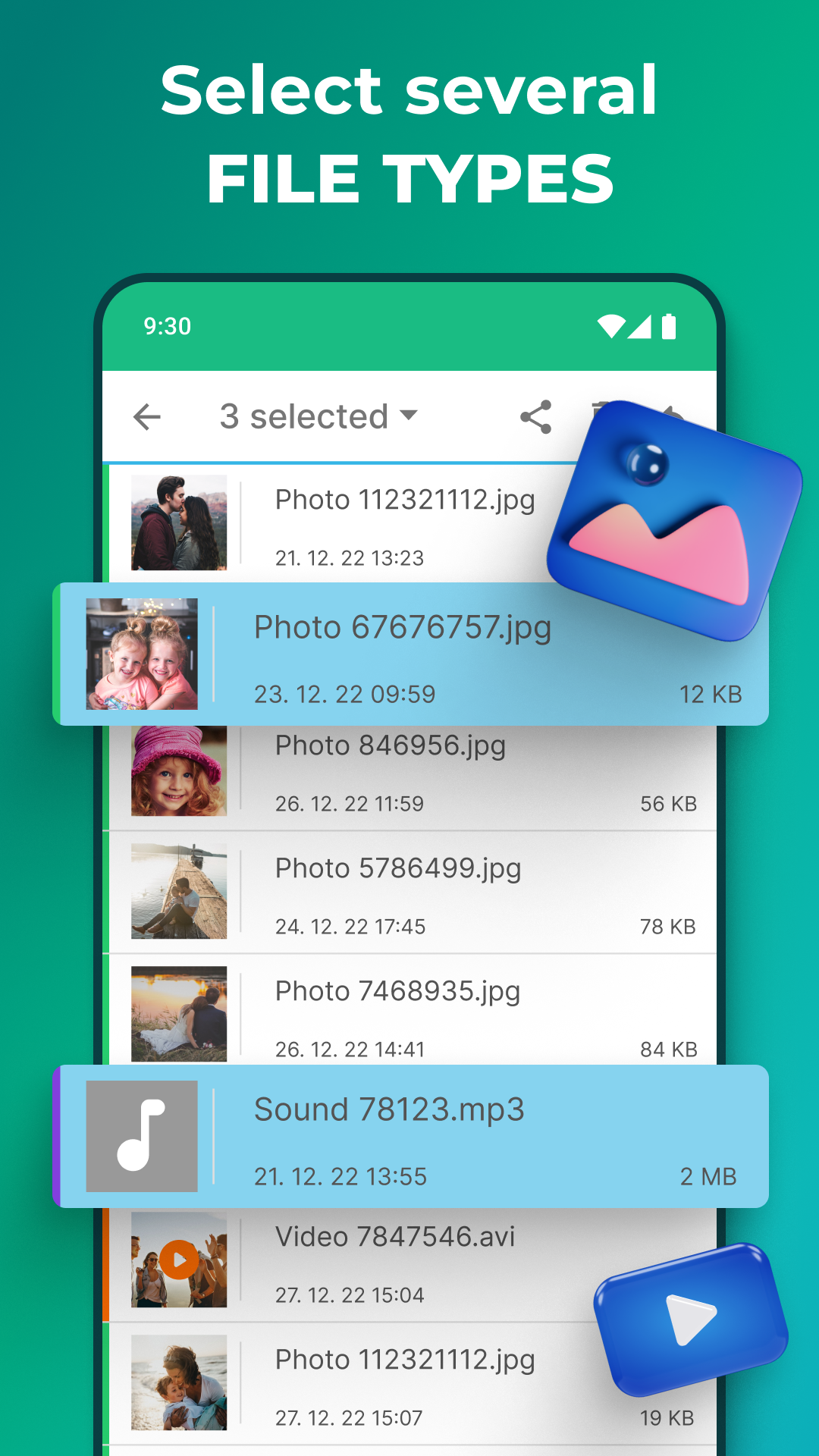
- Recover any data types.
Description
Application Dumpster: Photo/Video Recovery was checked by VirusTotal antivirus. As a result of the scan, no file infections were detected by all the latest signatures.
How to install Dumpster: Photo/Video Recovery
- Download APK file apps from apkshki.com.
- Locate the downloaded file. You can find it in the system tray or in the 'Download' folder using any file manager.
- If the file downloaded in .bin extension (WebView bug on Android 11), rename it to .apk using any file manager or try downloading the file with another browser like Chrome.
- Start the installation. Click on the downloaded file to start the installation
- Allow installation from unknown sources. If you are installing for the first time Dumpster: Photo/Video Recovery not from Google Play, go to your device's security settings and allow installation from unknown sources.
- Bypass Google Play protection. If Google Play protection blocks installation of the file, tap 'More Info' → 'Install anyway' → 'OK' to continue..
- Complete the installation: Follow the installer's instructions to complete the installation process.
How to update Dumpster: Photo/Video Recovery
- Download the new version apps from apkshki.com.
- Locate the downloaded file and click on it to start the installation.
- Install over the old version. There is no need to uninstall the previous version.
- Avoid signature conflicts. If the previous version was not downloaded from apkshki.com, the message 'Application not installed' may appear. In this case uninstall the old version and install the new one.
- Restart annex Dumpster: Photo/Video Recovery after the update.








Requesting an application update
Added Denis Rubinov
Version: 3.31.424.cbee
Size: 17.7 MB
Updated: 20.05.2025
Developer: Baloota
Age Limitations: Everyone
Authorizations:
Downloaded on Google Play: 68468316
Category: Tools












Reviews for Dumpster: Photo/Video Recovery
just a waste of time it's just showing some stickers and whatsapp status not even a single image that I wanted to recover Total waste not even worth my 2 rupees that I spent on it .
very good app...most try..
best app
nice
Beautiful app
good
নাইচ
worst App Ever
ok
Extremely confused regarding their support line, no way to reach out to them. They initially showed three days trial. I Tried to make sure its something I really wanted. But they charged me 32 dollars for the whole month although I didnt use them neither have any intention to use them for a day. Trying to figure out their support email to raise this incident and get my money back.
Beats competition by recovering more file types and a large time range set by user. Doesn't take alot of space but can expand. Annoying UI due to fault of the device OS: recoverable, deleted files are sorted in chronological batches, but my phone deletes larger numbers >20, in smaller nonsensical batches. In terms of privacy, TOS, and permissions, doesn't ask for too much, but Facebook is in the ad loop. Recovering multiple file folders/batches takes longer as you have to do them individually.
love it. works best. let's you choose which file extensions to save for X amount of time so you don't lose imporrant files by accidentally deleting it. also saves file versions incase an updated file isn't to your liking. this way you can revert back to the original app version. 👍🏼👍🏼
This program did recover my deleted photos as it said it would. I was impressed as these were photos prior to installing Dumpster. Cons are deep scan recover will net you about a billion results, often the same photo spanned over several dates. You can only select the files to restore one at a time. Once the photos are restored, they're not at their native resolution. If this program could restore original resolution I would rate it much higher.
I downloaded this app to recover a very recently lost video. Like, I accidentally deleted barely an hour ago. When I did the deep scan it legit just showed me all the pictures I still have on my phone, same with videos. It didn't recover a single missing thing. I also noticed it took a video of mine & converted it to a png preview? Even though it's a video? The app isn't total garbage, but I'm extremely dissatisfied with the fact it did not do what it said it does in the slightest.
I just took a video of something, and it played back well. An hour later, refused to play. I cleard some files on my phone, and the video didn't save to google, like it should have. I installed this app to try and recover this video. It did not work, and the video wasn't there (or it was but wouldn't play). However, I did see a lot of other files that deleted, that I saved to google. There were also images I did NOT take. So, it did work, but failed at recovering the video I wanted to recover.
Post a comment
To leave a comment, log in with your social network:
Or leave an anonymous comment. Your comment will be sent for moderation.
Post a comment
To leave a comment, log in with your social network:
Or leave an anonymous comment. Your comment will be sent for moderation.