



Keenetic
27+
downloads5.0+
version Android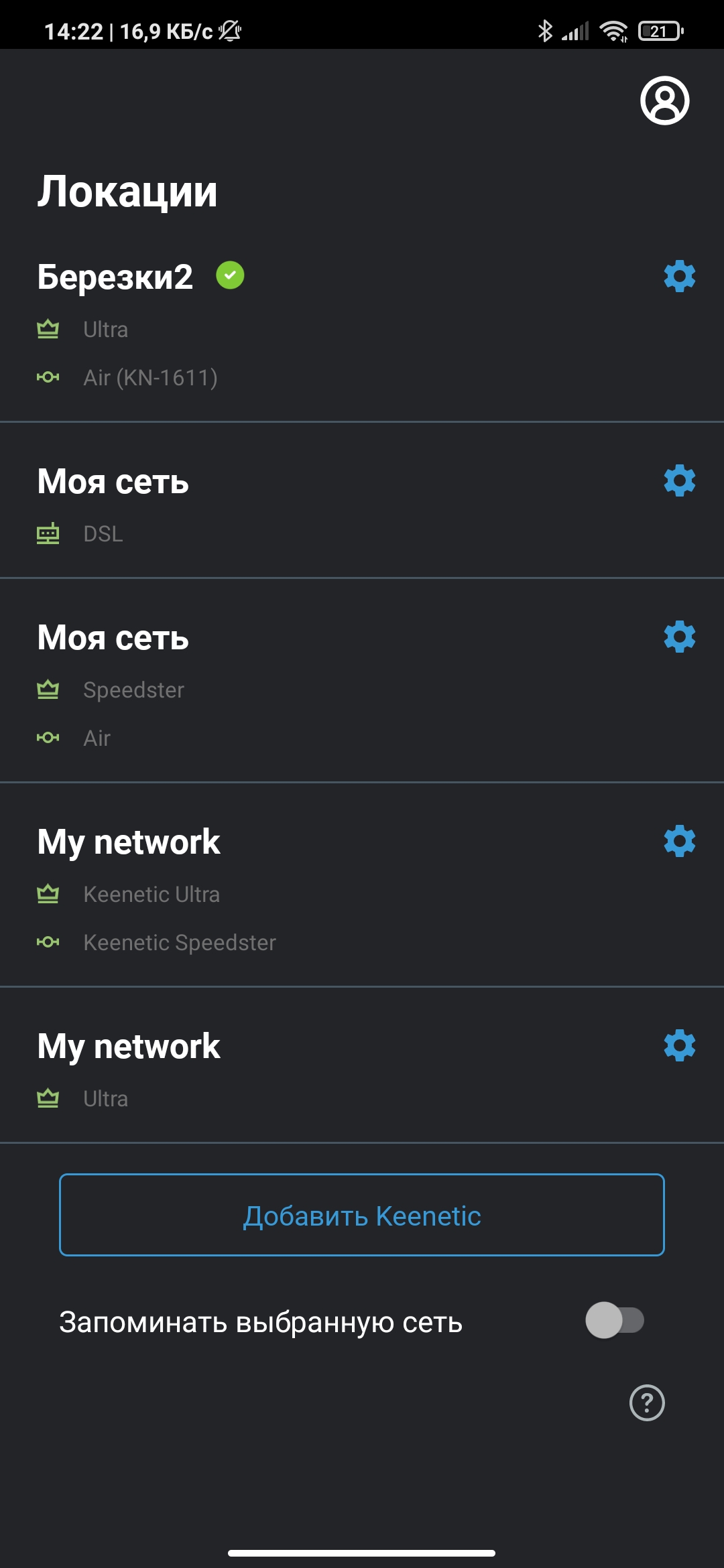
Added: Denis Rubinov
Version: 62
Size: 19.2 MB
Updated: 24.06.2025
Developer: Keenetic Limited
Age Limitations: Everyone
Authorizations: 12
Downloaded on Google Play: 965972
Category: Tools
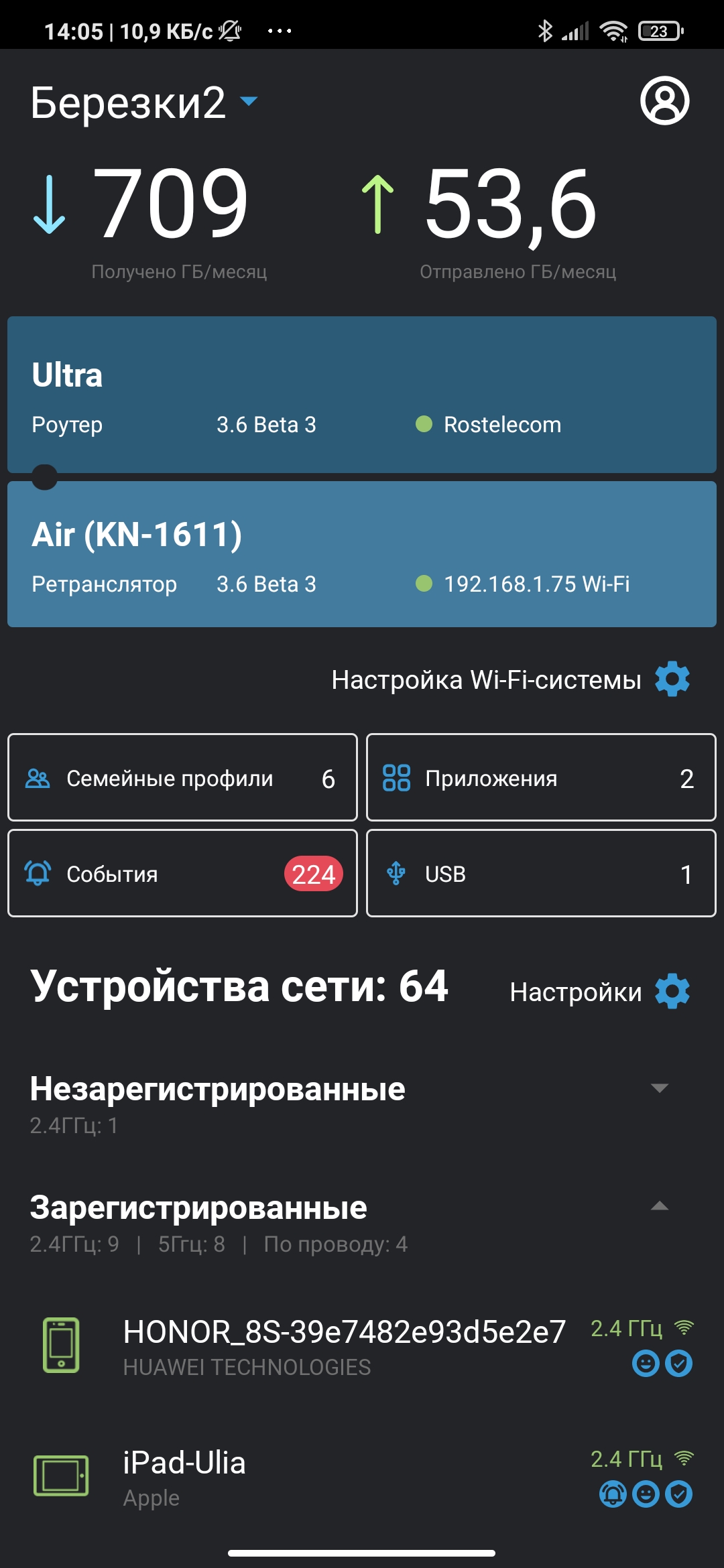
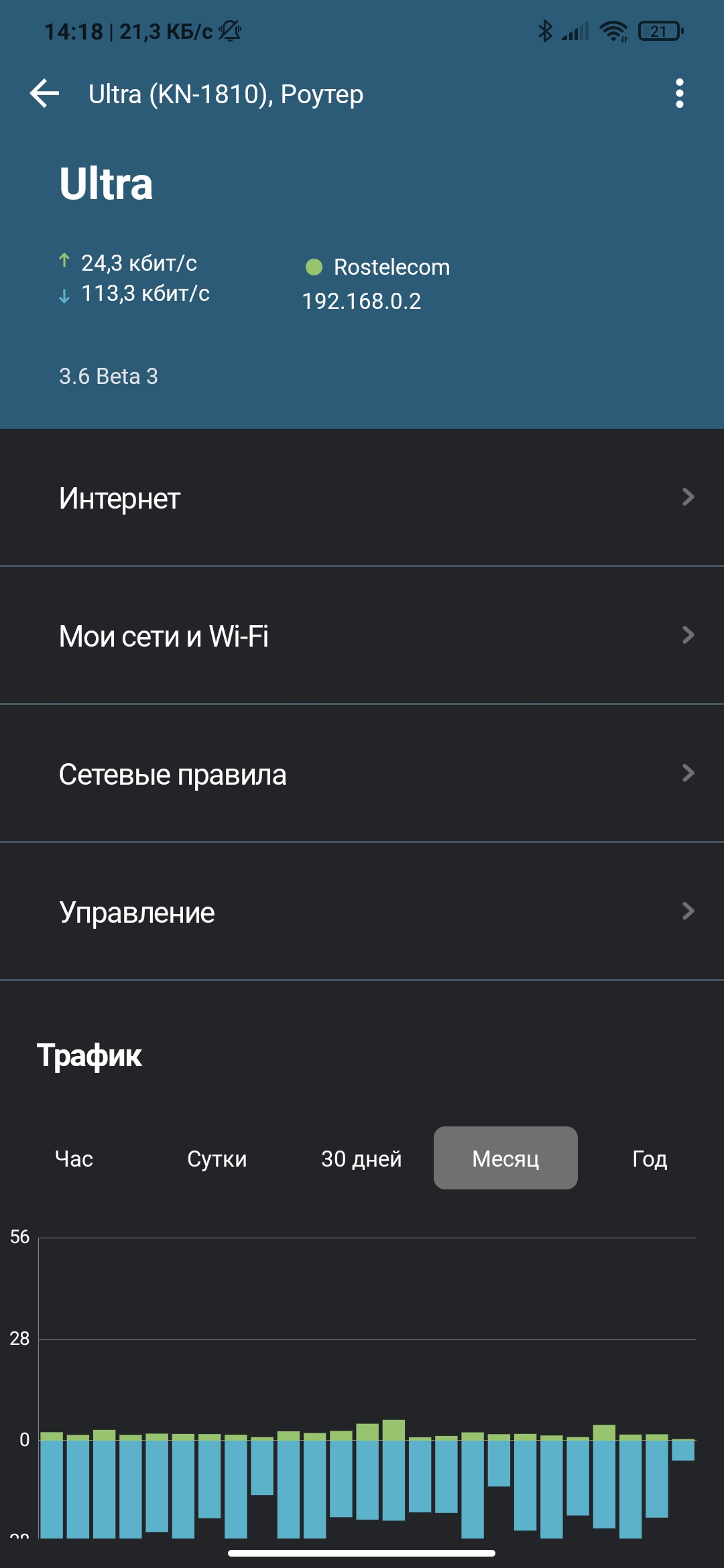
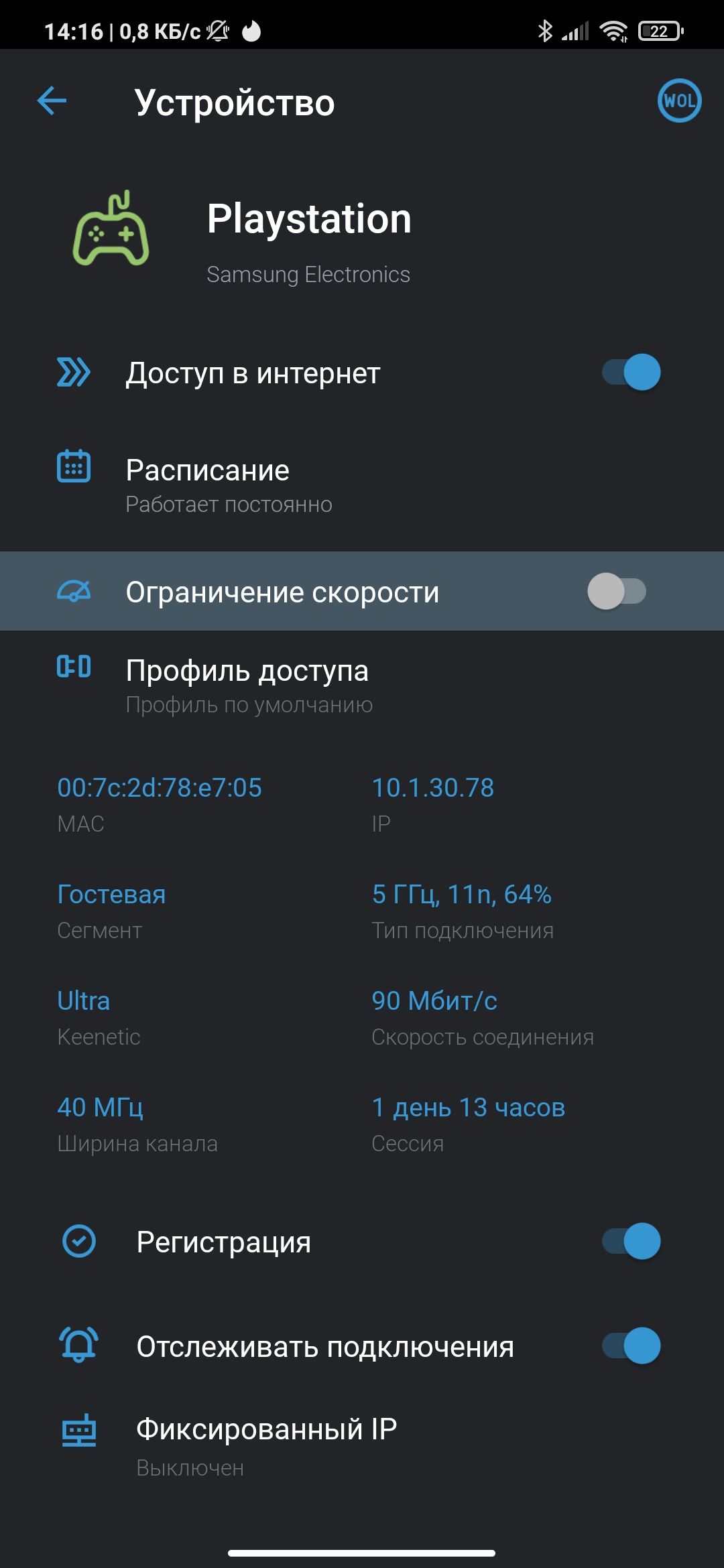
- Manage router settings from your smartphone screen.
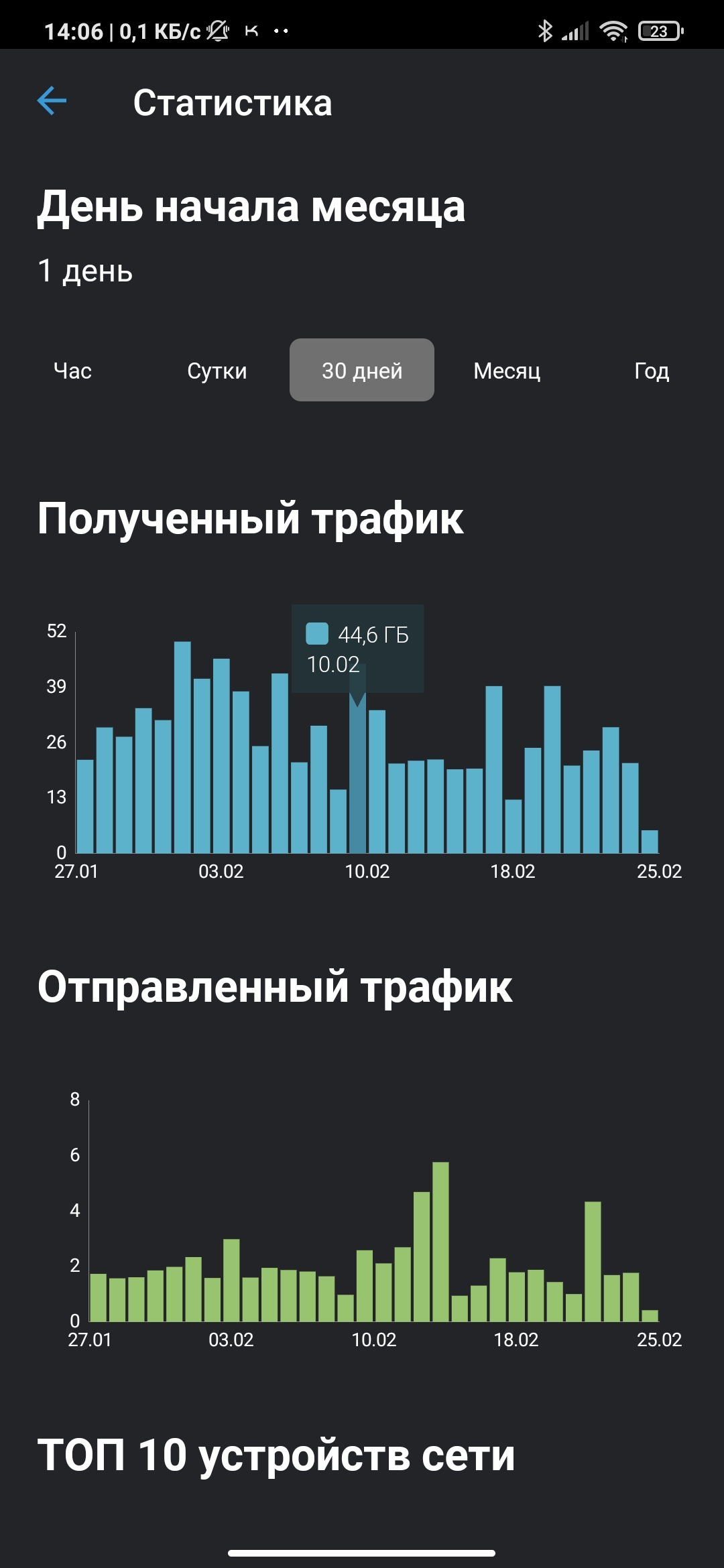
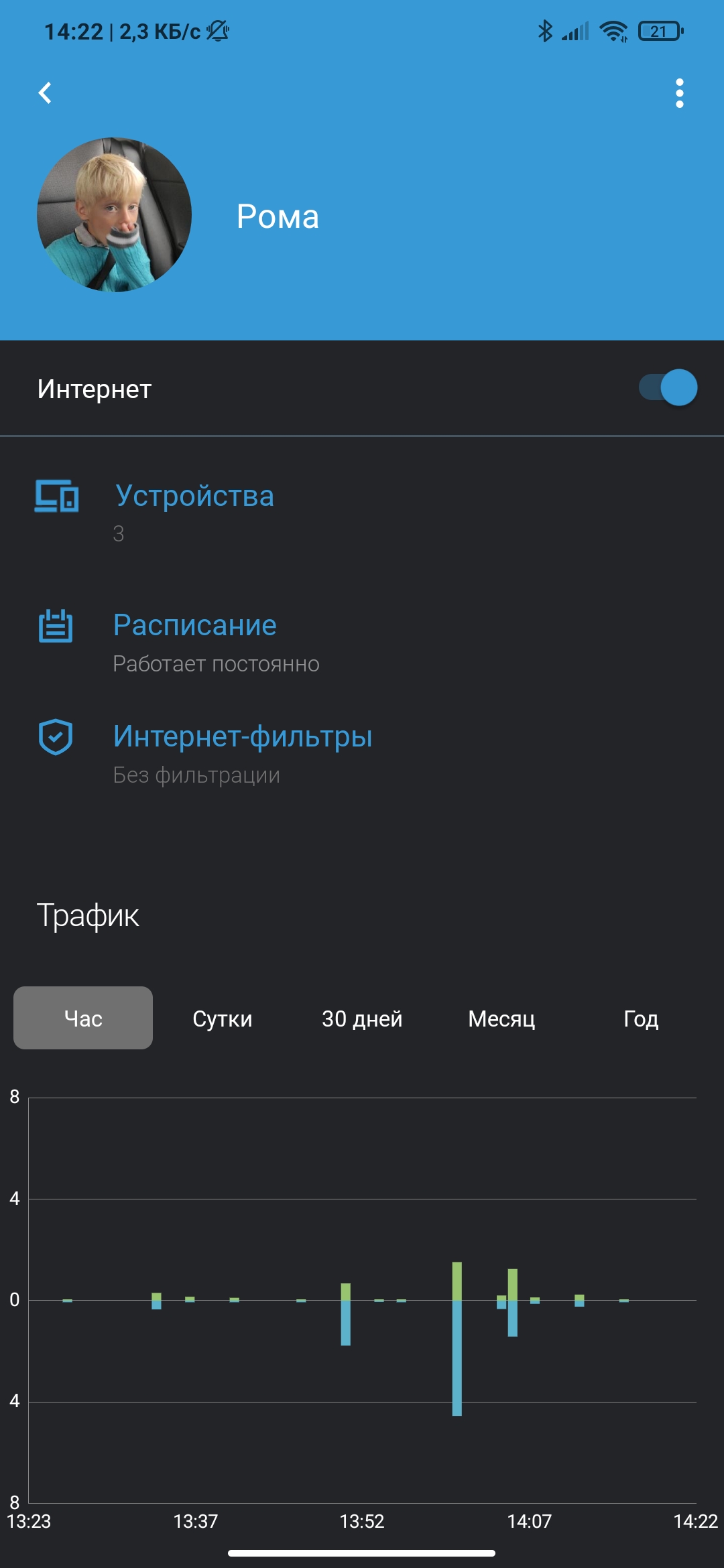
- Accurate statistics of traffic consumption.
- Block access to selected sites.
- Limit the speed of Internet access.
Description
Application Keenetic was checked by VirusTotal antivirus. As a result of the scan, no file infections were detected by all the latest signatures.
How to install Keenetic
- Download APK file apps from apkshki.com.
- Locate the downloaded file. You can find it in the system tray or in the 'Download' folder using any file manager.
- If the file downloaded in .bin extension (WebView bug on Android 11), rename it to .apk using any file manager or try downloading the file with another browser like Chrome.
- Start the installation. Click on the downloaded file to start the installation
- Allow installation from unknown sources. If you are installing for the first time Keenetic not from Google Play, go to your device's security settings and allow installation from unknown sources.
- Bypass Google Play protection. If Google Play protection blocks installation of the file, tap 'More Info' → 'Install anyway' → 'OK' to continue..
- Complete the installation: Follow the installer's instructions to complete the installation process.
How to update Keenetic
- Download the new version apps from apkshki.com.
- Locate the downloaded file and click on it to start the installation.
- Install over the old version. There is no need to uninstall the previous version.
- Avoid signature conflicts. If the previous version was not downloaded from apkshki.com, the message 'Application not installed' may appear. In this case uninstall the old version and install the new one.
- Restart annex Keenetic after the update.








Requesting an application update
Added Denis Rubinov
Version: 62
Size: 19.2 MB
Updated: 24.06.2025
Developer: Keenetic Limited
Age Limitations: Everyone
Authorizations:
Downloaded on Google Play: 965972
Category: Tools












Reviews for Keenetic
Requires account on Keenetic network. Doesn't allow to add a router using it's local IP address. Unable to find my Keenetic Giga from mobile app using local WiFi connected to a default home segment. Doesn't work at all
Good app, hadn’t seen a failure. It's good that you can monitor your home network activity when you not even home
Функционал хромает, баги не исправляются. Такое себе короче. Не видно например всех кто подключён к какой-то точке доступа, место под это есть, сумма клиентов есть, а списка нет.
Ужасно непонятное. Не найти где сделать простейшие настройки роутера (например, настроить wifi, или USB). Зачем оно тогда такое нужно - непонятно. Гораздо проще через web интерфейс всё настроить.
Icons for registered device often change to the default exagon for no apparent reason, as they show 2 different IPs for the same MAC addeess. There is no way to filter websites, not even via the firewall (good luck filtering by IP) only relies on predetermined 3rd party lists.
Какой идиот придумал, что нельзя добавить устройство чисто по ip?
Жирный минус за то, что после перезагрузки устройства на него удалённо не достучаться через это приложение в течение 15 мин, устройство отображается как оффлайн. В то же время через веб интерфейс легко можно зайти удалённо. Это видимо никогда не исправят, поэтому оценка останется такой.
Good job
я даже войти туда не смог... пишет неизвестное имя пользователя или пароль, хотя учетка точно существует, создал ладе вторую, но войти так не смог
Yesterday it worked, and today it says: "Wrong region or country". What?!
Good app, but i didnt't found option to make it secure, i mean pin code or bio-auth on app start. As it gives access to heart of the network it's an issue! (-2)
Why registration is mandatory? I don't want share my password with cloud, no way!
Login dont work: email and google An error occured during the authentification process
Very bad interface , i can't reboot my router
Fast and intuitive. Awesome work done!
Post a comment
To leave a comment, log in with your social network:
Or leave an anonymous comment. Your comment will be sent for moderation.
Post a comment
To leave a comment, log in with your social network:
Or leave an anonymous comment. Your comment will be sent for moderation.