



HP Sprocket
8+
downloads5.0+
version Android
Added: Denis Rubinov
Version: 3.0.141.1
Size: 86.4 MB
Updated: 24.06.2025
Developer: C&A Marketing Inc.
Age Limitations: Everyone
Downloaded on Google Play: 1923485
Category: Photo
Description
Application HP Sprocket was checked by VirusTotal antivirus. As a result of the scan, no file infections were detected by all the latest signatures.
How to install HP Sprocket
- Download APK file apps from apkshki.com.
- Locate the downloaded file. You can find it in the system tray or in the 'Download' folder using any file manager.
- If the file downloaded in .bin extension (WebView bug on Android 11), rename it to .apk using any file manager or try downloading the file with another browser like Chrome.
- Start the installation. Click on the downloaded file to start the installation
- Allow installation from unknown sources. If you are installing for the first time HP Sprocket not from Google Play, go to your device's security settings and allow installation from unknown sources.
- Bypass Google Play protection. If Google Play protection blocks installation of the file, tap 'More Info' → 'Install anyway' → 'OK' to continue..
- Complete the installation: Follow the installer's instructions to complete the installation process.
How to update HP Sprocket
- Download the new version apps from apkshki.com.
- Locate the downloaded file and click on it to start the installation.
- Install over the old version. There is no need to uninstall the previous version.
- Avoid signature conflicts. If the previous version was not downloaded from apkshki.com, the message 'Application not installed' may appear. In this case uninstall the old version and install the new one.
- Restart annex HP Sprocket after the update.








Requesting an application update
Added Denis Rubinov
Version: 3.0.141.1
Size: 86.4 MB
Updated: 24.06.2025
Developer: C&A Marketing Inc.
Age Limitations: Everyone
Downloaded on Google Play: 1923485
Category: Photo












Reviews for HP Sprocket
I really like this app. it's easy to use, fun, and gives great photos.
Nice for quick take aways for Journaling and other fun craft making project.
colors aren't showing the same when pictures are printed.
The app takes forever to show the photos in the gallery.
I love this printer. 😀
used to save to my sprocket album now when i press save and press sprocket icon it goes to pictures
Good Surprise. Funny, easy, love it.
Cant even use the app. Why do i need my gps on to print something? No you can not take my data and make money off of it.
Lovely clear colourful prints
does what it says
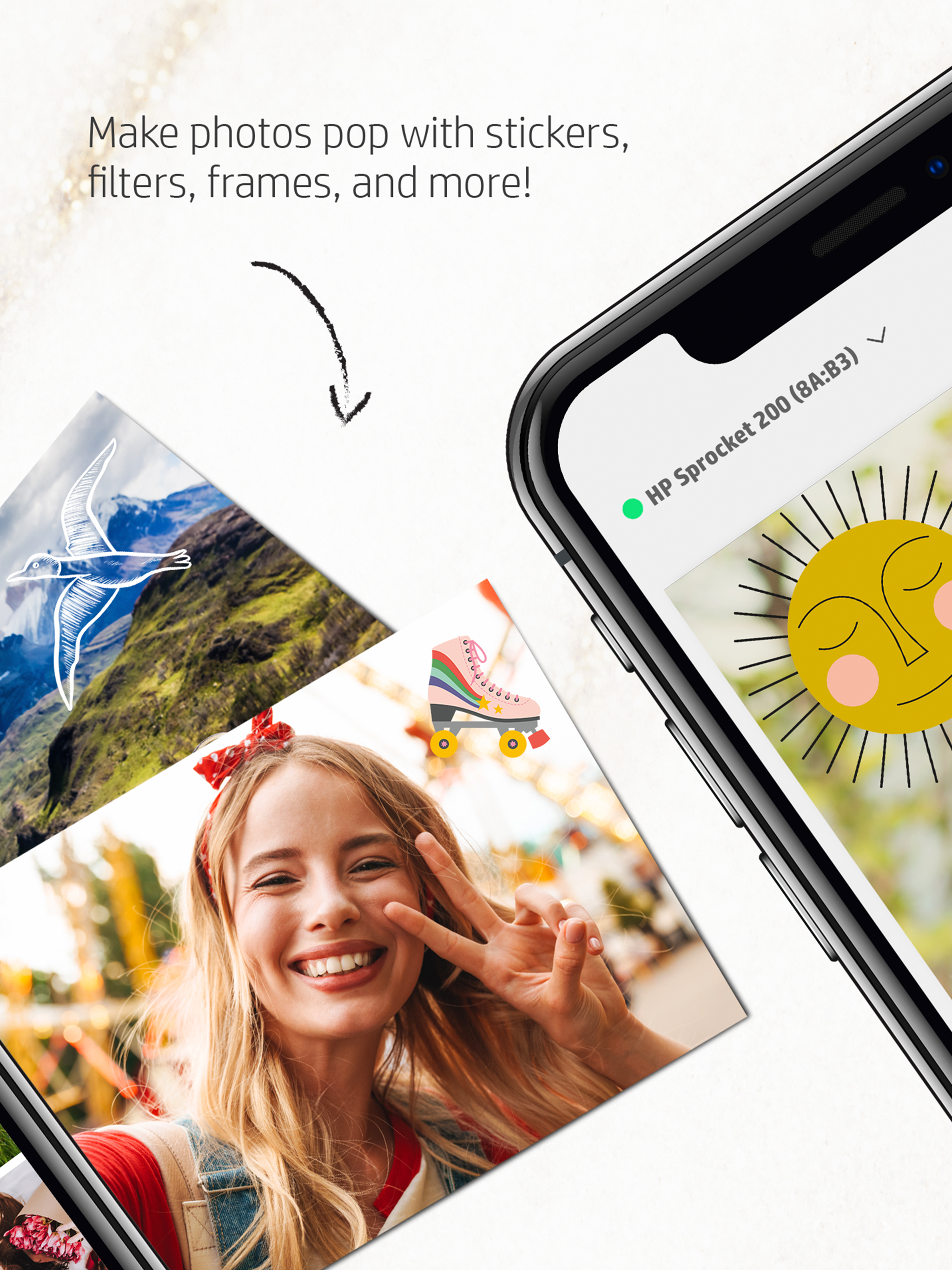
I'm happy with my Sprocket and this app so far. While the editing and quality isn't top notch and the pictures don't always print out the best, you really have to consider what you have here. To be able to print bite size photos on the go is remarkably fun and the editing features such as stickers and frames just add to it's flair. Now, I will say it would be nice if my pictures didn't have a blue tinted finish... and for that I docked a star.
What happened? I've had my Sprocket (2nd Ed.) for two years and never had an issue. I went through 3 other mini printers before this and was super happy with Sprocket. Then functionally and support vanished. The app didn't update, glitchy, no new content/features. Was pretty bummed. Hope this update is just the first of many to keep this device relevant.
PRIVACY NOTICE: You are forced to provide information (such as location) just to print a picture. App is jittery when scrolling through pictures (jumps around), colors are off after printing (HP is new to this printing thing I hear), app flow is odd; menu items are not where you'd expect. Unsettling amount of privacy intrusion for just printing a picture. I'll print what I want and uninstall. Overall, this is what I expected of an HP product.
I had this put away for quite awhile. I found it, plugged it in to charge. Connected Bluetooth and was able to print beautiful photos right away. I am pleased with ease of use, great color photos. Small 2x3 pics I think, but great for wallet, small frame space. I think I'm gonna love this little gadget. Thanks HP for continuing to provide great products. I don't know how to share or if you can create albums or collages. Wish I did. I can Google or YouTube for answers. Happy Holidays!!
Enjoying it even though I feel like the Sprocket's price tag is a bit high. Navigating the photo editing controls wasn't as intuitive as I expected, but I eventually found the crop controls. Colors and detail don't print perfectly, but well enough for the kids to enjoy. Also probably great for scrapbookers. Still more to explore, stop asking me to review the app after my first and second use.
Post a comment
To leave a comment, log in with your social network:
Or leave an anonymous comment. Your comment will be sent for moderation.
Post a comment
To leave a comment, log in with your social network:
Or leave an anonymous comment. Your comment will be sent for moderation.