



Home Button
20+
downloads4.0+
version Android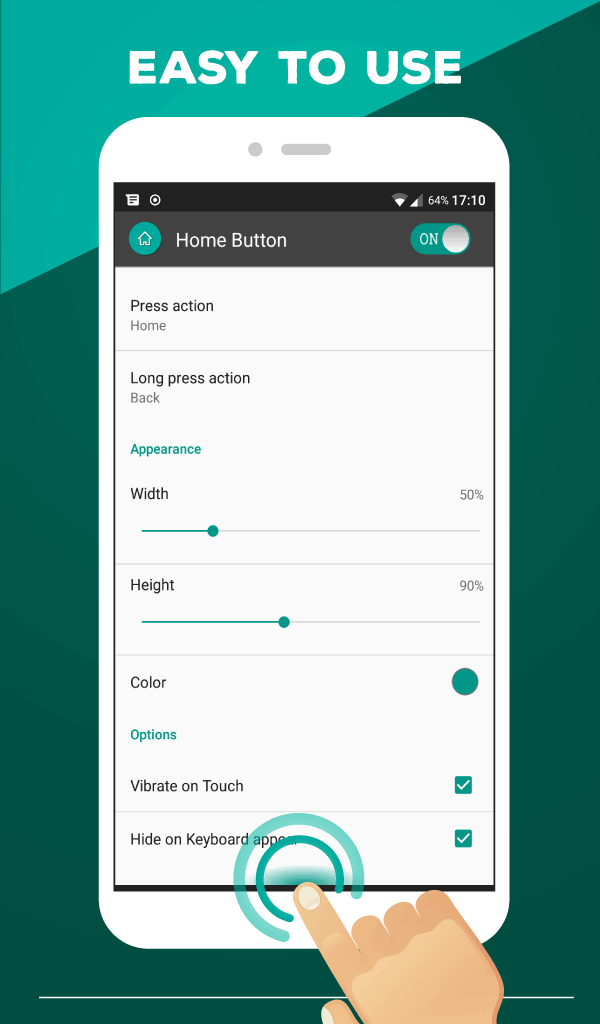
Added: Denis Rubinov
Version: 2.0.5
Size: 7 MB
Updated: 24.06.2025
Developer: Nu-Kob
Age Limitations: Everyone
Authorizations: 15
Downloaded on Google Play: 518021
Category: Tools
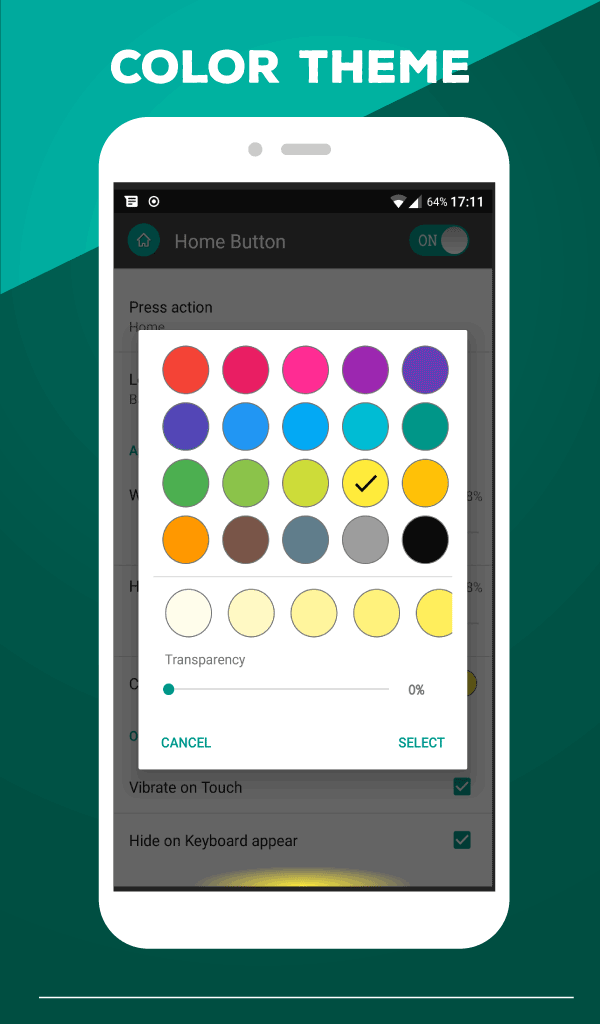
- Adjust the color scheme.
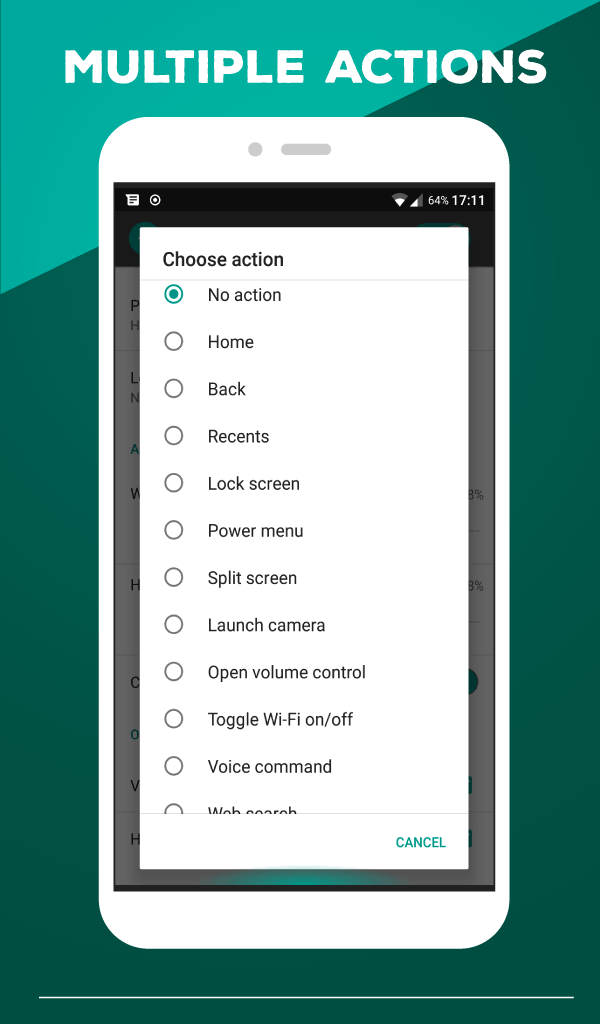
- You can assign the required actions to press and long press.
- Flexible settings.
- The program is easy to set up and use.
Description
Application Home Button was checked by VirusTotal antivirus. As a result of the scan, no file infections were detected by all the latest signatures.
How to install Home Button
- Download APK file apps from apkshki.com.
- Locate the downloaded file. You can find it in the system tray or in the 'Download' folder using any file manager.
- If the file downloaded in .bin extension (WebView bug on Android 11), rename it to .apk using any file manager or try downloading the file with another browser like Chrome.
- Start the installation. Click on the downloaded file to start the installation
- Allow installation from unknown sources. If you are installing for the first time Home Button not from Google Play, go to your device's security settings and allow installation from unknown sources.
- Bypass Google Play protection. If Google Play protection blocks installation of the file, tap 'More Info' → 'Install anyway' → 'OK' to continue..
- Complete the installation: Follow the installer's instructions to complete the installation process.
How to update Home Button
- Download the new version apps from apkshki.com.
- Locate the downloaded file and click on it to start the installation.
- Install over the old version. There is no need to uninstall the previous version.
- Avoid signature conflicts. If the previous version was not downloaded from apkshki.com, the message 'Application not installed' may appear. In this case uninstall the old version and install the new one.
- Restart annex Home Button after the update.








Requesting an application update
Added Denis Rubinov
Version: 2.0.5
Size: 7 MB
Updated: 24.06.2025
Developer: Nu-Kob
Age Limitations: Everyone
Authorizations:
Downloaded on Google Play: 518021
Category: Tools











Reviews for Home Button
This app is so useful for phones with mechanical home key, it saves you from having to press that button so much. Thanks a lot.
Immediately opening on first run, I get ads!! Immediate Uninstall!!
Good
Best apps for phone who gets home button is broken, but back and recent apps is still working
the app itself and the features it provides is awesome, easy to setup and manage, one small thing is that it sometimes doesn't launch properly and crashes, I have to clear its data to be able to use the app,
So real it works well
I like it....
Bro When I Click "Launch Other Applications" Is Not Working
Only press and long press. No right/left swipe. Too simple feature
Too many ads, would rather pay for a version that has no ads
i wish the button had options for positioning in different parts of the screen instead of just being stuck at the bottom
good, but I want a ongoing notification so that the task manager not be able to stop the app..... and yeah, if there were a third option such that swipe or double click, it would be better.... waiting for the next update.
I love it! It doesnt disable when i turn off the running apps
app using point position not good need to chenge icon and position area if button can move all screen can be good other wise its not good
I give 3star because its can only perform one function at a time not multiple function like back/home/minimize button. Work on this and u will be number one
Post a comment
To leave a comment, log in with your social network:
Or leave an anonymous comment. Your comment will be sent for moderation.
Post a comment
To leave a comment, log in with your social network:
Or leave an anonymous comment. Your comment will be sent for moderation.