



GPS Test
14+
downloads4.1+
version Android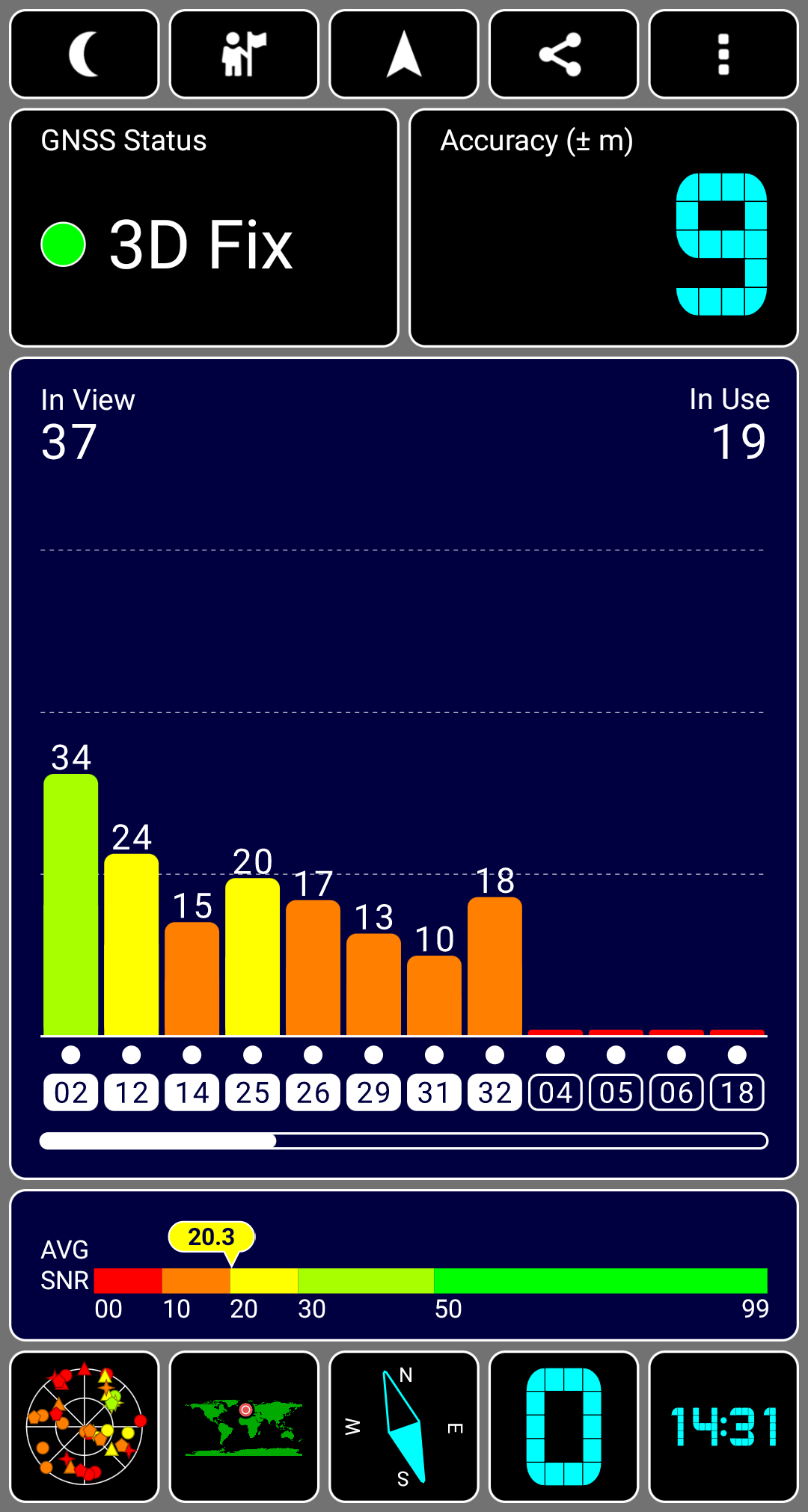
Added: Denis Rubinov
Version: 1.6.5
Size: 2.7 MB
Updated: 22.10.2023
Developer: Chartcross Limited
Age Limitations: Everyone
Authorizations: 8
Downloaded on Google Play: 18476671
Category: Tools
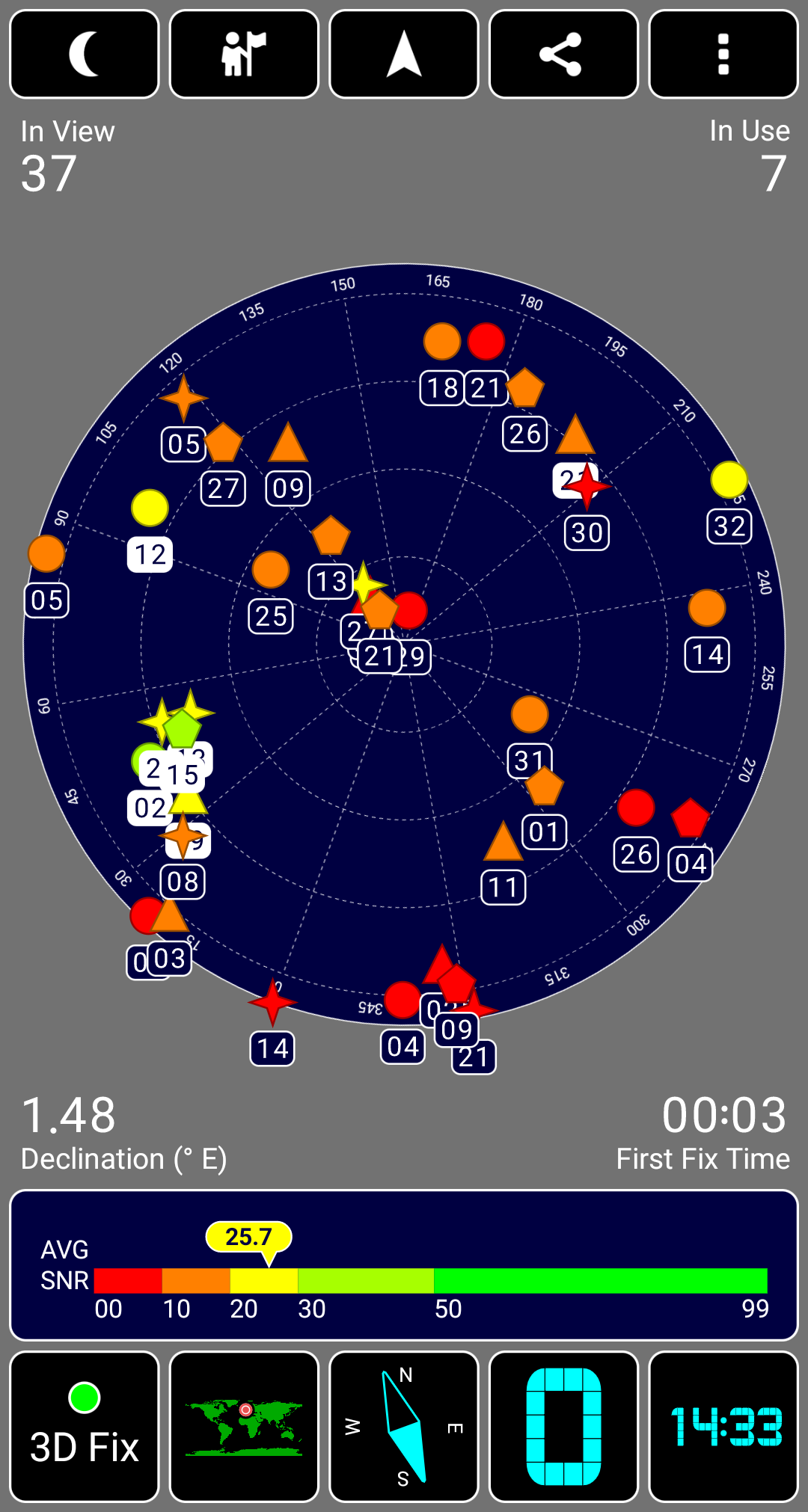
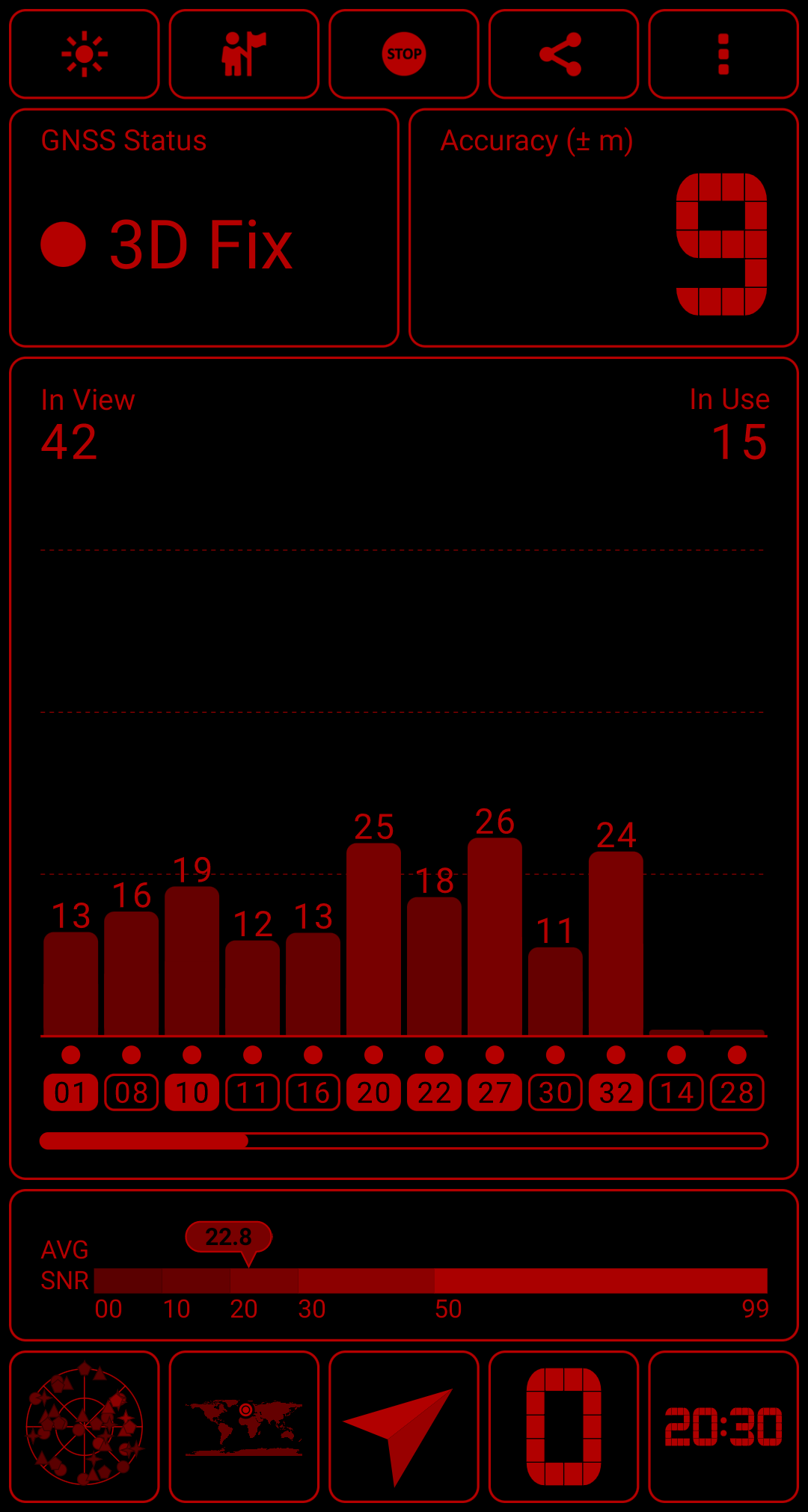
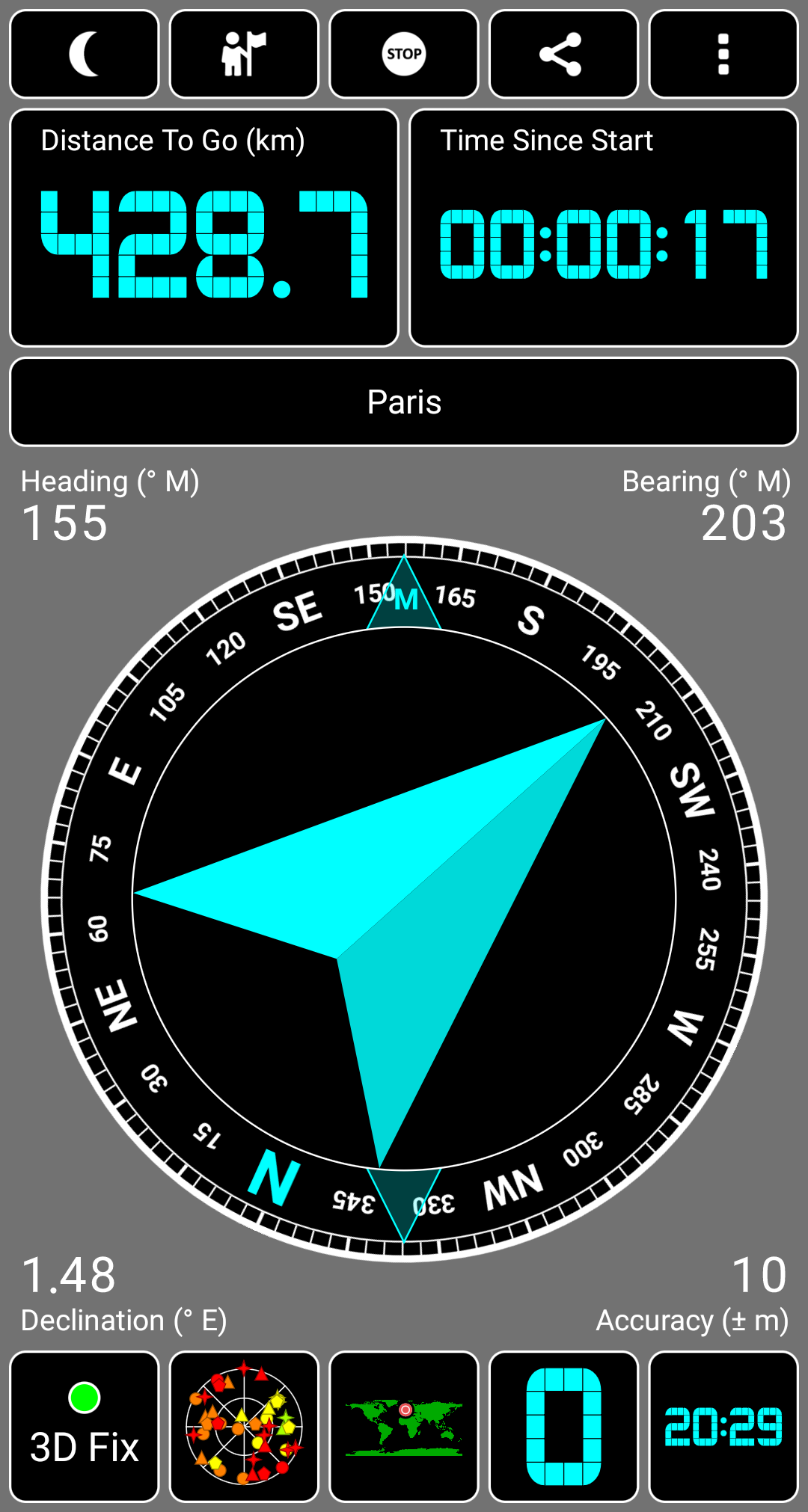
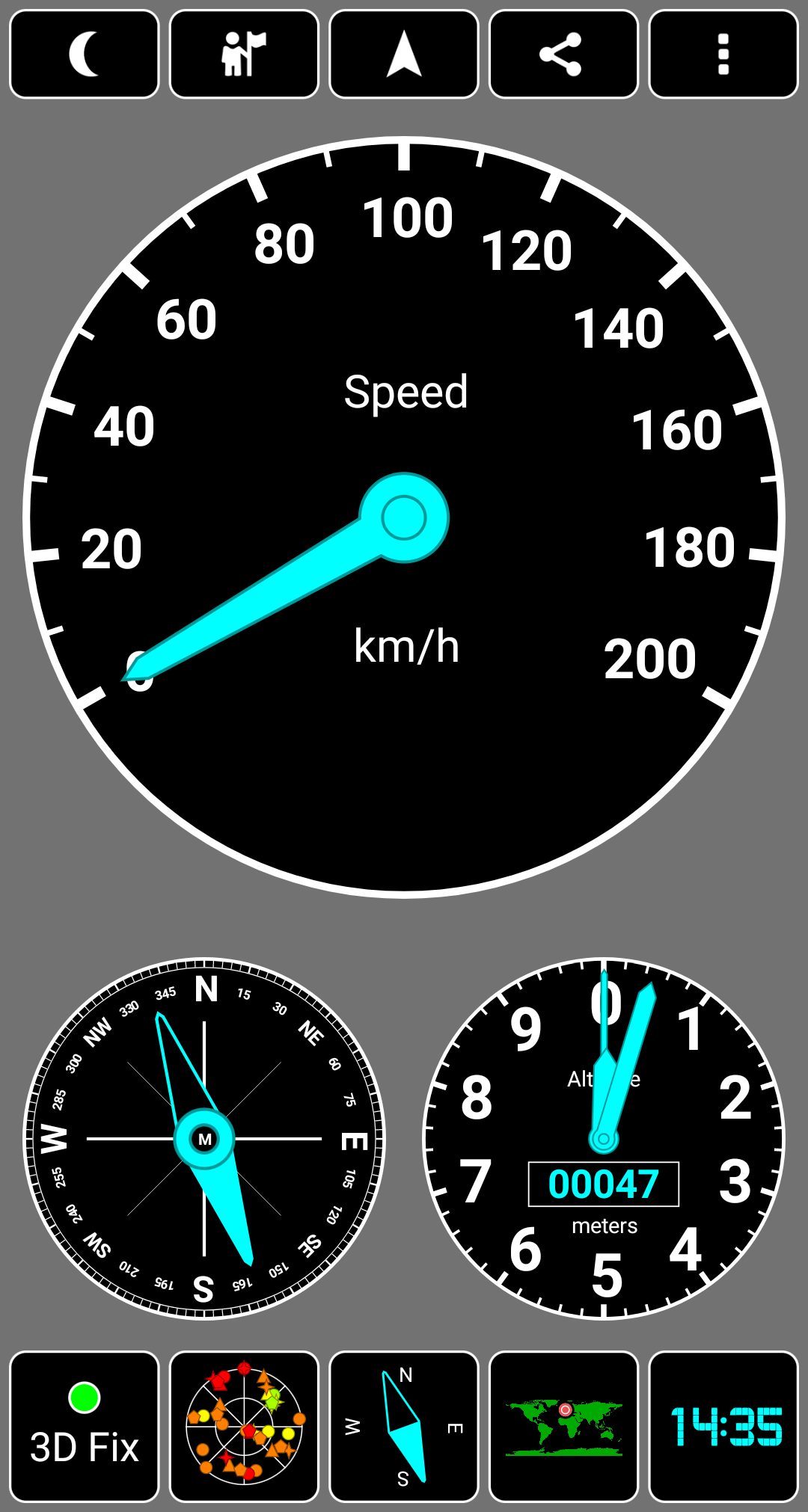
- Automatic GPS Testing.
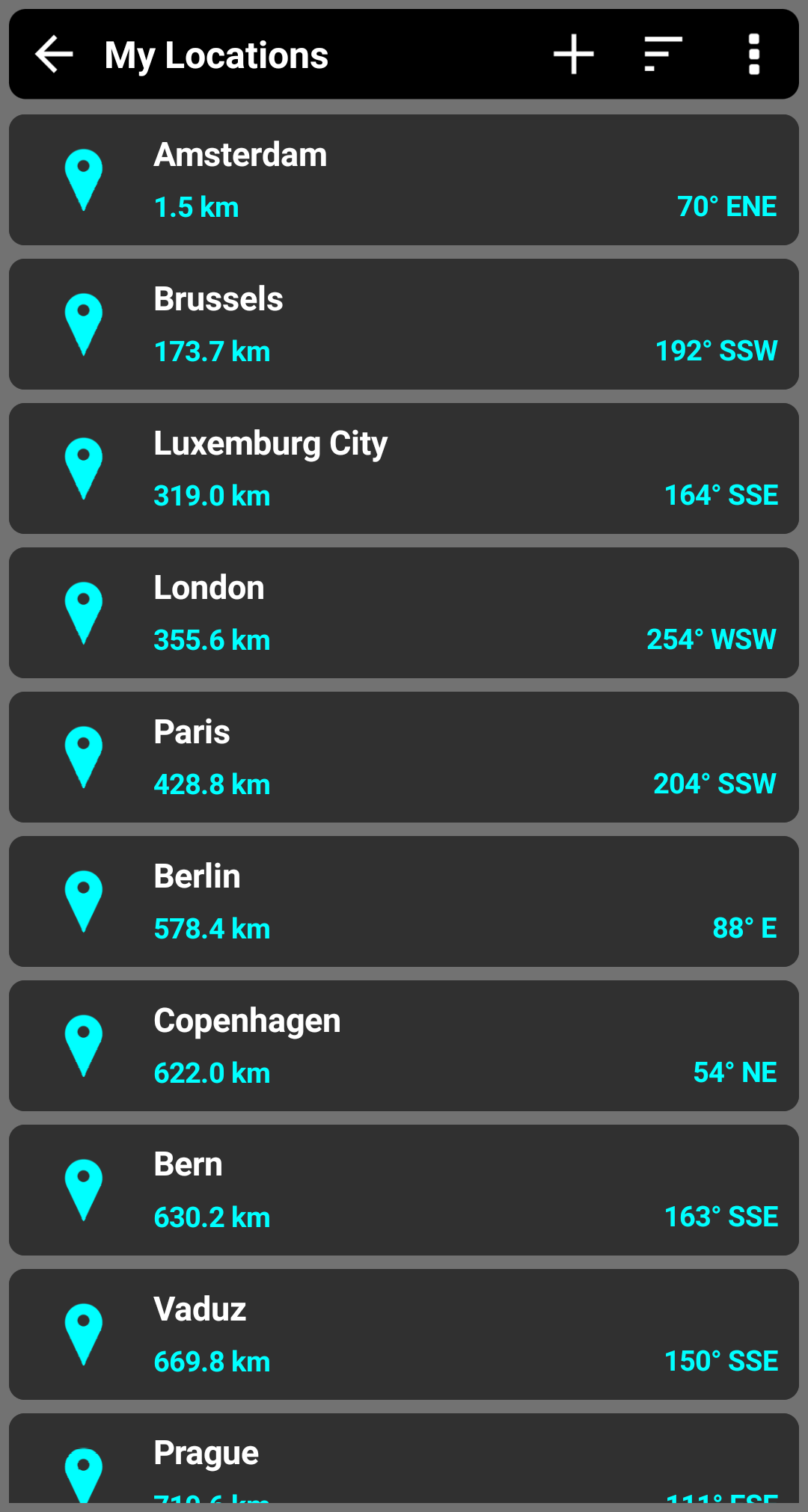
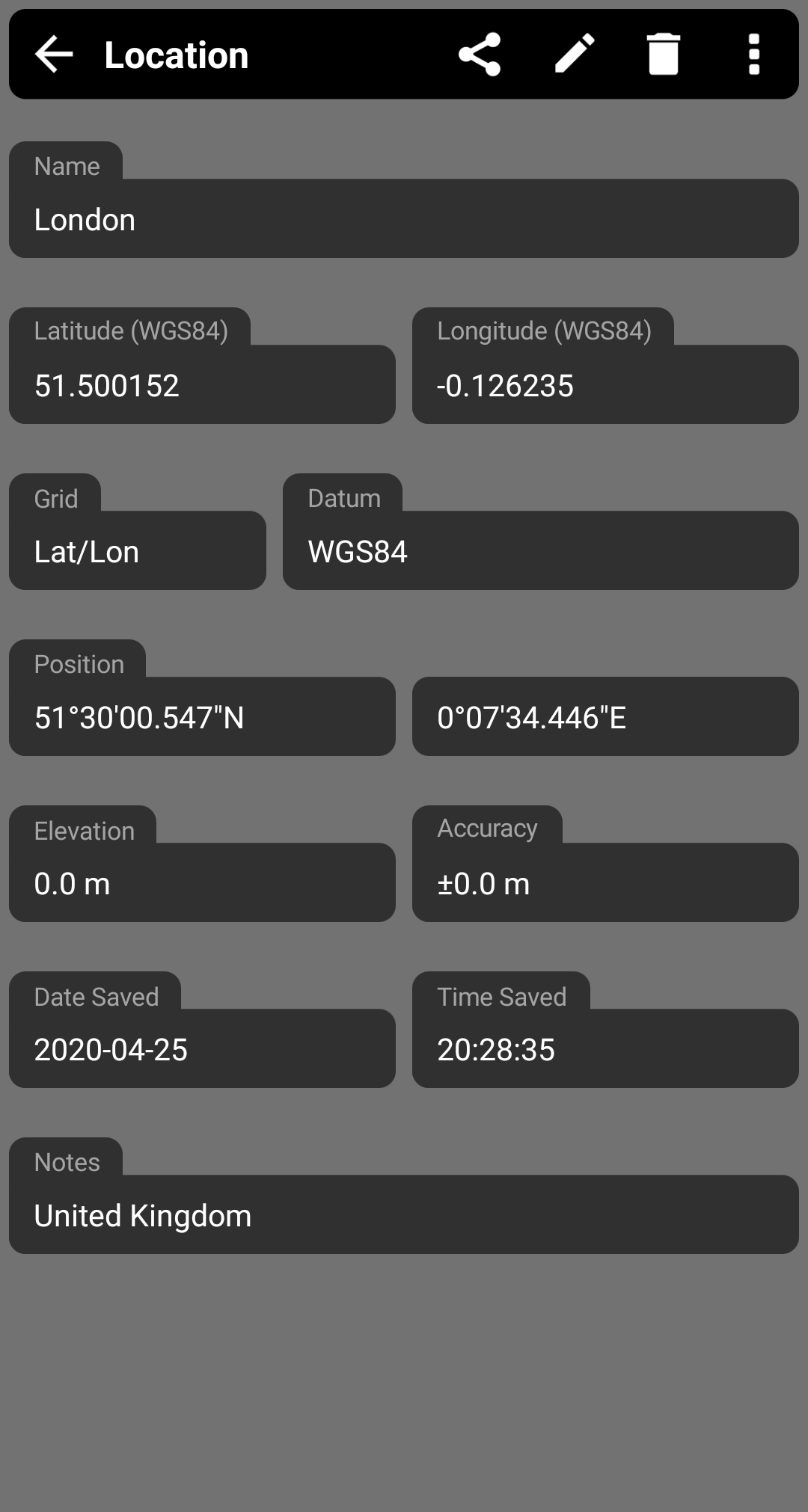
- Displays the current coordinates as text or on a map.
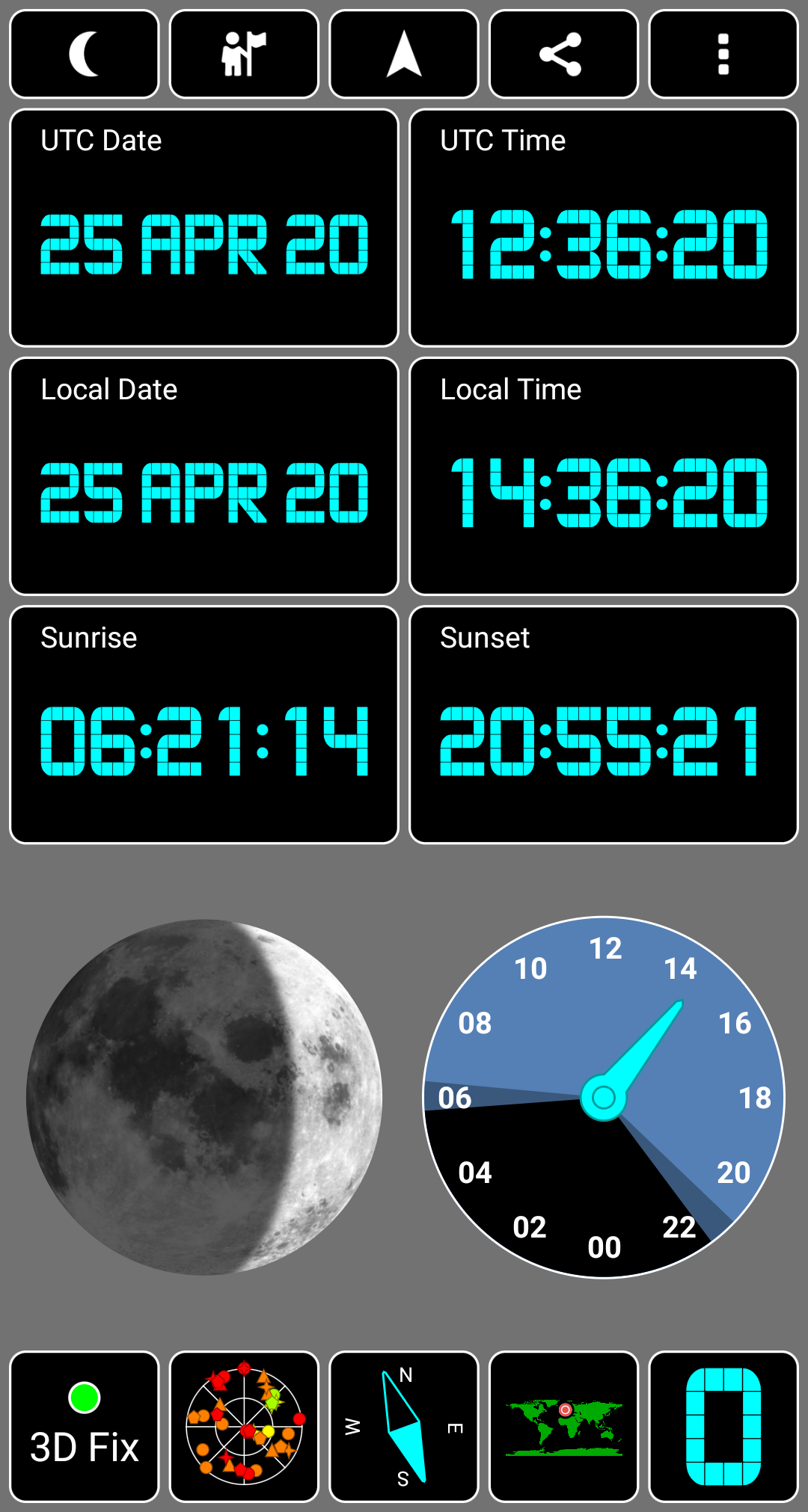
- Checking the position of the Sun and Moon.
- Good accuracy.
- Works on smartphones and tablets.
Description
Application GPS Test was checked by VirusTotal antivirus. As a result of the scan, no file infections were detected by all the latest signatures.
How to install GPS Test
- Download APK file apps from apkshki.com.
- Locate the downloaded file. You can find it in the system tray or in the 'Download' folder using any file manager.
- If the file downloaded in .bin extension (WebView bug on Android 11), rename it to .apk using any file manager or try downloading the file with another browser like Chrome.
- Start the installation. Click on the downloaded file to start the installation
- Allow installation from unknown sources. If you are installing for the first time GPS Test not from Google Play, go to your device's security settings and allow installation from unknown sources.
- Bypass Google Play protection. If Google Play protection blocks installation of the file, tap 'More Info' → 'Install anyway' → 'OK' to continue..
- Complete the installation: Follow the installer's instructions to complete the installation process.
How to update GPS Test
- Download the new version apps from apkshki.com.
- Locate the downloaded file and click on it to start the installation.
- Install over the old version. There is no need to uninstall the previous version.
- Avoid signature conflicts. If the previous version was not downloaded from apkshki.com, the message 'Application not installed' may appear. In this case uninstall the old version and install the new one.
- Restart annex GPS Test after the update.








Requesting an application update
Added Denis Rubinov
Version: 1.6.5
Size: 2.7 MB
Updated: 22.10.2023
Developer: Chartcross Limited
Age Limitations: Everyone
Authorizations:
Downloaded on Google Play: 18476671
Category: Tools











Reviews for GPS Test
useless. doesn't do anything.
exceptional! please add watch ultra!!
This app hasn't been updated since July 2024. is this app considered abandoned?
I have used this app for years across multiple phones. The current version has an issue though. The navigation buttons top row status stuff won't go away no matter what I do. This app would have five stars if not for that. Surf Wisely.
This needs to be updated. running on OnePlus 12. display does not fit. I tried everything to adjust on phone but it doesn't look right.
Free version is crippled!!!
totally unusable on a pixel 9a. buttons at top don't work because they are behind the info like time battery %. buttons at bottom are halfway off the screen.
Easy to use. Does what it says it does.
Does not work with the Samsung Galaxy A36 5G because the app display goes off the screen, obscuring app function buttons from being read and tapped.
I love the app but I assumed upgrading from the free version would be the same as buying the plus version with navigation... I assumed wrong.
Best GPS app till now
Simple,fast,free great apps, works and somehow fixed an issue i was having with location apps ( i believe because of where i was indoors)( graphene os)
Great, but why the limit on 600km/h? I am using it for aviation purposes where speeds are up to 1 mach.
I will give it a 5 star if able to recovery locations I had saved. I was using the paid version. Had to get a new phone and was hoping my locations had been saved.
Great app that I've used for years, but really needs an update to display dual frequency satellites, whether you're getting l1 or l5 bands.
Post a comment
To leave a comment, log in with your social network:
Or leave an anonymous comment. Your comment will be sent for moderation.
Post a comment
To leave a comment, log in with your social network:
Or leave an anonymous comment. Your comment will be sent for moderation.