



GOSCOM Pro
0+
downloads5.0
version Android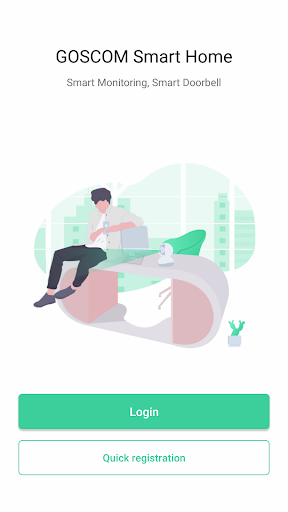
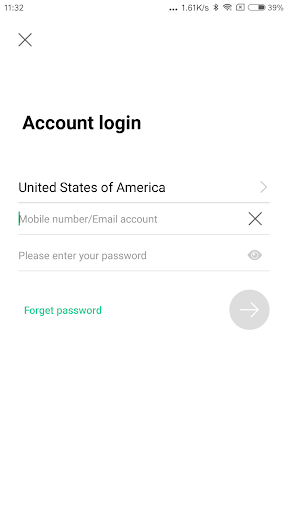
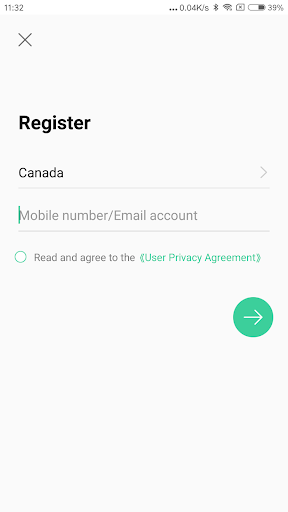

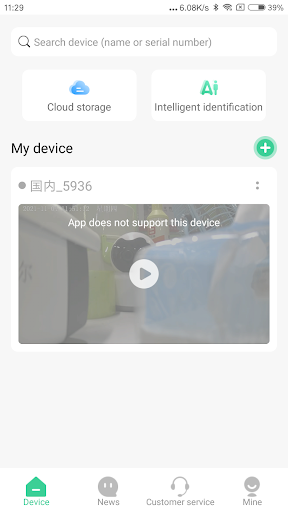

Added: Dmitry Tsoi
Version: V5.1.119
Size: 146.7 MB
Updated: 24.06.2025
Developer: Ulife team
Authorizations: 30
Downloaded on Google Play: 4231
Category: Personalization
Description
Application GOSCOM Pro was checked by VirusTotal antivirus. As a result of the scan, no file infections were detected by all the latest signatures.
How to install GOSCOM Pro
- Download APK file apps from apkshki.com.
- Locate the downloaded file. You can find it in the system tray or in the 'Download' folder using any file manager.
- If the file downloaded in .bin extension (WebView bug on Android 11), rename it to .apk using any file manager or try downloading the file with another browser like Chrome.
- Start the installation. Click on the downloaded file to start the installation
- Allow installation from unknown sources. If you are installing for the first time GOSCOM Pro not from Google Play, go to your device's security settings and allow installation from unknown sources.
- Bypass Google Play protection. If Google Play protection blocks installation of the file, tap 'More Info' → 'Install anyway' → 'OK' to continue..
- Complete the installation: Follow the installer's instructions to complete the installation process.
How to update GOSCOM Pro
- Download the new version apps from apkshki.com.
- Locate the downloaded file and click on it to start the installation.
- Install over the old version. There is no need to uninstall the previous version.
- Avoid signature conflicts. If the previous version was not downloaded from apkshki.com, the message 'Application not installed' may appear. In this case uninstall the old version and install the new one.
- Restart annex GOSCOM Pro after the update.








Requesting an application update
Added Dmitry Tsoi
Version: V5.1.119
Size: 146.7 MB
Updated: 24.06.2025
Developer: Ulife team
Authorizations:
Downloaded on Google Play: 4231
Category: Personalization












Reviews for GOSCOM Pro
Was under the impression this would connect to 5G internet. Sad to say I was mistaken
Se ha caído la app por favor arreglen
This is a terrible app. Does not work with the old cameras I have. The old Goscom App was also terrible but at least i get to use my camera. BRING THE OLD APP BACK! Never buy Goscom products.
New app will no longer allow recording to SD card inserted in camera. It also logged me out and I can't sign back in as I just get error message "Send Request Failed".
Seriously....
Changed app doesn't support devices sold go back to Original goscom
Very easy to operate and good customer service👍👍
Post a comment
To leave a comment, log in with your social network:
Or leave an anonymous comment. Your comment will be sent for moderation.
Post a comment
To leave a comment, log in with your social network:
Or leave an anonymous comment. Your comment will be sent for moderation.