


Radio FM
124+
downloads4.1+
version Android
Added: Denis Rubinov
Version: 18.3.2
Size: 58.6 MB
Updated: 20.05.2025
Developer: RadioFM
Age Limitations: Teen
Authorizations: 18
Downloaded on Google Play: 86728159
Category: Music and audio
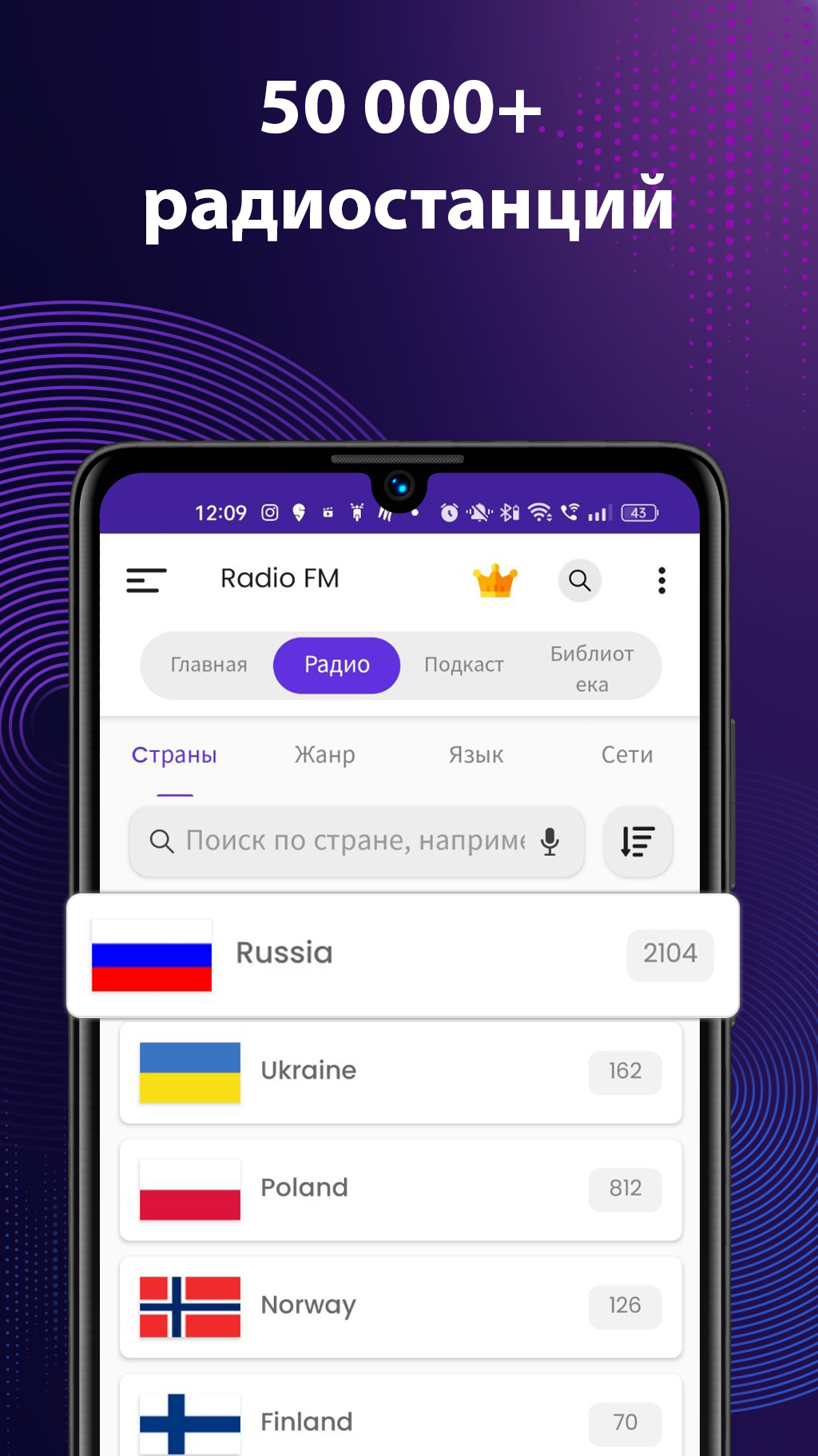
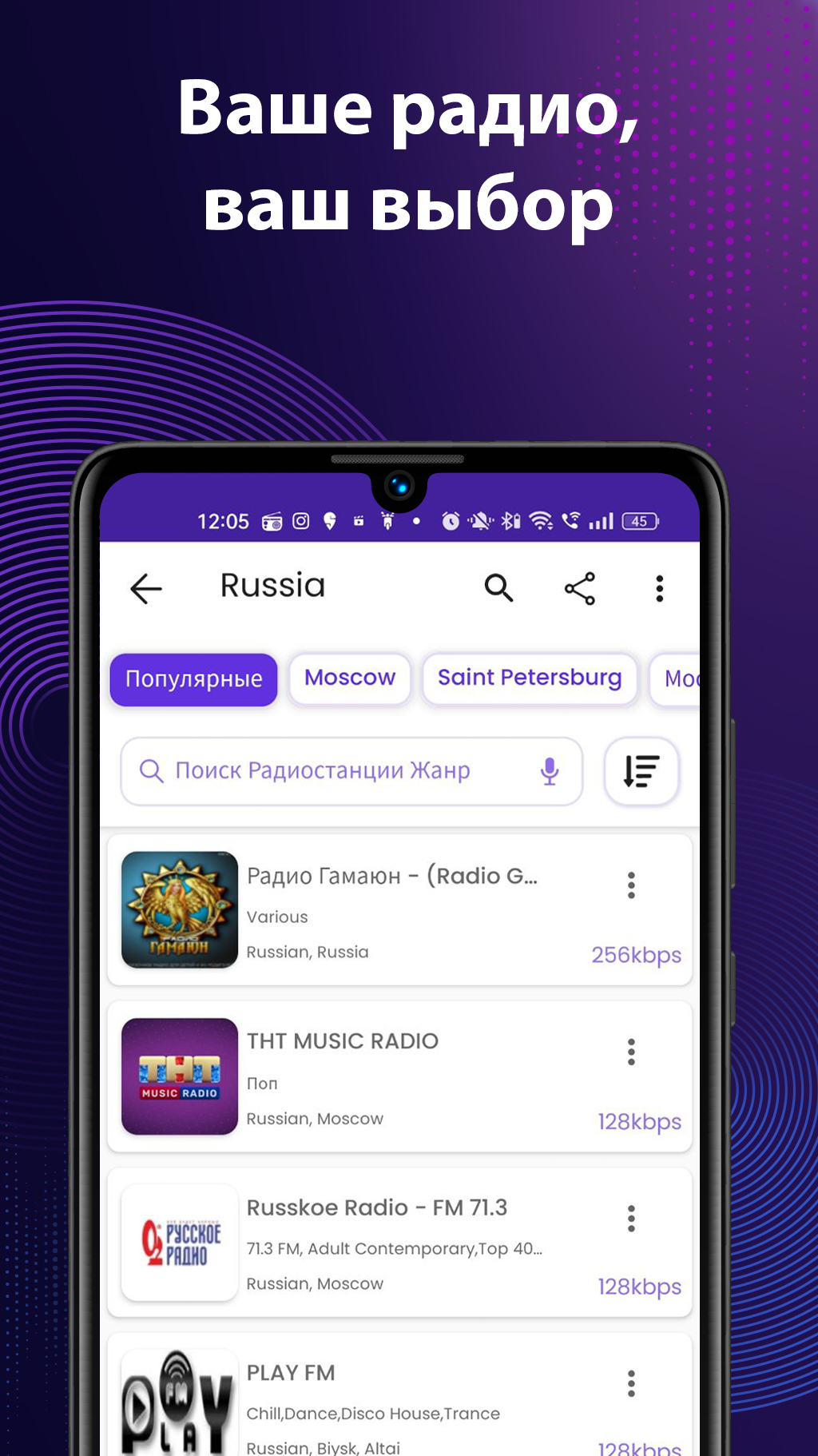
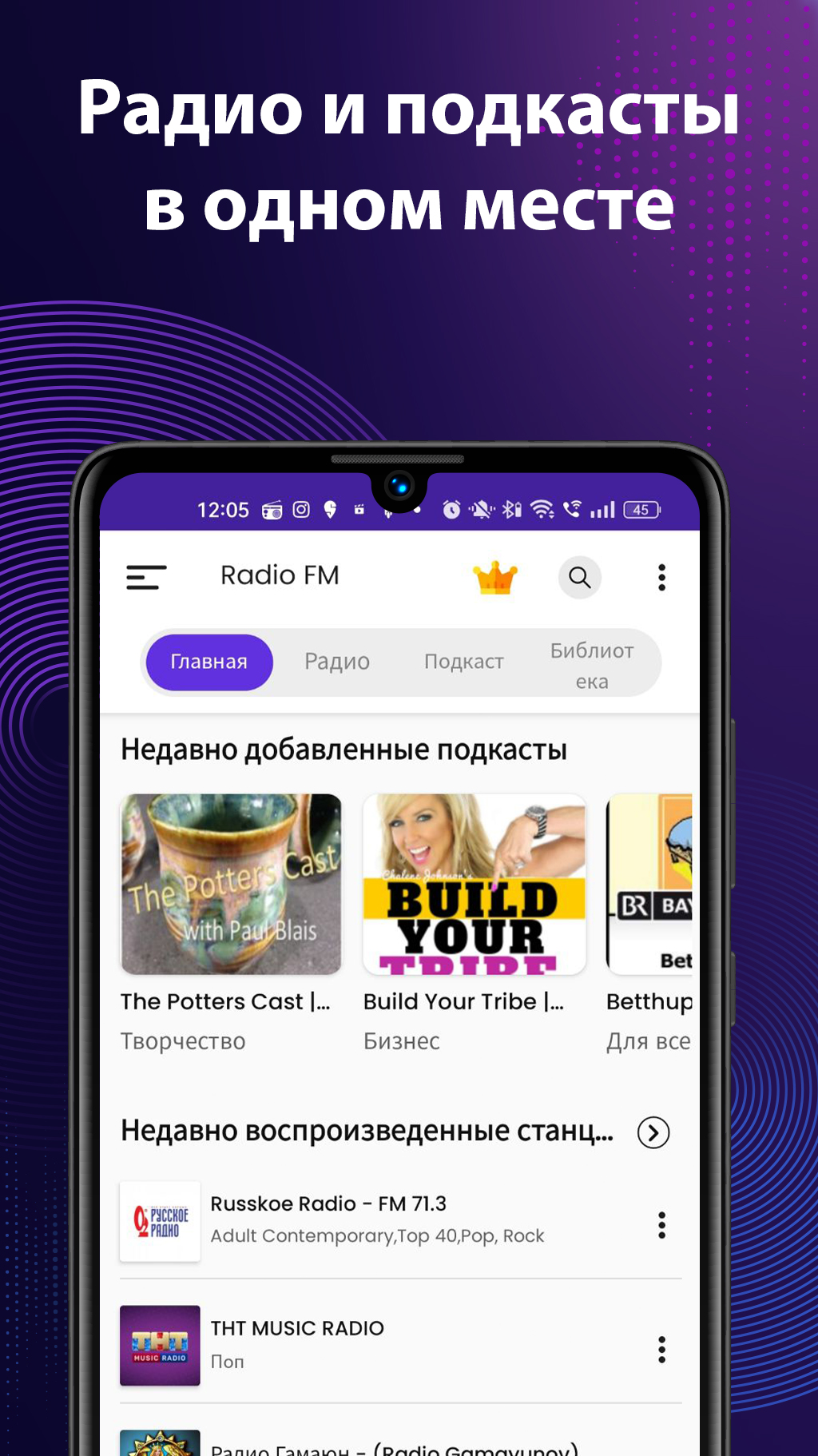
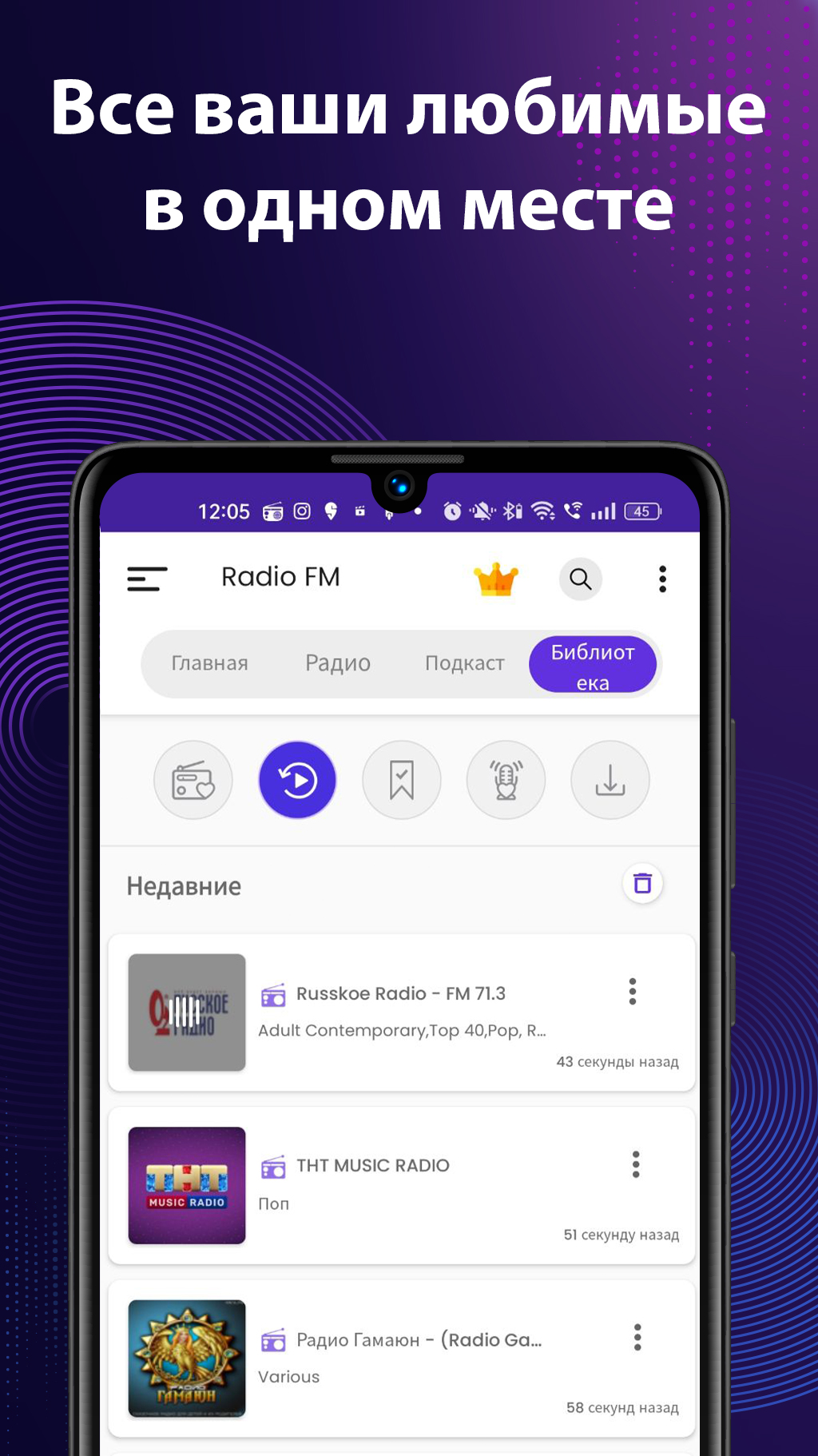
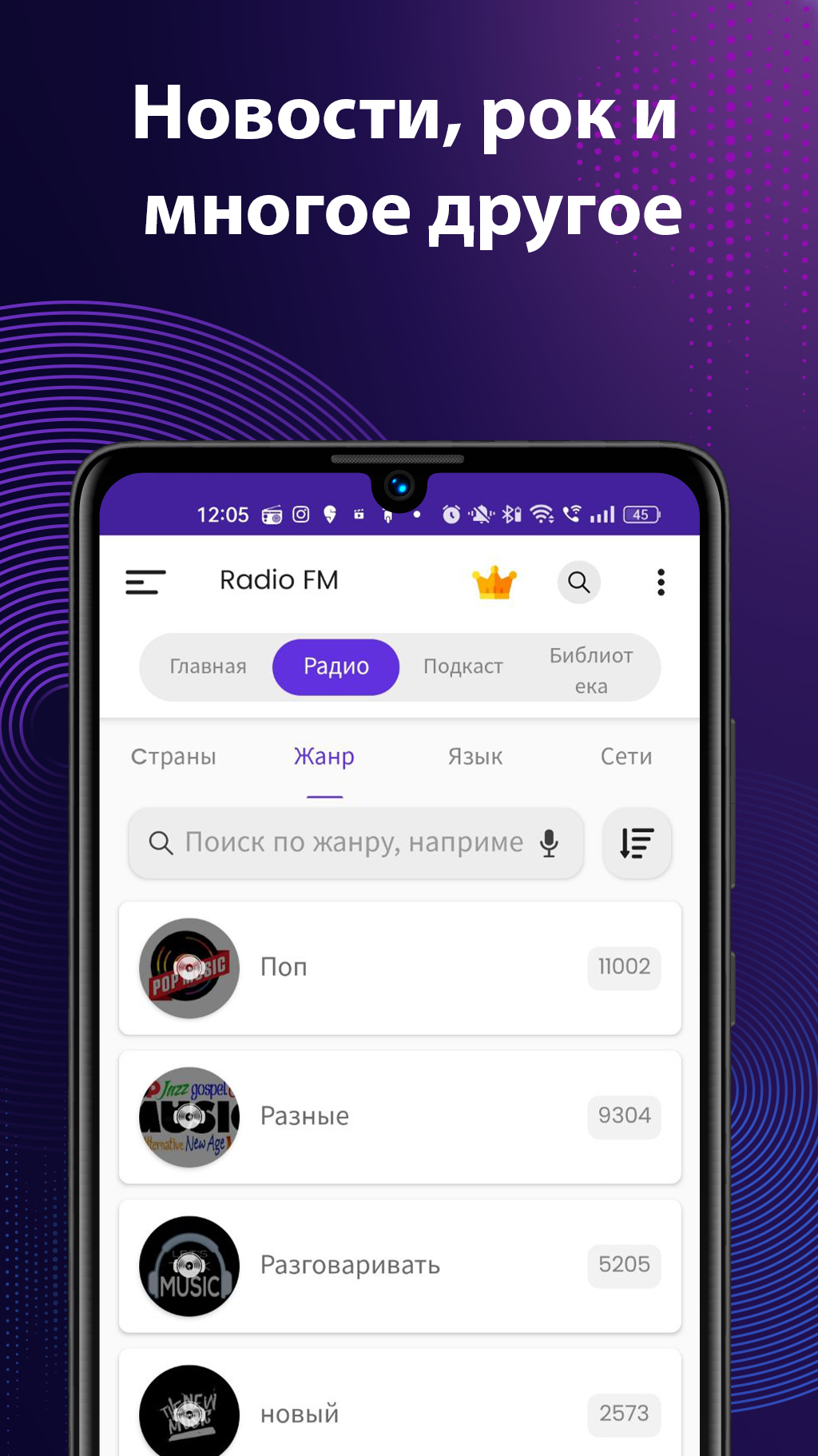
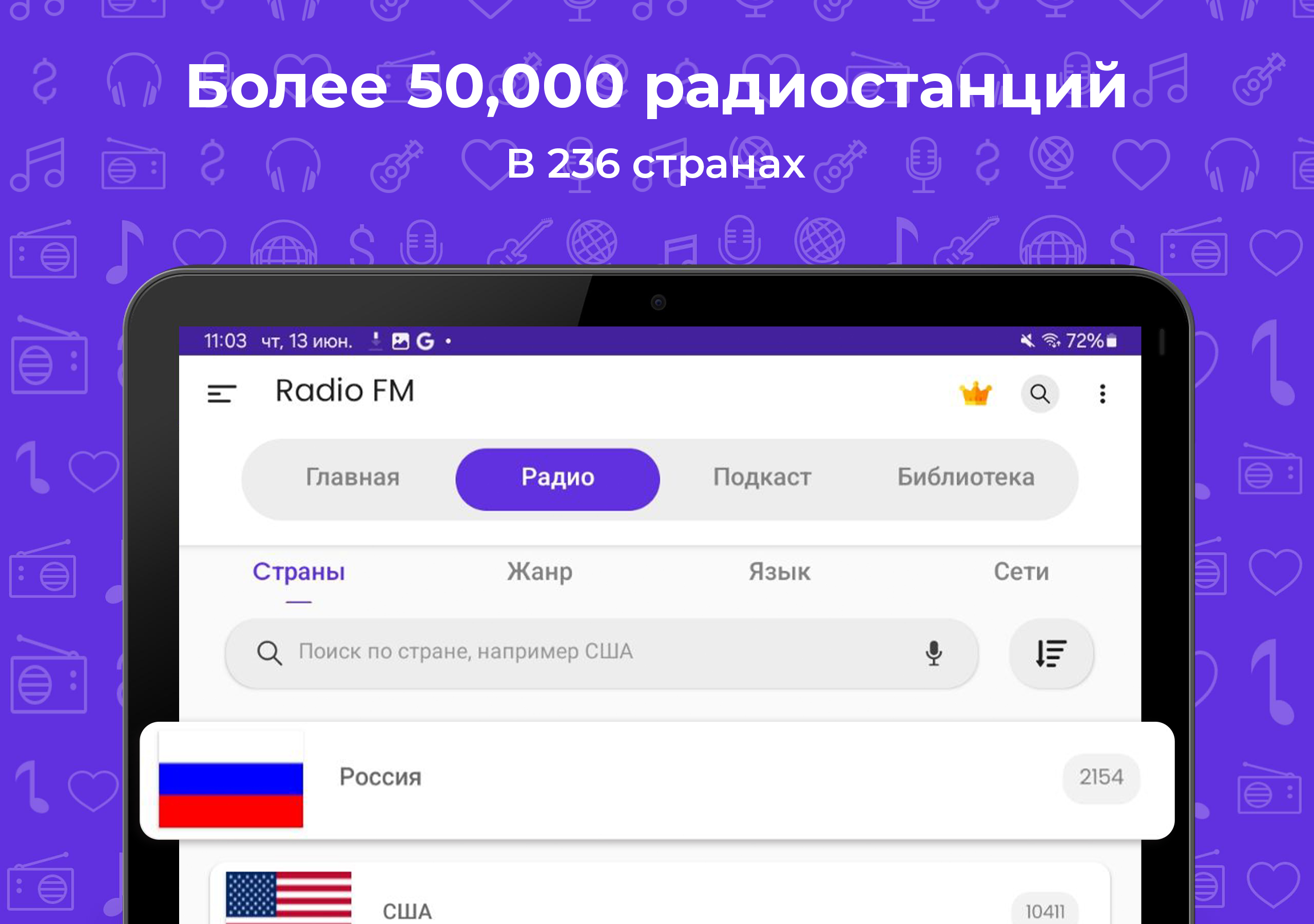
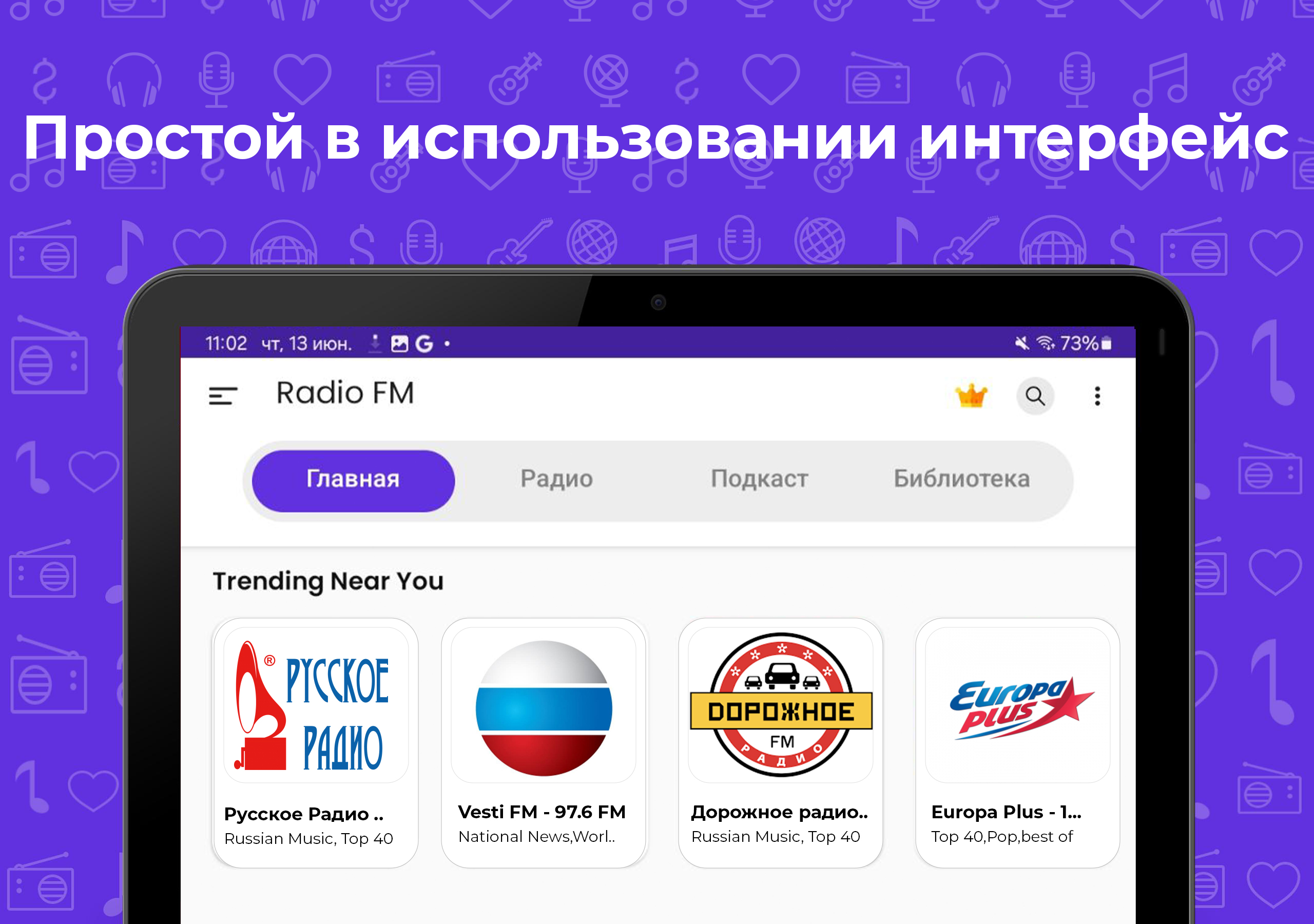
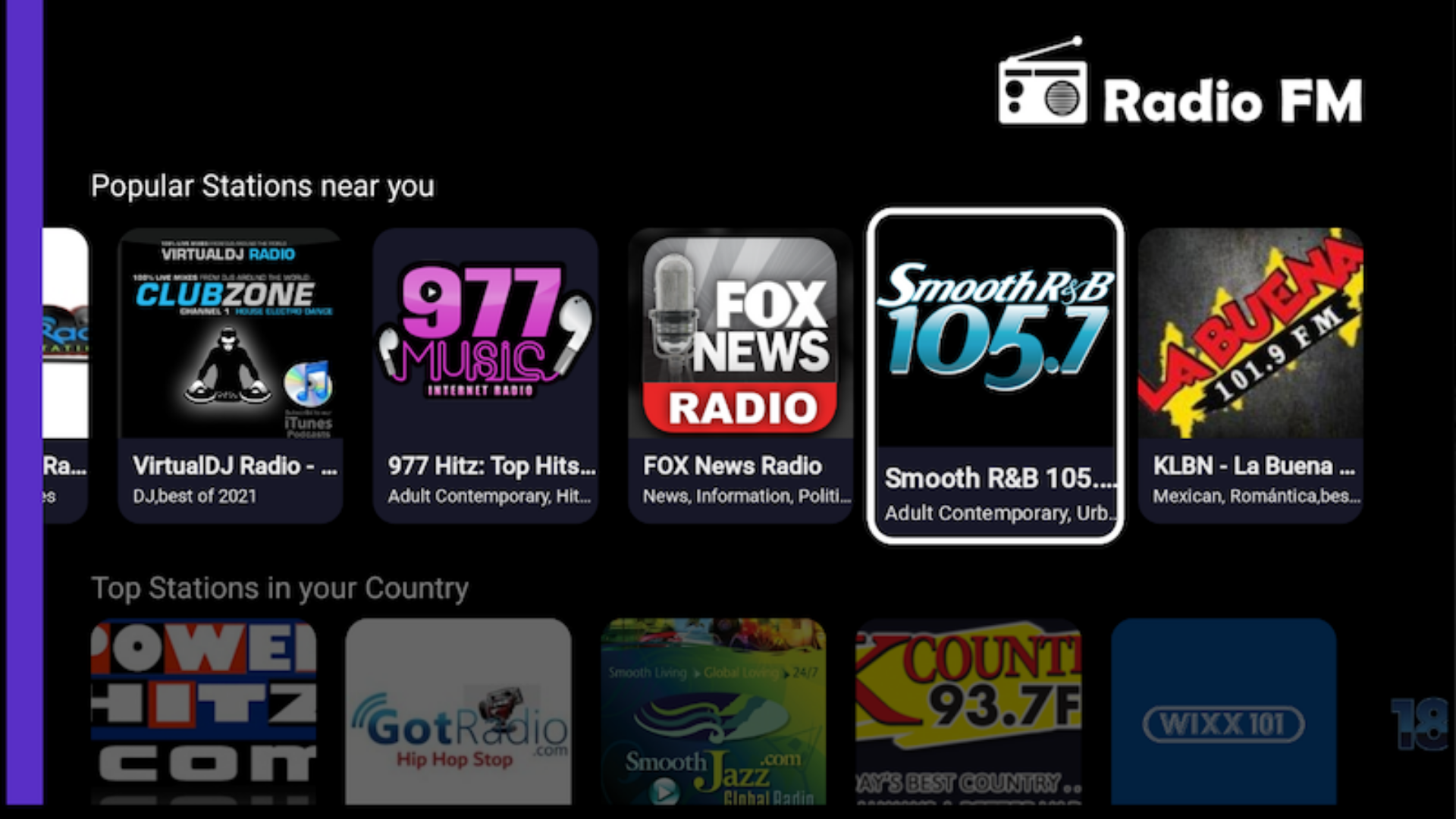
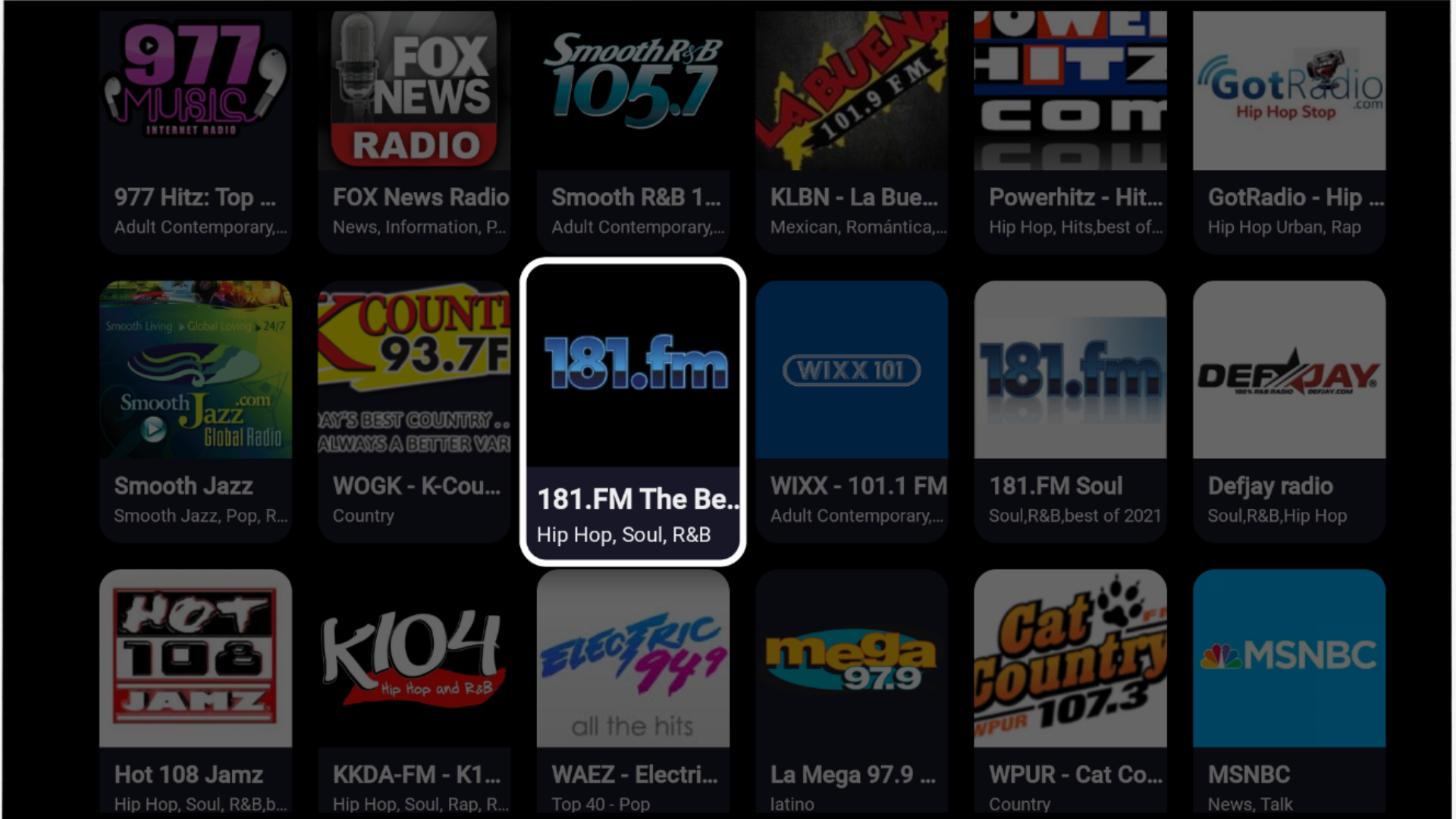
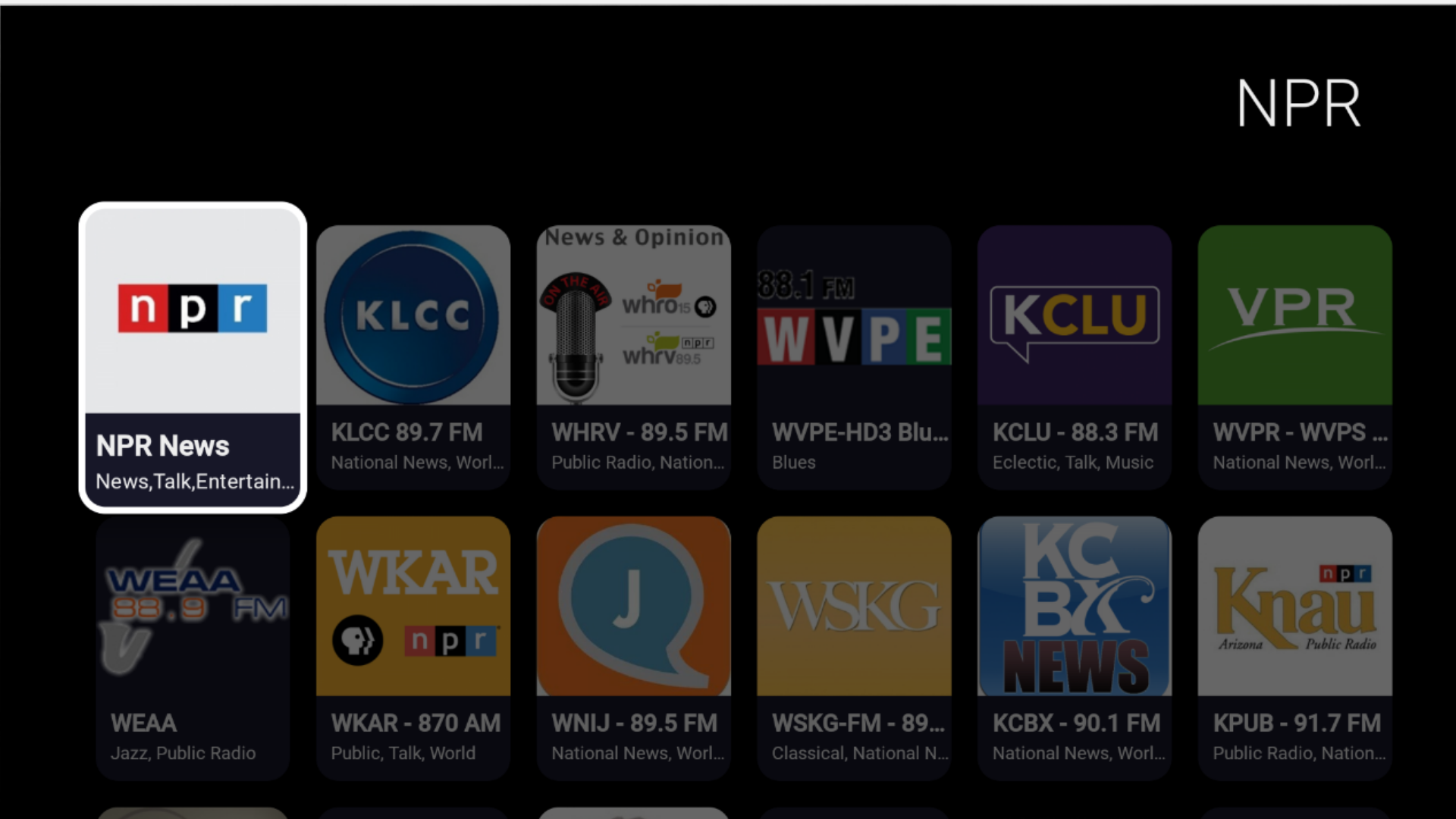
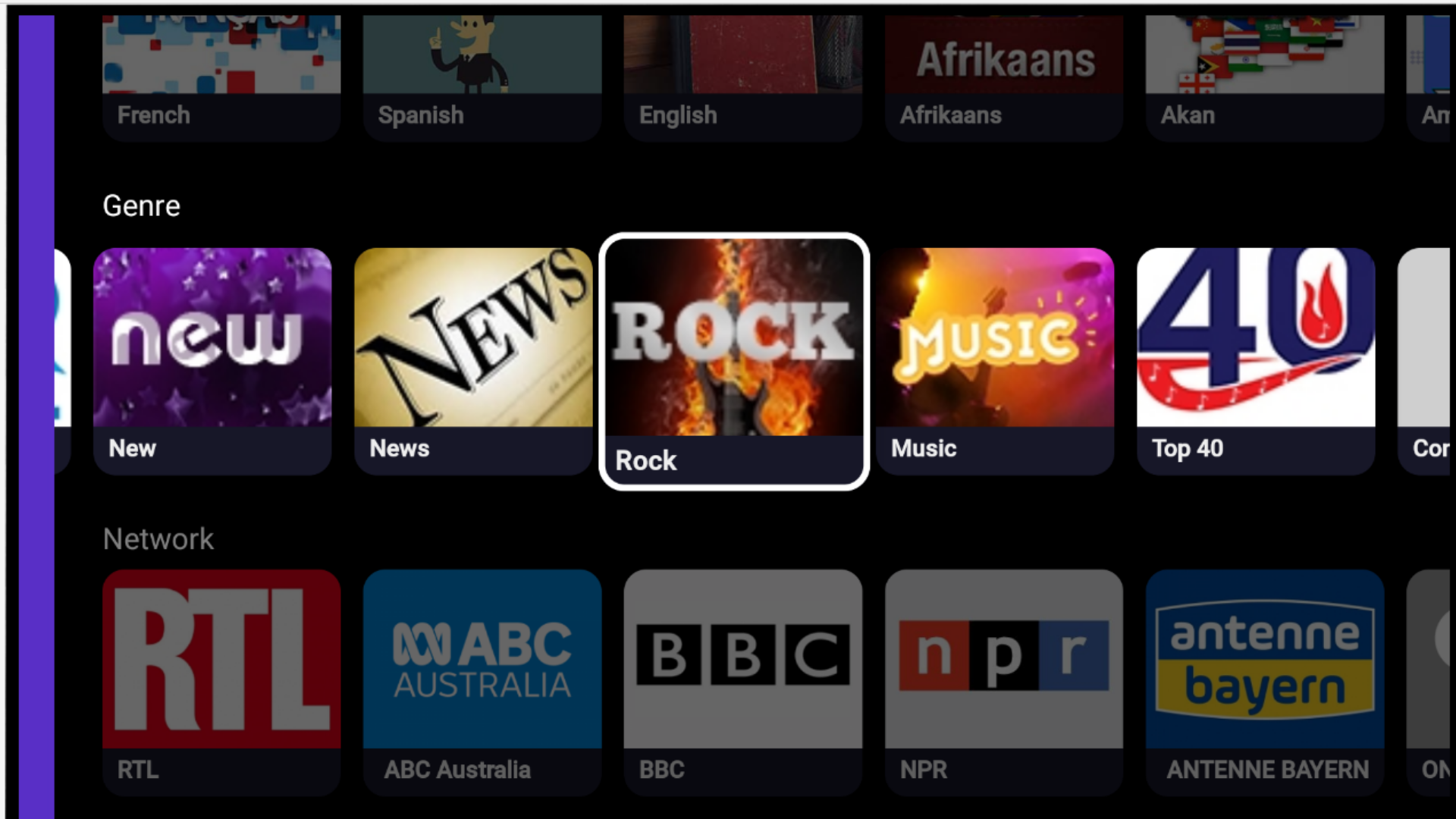
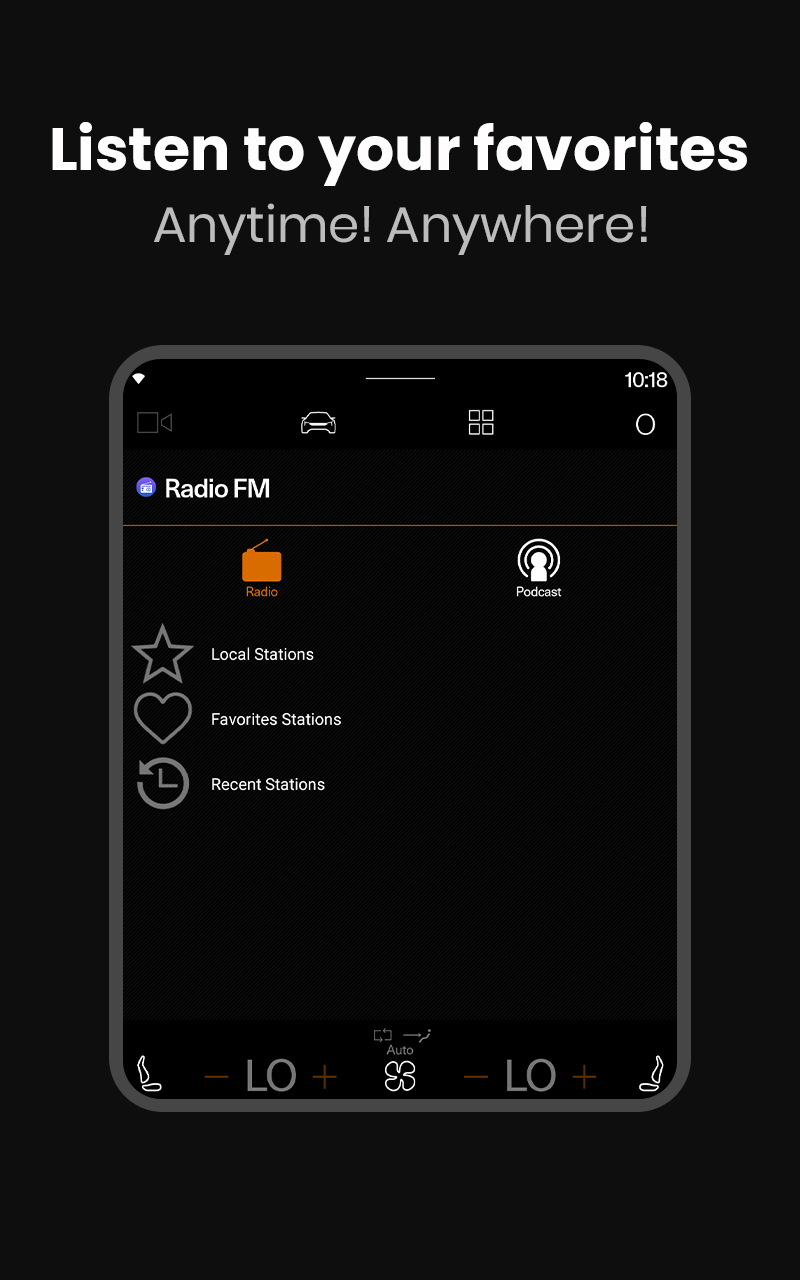
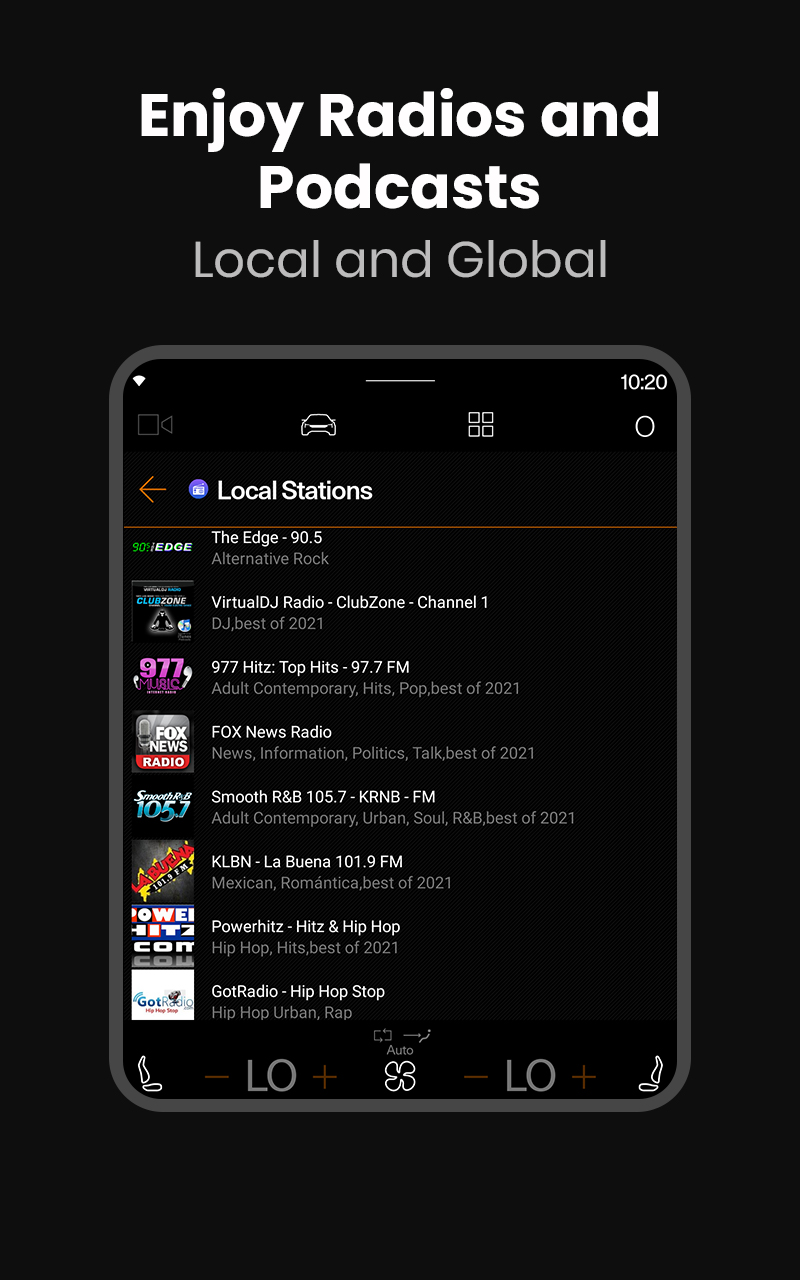
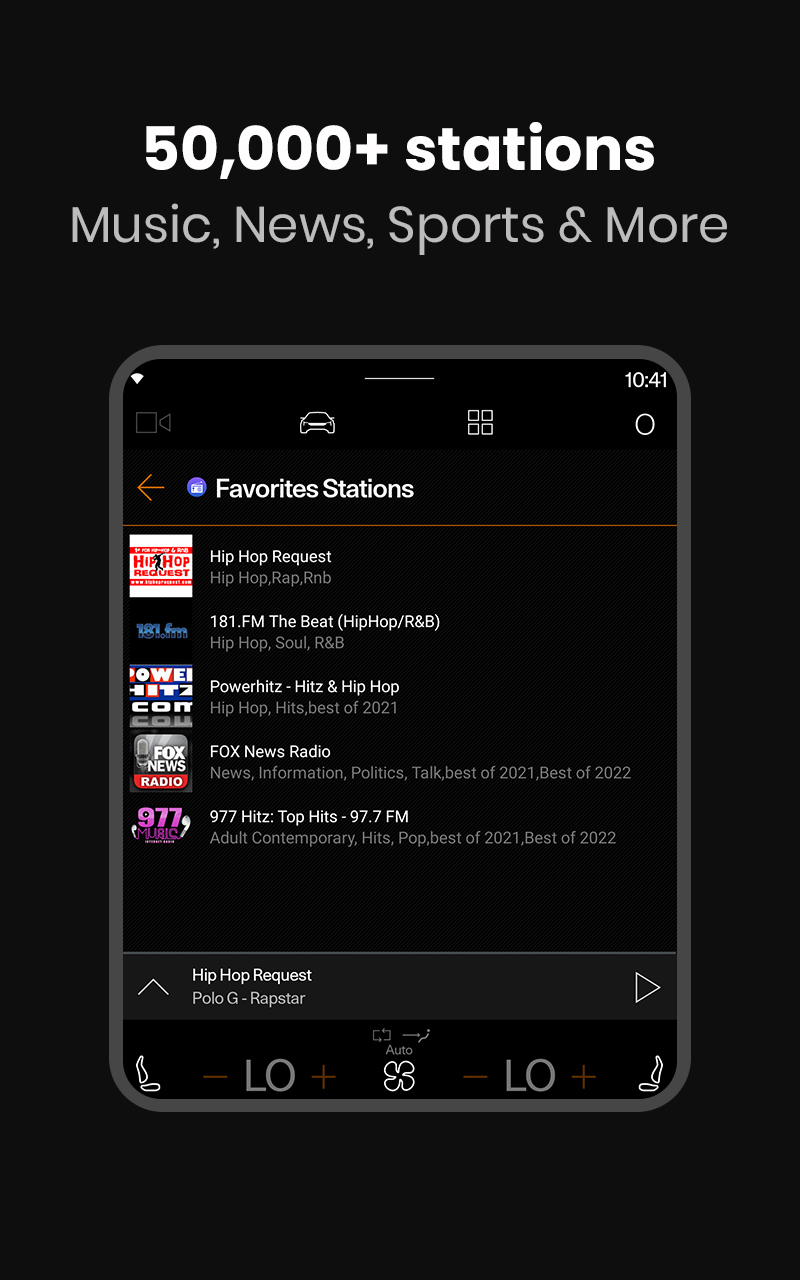
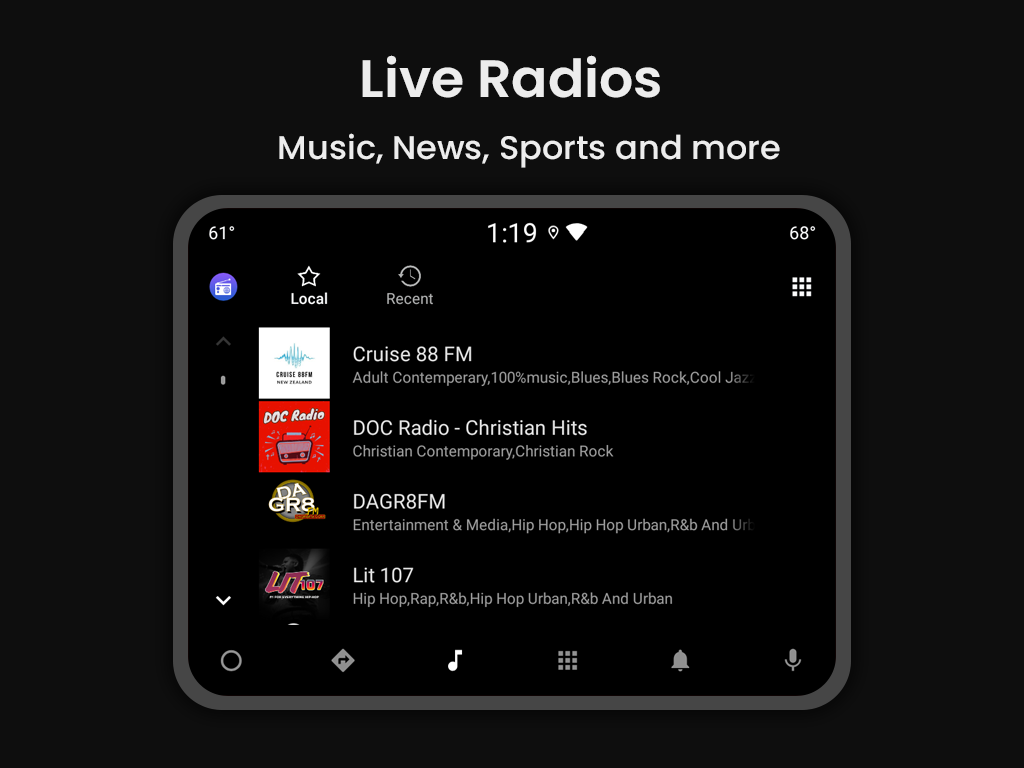
- Compatible with thousands of radio stations from all over the world.
- Good sound quality.
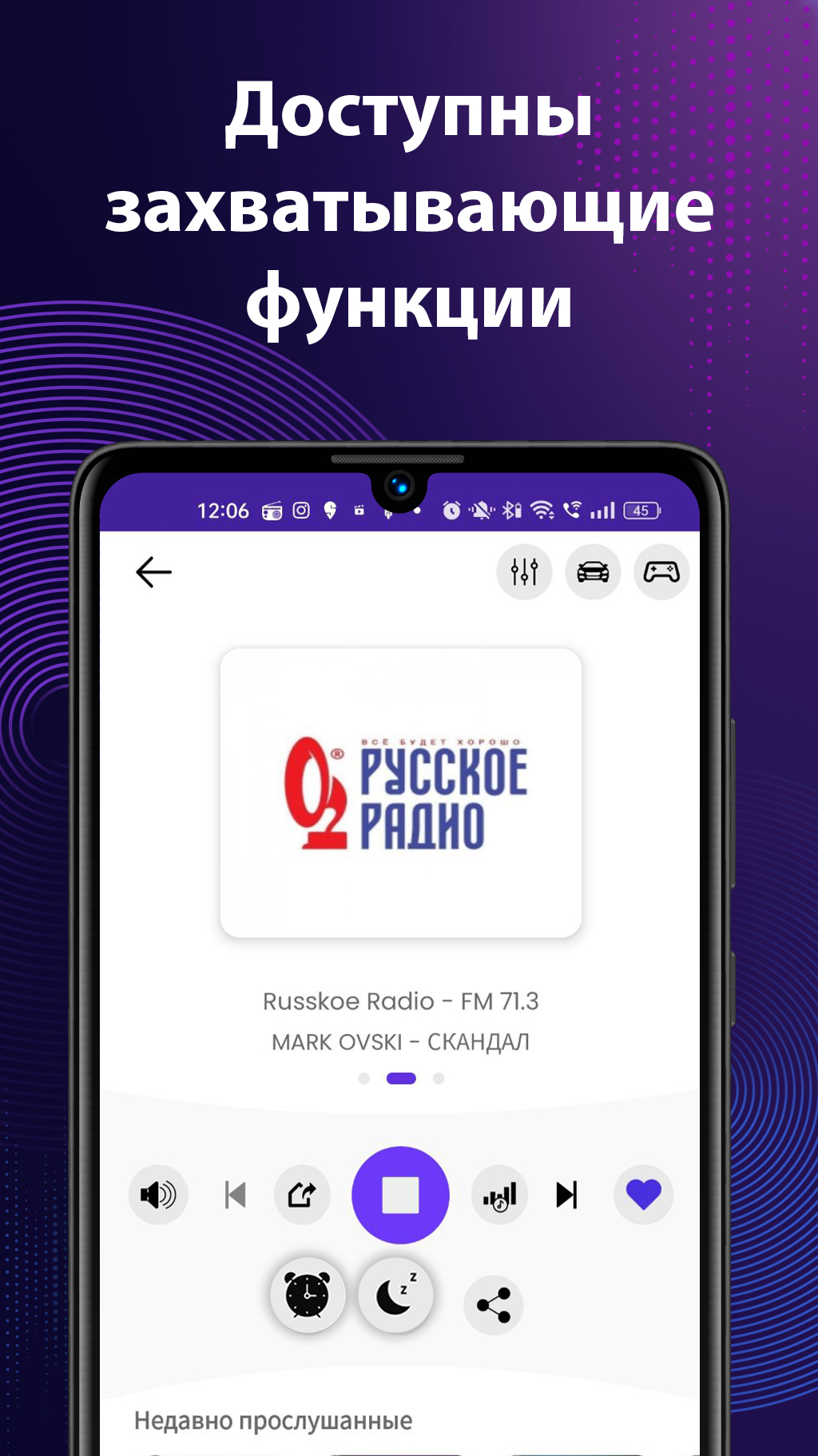
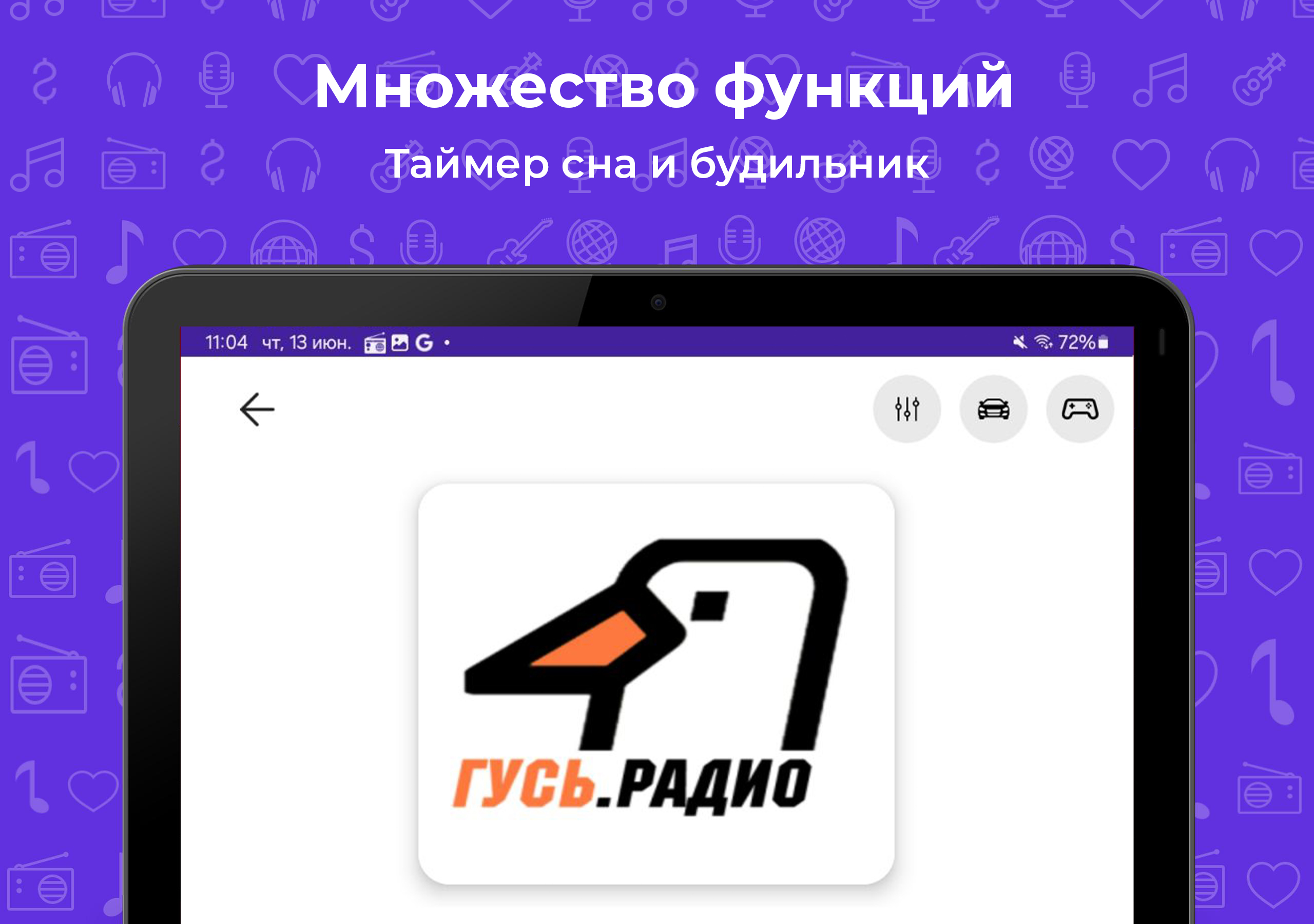
- Availability of alarm and sleep timer.
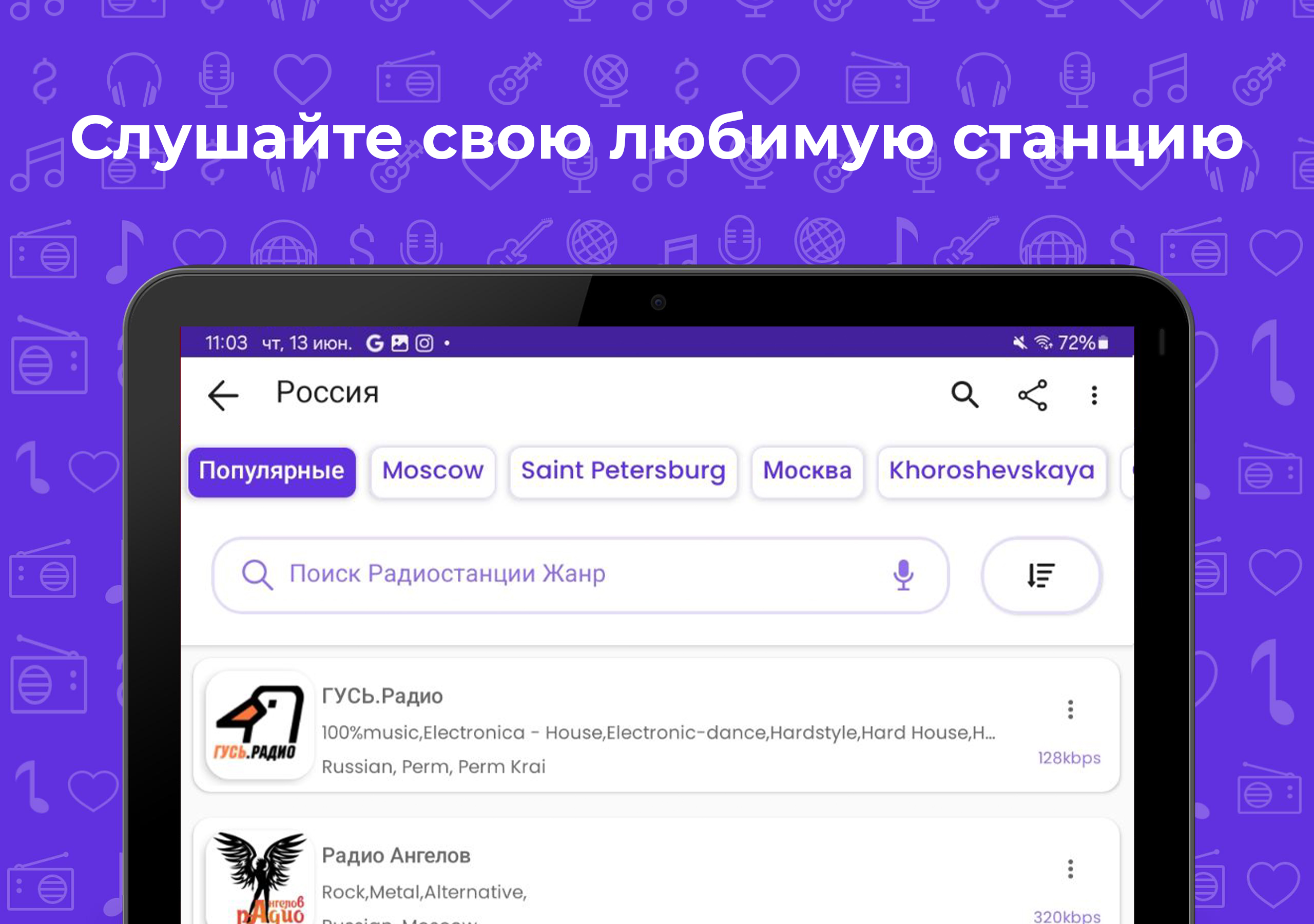
- Convenient search with filter support.
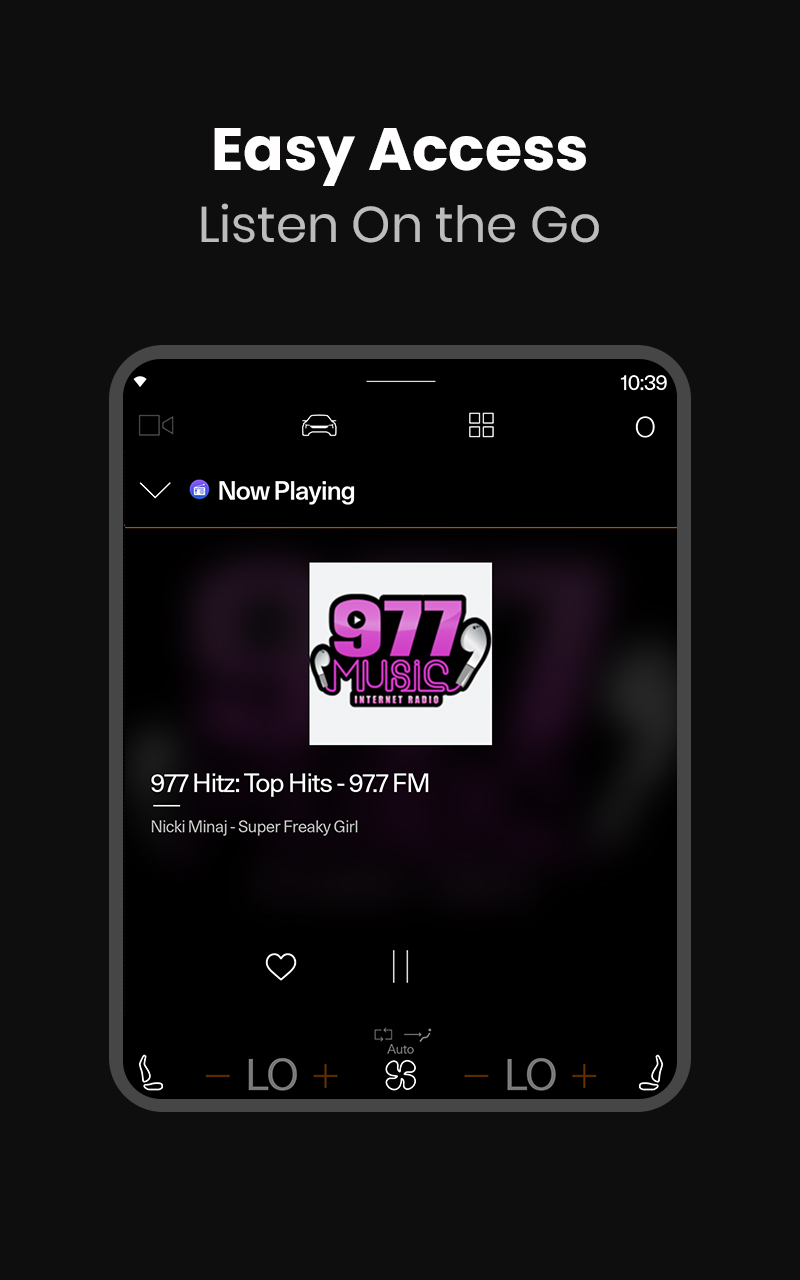
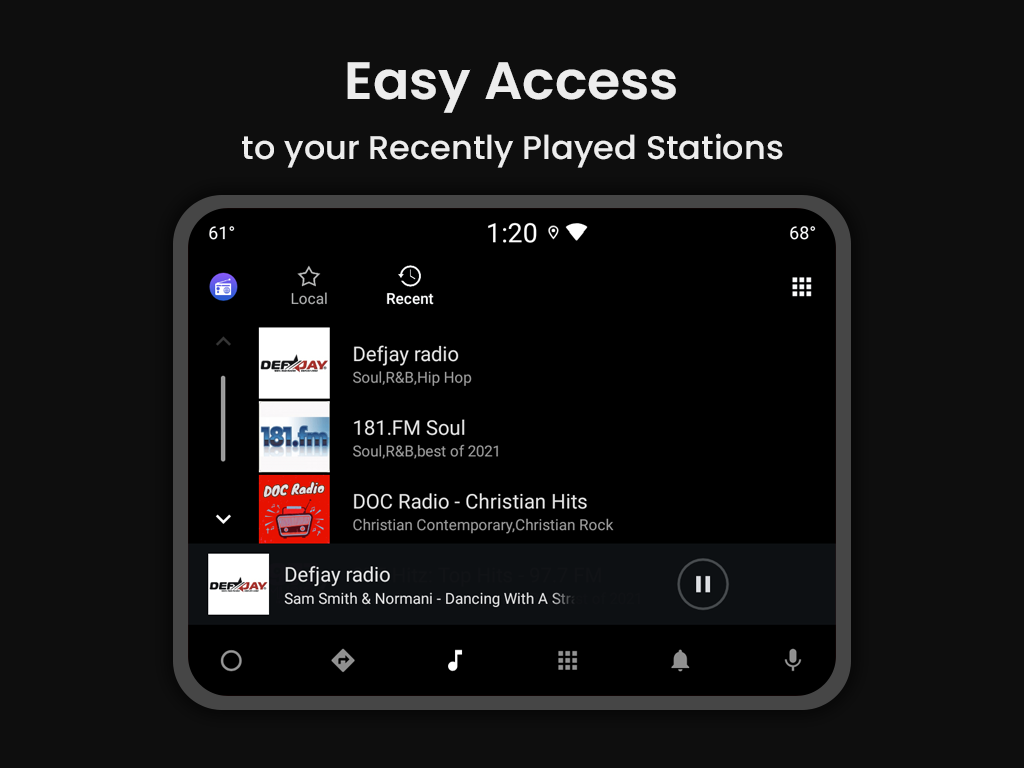
- Song information on the air.
Description
Application Radio FM was checked by VirusTotal antivirus. As a result of the scan, no file infections were detected by all the latest signatures.
How to install Radio FM
- Download APK file apps from apkshki.com.
- Locate the downloaded file. You can find it in the system tray or in the 'Download' folder using any file manager.
- If the file downloaded in .bin extension (WebView bug on Android 11), rename it to .apk using any file manager or try downloading the file with another browser like Chrome.
- Start the installation. Click on the downloaded file to start the installation
- Allow installation from unknown sources. If you are installing for the first time Radio FM not from Google Play, go to your device's security settings and allow installation from unknown sources.
- Bypass Google Play protection. If Google Play protection blocks installation of the file, tap 'More Info' → 'Install anyway' → 'OK' to continue..
- Complete the installation: Follow the installer's instructions to complete the installation process.
How to update Radio FM
- Download the new version apps from apkshki.com.
- Locate the downloaded file and click on it to start the installation.
- Install over the old version. There is no need to uninstall the previous version.
- Avoid signature conflicts. If the previous version was not downloaded from apkshki.com, the message 'Application not installed' may appear. In this case uninstall the old version and install the new one.
- Restart annex Radio FM after the update.

ESPN
Sport

Pixel - Music Player
Music and audio

iHeart: Music, Radio, Podcasts
Music and audio

myTuner Radio App: FM stations
Music and audio

Mixcloud - Music, Mixes & Live
Music and audio

Таджикские песни
Music and audio

Death Metal Radio
Music and audio

Яндекс.Радио — музыка онлайн
Music and audio
Requesting an application update
Added Denis Rubinov
Version: 18.3.2
Size: 58.6 MB
Updated: 20.05.2025
Developer: RadioFM
Age Limitations: Teen
Authorizations:
Downloaded on Google Play: 86728159
Category: Music and audio












Reviews for Radio FM
excellent
very nice 👌 👍 👏
The best app and less advertisements
fantastic
Always a good listen. i enjoy my music and this app doesn't fall short. id recommend it to my friends and family.
marathi channels not available in this app.....third class app
A good radio app. But, too many ads, and takes 230mb of storage.
good
to much annoying adds
So awesome, I hear y'all everyday.👌
I used to live in a little town that had a college-run alternative radio station, and I've been missing it terribly. Trying to listen online, the music would stop whenever my phone screen went off, so I tried downloading a bunch of radio apps instead, but couldn't even find the station on them - until this one! The station's here, loud and clear, and the app's super easy to use. I'd be more than willing to buy if there was a pay version, just because I'm now overjoyed to be able to listen again!
This app had a terrible feature where you had to listen to a 40+ second ad every single time you hit play on a station. This made it incredibly awful to use. The app has since been updated and removed this flaw. Returned to being an outstanding app, and I really appreciate them listening to customers! EDIT: And we're back to one star again. App developer brought back the advertisement you must listen to EVERY time you connect to a station. Awful feature.
I like this app. Going on a few days now. I do wish we could type in the number channel we're looking for. Besides that, great radio app. Update - been a few months & this is my go to. Especially while I'm cleaning or showering. Picks up all stations, even my favorite locals... Radio stations have adds & commercials, duh. So please don't punish this app for that. Some of these young people have no idea what a radio station is. 😂
Uninstall. Commercial ads galore. Sometimes when listening, it will just stop playing music. Then I would have to go back in the app to start it again to and guess what? Another ad is played. Another issue is that sometimes a radio station is unavailable, when I just listened to it yesterday. The only reason I gave it a 2 star and not a 1 is because, it's app and it function right about 30% of the time.
App seems to be working fine. Major problem is the ads. So annoying! I mean I understand that somehow the developers deserve (and need) some help in order to continue with the project.... but damn!!! Why not putting the ads at the last line, I mean at the bottom of the page? Instead of getting an ad every time you tap on any station. Uninstalling right now
Post a comment
To leave a comment, log in with your social network:
Or leave an anonymous comment. Your comment will be sent for moderation.
Post a comment
To leave a comment, log in with your social network:
Or leave an anonymous comment. Your comment will be sent for moderation.