


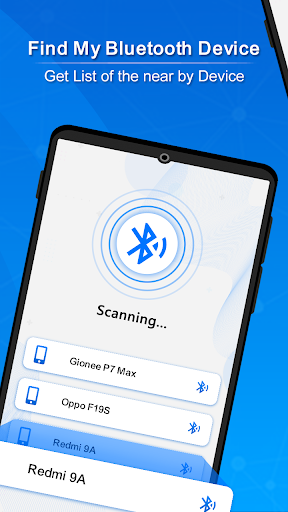
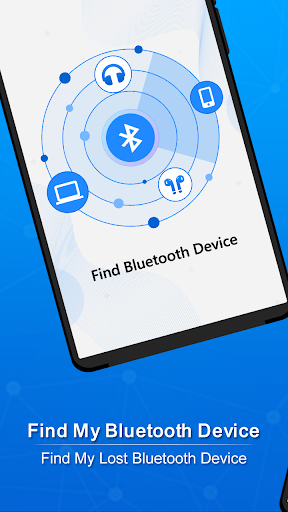
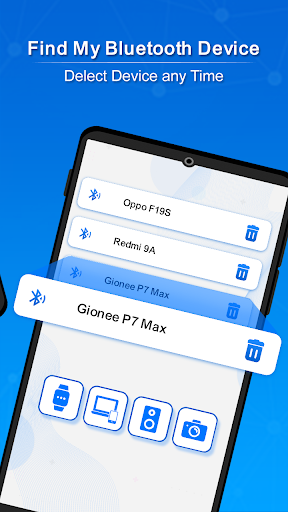
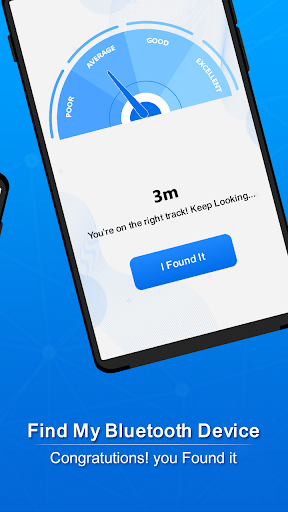
Find My Bluetooth Device
0+
downloads4.4
version Android
Added: Sergey Kuleshov
Version: 5.0
Size: 11.9 MB
Updated: 24.06.2025
Developer: Tool Utility devloper
Authorizations: 11
Downloaded on Google Play: 60726
Category: Tools
Description
Application Find My Bluetooth Device was checked by VirusTotal antivirus. As a result of the scan, no file infections were detected by all the latest signatures.
How to install Find My Bluetooth Device
- Download APK file apps from apkshki.com.
- Locate the downloaded file. You can find it in the system tray or in the 'Download' folder using any file manager.
- If the file downloaded in .bin extension (WebView bug on Android 11), rename it to .apk using any file manager or try downloading the file with another browser like Chrome.
- Start the installation. Click on the downloaded file to start the installation
- Allow installation from unknown sources. If you are installing for the first time Find My Bluetooth Device not from Google Play, go to your device's security settings and allow installation from unknown sources.
- Bypass Google Play protection. If Google Play protection blocks installation of the file, tap 'More Info' → 'Install anyway' → 'OK' to continue..
- Complete the installation: Follow the installer's instructions to complete the installation process.
How to update Find My Bluetooth Device
- Download the new version apps from apkshki.com.
- Locate the downloaded file and click on it to start the installation.
- Install over the old version. There is no need to uninstall the previous version.
- Avoid signature conflicts. If the previous version was not downloaded from apkshki.com, the message 'Application not installed' may appear. In this case uninstall the old version and install the new one.
- Restart annex Find My Bluetooth Device after the update.








Requesting an application update
Added Sergey Kuleshov
Version: 5.0
Size: 11.9 MB
Updated: 24.06.2025
Developer: Tool Utility devloper
Authorizations:
Downloaded on Google Play: 60726
Category: Tools











Reviews for Find My Bluetooth Device
Love it
Lies
I still can't find my device I think ots a scam
Booooooooo do not download this game dont¡!!!!!!!!!!!!!!!
App not working
Can't find shi with this app
Absolute garbage. Apparently every device has e excellent signal strength and "open your eyes it's right by you" and then they cream another ad in before the uninstall that they know is coming. Of all the apps I've ever trialled in decades this is the worst and clearly a drive by ads pusher
Didn't work for me and every step was met with loud and annoying adverts from nearly the instant it's opened. Also, it won't let you close the app via the normal 'back' button or gesture. Instead, it tries to force you to rate the app.
It doesn't work
It will not work
It did nothing but spam me with ads
Does not work for free maybe it would work if you pay but who has the money for that
Most useless app I've ever tried to use.
A complete lie, don't use it will waste your time, and make you watch an ad for every button you press, I wish I could make this up. Most if not all the positive reviews are from bots from they're spelling and profile pictures. Don't download, for your sake.
Great app but the ads are intrusive and take over your screen
Post a comment
To leave a comment, log in with your social network:
Or leave an anonymous comment. Your comment will be sent for moderation.
Post a comment
To leave a comment, log in with your social network:
Or leave an anonymous comment. Your comment will be sent for moderation.