


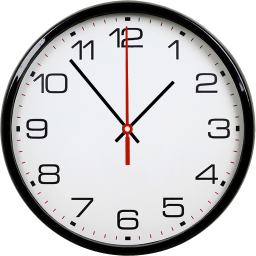
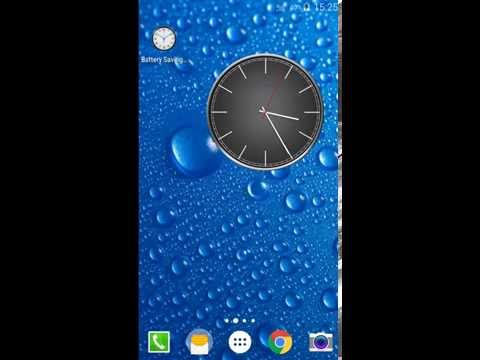
Battery Saving Analog Clocks
96+
downloads4.1+
version Android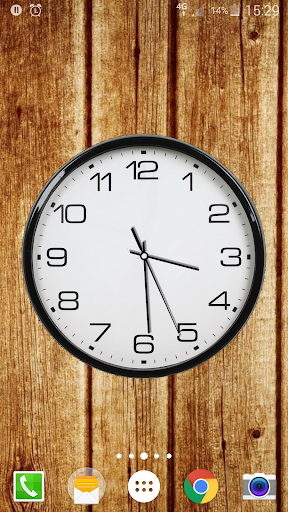




Added: Denis Rubinov
Version: 6.8.9 (build 104)
Size: 19 MB
Updated: 03.02.2024
Developer: MaxLab
Age Limitations: Everyone
Authorizations: 11
Downloaded on Google Play: 9568736
Category: Personalization
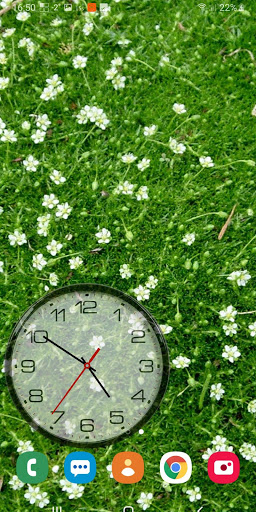
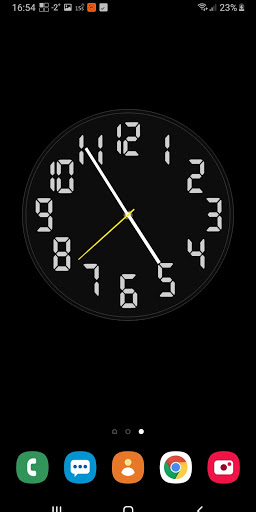
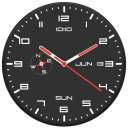
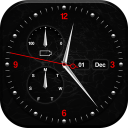
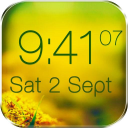
- Flexible design customization.
- Several backgrounds to choose from.
- Built-in alarm clock.
- Free to use.
- Can be used without setting as wallpaper.
- Low power consumption.
Description
Application Battery Saving Analog Clocks was checked by VirusTotal antivirus. As a result of the scan, no file infections were detected by all the latest signatures.
How to install Battery Saving Analog Clocks
- Download APK file apps from apkshki.com.
- Locate the downloaded file. You can find it in the system tray or in the 'Download' folder using any file manager.
- If the file downloaded in .bin extension (WebView bug on Android 11), rename it to .apk using any file manager or try downloading the file with another browser like Chrome.
- Start the installation. Click on the downloaded file to start the installation
- Allow installation from unknown sources. If you are installing for the first time Battery Saving Analog Clocks not from Google Play, go to your device's security settings and allow installation from unknown sources.
- Bypass Google Play protection. If Google Play protection blocks installation of the file, tap 'More Info' → 'Install anyway' → 'OK' to continue..
- Complete the installation: Follow the installer's instructions to complete the installation process.
How to update Battery Saving Analog Clocks
- Download the new version apps from apkshki.com.
- Locate the downloaded file and click on it to start the installation.
- Install over the old version. There is no need to uninstall the previous version.
- Avoid signature conflicts. If the previous version was not downloaded from apkshki.com, the message 'Application not installed' may appear. In this case uninstall the old version and install the new one.
- Restart annex Battery Saving Analog Clocks after the update.





Requesting an application update
Added Denis Rubinov
Version: 6.8.9 (build 104)
Size: 19 MB
Updated: 03.02.2024
Developer: MaxLab
Age Limitations: Everyone
Authorizations:
Downloaded on Google Play: 9568736
Category: Personalization












Reviews for Battery Saving Analog Clocks
This used to be a great app. I've been using it for years. About 5 system updates ago the app started crashing a lot. It will crash everytime I restart the phone and randomly after I manually start it. I keep hoping that this issue will get resolved. Reliability is a big factor in apps. So when an app starts randomly crashing it gets much lower ratings. I currently use a Samsung Galaxy S10e running Android 12. I'm not sure which version this issue started with.
Lots of good options in settings for position, size, transparency, backgrounds from my own gallery.. etc. Too many to mention. Mainly, i just like having an analog style clock on my phone. I works better with my brain.
I downloaded a different clock app first that had a higher rating but it was terrible! This is clear, precise and just what I wanted, a no frills analogue clock that is easy to read and looks the business.
only making a living...I get it BUT!!!!!I I dont get it charge for a beautiful clock but the color of a hands????? To each his own I guess..good luck to you. it tells the time.... ..not brain surgery .l love this clock I love the different styles. I use just one because I can see it the clearest.vision not great.ive used many different apps and love this one the best .but if not for pettiness it would be perfect sorry but u earned the 5 stars.thanks for a good app.
Post a comment
To leave a comment, log in with your social network:
Or leave an anonymous comment. Your comment will be sent for moderation.
Post a comment
To leave a comment, log in with your social network:
Or leave an anonymous comment. Your comment will be sent for moderation.