



Dolby On: Record Audio & Music
42+
downloads7.1+
version Android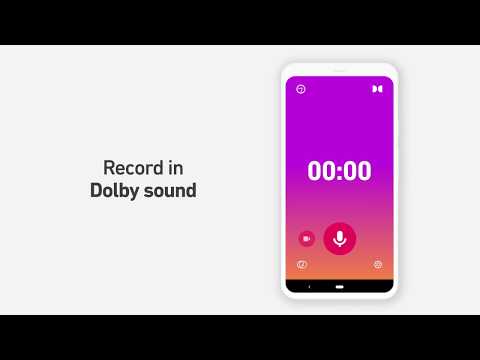
Added: Denis Rubinov
Version: 1.8.4
Size: 65 MB
Updated: 20.05.2025
Developer: Dolby Laboratories Inc.
Age Limitations: Everyone
Downloaded on Google Play: 5144475
Category: Music and audio
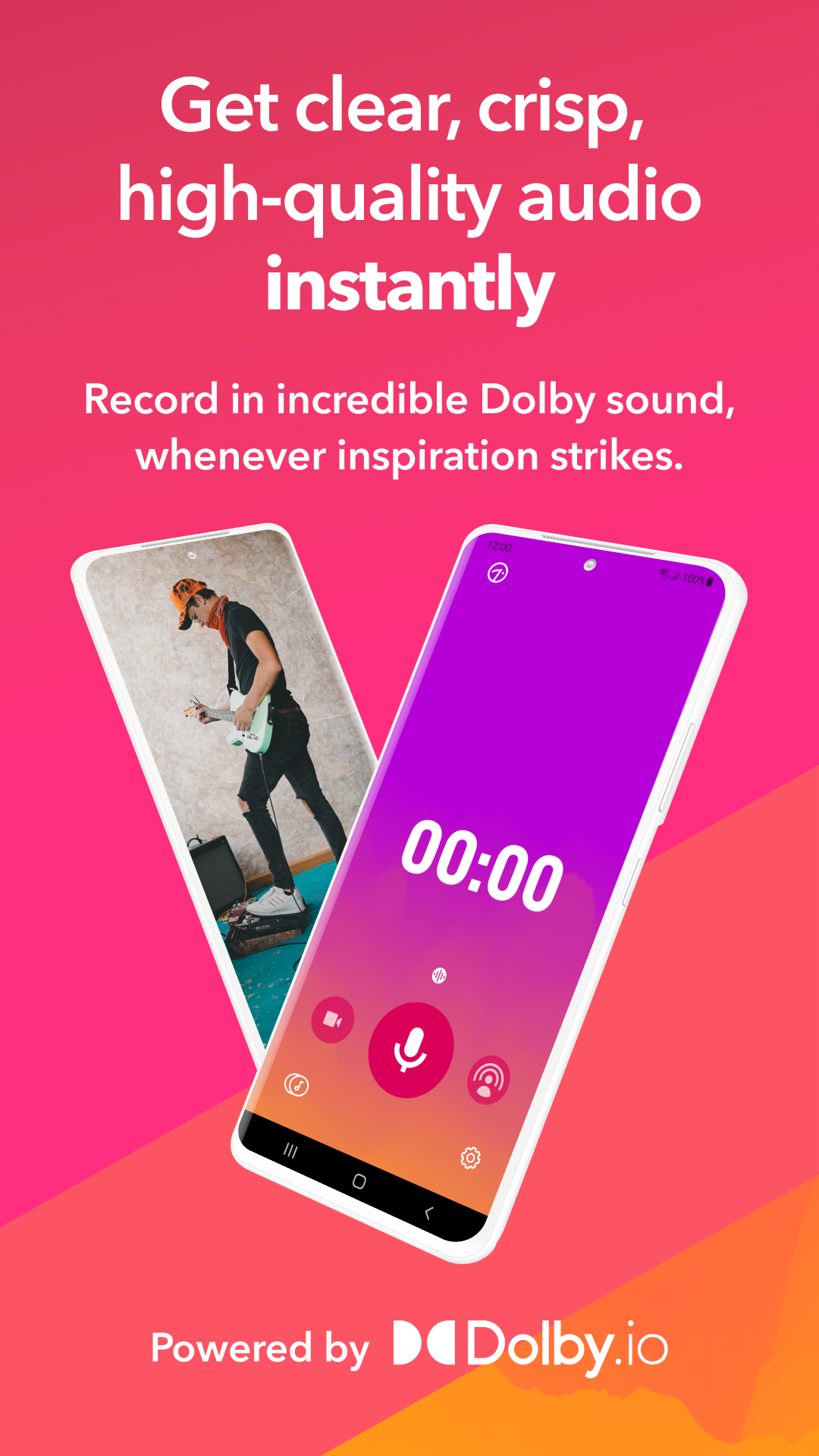
- Uses the latest Dolby Audio technologies.
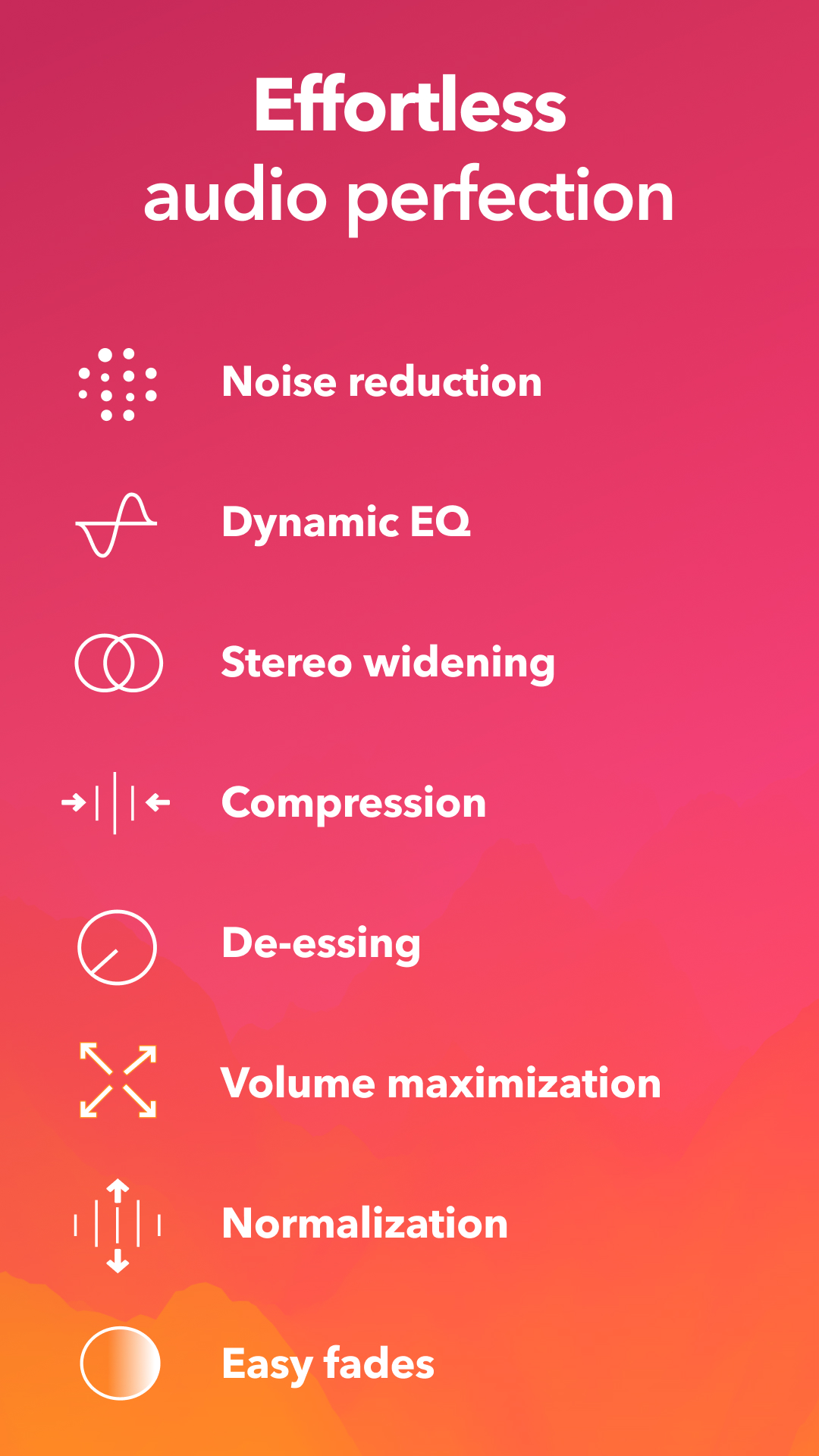
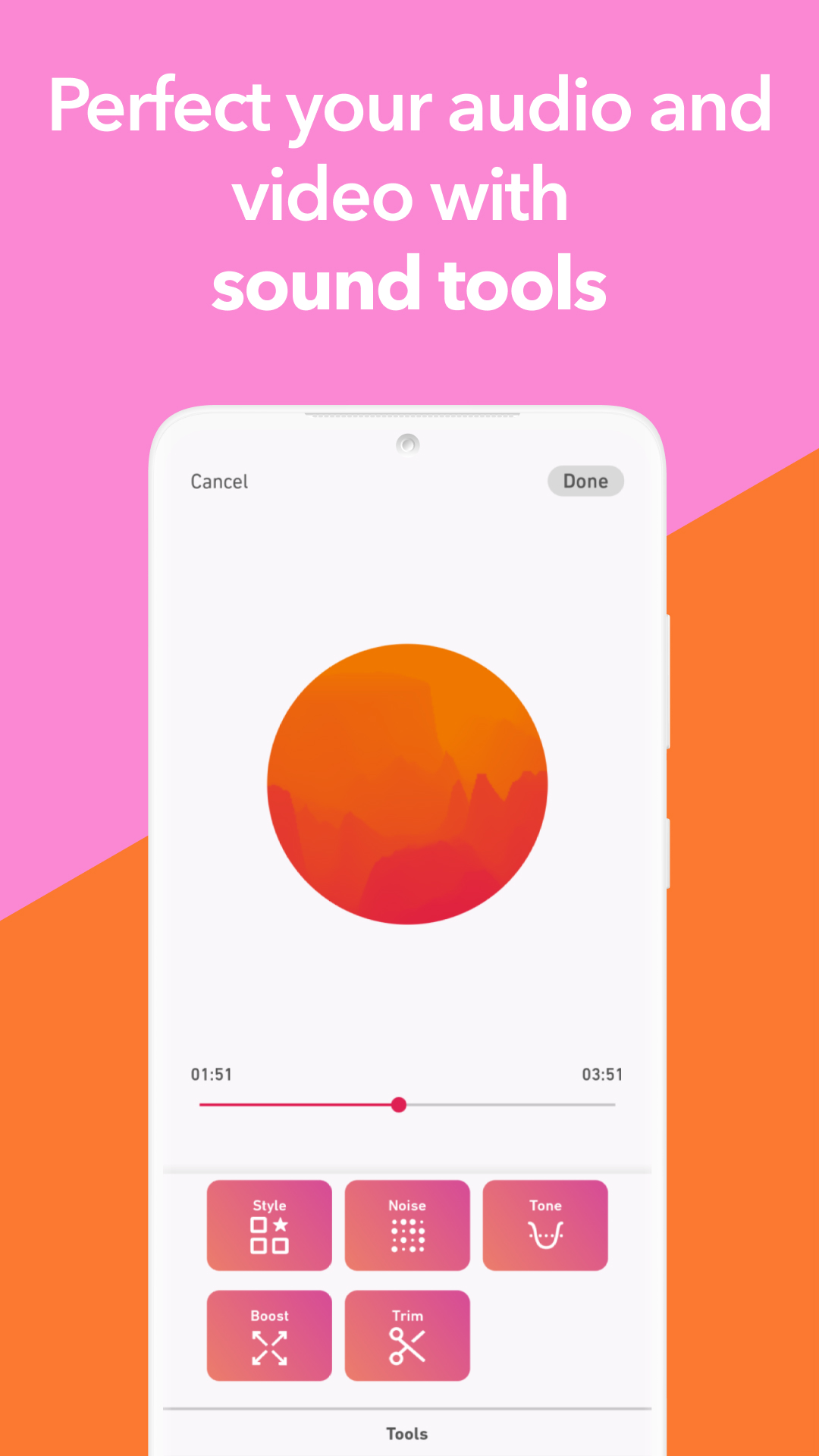
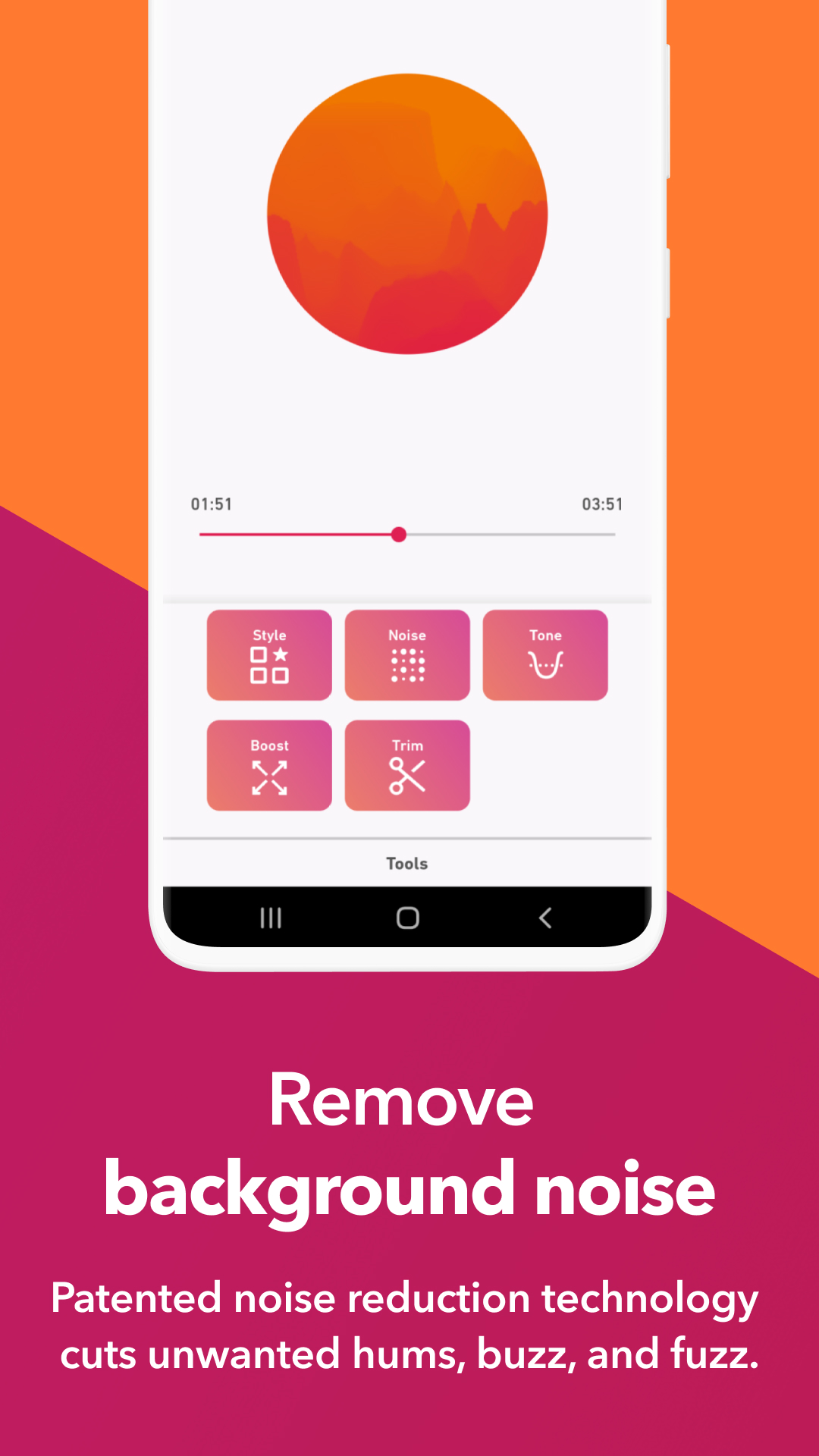
- There is a squelch and a number of other tools.
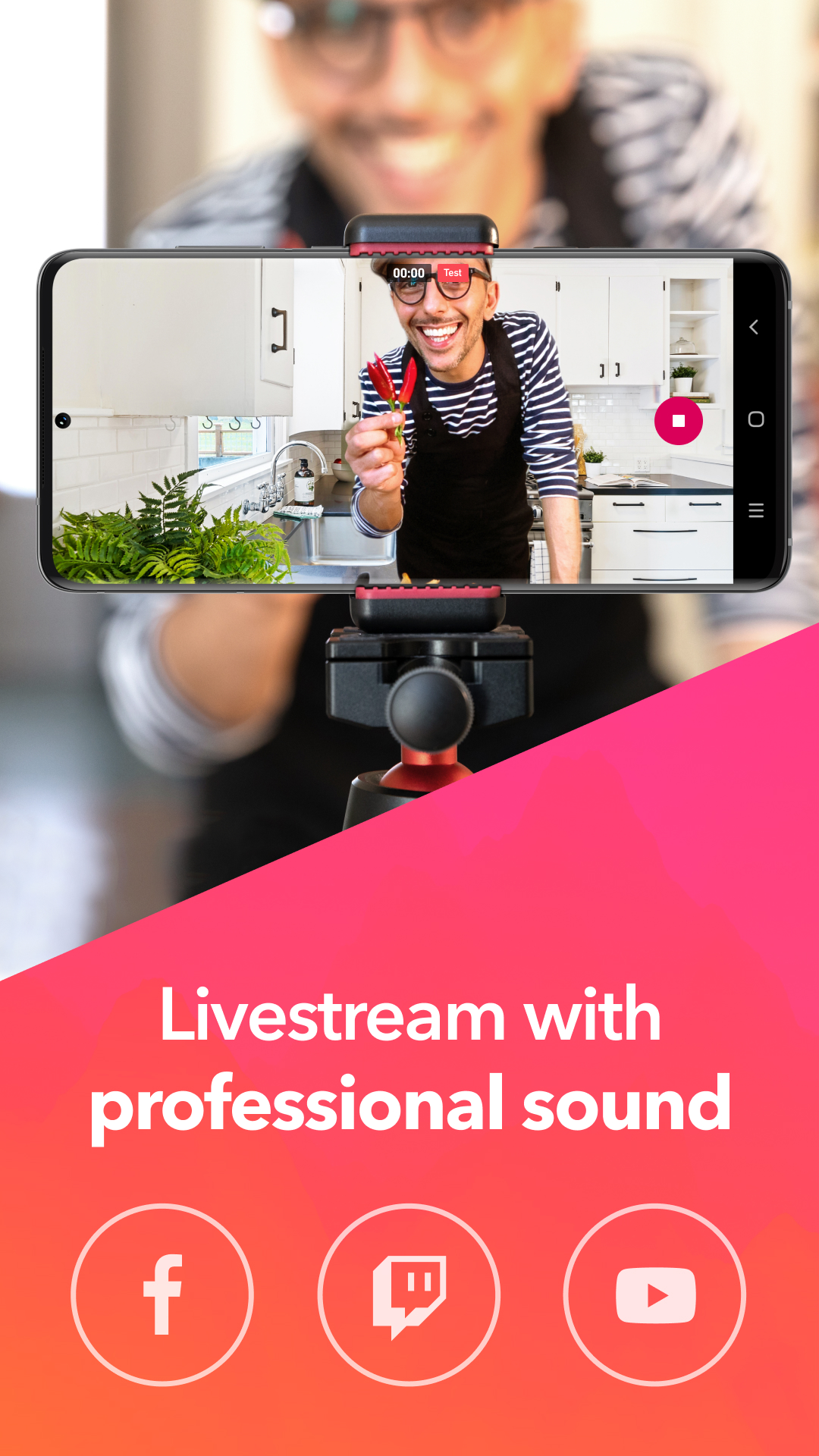
- Good quality recording with built-in microphone.
- Built-in equalizer.
- Various presets.
- No paid features.
Description
Application Dolby On: Record Audio & Music was checked by VirusTotal antivirus. As a result of the scan, no file infections were detected by all the latest signatures.
How to install Dolby On: Record Audio & Music
- Download APK file apps from apkshki.com.
- Locate the downloaded file. You can find it in the system tray or in the 'Download' folder using any file manager.
- If the file downloaded in .bin extension (WebView bug on Android 11), rename it to .apk using any file manager or try downloading the file with another browser like Chrome.
- Start the installation. Click on the downloaded file to start the installation
- Allow installation from unknown sources. If you are installing for the first time Dolby On: Record Audio & Music not from Google Play, go to your device's security settings and allow installation from unknown sources.
- Bypass Google Play protection. If Google Play protection blocks installation of the file, tap 'More Info' → 'Install anyway' → 'OK' to continue..
- Complete the installation: Follow the installer's instructions to complete the installation process.
How to update Dolby On: Record Audio & Music
- Download the new version apps from apkshki.com.
- Locate the downloaded file and click on it to start the installation.
- Install over the old version. There is no need to uninstall the previous version.
- Avoid signature conflicts. If the previous version was not downloaded from apkshki.com, the message 'Application not installed' may appear. In this case uninstall the old version and install the new one.
- Restart annex Dolby On: Record Audio & Music after the update.






Requesting an application update
Added Denis Rubinov
Version: 1.8.4
Size: 65 MB
Updated: 20.05.2025
Developer: Dolby Laboratories Inc.
Age Limitations: Everyone
Downloaded on Google Play: 5144475
Category: Music and audio












Reviews for Dolby On: Record Audio & Music
Records in mono. Very disappointed. Dolby is known for its enhanced stereo. Why record mono?
App UI Sound Quality Is Gud But Noise Cancellation Not Upto The Mark Need To Improve a Lot.!
goog
I have been using this for a long time. but now I change the mobile to iQOO Neo 10R and this app is not recording anything. is this a bug ?? I'm unable to record my voice
Doesn't record in the background
garbage. If someone calls you while the app is recording it doesn't autosave the recording and nothing is found on the tracks list. this should be one of the main functions implemented
I opened it up and did a test and There is definitely a difference, it was a lot better sound recording in an echo chamber of a tile bathroom with a metal tub. I recorded a YouTube video demo outside on assembling a HiBoy high performance electric scooter in 9 segments and the Texas wind made it hard to hear some bits, so I want to try it on that and see how it does, but overall my 1st impression is positive. I will definitely change this review if something unforeseen happens. it IS Dolby Labs
Hi Team, while saving audio to local device, getting saved as bin format not m4a. Could you please check and fix it. Thanks in Advance.
nice
voice recorder best app
Excellent app for quickly recording ideas. Even supports USB input from my Fender Mustang Micro.
It is the best for you tubt
Realmente una excelente aplicación para grabar.
Need mpe
Of course the audio is amazing. Incomparable with anything because of the instant settings. The one big thing I miss, is transparent settings with microphone. I use a microphone with USB OTG, but it seems as like the app uses both microphones at the same time, making the final recording inaudible. I don't have this problem with another WAV recording app, because I can choose specifically what microphone to be used
Post a comment
To leave a comment, log in with your social network:
Or leave an anonymous comment. Your comment will be sent for moderation.
Post a comment
To leave a comment, log in with your social network:
Or leave an anonymous comment. Your comment will be sent for moderation.