



Added: Denis Rubinov
Version: 2.0
Size: 55.5 MB
Updated: 23.07.2020
Developer: Helper Team
Category: Personalization
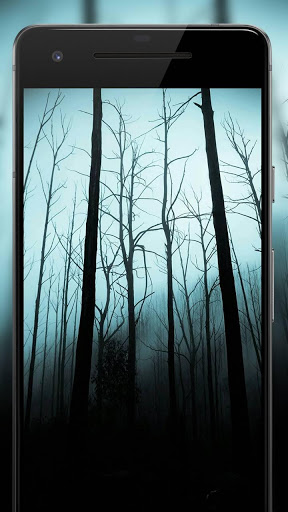
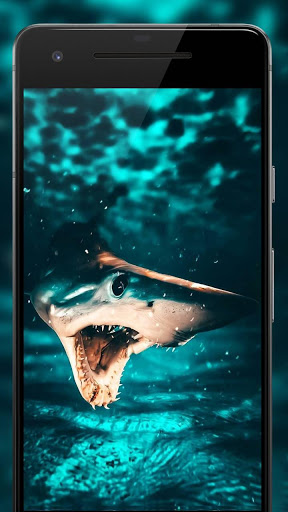
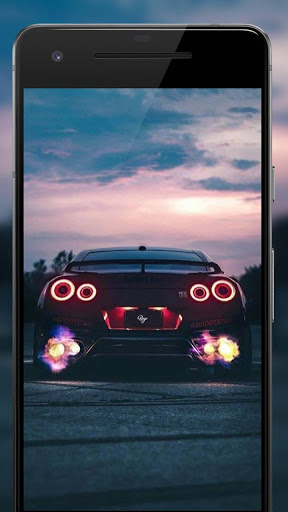
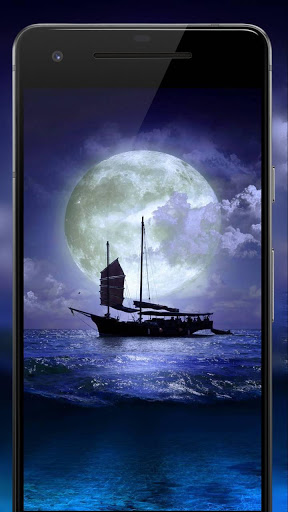
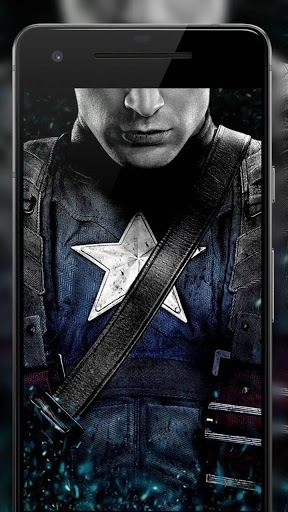
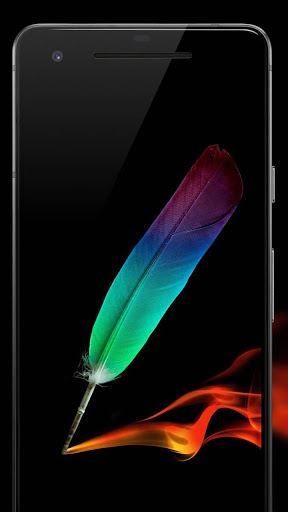
- Large collection of wallpapers.
- Pictures in HD.
- Save to Favorites function.
- Set wallpaper in one tap.
- You can share your favorite pictures.
- There is a translation into Russian.
- All wallpapers are available for free.
Description
Application Darkify 3 was checked by VirusTotal antivirus. As a result of the scan, no file infections were detected by all the latest signatures.
How to install Darkify 3
- Download APK file apps from apkshki.com.
- Locate the downloaded file. You can find it in the system tray or in the 'Download' folder using any file manager.
- If the file downloaded in .bin extension (WebView bug on Android 11), rename it to .apk using any file manager or try downloading the file with another browser like Chrome.
- Start the installation. Click on the downloaded file to start the installation
- Allow installation from unknown sources. If you are installing for the first time Darkify 3 not from Google Play, go to your device's security settings and allow installation from unknown sources.
- Bypass Google Play protection. If Google Play protection blocks installation of the file, tap 'More Info' → 'Install anyway' → 'OK' to continue..
- Complete the installation: Follow the installer's instructions to complete the installation process.
How to update Darkify 3
- Download the new version apps from apkshki.com.
- Locate the downloaded file and click on it to start the installation.
- Install over the old version. There is no need to uninstall the previous version.
- Avoid signature conflicts. If the previous version was not downloaded from apkshki.com, the message 'Application not installed' may appear. In this case uninstall the old version and install the new one.
- Restart annex Darkify 3 after the update.




Requesting an application update
Added Denis Rubinov
Version: 2.0
Size: 55.5 MB
Updated: 23.07.2020
Developer: Helper Team
Category: Personalization












Reviews for Darkify 3
I love this app so muchhhhh!!!!!!!! I can't explain how hd the wallpapers are. *I just love it*
1/5 purely because you can't set one as lock screen and one as home screen like you can in previous ones of these
🐇Helper studio, u guys did it again mhmm your apps are awesome. & I say Venom, from you know the marvel should definitely be added plzz & thxx
It was wonderful The wallpapers l did not just like them l loved them Keep up the good work
excellent images with high quality.
This app is amazing I think it will change the world of wallpapers .
bestt....... just the best app for your battery saving 🔋and dark 🌑 wallpapers 👌👌👌
The wallpapers look of really cheap quality as they look grainy in One plus 7 Pro.
Super, amazing program I have DARKIFY and I love it. I want to see Darkify 4. GOOD LUCK
Don't show many ads and add more interesting images
Post a comment
To leave a comment, log in with your social network:
Or leave an anonymous comment. Your comment will be sent for moderation.
Post a comment
To leave a comment, log in with your social network:
Or leave an anonymous comment. Your comment will be sent for moderation.