



Customuse: Skins Maker Roblox
4+
downloads5.0
version Android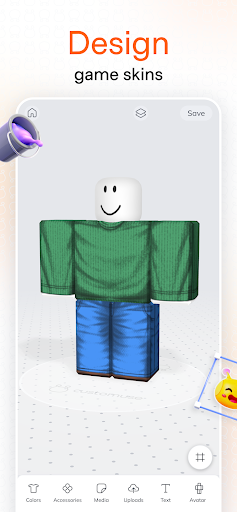
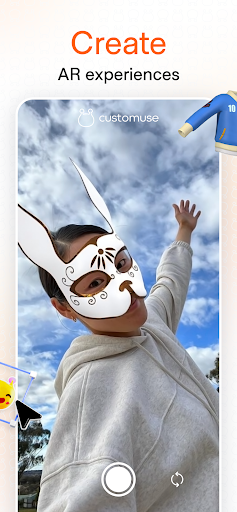
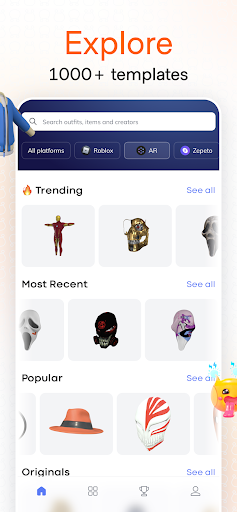
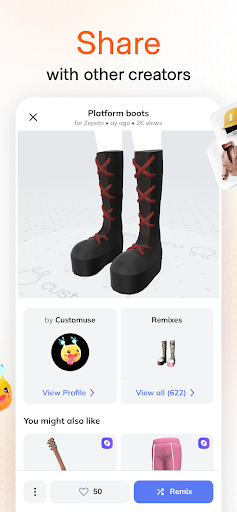
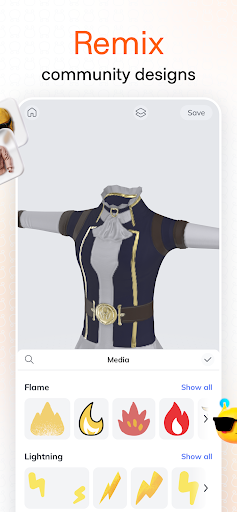
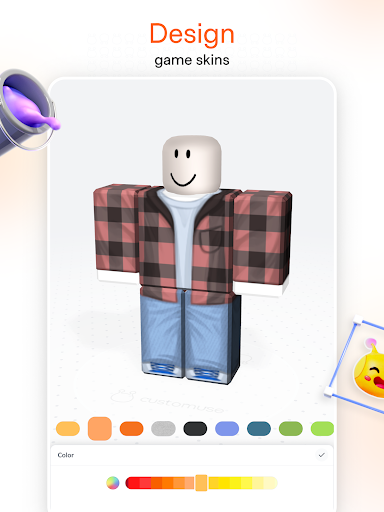
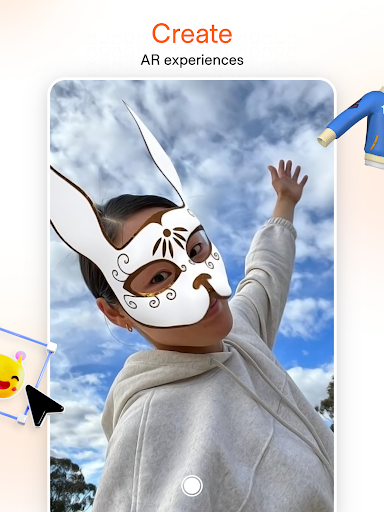
Added: Denis Rubinov
Version: 1.30.0
Size: 155.4 MB
Updated: 01.02.2024
Developer: Customuse
Authorizations: 13
Downloaded on Google Play: 941489
Category: Art and design
Description
Application Customuse: Skins Maker Roblox was checked by VirusTotal antivirus. As a result of the scan, no file infections were detected by all the latest signatures.
How to install Customuse: Skins Maker Roblox
- Download APK file apps from apkshki.com.
- Locate the downloaded file. You can find it in the system tray or in the 'Download' folder using any file manager.
- If the file downloaded in .bin extension (WebView bug on Android 11), rename it to .apk using any file manager or try downloading the file with another browser like Chrome.
- Start the installation. Click on the downloaded file to start the installation
- Allow installation from unknown sources. If you are installing for the first time Customuse: Skins Maker Roblox not from Google Play, go to your device's security settings and allow installation from unknown sources.
- Bypass Google Play protection. If Google Play protection blocks installation of the file, tap 'More Info' → 'Install anyway' → 'OK' to continue..
- Complete the installation: Follow the installer's instructions to complete the installation process.
How to update Customuse: Skins Maker Roblox
- Download the new version apps from apkshki.com.
- Locate the downloaded file and click on it to start the installation.
- Install over the old version. There is no need to uninstall the previous version.
- Avoid signature conflicts. If the previous version was not downloaded from apkshki.com, the message 'Application not installed' may appear. In this case uninstall the old version and install the new one.
- Restart annex Customuse: Skins Maker Roblox after the update.

Scribbl - Photo & Video Effect
Art and design

MediBang Paint - Make Art !
Art and design

FlipaClip: Create 2D Animation
Art and design

Meta Spark Player
Art and design
Pixel Painter
Art and design
Pixelz - Color by Number Pixel
Art and design

Adobe Capture: Illustrator,Ps
Art and design

Bonfire Photo Editor Pro
Art and design
Requesting an application update
Added Denis Rubinov
Version: 1.30.0
Size: 155.4 MB
Updated: 01.02.2024
Developer: Customuse
Authorizations:
Downloaded on Google Play: 941489
Category: Art and design












Reviews for Customuse: Skins Maker Roblox
No you didn't just add the pay to download f
sooo beautiful and very good to know
This better be goddamn good
Thanks to the developer who helped me it's just that I hadn't got a free download yet. No problems just a little complicated. ⭐⭐⭐⭐⭐
Horrible! You have to pay to upload! Such a scam dont waste ur gigabytes
this app is so cool only if they didn't make the uploading in roblox pro
the best app i ever seen
This app is so much good I have 2 million robox in roblox in roblox using this app I made so much reserves and sell and I got so much of roblox I will tell that if there will be one to update it can be more better than now this app is very good beacause in roblox we need real money to get roblox but with help of this app I got 2 million robox without wasting real real money I can do whatever in roblox this app is very good once again I tell and the reason that I tell this app is very good becau
Is it true?
Its very nice
another edit: thanks so much for fixing the text option. i realized that the app autosaves stuff so thats good too. its a great app and works amazing. i will recommend this app to anyone interested in making roblox clothes! also, i have a suggestion, can you possibly add a dark mode to the app?
idk
i love is app
Really good Amazing The awesome is at by ever seen How did you do it Just too good It's just too good It still also was saying I ever seen I never thought this day It's so good How how did you do it Whatever it is amazing Please tell me how
yay
Post a comment
To leave a comment, log in with your social network:
Or leave an anonymous comment. Your comment will be sent for moderation.
Post a comment
To leave a comment, log in with your social network:
Or leave an anonymous comment. Your comment will be sent for moderation.