


Controller-PC Remote & Gamepad
163+
downloads4.0+
version Android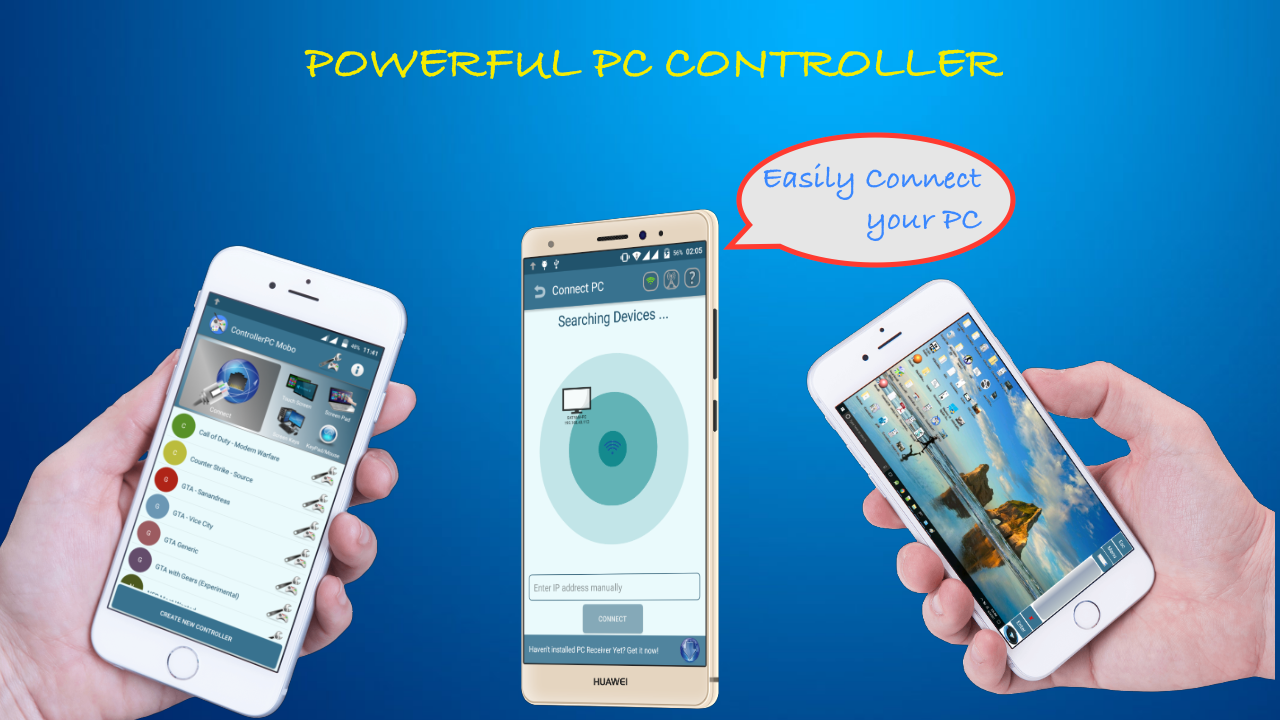
Added: Denis Rubinov
Version: 4.4
Size: 7.4 MB
Updated: 24.06.2025
Developer: MoboAlien
Age Limitations: Everyone
Authorizations: 11
Downloaded on Google Play: 1353885
Category: Tools
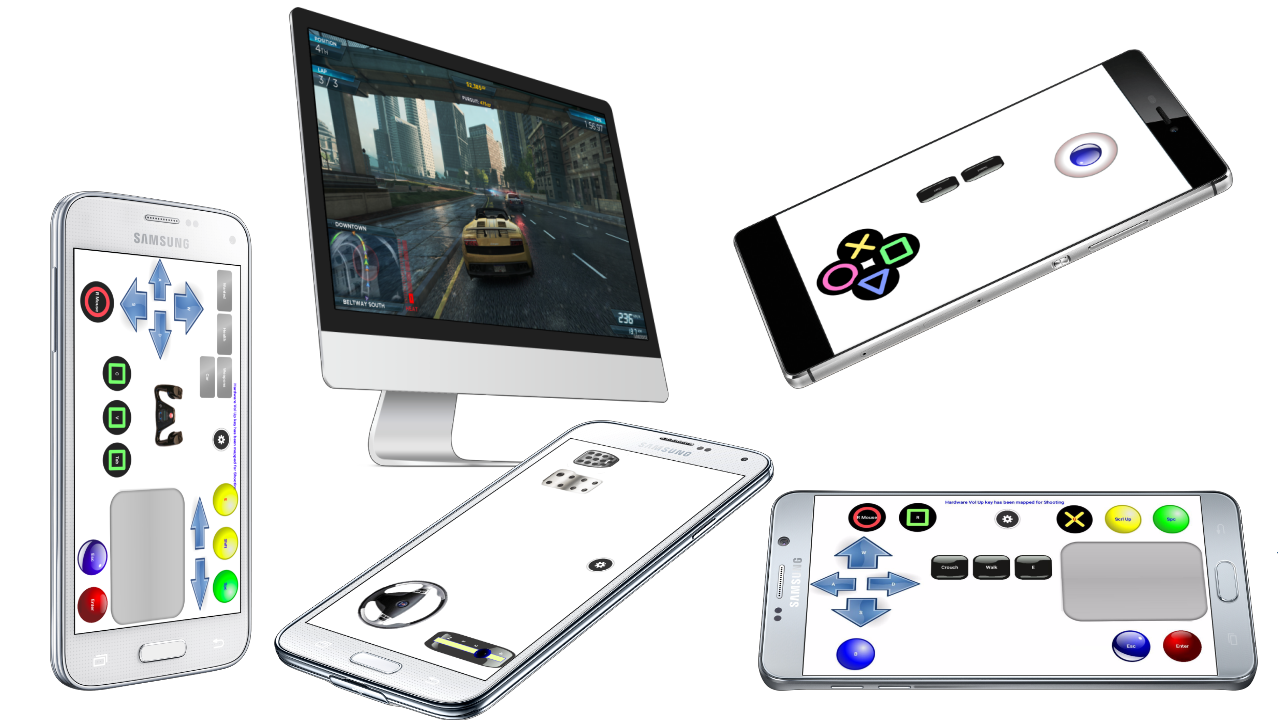
- Connect via cable, Bluetooth or Wi-Fi.
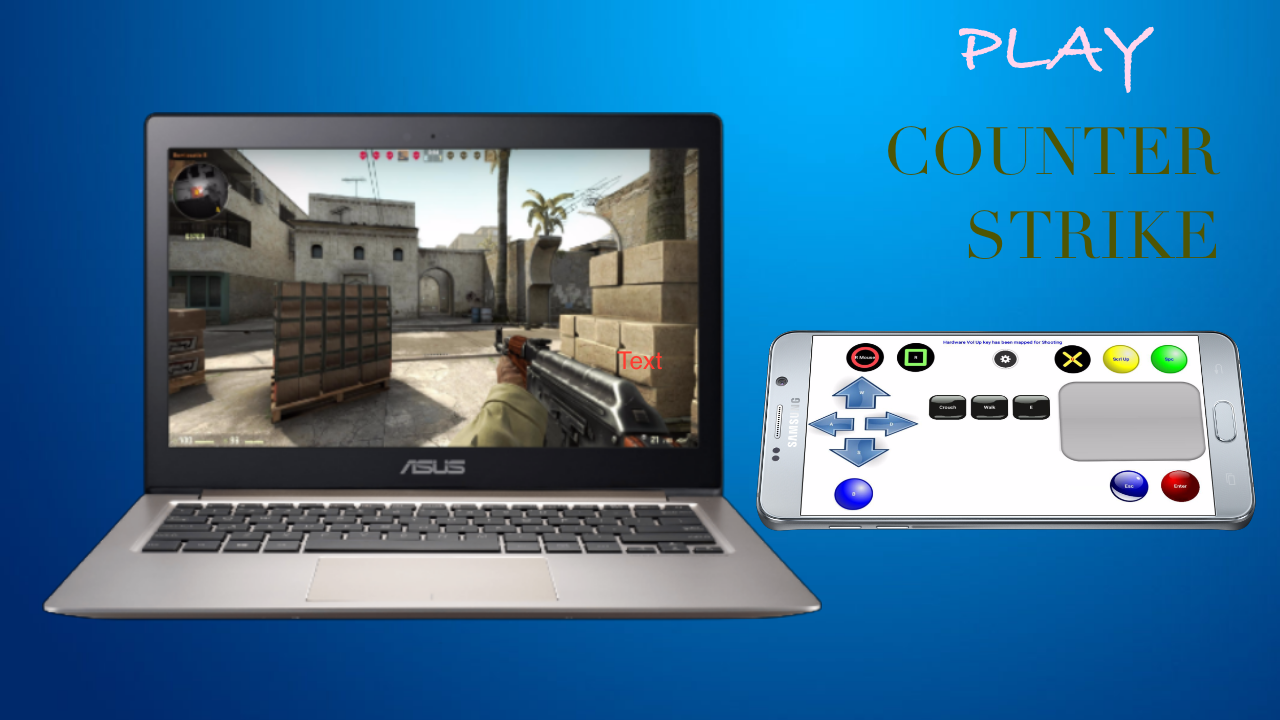
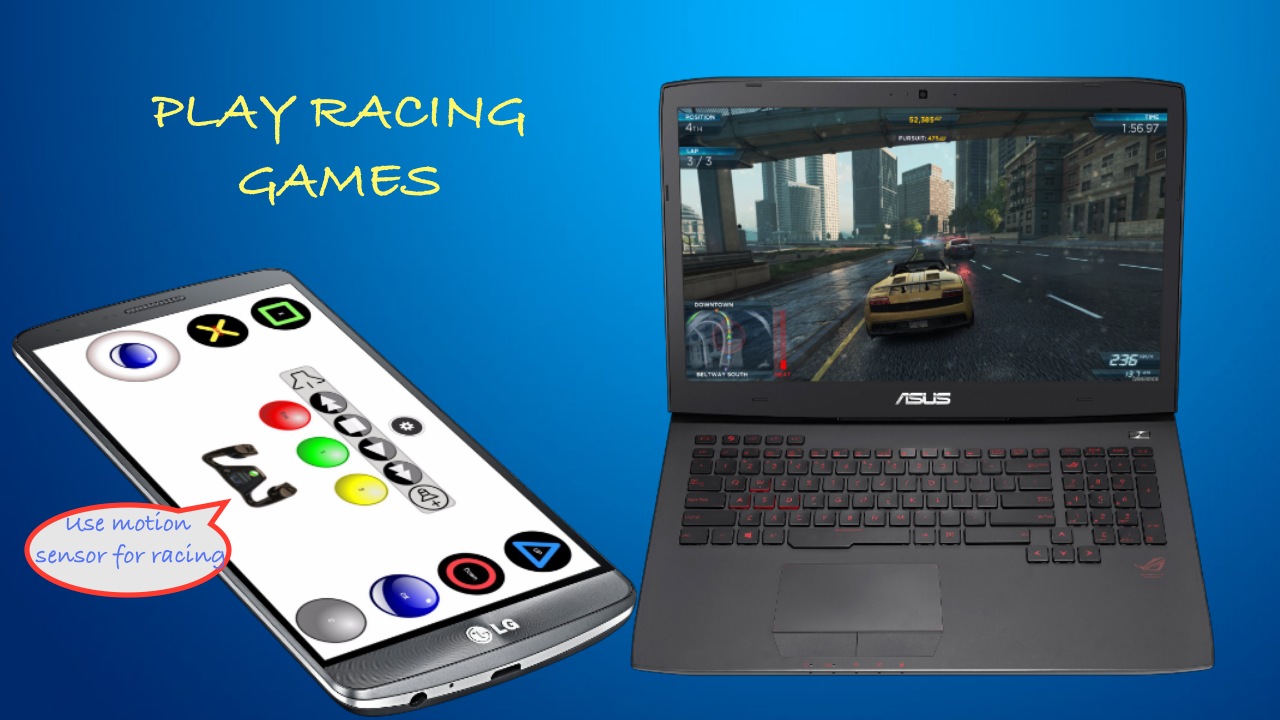
- Using your smartphone as a PC gamepad.
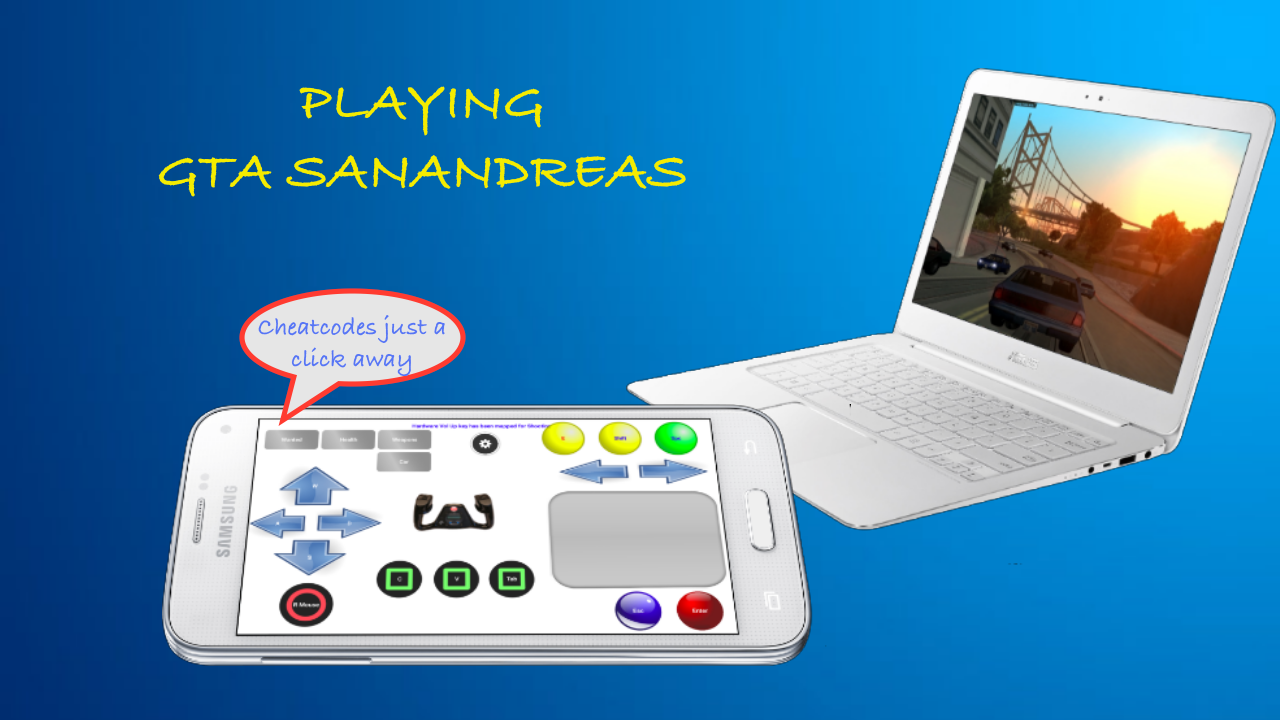
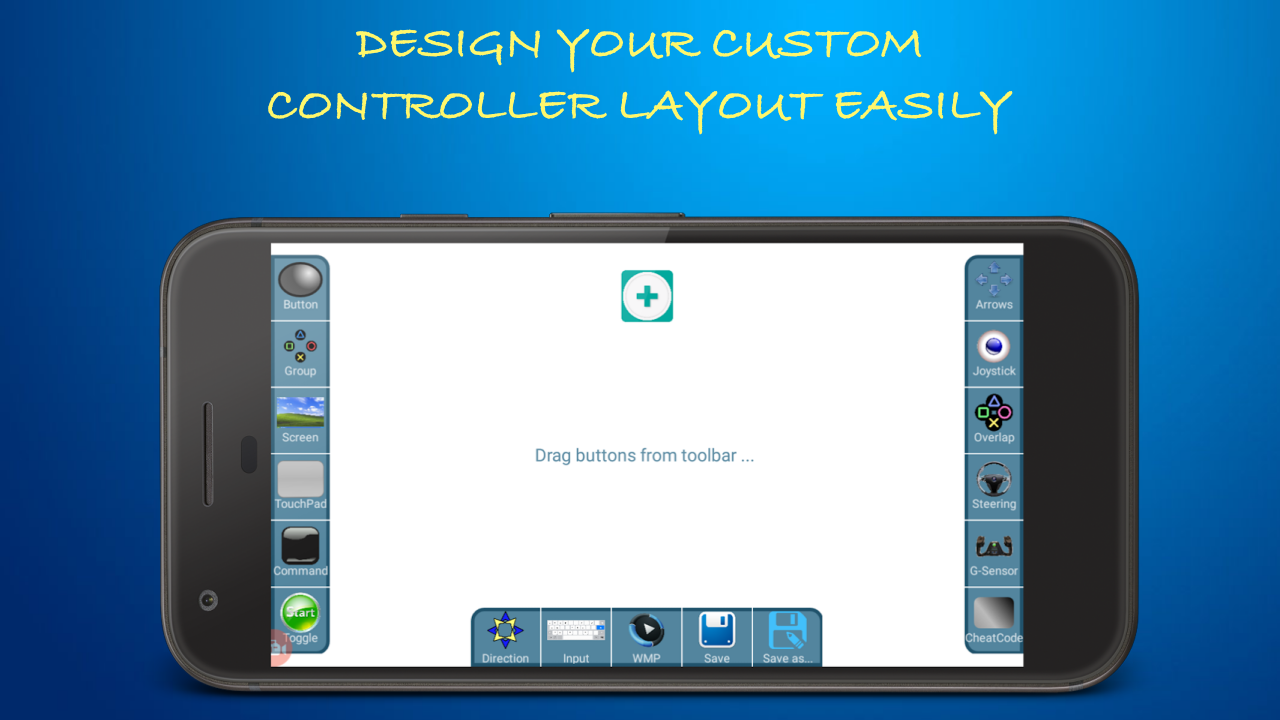
- Enter cheat codes in one tap.
- Very quick setup.
- Free to use.
Description
Application Controller-PC Remote & Gamepad was checked by VirusTotal antivirus. As a result of the scan, no file infections were detected by all the latest signatures.
How to install Controller-PC Remote & Gamepad
- Download APK file apps from apkshki.com.
- Locate the downloaded file. You can find it in the system tray or in the 'Download' folder using any file manager.
- If the file downloaded in .bin extension (WebView bug on Android 11), rename it to .apk using any file manager or try downloading the file with another browser like Chrome.
- Start the installation. Click on the downloaded file to start the installation
- Allow installation from unknown sources. If you are installing for the first time Controller-PC Remote & Gamepad not from Google Play, go to your device's security settings and allow installation from unknown sources.
- Bypass Google Play protection. If Google Play protection blocks installation of the file, tap 'More Info' → 'Install anyway' → 'OK' to continue..
- Complete the installation: Follow the installer's instructions to complete the installation process.
How to update Controller-PC Remote & Gamepad
- Download the new version apps from apkshki.com.
- Locate the downloaded file and click on it to start the installation.
- Install over the old version. There is no need to uninstall the previous version.
- Avoid signature conflicts. If the previous version was not downloaded from apkshki.com, the message 'Application not installed' may appear. In this case uninstall the old version and install the new one.
- Restart annex Controller-PC Remote & Gamepad after the update.





Requesting an application update
Added Denis Rubinov
Version: 4.4
Size: 7.4 MB
Updated: 24.06.2025
Developer: MoboAlien
Age Limitations: Everyone
Authorizations:
Downloaded on Google Play: 1353885
Category: Tools












Reviews for Controller-PC Remote & Gamepad
Best!
Doesn't connect at all useless app
Virus
O App é bom mas pararam de dar assistência e o programa do computador não se pode instalar mais
The best and the only working controller, the customizable feature took it to the next level
This app is Nice I want a steering wheel but it was not of my budget so I installed a app named 900° Steering Wheel but when I was ready to play it didn't work so then I recommend this app but I installed many year ago i finded this app so thanks,MoboAlien
This is the best pc controller app period. I have been using this app for nearly 4 years now and have recommended it to many of my friends who love it, but i don't think many people are aware of its multi purpose usability. Devs need better recognitions for their excellent hard work. Great job MoboAlien team.
The app doesn't work on windows 11
Using it for like 6 years yeah I think it's a good app
Great app
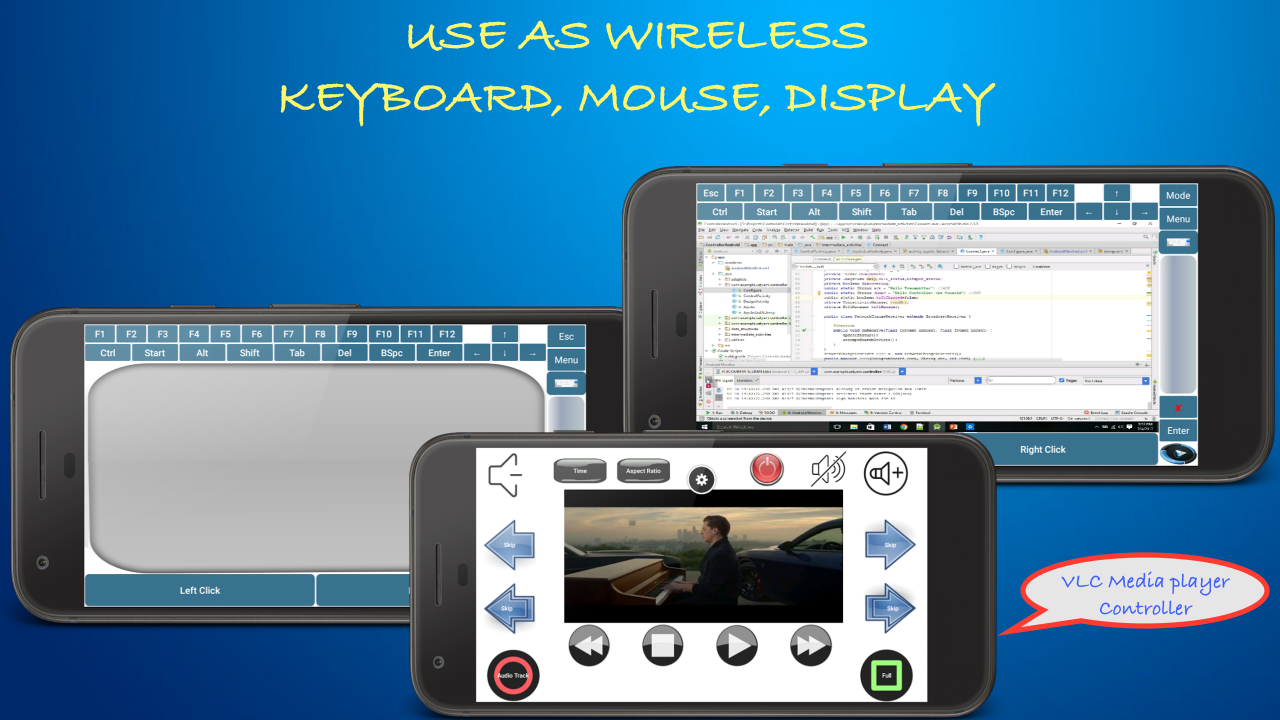
I found most of the things am looking for in a remote PC. The most intresting thing is that u can create your own remote and program it the way u want. It is secure because there is a conection password which make it for people with this app not to get conected with your cpmputer unless they enter the connection password. U can see the PC sreen on ur phone screen which is awesome. I enjoy using the app. I controlled my PC fully and wirelessly using this app. It is a great app. Thank you.
I had try it but it can only run on few (minor) games. It doesn't work on some of my fave (big) Windows games like PES/WE9, Psy-Ops, etc, the game just don't recognize it. That's a shame. Hope you can fix this and I'll be back with 5 stars then. Thx.
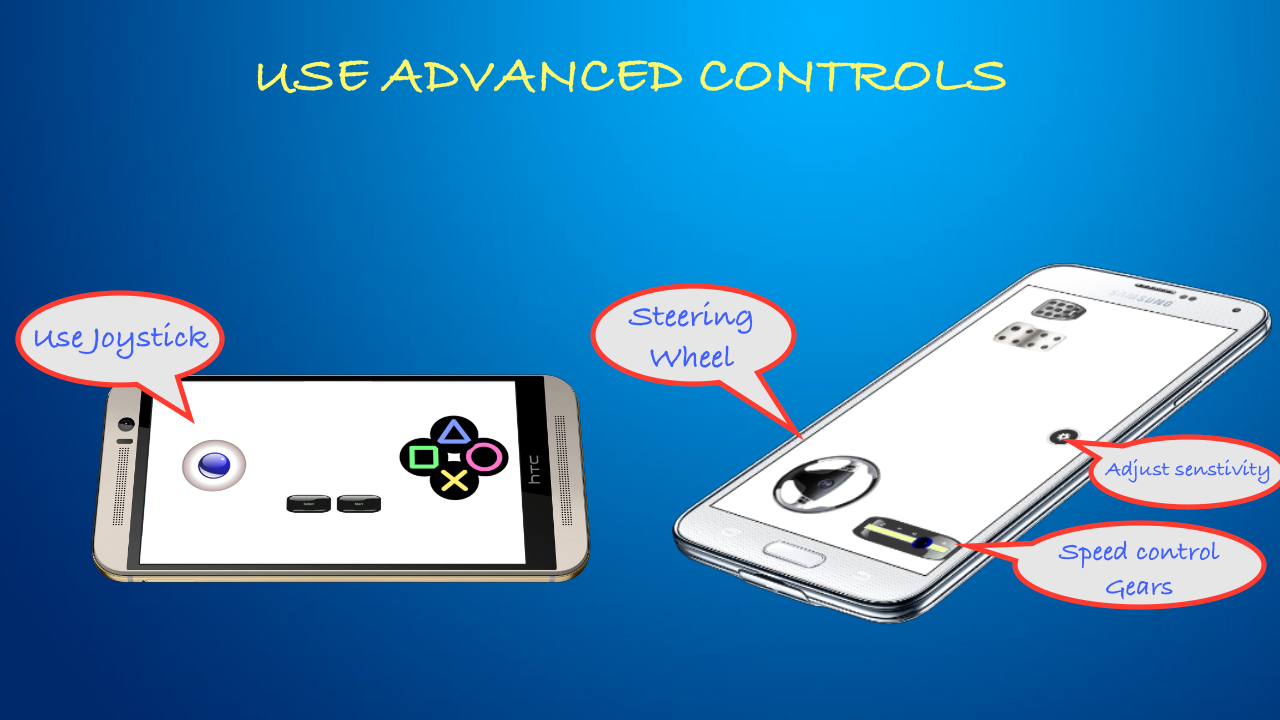
It works perfectly on but it sucks on racing games. It either goes full left or full right u can't control it perfectly. The steering wheel and the tilt controls are really unstable too. I hope u can make the controls for racing games better.
Amazing app, felt no lag issues whatsoever, simple interface and versatile control. But I would like you to add the ability to control the joysticks more, like adding deadzone and features like throttle control. Right now it is not much better than WASD keys for simulation racing games
It worked at first but then the mouse went wack and moved all over the screen at the slightest touch. It would be nice if instead of a touchpad for the mouse, you would put a joystick. Thank you for this app.
Post a comment
To leave a comment, log in with your social network:
Or leave an anonymous comment. Your comment will be sent for moderation.
Post a comment
To leave a comment, log in with your social network:
Or leave an anonymous comment. Your comment will be sent for moderation.