



Call Recorder Automatic
48+
downloads1.0+
version Android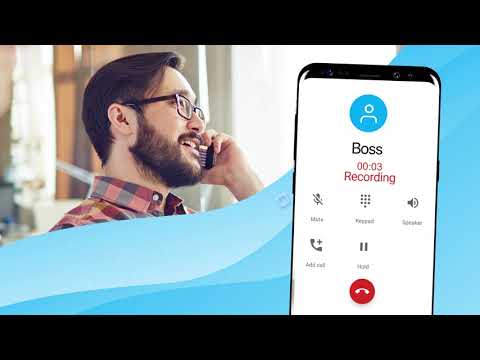

Added: Denis Rubinov
Version: 1.1.324
Size: 19.4 MB
Updated: 22.05.2025
Developer: Tap-Mobile
Age Limitations: Everyone
Downloaded on Google Play: 67259496
Category: Tools
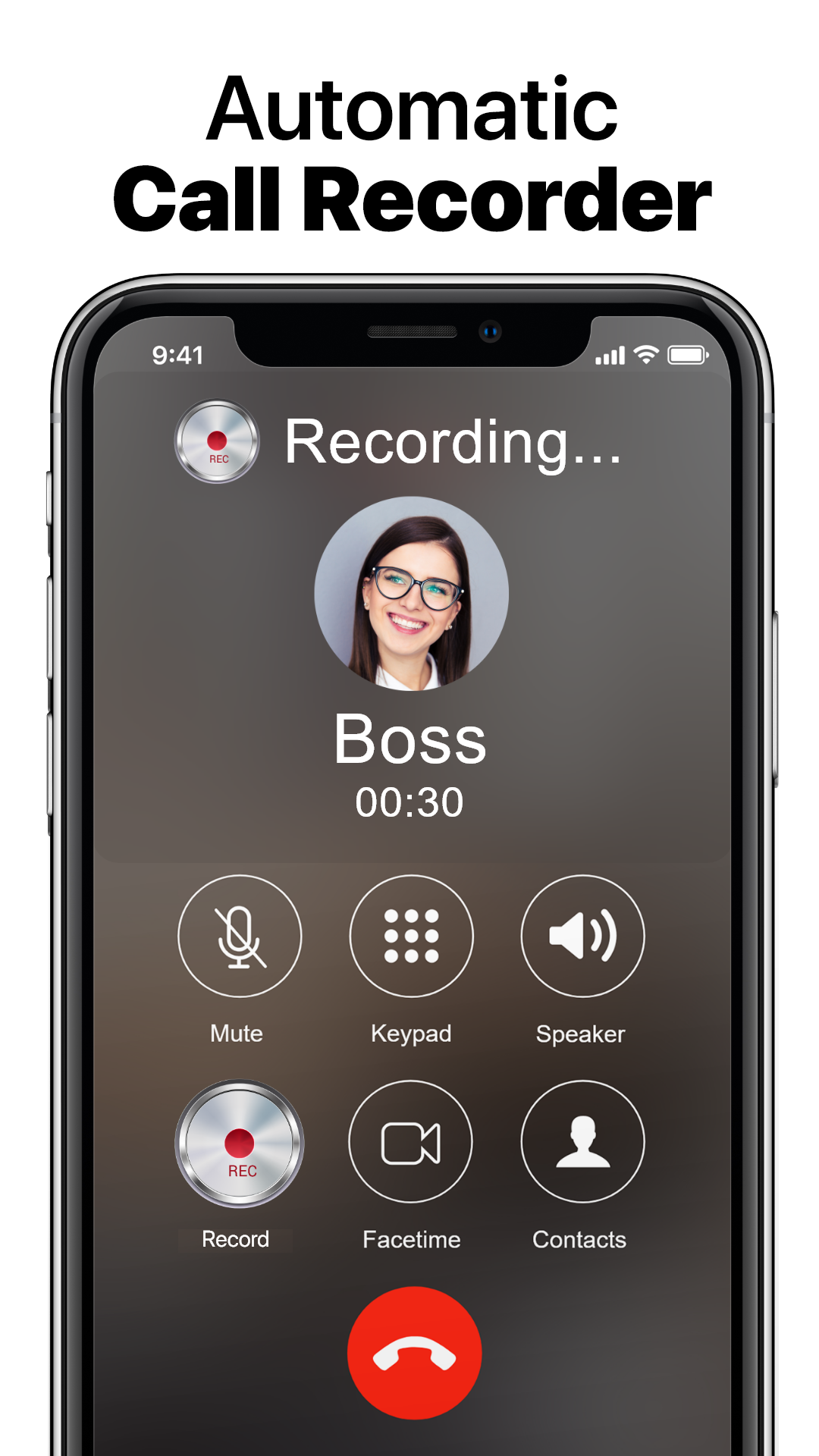
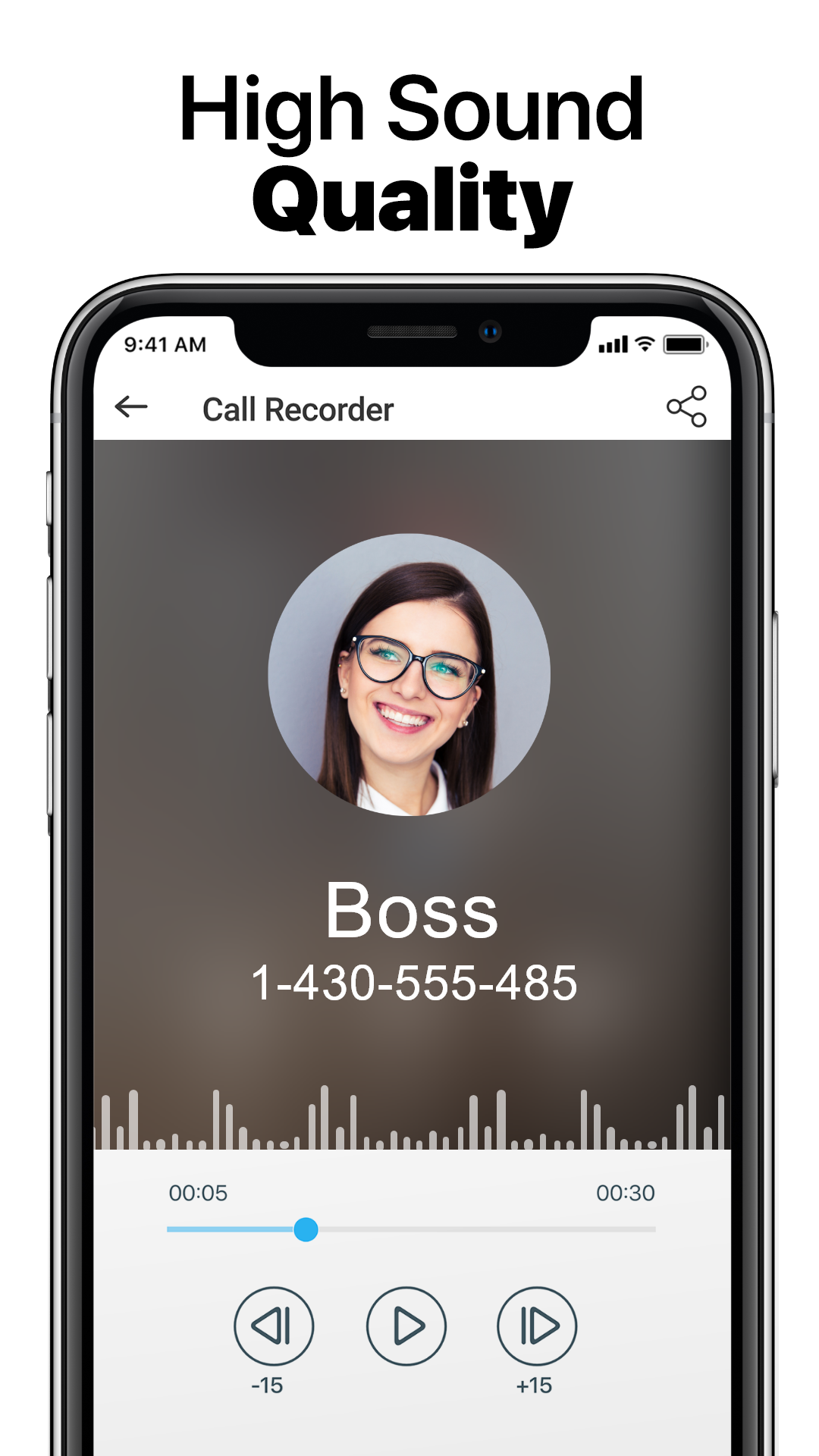
- Automatic call recording.
- Works with incoming and outgoing calls.
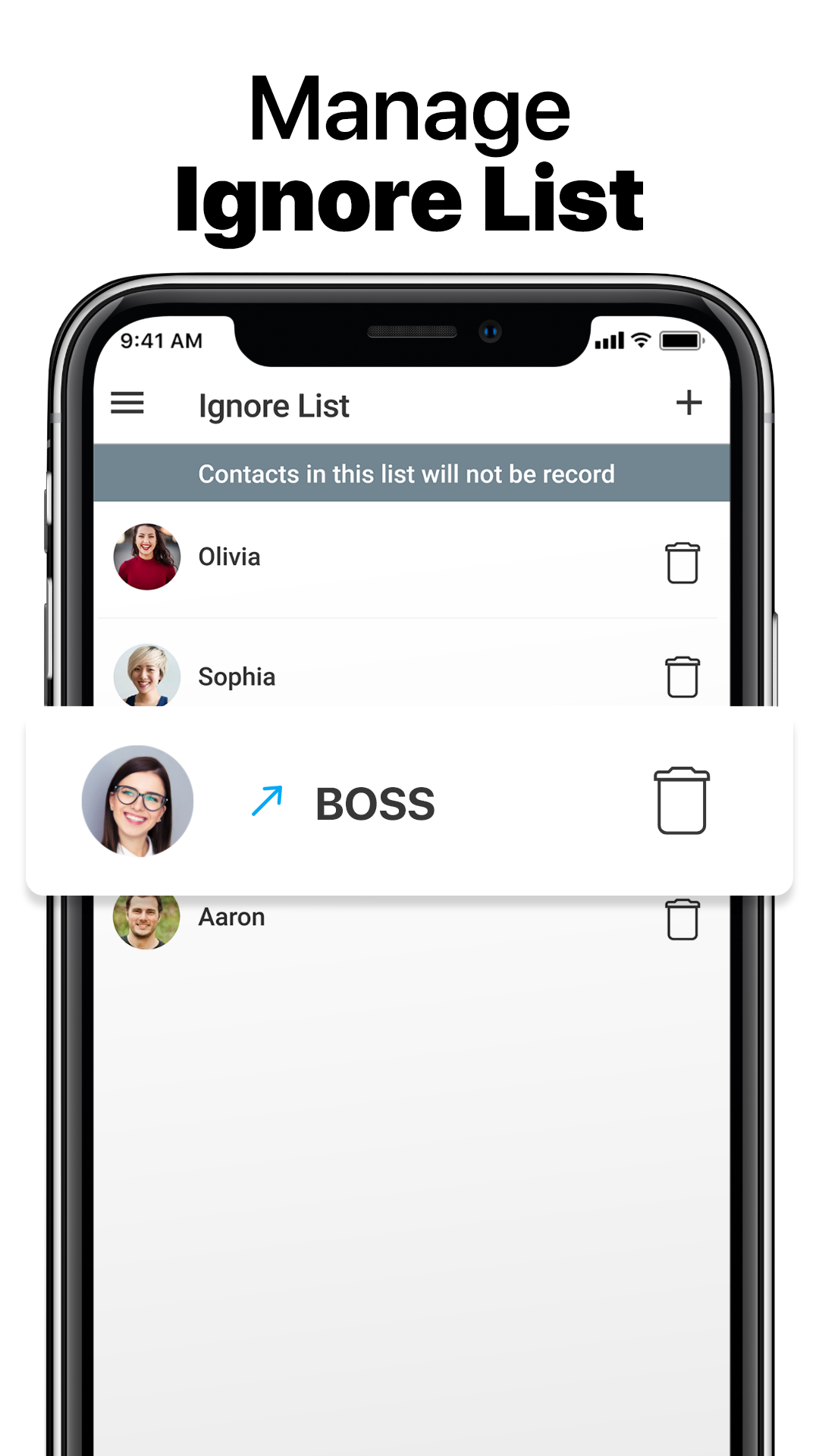
- Availability of a white list of numbers.
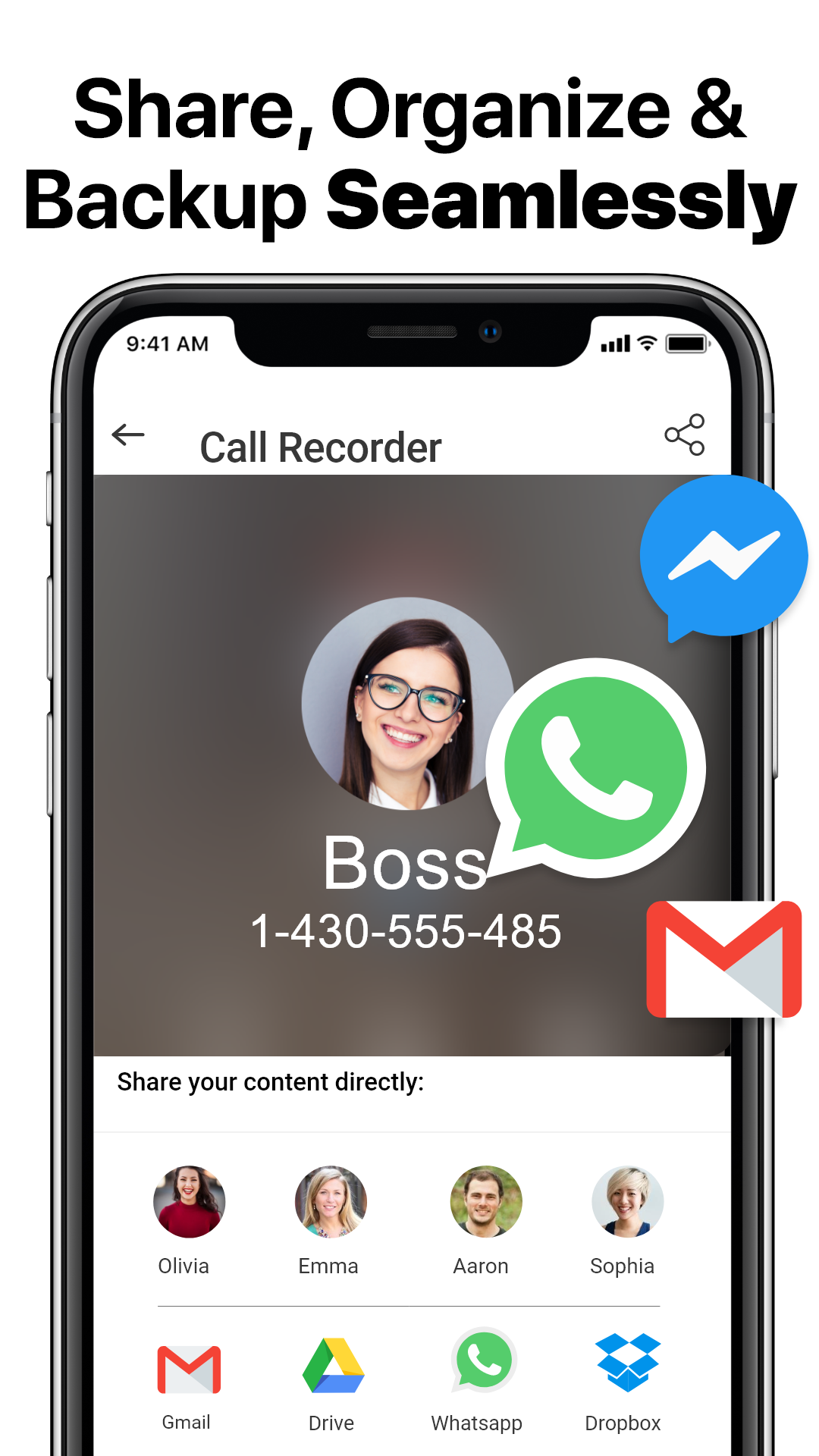
- Back up to the cloud.
- Free to use.
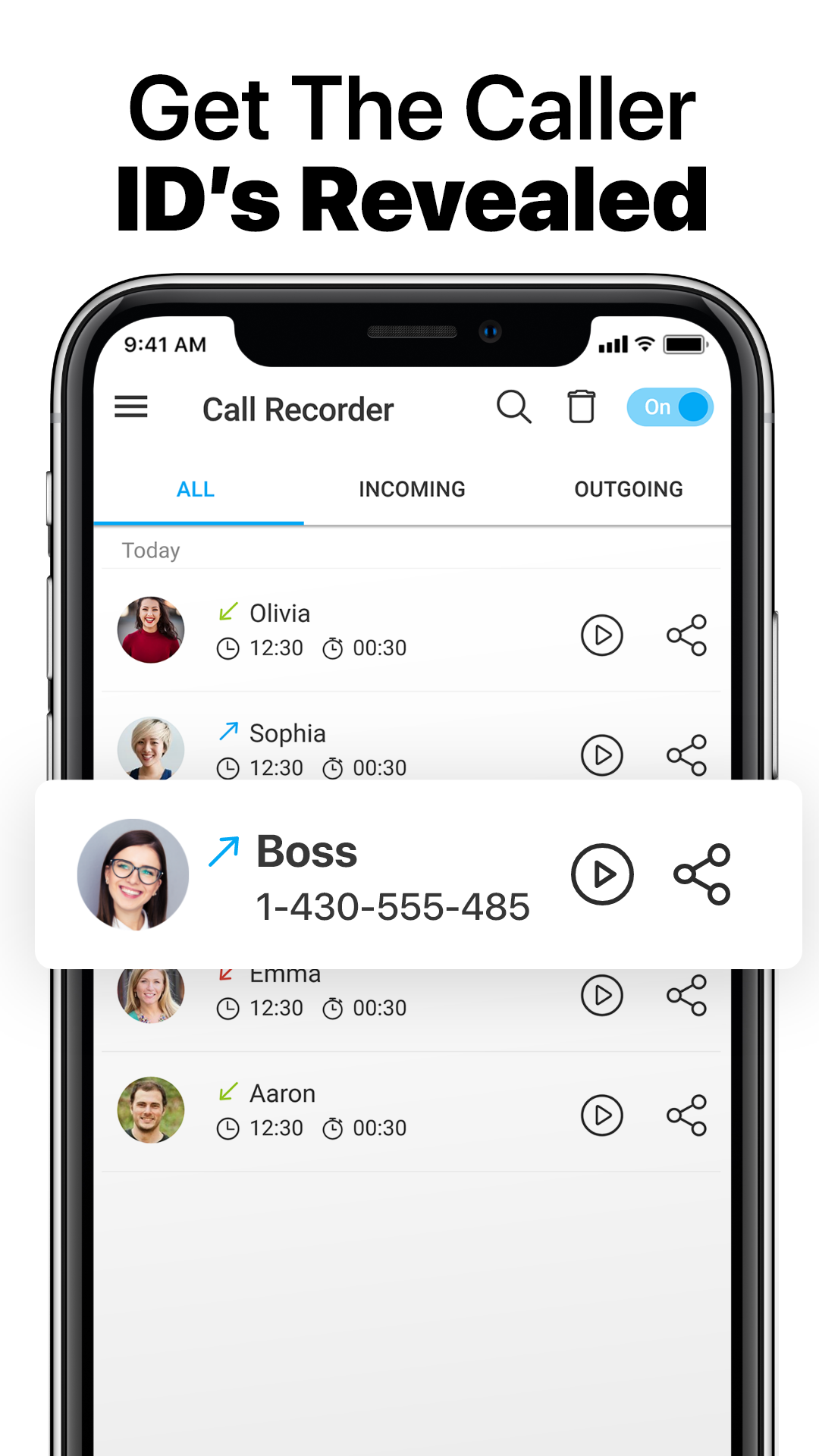
- Convenient records management.
Description
Application Call Recorder Automatic was checked by VirusTotal antivirus. As a result of the scan, no file infections were detected by all the latest signatures.
How to install Call Recorder Automatic
- Download APK file apps from apkshki.com.
- Locate the downloaded file. You can find it in the system tray or in the 'Download' folder using any file manager.
- If the file downloaded in .bin extension (WebView bug on Android 11), rename it to .apk using any file manager or try downloading the file with another browser like Chrome.
- Start the installation. Click on the downloaded file to start the installation
- Allow installation from unknown sources. If you are installing for the first time Call Recorder Automatic not from Google Play, go to your device's security settings and allow installation from unknown sources.
- Bypass Google Play protection. If Google Play protection blocks installation of the file, tap 'More Info' → 'Install anyway' → 'OK' to continue..
- Complete the installation: Follow the installer's instructions to complete the installation process.
How to update Call Recorder Automatic
- Download the new version apps from apkshki.com.
- Locate the downloaded file and click on it to start the installation.
- Install over the old version. There is no need to uninstall the previous version.
- Avoid signature conflicts. If the previous version was not downloaded from apkshki.com, the message 'Application not installed' may appear. In this case uninstall the old version and install the new one.
- Restart annex Call Recorder Automatic after the update.

WeTorrent - Torrent Downloader
Video Players & Editors

Charm - Photo Editor
Photo

PDF Scanner app - TapScanner
Business

Wheelie 1
Adventure

ViewCaller ID & Spam Block
Contact

Voice Recorder HD
Music and audio

MP3 Cutter - Ringtone Maker And Audio Editor
Music and audio

PhotoBoost: Clear Blurry Photo
Photo







Requesting an application update
Added Denis Rubinov
Version: 1.1.324
Size: 19.4 MB
Updated: 22.05.2025
Developer: Tap-Mobile
Age Limitations: Everyone
Downloaded on Google Play: 67259496
Category: Tools












Reviews for Call Recorder Automatic
Recording not showing
very good
very nice app
it's not audible
poor services. I can't even understand. ...
good
fake app. it will not record your calls
the best in use
fake app hai
worst application
I like this app it just have 2 things that made me give it 3 stars. 1. Not in all phone shows who's the recording is from. All calls says private and that makes it difficult to go back to a conversation, u have to search all to find one. 2. Deleting... u cannot delete all recordings at once. I have to delete one by one in order for the app to continue recording once it reach that amount of calls.
This is the first call recording app that really works. Both conversations can be heard crystal clear. Only issue I have is when I slid the on off switch to off it won't stay off. After another call comes in it turns itself back on. I wish it would stay off until I turn it back on.
I had a call recorder app that worked just as advertised. It automatically recorded both sides of the call. Then Android automatically upgraded my phone to Android 11 and my call recorder didn't work anymore. Since then I deleted that recorder and tried a half dozen more recorders, but none worked. So I believe it was the upgrade to Android 11 that's been causing the problem. I would suggest developers indicate if their app works on Android 11 as I'm taking a break until someone does.
I chose this app over others because of Contact naming, but that doesn't work. made 2 test calls.The number was in my contacts. The calls show up as "Private Number", when I try to play them I get an error saying "Player does not support this file type". I have no options to change file type or player used. Unusable if I can't even play recordings. Also, I have Android 9 and your app says I can not record unless in speaker, but Smart Call Recording app works fine when not in speaker. useless
I am completely satisfied with this app. I would give it 5 stars but there are two issues that I'm not ok with. Don't get me wrong, this app works and does what you need......to record calls but the issues I have is 1- Does not highlight or mark that the call has been heard. 2- I click on the offer to upgrade to premium at a fixed price but when I click the link the price is different. Fix those issues and you'll get the final star.
Post a comment
To leave a comment, log in with your social network:
Or leave an anonymous comment. Your comment will be sent for moderation.
Post a comment
To leave a comment, log in with your social network:
Or leave an anonymous comment. Your comment will be sent for moderation.