


Call Blocker:Caller ID & Block
22+
downloads4.4+
version Android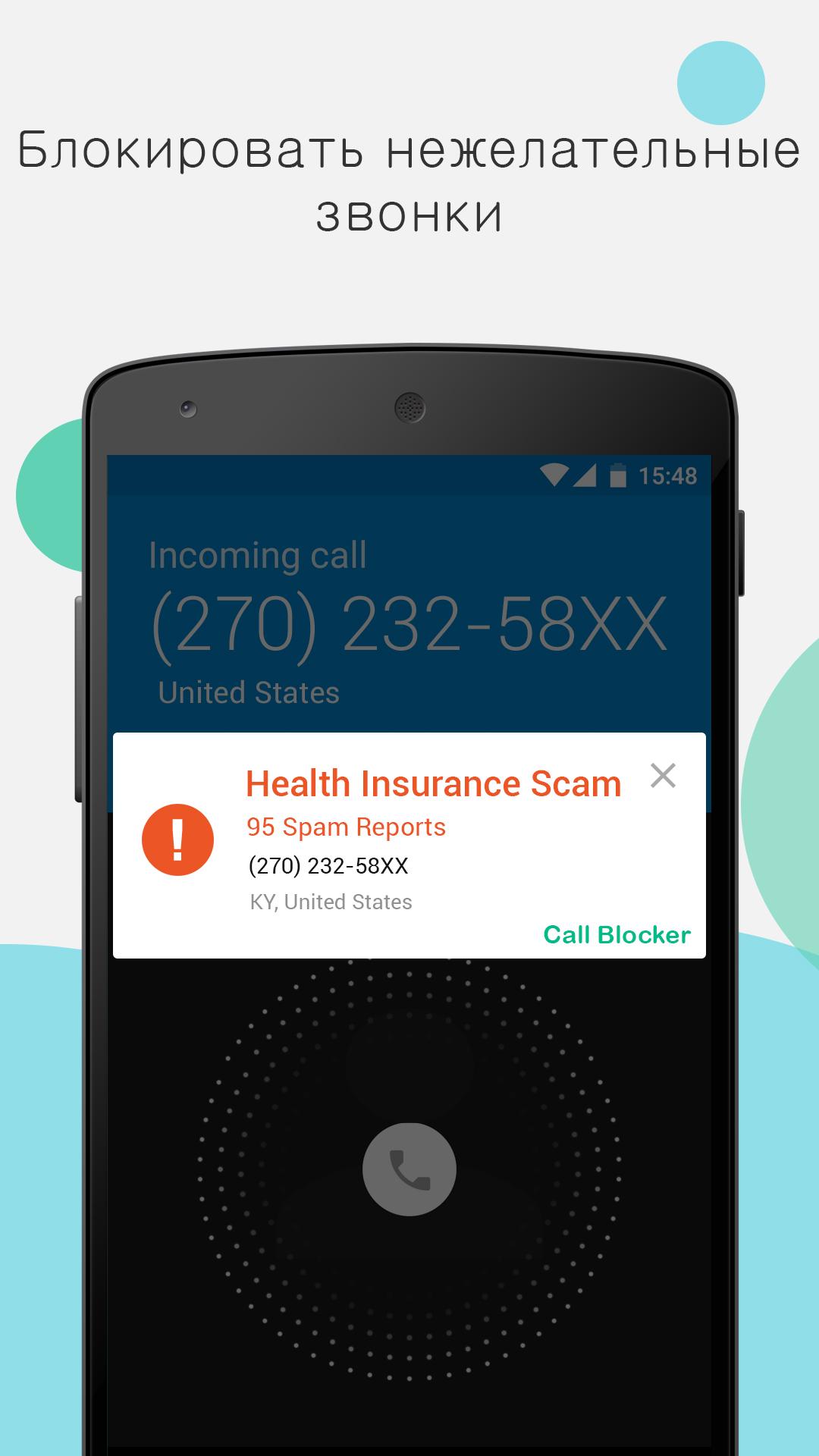
Added: Denis Rubinov
Version: 1.4.0
Size: 15.9 MB
Updated: 24.06.2025
Developer: Grus Group
Age Limitations: Everyone
Downloaded on Google Play: 2652135
Category: Contact
Description
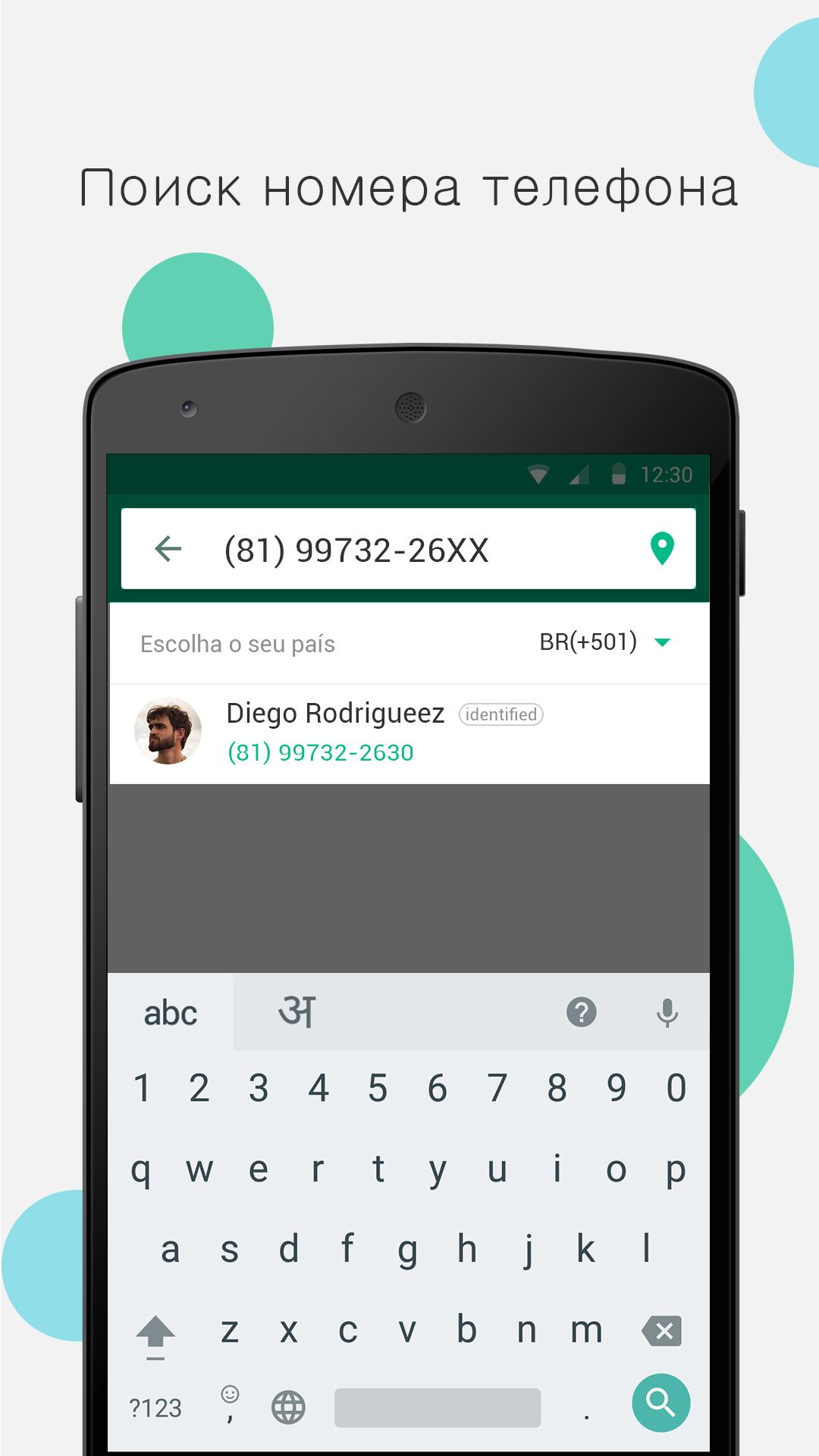
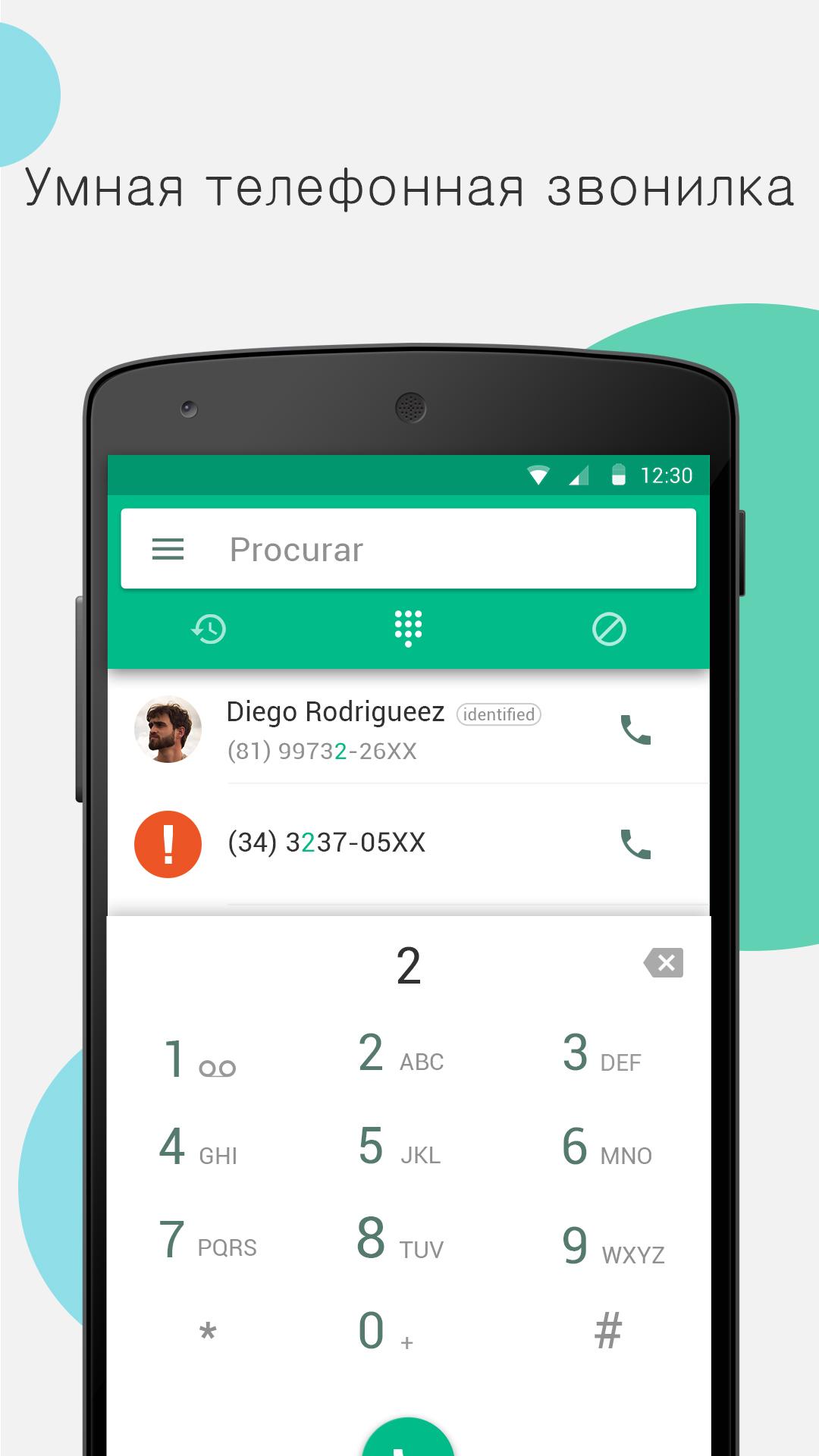
Application Call Blocker:Caller ID & Block was checked by VirusTotal antivirus. As a result of the scan, no file infections were detected by all the latest signatures.
How to install Call Blocker:Caller ID & Block
- Download APK file apps from apkshki.com.
- Locate the downloaded file. You can find it in the system tray or in the 'Download' folder using any file manager.
- If the file downloaded in .bin extension (WebView bug on Android 11), rename it to .apk using any file manager or try downloading the file with another browser like Chrome.
- Start the installation. Click on the downloaded file to start the installation
- Allow installation from unknown sources. If you are installing for the first time Call Blocker:Caller ID & Block not from Google Play, go to your device's security settings and allow installation from unknown sources.
- Bypass Google Play protection. If Google Play protection blocks installation of the file, tap 'More Info' → 'Install anyway' → 'OK' to continue..
- Complete the installation: Follow the installer's instructions to complete the installation process.
How to update Call Blocker:Caller ID & Block
- Download the new version apps from apkshki.com.
- Locate the downloaded file and click on it to start the installation.
- Install over the old version. There is no need to uninstall the previous version.
- Avoid signature conflicts. If the previous version was not downloaded from apkshki.com, the message 'Application not installed' may appear. In this case uninstall the old version and install the new one.
- Restart annex Call Blocker:Caller ID & Block after the update.






Requesting an application update
Added Denis Rubinov
Version: 1.4.0
Size: 15.9 MB
Updated: 24.06.2025
Developer: Grus Group
Age Limitations: Everyone
Downloaded on Google Play: 2652135
Category: Contact












Reviews for Call Blocker:Caller ID & Block
I just downloaded the app about 2 months ago. After I set all of the settings for the calls, I wanted to block the app went to work immediately. It does everything I wanted it to do. I can leave my ringer on now during the day. What a relief. These telemarketers and spam callers take you for granted and act as if they have the right to be intrusive and bother you all day, and most of the evening. After downloading this app I'm back in control of "MY PHONE". As it should be. Victor Fitzhugh
works when they want it to work.
simple, active and easy. thanks for your application ☺️👍
Best call blocker on play store . Try it and see the difference for yourself .
good service 💯
works great
Brilliant and works.. very impressed and stops every intruding calls not in my contacts. highly recommended.
I put it on 23 hrs ago and so far it's worked perfectly thank you phone blocker, God bless 🎚
The best for what I want, should like if they can add more info on who made the call like company name, and not person name only.
let's calls through when your talking to someone else and it disconnects your conversation
I love this app! It really is free and it actually works as advertised. I have been having trouble with spam and scam calls, but today this app caught every one. I will recommend this to all of my friends.
Perfect, it automatically reject unwanted calls. Just what I need and want for telemarketers, screens who is calling love it, ❤
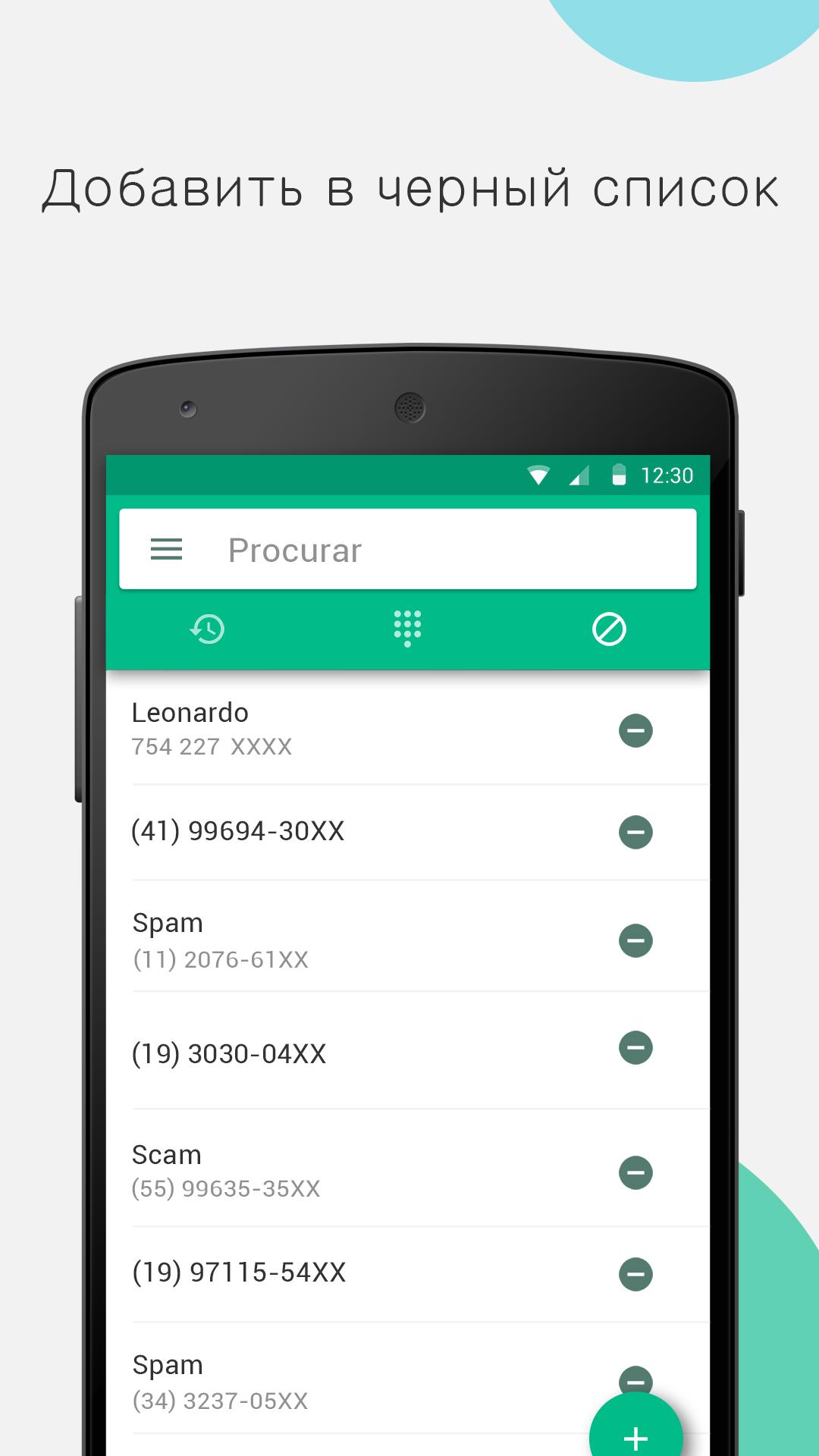
this app does not work at all. I blocked numbers by pattern and private numbers and both ring through. Additionally the app works like ransomware and does not allow you to remove items from the block list without installing additional software.
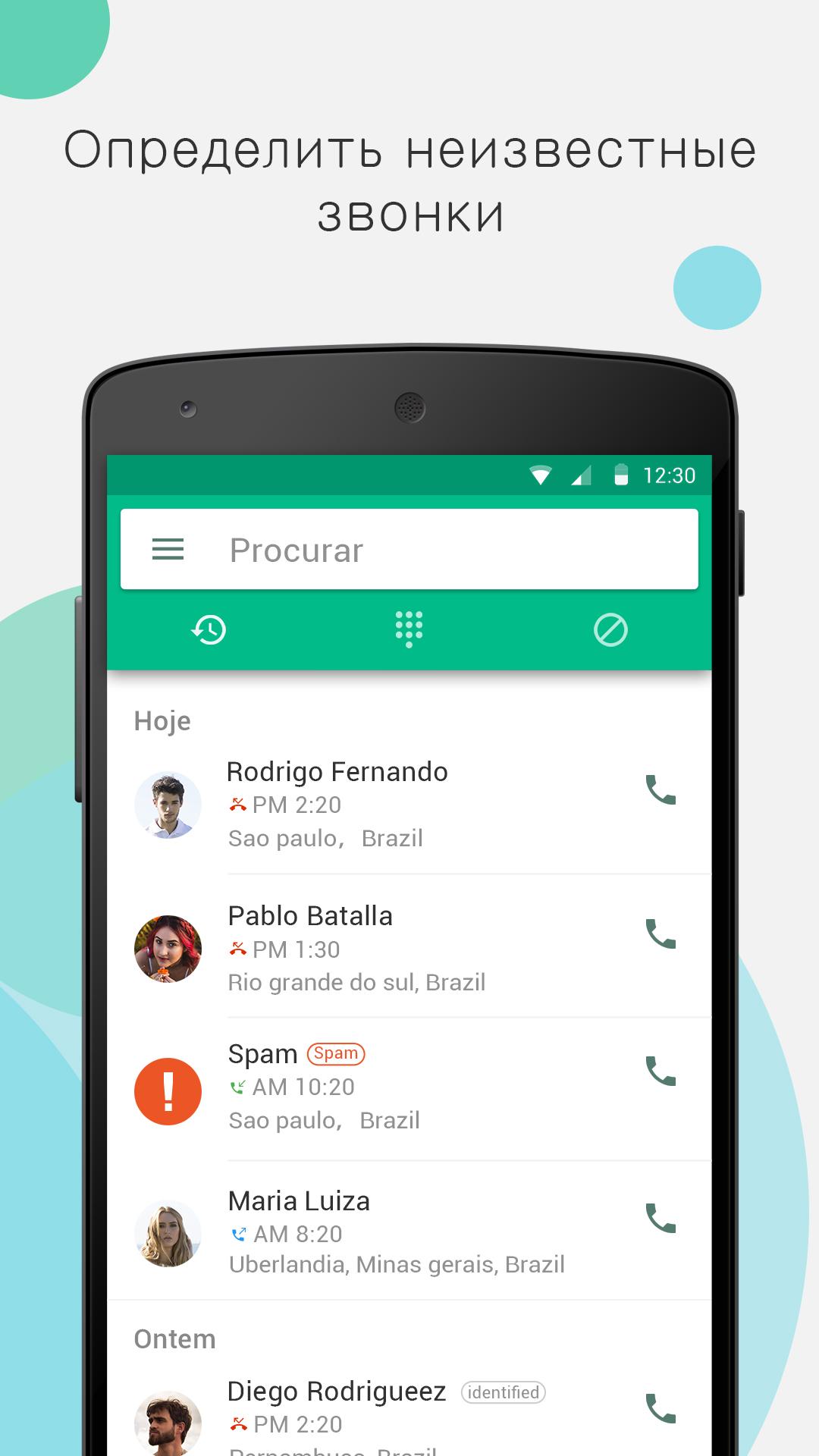
Pretty good at identifying business numbers but not sure why it doesn't intercept and block numbers not in the contact list. It seems to just give you the option to block the numbers and some info on the number that called. The other call block app intercepts the numbers the first ring and automatically block's the numbers and never get past the first ring. One other thing is when making a call it'll send out a banner with some info covers the speaker icon to turn the speaker on and keypad icon
Before learning about the call blocker app I was receiving anywhere from 10 to 30 spam calls per day. Thanks to call blocker now I get zero. Call blocker actually saved my mental health because the spam calls were driving me BONKERS. I WOULD GIVE MORE STARS IF MORE WERE POSSIBLE. THANK YOU CALL BLOCKER ok
Post a comment
To leave a comment, log in with your social network:
Or leave an anonymous comment. Your comment will be sent for moderation.
Post a comment
To leave a comment, log in with your social network:
Or leave an anonymous comment. Your comment will be sent for moderation.