


Audio Converter (MP3 AAC OPUS)
15+
downloads4.4+
version Android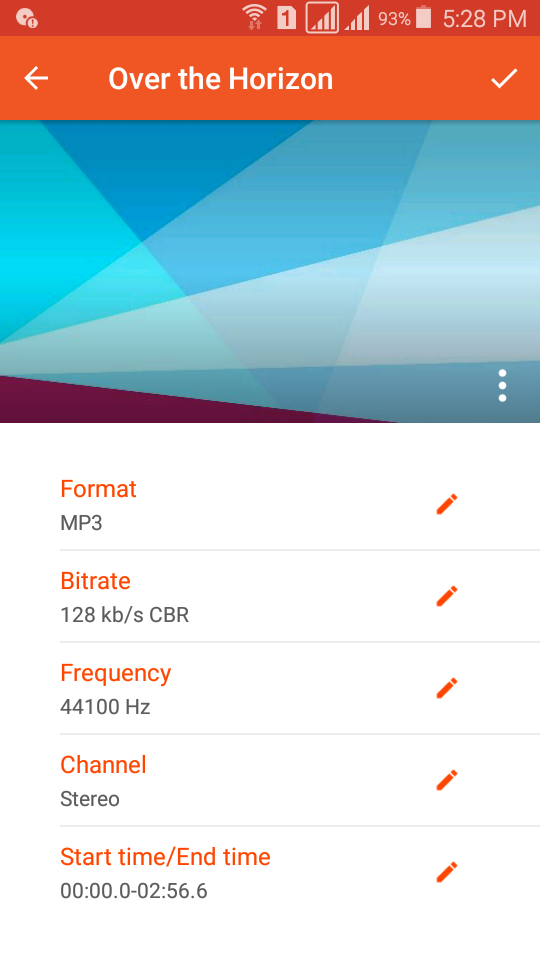
Added: Denis Rubinov
Version: 16.9
Size: 24 MB
Updated: 20.05.2025
Developer: Bdroid Team
Age Limitations: Everyone
Authorizations: 9
Downloaded on Google Play: 7567716
Category: Music and audio
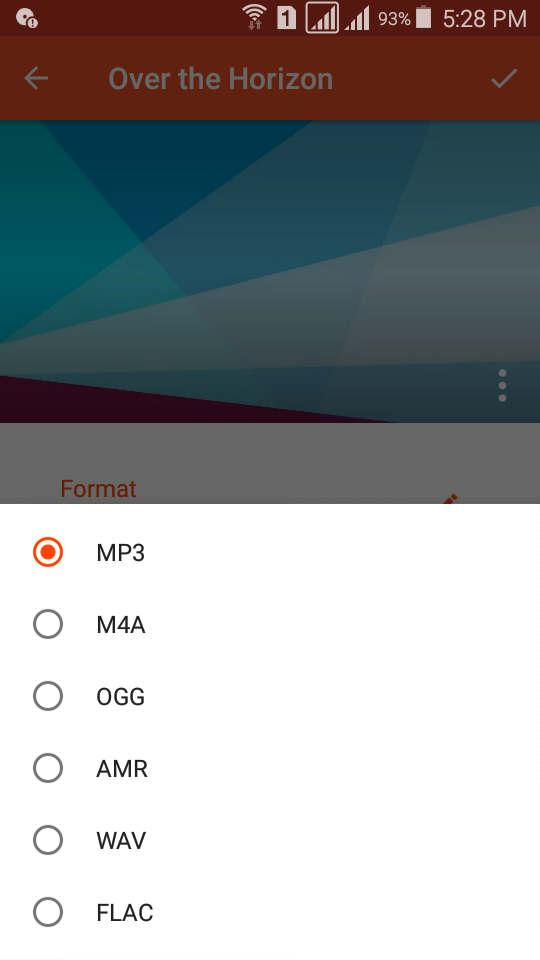
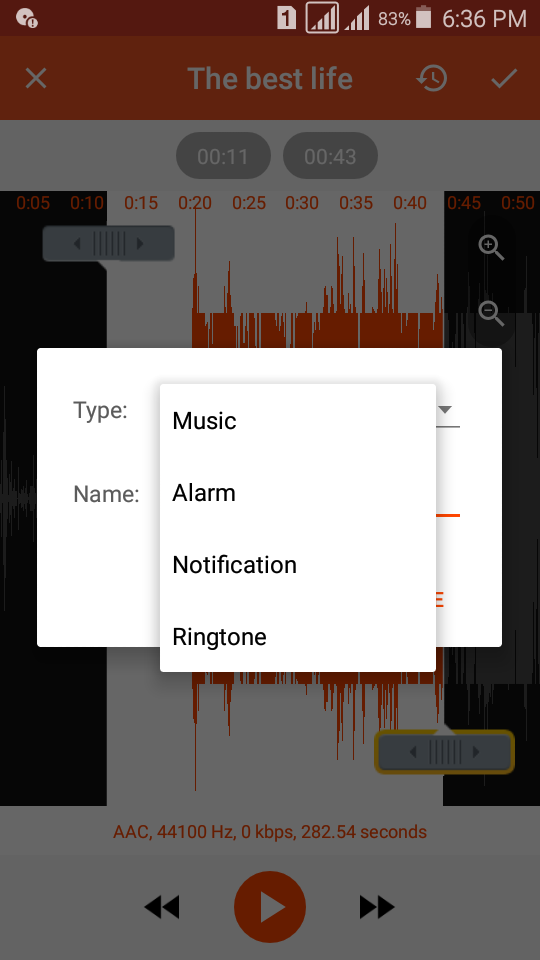
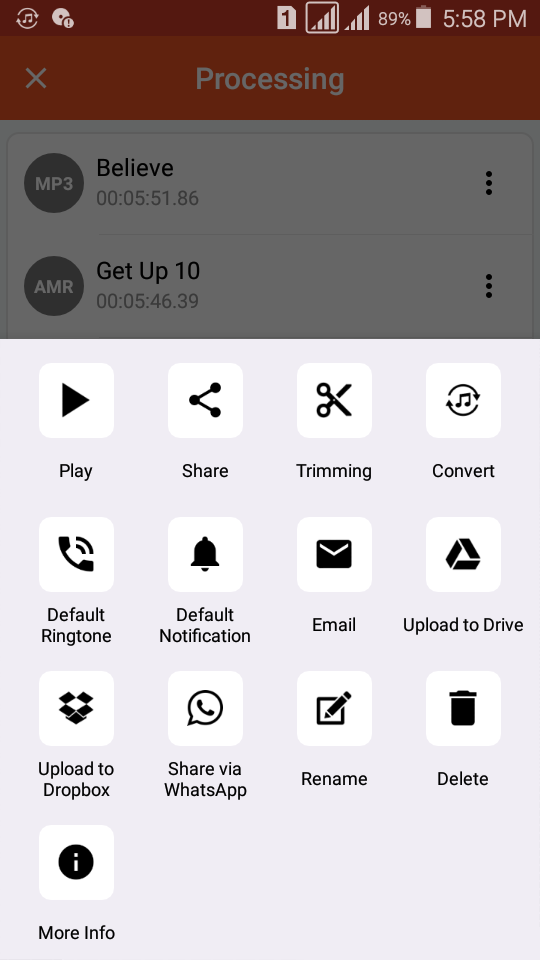
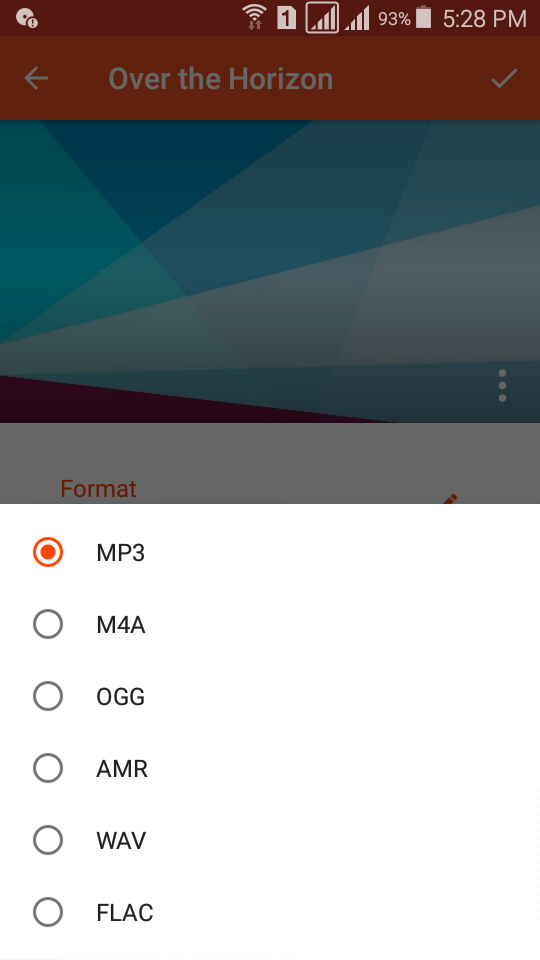
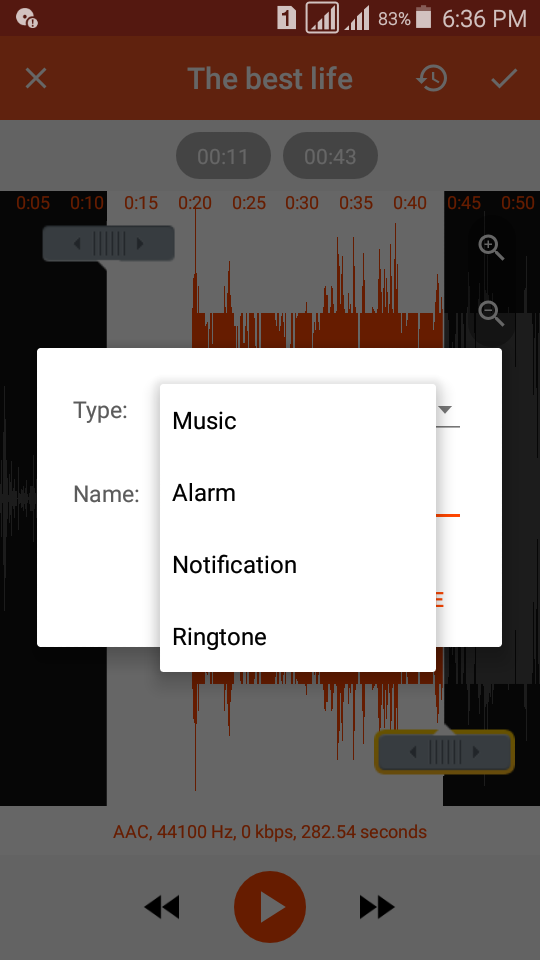
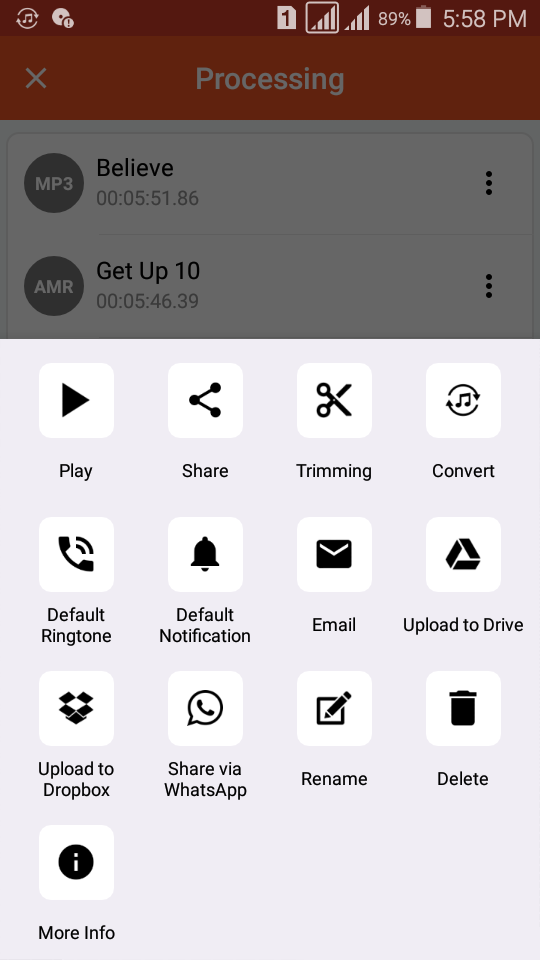
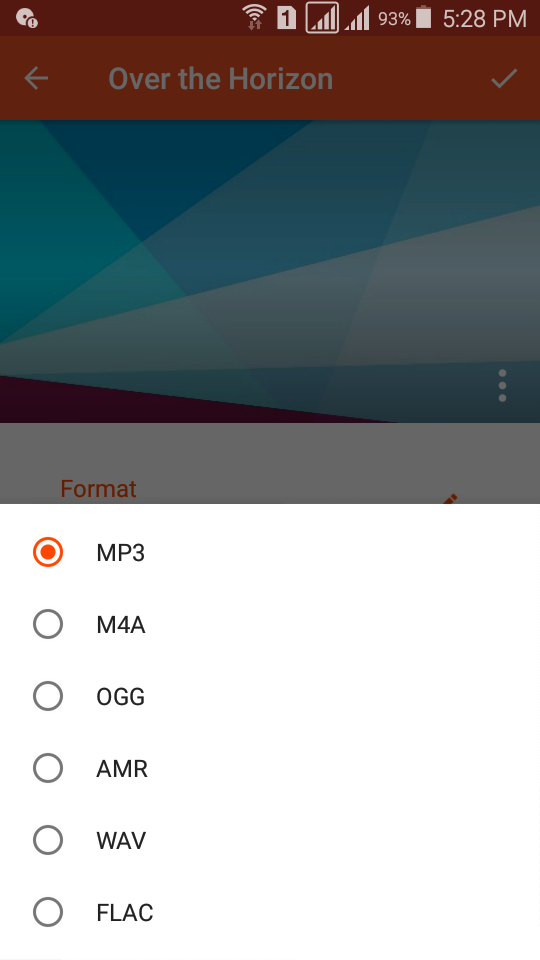
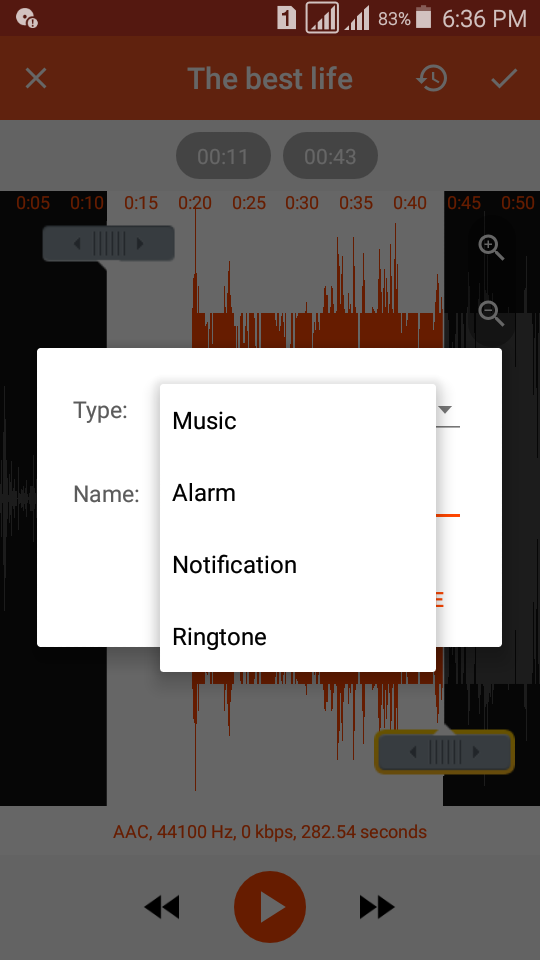
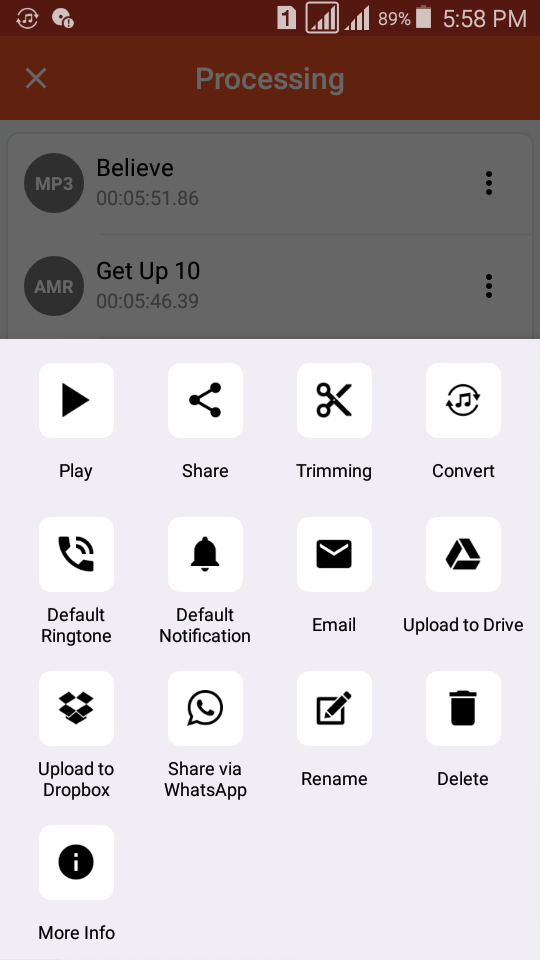
- Supports all major formats.
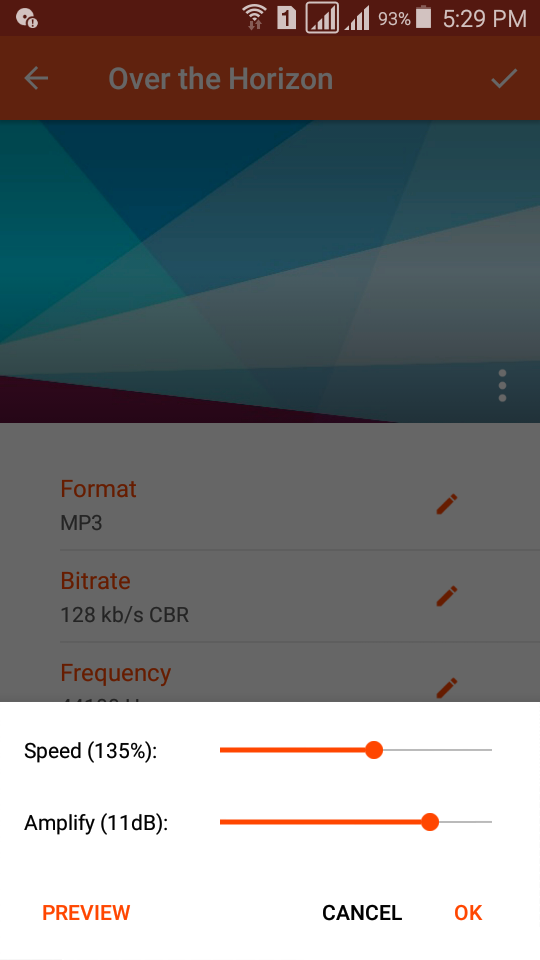
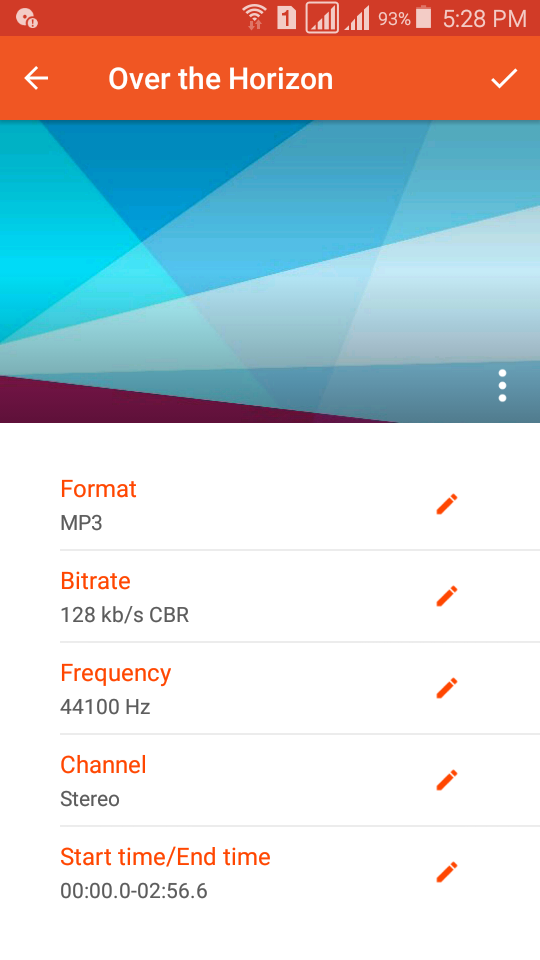
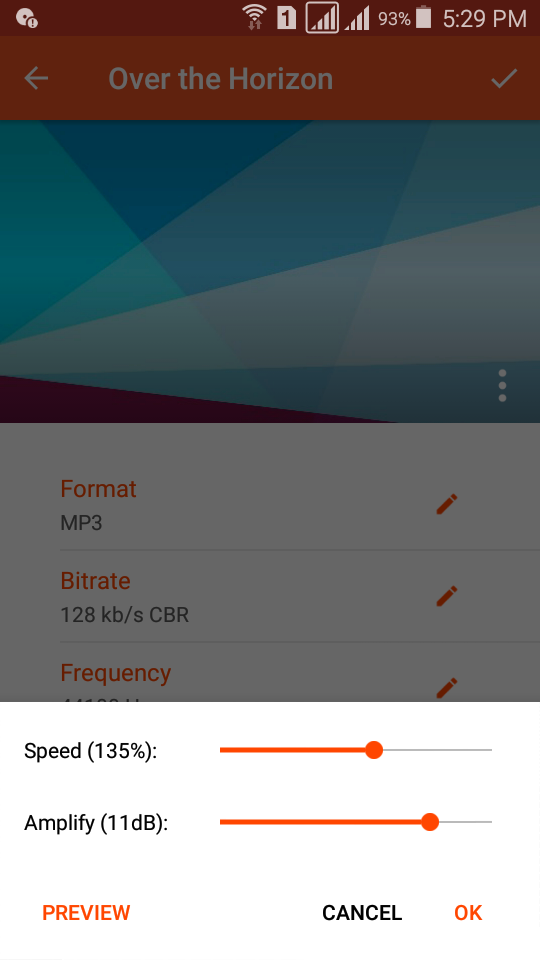
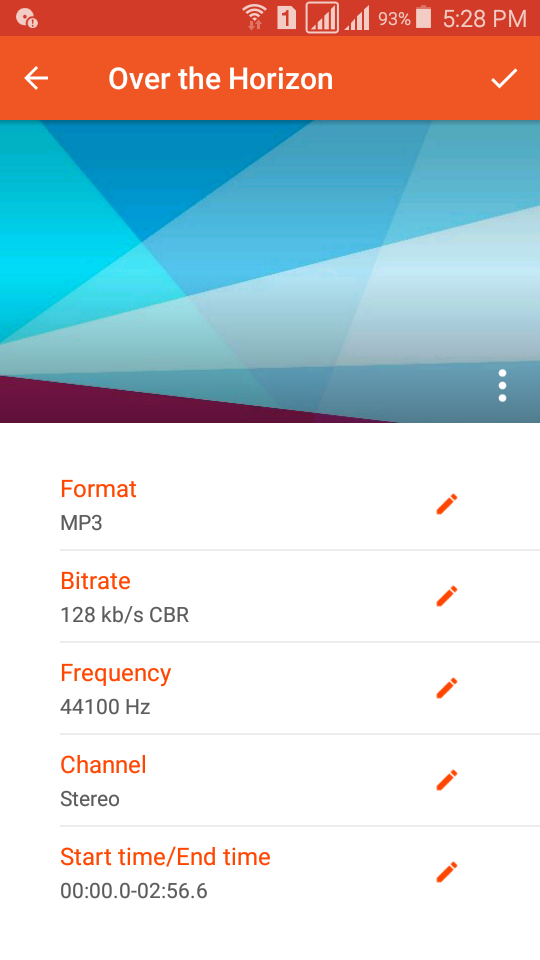
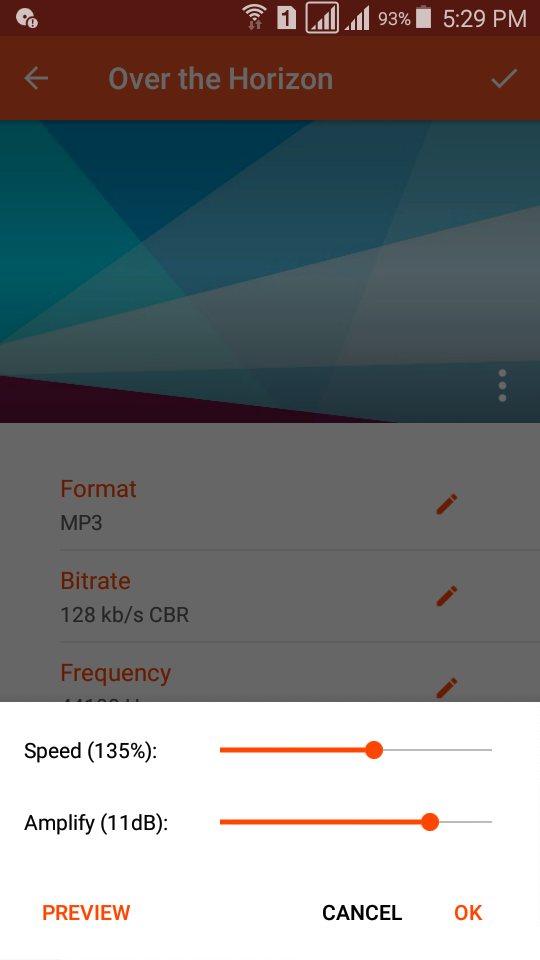
- Adjust bit rate, frequency and speed.
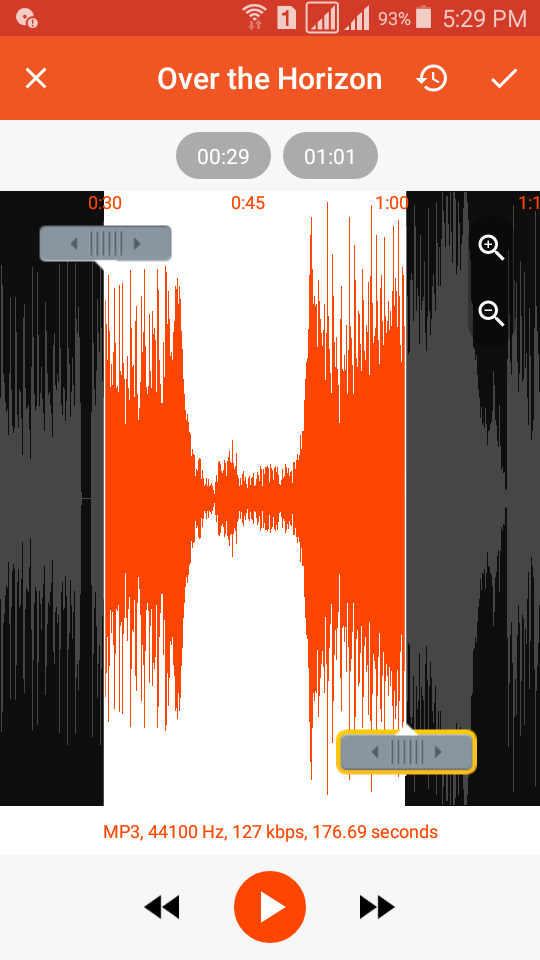
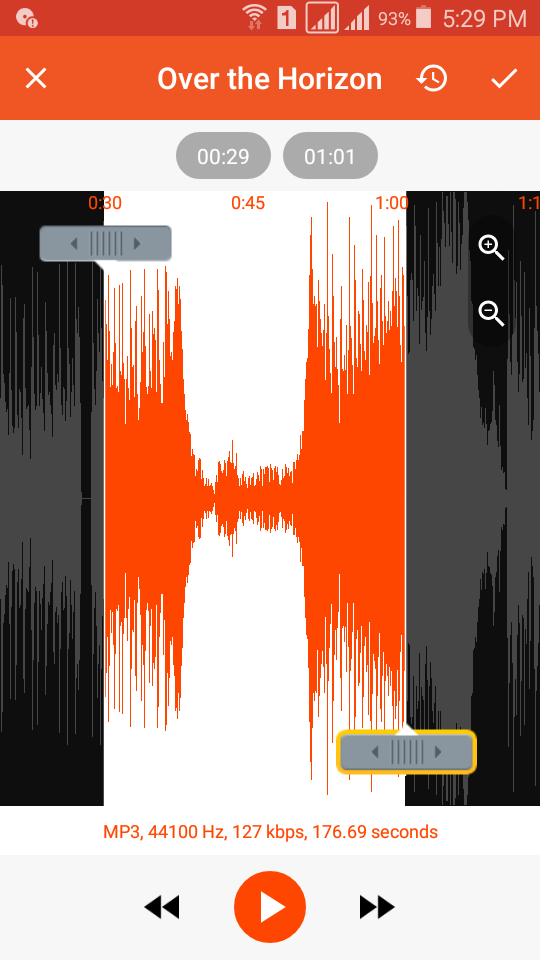
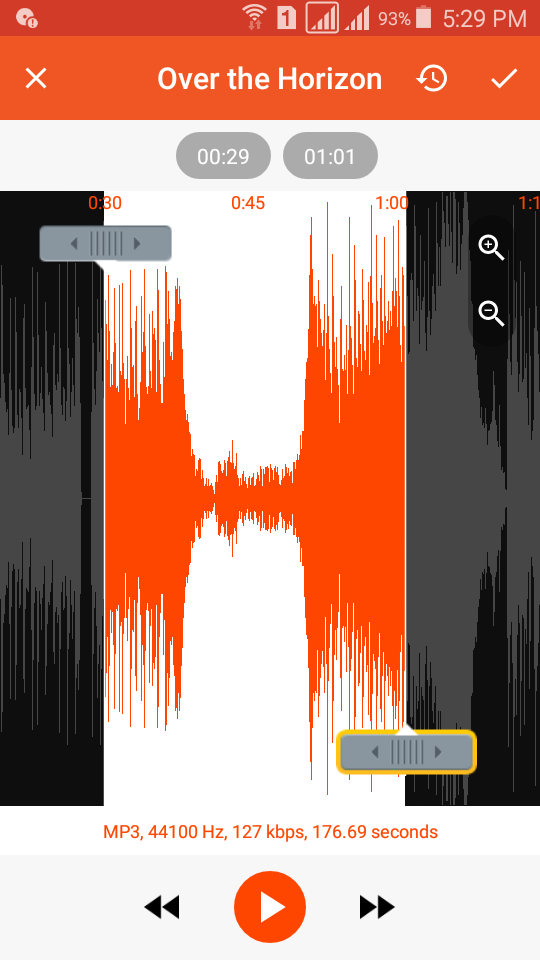
- Trim function before conversion.
- There are no duration limits.
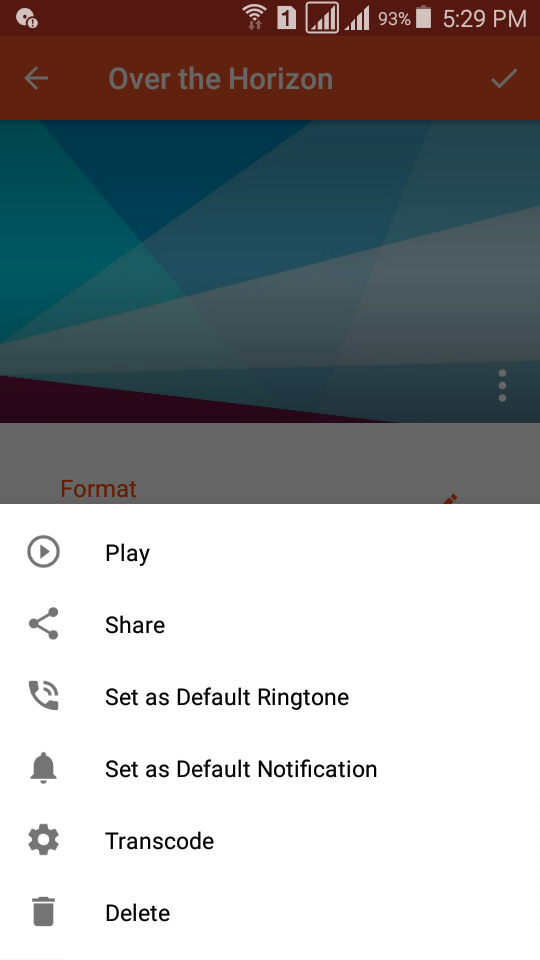
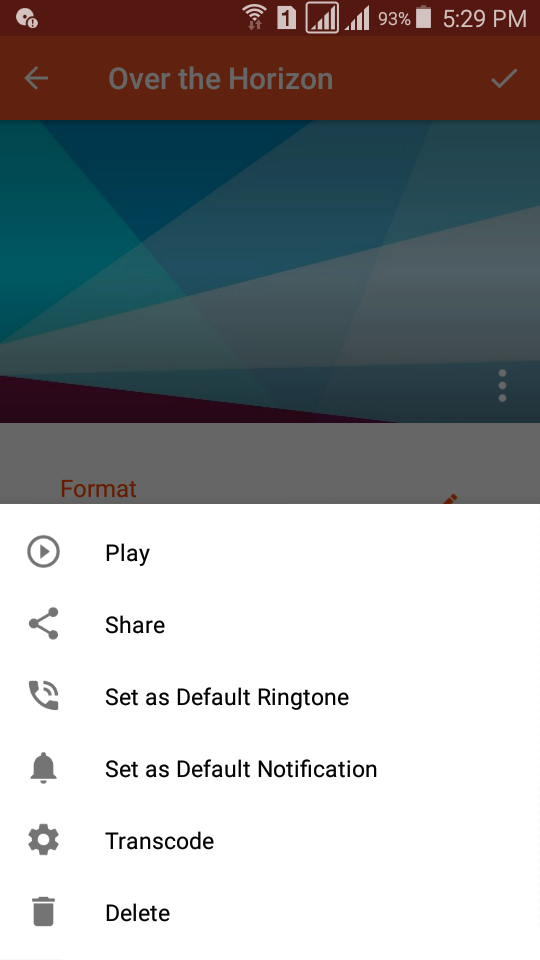
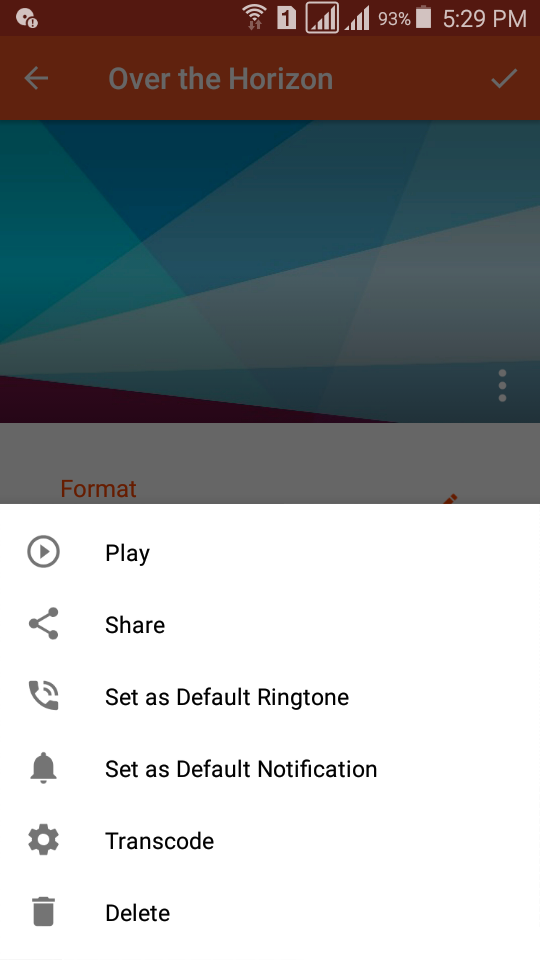
- Upload files to the cloud.
- No paid features.
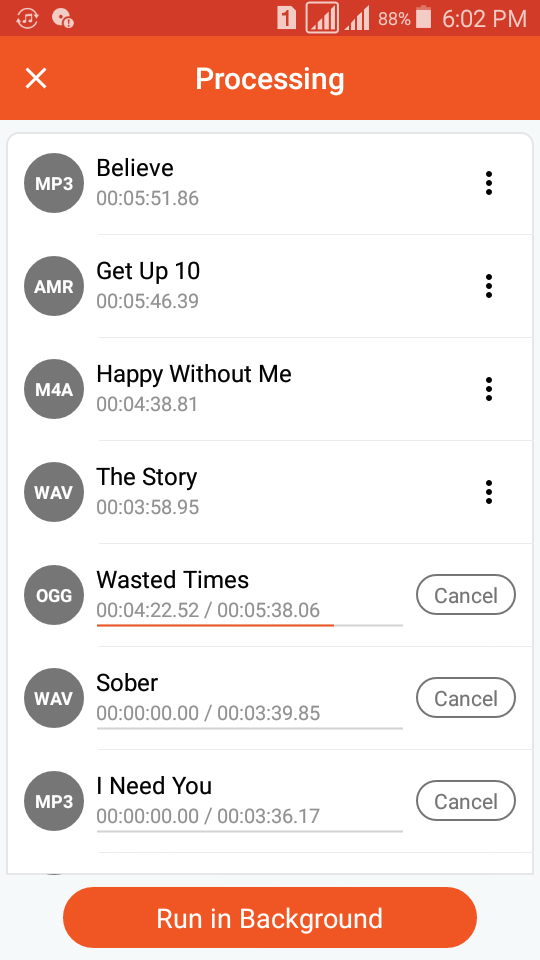
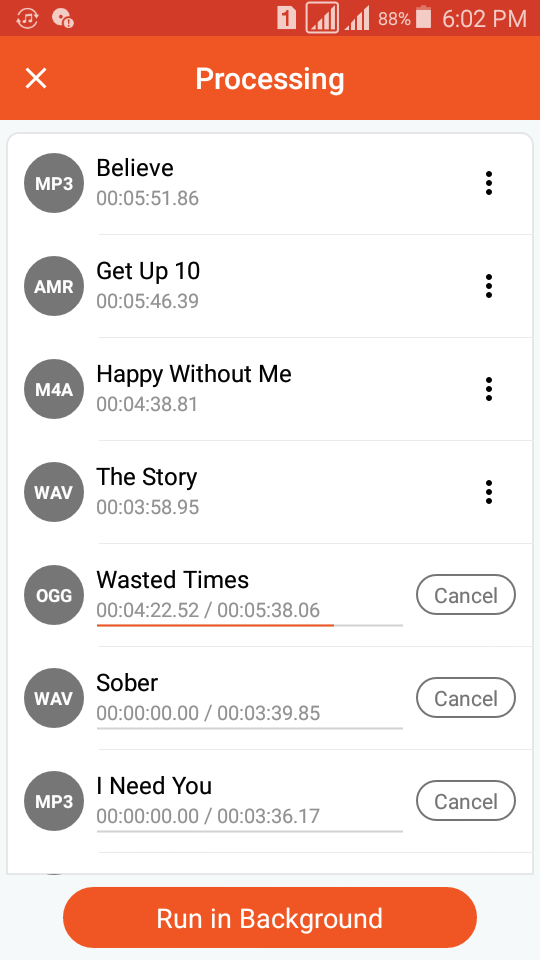
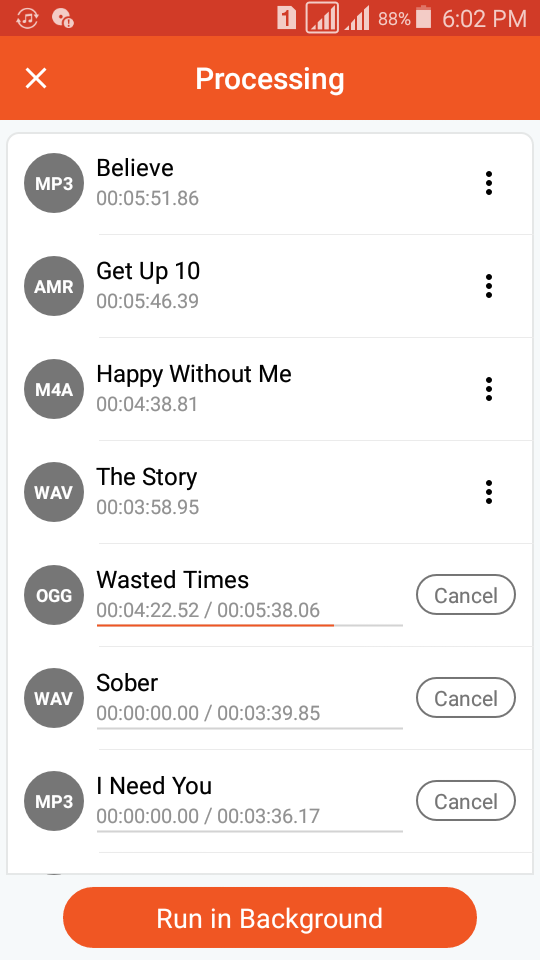
- Fast file conversion.
Description
Application Audio Converter (MP3 AAC OPUS) was checked by VirusTotal antivirus. As a result of the scan, no file infections were detected by all the latest signatures.
How to install Audio Converter (MP3 AAC OPUS)
- Download APK file apps from apkshki.com.
- Locate the downloaded file. You can find it in the system tray or in the 'Download' folder using any file manager.
- If the file downloaded in .bin extension (WebView bug on Android 11), rename it to .apk using any file manager or try downloading the file with another browser like Chrome.
- Start the installation. Click on the downloaded file to start the installation
- Allow installation from unknown sources. If you are installing for the first time Audio Converter (MP3 AAC OPUS) not from Google Play, go to your device's security settings and allow installation from unknown sources.
- Bypass Google Play protection. If Google Play protection blocks installation of the file, tap 'More Info' → 'Install anyway' → 'OK' to continue..
- Complete the installation: Follow the installer's instructions to complete the installation process.
How to update Audio Converter (MP3 AAC OPUS)
- Download the new version apps from apkshki.com.
- Locate the downloaded file and click on it to start the installation.
- Install over the old version. There is no need to uninstall the previous version.
- Avoid signature conflicts. If the previous version was not downloaded from apkshki.com, the message 'Application not installed' may appear. In this case uninstall the old version and install the new one.
- Restart annex Audio Converter (MP3 AAC OPUS) after the update.

Switch Audio Converter
Music and audio
Video Converter, Compressor
Tools

Video Format Factory
Tools
Video to MP3 Converter
Tools

PLAYit-All in One Video Player
Video Players & Editors

MP3 Video Converter
Music and audio

Video Compressor Mp3 Converter
Video Players & Editors

1Gram Player – Video player
Video Players & Editors
Requesting an application update
Added Denis Rubinov
Version: 16.9
Size: 24 MB
Updated: 20.05.2025
Developer: Bdroid Team
Age Limitations: Everyone
Authorizations:
Downloaded on Google Play: 7567716
Category: Music and audio












Reviews for Audio Converter (MP3 AAC OPUS)
I used to change the audio cover in MP3 format from this app, but now this feature is not working. Please fix it. Otherwise this app is too good for audio editing.
DTS hd-ma lossless output format not available
This app is simply fantastic. It lets you edit parameters like speed, file type, volume boost, so its great for your watch or phone ringtones if they need boosting a bit. i have made my alarm sound much louder and its so quick and easy.The design is very well created and easy to master.
doesn't work
I am very impressed with this audio converter. it may be as simple converter for a simple converter and actually Meats my expectations to the fullest. very recommendable. the stock version of the app as initially downloaded takes up about 80 megabytes of storage space.
very very good
Good one
Been using this app for a year. It's just simple and pure perfection. No more words. Take my 5 stars. Just one thing: please keep it simple and free. I’ve dealt with your advertising services before, and I’m begging and don’t ruin a good thing.
Love this app I'm a little confused about the payment option is it a 1 time purchase?
It would be a good app but unfortunately not ,because it is very slow and it's background function is very useless . Plus it doesn't turn off its screen if you have to convert anything . Improve that
I'm surprised, I ignored this app because I thought it couldn't do tasks that recommended apps can do but it proved me wrong... Keep up DEV team... Whoever needs help I'm here on behalf of this app...
Very unique Audio converter with lots of features
one of the best
What's with these new ads that are in a loop and you can't exist, it's BS google :(
It's the best I ever used
Post a comment
To leave a comment, log in with your social network:
Or leave an anonymous comment. Your comment will be sent for moderation.
Post a comment
To leave a comment, log in with your social network:
Or leave an anonymous comment. Your comment will be sent for moderation.