



Audials Play: Radio & Podcasts
26+
downloads1.0+
version Android
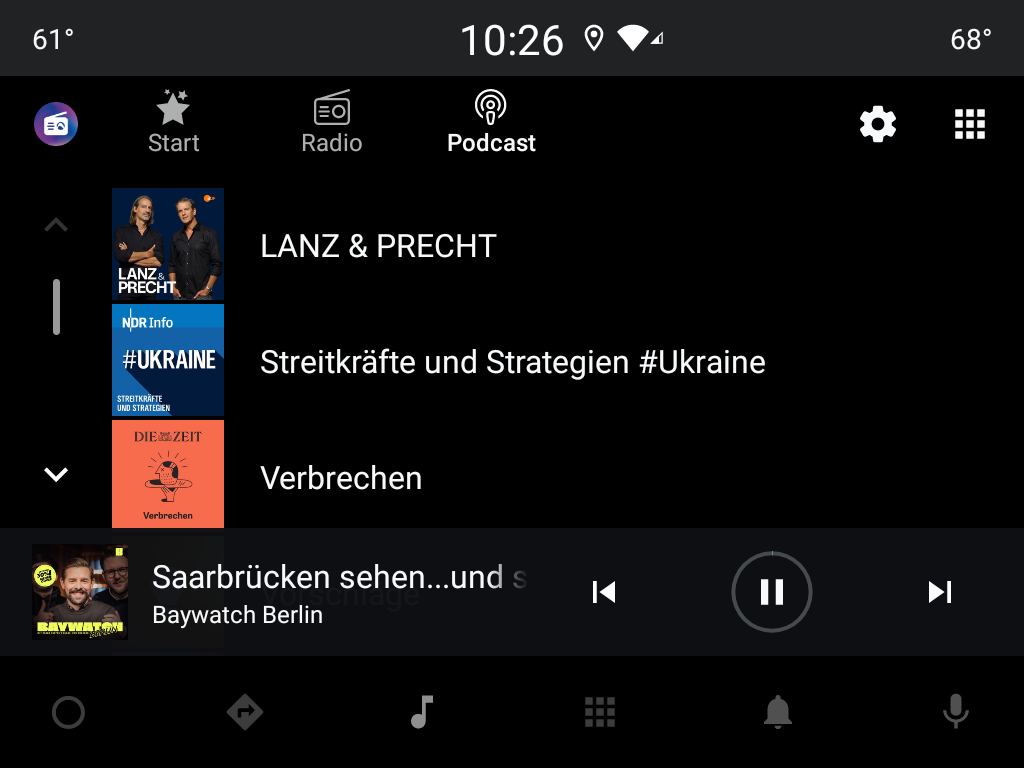
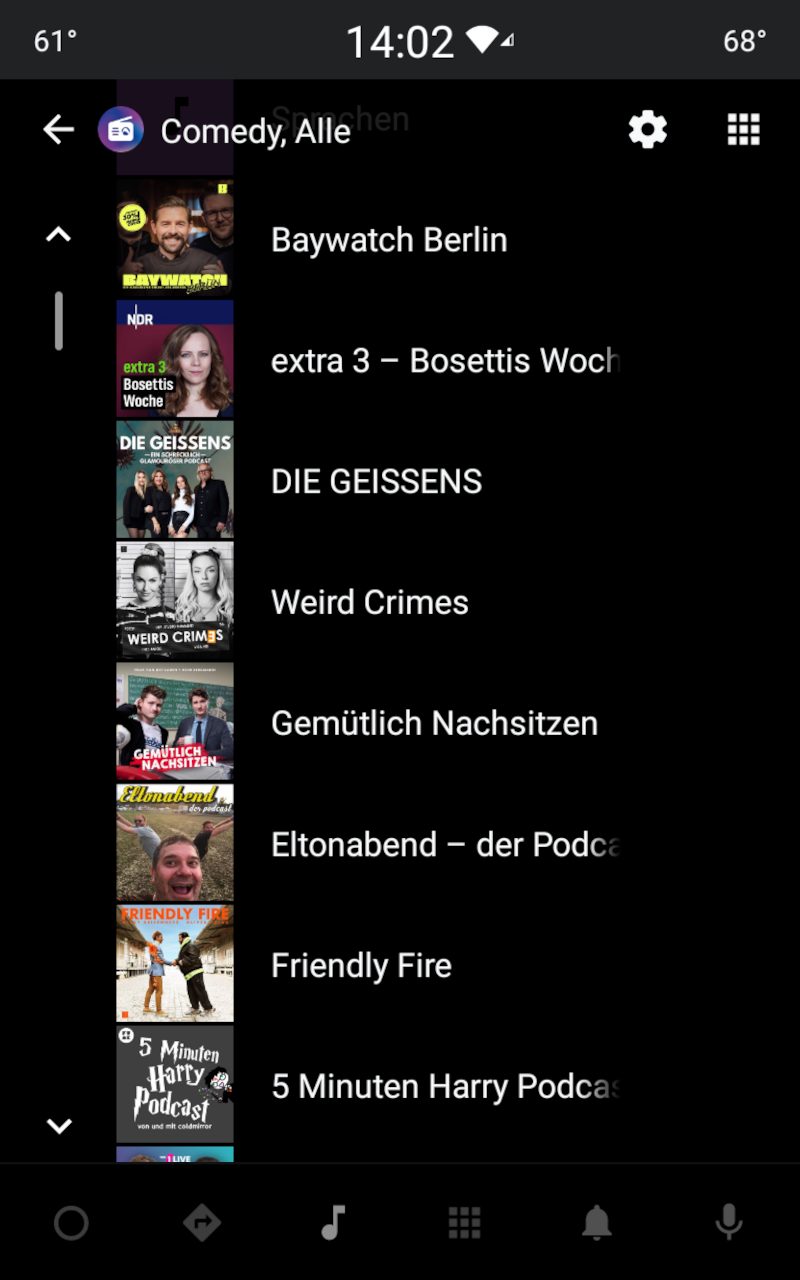
Added: Denis Rubinov
Version: 10.4.2
Size: 13.6 MB
Updated: 24.06.2025
Developer: Audials Radio Software
Age Limitations: Teen
Authorizations: 10
Downloaded on Google Play: 3664734
Category: Music and audio
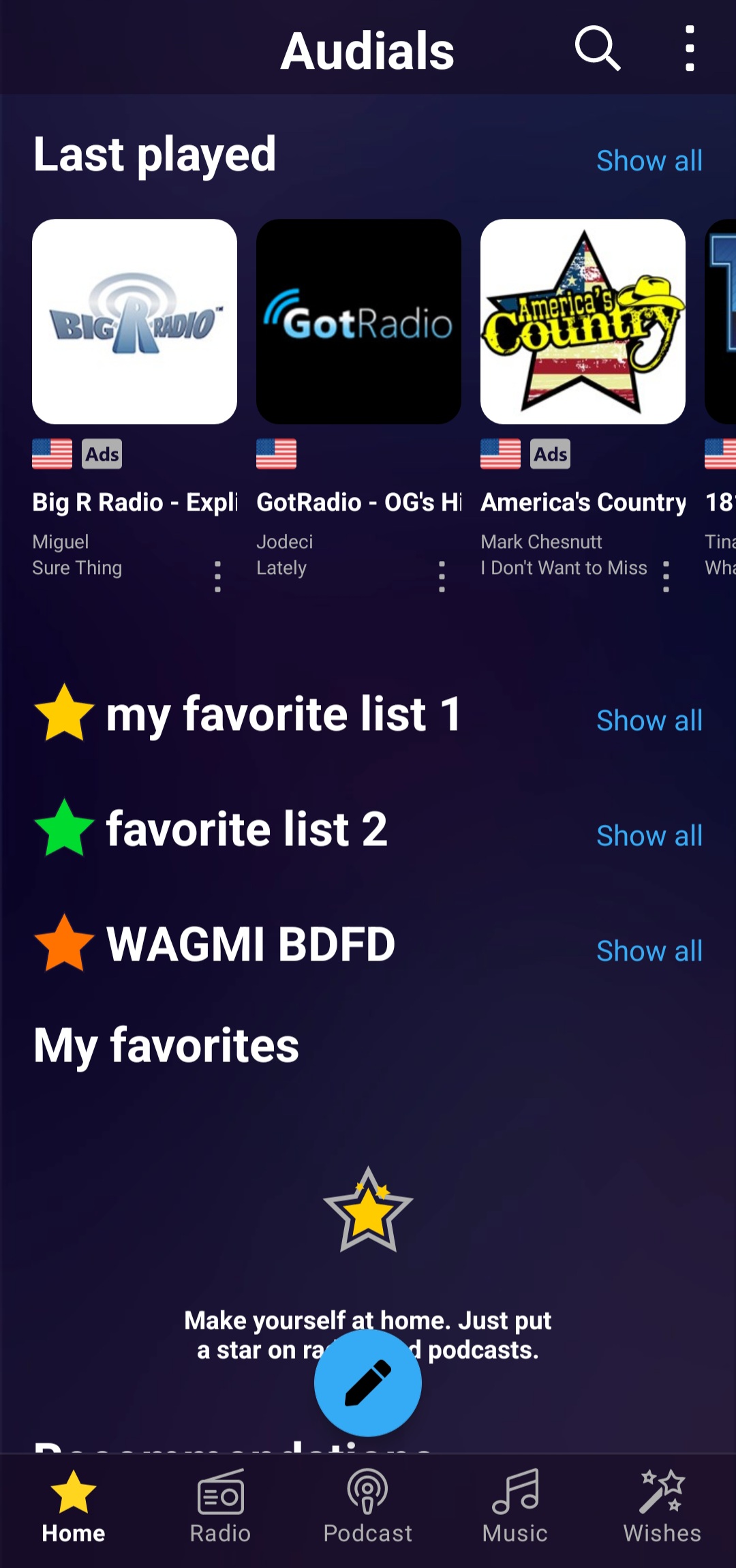
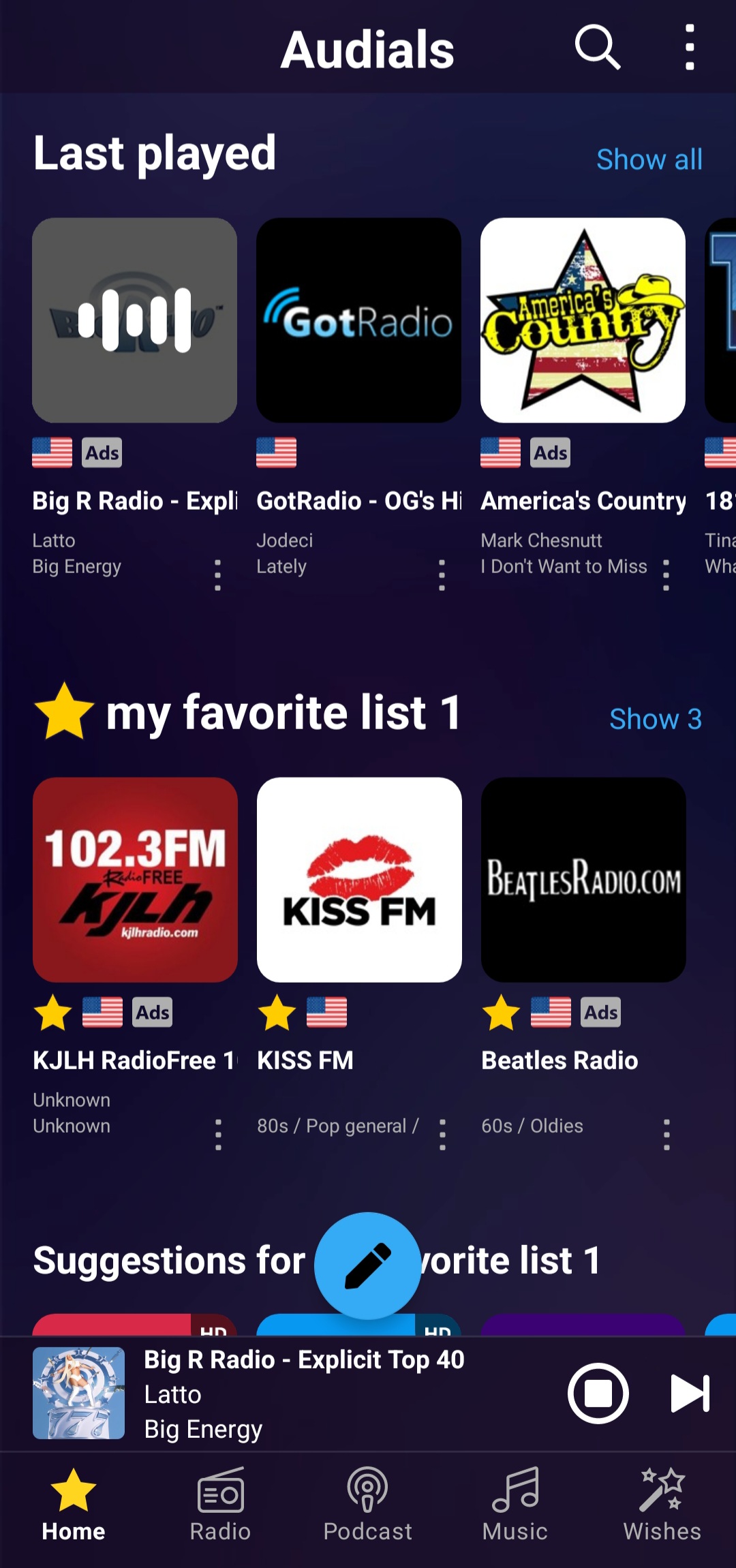
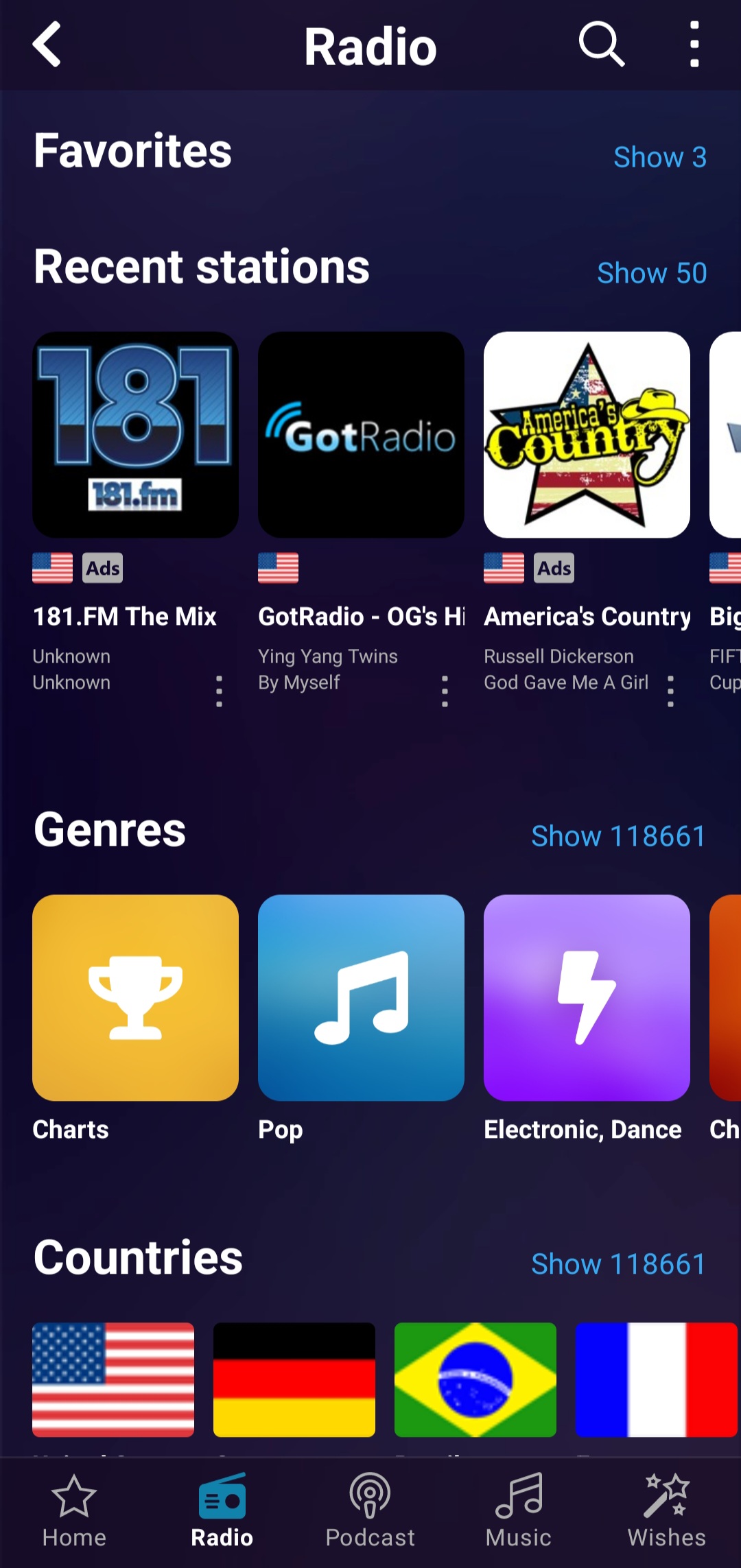
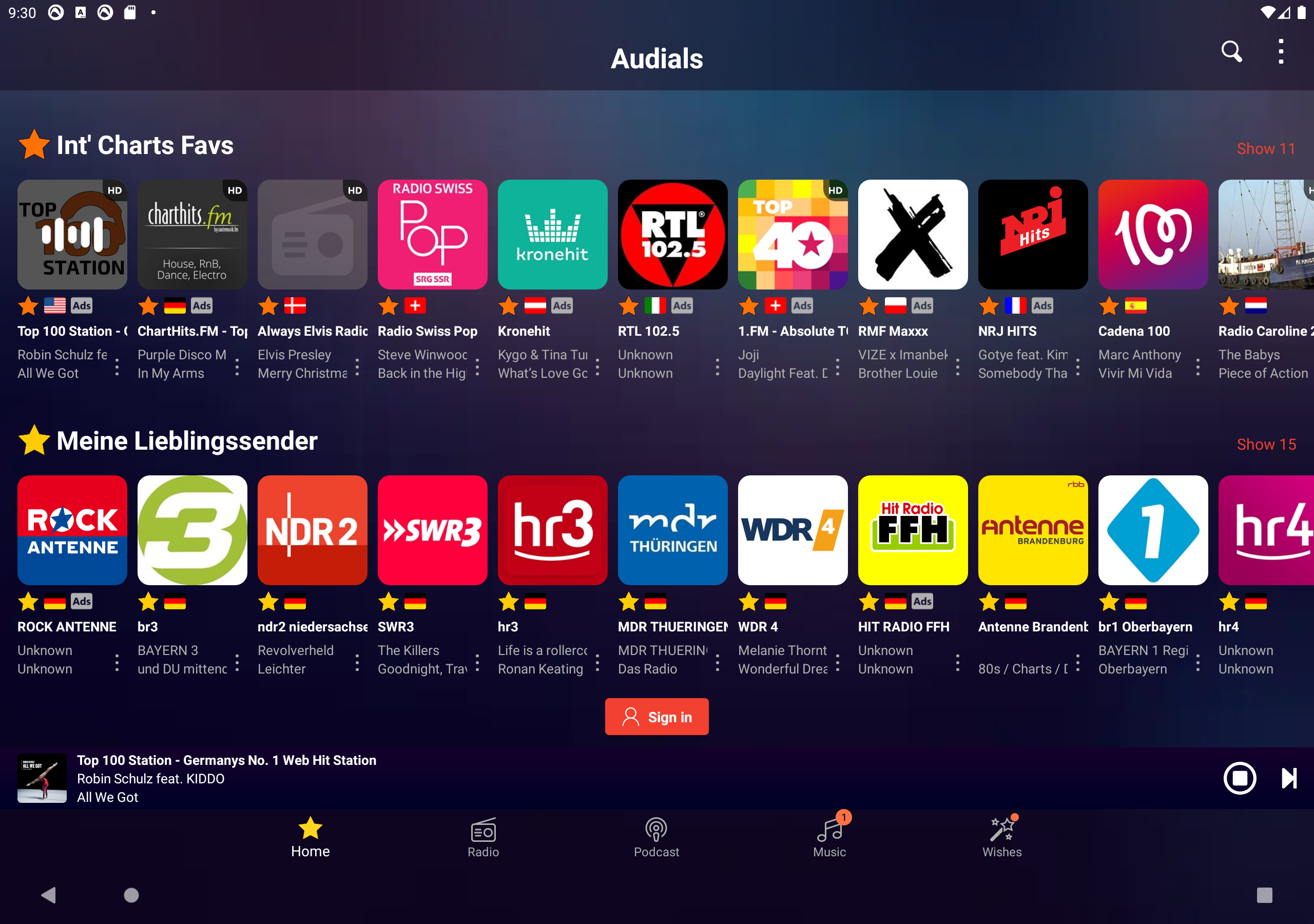
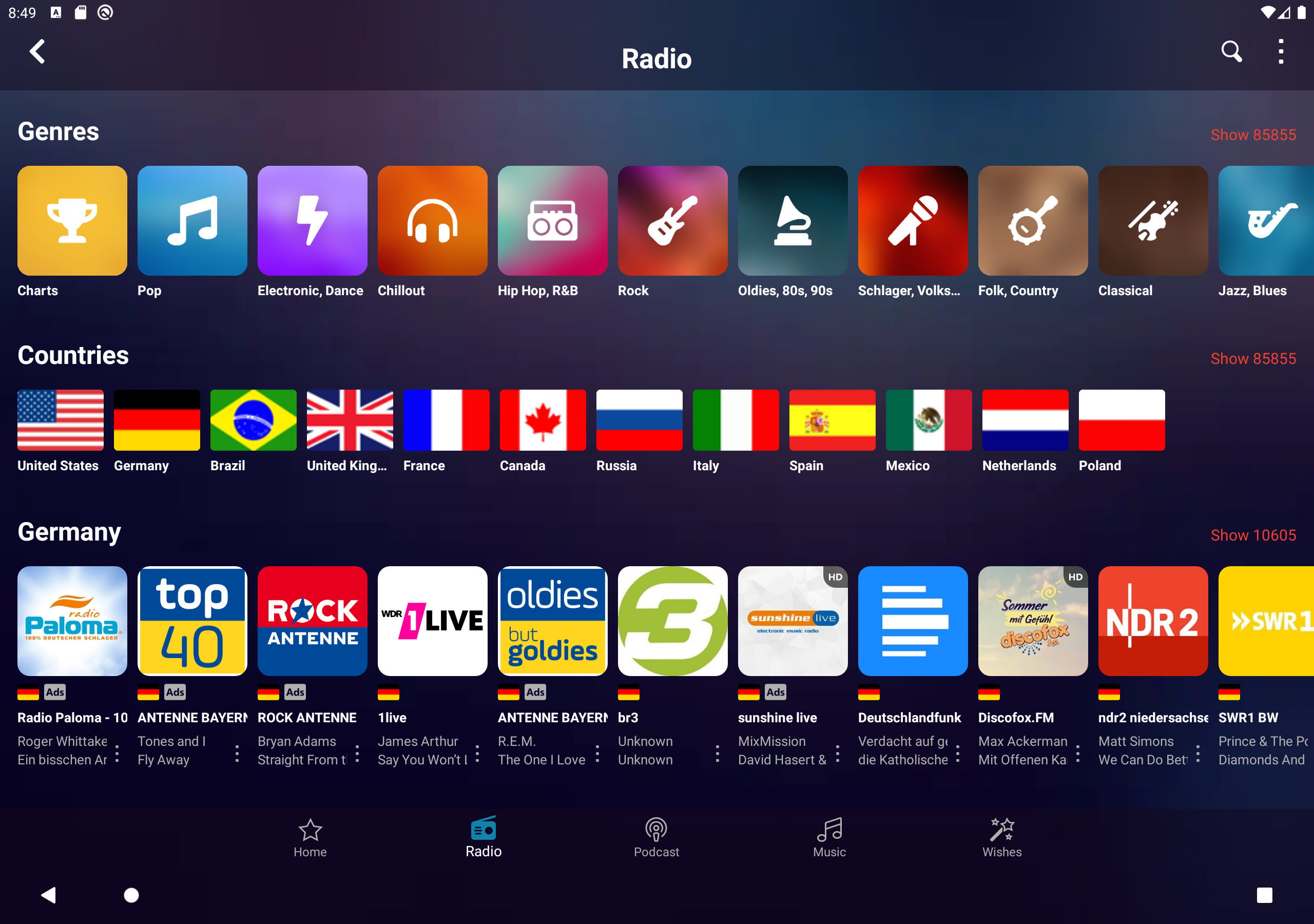
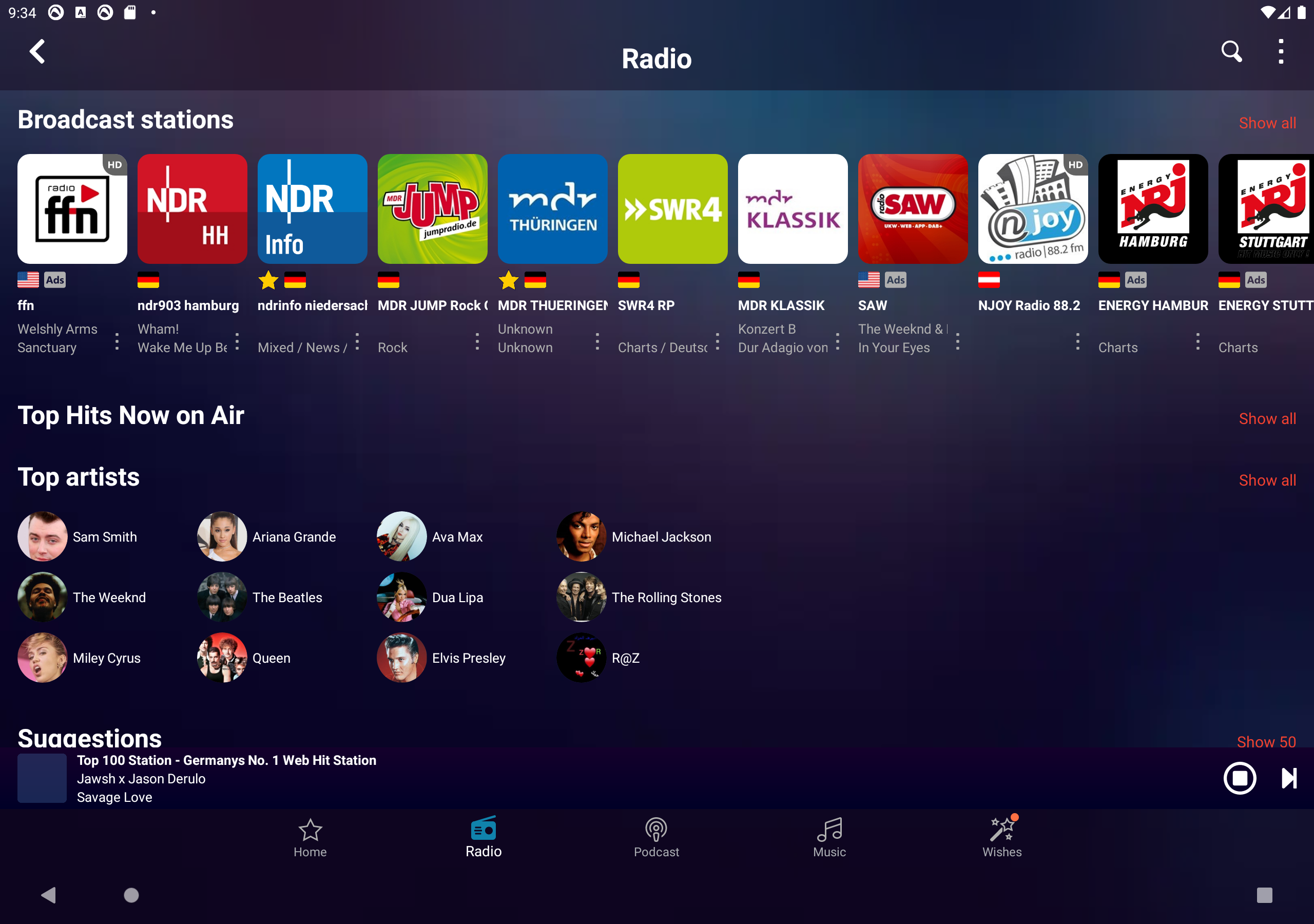
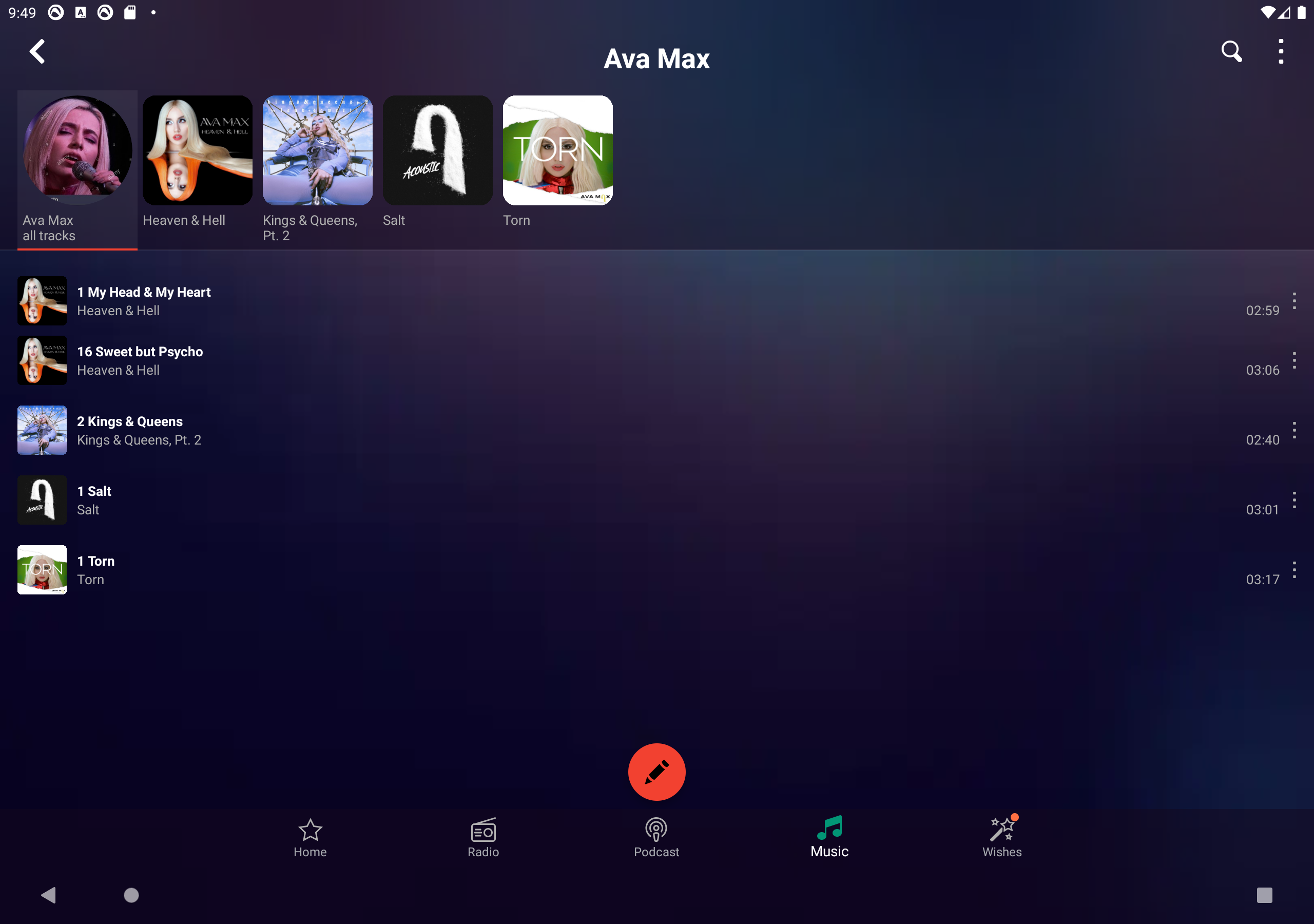
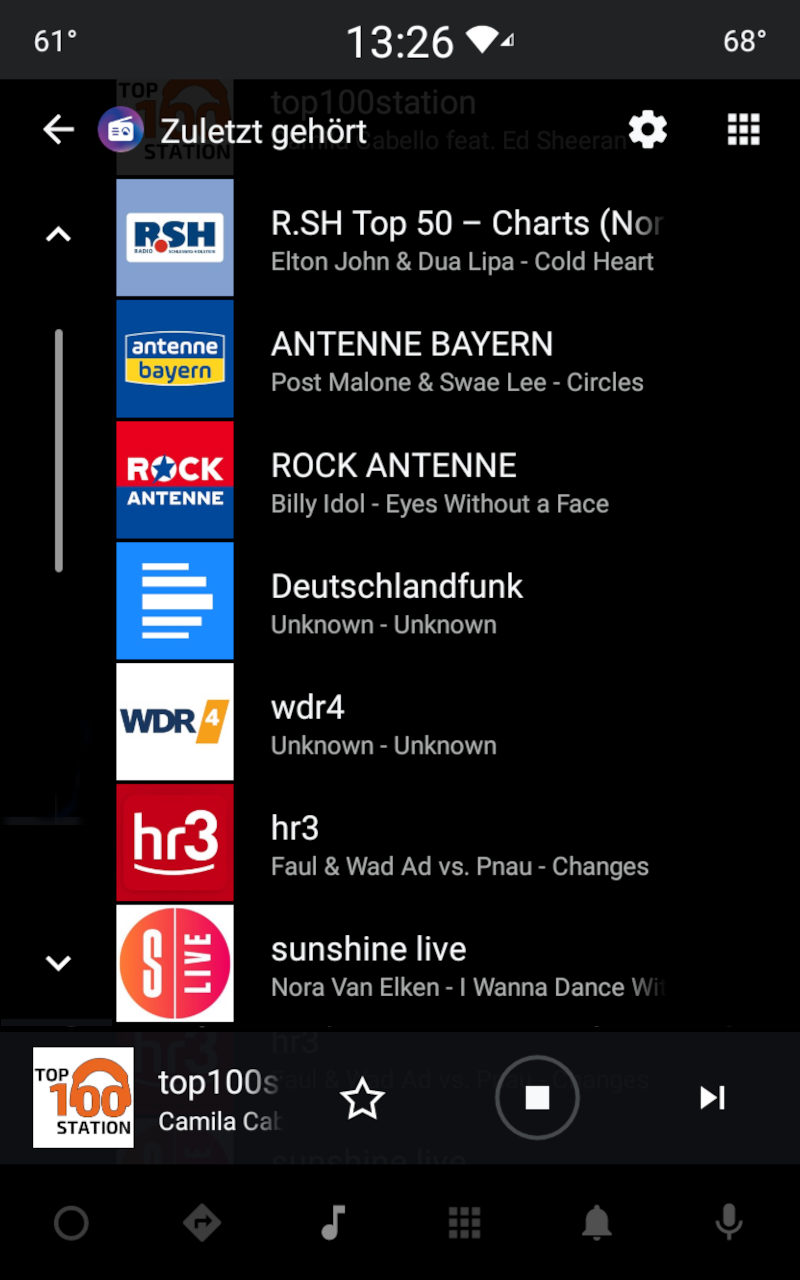
- Large selection of radio stations.
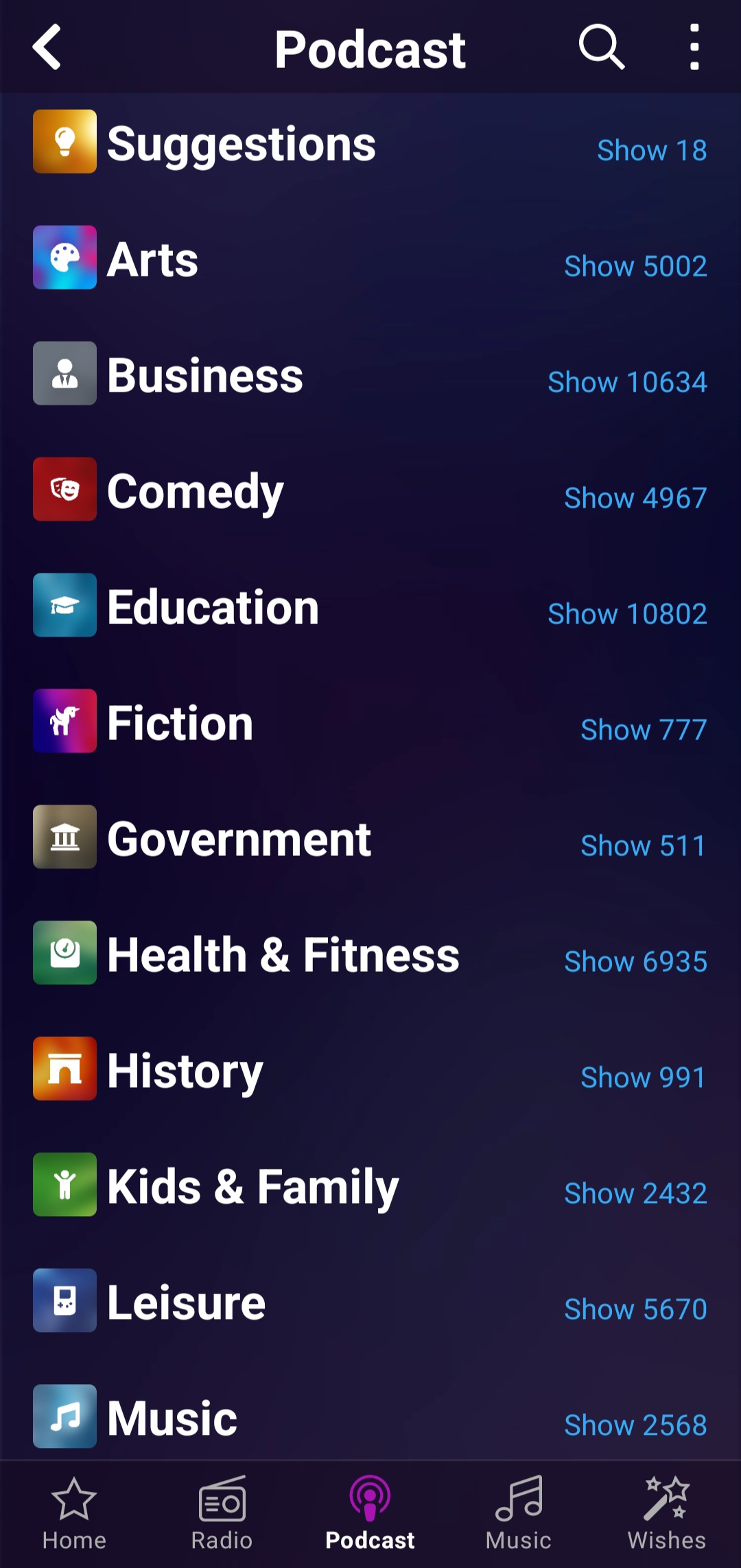
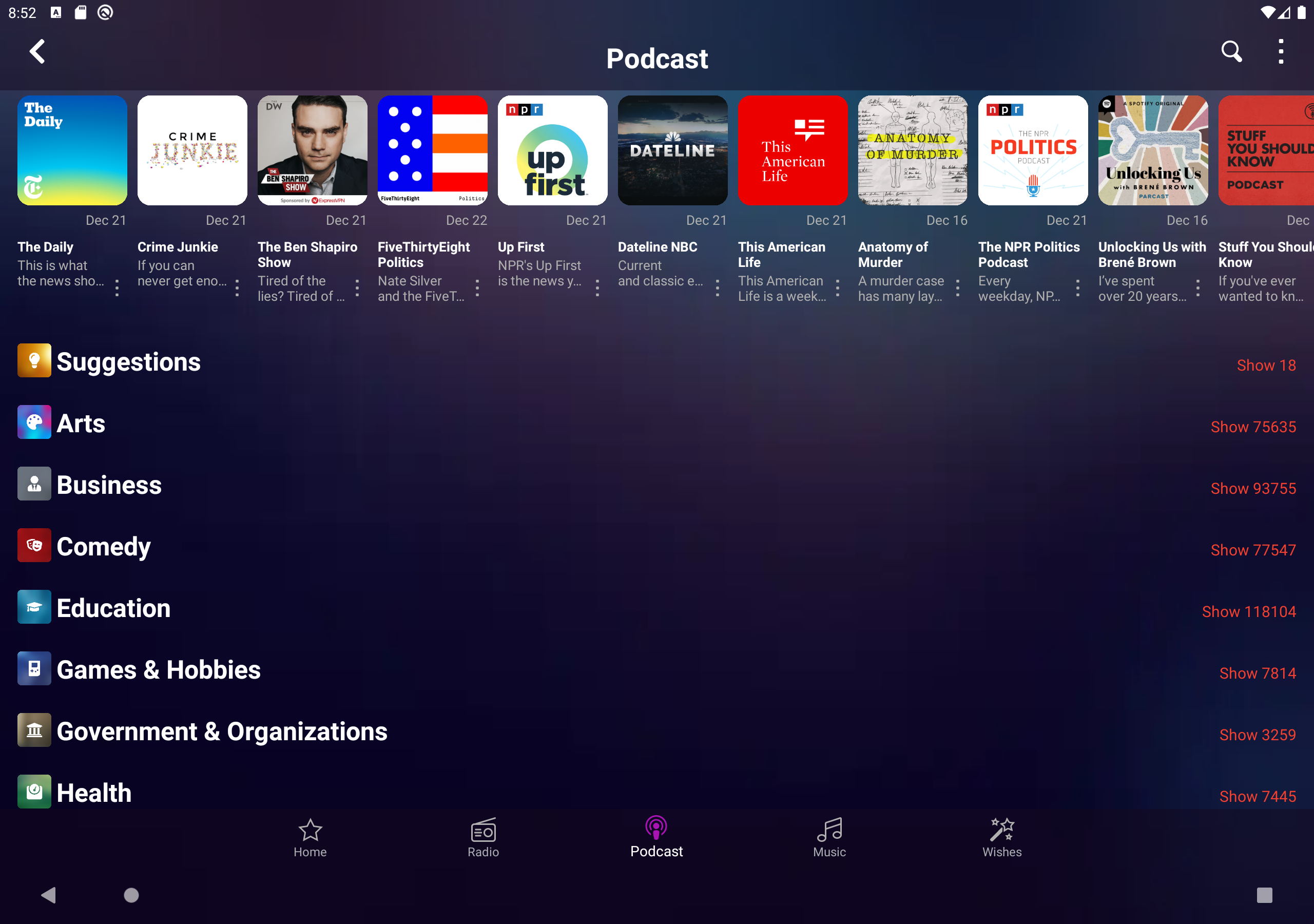
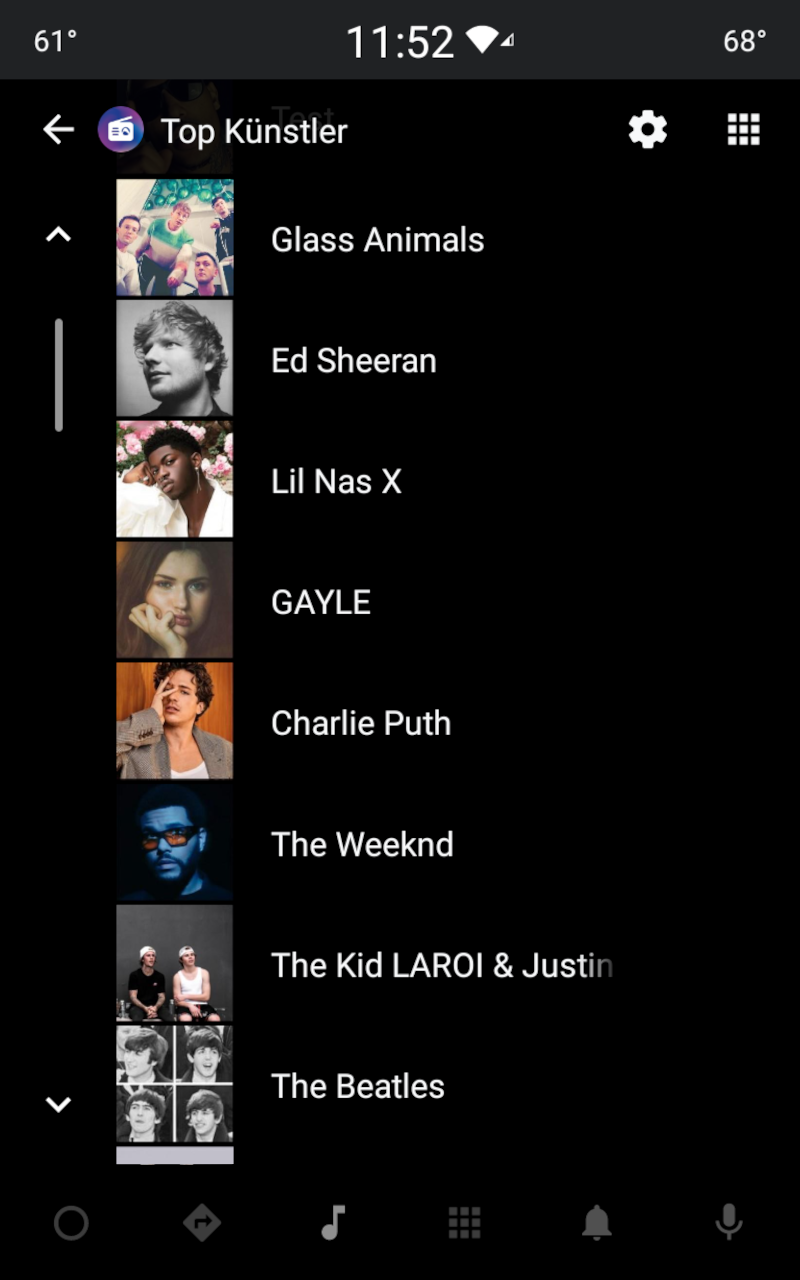
- Collection of podcasts.
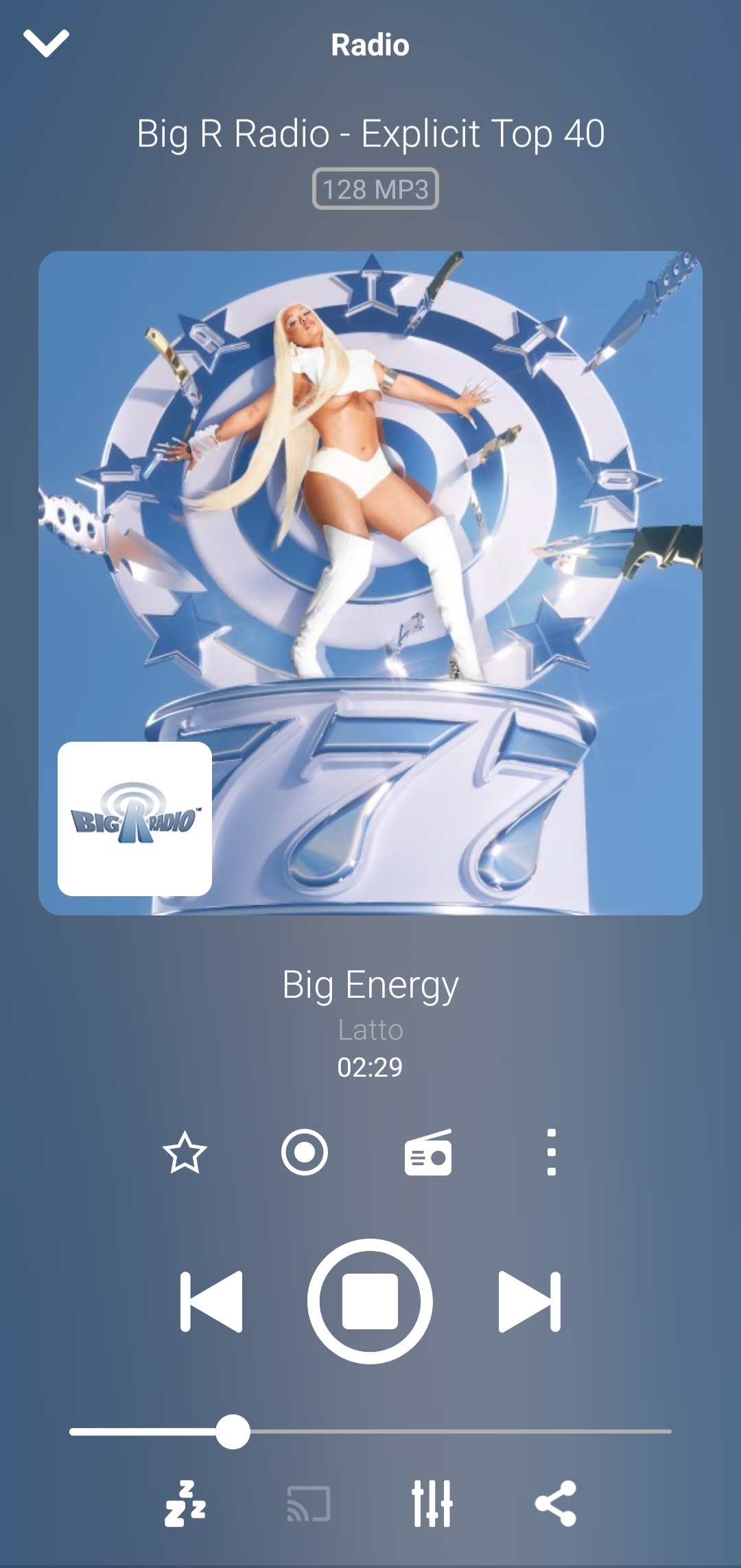
- Auto shutdown timer playback.
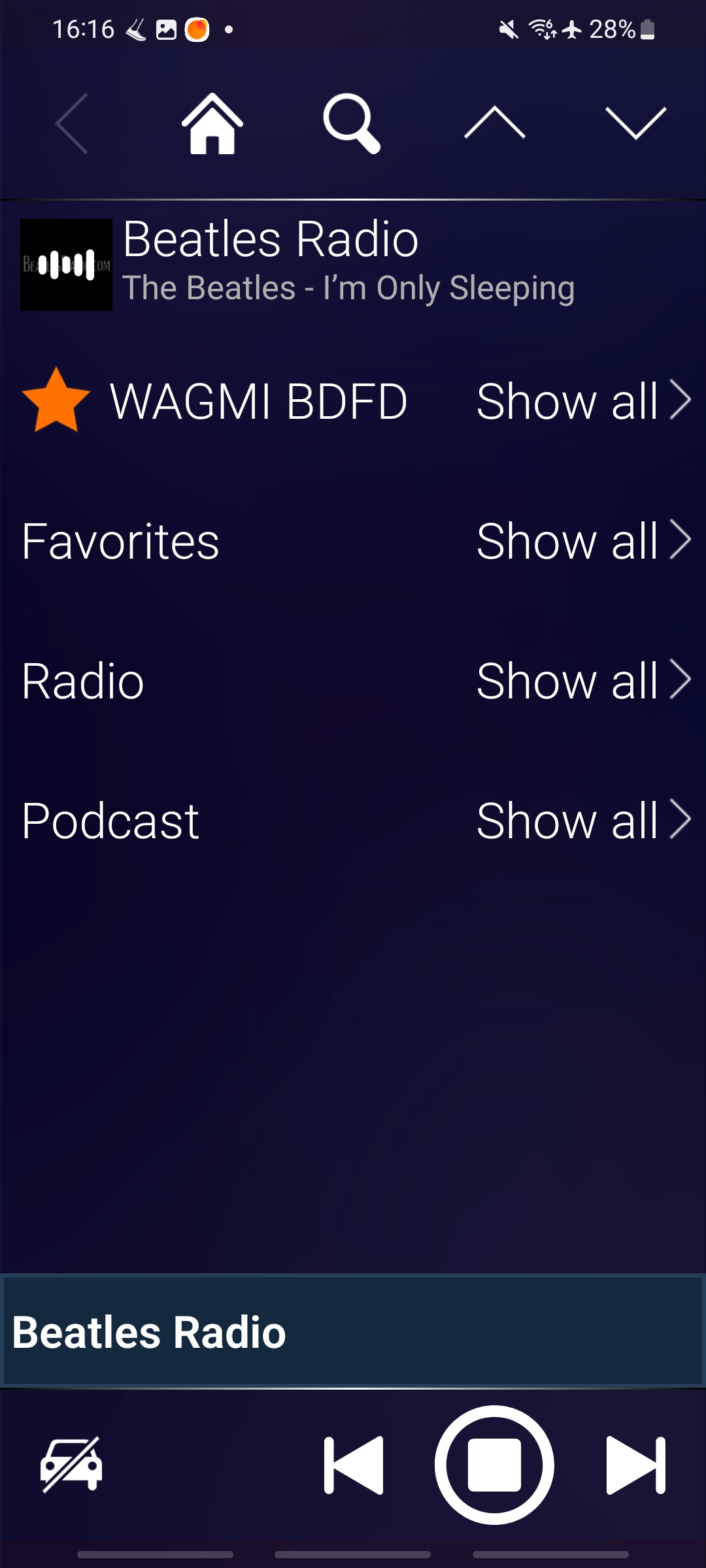
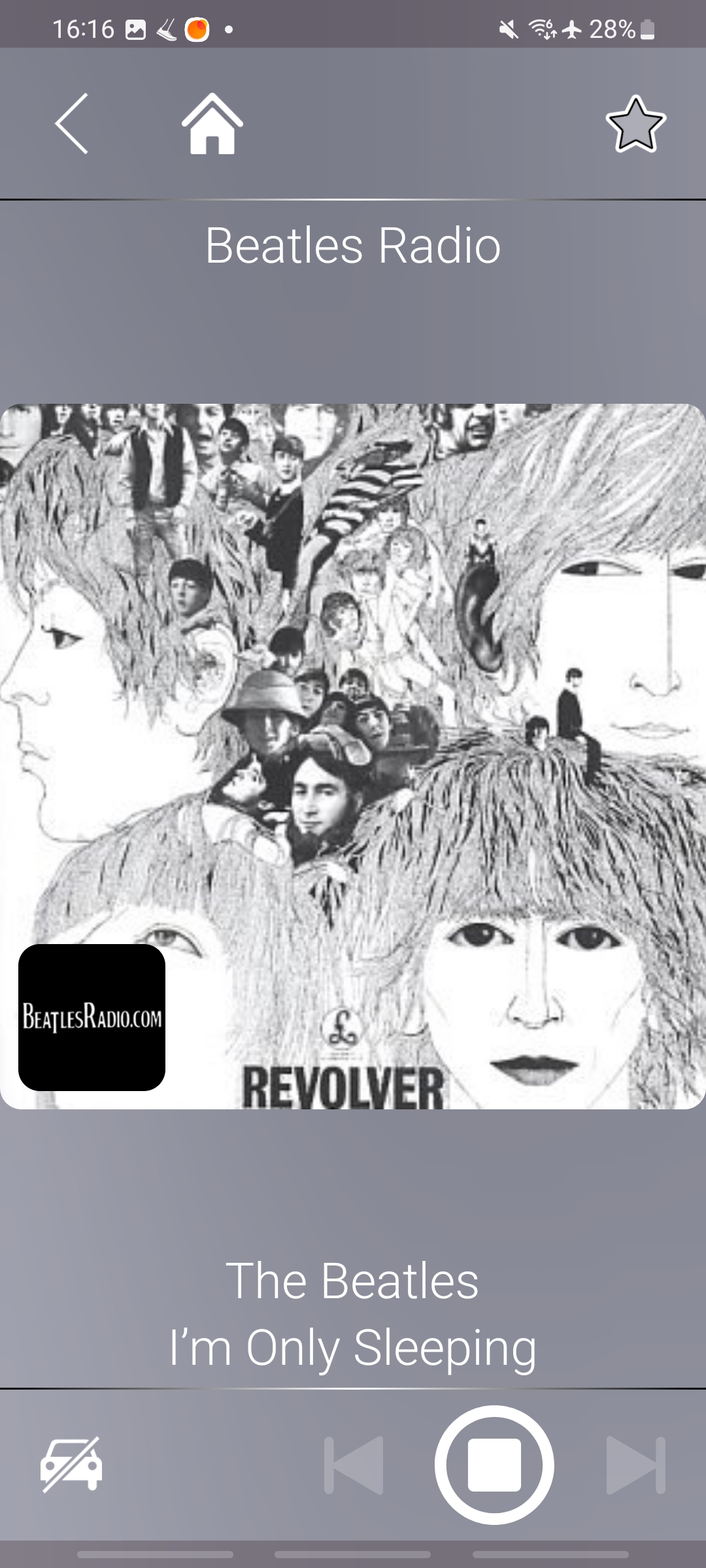
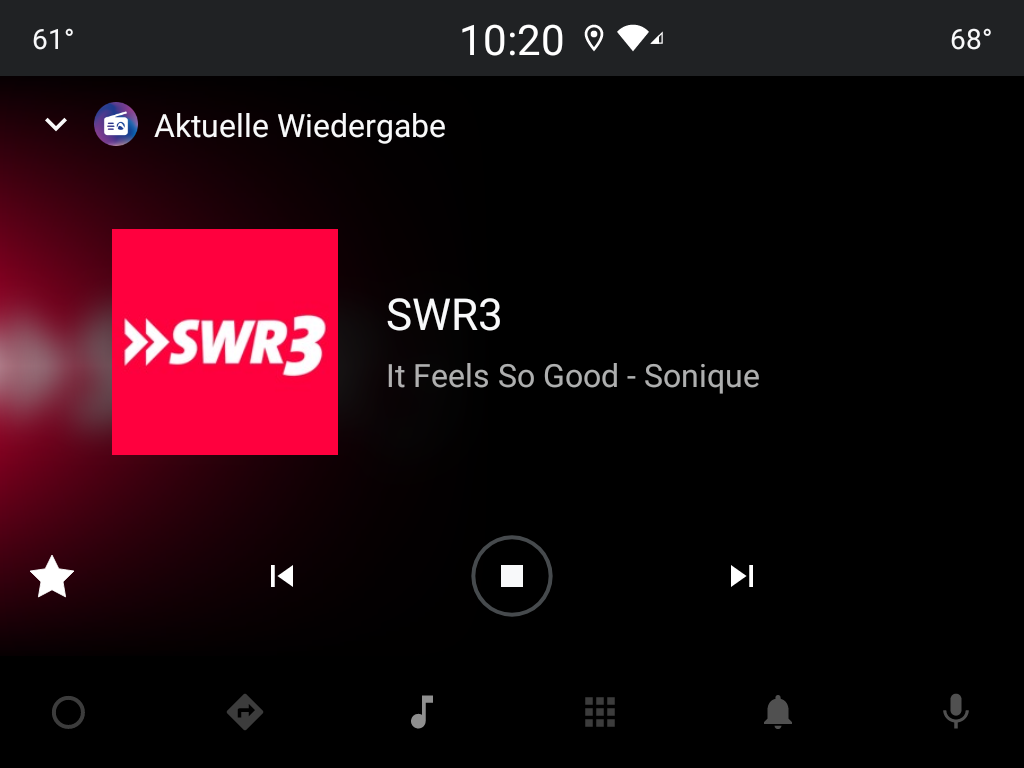
- Convenient playback controls.
- No ads or paid features.
- Small program size.
Description
Application Audials Play: Radio & Podcasts was checked by VirusTotal antivirus. As a result of the scan, no file infections were detected by all the latest signatures.
How to install Audials Play: Radio & Podcasts
- Download APK file apps from apkshki.com.
- Locate the downloaded file. You can find it in the system tray or in the 'Download' folder using any file manager.
- If the file downloaded in .bin extension (WebView bug on Android 11), rename it to .apk using any file manager or try downloading the file with another browser like Chrome.
- Start the installation. Click on the downloaded file to start the installation
- Allow installation from unknown sources. If you are installing for the first time Audials Play: Radio & Podcasts not from Google Play, go to your device's security settings and allow installation from unknown sources.
- Bypass Google Play protection. If Google Play protection blocks installation of the file, tap 'More Info' → 'Install anyway' → 'OK' to continue..
- Complete the installation: Follow the installer's instructions to complete the installation process.
How to update Audials Play: Radio & Podcasts
- Download the new version apps from apkshki.com.
- Locate the downloaded file and click on it to start the installation.
- Install over the old version. There is no need to uninstall the previous version.
- Avoid signature conflicts. If the previous version was not downloaded from apkshki.com, the message 'Application not installed' may appear. In this case uninstall the old version and install the new one.
- Restart annex Audials Play: Radio & Podcasts after the update.

Yandex Music, Books & Podcasts
Music and audio

Zaycev.Net: music for everyone
Music and audio

Mp3Mp4U Download mp3
Music and audio

Spotify: Music and Podcasts
Music and audio
Music Equalizer - Bass Booster
Music and audio

Music Player - Mp3 Player
Music and audio

DJ Loop Pads
Music and audio
Просто Радио онлайн
Music and audio
Requesting an application update
Added Denis Rubinov
Version: 10.4.2
Size: 13.6 MB
Updated: 24.06.2025
Developer: Audials Radio Software
Age Limitations: Teen
Authorizations:
Downloaded on Google Play: 3664734
Category: Music and audio












Reviews for Audials Play: Radio & Podcasts
unique way to organize online radio stations around the world for my varied listening pleasure
Be prepared, each Radio station takes 2 minutes of commercials, BEFORE you can listen it.... Useless app.
great app,need a save button for custom presets on equaliser.
Excellent performance... Please add grid type option or Grid mode...
The podcast player has 2 serious flaws. 1, it is VERY slow to switch between screens: it can time out waiting (I get a Reload message): 2, the purpose of downloading podcasts is so that ypu can hear them anytime, even if you are not connected to data. Not with this app! You have to be connected, it seems, to verify your app,veven if you have just listened to one podcast. So if you are not connected (remote, in a subway), you can not access the podcasts already downloaded into your phone.
I can't get it to work anymore. Just buffers... I rebooted my phone, WiFi router and uninstalled and reinstalled the app.
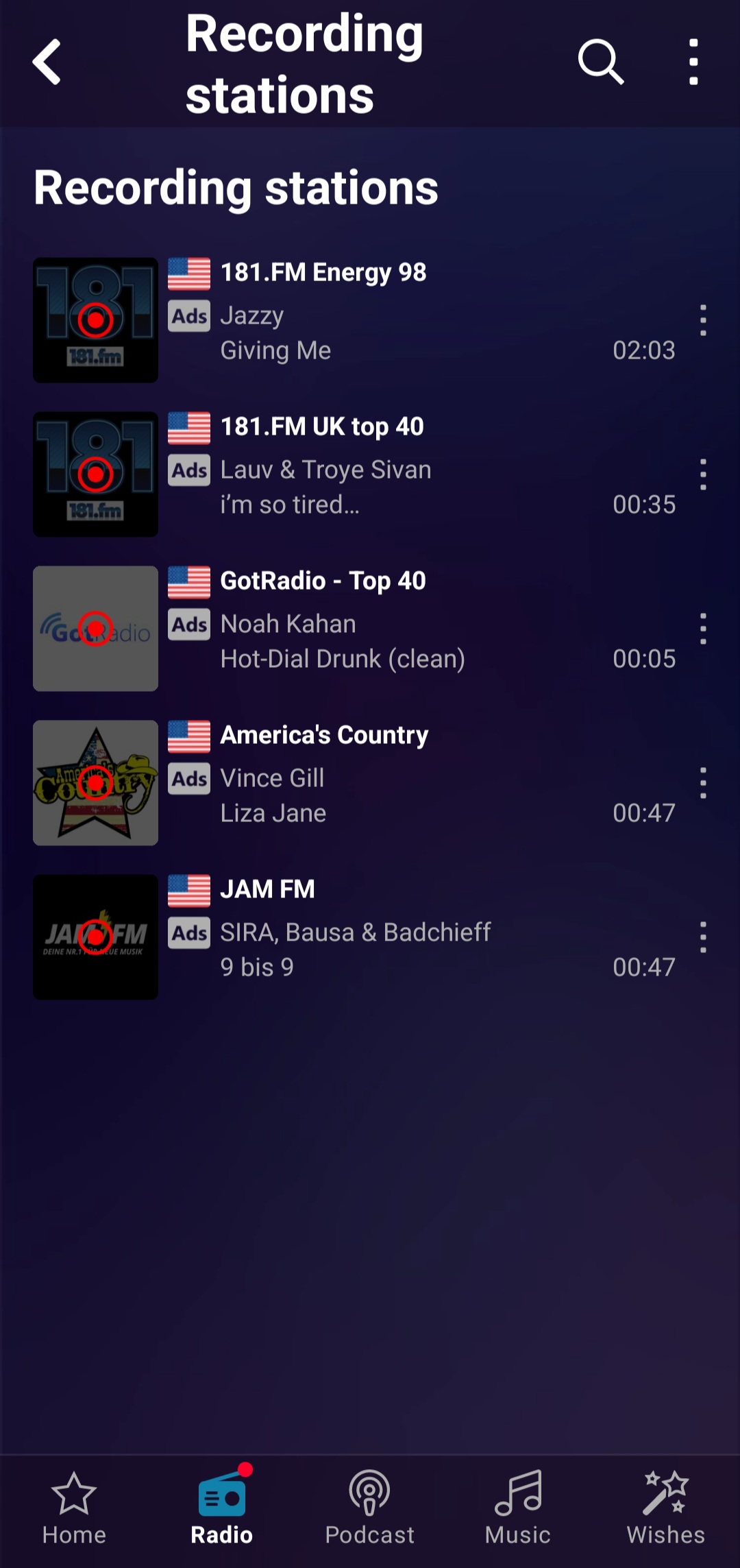
record what your listening,what your not listening,or both!
Excellent, used it for years practically every station in the world in one app, and always reliable. Highly recommend.
very good😁
you have all I need and far more 🫡
Use to be able to record local fm stations, but in 2018 something changed and now it only records internet radio with typed in single tracks. So i guess its no ongoing recording. UPDATE 2019: Audials has improved greatly and im glad to give em another try. The recording option now allows for both song or show. The only improvement id recommend is be able to edit the track recordings.
Great, finds shows tune in radio doesn't, downloads their podcasts, records, scheduled recording, needs a couple jump forward/back 30 seconds buttons and/or preview when trying to slide to specific time, currently shows time you forwarded FROM until you lift your finger, meaning you have only a rough idea where you'll end up. This is hard when you're listening to a 2+ hour podcast.
Great App. Have to reccomend to anyone who sees this. I can record songs from my favorite country station at night, and wake up in the morning to listen to them. I think something that does need to be fixed, is that it will cut out sometimes for 5 or 10 seconds and reconnect. Otherwise, no problems!
Great way to ruin what was looking like a superb ux. It would have been great to have more customization for the home screen. I don't like that I have to tap a few times just to get my favorite station to finally display in full detail every time I start the app! Wish I could revert to the previous version.
I'd love to give the 5 star review for the v8.3.2 update but can't do it yet. Although one annoyance was fixed (failure to update album art on the Audials home page), the most obvious programming defect was overlooked. Album art is NEVER shown on Android Auto any more...only station logo is displayed. Uninstalling v8.3.2 and going back to v7.5.16 AGAIN as it was reliable and nearly 100% usable with AA. Please look into this problem. A month is a long time to wait between app updates.
Post a comment
To leave a comment, log in with your social network:
Or leave an anonymous comment. Your comment will be sent for moderation.
Post a comment
To leave a comment, log in with your social network:
Or leave an anonymous comment. Your comment will be sent for moderation.