



ArduinoDroid - Arduino/ESP8266
95+
downloads5.0+
version Android
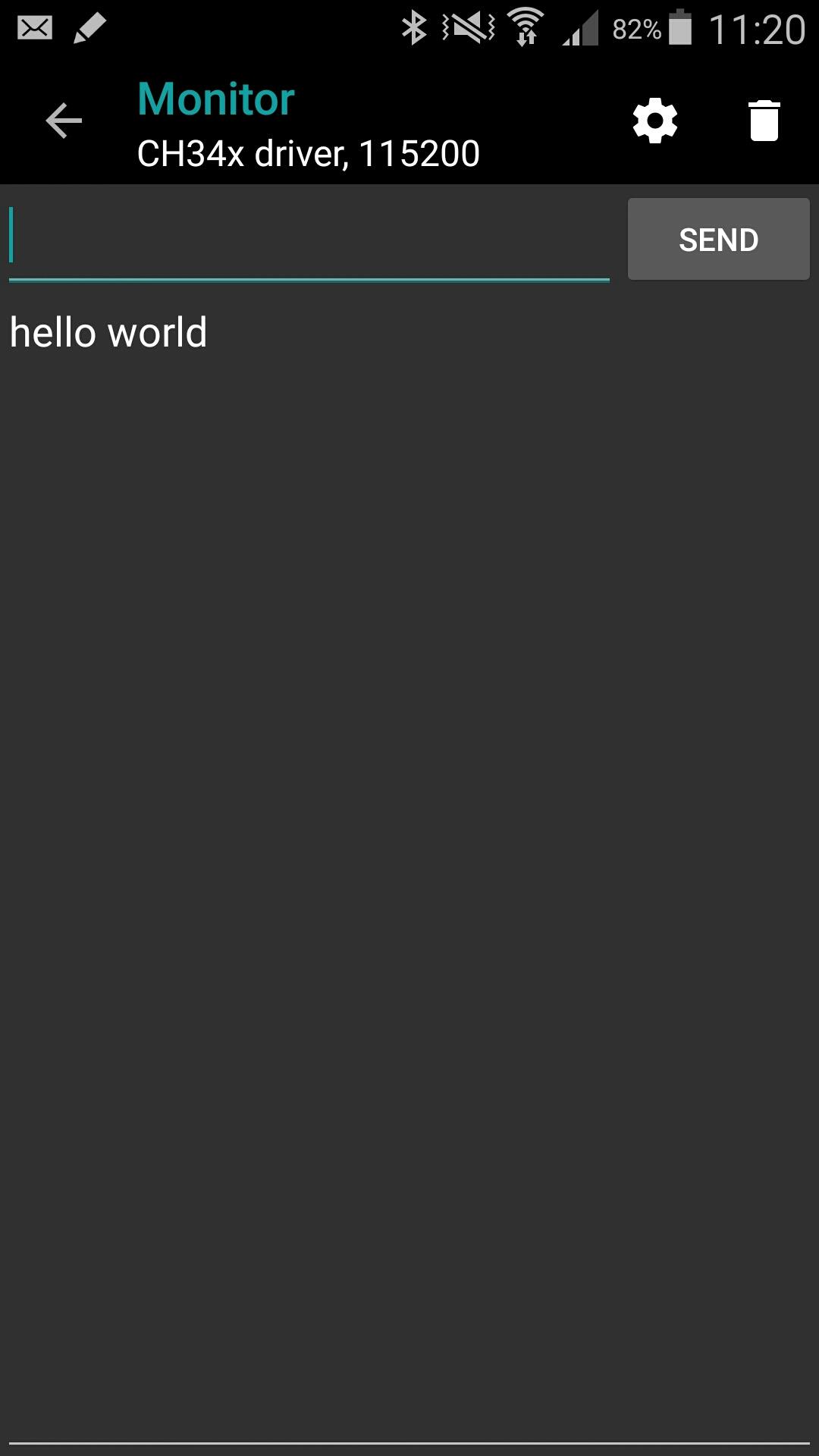
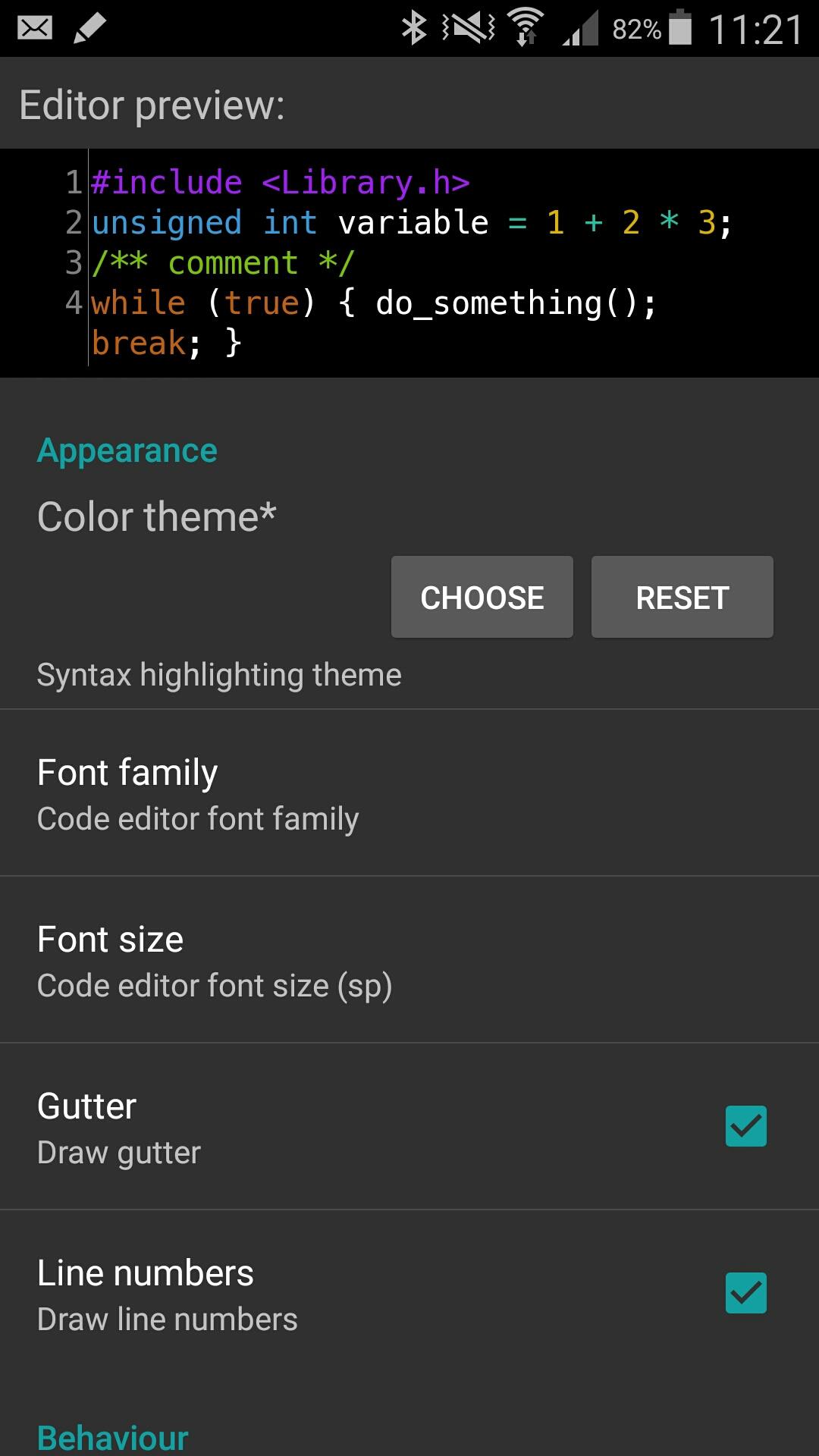
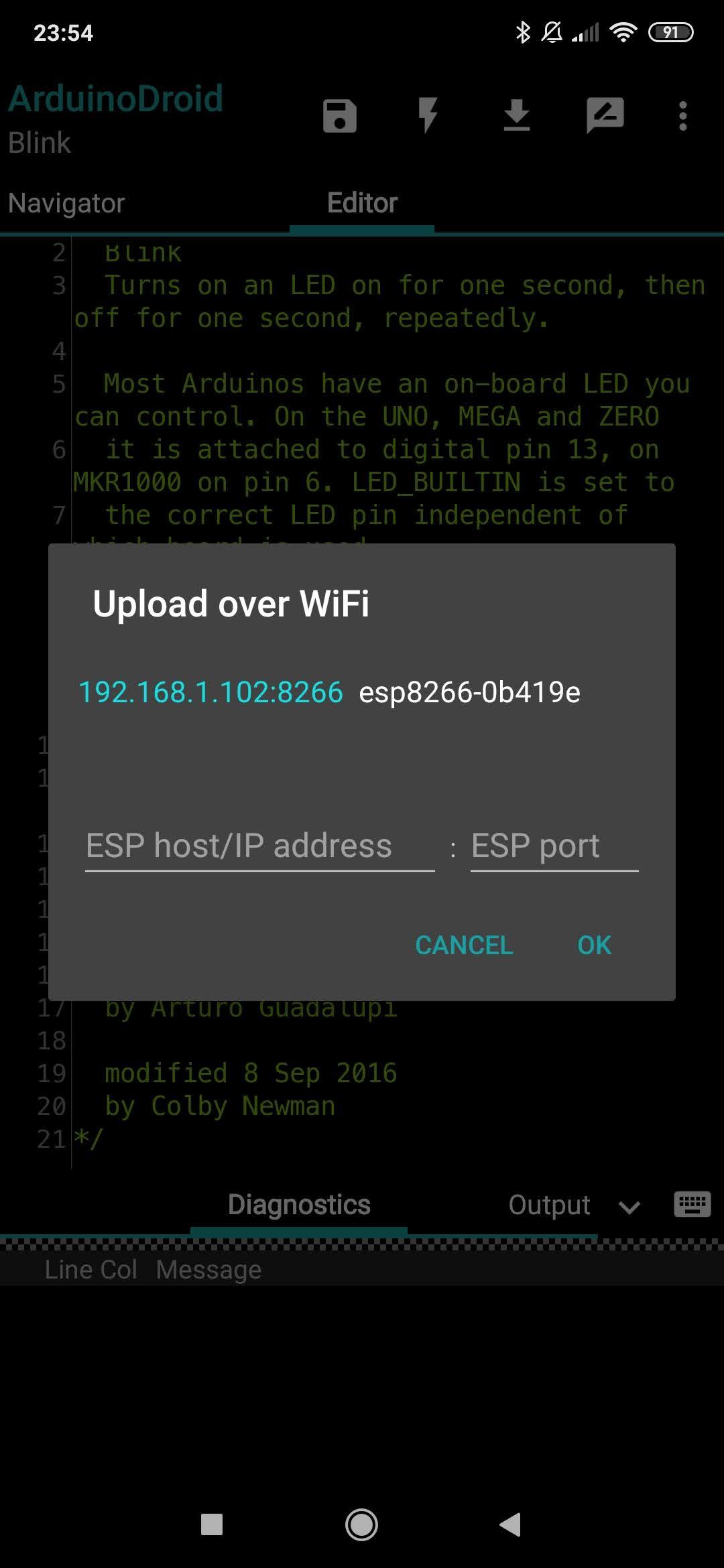
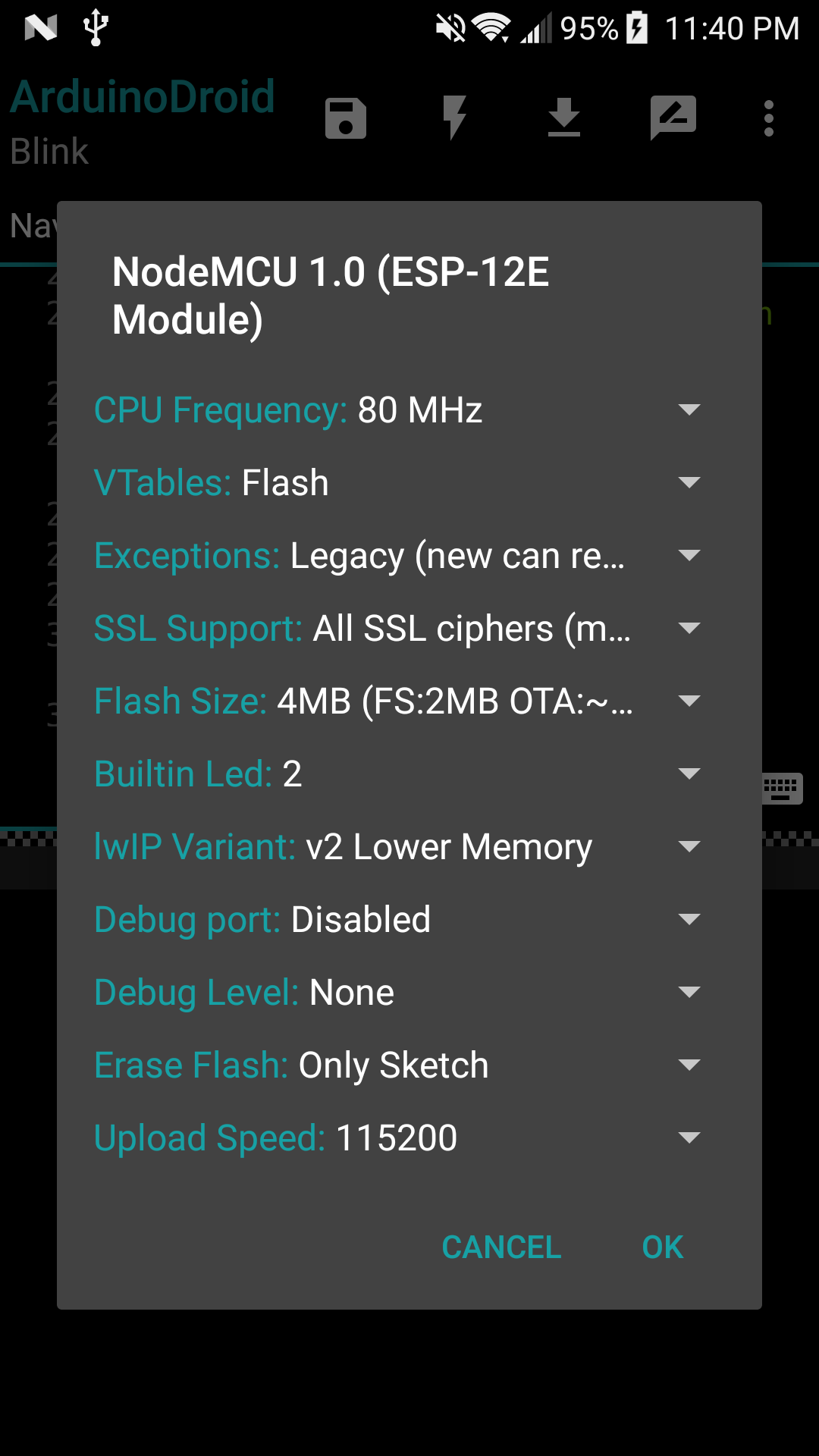
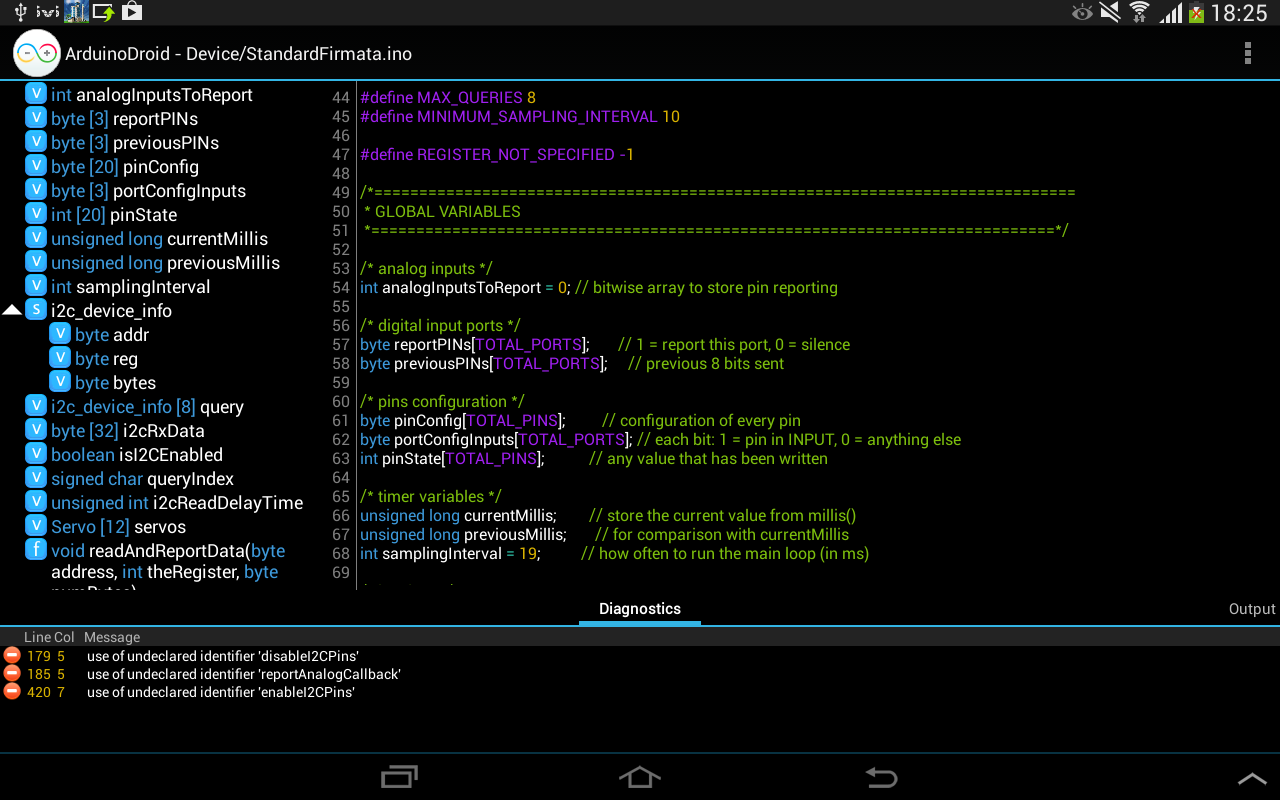
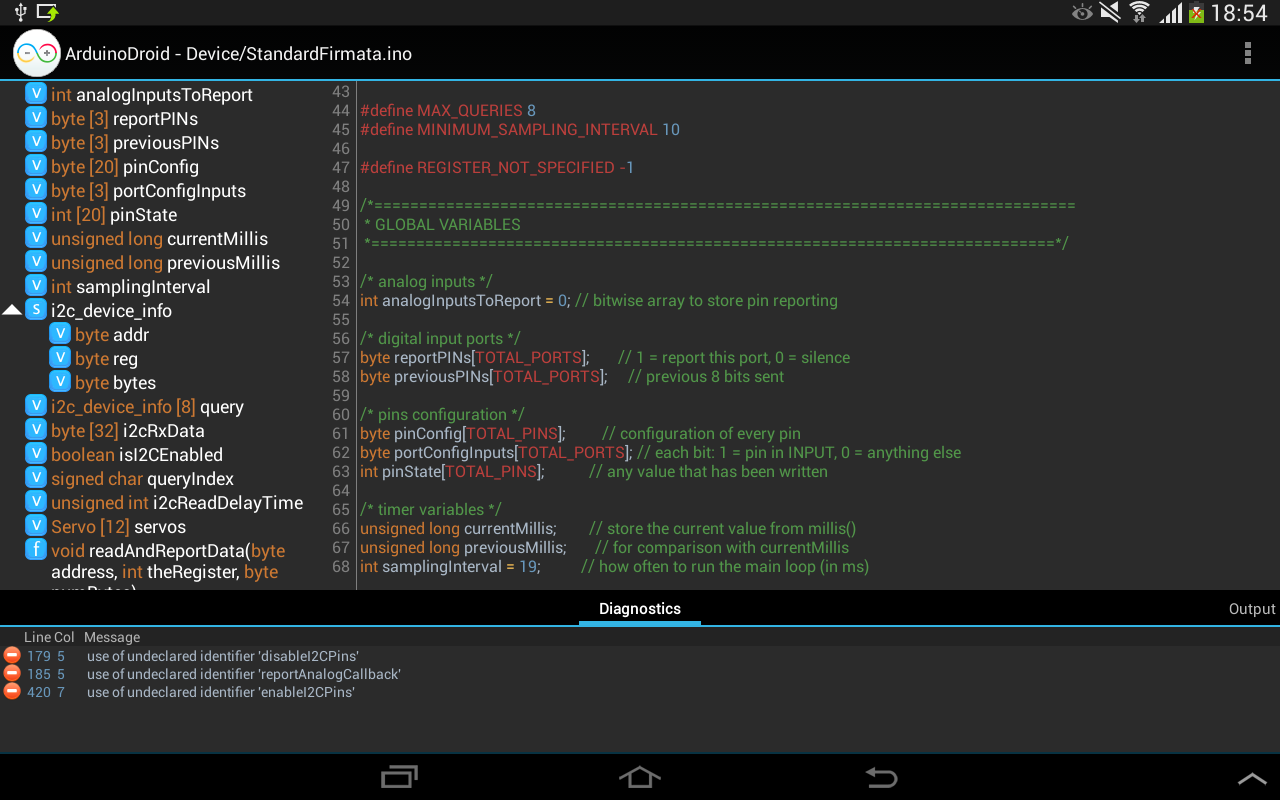
Added: Denis Rubinov
Version: 6.3.1
Size: 156 MB
Updated: 30.07.2021
Developer: Anton Smirnov
Age Limitations: Everyone
Authorizations: 10
Downloaded on Google Play: 1935260
Category: Tools
- Built-in libraries and templates.
- Synchronize across multiple devices.
- Ability to save data to the cloud.
- You can work offline.
Description
Application ArduinoDroid - Arduino/ESP8266 was checked by VirusTotal antivirus. As a result of the scan, no file infections were detected by all the latest signatures.
How to install ArduinoDroid - Arduino/ESP8266
- Download APK file apps from apkshki.com.
- Locate the downloaded file. You can find it in the system tray or in the 'Download' folder using any file manager.
- If the file downloaded in .bin extension (WebView bug on Android 11), rename it to .apk using any file manager or try downloading the file with another browser like Chrome.
- Start the installation. Click on the downloaded file to start the installation
- Allow installation from unknown sources. If you are installing for the first time ArduinoDroid - Arduino/ESP8266 not from Google Play, go to your device's security settings and allow installation from unknown sources.
- Bypass Google Play protection. If Google Play protection blocks installation of the file, tap 'More Info' → 'Install anyway' → 'OK' to continue..
- Complete the installation: Follow the installer's instructions to complete the installation process.
How to update ArduinoDroid - Arduino/ESP8266
- Download the new version apps from apkshki.com.
- Locate the downloaded file and click on it to start the installation.
- Install over the old version. There is no need to uninstall the previous version.
- Avoid signature conflicts. If the previous version was not downloaded from apkshki.com, the message 'Application not installed' may appear. In this case uninstall the old version and install the new one.
- Restart annex ArduinoDroid - Arduino/ESP8266 after the update.








Requesting an application update
Added Denis Rubinov
Version: 6.3.1
Size: 156 MB
Updated: 30.07.2021
Developer: Anton Smirnov
Age Limitations: Everyone
Authorizations:
Downloaded on Google Play: 1935260
Category: Tools











Reviews for ArduinoDroid - Arduino/ESP8266
The do not download in my phone
excellent app! only one question: esp 32 C3 boards will come? there is no C3 in boards list... that is very disappointing
very good app
love this mobile app
Good application, but the support is kinda bad.tryna use the adc of esp32 but it doesnt have the i2s driver library which should be available in the esp32 arduino core.i was also having issues with xiaomi devices, one of the issues is the usb connection problem.sometimes the app doesnt recognize the board that are in use.
easy to use and what else
Thanks to the creator who created it . It is very helpful for beginners to advance programmar. It's non premium , limited features are also helpful 💗💗💗😄😃😃😃👍👍👍👍👌👌
not work in esp
dear Anton, please leave an email address so people can contact you. desperately trying to get in touch with you, but there is no way. no one can add a comment on your blog, is it faulty?
Great app, but I don't know how to purchase the full version or enable the premium feature - when I am trying to pay for the full premium or any other premium functionality really than it says: Error Transaction was declined.[O-FFGEMF-20]. I need full functionality, especially colour themes, please solve this problem ASAP.
Worst app ever I have take the examples from the library ,and I selected complie .but it's shows compilation error .i haven't changed anything on the program . totally Bugy app ever seen please do something..🤷🏻♂️
Post a comment
To leave a comment, log in with your social network:
Or leave an anonymous comment. Your comment will be sent for moderation.
Post a comment
To leave a comment, log in with your social network:
Or leave an anonymous comment. Your comment will be sent for moderation.