


Appwatch : Anti pop-up ads
84+
downloads6.0+
version Android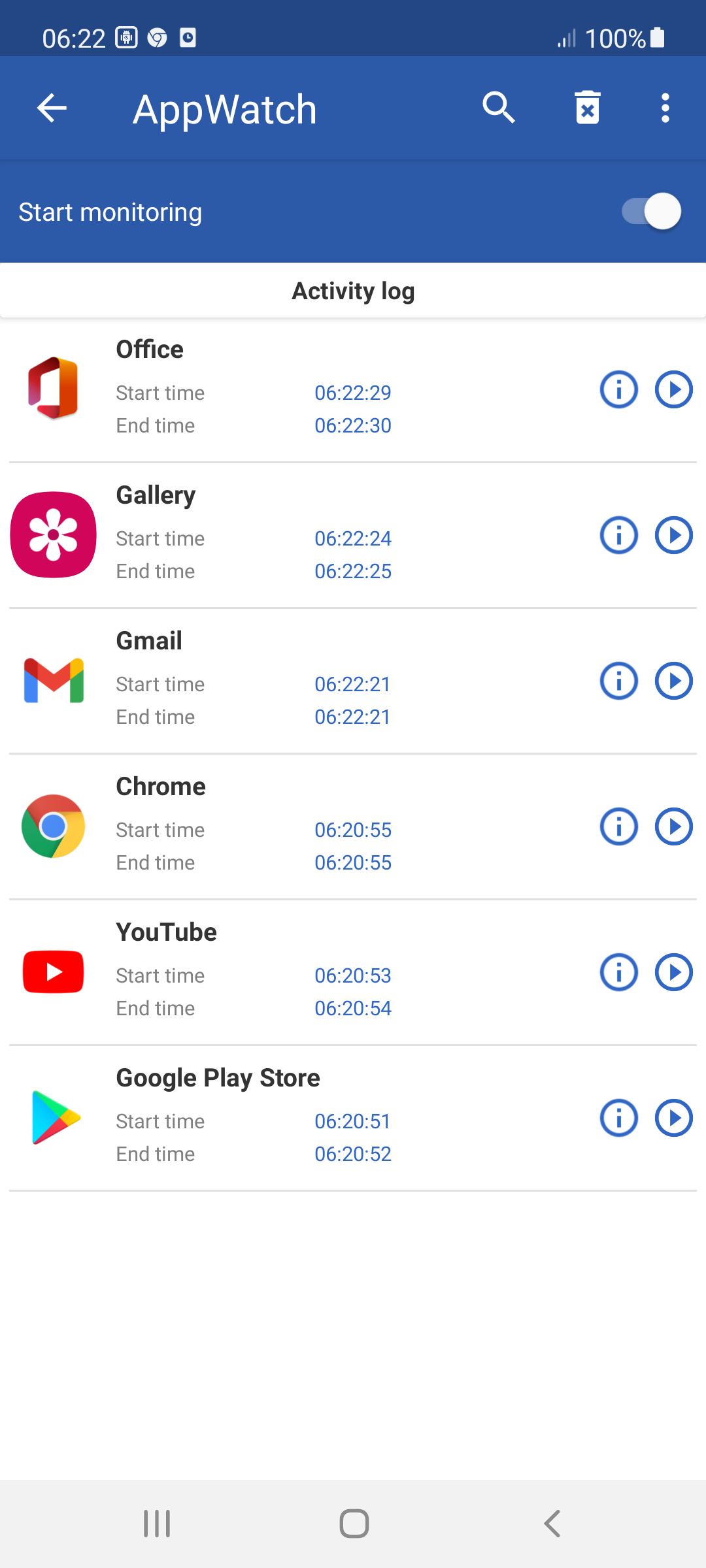
Added: Denis Rubinov
Version: 1.27.15
Size: 9.7 MB
Updated: 24.06.2025
Developer: Youssef Ouadban Tech
Age Limitations: Everyone
Authorizations: 4
Downloaded on Google Play: 2135268
Category: Tools
Description
Application Appwatch : Anti pop-up ads was checked by VirusTotal antivirus. As a result of the scan, no file infections were detected by all the latest signatures.
How to install Appwatch : Anti pop-up ads
- Download APK file apps from apkshki.com.
- Locate the downloaded file. You can find it in the system tray or in the 'Download' folder using any file manager.
- If the file downloaded in .bin extension (WebView bug on Android 11), rename it to .apk using any file manager or try downloading the file with another browser like Chrome.
- Start the installation. Click on the downloaded file to start the installation
- Allow installation from unknown sources. If you are installing for the first time Appwatch : Anti pop-up ads not from Google Play, go to your device's security settings and allow installation from unknown sources.
- Bypass Google Play protection. If Google Play protection blocks installation of the file, tap 'More Info' → 'Install anyway' → 'OK' to continue..
- Complete the installation: Follow the installer's instructions to complete the installation process.
How to update Appwatch : Anti pop-up ads
- Download the new version apps from apkshki.com.
- Locate the downloaded file and click on it to start the installation.
- Install over the old version. There is no need to uninstall the previous version.
- Avoid signature conflicts. If the previous version was not downloaded from apkshki.com, the message 'Application not installed' may appear. In this case uninstall the old version and install the new one.
- Restart annex Appwatch : Anti pop-up ads after the update.








Requesting an application update
Added Denis Rubinov
Version: 1.27.15
Size: 9.7 MB
Updated: 24.06.2025
Developer: Youssef Ouadban Tech
Age Limitations: Everyone
Authorizations:
Downloaded on Google Play: 2135268
Category: Tools











Reviews for Appwatch : Anti pop-up ads
work for first use after that not showing anything
great
does not detect the app that is generatin intrusive adds
Really useful in helping me detect the spammy app causing pop up ads. thank you
It doesn't work
The app helped mento find the scam app popping ads in the phone. Here's my advice if you dont see the app. The ad popper can copy another apps name. In my problem, it copied my Drive into Google Drive. Thus, i solved the problem.
useful 💯
Good
very good
goooood
This is a GREAT app.. did exactly what it says it'll do. I had deleted nearly all the apps on my Note 9. Removed my gmail and other email apps. I couldn't figure out what was causing the pop up ads. I was about to reformat when I saw this app. It turned out the navy keyboard was causing the popups.. this did not show anywhere in my apps listed nor on AVG. Thank you AppWatch.. I wish I saw you sooner, it'd have saved me hours of frustration. Larry
My phone had me on the verge of throwing it out the window with random pop up ads. It would happen any time, anywhere...even in the middle of the night. In 3 minutes I was able to identify the app causing the issue, and it was one I hadn't even downloaded. Very happy with this!!!
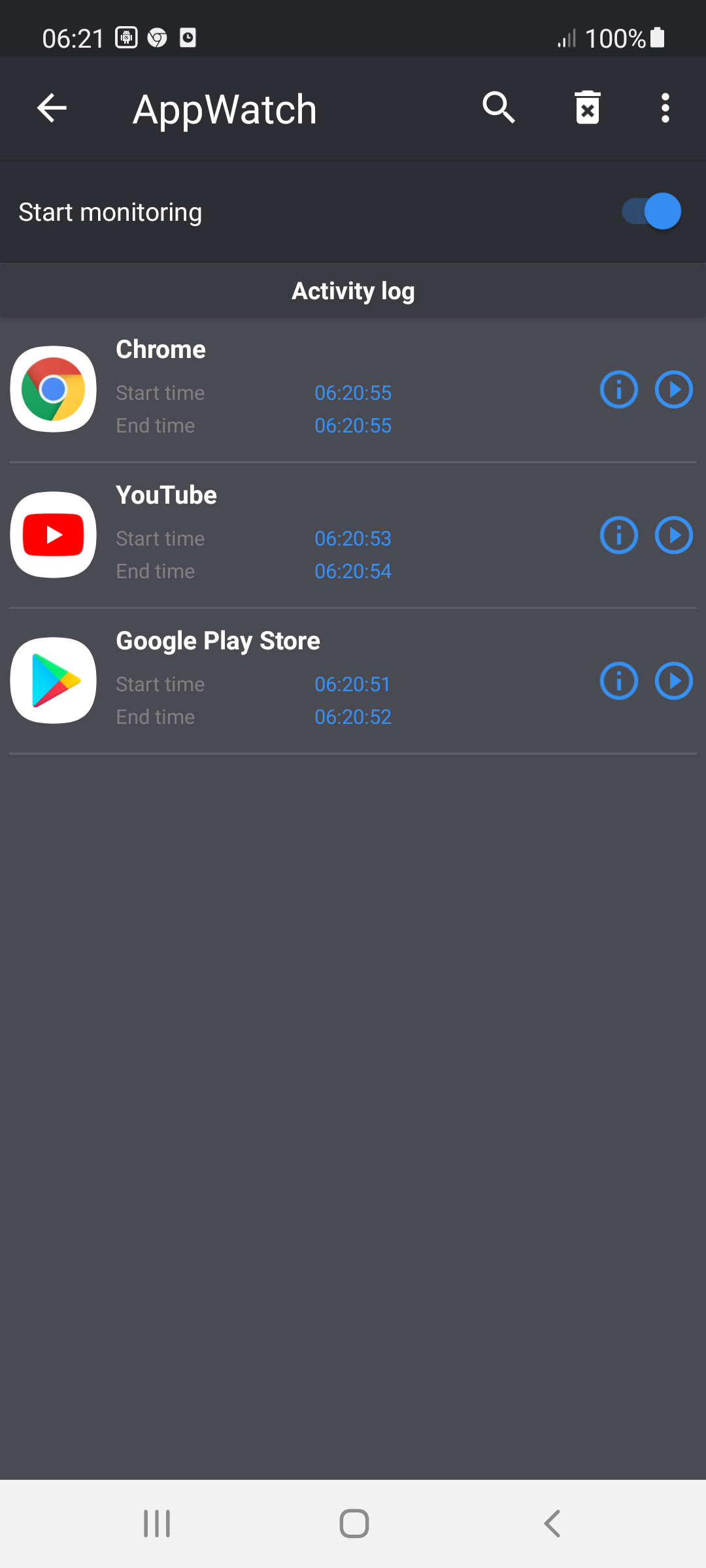
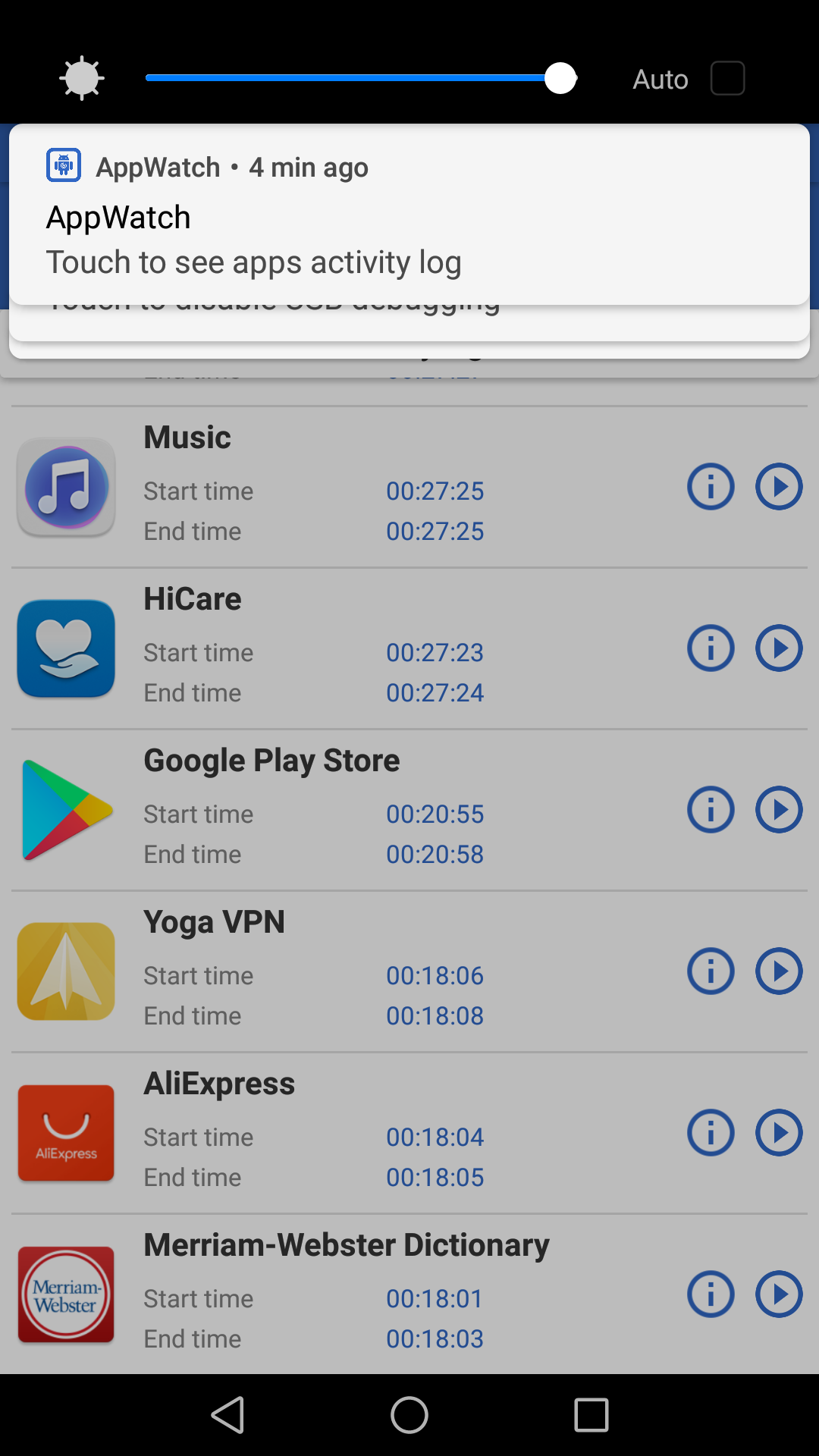
I had random ads popping up a lot, and couldn't track down what app was causing them. App Watch works in the background, creating a log of all app activity. By accessing the log when ads appeared. I was able to find their source and remove those apps quickly. I recommend it.
Does exactly what it says it does. I was getting pop-ups on my home screen over all other apps. Tried to get rid of it via numerous recommendations on websites, etc... Didnt want to factory reset. Came across this app. It works as stated, I removed the app and no issues since.
This app rocks! It quickly helps weed out where pesky popup ads are coming from. I started getting these full screen popup ads randomly, even when I would be using an app that I had paid for the premium ad free version. A full screen ad from a different app would popped up over that premium app or whatever I was using or doing on my phone. This app helped me find and uninstall the culprit. Plus I like that you can toggle the monitoring on and off without having to completely uninstall it.
Post a comment
To leave a comment, log in with your social network:
Or leave an anonymous comment. Your comment will be sent for moderation.
Post a comment
To leave a comment, log in with your social network:
Or leave an anonymous comment. Your comment will be sent for moderation.