



Animation Desk–Cartoon & GIF
22+
downloads5.0+
version Android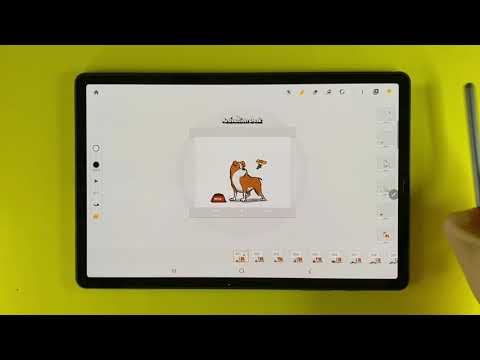
Added: Denis Rubinov
Version: 3.20.6
Size: 116.4 MB
Updated: 22.05.2025
Developer: Kdan Mobile Software Ltd.
Age Limitations: Everyone
Downloaded on Google Play: 3210469
Category: Entertainment
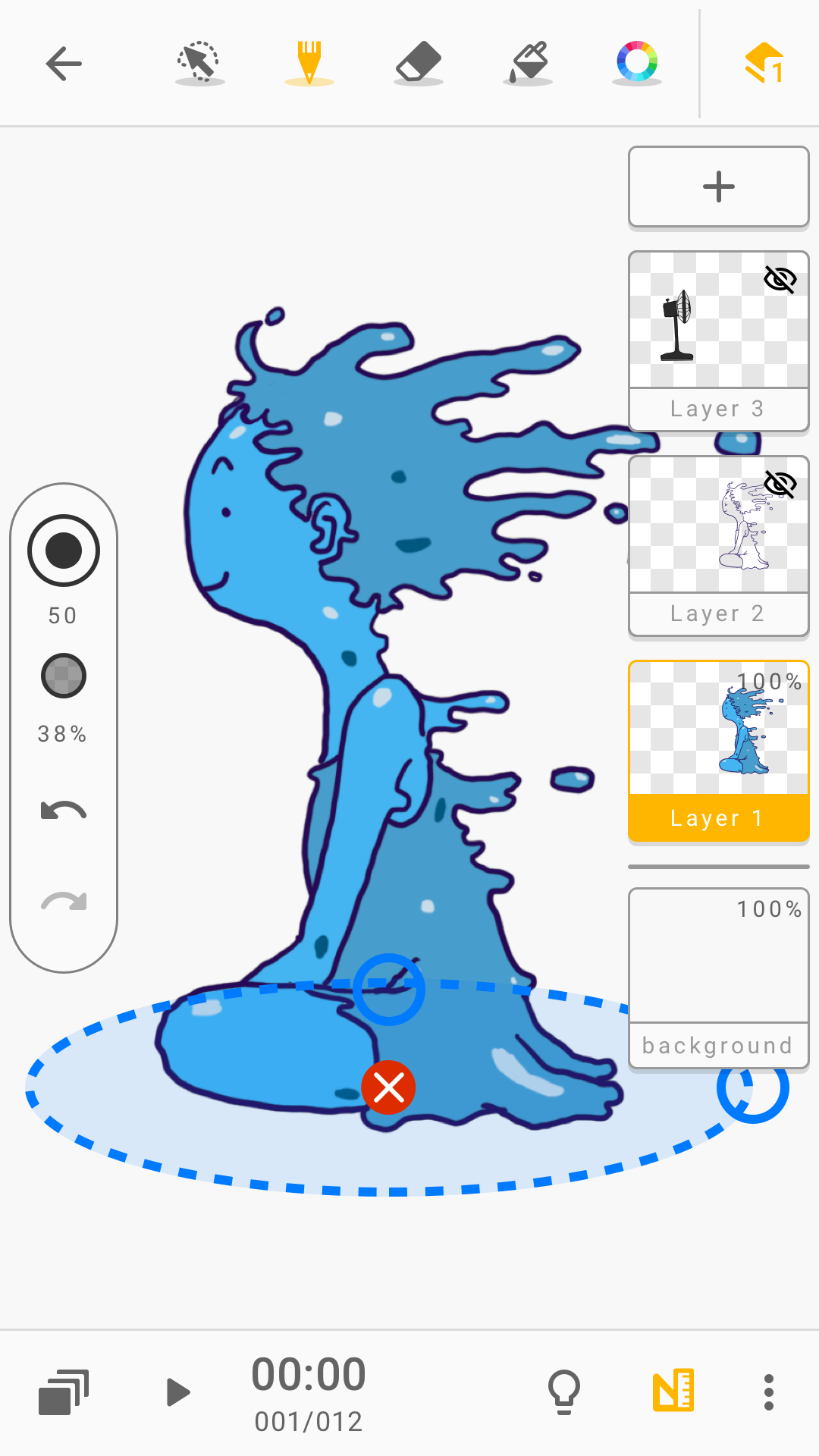
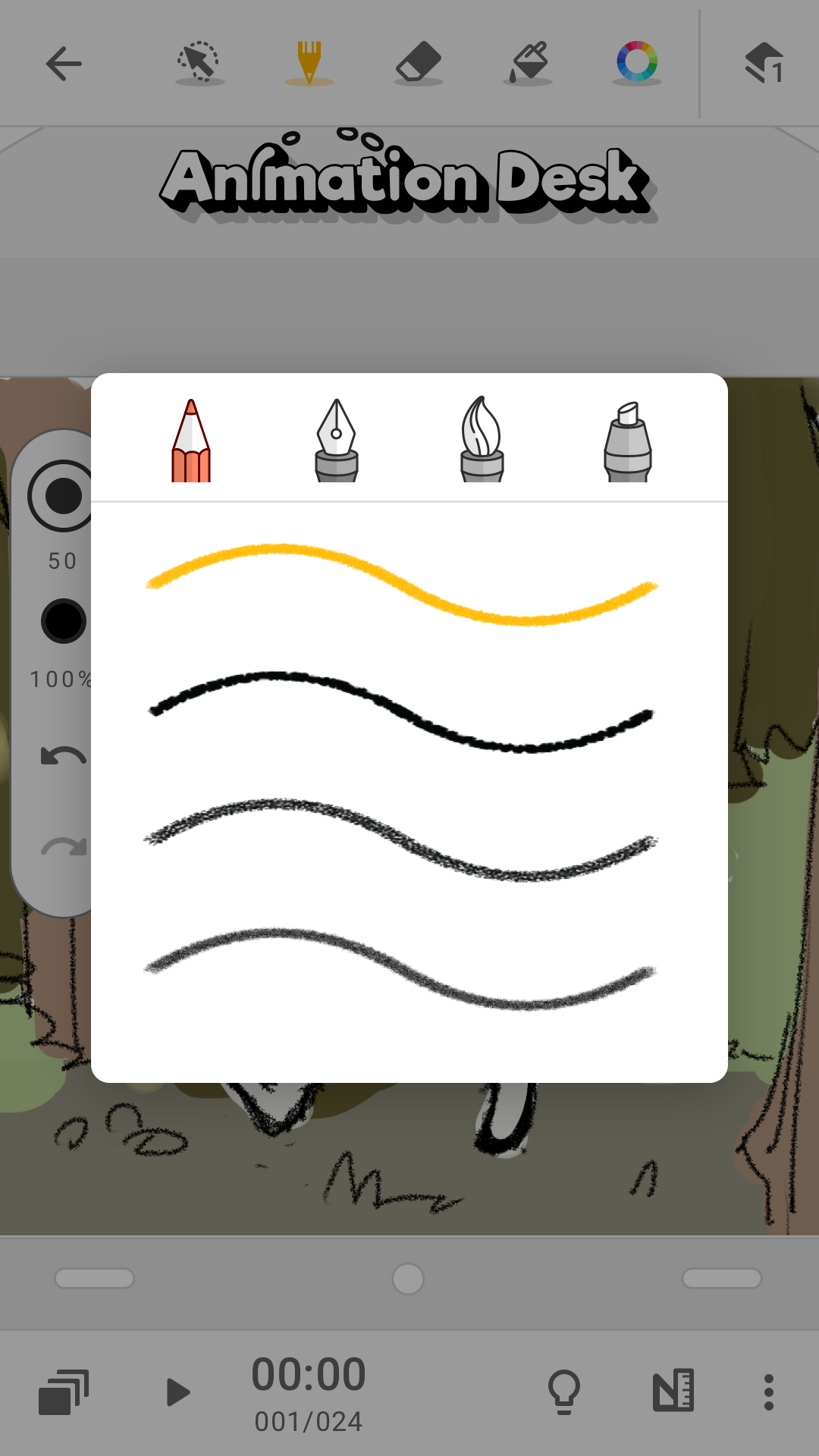
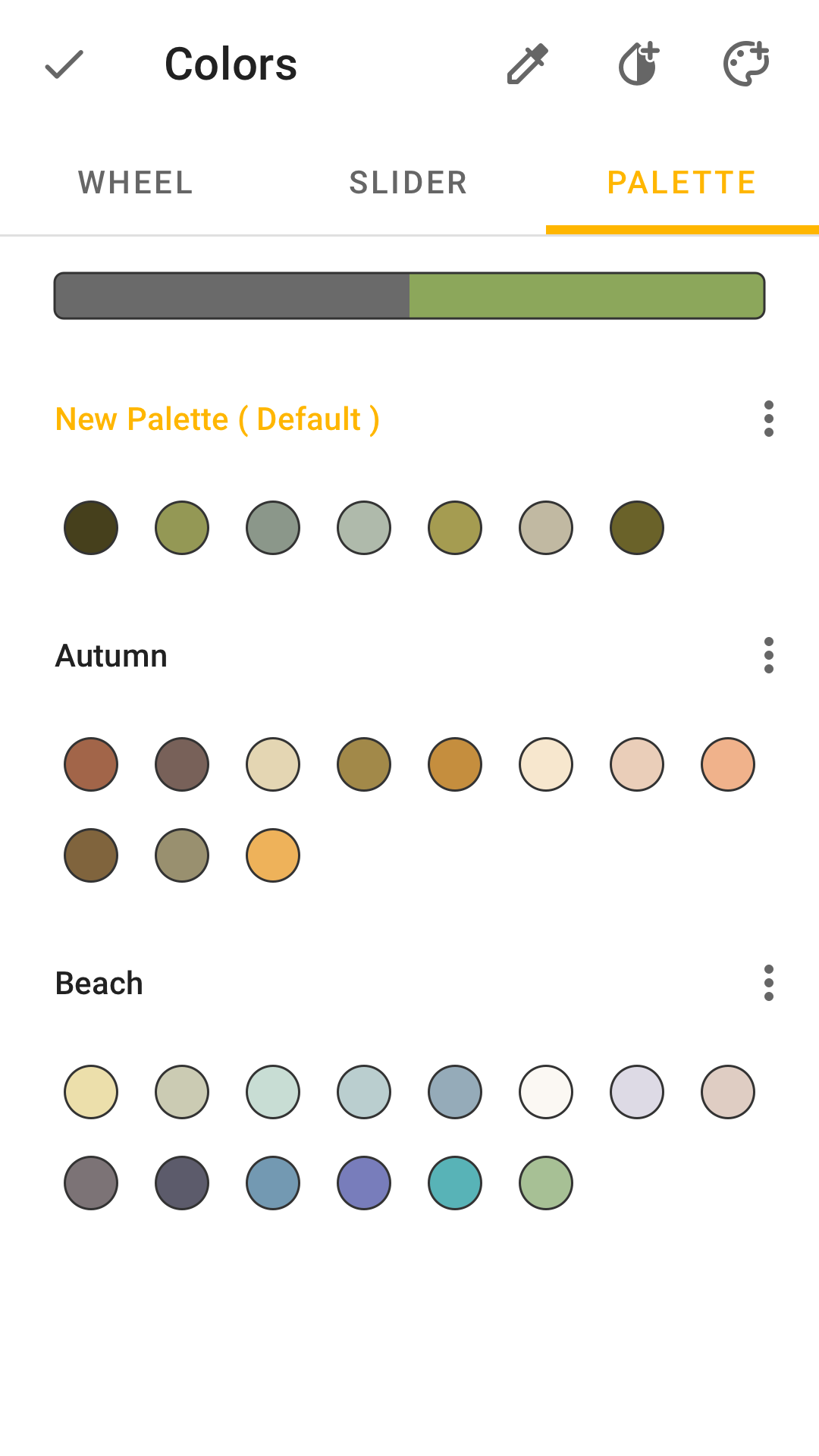
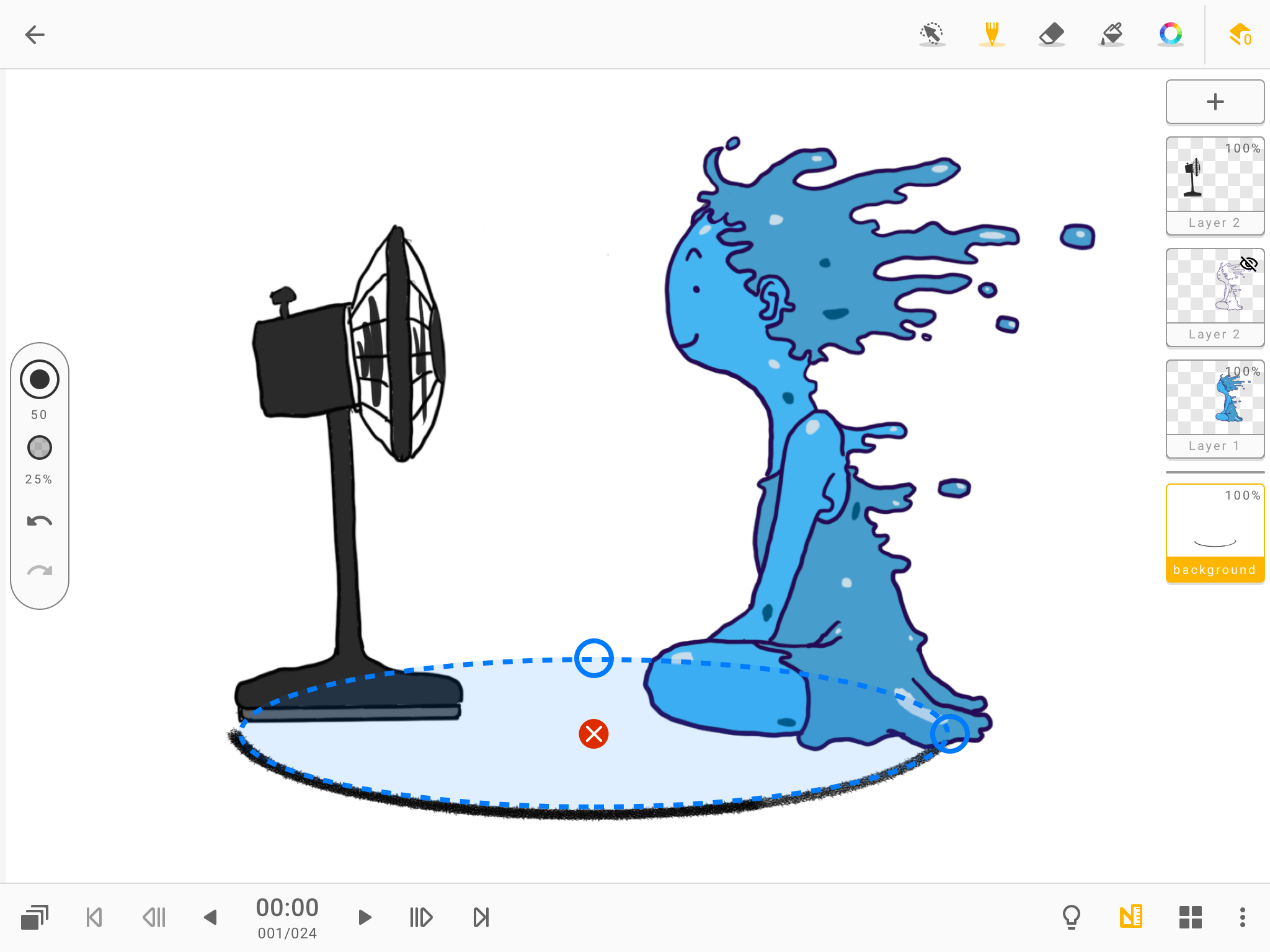
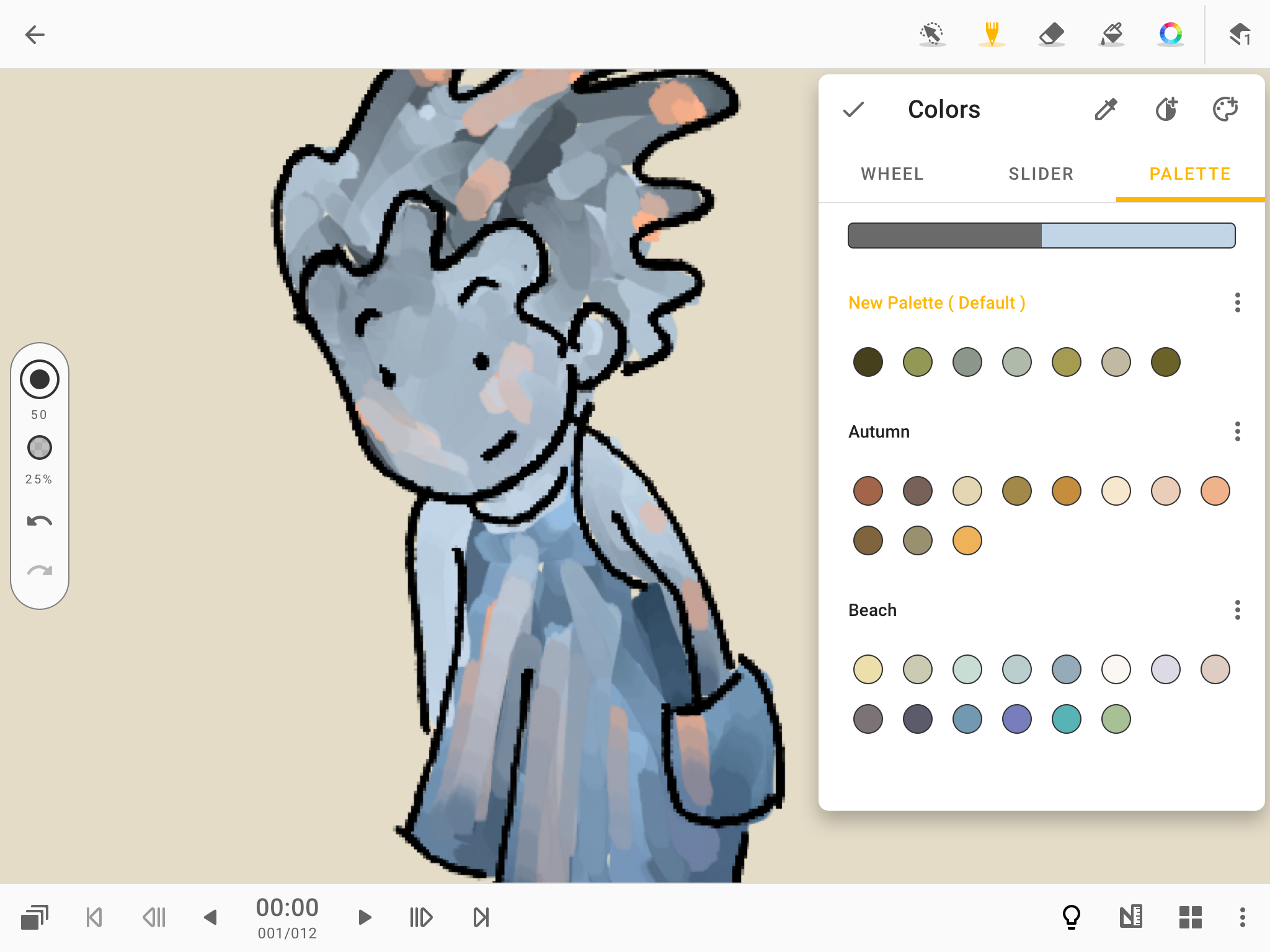
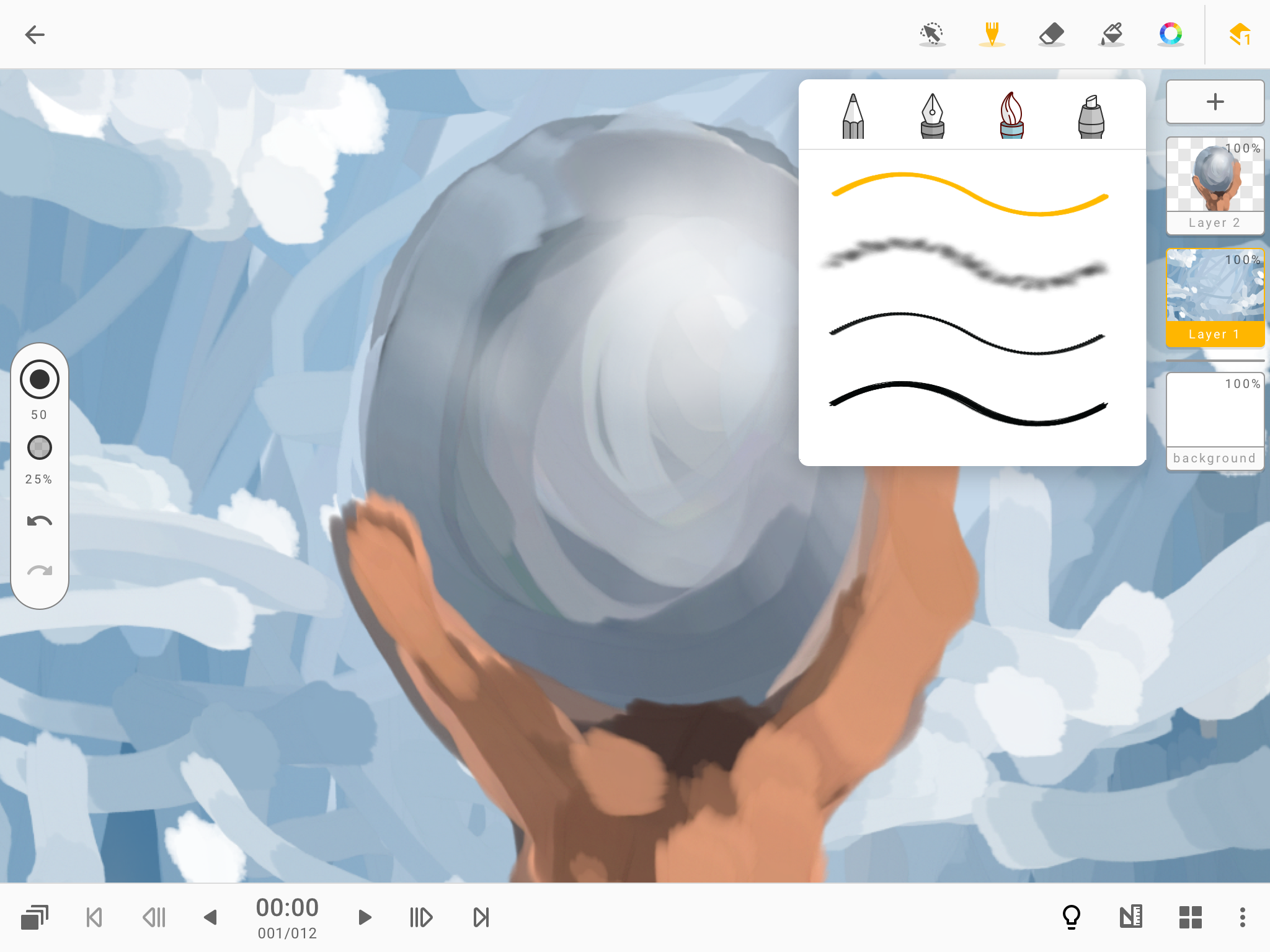
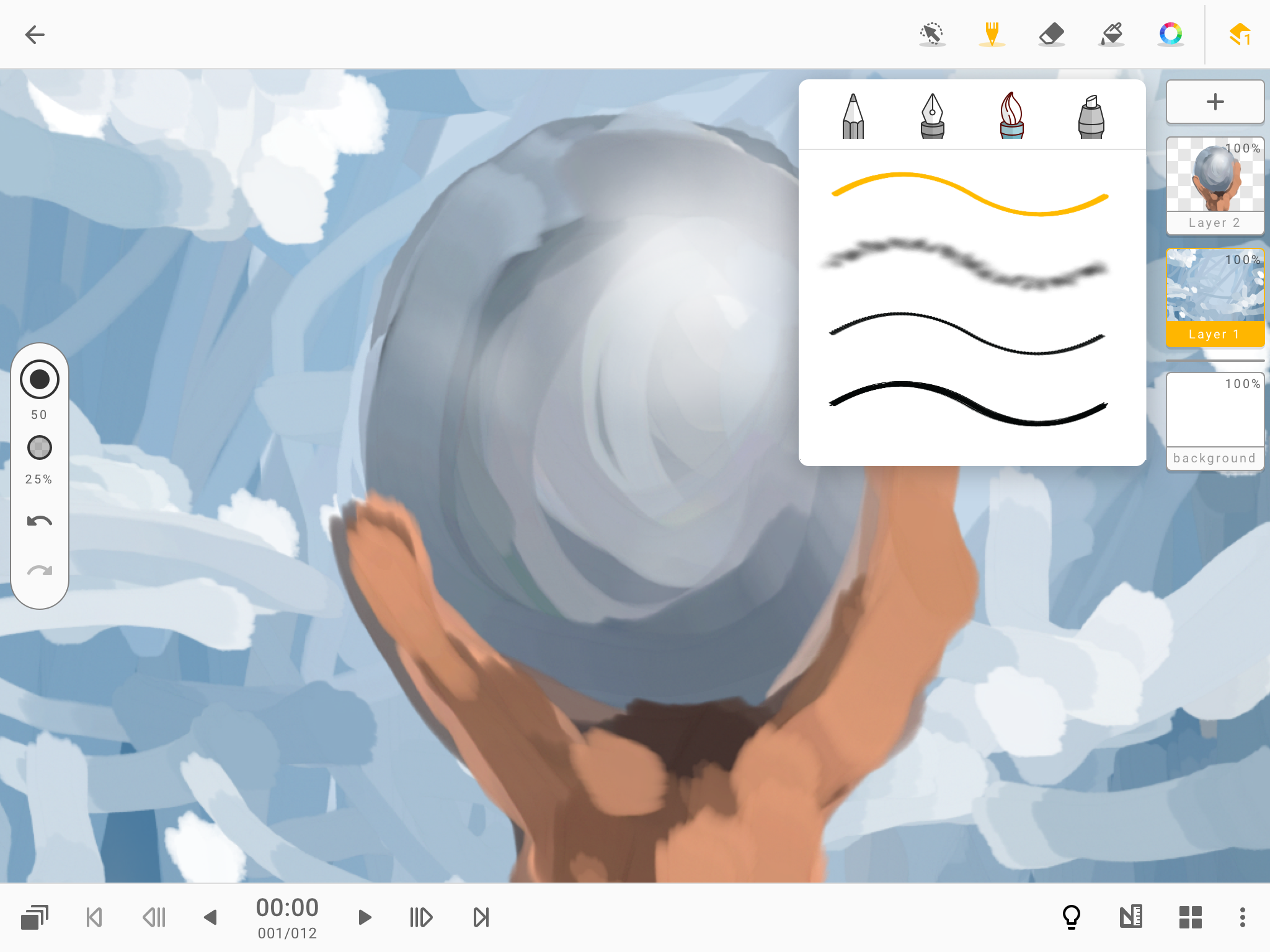
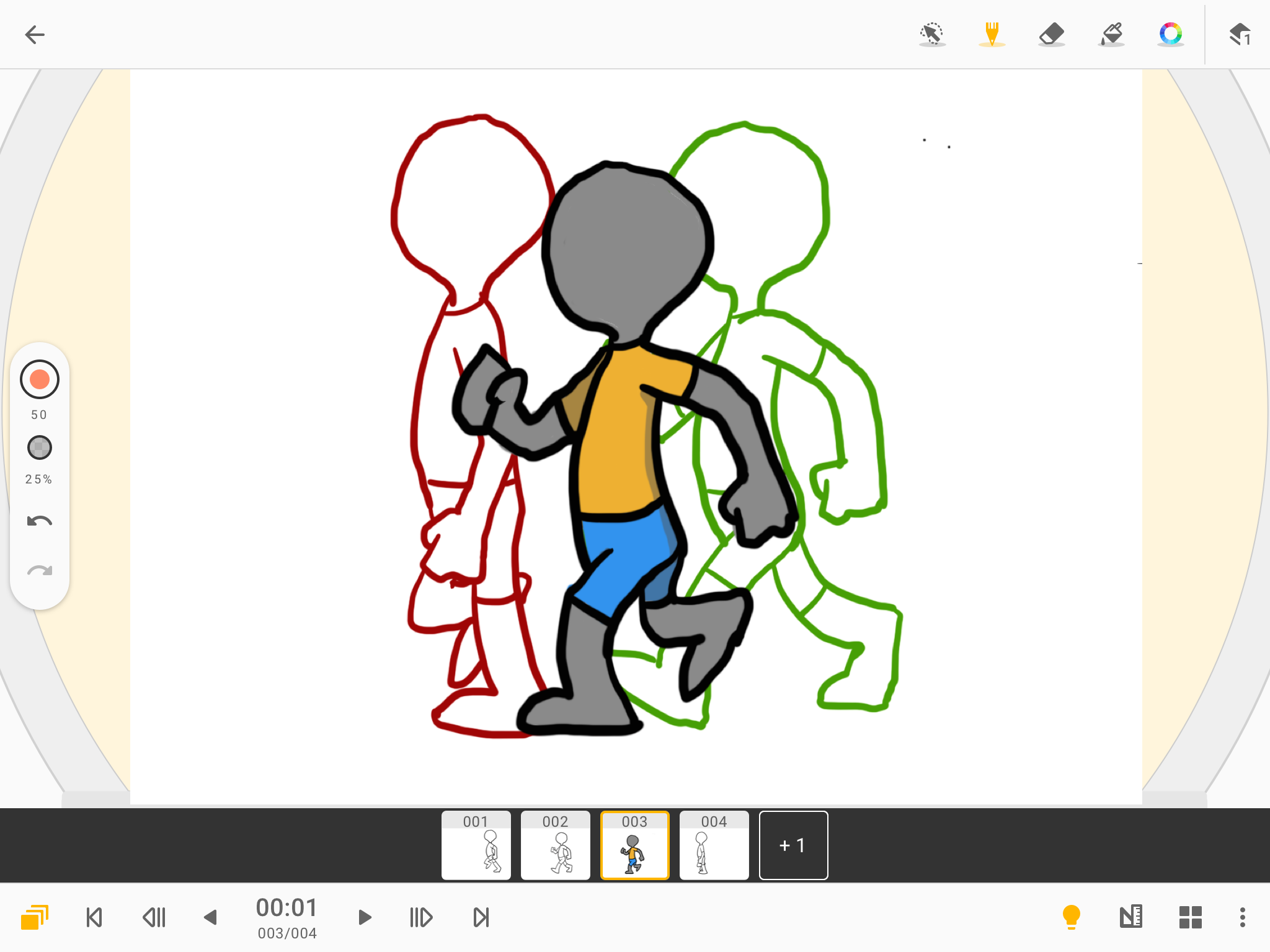
- Quality brushes and editing tools.
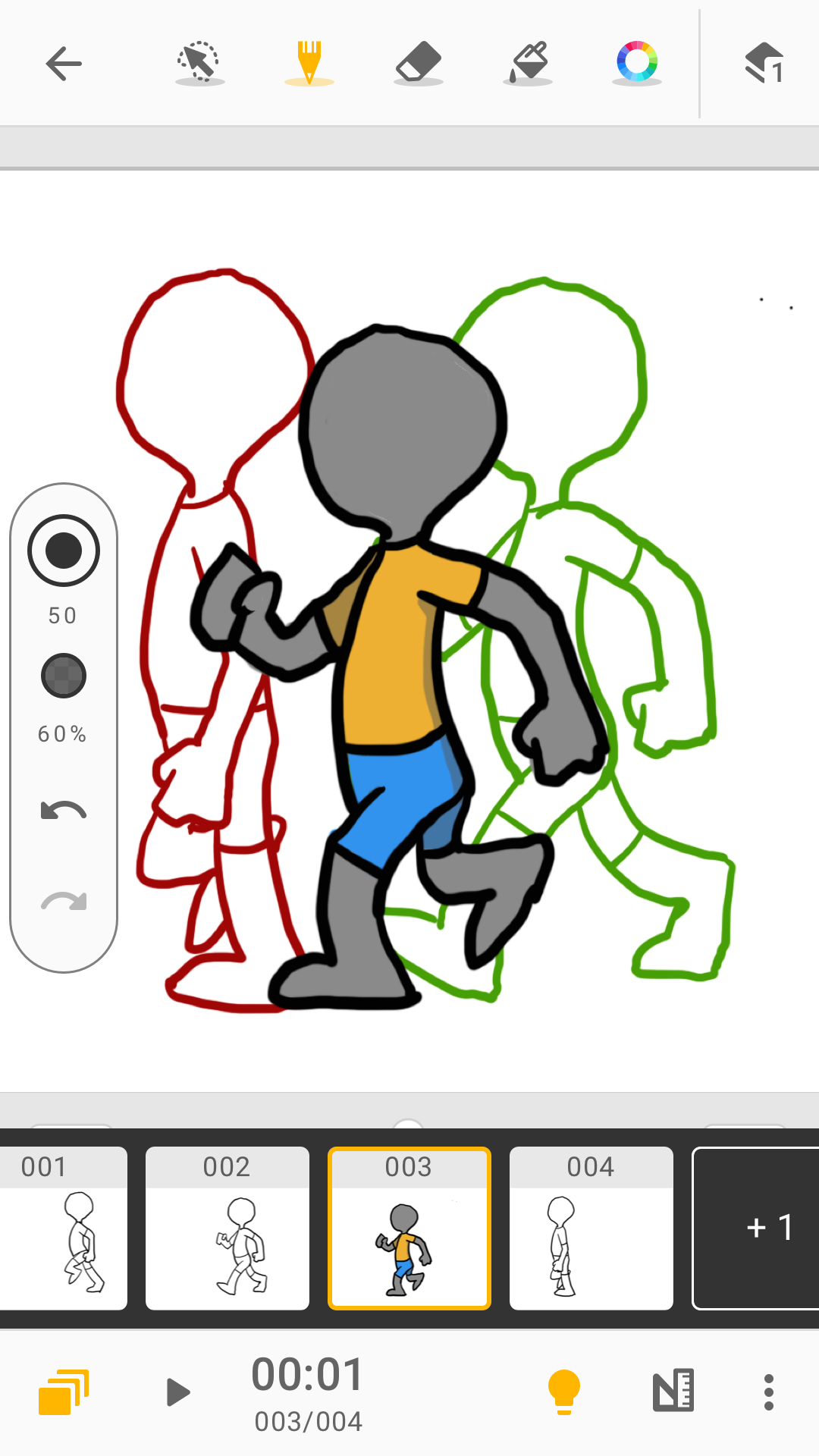
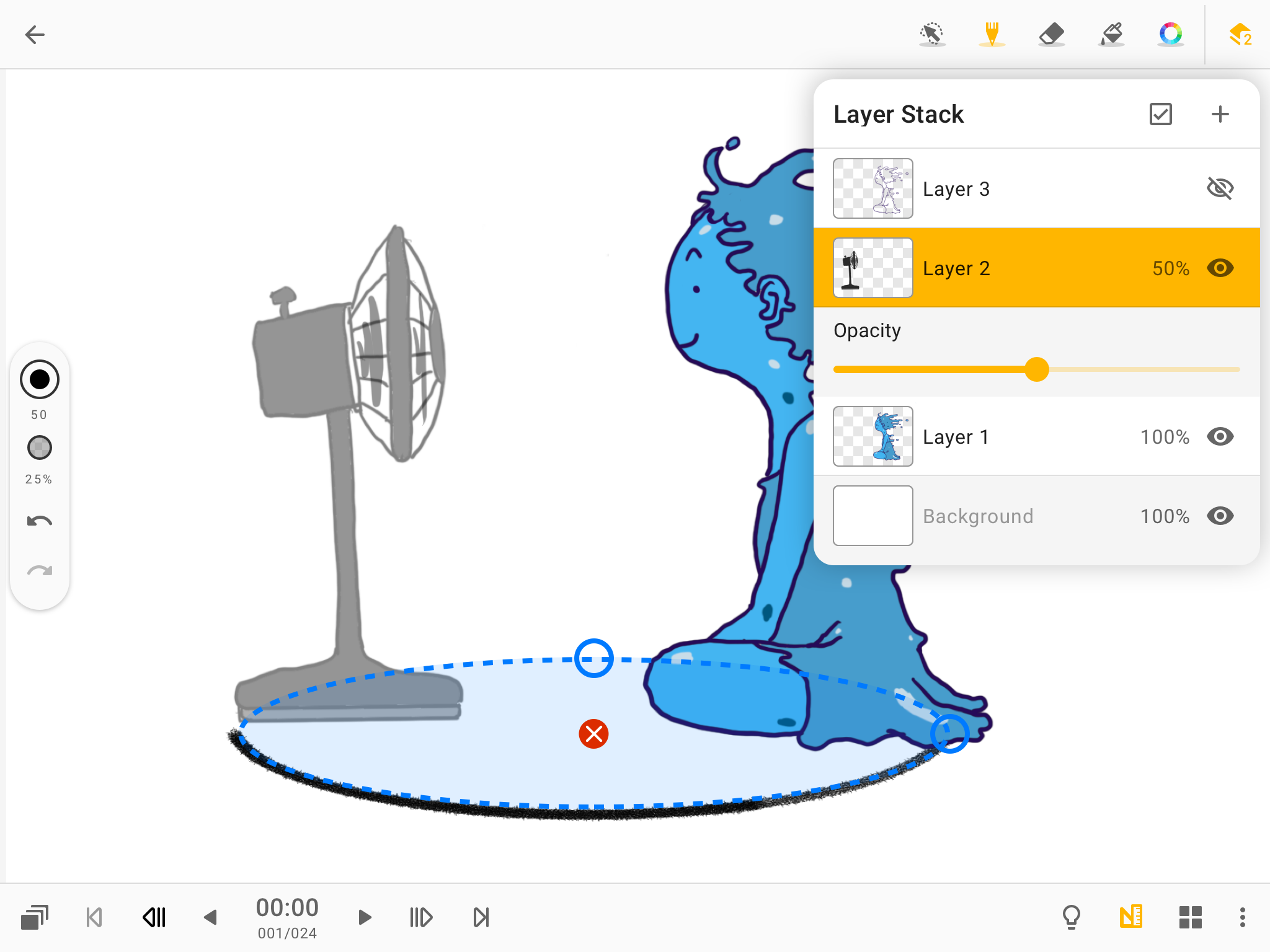
- Can work with layers.
- Stable work on smartphones and tablets.
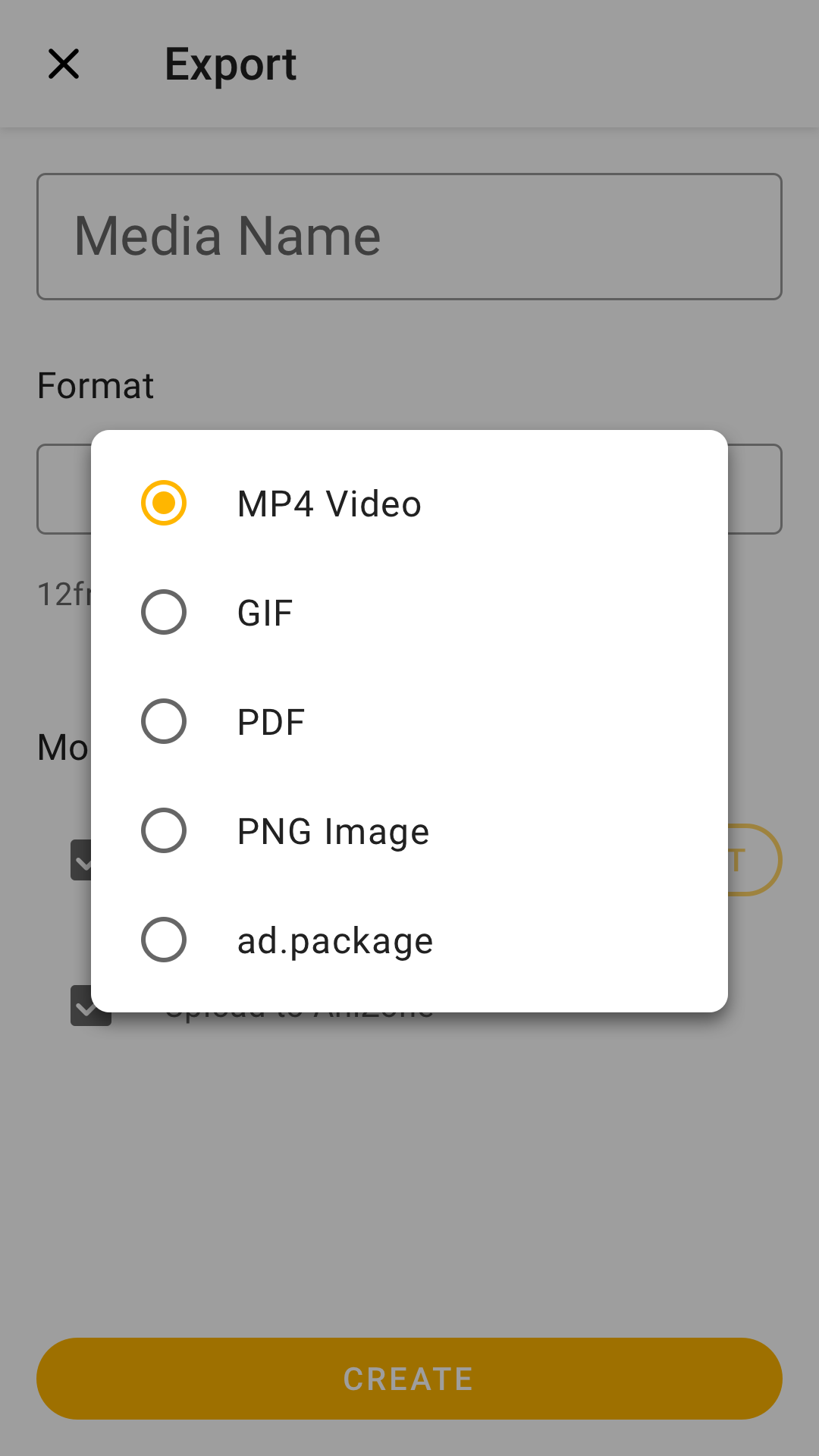
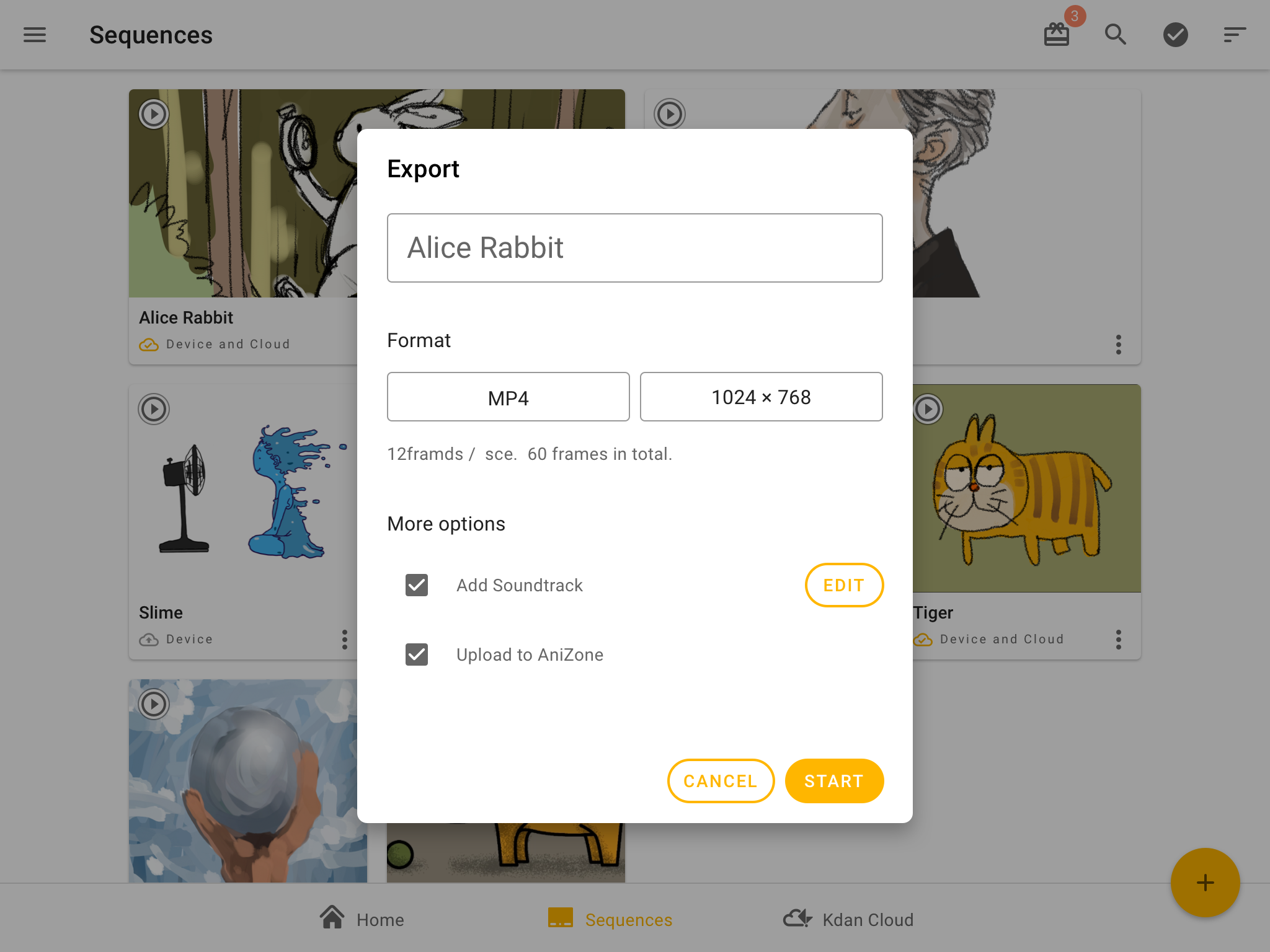
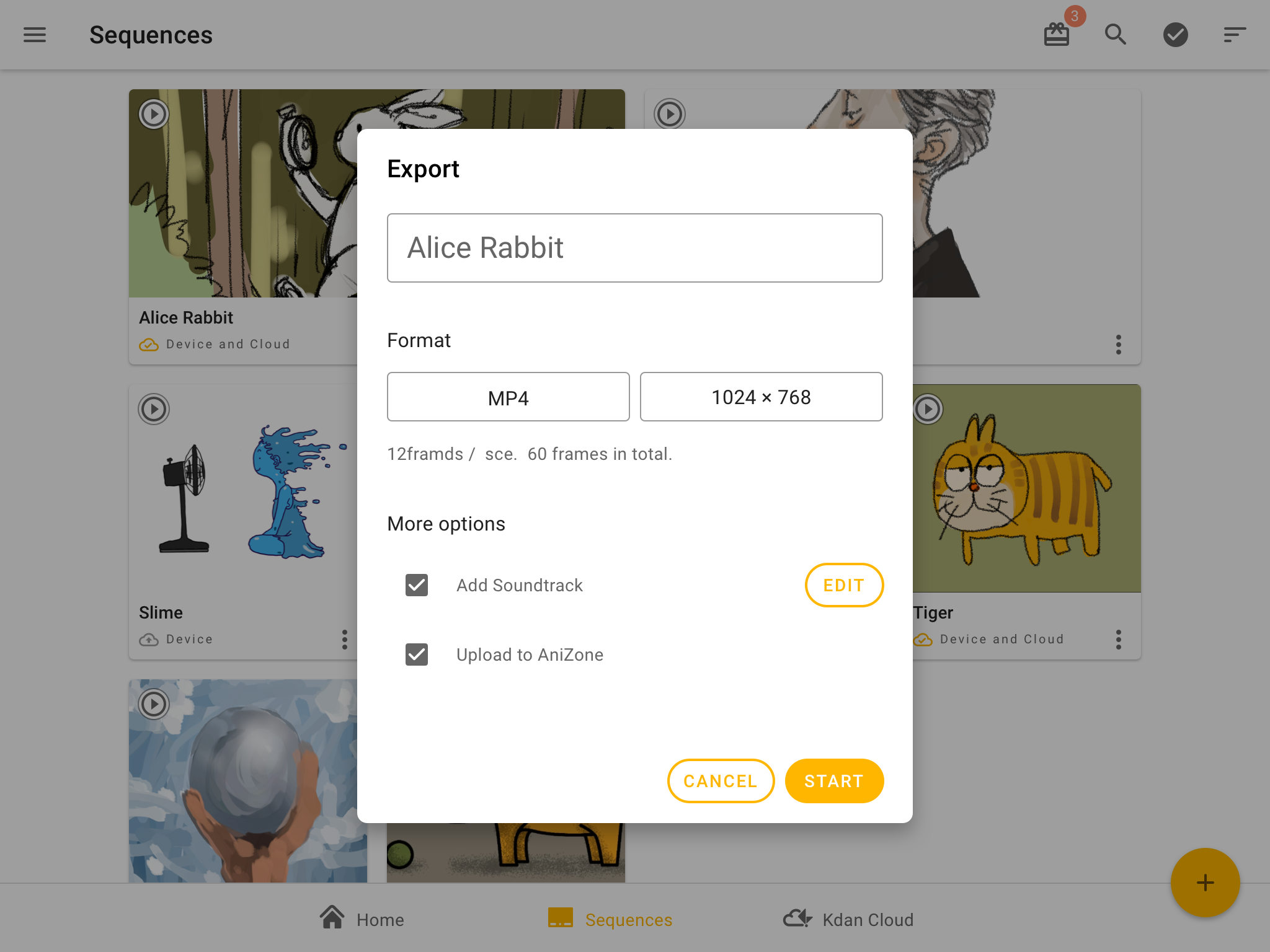
- Choose from several export formats.
- Suitable for both professionals and beginners.
- Free to use.
Description
Application Animation Desk–Cartoon & GIF was checked by VirusTotal antivirus. As a result of the scan, no file infections were detected by all the latest signatures.
How to install Animation Desk–Cartoon & GIF
- Download APK file apps from apkshki.com.
- Locate the downloaded file. You can find it in the system tray or in the 'Download' folder using any file manager.
- If the file downloaded in .bin extension (WebView bug on Android 11), rename it to .apk using any file manager or try downloading the file with another browser like Chrome.
- Start the installation. Click on the downloaded file to start the installation
- Allow installation from unknown sources. If you are installing for the first time Animation Desk–Cartoon & GIF not from Google Play, go to your device's security settings and allow installation from unknown sources.
- Bypass Google Play protection. If Google Play protection blocks installation of the file, tap 'More Info' → 'Install anyway' → 'OK' to continue..
- Complete the installation: Follow the installer's instructions to complete the installation process.
How to update Animation Desk–Cartoon & GIF
- Download the new version apps from apkshki.com.
- Locate the downloaded file and click on it to start the installation.
- Install over the old version. There is no need to uninstall the previous version.
- Avoid signature conflicts. If the previous version was not downloaded from apkshki.com, the message 'Application not installed' may appear. In this case uninstall the old version and install the new one.
- Restart annex Animation Desk–Cartoon & GIF after the update.




Requesting an application update
Added Denis Rubinov
Version: 3.20.6
Size: 116.4 MB
Updated: 22.05.2025
Developer: Kdan Mobile Software Ltd.
Age Limitations: Everyone
Downloaded on Google Play: 3210469
Category: Entertainment












Reviews for Animation Desk–Cartoon & GIF
Good
nice.👌👍👏
Very disappointed. The pens are all so bad. There are too many ads! like what. I am not going to *pay*. I am a casual user and I hate it so much.
Please correct the bugs, I couldn't use undo, and it's affecting my work and I couldn't import images.. Thanks team
Generally really like this app,,
why do I need to watch a ad to animate??
good for artists
the app is easy to us a literal 10 year old can us it
Now, I've NEVER reviewed an app before but this NEEDS reviewing. It is really laggy and you CAN'T EVEN REDO! Like, what's the point of having a redo button if you CAN'T EVEN USE IT‽
whoo
a decent enough animation app, with some pretty annoying quality-of-life issues that are hard to look past. e.g. whenever I'm drawing it will register my hand slightly brushing against the screen, creating a line from that point to the pen. this isn't really an issue I've experienced w/ any other drawing app, and it happens so consistently here that it's incredibly distracting. otherwise though it's system is easy to navigate around, and could shine with some tweaking and more thorough settings.
It's a pretty good app. I switched from a different animation app to this, and this one works so much more smoothly than the last one and has a lot more features. But I have suggestions. maybe make it so we can add audio while making the animation so it's easier to lip sync and stuff? And make it so we can change the canvas size? Idk if these are being worked on but I know my youtube channel would appreciate it. Thank you.
I saw the bad reviews and wanted to try myself. I started drawing and it seemed fine. It took a bit for me to get used to everything, the drawing tools aren't the best, the lines were extremely thin at first, and it was hard to figure out. eventually, I figured out how to do mostly everything. Then I played the animation and it was super laggy (I don't ever lag unless I have bad internet, and it's perfectly fine).
Great app! It doesn't lag, and you can add music! But can you please implement the Ctrl-Z shortcut? It would really help! And also make it so when you select something, if you drag it the drawing part you selected drags with it. So when you select something, you can drag, or delete it (backspace or a trash bin button or something) Great app overall! I love it!
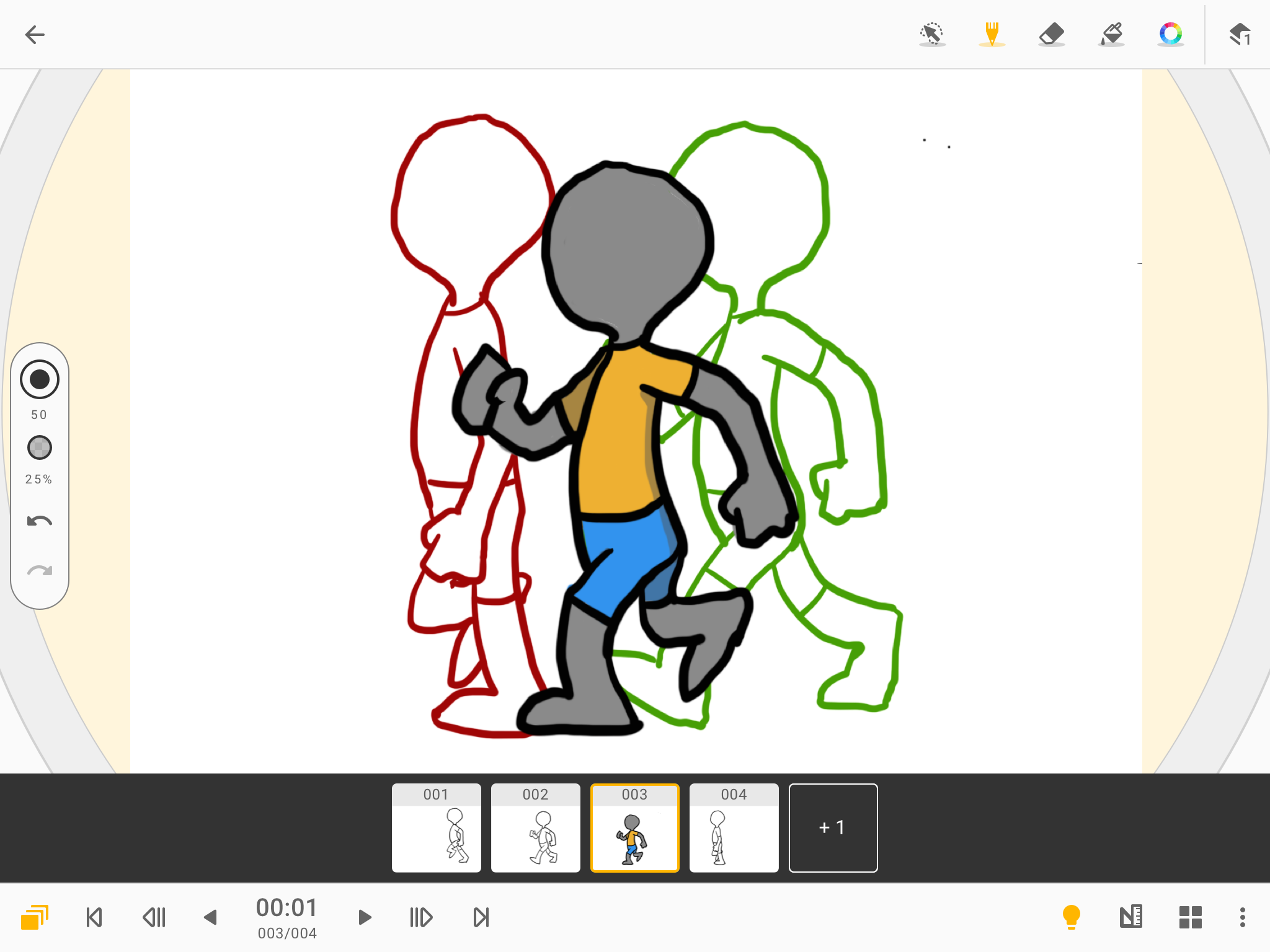
I am learning to animate and is going to be my profession. When I try to zoom in, it would be easier and more helpfull if I could rotate the screen. In the video it shows onion skin that is a feature that I really love but I can't use it in the actual app. And lastly, I can't use the info button appt of the time. Overall the app isn't preferable and isn't really useful to me.
Post a comment
To leave a comment, log in with your social network:
Or leave an anonymous comment. Your comment will be sent for moderation.
Post a comment
To leave a comment, log in with your social network:
Or leave an anonymous comment. Your comment will be sent for moderation.