



Android TV Launcher
25+
downloads5.0+
version Android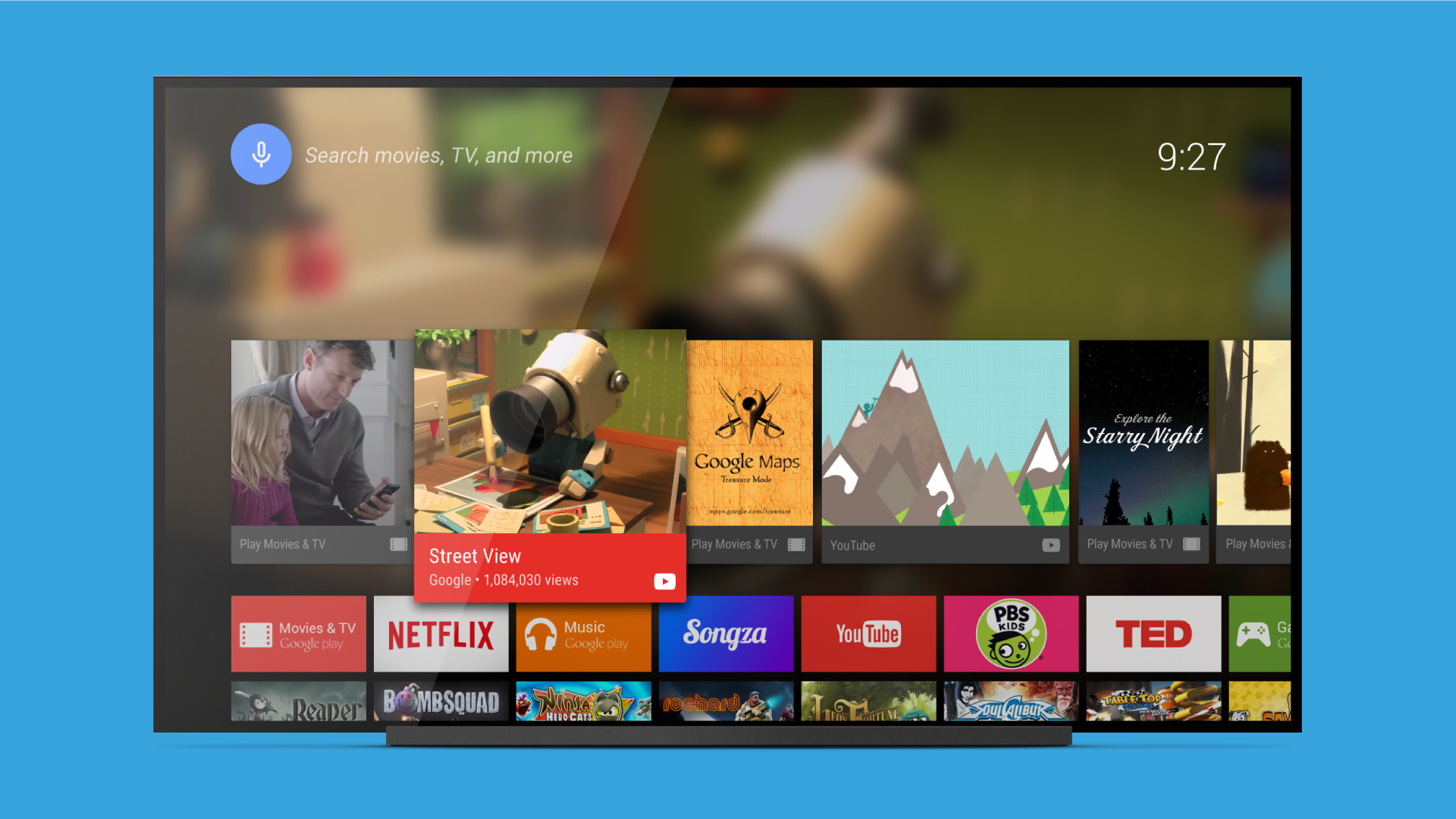
Added: Denis Rubinov
Version: 90.11.5-100-4440948
Size: 0.6 MB
Updated: 11.08.2022
Developer: Google LLC
Age Limitations: Everyone
Authorizations: 15
Downloaded on Google Play: 144102165
Category: Tools
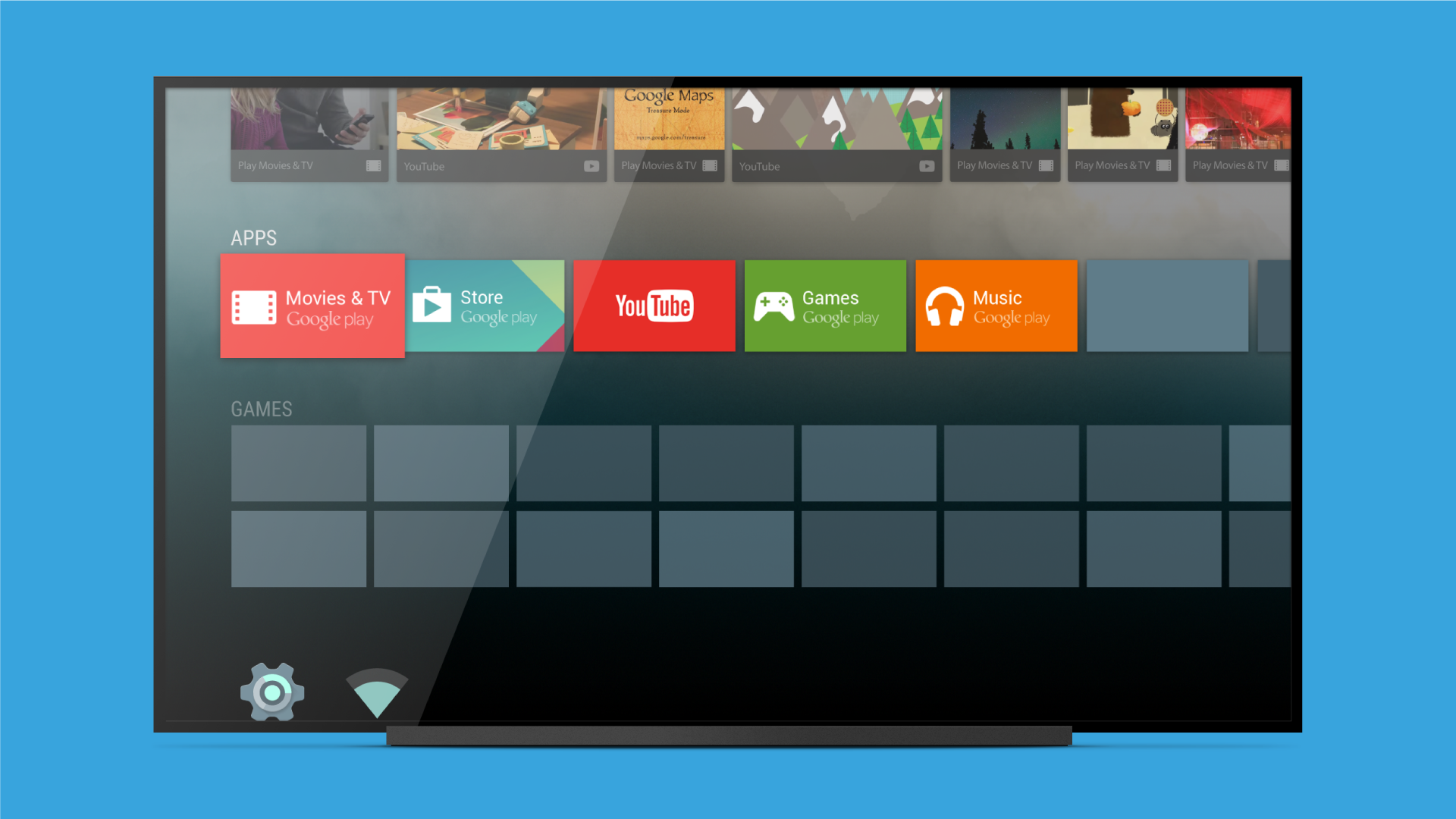
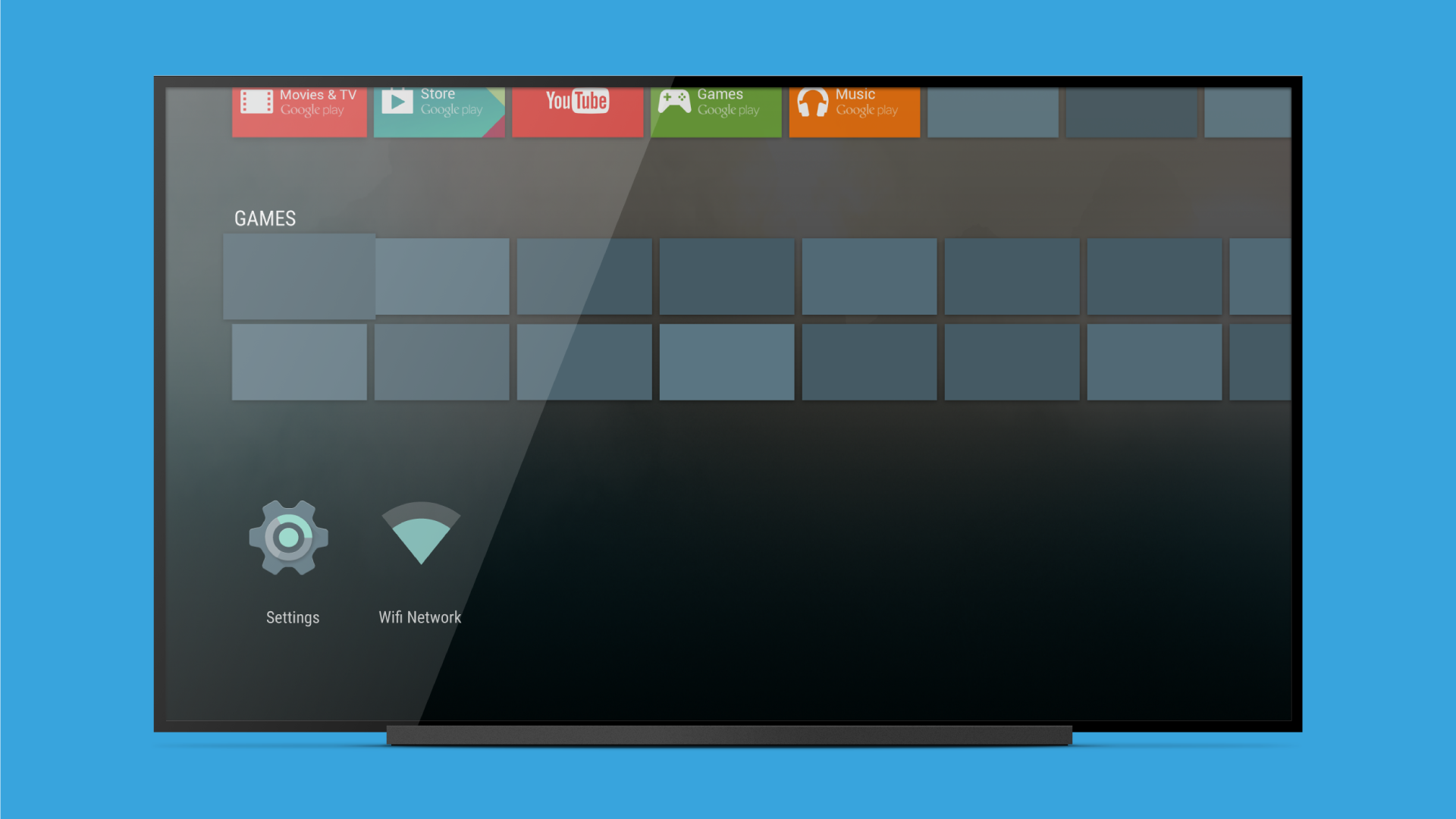
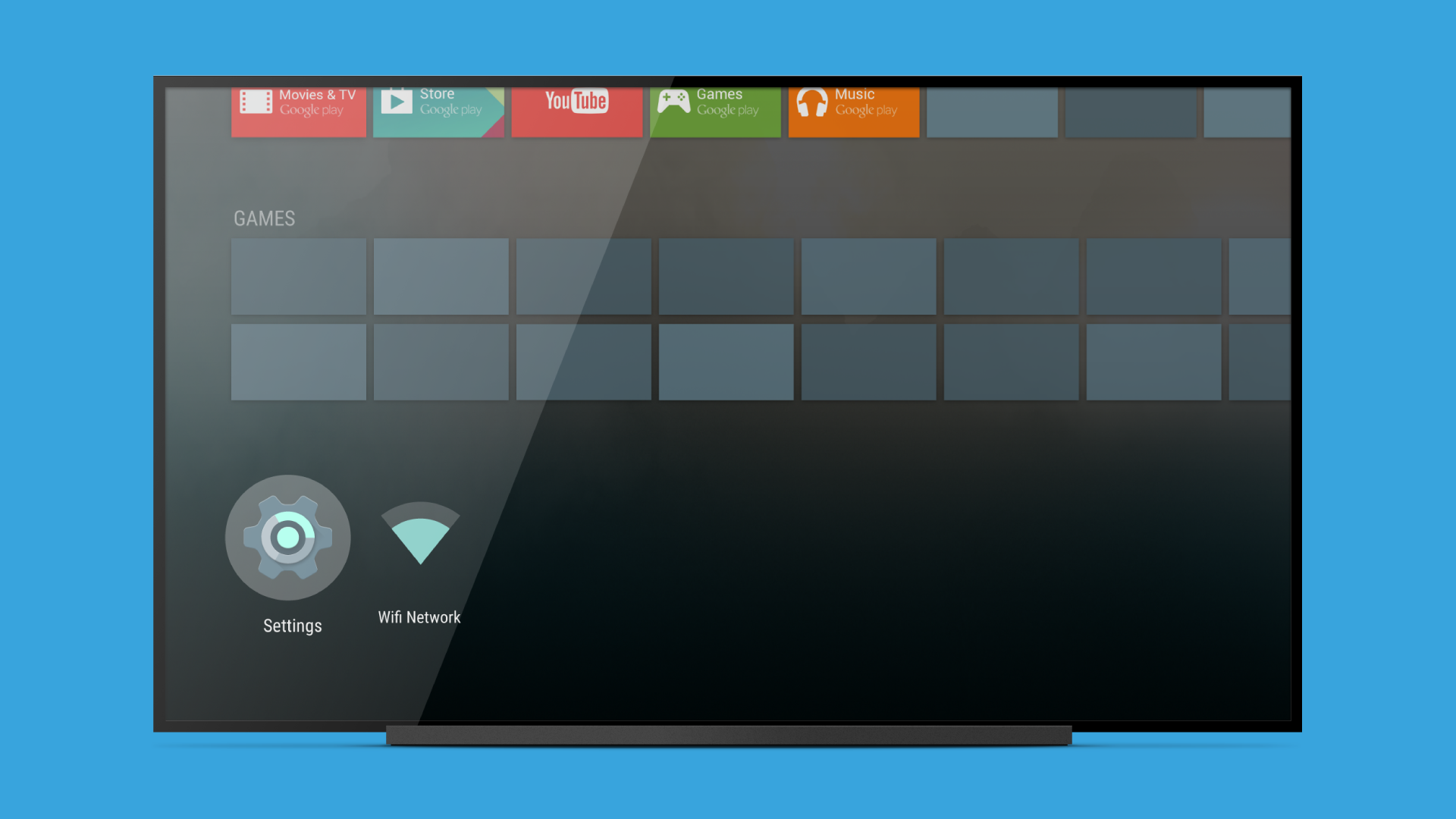
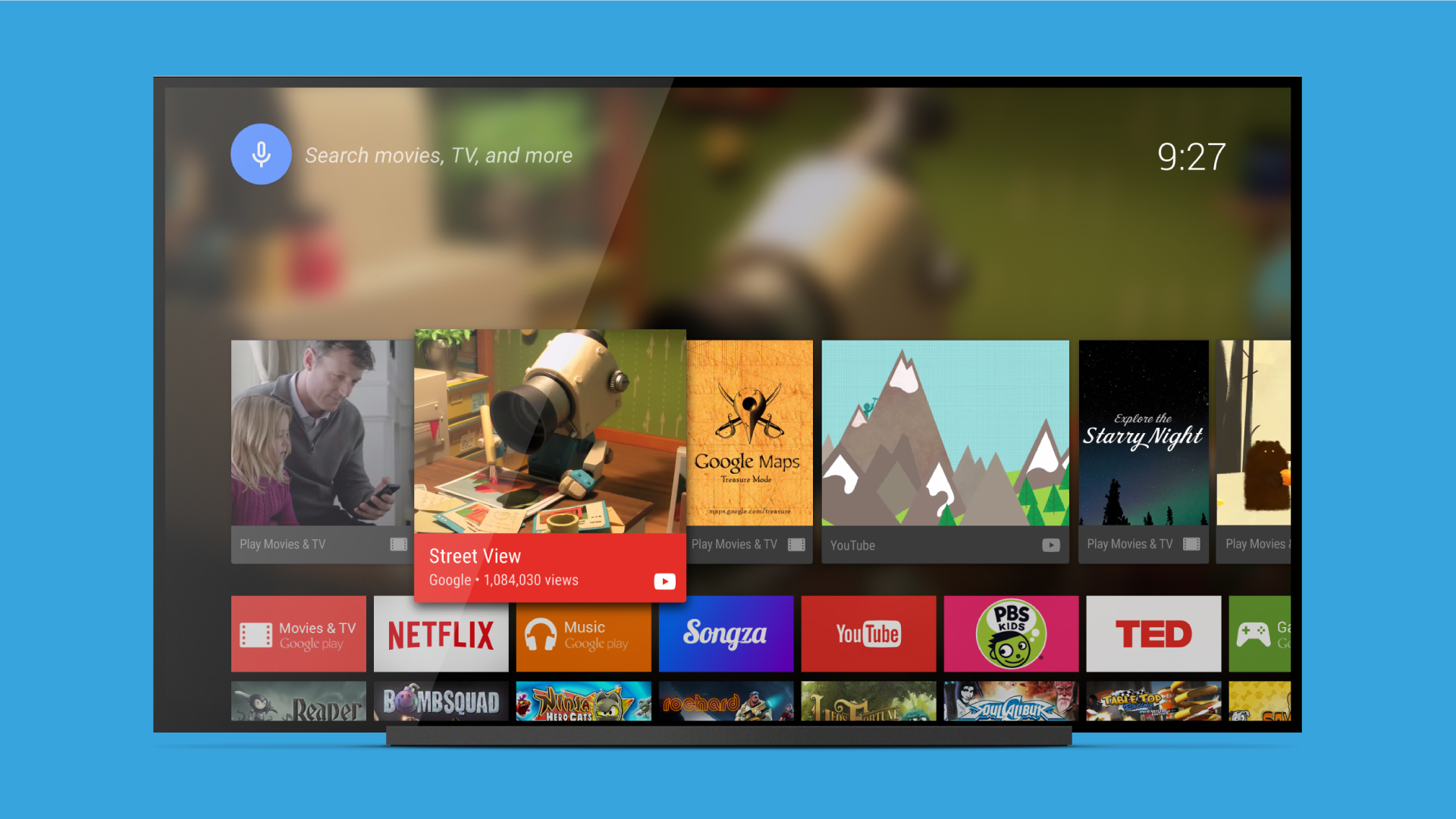
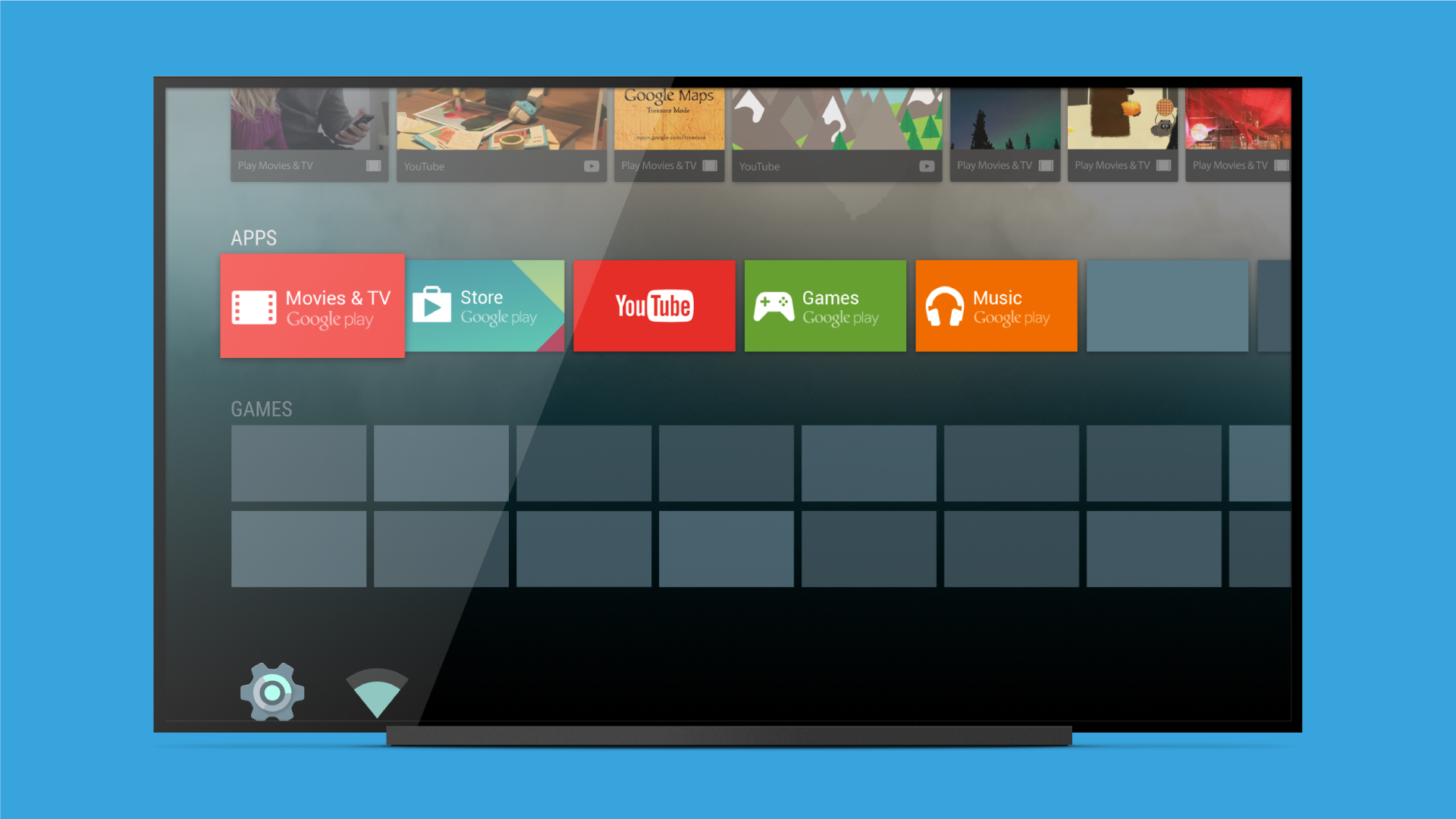
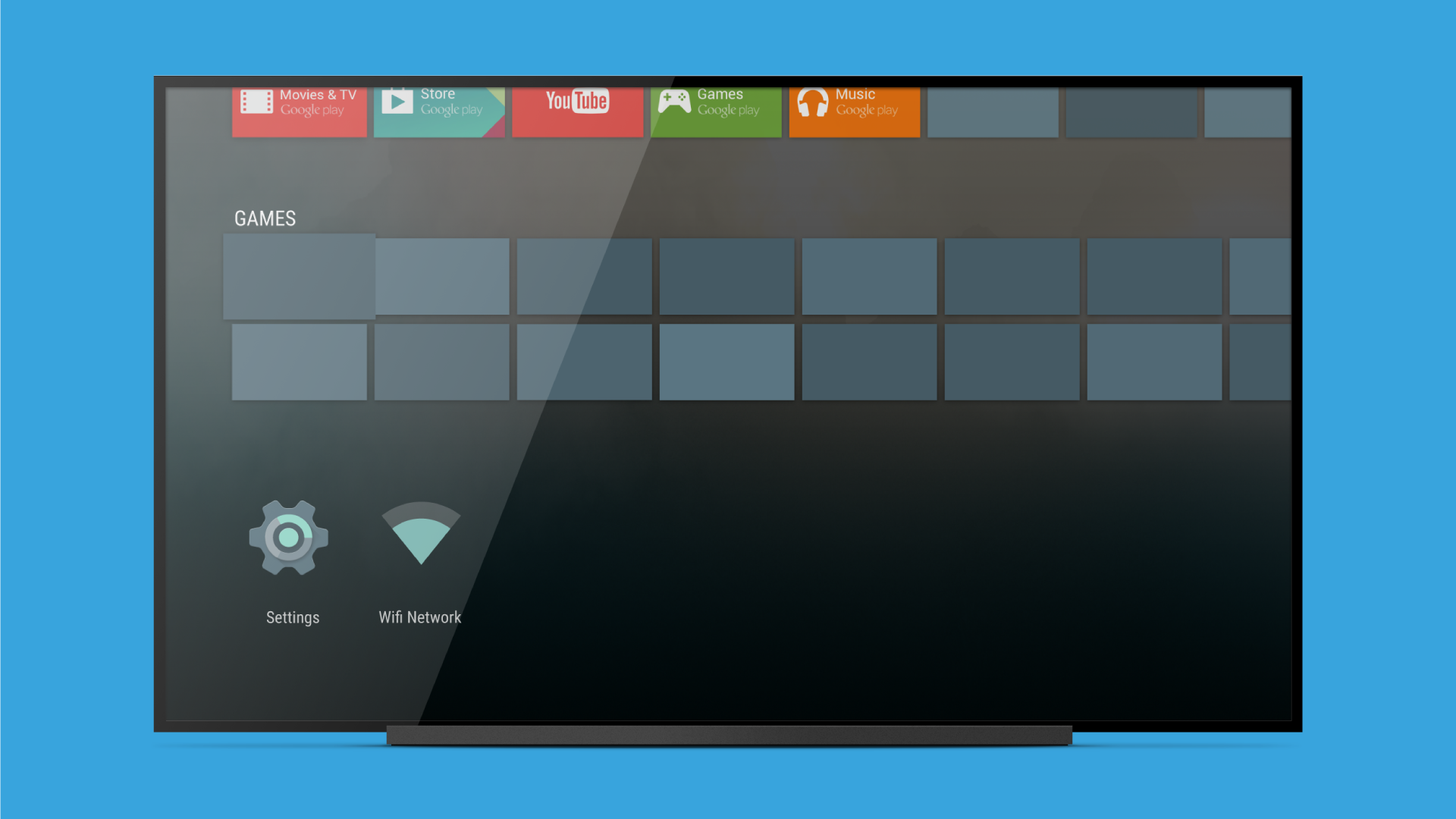
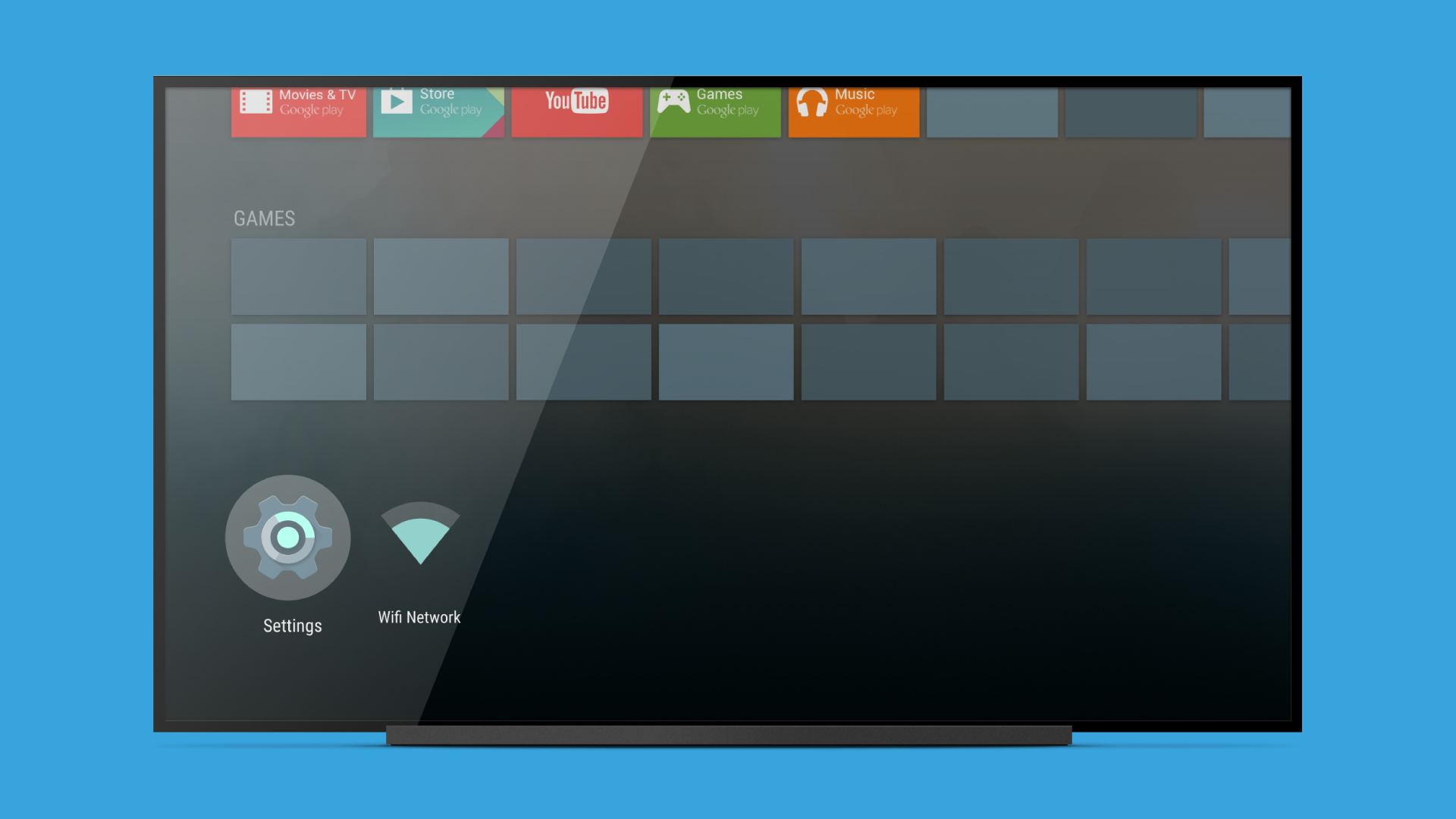
- The program is optimized for use on Android TV.
- Makes it easier to control your TV and installed software.
- Built-in search engine.
- Connect to popular streaming services.
Description
Application Android TV Launcher was checked by VirusTotal antivirus. As a result of the scan, no file infections were detected by all the latest signatures.
How to install Android TV Launcher
- Download APK file apps from apkshki.com.
- Locate the downloaded file. You can find it in the system tray or in the 'Download' folder using any file manager.
- If the file downloaded in .bin extension (WebView bug on Android 11), rename it to .apk using any file manager or try downloading the file with another browser like Chrome.
- Start the installation. Click on the downloaded file to start the installation
- Allow installation from unknown sources. If you are installing for the first time Android TV Launcher not from Google Play, go to your device's security settings and allow installation from unknown sources.
- Bypass Google Play protection. If Google Play protection blocks installation of the file, tap 'More Info' → 'Install anyway' → 'OK' to continue..
- Complete the installation: Follow the installer's instructions to complete the installation process.
How to update Android TV Launcher
- Download the new version apps from apkshki.com.
- Locate the downloaded file and click on it to start the installation.
- Install over the old version. There is no need to uninstall the previous version.
- Avoid signature conflicts. If the previous version was not downloaded from apkshki.com, the message 'Application not installed' may appear. In this case uninstall the old version and install the new one.
- Restart annex Android TV Launcher after the update.













Requesting an application update
Added Denis Rubinov
Version: 90.11.5-100-4440948
Size: 0.6 MB
Updated: 11.08.2022
Developer: Google LLC
Age Limitations: Everyone
Authorizations:
Downloaded on Google Play: 144102165
Category: Tools











Reviews for Android TV Launcher
O*
This launcher is super great, i loved it so much
Great
please upgrade my tcl software
l dropped Android launcher for Flauncher six months ago and I will never go back. Flauncher is clean. It has no bloat, no ads, and no annoying suggested watching. You control the Apps you want to see. Be more like Flauncher.
forced to use
very good idea
GREAT PER1IN-T_W_IR......
टीवी पर अपने अनुभव का वर्णन करें very good (वैकल्पिक)
last update 2017.... & yet I see 5 star reviews get with it
Bought a more expensive streaming device so I could enjoy an ad-free experience. Guess what? ADS. At least it's pretty easy to add new apps to the tv, but it's frustrating that I paid full price for a device and Google gets to keep profiting. I've been able to block the Ad sources, but the banner still advertises Google Play, Youtube, etc. Why can't it show me the content I own and care about?
Huge home screen ADS that CANNOT be disabled. Got the new NVIDIA Shield update and the entire experience has gone from great to awful in an instant. I had been super happy with them for years until last week, Google deployed a change to the home screen that introduced these huge obnoxious ads that cannot be disabled.
This is terrible. It was great until this week and then they pushed out some ugly update that has ads taking up an enormous part of the screen. The ads can't be moved or made smaller or anything. Time for a third party launcher.
Abysmal. You've ruined my NVidia Shield with this god-awful update. The ads are grotesque and overly prominent, there's a Discover tab that I'll never use and just gets in the way. On the Apps screen you see fewer apps because the top section is needlessly dedicated to the Play store. What were you thinking? No option to remove, no option to customise? This is a disgusting, greedy update that ruins the user experience and sticks two-fingers up to everyone who bought one of these machines.
You know what you did. I've spend hundreds of dollars on my device. I pay every month for multiple subscription services. I didn't do this to get ads on my TV every time I turn it on. Kodi or something next time. You've lost my trust. I'm sideloading another launcher in the mean time.
Post a comment
To leave a comment, log in with your social network:
Or leave an anonymous comment. Your comment will be sent for moderation.
Post a comment
To leave a comment, log in with your social network:
Or leave an anonymous comment. Your comment will be sent for moderation.