




Added: Denis Rubinov
Version: 3.82.1645
Size: 34.9 MB
Updated: 24.06.2025
Developer: Windscribe
Age Limitations: Everyone
Authorizations: 15
Downloaded on Google Play: 22910961
Category: Tools
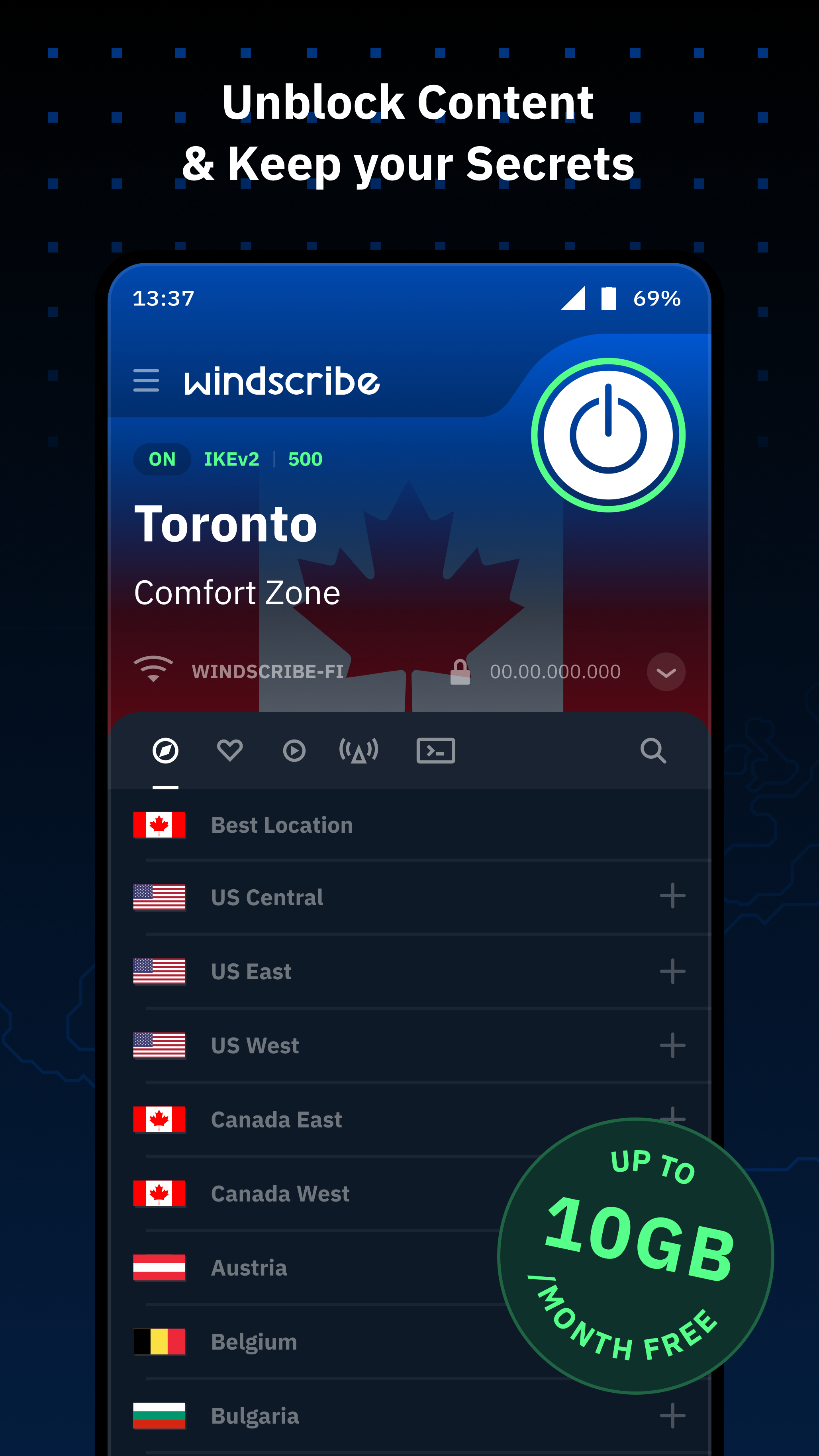
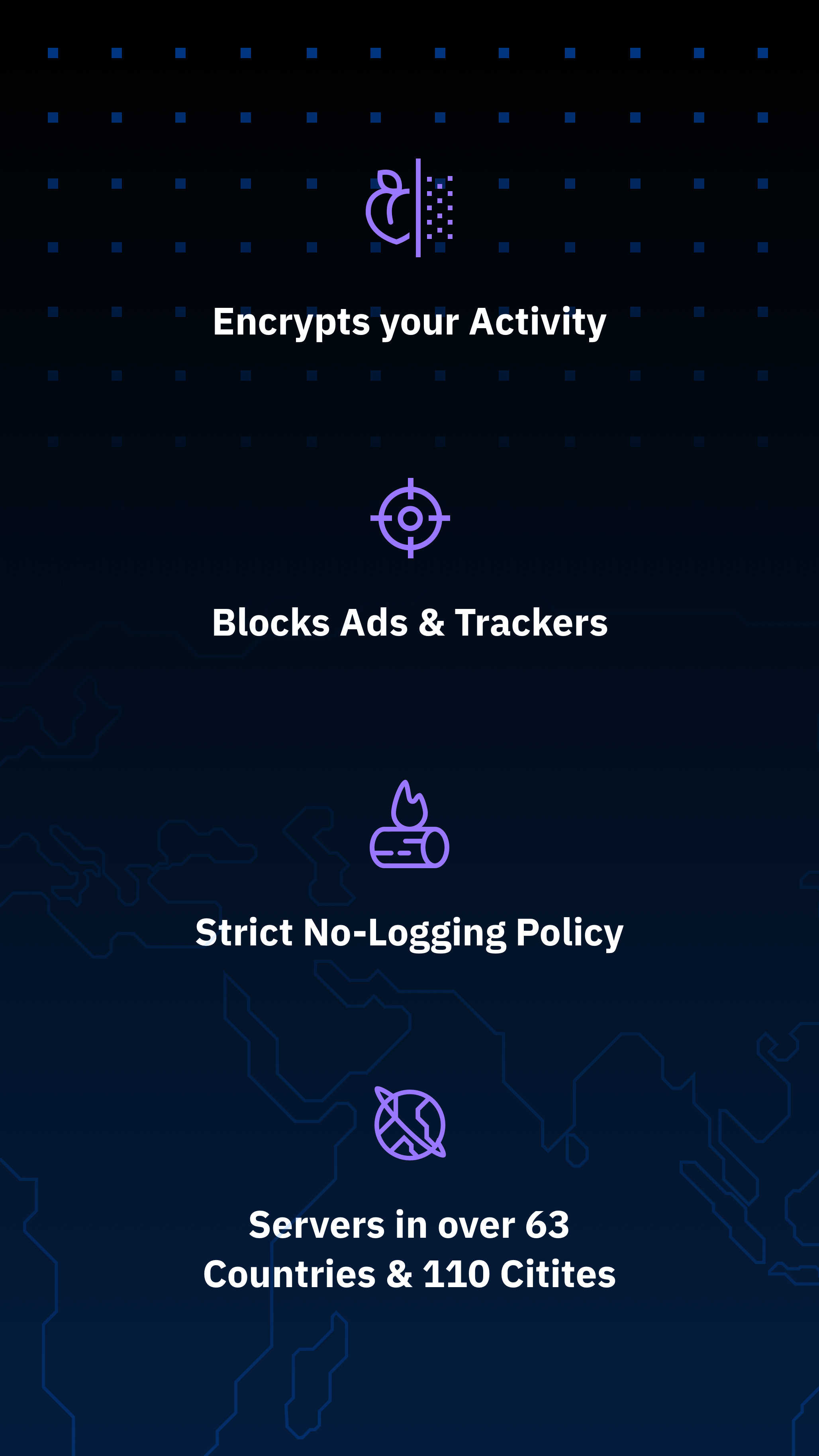
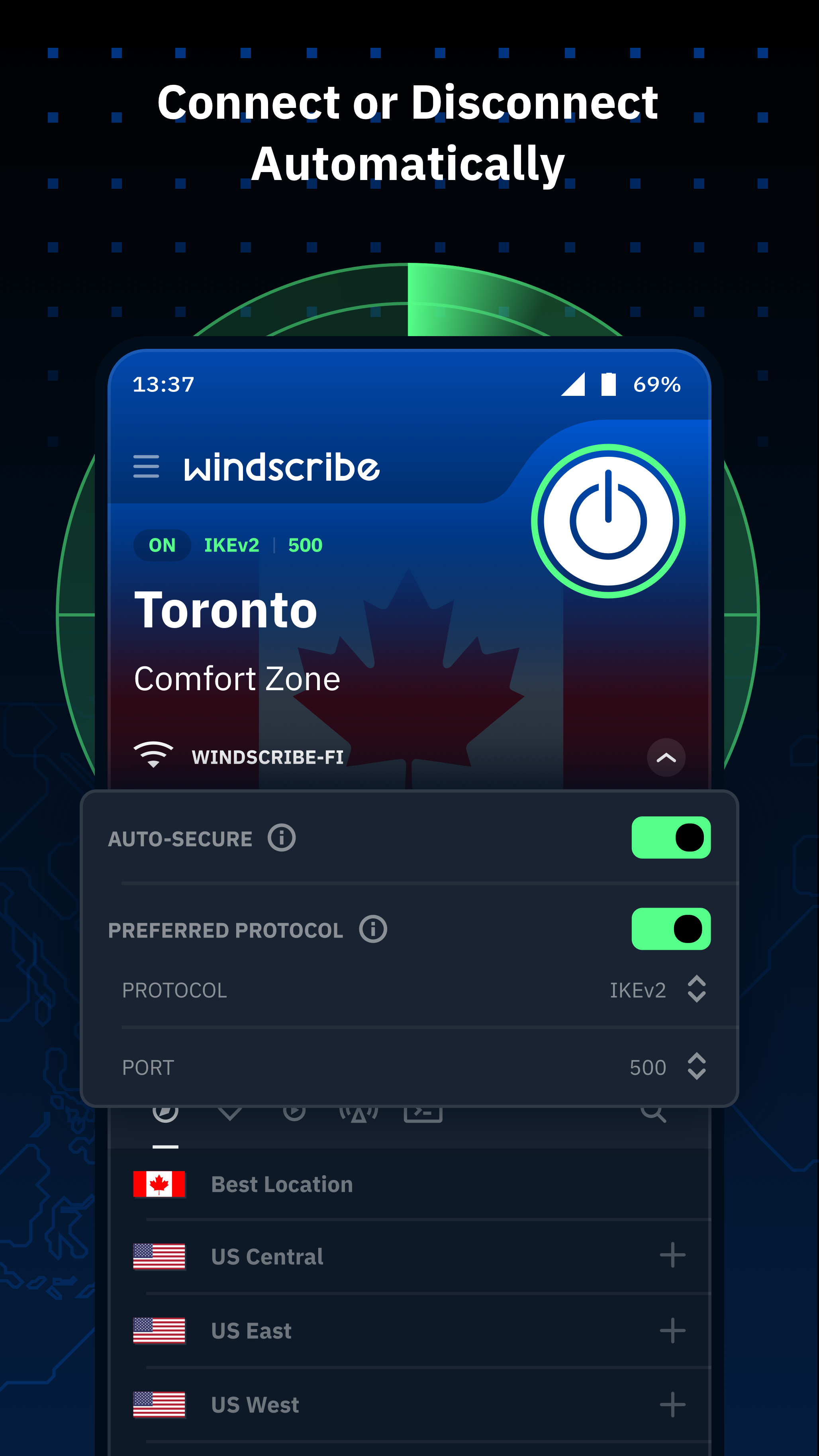
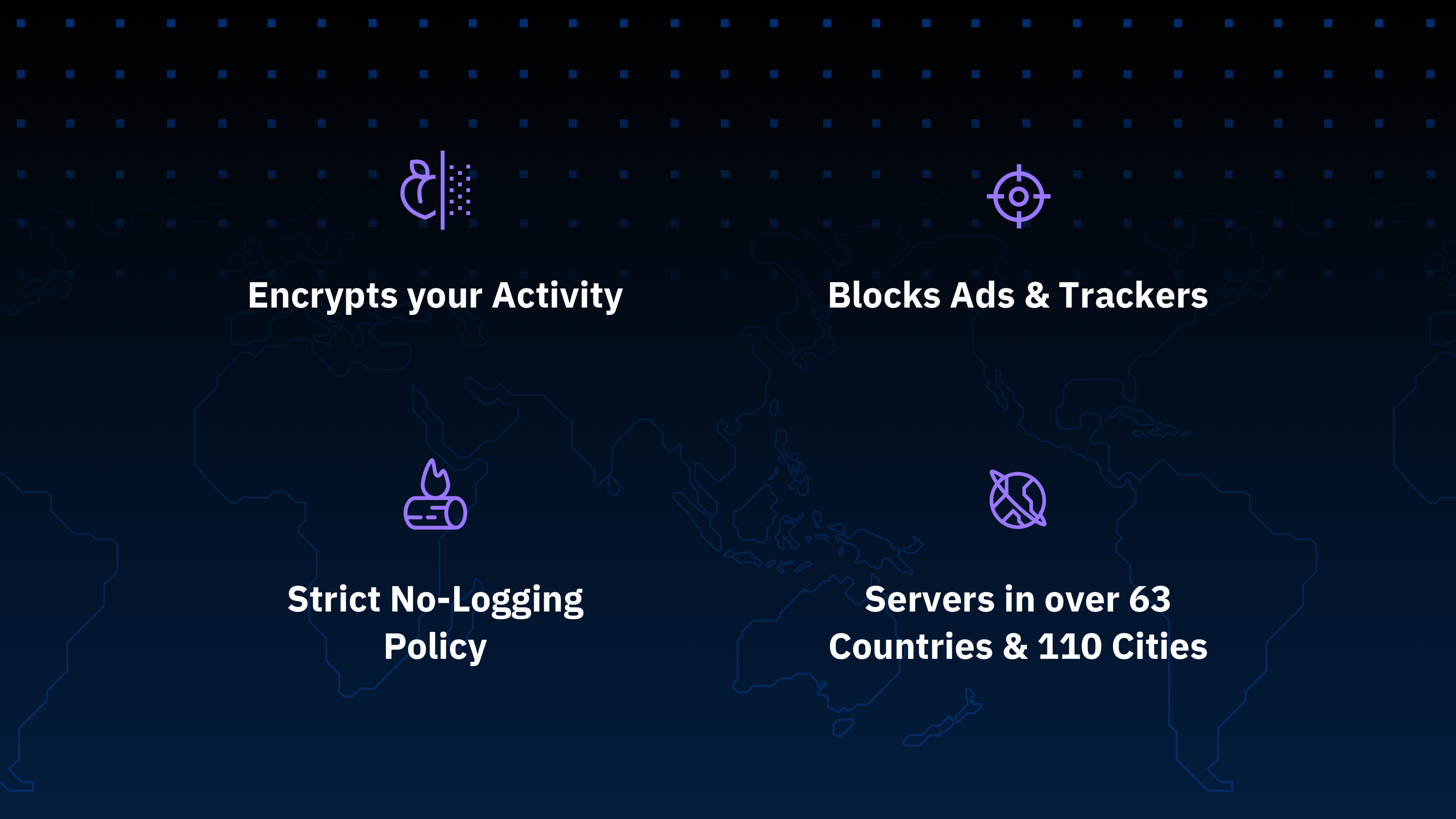
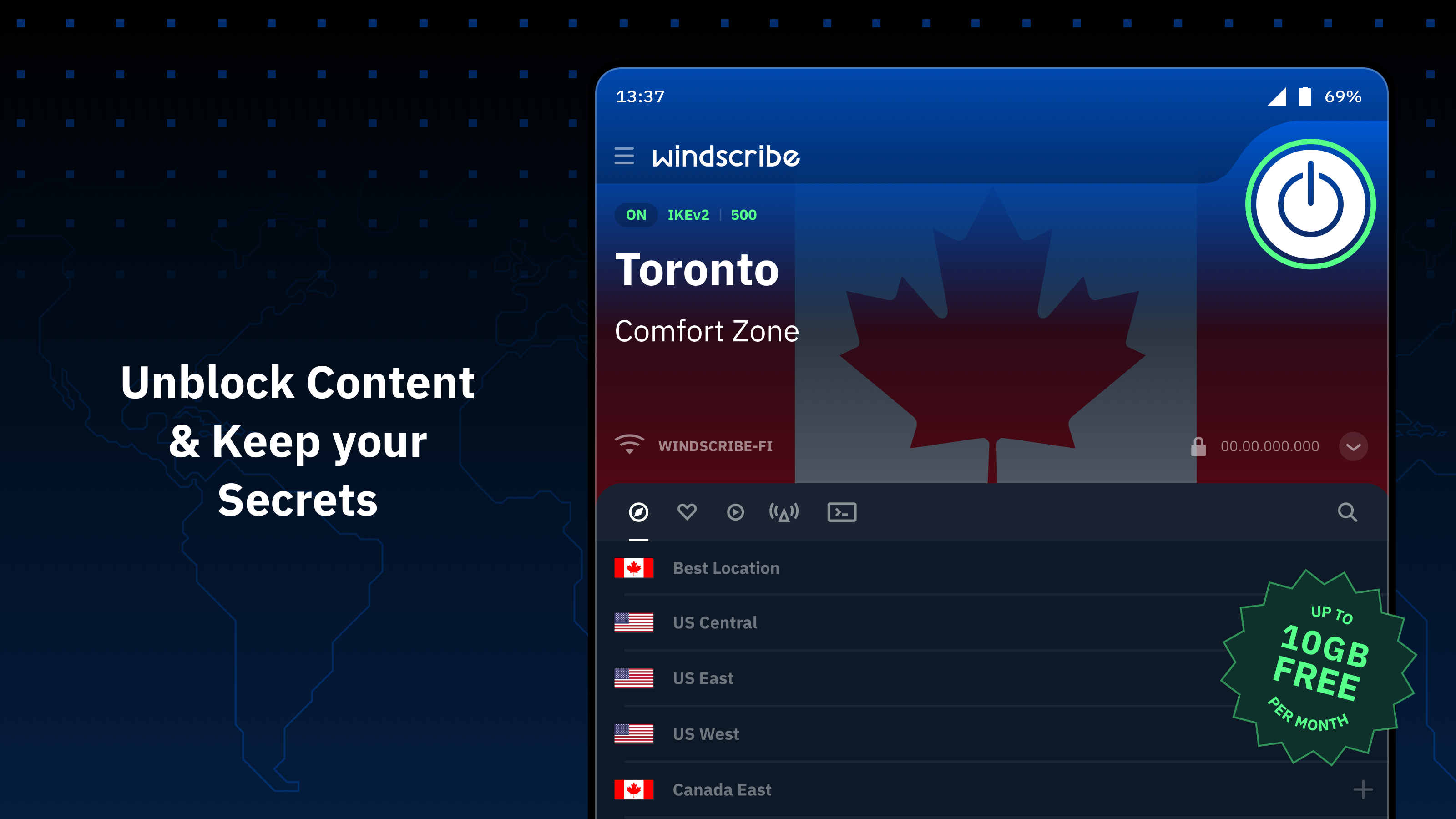
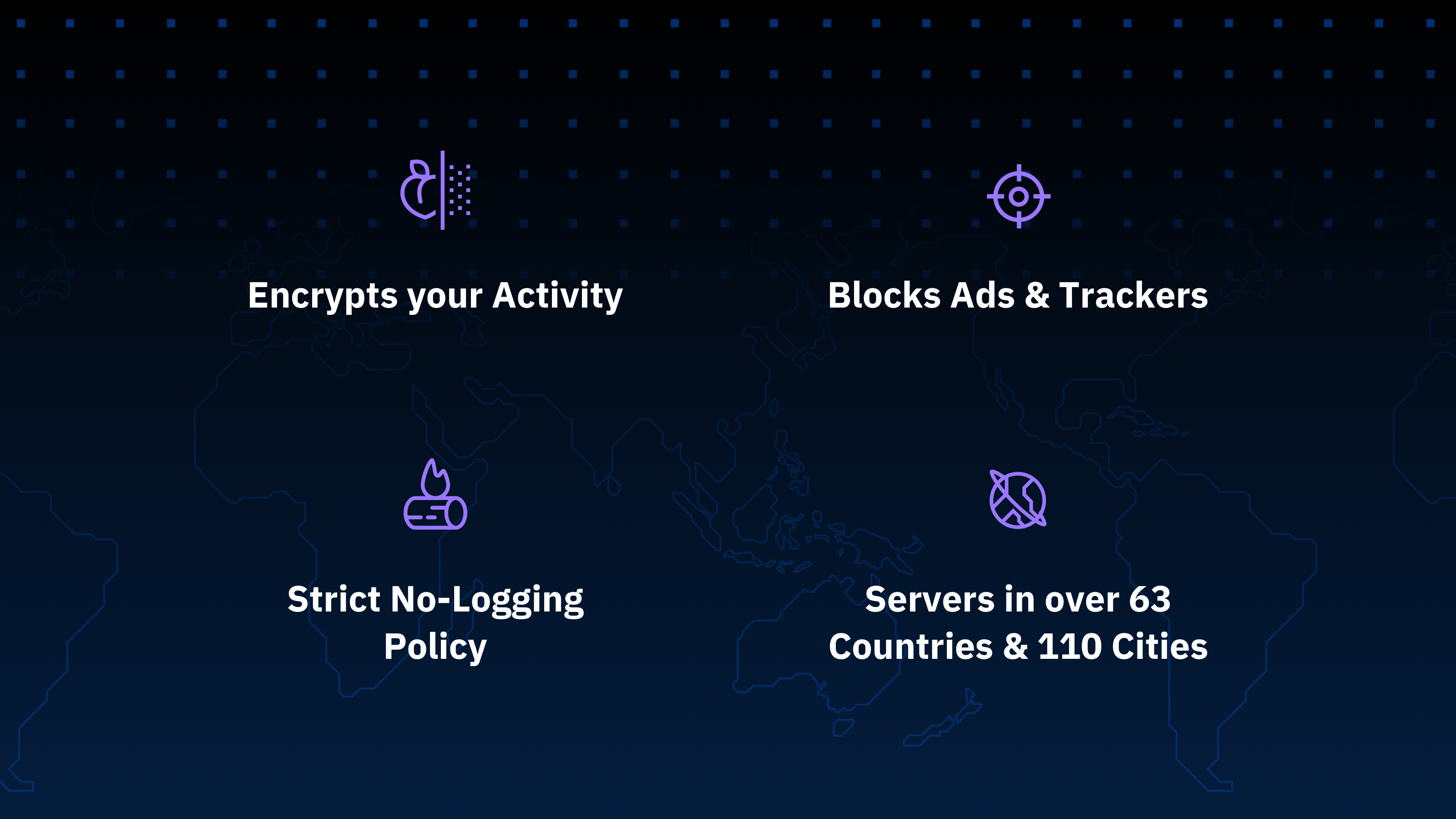
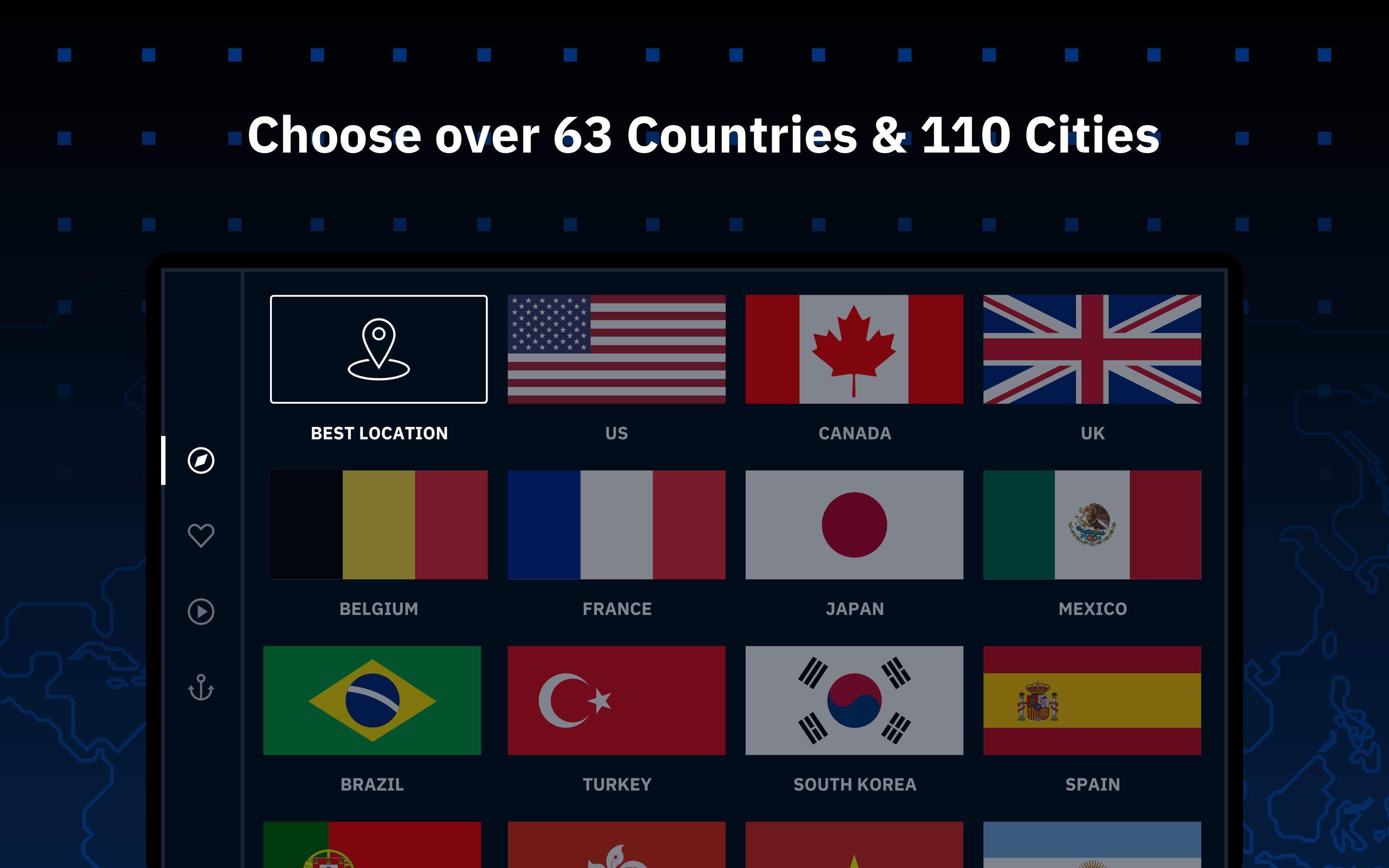
- A large number of servers around the world.
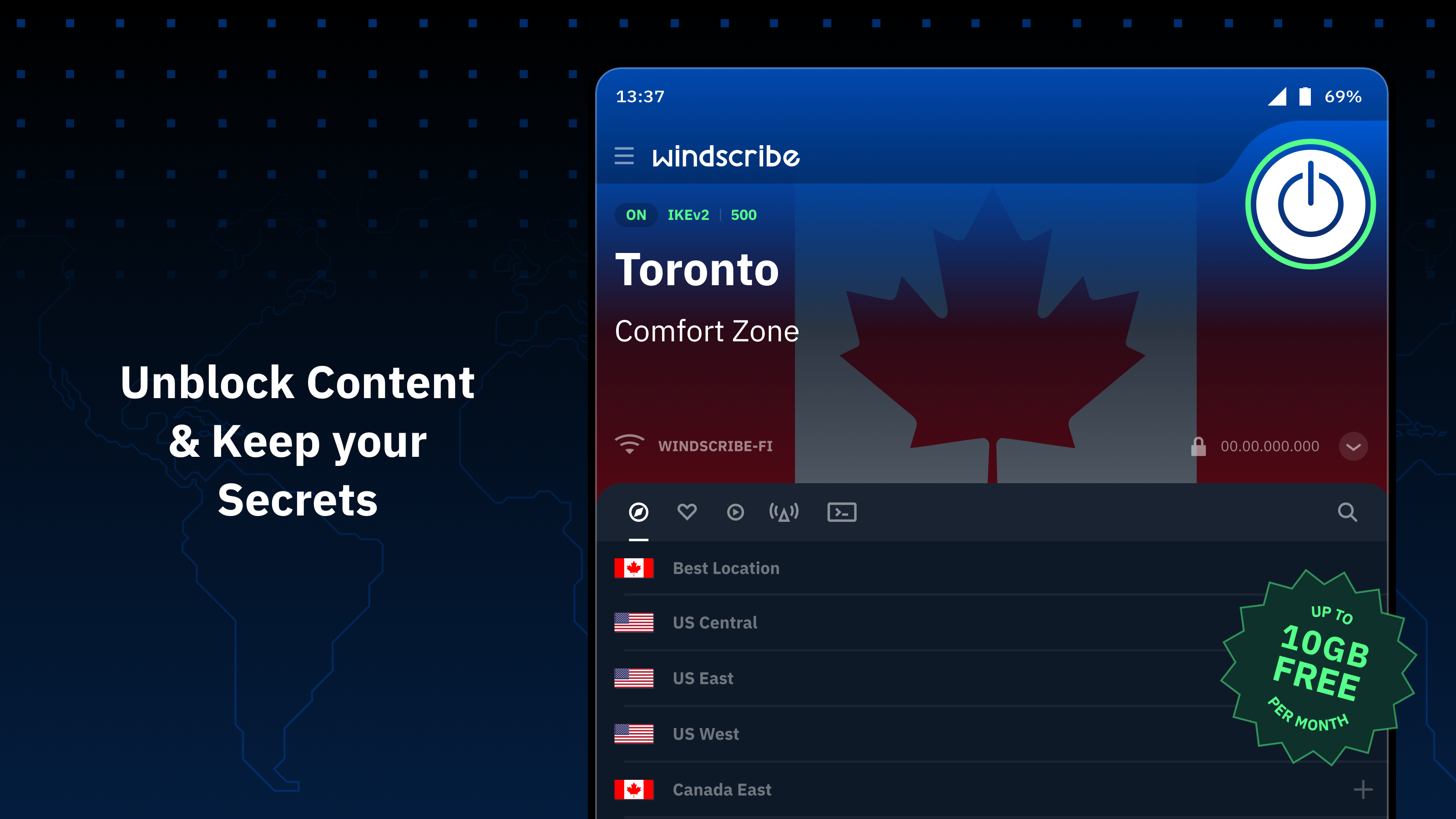
- Free to use.
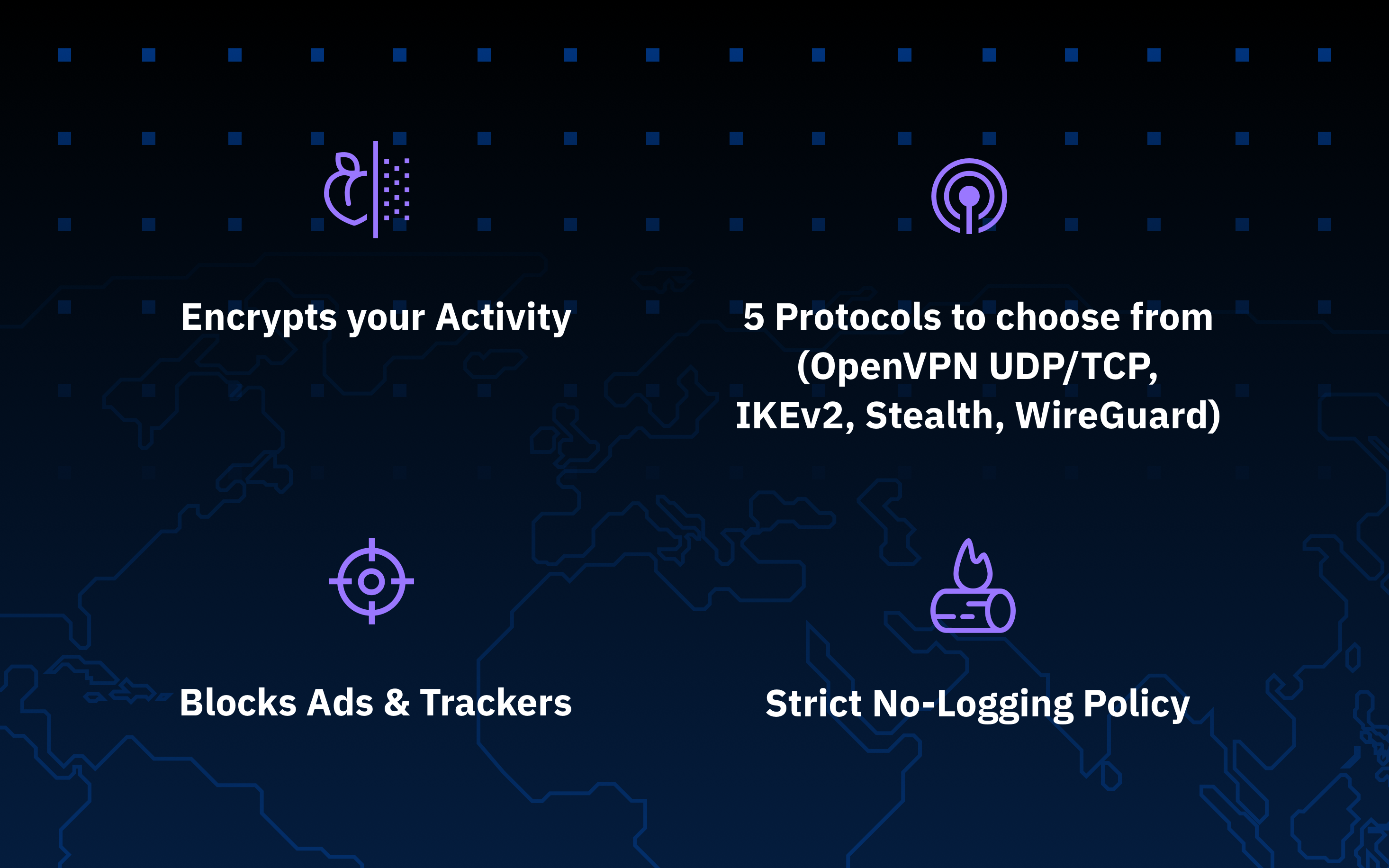
- Strong data encryption.
- Lack of logs.
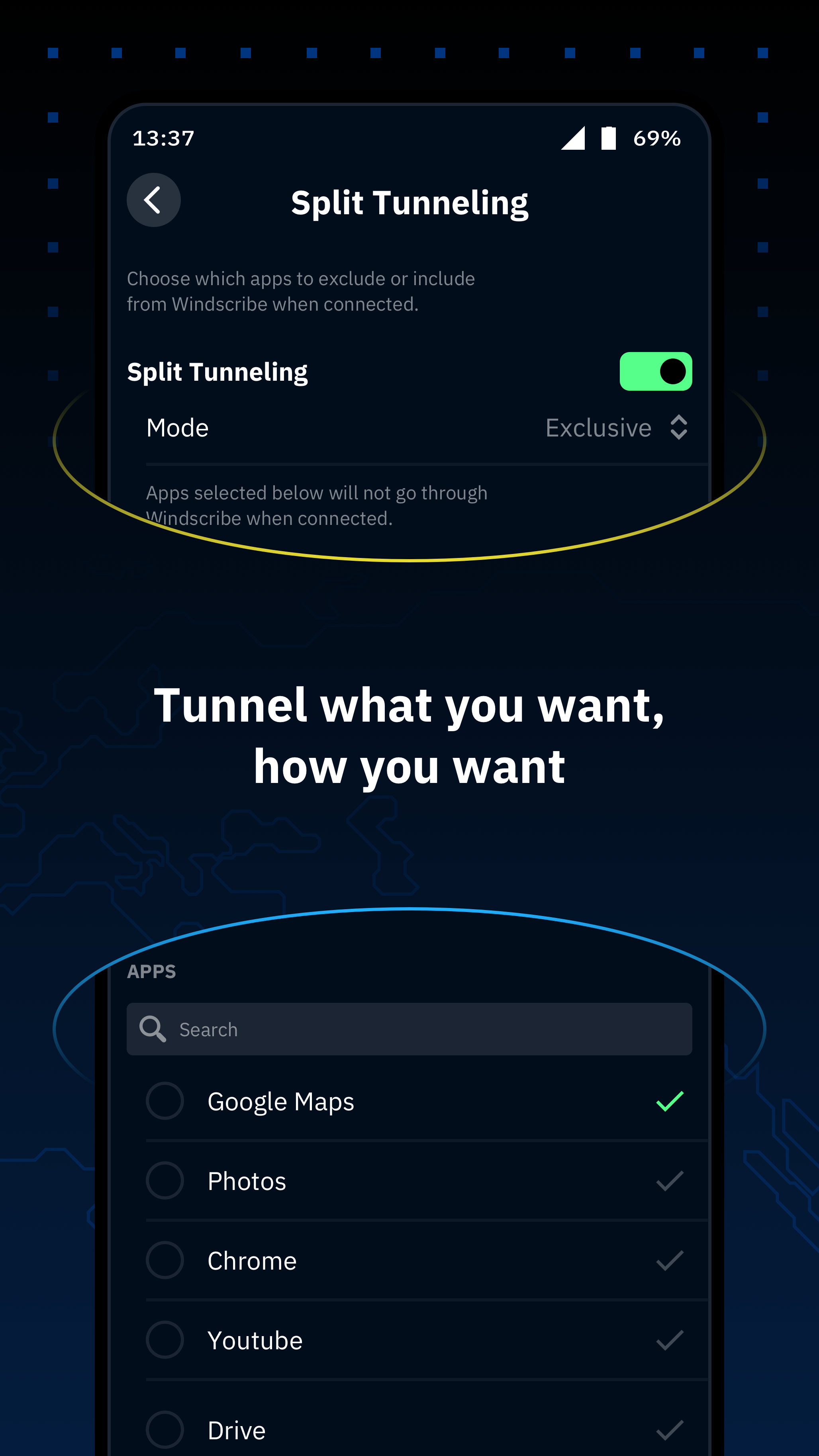
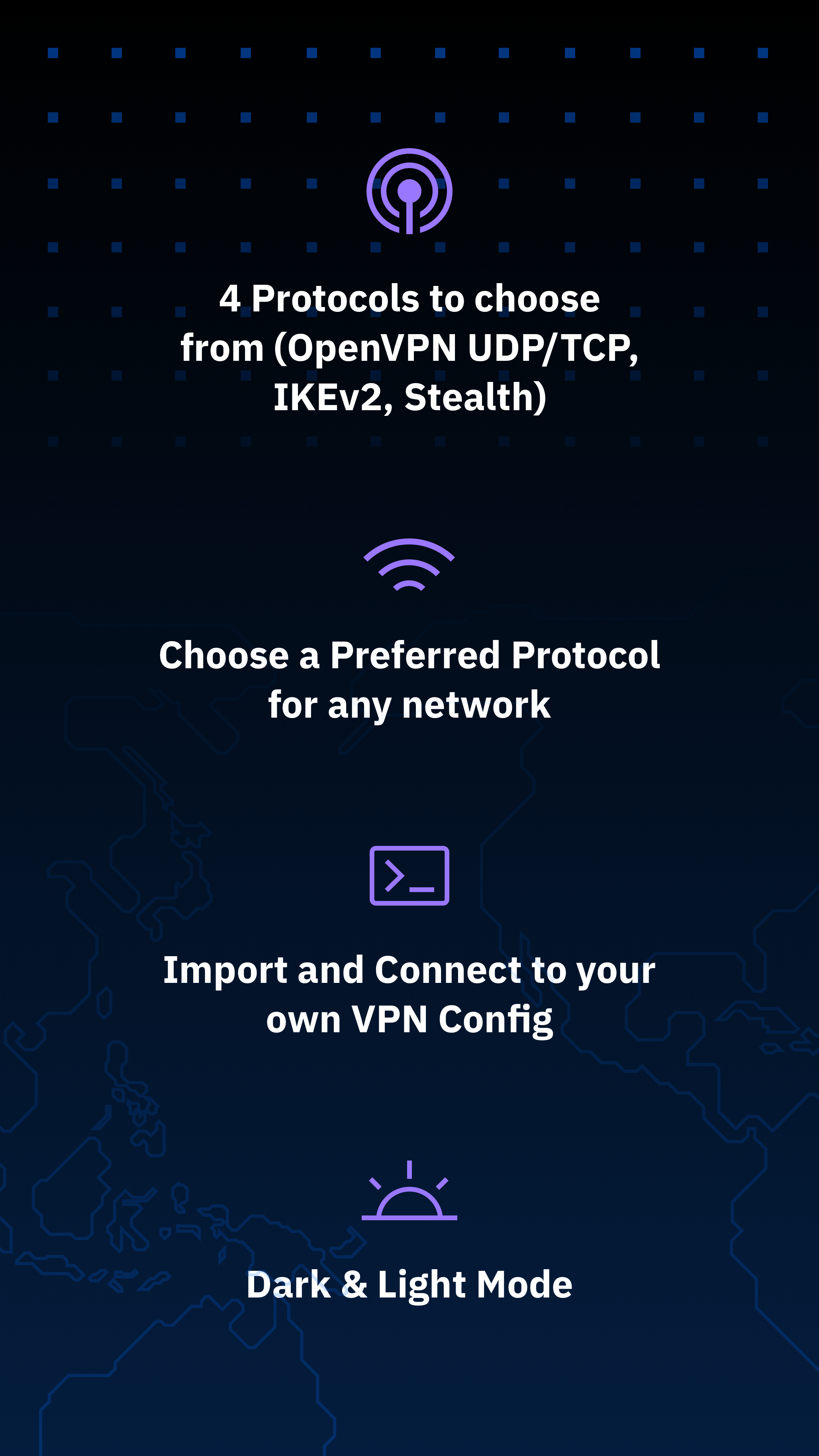
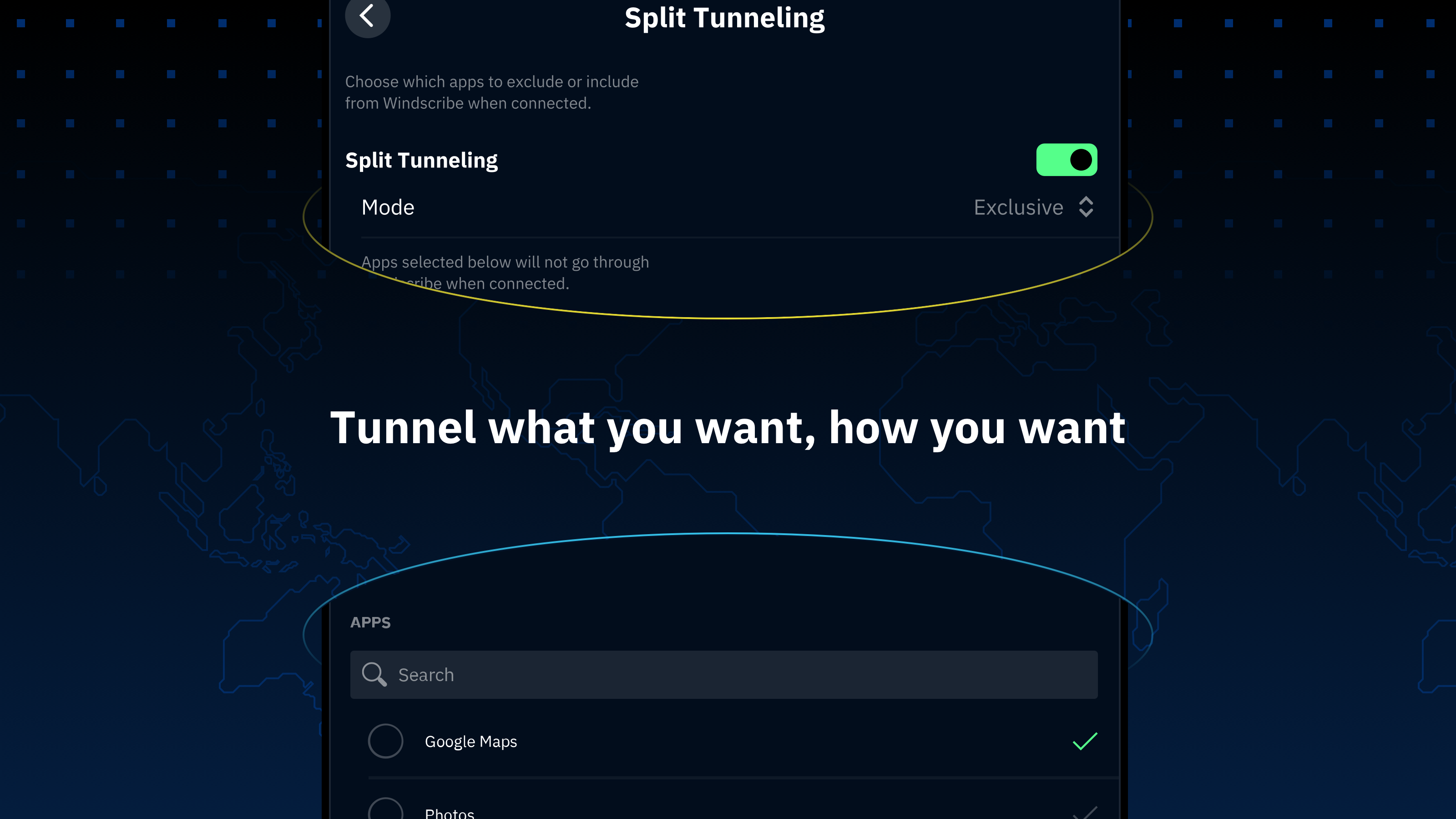
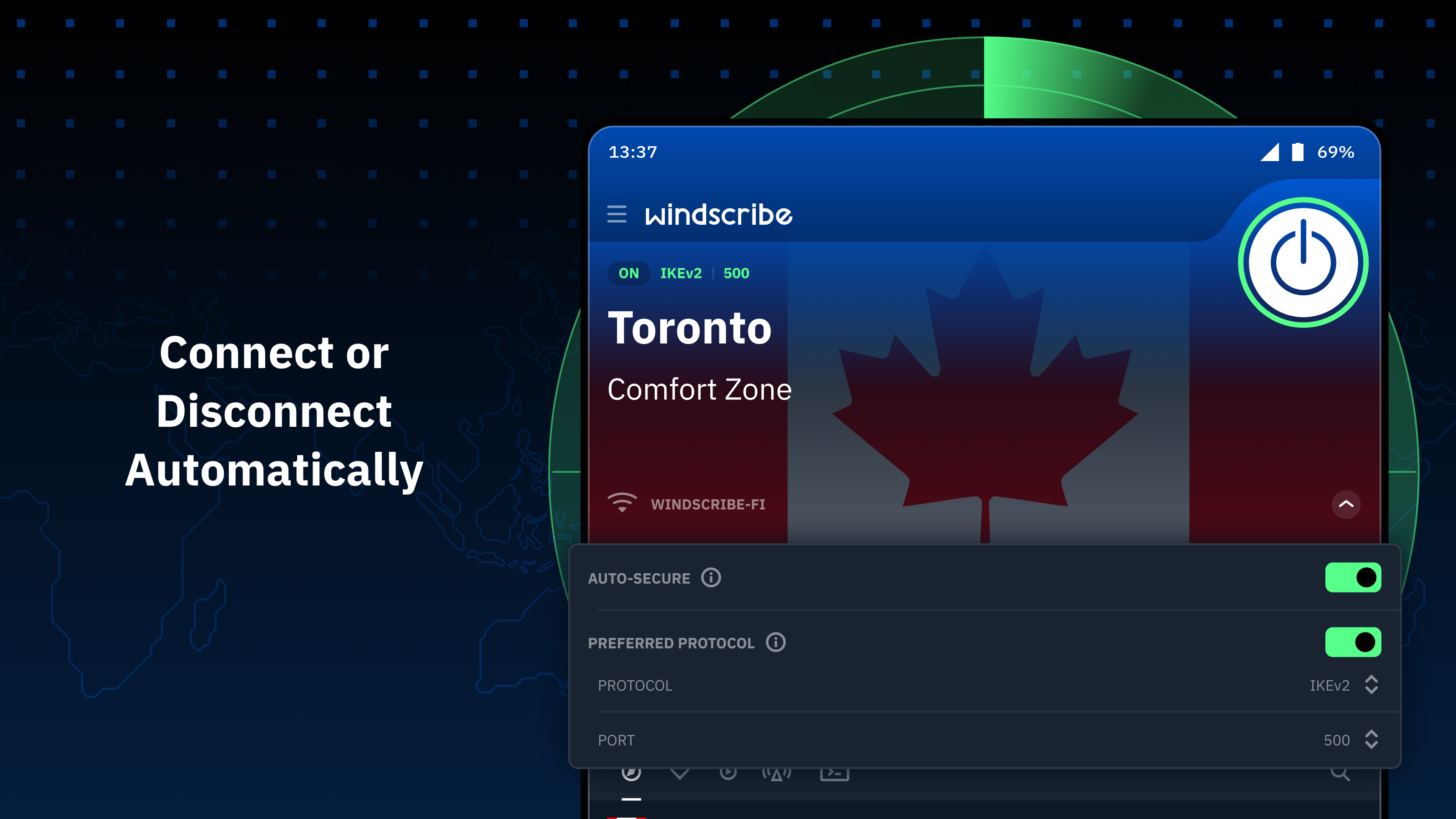
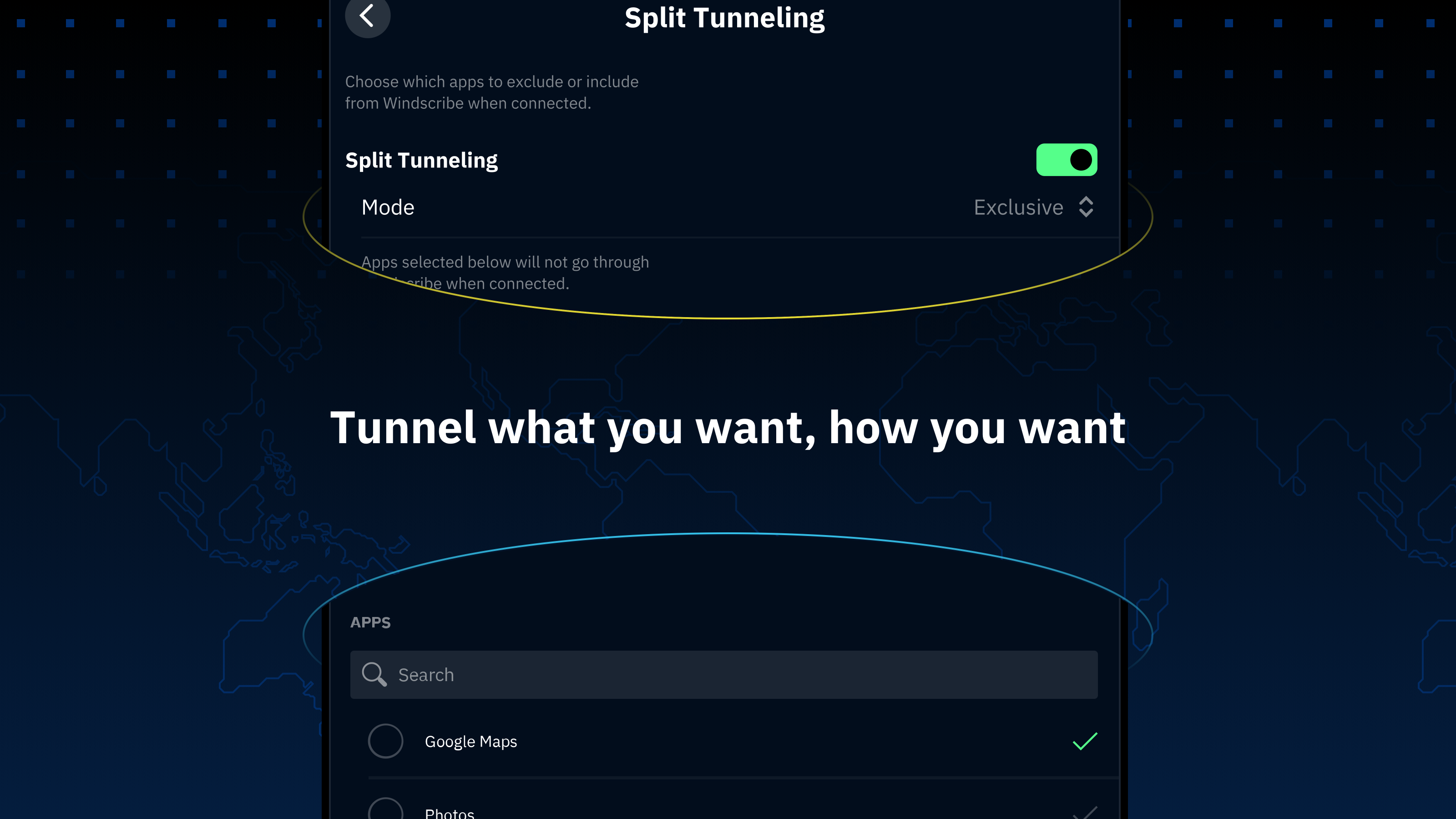
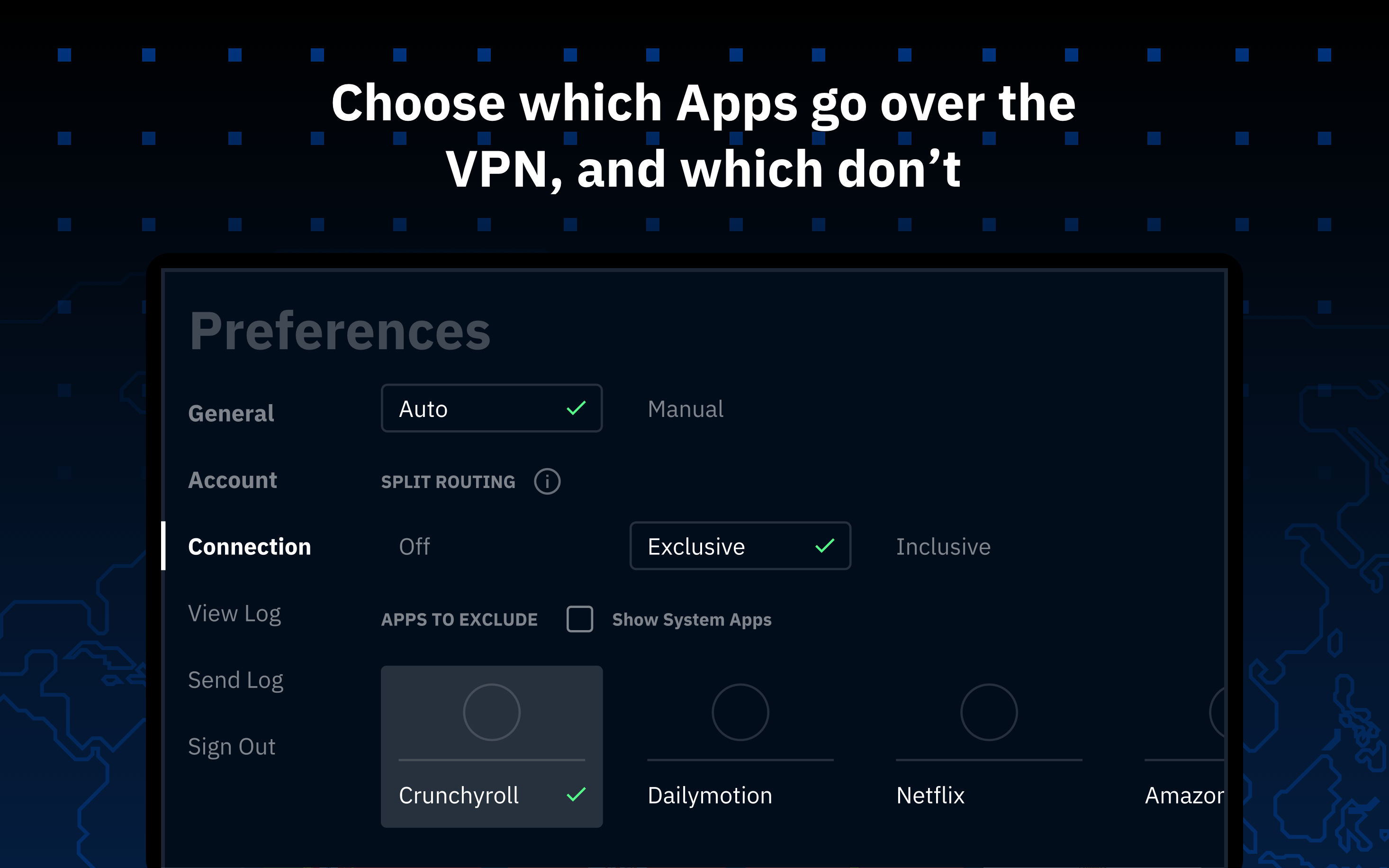
- Select applications that will bypass VPN.
Description
Application Windscribe VPN was checked by VirusTotal antivirus. As a result of the scan, no file infections were detected by all the latest signatures.
How to install Windscribe VPN
- Download APK file apps from apkshki.com.
- Locate the downloaded file. You can find it in the system tray or in the 'Download' folder using any file manager.
- If the file downloaded in .bin extension (WebView bug on Android 11), rename it to .apk using any file manager or try downloading the file with another browser like Chrome.
- Start the installation. Click on the downloaded file to start the installation
- Allow installation from unknown sources. If you are installing for the first time Windscribe VPN not from Google Play, go to your device's security settings and allow installation from unknown sources.
- Bypass Google Play protection. If Google Play protection blocks installation of the file, tap 'More Info' → 'Install anyway' → 'OK' to continue..
- Complete the installation: Follow the installer's instructions to complete the installation process.
How to update Windscribe VPN
- Download the new version apps from apkshki.com.
- Locate the downloaded file and click on it to start the installation.
- Install over the old version. There is no need to uninstall the previous version.
- Avoid signature conflicts. If the previous version was not downloaded from apkshki.com, the message 'Application not installed' may appear. In this case uninstall the old version and install the new one.
- Restart annex Windscribe VPN after the update.








Requesting an application update
Added Denis Rubinov
Version: 3.82.1645
Size: 34.9 MB
Updated: 24.06.2025
Developer: Windscribe
Age Limitations: Everyone
Authorizations:
Downloaded on Google Play: 22910961
Category: Tools












Reviews for Windscribe VPN
very cool
nice and very easy app👌👌
this is the best you can get right now in my opinion it's the best protection on the market in my opinion, thank you windscribe for being great
reliable
Good
Good app
very good👍
useless
great for uk tv
very good 💯
Edit: changed the ports to a suggested configuration with the help of someone on Reddit. seems to connect now. will change my rating once ive noticed consistent performance. thanks. --- Terrible. I am using this on my Samsung Note 8, just upgraded to Pie. anytime i try and connect to a server i get stuck at "Connectivity Test..." and "Adding Routes..." then it fails. I've tried reinstalling the app, clearing caches, and rebooted the phone. happens on wifi or mobile data connection.
I like this app a lot. Sometimes it takes awhile to connect but that is not their fault as my router needs to be replaced. However it always connects. I like the ability to pick where I want it to connect. I sometimes connect in foreign countries on purpose. Most of the time I just let the app pick the best connection.
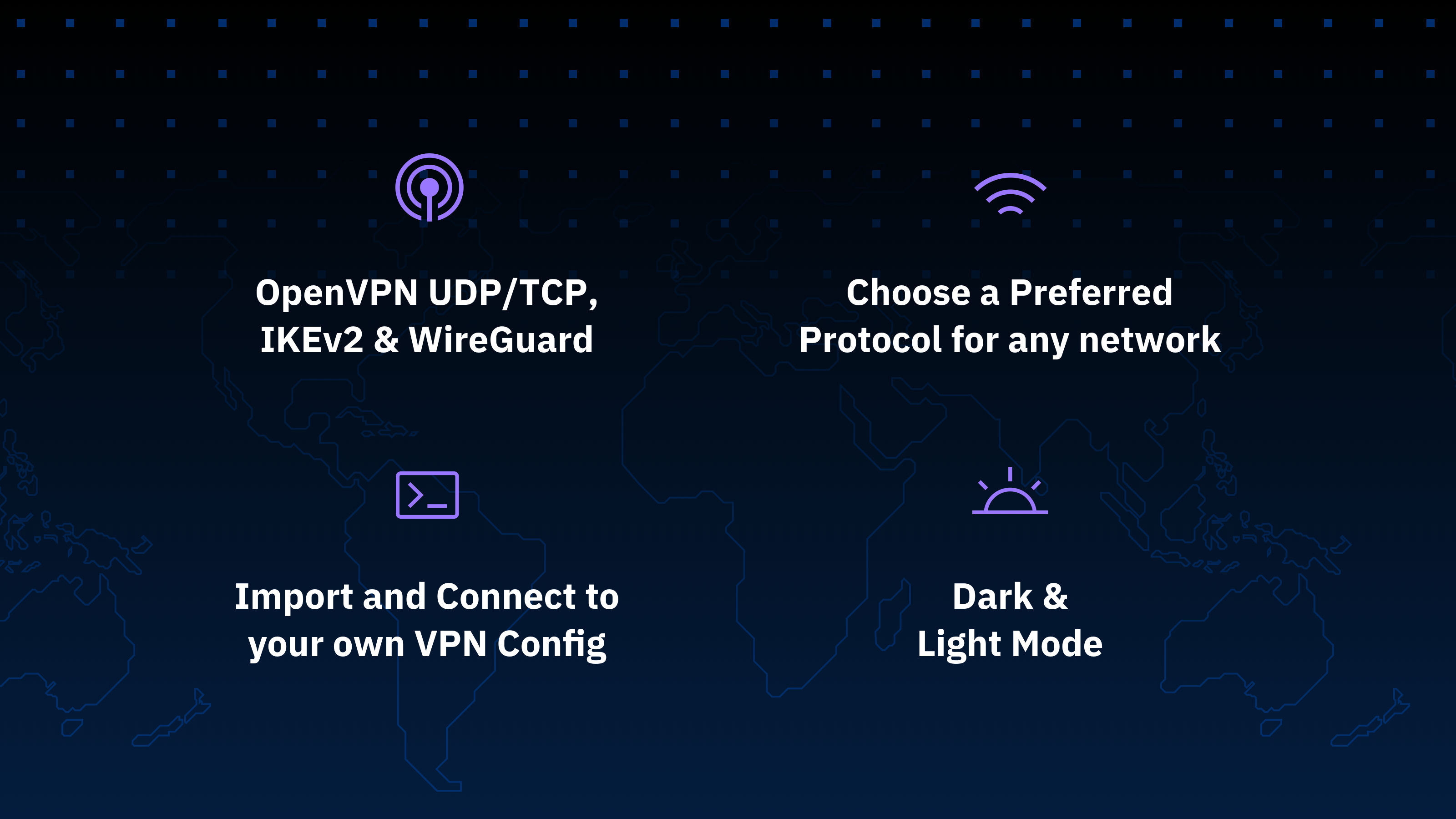
Works great for me on my mobile device especially with all the updates since I first started using it in 2018. Lots of configuration options available. The features for ad blocking, allowing LAN traffic, and split tunneling are really nice. Bandwidth is good as far as my needs go.
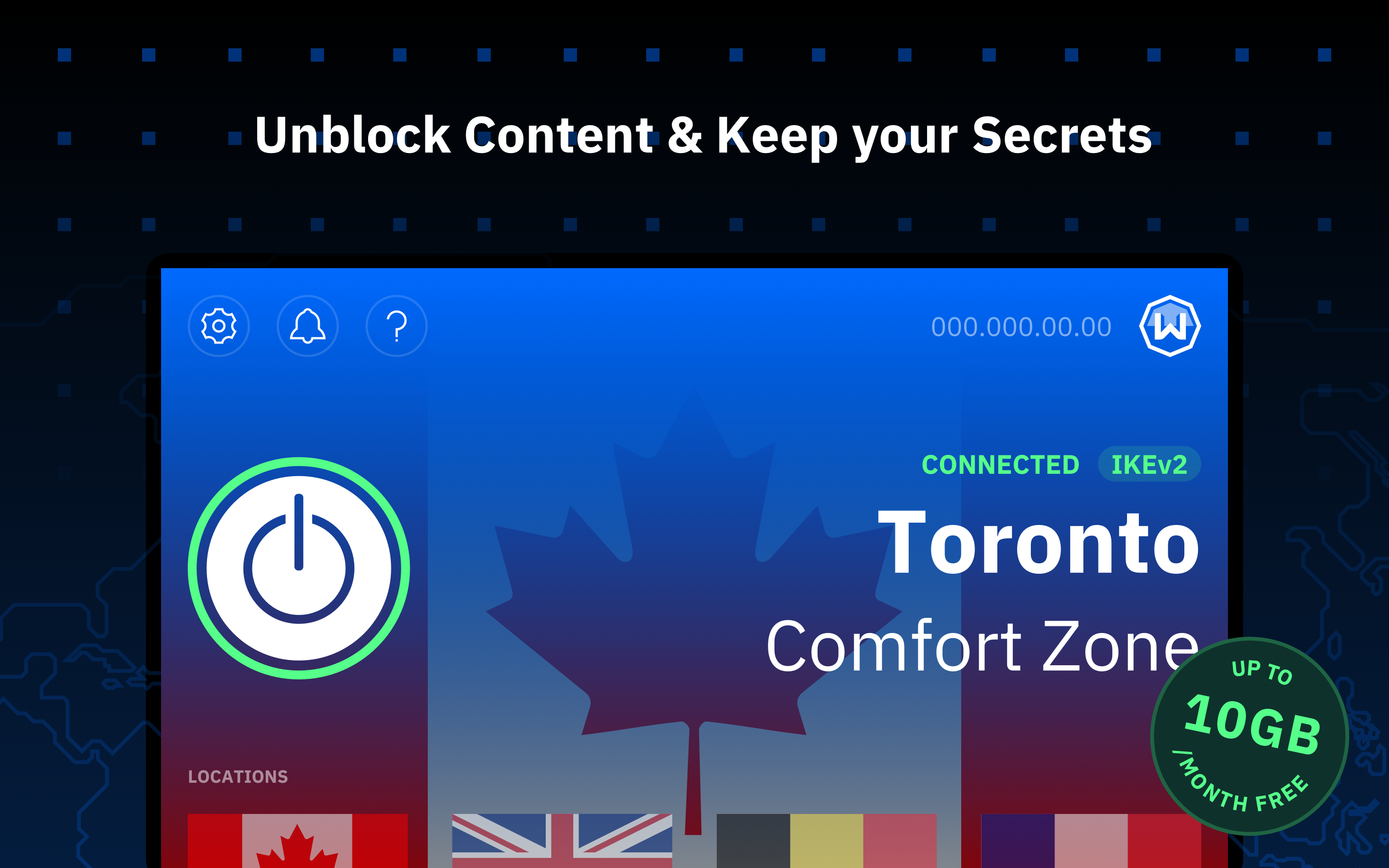
Don't listen to the other reviews, they don't know what they are doing. This has completely eliminated any restrictions by my school and work, and I can access all my apps just fine. This is the best VPN that is free, since you can get 10 GBs a month or a small payment for unlimited data. Great job Windscribe!
experience on my LG phone is flawless. Even without pro the servers and connection speed is great. the reason for 3 * review is because when I try to run the app on my android tv box, even though it takes forever, it will connect. but as soon as i start running any streaming app it kicks me off the app due to windscribe disconnect. am i missing something?
Post a comment
To leave a comment, log in with your social network:
Or leave an anonymous comment. Your comment will be sent for moderation.
Post a comment
To leave a comment, log in with your social network:
Or leave an anonymous comment. Your comment will be sent for moderation.