


Parallel Space - 64Bit Support
489+
downloads5.0+
version Android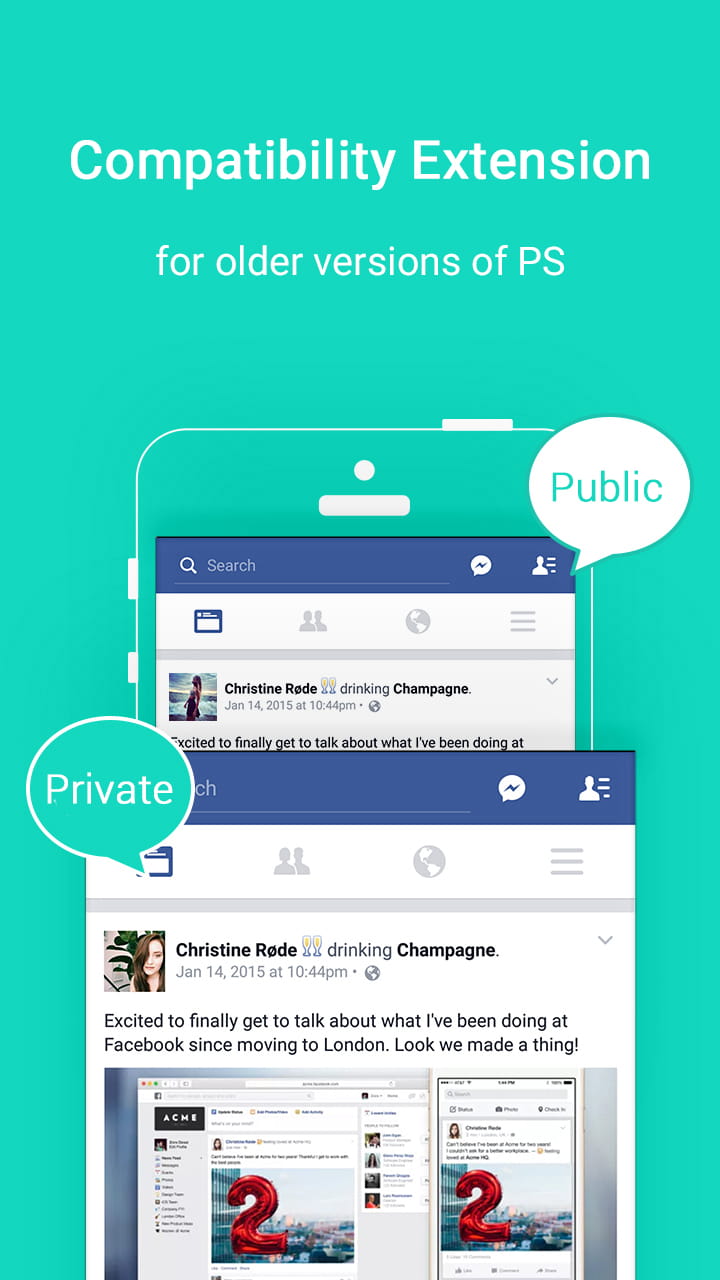
Added: Denis Rubinov
Version: 1.0.3107
Size: 0.8 MB
Updated: 03.02.2024
Developer: LBE Tech
Age Limitations: Everyone
Authorizations: 91
Downloaded on Google Play: 72899014
Category: Tools
- Low power consumption.
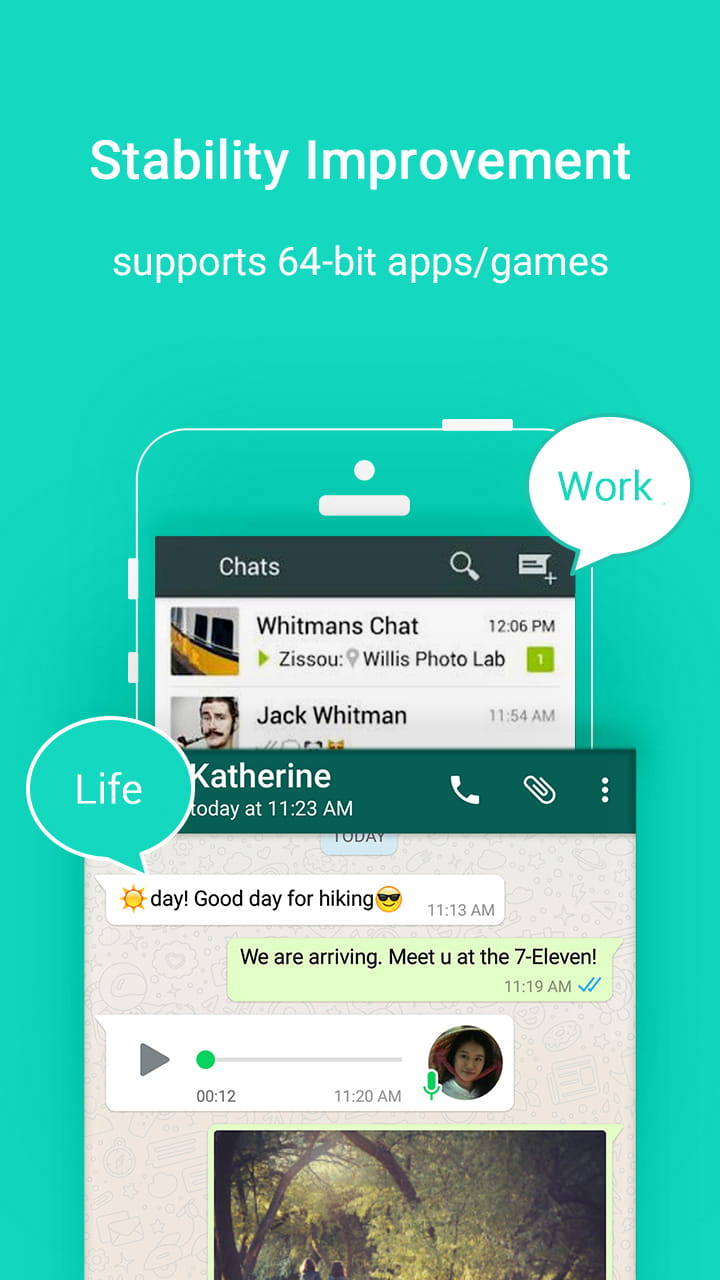
- A simple process for "cloning" programs.
- Free to use.
- Having a private mode.
Description
Application Parallel Space - 64Bit Support was checked by VirusTotal antivirus. As a result of the scan, no file infections were detected by all the latest signatures.
How to install Parallel Space - 64Bit Support
- Download APK file apps from apkshki.com.
- Locate the downloaded file. You can find it in the system tray or in the 'Download' folder using any file manager.
- If the file downloaded in .bin extension (WebView bug on Android 11), rename it to .apk using any file manager or try downloading the file with another browser like Chrome.
- Start the installation. Click on the downloaded file to start the installation
- Allow installation from unknown sources. If you are installing for the first time Parallel Space - 64Bit Support not from Google Play, go to your device's security settings and allow installation from unknown sources.
- Bypass Google Play protection. If Google Play protection blocks installation of the file, tap 'More Info' → 'Install anyway' → 'OK' to continue..
- Complete the installation: Follow the installer's instructions to complete the installation process.
How to update Parallel Space - 64Bit Support
- Download the new version apps from apkshki.com.
- Locate the downloaded file and click on it to start the installation.
- Install over the old version. There is no need to uninstall the previous version.
- Avoid signature conflicts. If the previous version was not downloaded from apkshki.com, the message 'Application not installed' may appear. In this case uninstall the old version and install the new one.
- Restart annex Parallel Space - 64Bit Support after the update.










Requesting an application update
Added Denis Rubinov
Version: 1.0.3107
Size: 0.8 MB
Updated: 03.02.2024
Developer: LBE Tech
Age Limitations: Everyone
Authorizations:
Downloaded on Google Play: 72899014
Category: Tools












Reviews for Parallel Space - 64Bit Support
Don't install it.This app is not working 💢💢😡🤬
Good
Well goog
It is good to use I love it
It doesn't connect whatsapp
I cant even install this thing no matter what i try it doesnt work
Fake app
be cuz is not working for me😭
lol I can play at 2 accounts
works great... very happy
The app works great when it comes to running apps in parallel. However, I very very rarely get a notification from those, even though I made sure of all the whitelist and running in background things recommended in the FAQ. So I'm at a loss now. For fun it's fine, but if getting notified or not missing something is important, try something else. Too risky.
This app worked really well and I enjoyed using it very much, but for some reason after the Android 10 update it won't work. I've tried reopening is continuously, and even restarted my device, but it has failed to work time and time again. Everytime Open it, it shows that its loading, yet eventually closes the app. Please fix this, I was really enjoying this app until now. I will also fix my rating after this has been issue is fixed.
Doesn't work a bit. The app crashes and makes the phone laggy altogether. It's a useless app though, can't do anything in it. It's lind of an add-on for the main app which is bit disappointing in this time.
I have updated my one plus 6 last night and it upgraded to android 10. After that parallel space has stopped working in my phone.it is not opening. Whenever I try to open it gets crashed. Due to this I am unable to receive any notification from that. Do something asap. I am unable to use my whtsap in parallel space since last night.
I don't understand why 64bit support needs to be installed separately. But the app closes randomly. I have a rooted MIA1 with pixel experience rom (Android 10). The phone was suffering from random restarts. PUBG used to get closed every 5-7 mins. After uninstalling this & the Parallel Space app, the phone & PUBG is running fine. Might be compatibility issues, I don't know. Apart from the random force closure of the app, it performs it duty, hence the 3 star rating.
Post a comment
To leave a comment, log in with your social network:
Or leave an anonymous comment. Your comment will be sent for moderation.
Post a comment
To leave a comment, log in with your social network:
Or leave an anonymous comment. Your comment will be sent for moderation.