


Hotspot Shield VPN: Fast Proxy
2159+
downloads5.0+
version Android
Added: Denis Rubinov
Version: 11.3.1
Size: 43.8 MB
Updated: 20.05.2025
Developer: AnchorFree GmbH
Age Limitations: Everyone
Authorizations: 13
Downloaded on Google Play: 122597858
Category: Tools
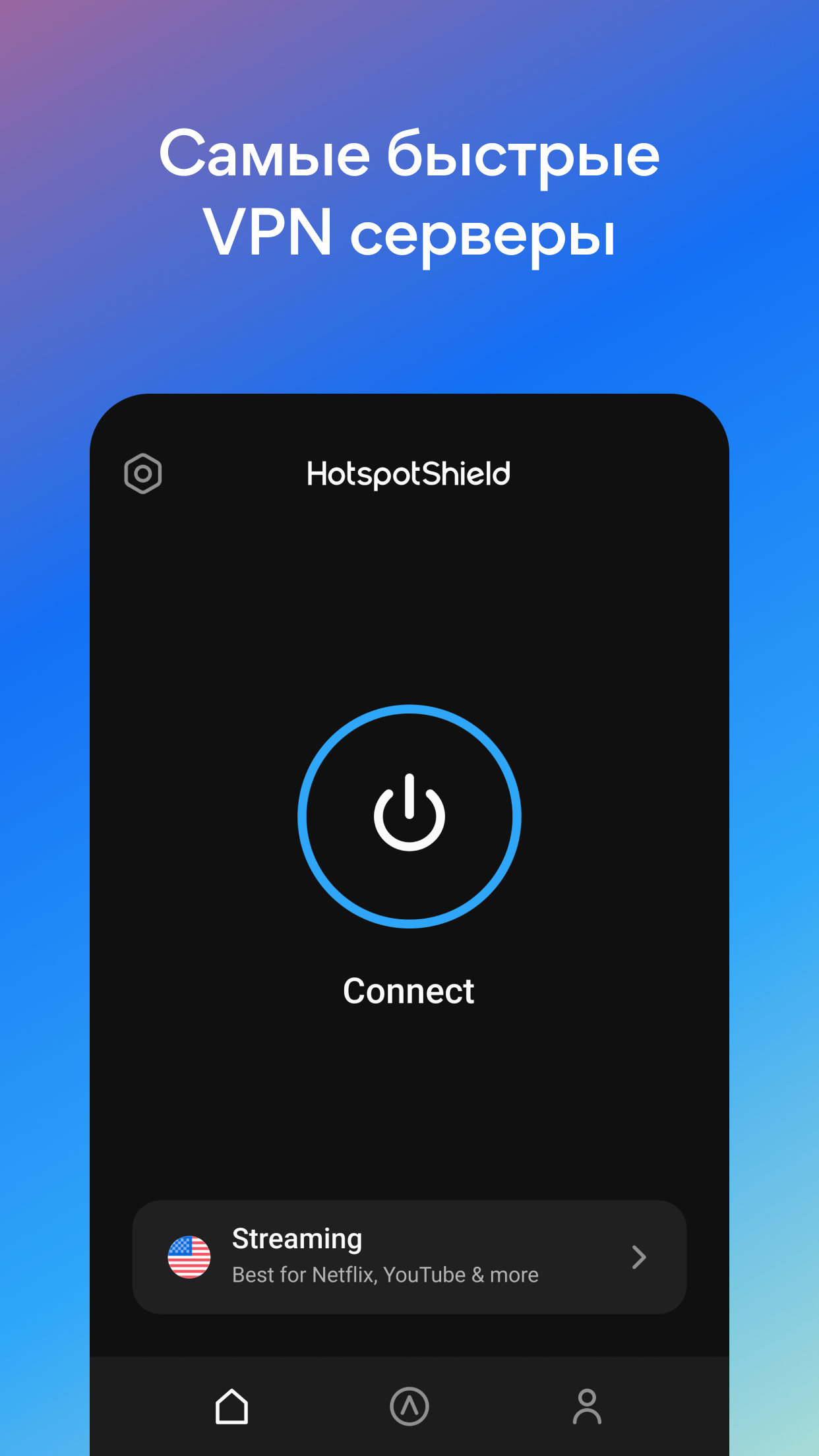
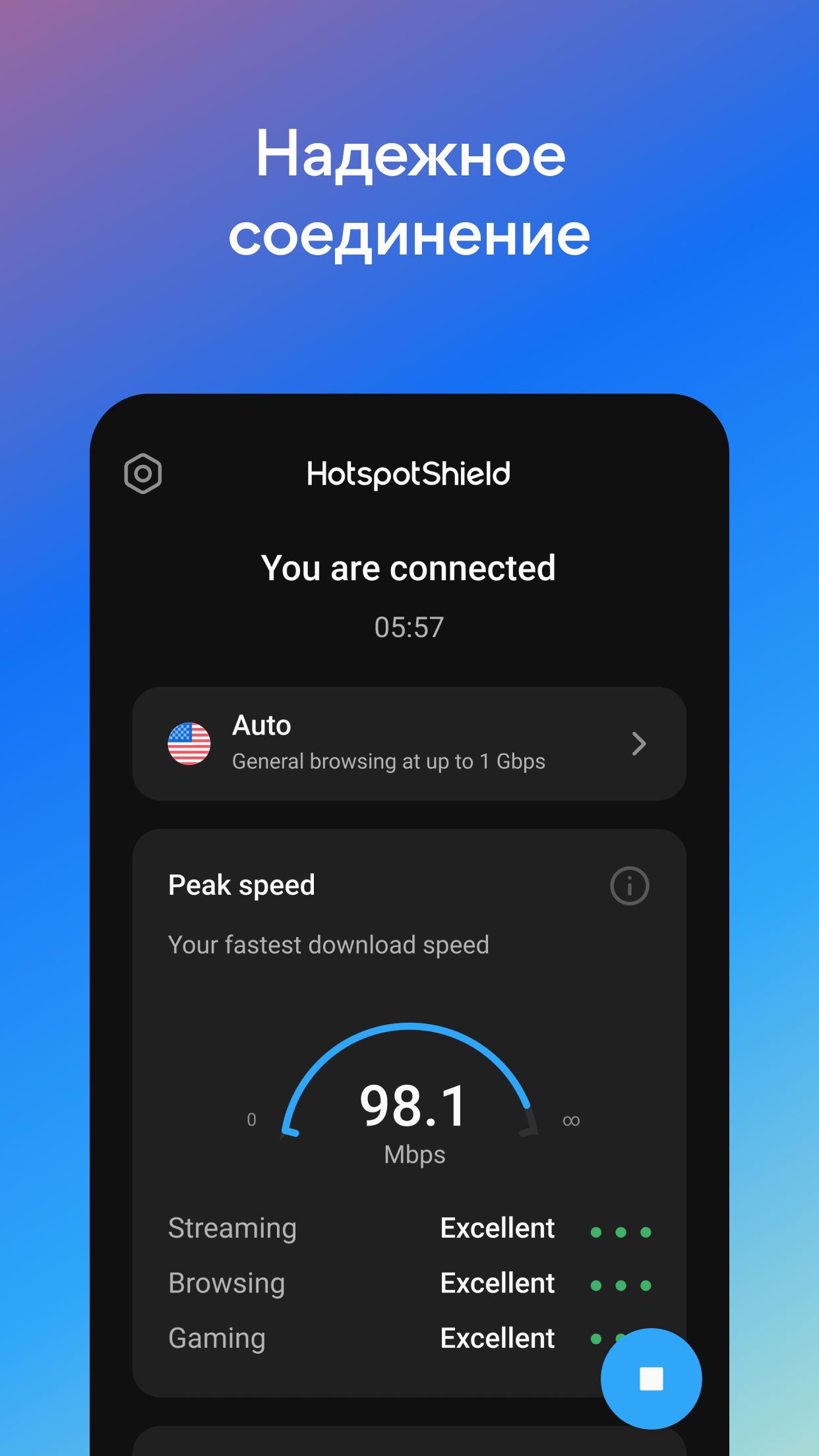
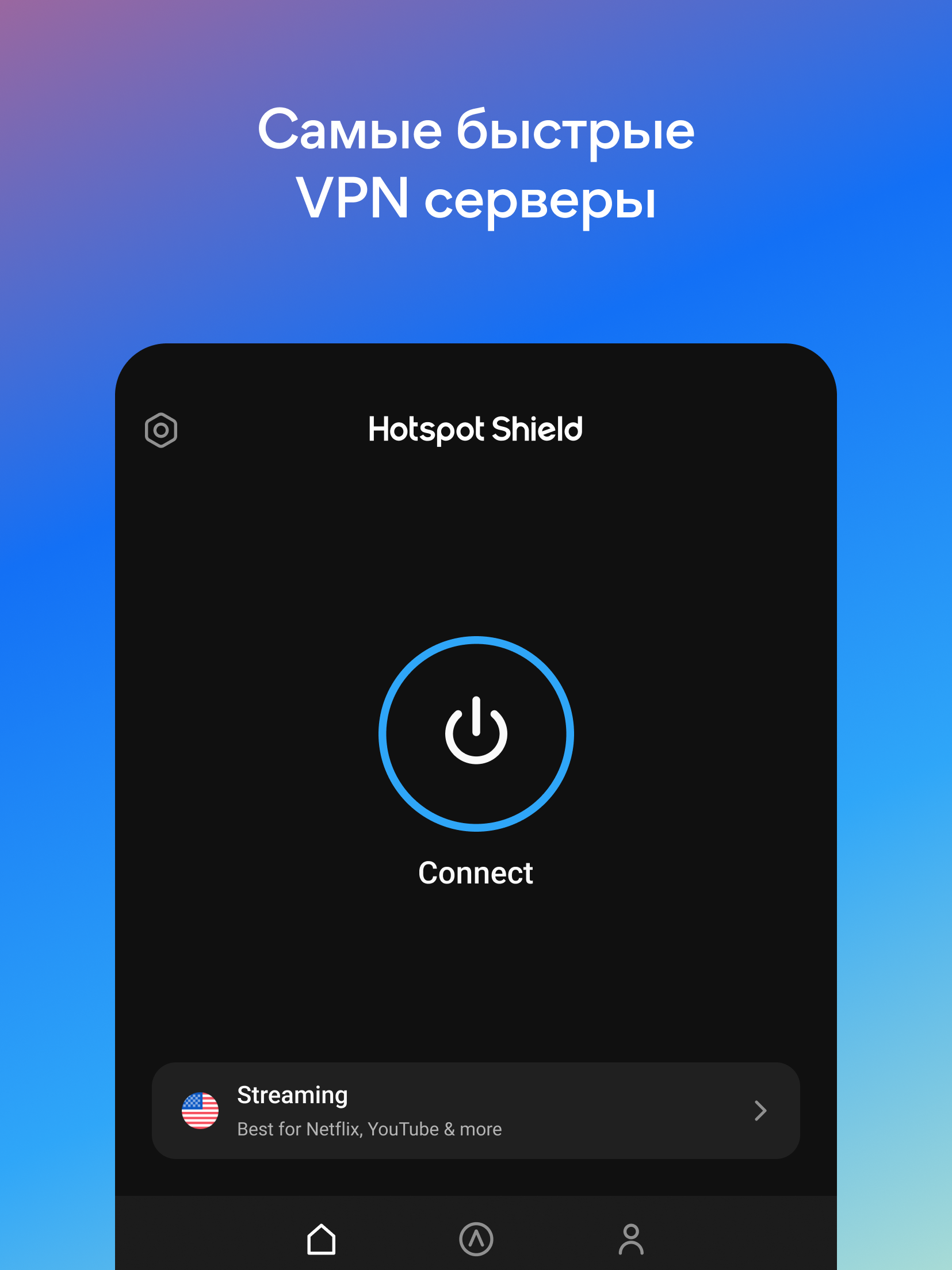
- Unblock access to any sites and services.
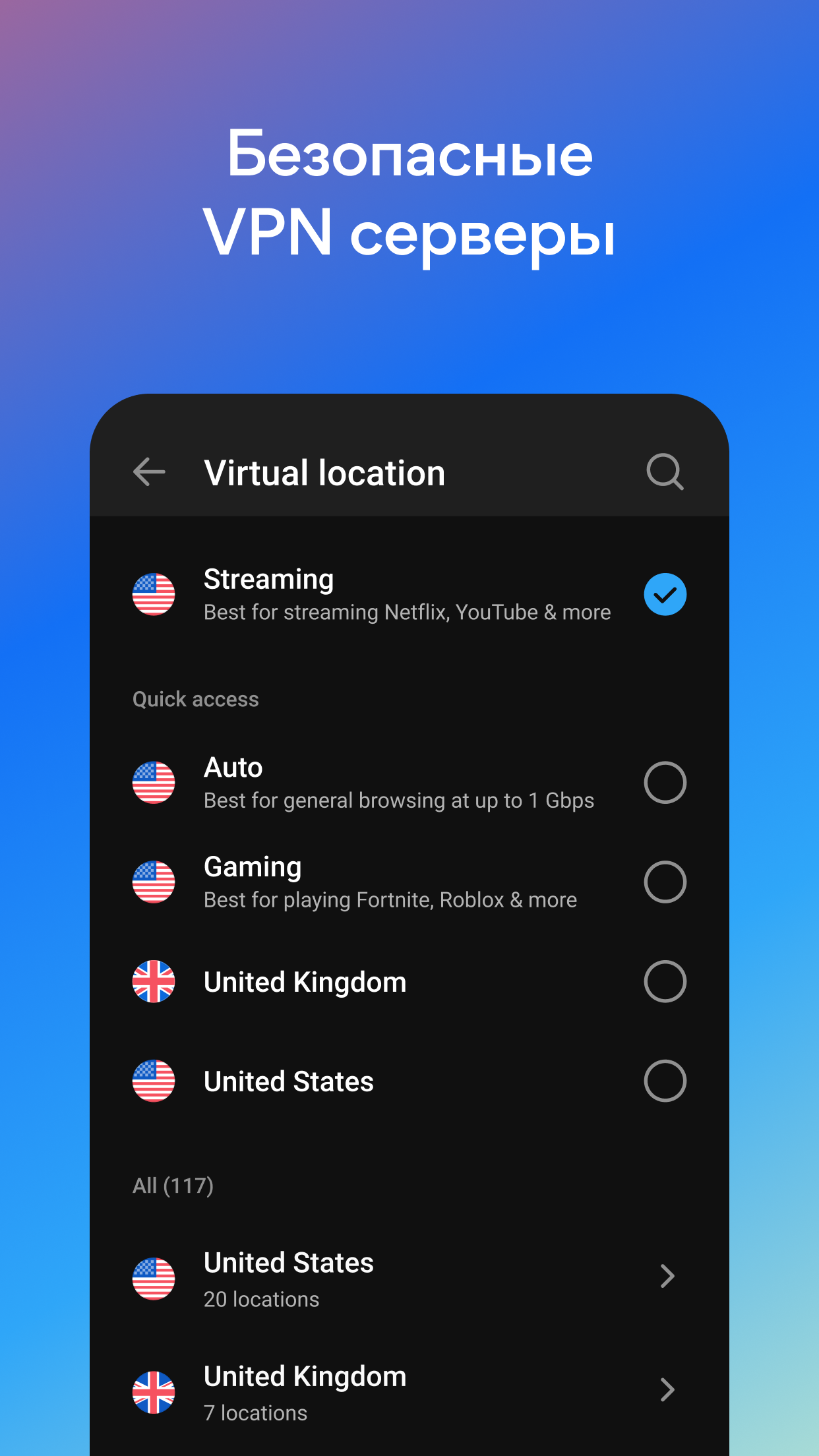
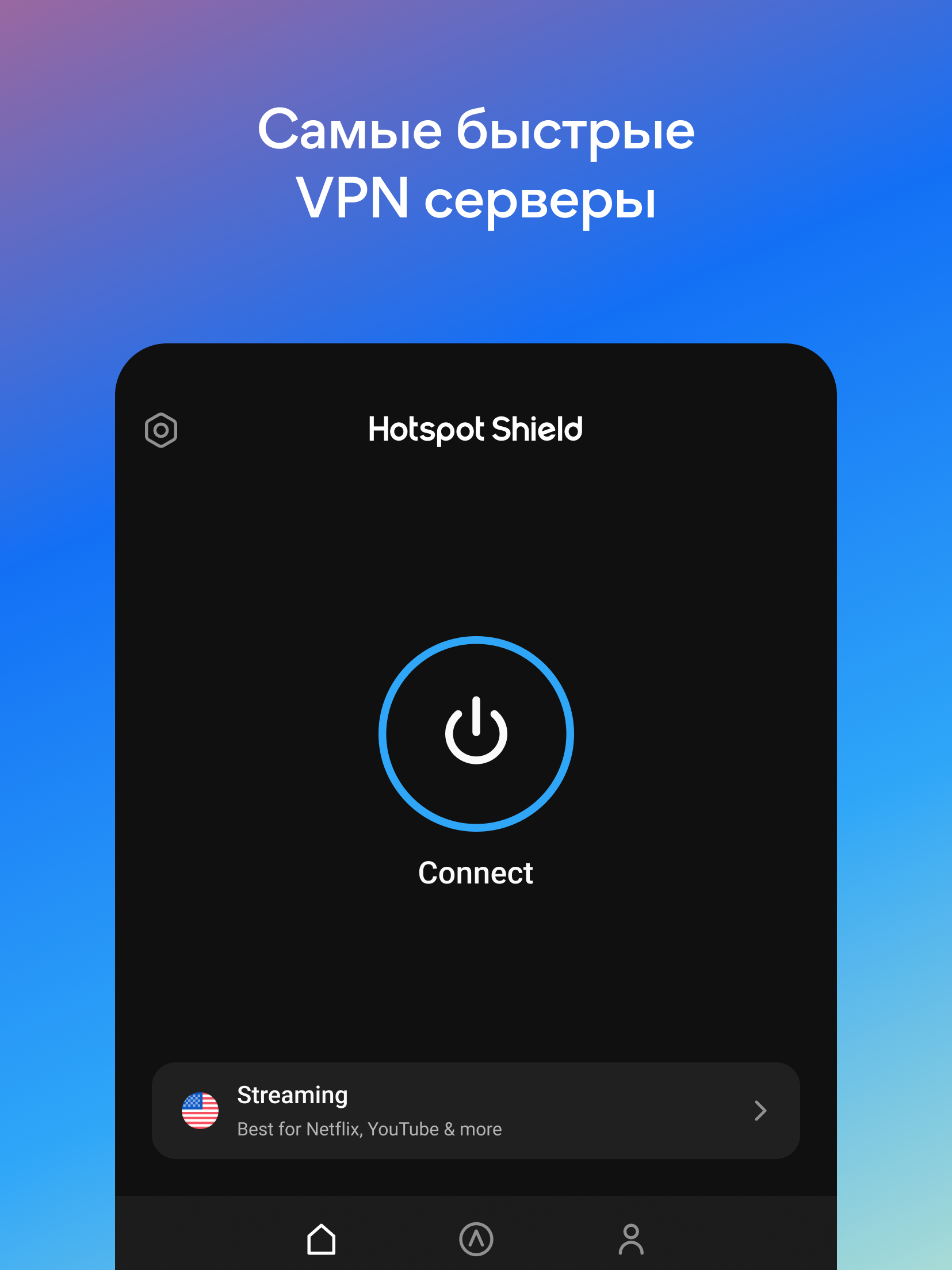
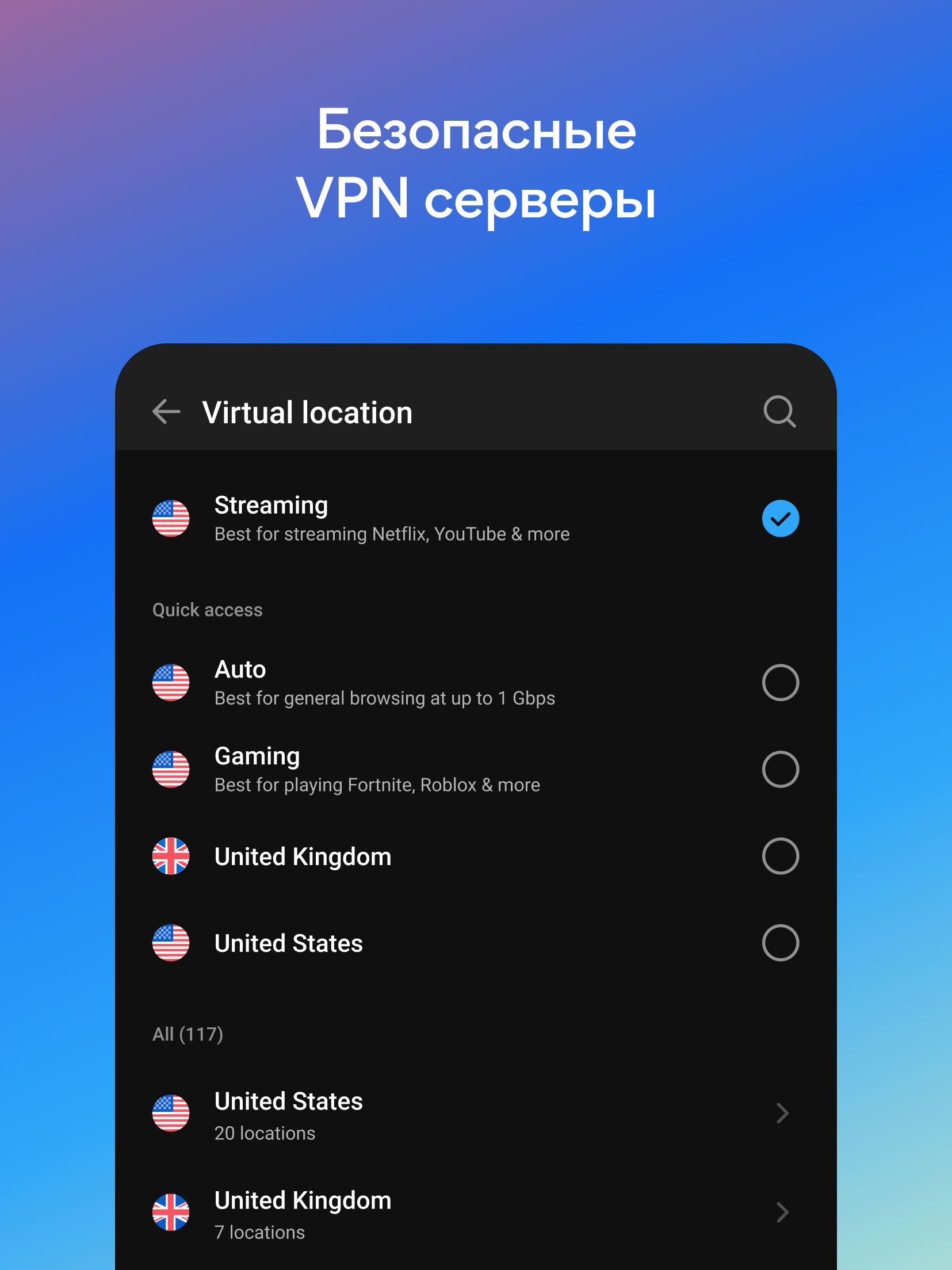
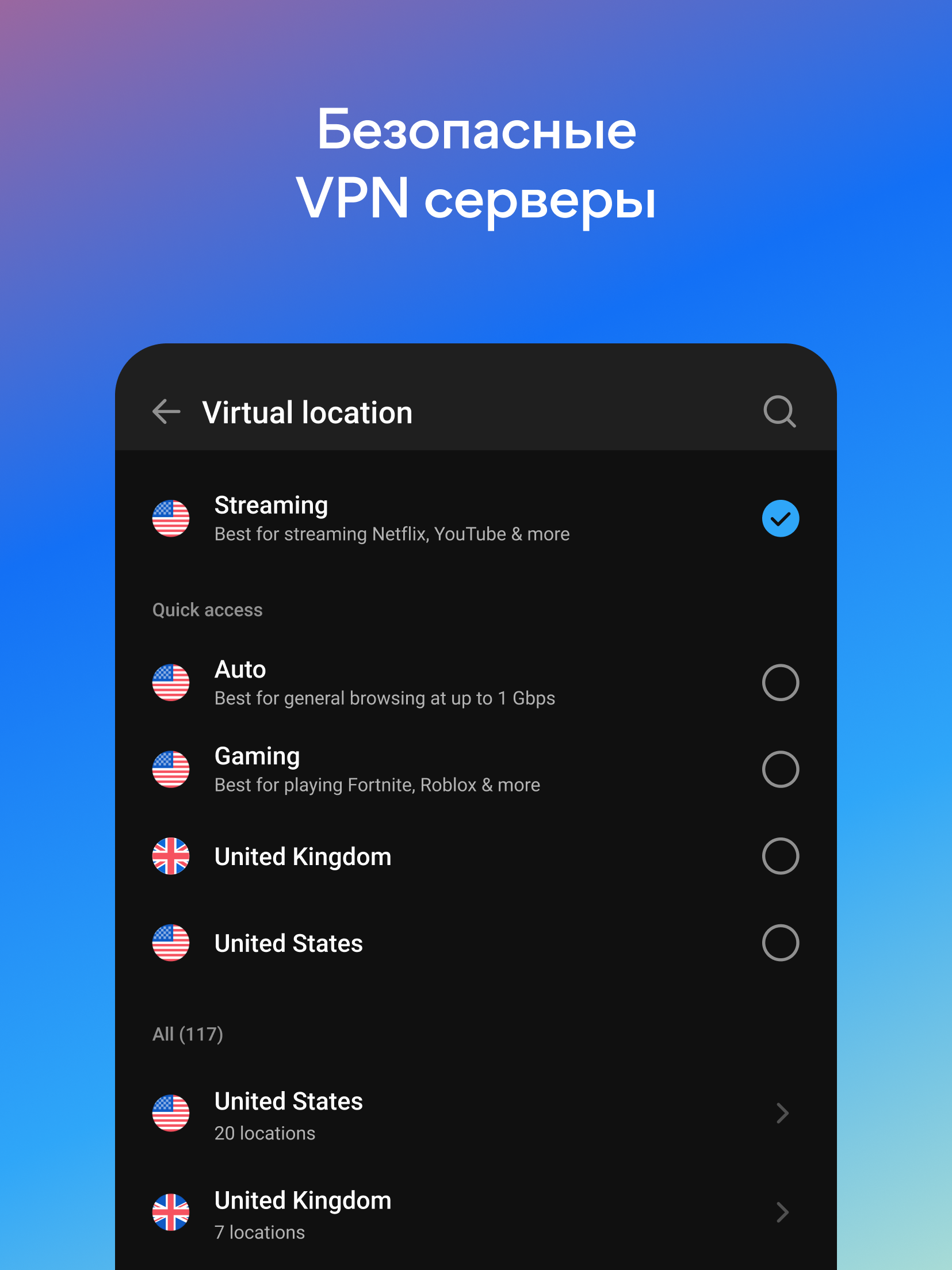
- Large selection of servers around the world.
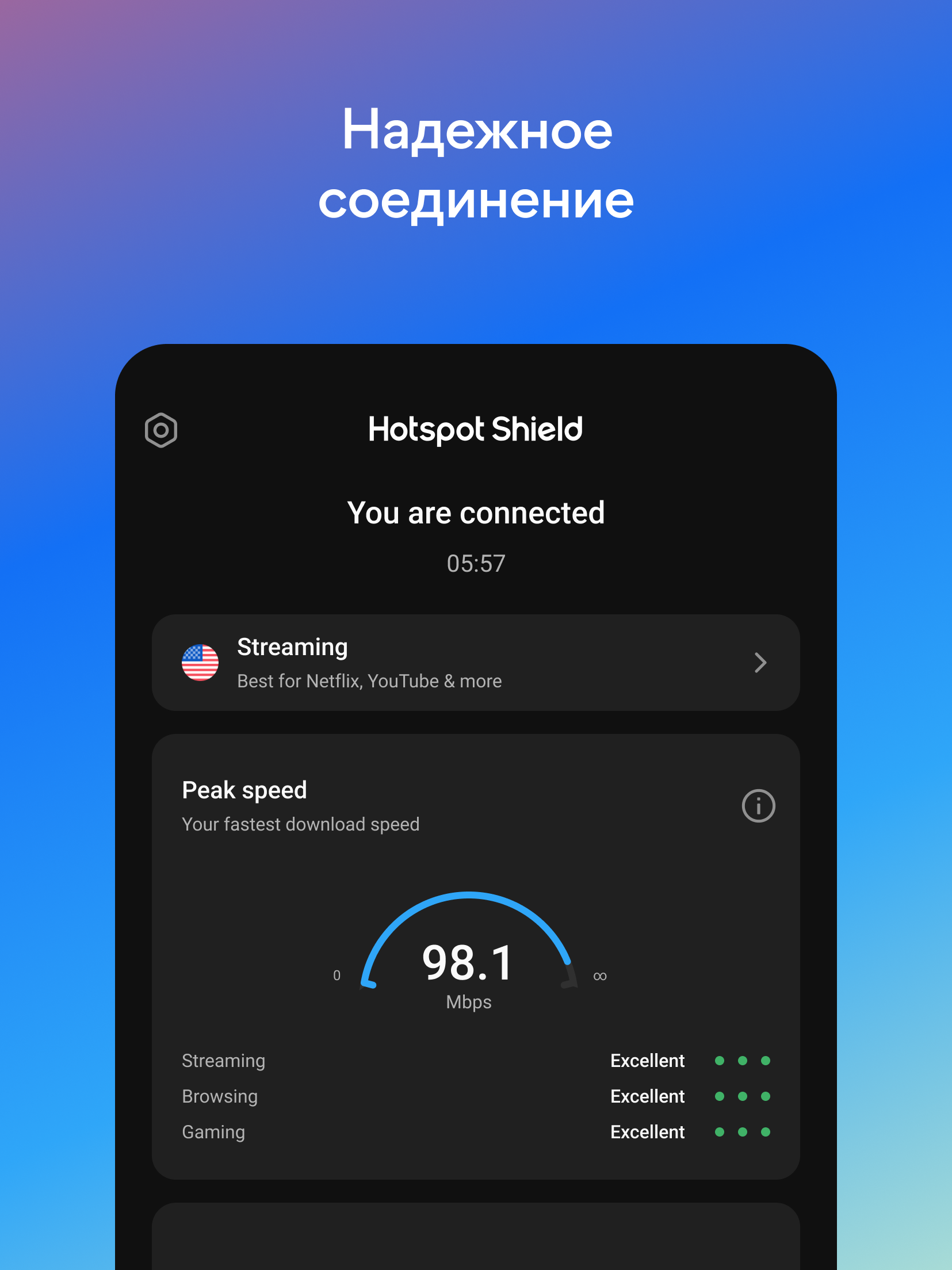
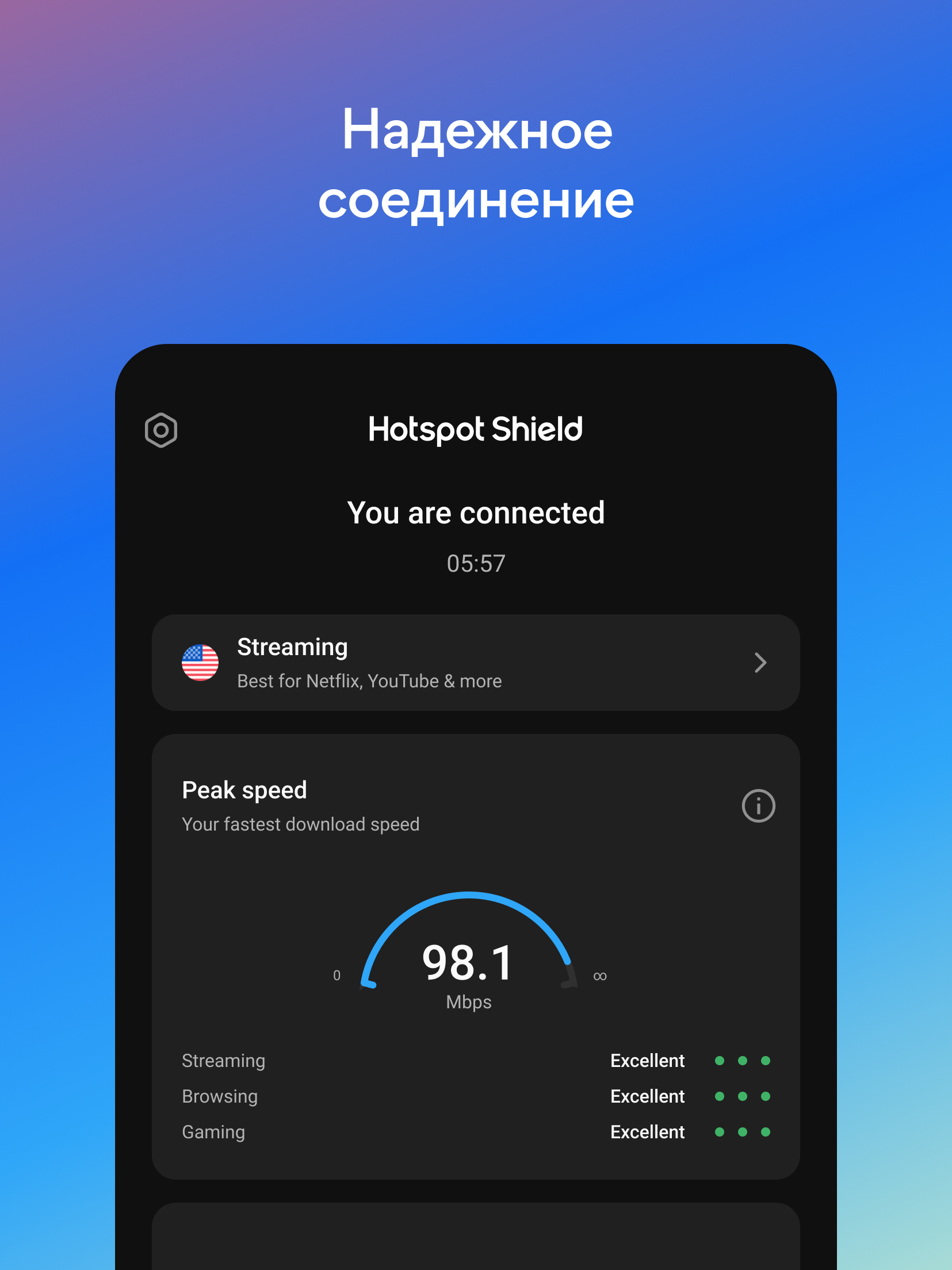
- Good bandwidth.
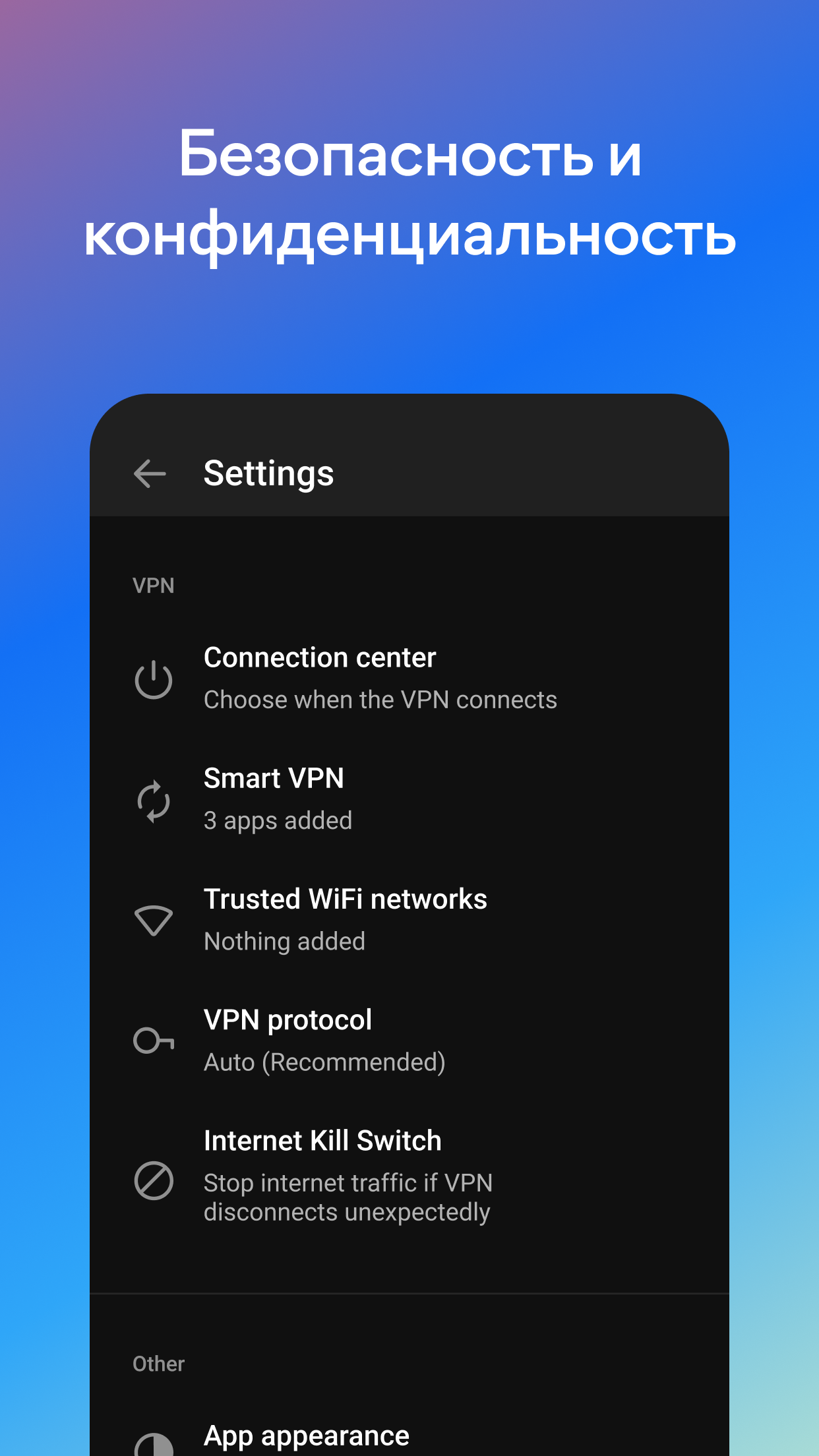
- Hide real ip.
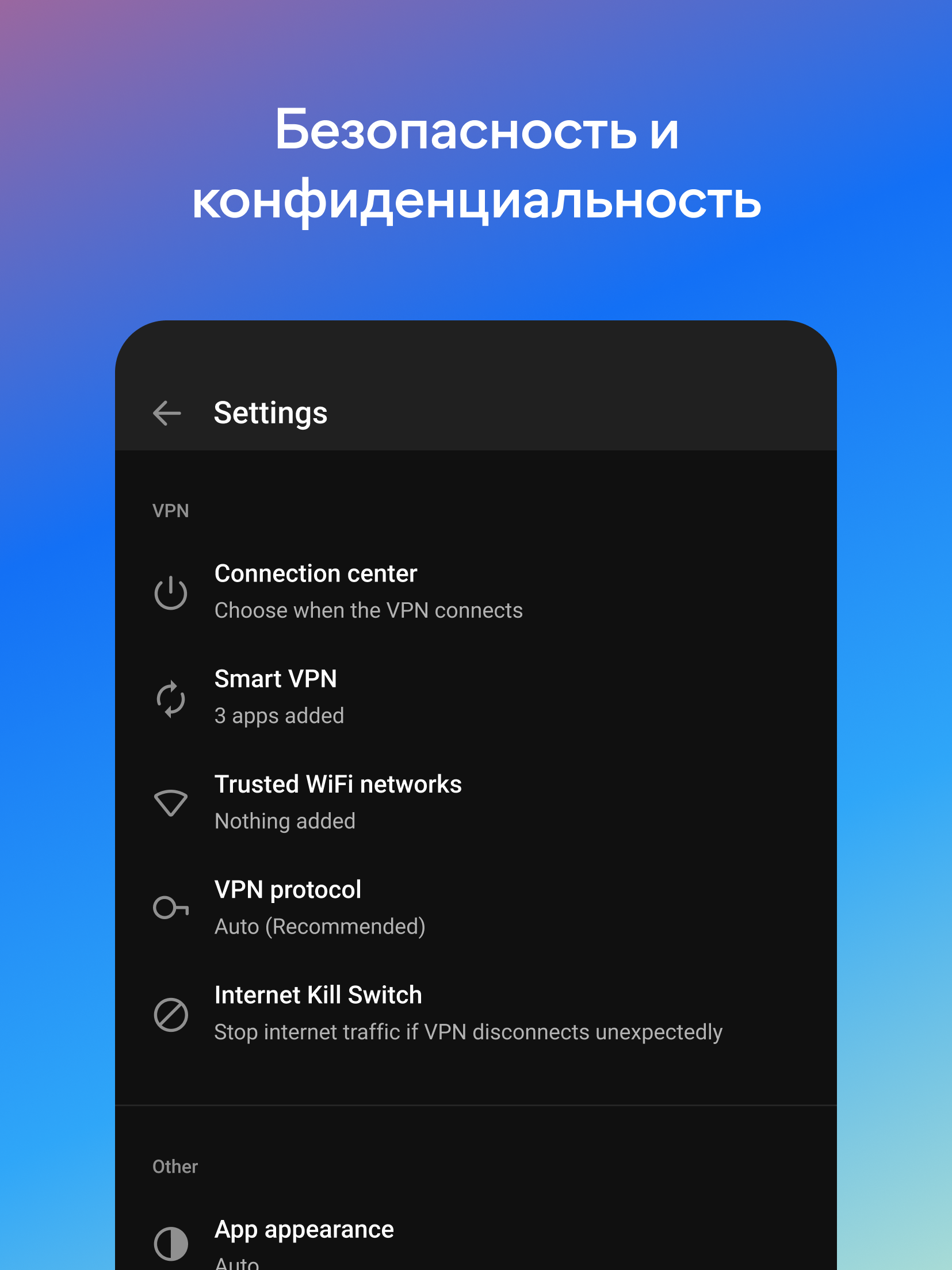
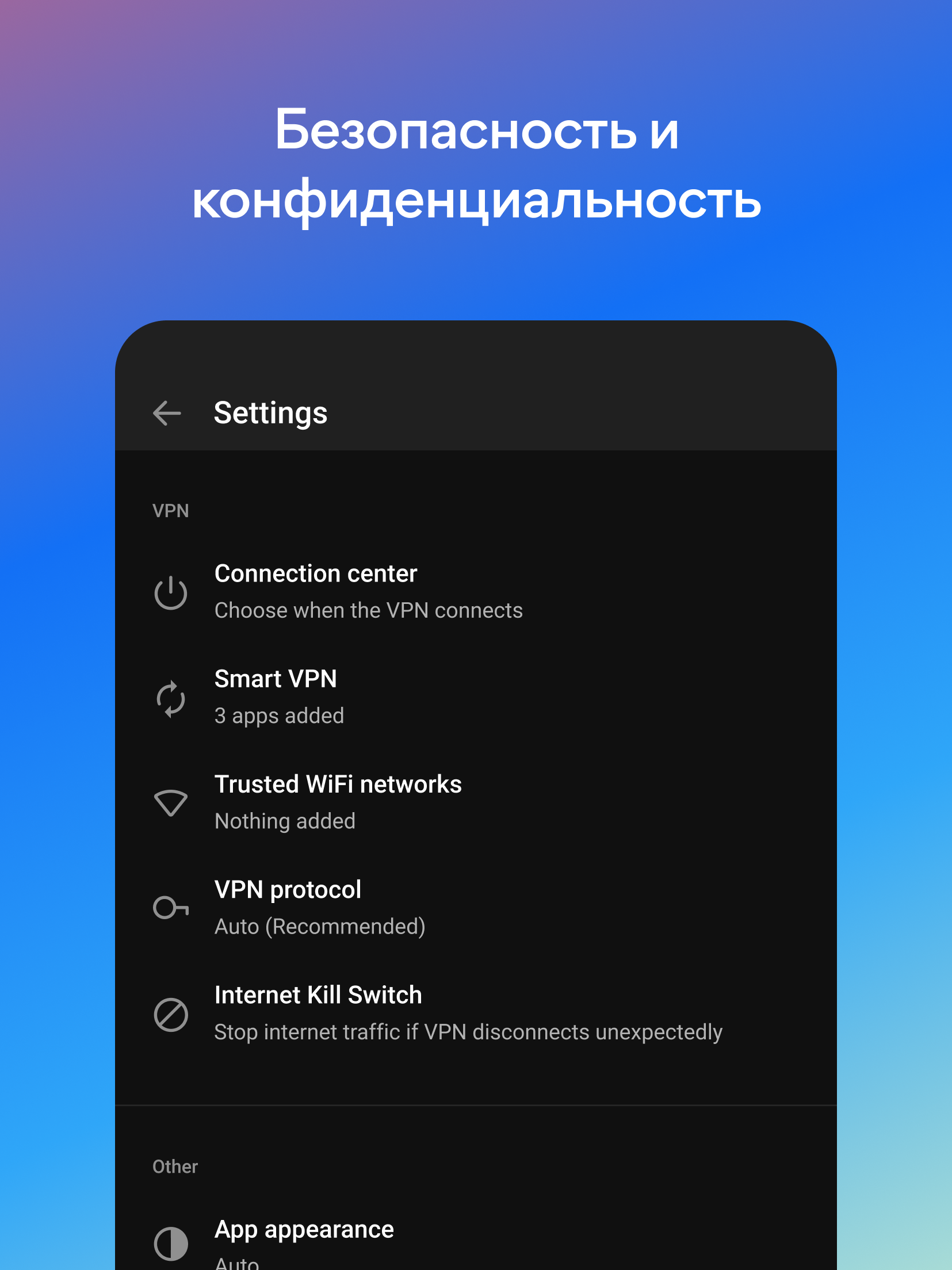
- Strong protection of user privacy.
Description
Application Hotspot Shield VPN: Fast Proxy was checked by VirusTotal antivirus. As a result of the scan, no file infections were detected by all the latest signatures.
How to install Hotspot Shield VPN: Fast Proxy
- Download APK file apps from apkshki.com.
- Locate the downloaded file. You can find it in the system tray or in the 'Download' folder using any file manager.
- If the file downloaded in .bin extension (WebView bug on Android 11), rename it to .apk using any file manager or try downloading the file with another browser like Chrome.
- Start the installation. Click on the downloaded file to start the installation
- Allow installation from unknown sources. If you are installing for the first time Hotspot Shield VPN: Fast Proxy not from Google Play, go to your device's security settings and allow installation from unknown sources.
- Bypass Google Play protection. If Google Play protection blocks installation of the file, tap 'More Info' → 'Install anyway' → 'OK' to continue..
- Complete the installation: Follow the installer's instructions to complete the installation process.
How to update Hotspot Shield VPN: Fast Proxy
- Download the new version apps from apkshki.com.
- Locate the downloaded file and click on it to start the installation.
- Install over the old version. There is no need to uninstall the previous version.
- Avoid signature conflicts. If the previous version was not downloaded from apkshki.com, the message 'Application not installed' may appear. In this case uninstall the old version and install the new one.
- Restart annex Hotspot Shield VPN: Fast Proxy after the update.







Requesting an application update
Added Denis Rubinov
Version: 11.3.1
Size: 43.8 MB
Updated: 20.05.2025
Developer: AnchorFree GmbH
Age Limitations: Everyone
Authorizations:
Downloaded on Google Play: 122597858
Category: Tools












Reviews for Hotspot Shield VPN: Fast Proxy
nice service
nice
In free version, I set Country A as it is nearest and fastest server. But later on reconnect it sets Optimal automatically Country B which is far and slow. So it can't detect Country A as fastest. Please fix. Reply: I don't want to create an account just to report a bug. Please report for me. No further details needed. Just try it yourself.
best
Connection Problem Always, Batter to Used Free VPN at Least that Work
I suppose this is useful from some sort of standpoint, but accessing what I need while on the road is nearly impossible. In fact, it makes it so difficult that I wind up having to turn it off and just take my chances. I mean, I can look at FB and can Google information, but can't log into sites I need for work or banking (you know, those sensitive sites a VPN is most useful to protect).
keeps starting up by itself, like a demented old man in the middle of the night, and messing up my work
cool using
it's not freeeeeeee
zero rating
The mobile app works pretty much perfectly, but the desktop app needs some work. If for whatever reason I need to disconnect from the vpn, I cannot reconnect because it thinks I'm already connected. Furthermore the 'disconnect' button doesn't even work, so I have to force close it, leading to that bug. Again that's only on the desktop version, but it's worth looking into.
This is a great app. Dont get me wrong, but I am having a constant issue, and I am tired of it. Everytime this app crashes I have to go into settings and actually force stop the app for me to continue with anything. It only happens after a couple of minutes after the shield has been activated. It bugs me and this need to be fixed.
Worked fantastically for a long time, I'm talking a steady 2-3 years, but recently there was an update that adds many bad things. You can only connect for 30 minutes at a time, then you are obligated to watch an ad. You also get sporadic ads whenever you open apps now or first turn it on. There are many better options, wouldn't reccomend.
I've had to uninstall and reinstall over and over but this last time, the app said that it didn't recognize my account. I contacted customer support and they said they had fixed the issue. It was working until they closed my trouble ticket. Now I have a monthly AND yearly subscription. This app is extremely frustrating and there's pop up ads every 2 minutes. If I could give a no star review I would at this point.
The vpn works like it should, but it is incredibly frustrating to use. Especially recently, the amount of advertising is overwhelming. Every time I switch apps, I have to watch an ad and watch a 5 second screen tell me that "my session is is ready to proceed." Even just swiping down to look at my notifications, if there is a snapchat notification, I get an ad. I don't even have to click on it, just the fact that the notification is there makes me watch an ad. Too hard to use for it to be worth.
Post a comment
To leave a comment, log in with your social network:
Or leave an anonymous comment. Your comment will be sent for moderation.
Post a comment
To leave a comment, log in with your social network:
Or leave an anonymous comment. Your comment will be sent for moderation.